Customer Ratings & Reviews
![logi K 2 Esc F1 F2 F3 F4 F5 F6 H F7 F8 I F9 F10 F11 F12 Insert Delete Print Bor Home Pause End PgUp PgDn - ! 1 2 # 3 $ 4 % 5 A 6 & 7 . 8 ( 9 ] 0 - - + = Backspace Num Lock / * - Tab Q W E R T Y U I o P ( [ ) ] I 1 7 Home 8 A 9 Pg Up + Caps Lock A S D F G H J K L : . I Enter 4 4 5 6 Y Shift Z x V N M < > ? / Shift 1 End 2 Y 3 Pg Dn Enter](https://pisces.bbystatic.com/image2/BestBuy_US/images/products/5355/5355200cv12d.jpg)
![The text on the image reads:
E ERc B 1 F1 E Fab - F2 S 2 000 F3 5 a n 3 F4 A W S 4 FS S E % U F logi Z R D A 9 F7 X T F & 18 7 G Y o 8 F9 V C H / F10 6 / r 0 F11 N O K - I F1Z M P L + < - Insert { I AR > Backspace Delete ] , ? Home / Enter LOCK Nuen Ctri Shift Home 7 / 4 8 A 4 Y 9 1 5 P End U 0 ? 6 pss PgOn Pg 3 Del Enter End * + Pauio - PaOn C3 logi
The text is a combination of various keyboard keys and functions, including letters, numbers, and symbols. It is not a coherent sentence or message, but rather a representation of the keys on a keyboard.](https://pisces.bbystatic.com/image2/BestBuy_US/images/products/5355/5355200cv14d.jpg)

- Model:
- 920-003376
- |
- SKU:
- 5355200
Customer reviews
Rating 4.5 out of 5 stars with 1463 reviews
(1,463 customer reviews)Rating by feature
- Value4.6
Rating 4.6 out of 5 stars
- Quality4.5
Rating 4.5 out of 5 stars
- Ease of Use4.6
Rating 4.6 out of 5 stars
Customers are saying
Customers enjoy the MK360 keyboard and mouse for its compact size, ease of use, and affordability. Positive feedback frequently highlights the comfortable keyboard feel, reliable wireless connection, and surprisingly good battery life. While some users noted minor connection issues or an adjustment period for the key feel, these concerns were less prevalent than the positive reviews. Overall, the product receives high praise for its value and functionality.
This summary was generated by AI based on customer reviews.
Rated 5 out of 5 stars
Simple Keyboard
Posted .This reviewer received promo considerations or sweepstakes entry for writing a review.Exactly what i needed for my laptop, light weight and fast
I would recommend this to a friendRated 2 out of 5 stars
Mouse too small
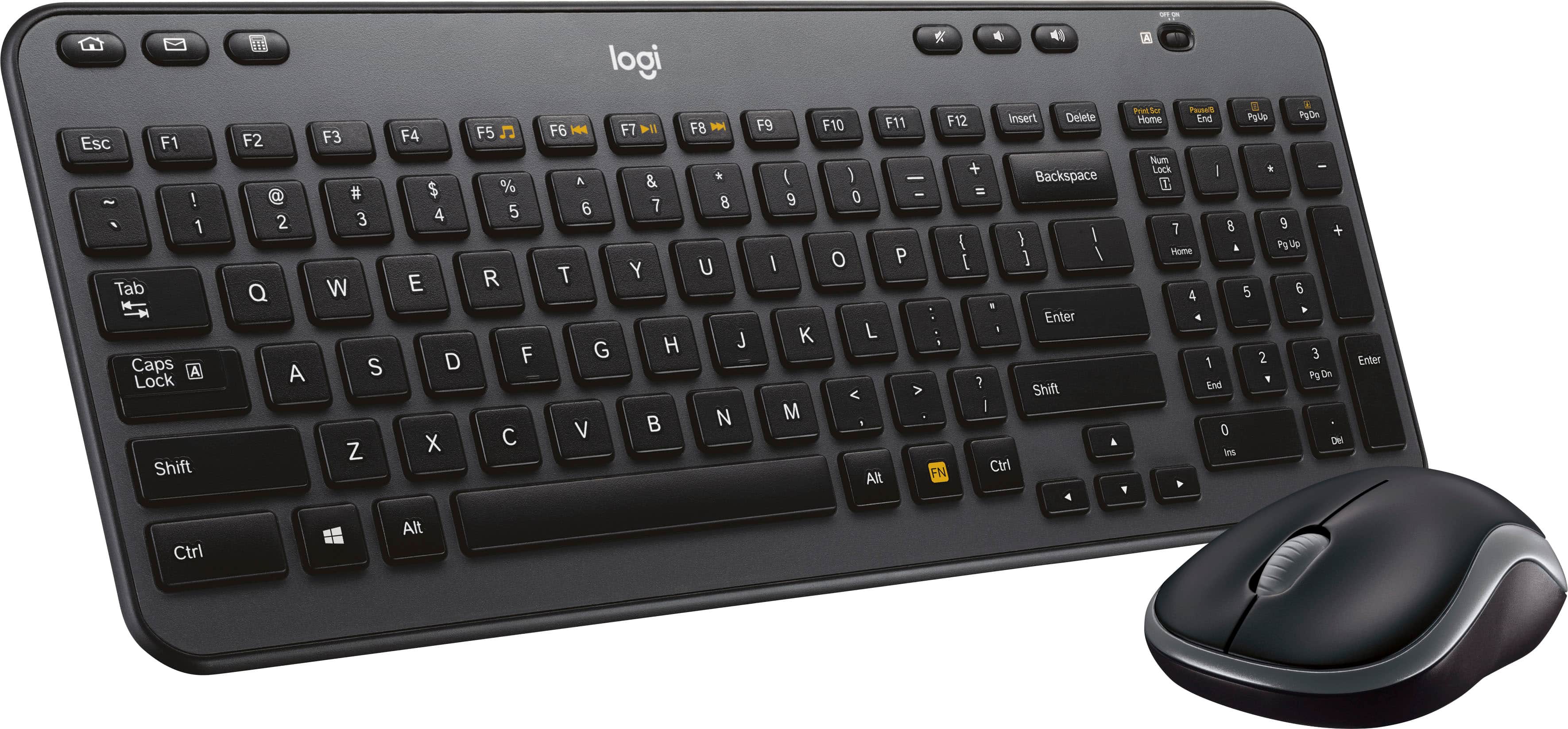
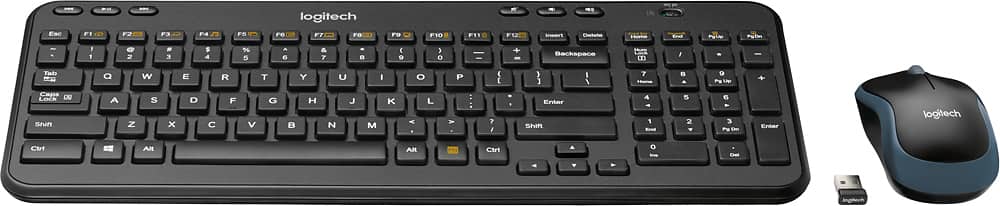
Posted .This reviewer received promo considerations or sweepstakes entry for writing a review.I bought this item but found out the mouse is too small. Looking at the picture is seemed it is just as big as M310 (which is already a small mouse but perfect for me.)
No, I would not recommend this to a friendBrand response from Logitech
Posted .Hi jerrySA, you are correct. The MK360 has the smaller M185 mouse. You may prefer The MK540 which includes the larger M310 in the combo: https://www.bestbuy.com/site/logitech-mk540-advanced-wireless-keyboard-and-mouse-bundle-black/6215118.p?skuId=6215118 - Will, Logitech.
Rated 1 out of 5 stars
The keyboard won't connect.
Posted .This reviewer received promo considerations or sweepstakes entry for writing a review.Th mouse works fine but keyboard won't connect. The Logitech website says wait for the symbol on the adapter to find and connect to the keyboard but the adapter; but the adapter can't connect. Turns out that every one on the Logitech website who is complaining has the exact same issue as I do. I had to return this model and get something else.
No, I would not recommend this to a friendBrand response from Logitech
Posted .Hi! Sorry to see you were unsatisfied with the connectivity and durability of the MK360 Combo. If you have any questions, please check out the Logitech support page at https://support.logi.com/hc/en-us/articles/360024156754 Hope that helps!