Customer Ratings & Reviews

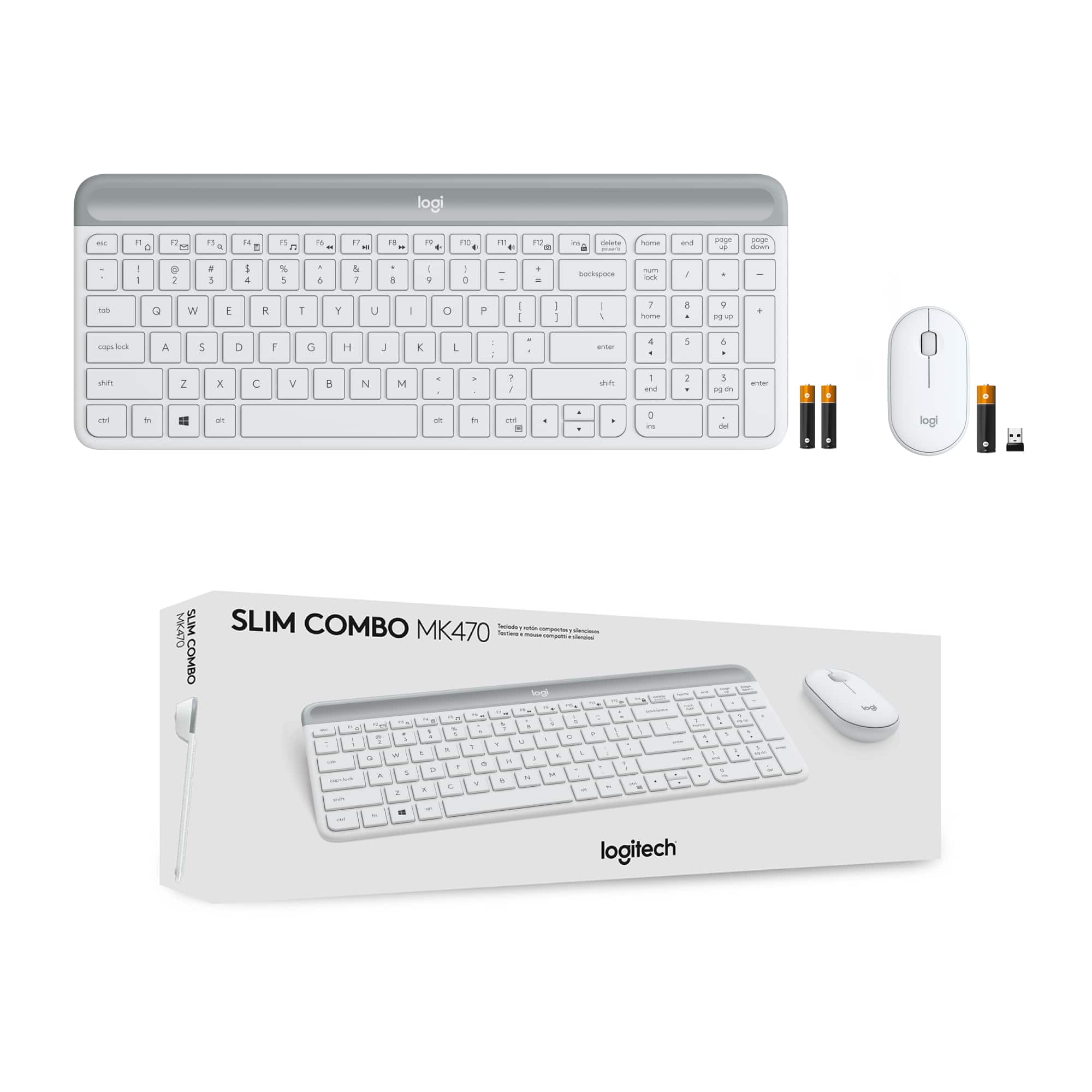


- Model:
- 920-009443
- SKU:
- 12323741
Rating by feature
- Value
Rating 4.6 out of 5 stars
- Quality
Rating 4.6 out of 5 stars
- Ease of Use
Rating 4.7 out of 5 stars
mk470
||Posted . Owned for 3 weeks when reviewed.This reviewer received promo considerations or sweepstakes entry for writing a review.Mouse didn't work but I had an extra. Keyboard keys are quiet and works wonderful.
I would recommend this to a friendA Dud
||Posted .This reviewer received promo considerations or sweepstakes entry for writing a review.Didn’t work with my laptop. Mouse won’t turn on. Replaced batteries that came with it. Nothing.
No, I would not recommend this to a friendBrand response from Logitech
Posted .We're sorry to hear your Logitech MK470 isn't working with your laptop and that the mouse won't turn on, even after replacing the batteries. To address this issue, we recommend reaching out to our social care team via email at socialcare@logitech.com with your
- Name:
- Email Address:
- Country:
- Product Name:
- Brief description of issue:
logitech keyboard adn mouse.
||Posted . Owned for 1 month when reviewed.This reviewer received promo considerations or sweepstakes entry for writing a review.The keyboard sometimes repeats the same letter a bunch of times when typing.
No, I would not recommend this to a friendGood combo for price
||Posted .This reviewer received promo considerations or sweepstakes entry for writing a review.Great minimal style keyboard - not a great mouse though. somewhat flat and non-ergonomic
I would recommend this to a friendCursor Lags and Caps Lock doesn't indicate when on
||Posted . Owned for 1 month when reviewed.This reviewer received promo considerations or sweepstakes entry for writing a review.I bought this for my office MacBook Air and I still use the mouse but gave up on the keyboard. The cursor jumps around, it lags when you're trying to type and the Caps Lock doesn't light up or let you know when it's on or off. It drives me crazy.
No, I would not recommend this to a friendBrand response from Logitech
Posted .We're sorry to hear about the experience! Reach out to Logi support and our team will look into the issue to find the best possible solution.
Doesn’t work
||Posted . Owned for 1 week when reviewed.This reviewer received promo considerations or sweepstakes entry for writing a review.Sometimes doesn’t connect to my laptop, The part where the batteries are located does not close properly
No, I would not recommend this to a friendBrand response from Logitech
Posted .We apologize for the inconvenience you've experienced with the Logitech MK470 Wireless Keyboard and Mouse Combo. Issues like connectivity problems and battery compartment difficulties are certainly frustrating. To address this issue, we recommend reaching out to our social care team via email at socialcare@logitech.com with your
- Name:
- Email Address:
- Country:
- Product Name:
- Brief description of issue:
good keyboard bad mouse
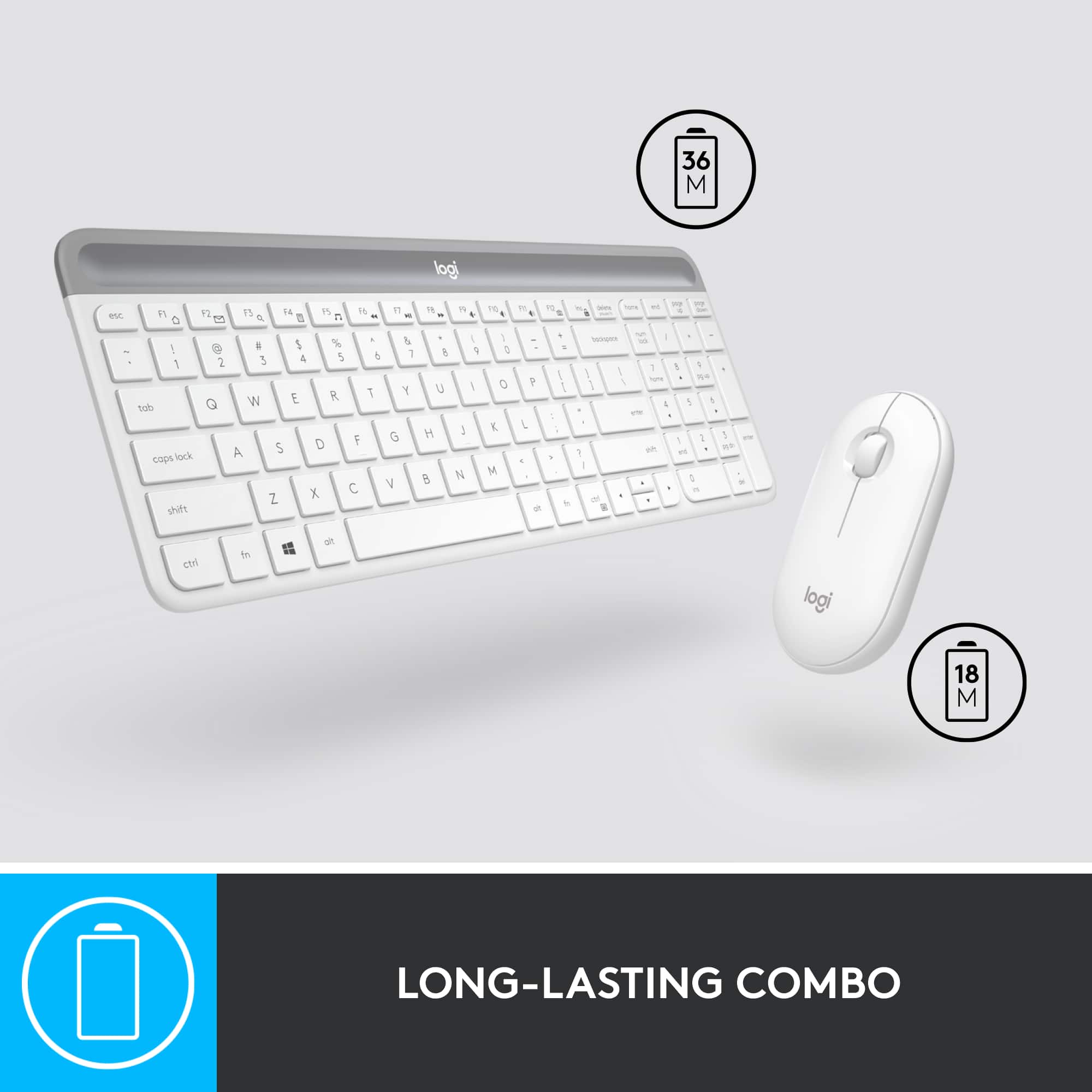
||Posted . Owned for 10 months when reviewed.This reviewer received promo considerations or sweepstakes entry for writing a review.The keyboard works fine with no problems, however, I'm not happy with the mouse, I have to replace the battery way too often. It seems that every other week I have to replace the battery which seems excessive.
No, I would not recommend this to a friendBrand response from Logitech
Posted .That's unfortunate! In order to help you effectively, please provide your information to our support team by emailing socialcare@logitech.com. Name – Email address – Country – Product name – Brief description of the issue –
Keyboard review
||Posted . Owned for 1 month when reviewed.This reviewer received promo considerations or sweepstakes entry for writing a review.Keyboard was a little small for me. The mouse has a unique design that takes a little getting used to.
No, I would not recommend this to a friendKeys get stuck
||Posted . Owned for 7 months when reviewed.This reviewer received promo considerations or sweepstakes entry for writing a review.Keys get stuck. Was hoping for it to last longer than this for the price
No, I would not recommend this to a friendI wouldn't buy it again.
||Posted . Owned for 10 months when reviewed.This reviewer received promo considerations or sweepstakes entry for writing a review.It's fine until it's not. My keyboard starting lagging and not typing, and my mouse start jumping around after less than a year. Yes, I changed the batteries and followed all of the trouble-shooting steps online, but it didn't help. You get what you pay for - it's cheap, and the quality is, too.
No, I would not recommend this to a friendBrand response from Logitech
Posted .Hey there Kellypolk, I'm very sorry to hear your MK470 was giving you some connectivity issues. You mentioned you followed the troubleshooting tips, and I believe you, so I would recommend you contact us directly via our support site, as your device may still be within it's warranty window. If not, we can still provide direct assistance to try and fix your issue. Again, my apologies for any inconvenience this may have caused. -Weston from Logitech
Eh
||Posted . Owned for 1 month when reviewed.This reviewer received promo considerations or sweepstakes entry for writing a review.It’s ok. The biggest issue I have is the Bluetooth connectivity isn’t that strong
No, I would not recommend this to a friendNo more screaming.
||Posted . Owned for 3 weeks when reviewed.This reviewer received promo considerations or sweepstakes entry for writing a review.Love this combination. Have an HP desktop and old keyboard and mouse went crazy on you-tube. I consider it an excellent purchase, as I have had no problems. Only complaint, is I have to use the FN key to control volume.
I would recommend this to a friendLow end
||Posted . Owned for 1 year when reviewed.This reviewer received promo considerations or sweepstakes entry for writing a review.This is a low-end keyboard for the sale price I would recommend
I would recommend this to a friendA Small sized Keyboard and Mouse Combo
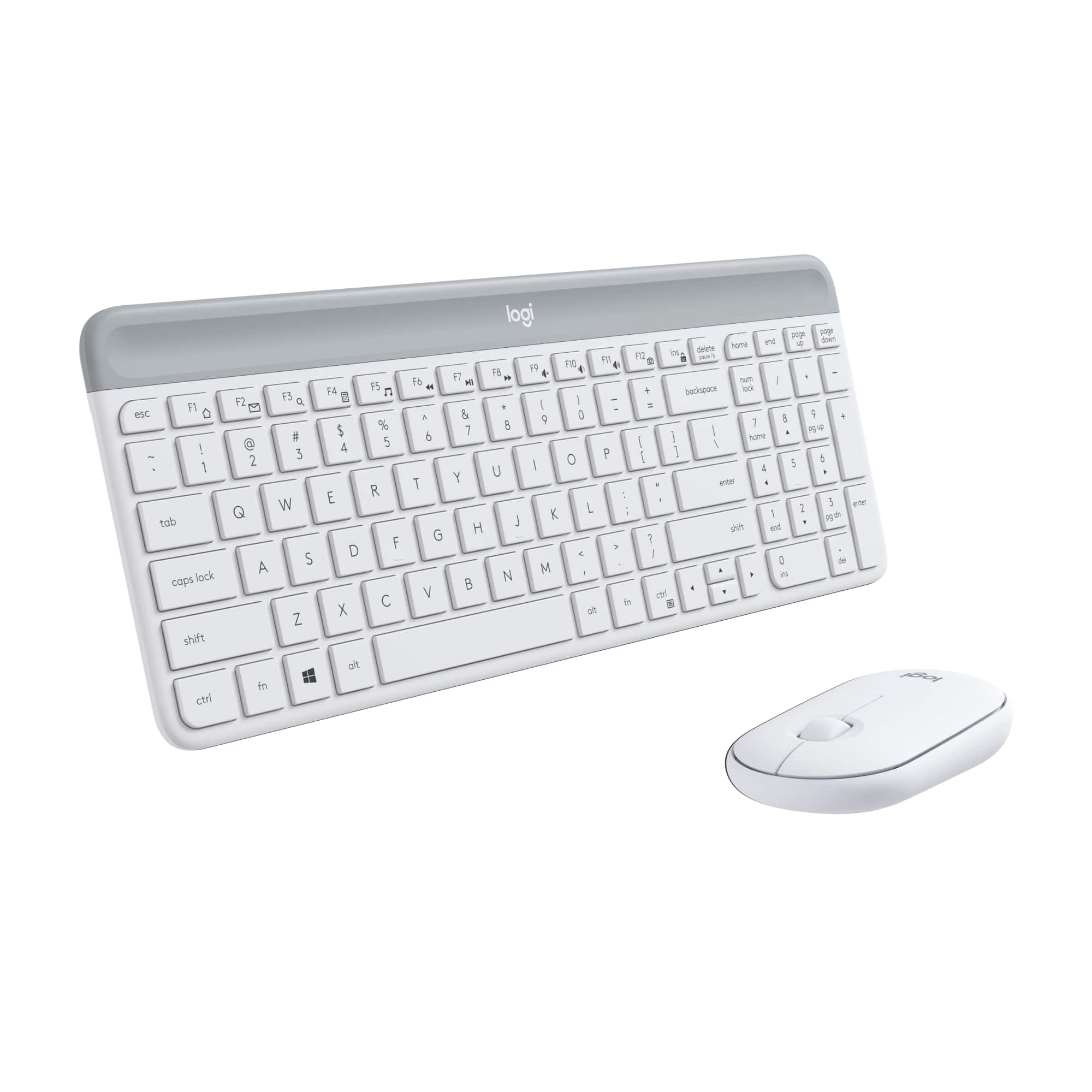
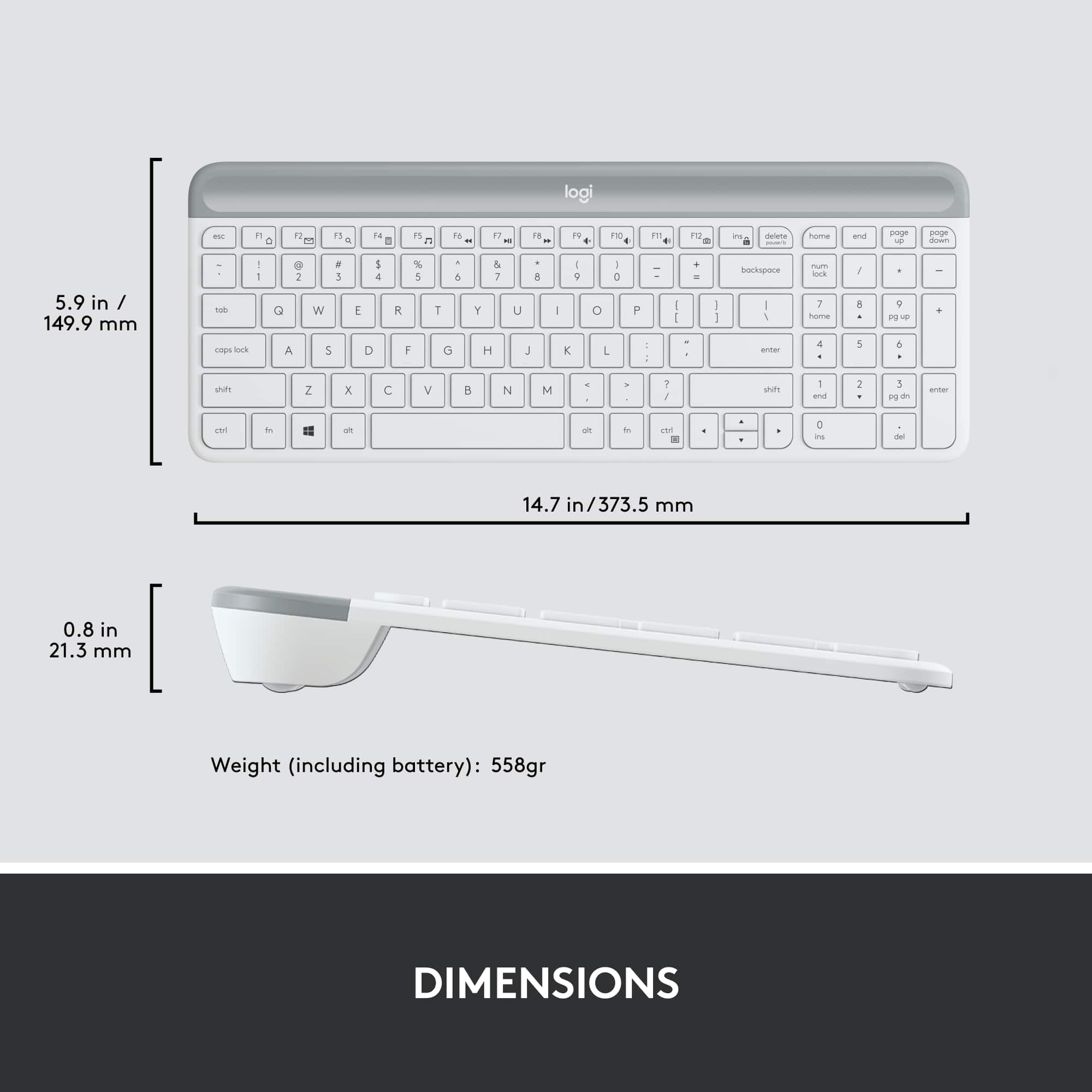
||Posted . Owned for 3 weeks when reviewed.This reviewer received promo considerations or sweepstakes entry for writing a review.It's advertised as a "Full Size Keyboard and Mouse" and it is not. It's a compact keyboard and mouse, make no mistake about it. Having said that, it works well. But I don't appreciate it being advertised as a "Full Size" unit. Fix your nomenclature.
No, I would not recommend this to a friendKeyboard
||Posted . Owned for 1 month when reviewed.This reviewer received promo considerations or sweepstakes entry for writing a review.Keys are too stiff and makes it difficult to type.
No, I would not recommend this to a friendNot ideal
||Posted . Owned for 1 month when reviewed.This reviewer received promo considerations or sweepstakes entry for writing a review.The keyboard itself is alright, but my big gripe is the mouse. I don’t know if you’ve ever used a FLAT mouse but it’s a nightmare. It was fine for a quick fix.
No, I would not recommend this to a friendBrand response from Logitech
Posted .Apologies about the experience and it's surely not what we expect to deliver. We understand your displeasure and we will forward it along to the right team so they can look into it. Thanks for bringing this to our attention.
Ok
||Posted .This reviewer received promo considerations or sweepstakes entry for writing a review.They are ok but wish they had a lil light for caps, num lock, etc
No, I would not recommend this to a friendOK for light use but nothing more...
||Posted . Owned for 1 month when reviewed.This reviewer received promo considerations or sweepstakes entry for writing a review.The keyboard works fine. I can not get the volume buttons to work with my MacBook, but it's not the biggest deal. The mouse hardly tracks at all. I am going to have to get another new mouse, which is disappointing considering how much I paid for this set. I wish I had realized the quality before the short return window closed.
No, I would not recommend this to a friendBrand response from Logitech
Posted .Hello, we are sorry to hear about your issues with the MK470. Logitech Options software will allow you to alter settings for your mouse and keyboard.
https://support.logi.com/hc/en-us/articles/360026087934-Downloads-MK470-Slim-Wireless-Keyboard-and-Mouse-Combo
Please visit us for further assistance.
Mouse
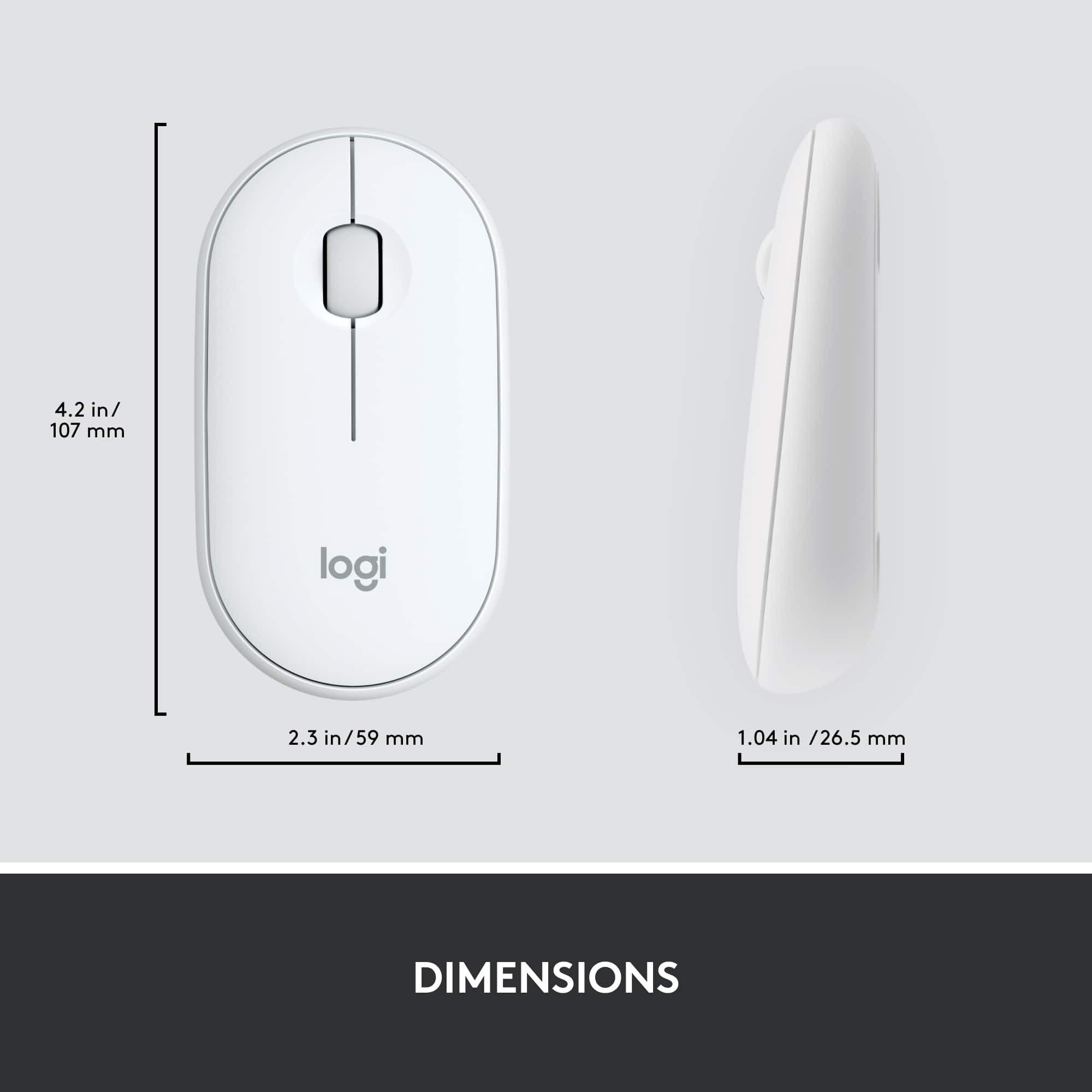
||Posted . Owned for 1 month when reviewed.This reviewer received promo considerations or sweepstakes entry for writing a review.Love the keyboard. Mouse on other hand just too small for my hands. And has an ackaurd rake
No, I would not recommend this to a friend- Cons mentioned:Caps lock indicator
Can’t ttell when in Caps Mode
||Posted . Owned for 1 month when reviewed.This reviewer received promo considerations or sweepstakes entry for writing a review.There is nothing on the keyboard to inducate it is in Caps mode.
No, I would not recommend this to a friendBrand response from Logitech
Posted .That's sounds disappointing! We will forward it as a feedback to the appropriate team so they can look into it. Thanks a lot!