Customer Ratings & Reviews
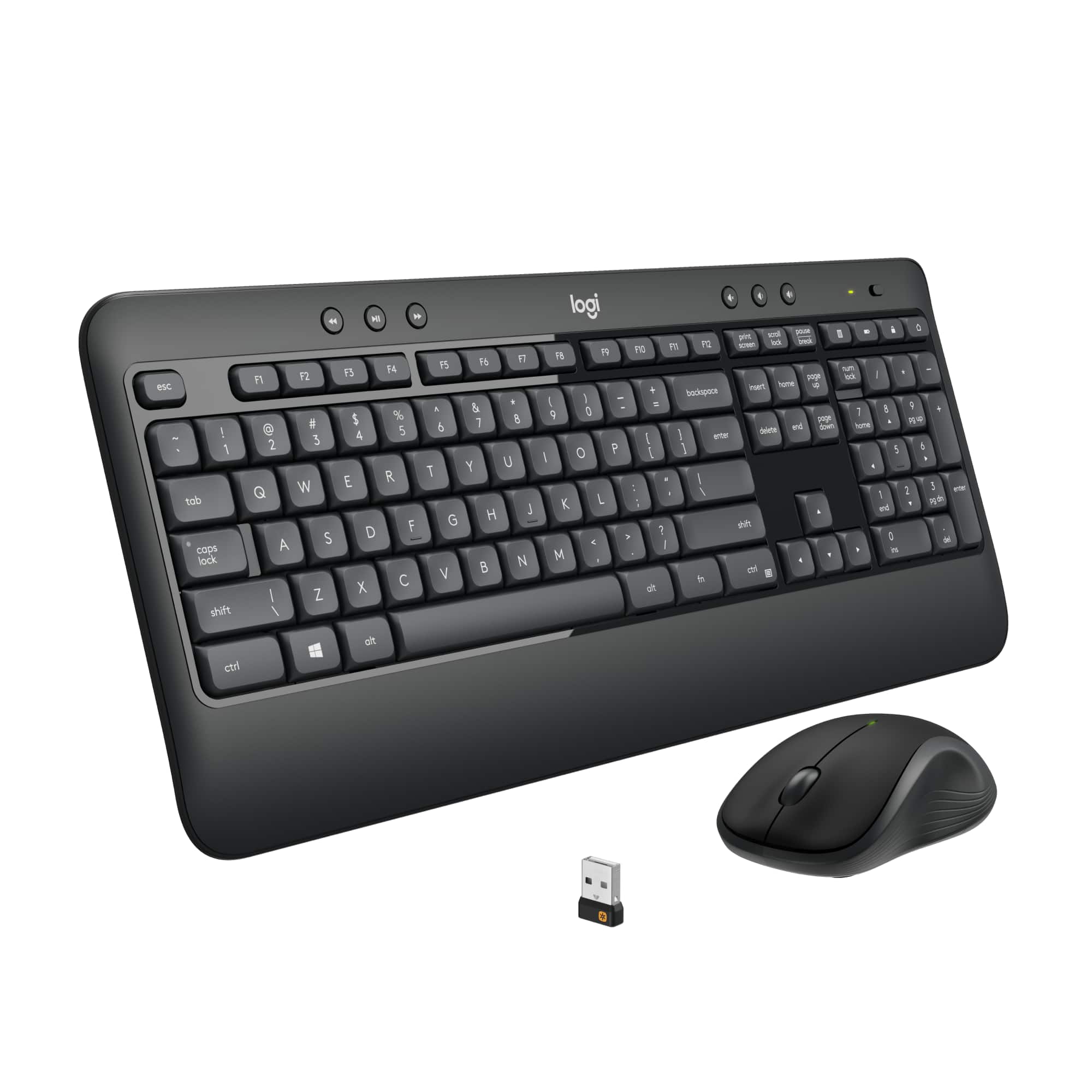


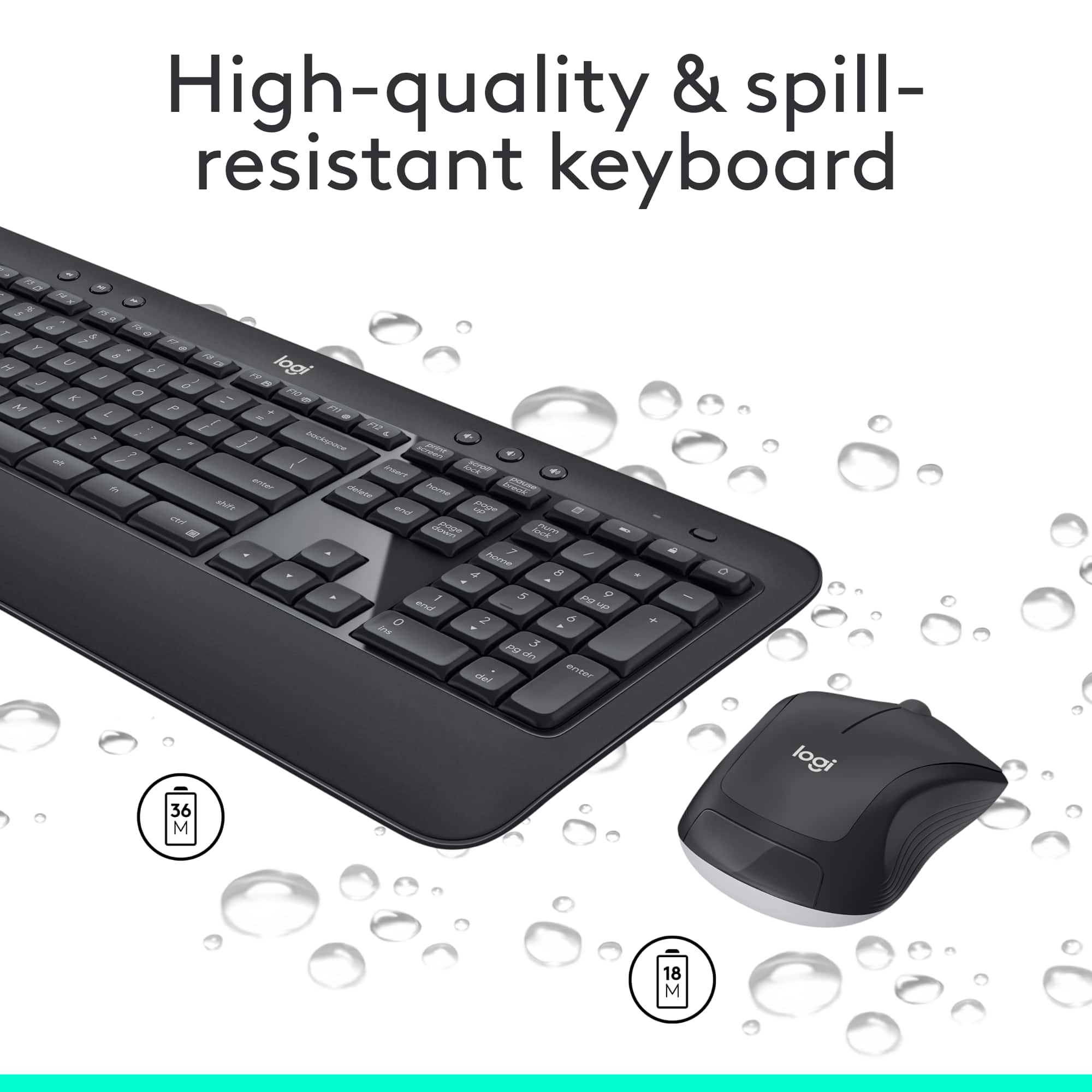
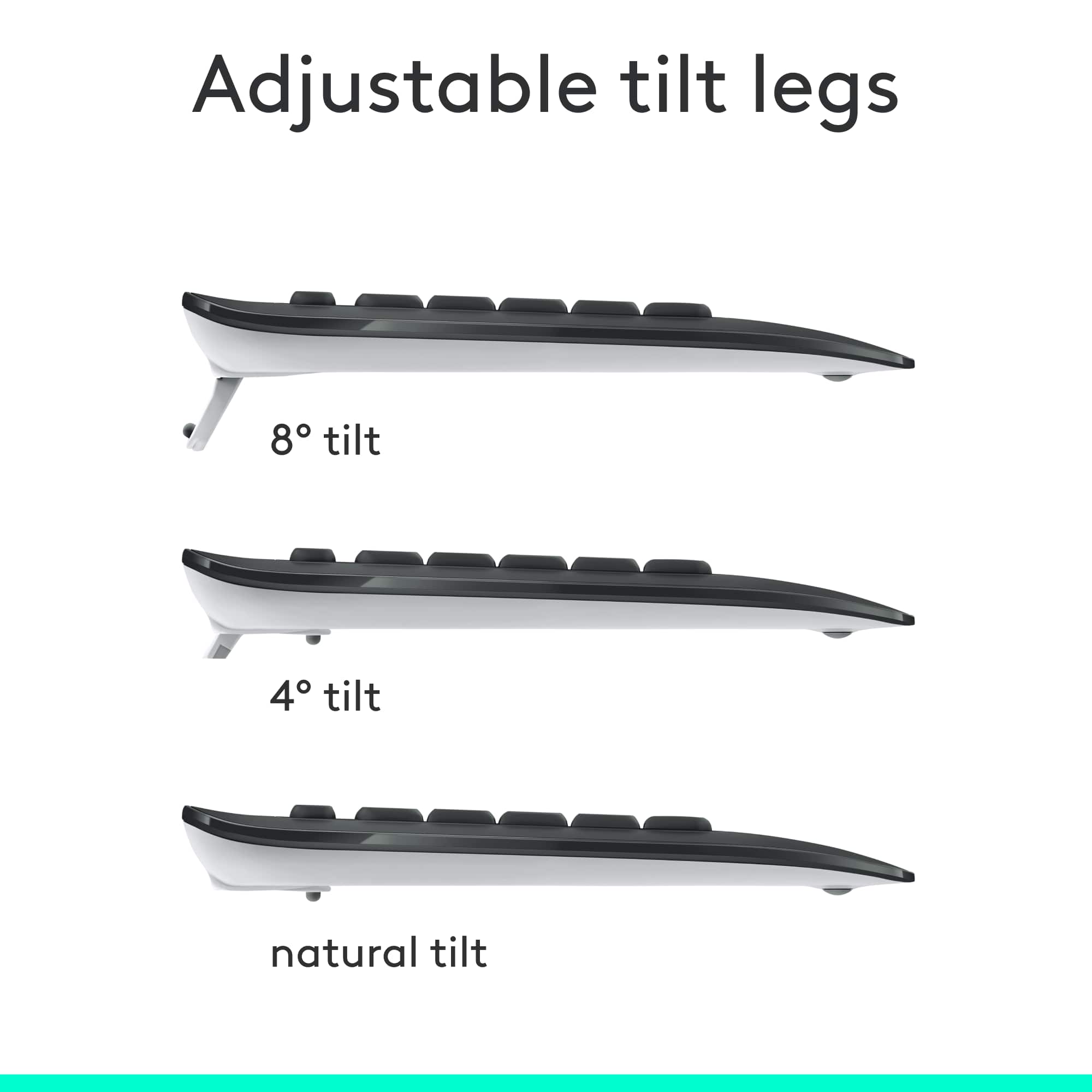
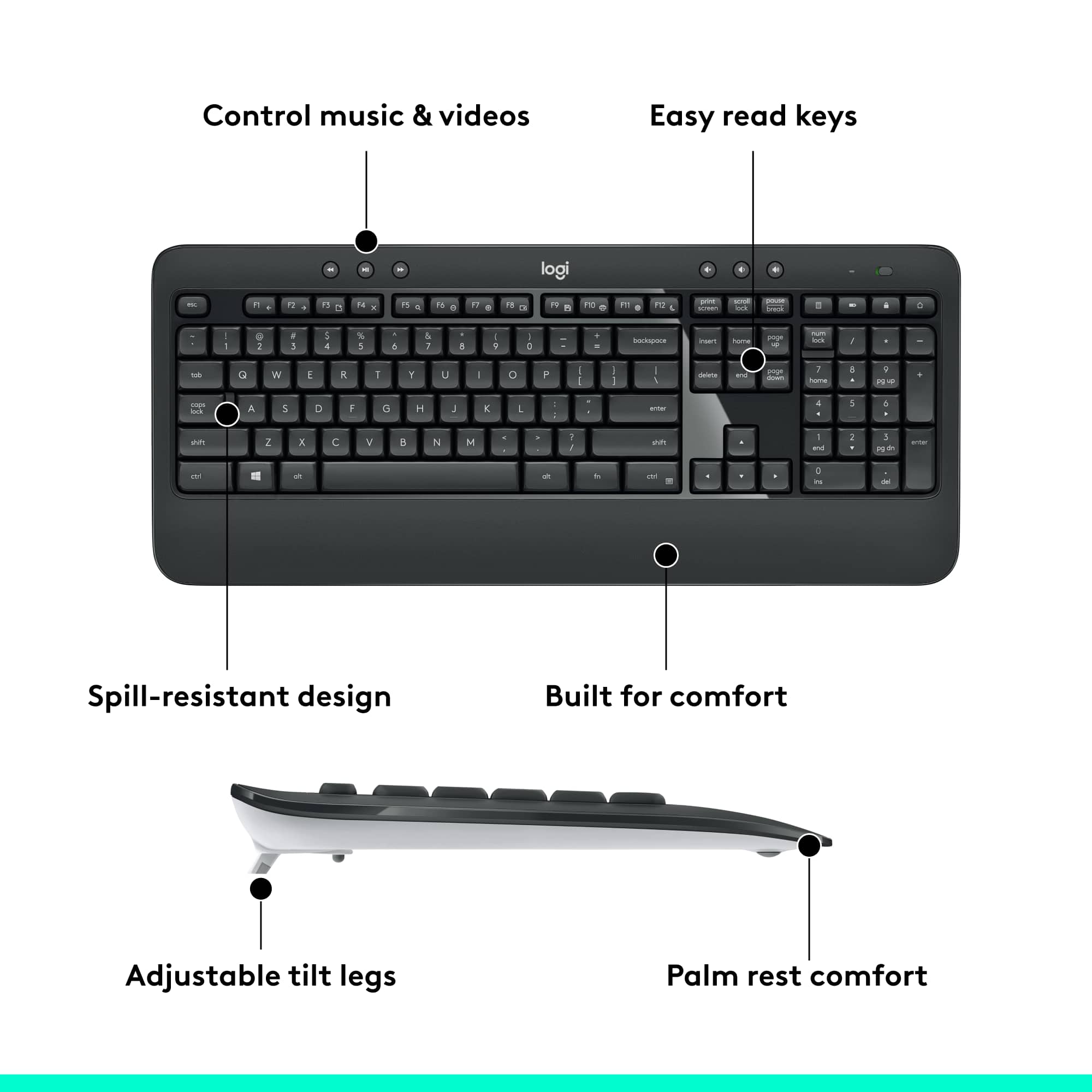
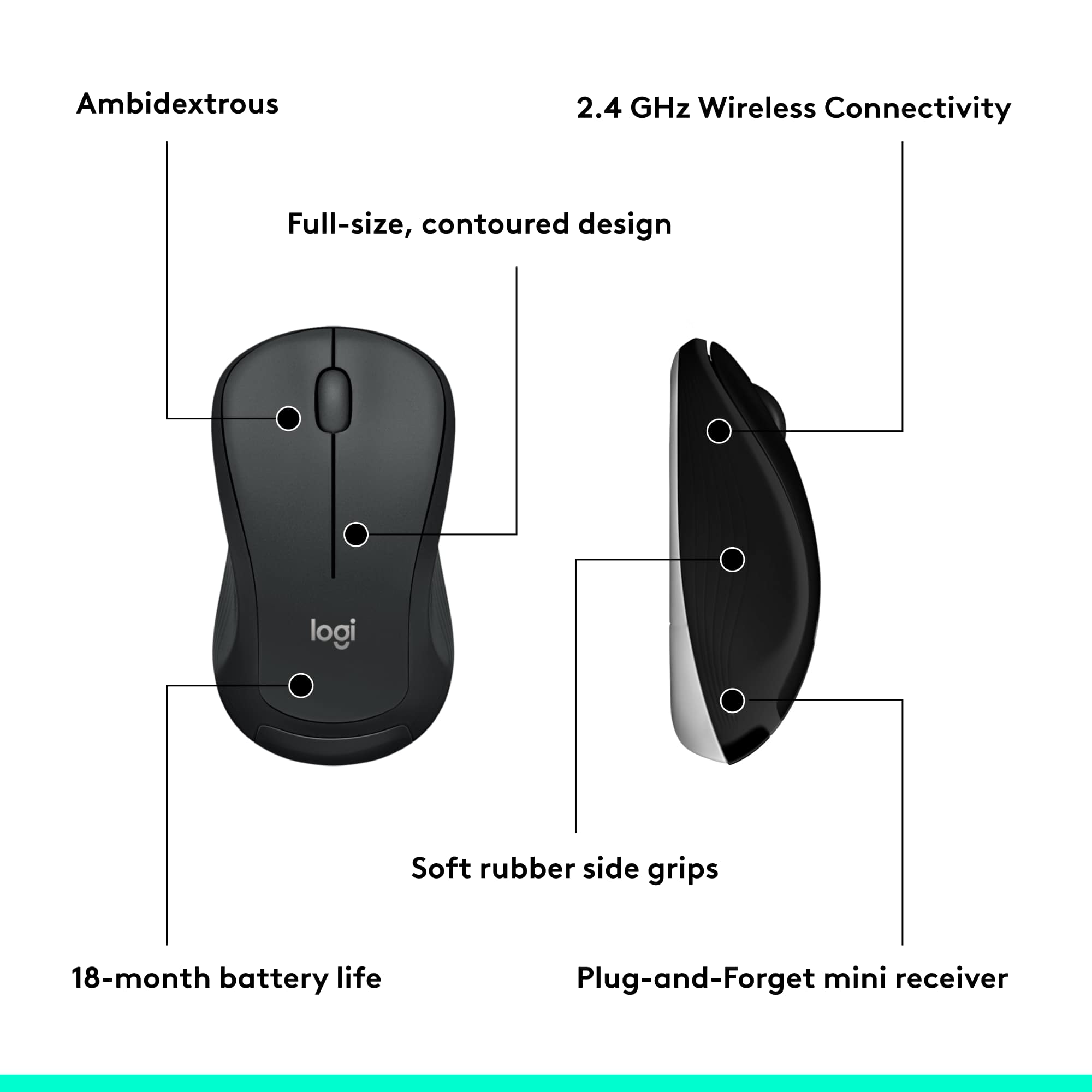
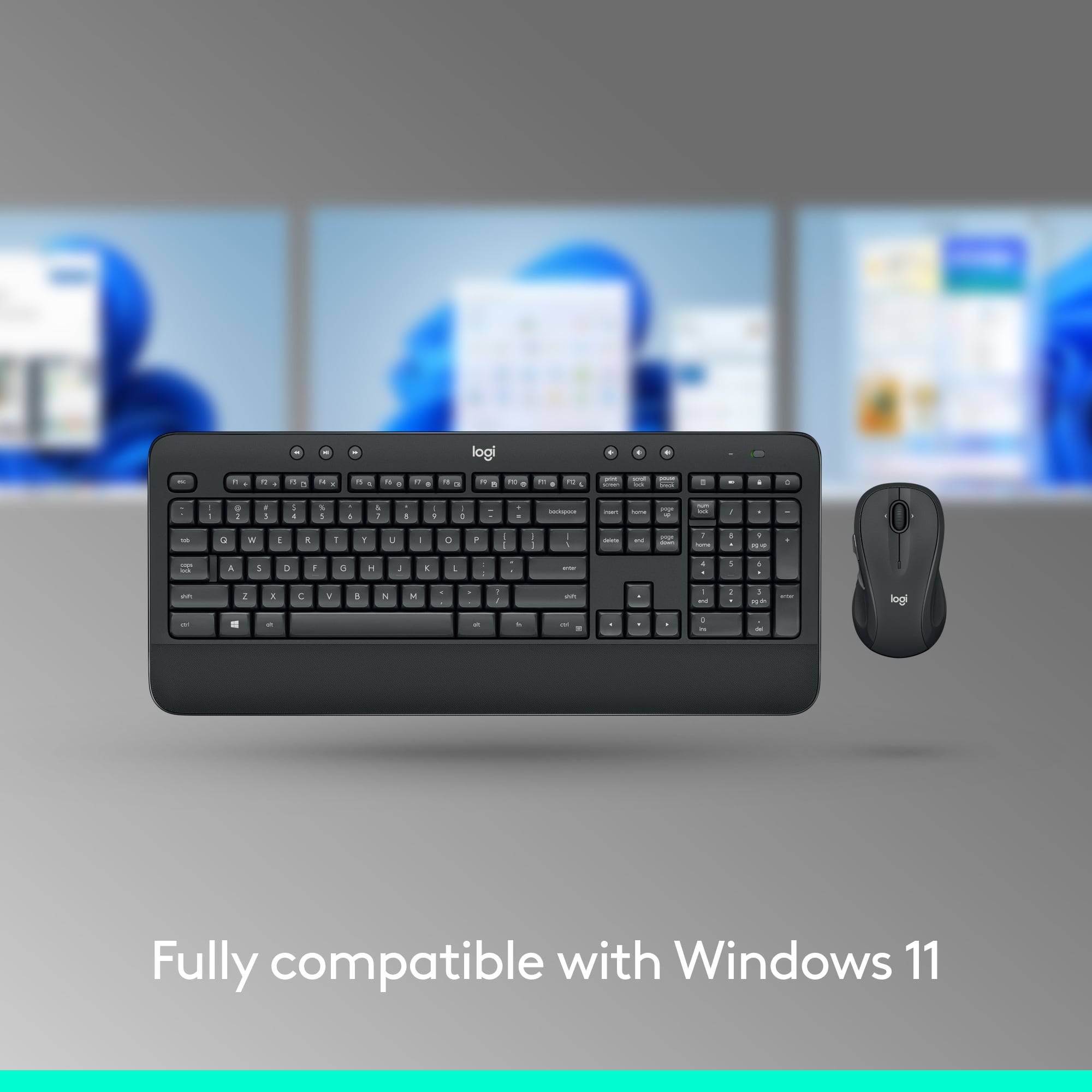
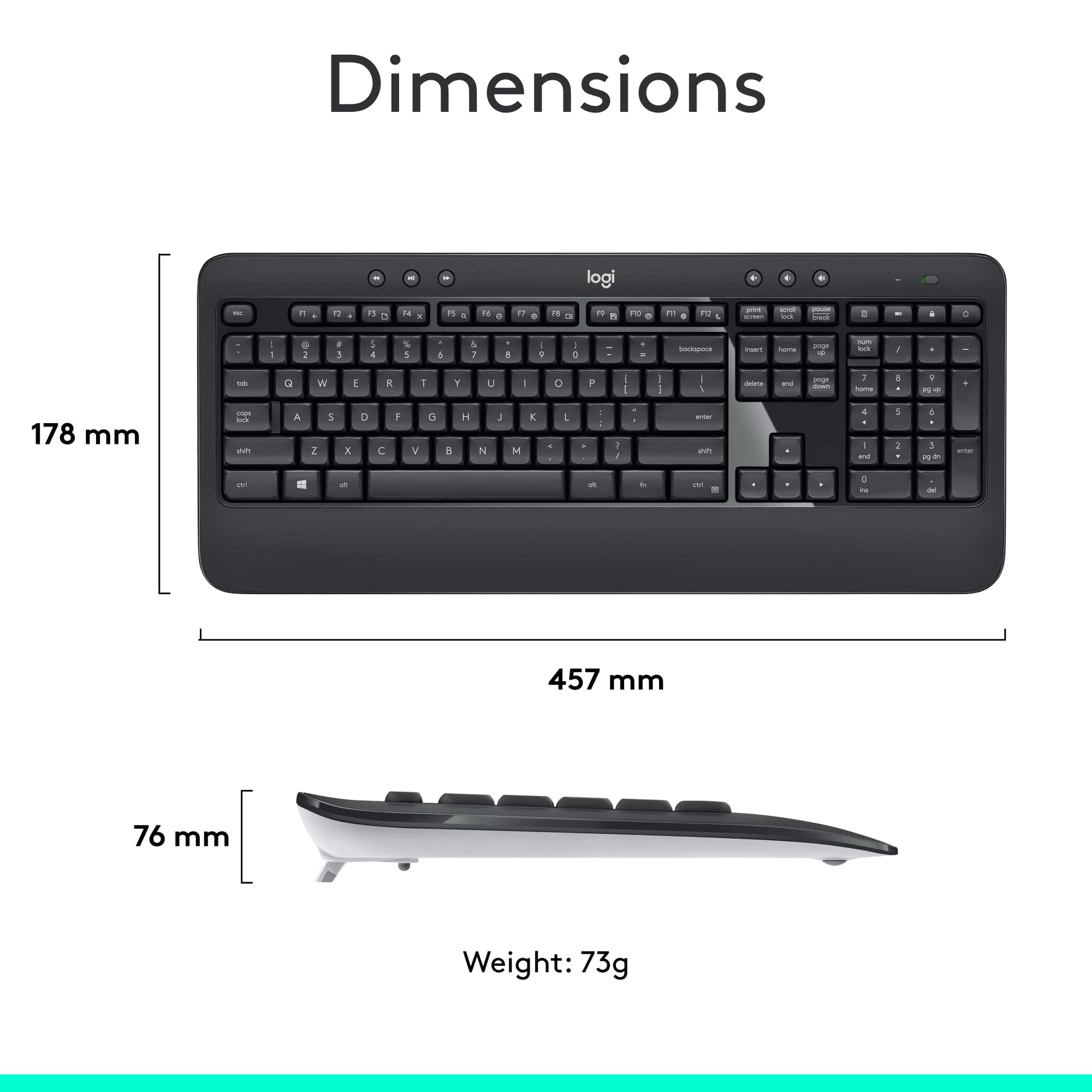
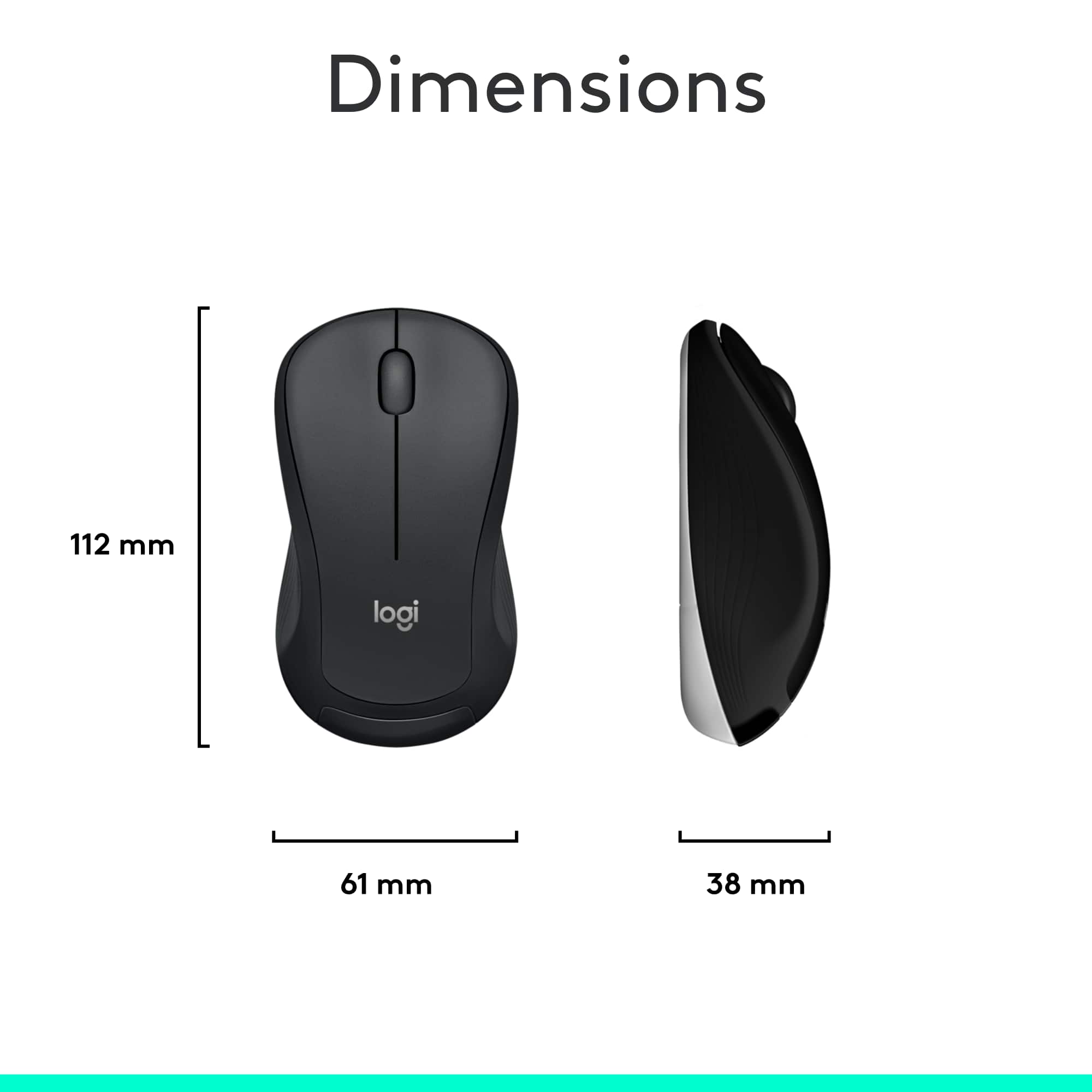

- Model:
- 920-008671
- |
- SKU:
- 11065114
Customer reviews
Rating 4.6 out of 5 stars with 7258 reviews
(7,258 customer reviews)Rating by feature
- Value4.6
Rating 4.6 out of 5 stars
- Quality4.6
Rating 4.6 out of 5 stars
- Ease of Use4.7
Rating 4.7 out of 5 stars
Customers are saying
Customers consistently note the excellent wireless connectivity of the product. No significant drawbacks or cons were mentioned by customers.
This summary was generated by AI based on customer reviews.
Rated 1 out of 5 stars
Do Not Buy!!
||Posted . Owned for 3 weeks when reviewed.This reviewer received promo considerations or sweepstakes entry for writing a review.I bought this keyboard and mouse a month ago, I didn't use it until this week. I realized Bestbuy did not send me the USB receiver, and now the keyboard and mouse are completely useless.
This review is from Logitech - MK540 Full-size Advanced Wireless Membrane Keyboard and Mouse Combo for PC - Black
No, I would not recommend this to a friendBrand response from Logitech
Posted .We apologize for the experience you had. We recommend that you contact Logitech support for further assistance in this case.
Rated 1 out of 5 stars
Lag when typing
||Posted . Owned for 1 week when reviewed.This reviewer received promo considerations or sweepstakes entry for writing a review.This was not a very good keyboard. I had issue from the very beginning and every time I typed it would lag and I almost lost my job because of it. The product was not very good but Best Buys customer service was exceptional, they let me exchange for a corded on that works great.
This review is from Logitech - MK540 Full-size Advanced Wireless Membrane Keyboard and Mouse Combo for PC - Black
No, I would not recommend this to a friendBrand response from Logitech
Posted .Hi Clark, sorry to hear about the Lag you experienced with the MK540. For support, please refer to: https://support.logi.com/hc/en-us/articles/360025339213--FAQ-MK540-ADVANCED-Wireless-Keyboard-and-Mouse-Combo - I am happy to hear that Best Buy took care of you. - Will, Logitech.
Rated 1 out of 5 stars
Significant time lag makes it useless
||Posted . Owned for 2 months when reviewed.This reviewer received promo considerations or sweepstakes entry for writing a review.Just two months after purchase, the keyboard and mouse started to have significant time lag. It’s not problem of my computer because when I changed to other keyboard and it was fine. And now I cannot even return it, because it passed the 30 day return period. Very disappointed
This review is from Logitech - MK540 Full-size Advanced Wireless Membrane Keyboard and Mouse Combo for PC - Black
No, I would not recommend this to a friendBrand response from Logitech
Posted .Hello customer, I'm sorry to hear that you're having some issues with your MK540 wireless mouse and keyboard. It certainly sounds like you're having connectivity issues. I would recommend changing the usb port that the dongle is plugged into to something closer to the mouse and keyboard, and minimizing any obstructions in between the devices and the receiver.
Rated 1 out of 5 stars
Keyboard doesn’t work 50% of the time
||Posted . Owned for 1 month when reviewed.This reviewer received promo considerations or sweepstakes entry for writing a review.Decides it’s not on/reacting to keying at all then after a couple sentences are typed/I’m unaware it’s not showing up on screen (typing off document), it’ll key the same letter 5-10 times “makkkkkkkkkk”ing me furious and a big waste of my work time. Wish I had kept my wired keyboard. :(
This review is from Logitech - MK540 Full-size Advanced Wireless Membrane Keyboard and Mouse Combo for PC - Black
No, I would not recommend this to a friendRated 1 out of 5 stars
Garbage response time
||Posted . Owned for 5 months when reviewed.This reviewer received promo considerations or sweepstakes entry for writing a review.The response is not good! I find myself slamming it up and down trying to get it to respond. I would rather have a keyboard that is wired to the PC than this garbage.
This review is from Logitech - MK540 Full-size Advanced Wireless Membrane Keyboard and Mouse Combo for PC - Black
No, I would not recommend this to a friendBrand response from Logitech
Posted .Hello Jrthomp, we are sorry to hear that the MK540 combo is not working for you properly. At Logitech, it is our goal to ensure you are completely satisfied with your Logitech purchase. We take pride in the products and services we offer, and want our customers to enjoy them just as much as we do. Luckily, the combo comes with a 1 year limited hardware warranty. At the end of this message, I've attached the link to our support page. You'll be able to submit a warranty ticket with us. Our support specialist will reach out to you to get this issue sorted out. We apologize for any inconvenience we may have caused. We can't wait to hear back from you again soon. Take care and have a nice day. -Ricky from Logitech. https://support.logi.com/hc/en-us/articles/360024924974-Warranty-MK540-ADVANCED
Rated 1 out of 5 stars
Weong info on web sote
||Posted . Owned for 1 month when reviewed.This reviewer received promo considerations or sweepstakes entry for writing a review.Recommend review overall before purchasing. Doea not backlight even though Best Buy says it does. Customer service not US based not helpful. Not the Beat Buy i have purchases thousands of items in the past.
This review is from Logitech - MK540 Full-size Advanced Wireless Membrane Keyboard and Mouse Combo for PC - Black
No, I would not recommend this to a friendBrand response from Logitech
Posted .Hey there Craig, I'm so sorry about that. Thank you for pointing out the issue on the site, we'll make sure to correct it. I hope you consider going with Logitech in the future. -Weston from Logitech
Rated 1 out of 5 stars
Must didn’t work
||Posted . Owned for 3 weeks when reviewed.This reviewer received promo considerations or sweepstakes entry for writing a review.Keyboard was fine. Mouse didn’t work. I gave up and went back to my old set up. I don’t as a practice return stuff. Delivery was fine!.
This review is from Logitech - MK540 Full-size Advanced Wireless Membrane Keyboard and Mouse Combo for PC - Black
No, I would not recommend this to a friendBrand response from Logitech
Posted .That's unfortunate! Refer the mentioned steps and check if that helps to resolve the issue: 1. Verify the product or receiver is connected directly to the computer and not to a hub, extender, switch or something similar. 2. Move the device closer to the USB receiver. If your receiver is in the back of your computer, it may help to relocate the receiver to a front port. In some cases the receiver signal gets blocked by the computer case, causing a delay. 3. Keep other electrical wireless devices away from the USB receiver to avoid interference. 4. Try on a different computer. Incase if the issue still persists, reach out to Logitech Support Team.
Rated 1 out of 5 stars
Not useable on my new Dell I7 Windows 10 machine.
||Posted . Owned for 1 week when reviewed.This reviewer received promo considerations or sweepstakes entry for writing a review.The mouse is jerky and difficult to control, and the keyboard lags and drops keystrokes. Other wireless mice work just fine, but I don't have another wireless keyboard to compare (although a PS2 style wired kbd works just fine. It's going back to the store.
This review is from Logitech - MK540 Full-size Advanced Wireless Membrane Keyboard and Mouse Combo for PC - Black
No, I would not recommend this to a friendBrand response from Logitech
Posted .Hello, I am sorry to hear you are not satisfied with the product. Thank you for taking the time to write this review. We appreciate the feedback
Rated 2 out of 5 stars
Basic keyboard
||Posted .This reviewer received promo considerations or sweepstakes entry for writing a review.Not the best - keys stick and no light on cap lock
This review is from Logitech - MK540 Full-size Advanced Wireless Membrane Keyboard and Mouse Combo for PC - Black
No, I would not recommend this to a friendBrand response from Logitech
Posted .Hello, I am sorry to hear you are not satisfied with the product. Thank you for taking the time to write this review, we appreciate the feedback.
Rated 4 out of 5 stars
A good wireless keyboard
||Posted .This reviewer received promo considerations or sweepstakes entry for writing a review.My wife uses it every single day at her job and she loves it
This review is from Logitech - MK540 Full-size Advanced Wireless Membrane Keyboard and Mouse Combo for PC - Black
I would recommend this to a friendRated 1 out of 5 stars
Require dongle and software to work
||Posted . Owned for 3 weeks when reviewed.This reviewer received promo considerations or sweepstakes entry for writing a review.This bluetooth keyboard requires a dongle and the installation of software. The keys are clunky but that might be a plus for some. I haven't really used it since I don't want to install 'strange' software. I should return it.
This review is from Logitech - MK540 Full-size Advanced Wireless Membrane Keyboard and Mouse Combo for PC - Black
No, I would not recommend this to a friendBrand response from Logitech
Posted .Hi eddy123, thank you for your feedback! The MK540 uses a wireless USB dongle, instead of Bluetooth. Simply plug it in and turn it on to use your new keyboard. "Logitech Options" is an advanced software, free to download but it is not required. For support, please refer to: https://support.logi.com/hc/en-us/articles/360023459773 - Will, Logitech.
Rated 1 out of 5 stars
Keyboard loses connection regularly
||Posted . Owned for 7 months when reviewed.This reviewer received promo considerations or sweepstakes entry for writing a review.The keyboard constantly loses connection to my PC, then it catches up and 'executes' a dozen keystrokes at once. I have reloaded drivers, changed batteries hundreds of times, etc. I have no problems with the mouse. Very unhappy with this device
This review is from Logitech - MK540 Full-size Advanced Wireless Membrane Keyboard and Mouse Combo for PC - Black
No, I would not recommend this to a friendBrand response from Logitech
Posted .Hello, we are sorry to hear about your issues with the MK540. The Mk540 has a 3 year warranty, it sounds like there may be a hardware issue going on. Please visit us so our Technical Support team may assist you: https://support.logi.com/hc/en-us
Rated 1 out of 5 stars
The key board randomly stops working.
||Posted .This reviewer received promo considerations or sweepstakes entry for writing a review.I’ve had a Microsoft wireless key board for years but was being to show its age. So I found this one on sale and decided to get it. The mouse seems to work well enough but the key board randomly freezes up and is frustrating to use at times. I should have stuck with Microsoft.
This review is from Logitech - MK540 Full-size Advanced Wireless Membrane Keyboard and Mouse Combo for PC - Black
No, I would not recommend this to a friendRated 1 out of 5 stars
Unable to Use them!
||Posted . Owned for 1 month when reviewed.This reviewer received promo considerations or sweepstakes entry for writing a review.I have been unable to use it, i would expect the 'professionals' to guide when i was buying these products. but hey, no such thing.
This review is from Logitech - MK540 Full-size Advanced Wireless Membrane Keyboard and Mouse Combo for PC - Black
No, I would not recommend this to a friendBrand response from Logitech
Posted .We truly regret to hear about your unpleasant experience and this is surely not what we want to deliver. We'd recommend you to contact the Logitech support team for a more suitable resolution. We value your input, therefore we will forward it along to the appropriate team so they can look into it.
Rated 1 out of 5 stars
Disappointing purchase
||Posted . Owned for 3 weeks when reviewed.This reviewer received promo considerations or sweepstakes entry for writing a review.Received keyboard, mouse and batteries but no dongle. Spent over an hour with Best Buy support and no one could assist. Have a useless item. To make it worse the price has dropped since the purchase was made.
This review is from Logitech - MK540 Full-size Advanced Wireless Membrane Keyboard and Mouse Combo for PC - Black
No, I would not recommend this to a friendBrand response from Logitech
Posted .Hi Berkshire, thank you for sharing your experience with the MK540. I'm sorry that you were unable to locate the Unifying receiver. The Unifying receiver would have been located in the cardboard box next to the mouse and keyboard. If you no longer have the packaging you can purchase a Unifying receiver separately and program it to work with your MK540 (https://www.bestbuy.com/site/logitech-usb-unifying-receiver/6201006.p?skuId=6201006). I'm sorry that Best Buy support was unable to assist with this issue over the phone. You might be able to go to the store you purchased it at and ask for assistance in store. Thank you for being a Logitech customer. Kristi from Logitech
Rated 4 out of 5 stars
Works as advertised
||Posted .This reviewer received promo considerations or sweepstakes entry for writing a review.Light, portable, no fuss no muss. Plug in and go to work.
This review is from Logitech - MK540 Full-size Advanced Wireless Membrane Keyboard and Mouse Combo for PC - Black
I would recommend this to a friendRated 1 out of 5 stars
Great keyboard, Mouse sucks
||Posted . Owned for 2 months when reviewed.This reviewer received promo considerations or sweepstakes entry for writing a review.The Keyboard works great but the mouse only works half the time. I bought a new mousepad, cleaned the bottom of the mouse and replaced the battery. in 2 months this mouse has never worked right!
This review is from Logitech - MK540 Full-size Advanced Wireless Membrane Keyboard and Mouse Combo for PC - Black
No, I would not recommend this to a friendBrand response from Logitech
Posted .Hello MechanicKyle, thank you for this review of the MK540 wireless keyboard and mouse combo. I'm sorry to hear that you had some issues with the mouse. It sounds to me like you had some driver problems.If you still have the device, feel free to visit Logitech's support site where you can find driver information as well as troubleshooting tips and tricks for connectivity. I apologize for any inconvenience this may have caused you. Your feedback is greatly appreciated. -Weston from Logitech.
Rated 1 out of 5 stars
Mouse dead before a year of use.
||Posted . Owned for 1 year when reviewed.This reviewer received promo considerations or sweepstakes entry for writing a review.The mouse failed before the year, definitely wouldn't buy again. Had to buy a new wireless bundle, trying with a Microsoft this time. I have had to change these Logitech combos often but never before the year. This was trash.
This review is from Logitech - MK540 Full-size Advanced Wireless Membrane Keyboard and Mouse Combo for PC - Black
No, I would not recommend this to a friendBrand response from Logitech
Posted .Hi SimonWM, I'm sorry that the battery on the mouse died with in a year. Logitech does state that it can work up to 18 months depending on usage of the device. It is easy to switch the single AA battery that it runs on. The MK 540 also has a 1 year limited warranty through Logitech. You can visit us at support.logi.com to learn more about the warranty and your product. Thank you for being a loyal Logitech customer. Kristi from Logitech
Rated 1 out of 5 stars
Absolute TRASH !
||Posted . Owned for 1 week when reviewed.This reviewer received promo considerations or sweepstakes entry for writing a review.This keyboard mouse combo has no range. I had to literally have the receiver less than 6 inches from the keyboard and mouse for this to work. If you have an M1 Mac, look elsewhere. This combo is ABSOLUTE TRASH !!!
This review is from Logitech - MK540 Full-size Advanced Wireless Membrane Keyboard and Mouse Combo for PC - Black
No, I would not recommend this to a friendBrand response from Logitech
Posted .Hello, I am sorry to hear this combo is not living up to our promised Bluetooth range. It sounds like you may have received a defective set. Not to worry, it has a 1 year warranty through Logitech so we can get that replaced for you! Here is the link in order to file a claim: https://support.logi.com/hc/en-us/articles/360024924974-Warranty-MK540-ADVANCED. I hope this helps! Thank you for taking the time to write this review, we appreciate the feedback.
Rated 4 out of 5 stars
Works well
||Posted .This reviewer received promo considerations or sweepstakes entry for writing a review.Sometimes mouse is slow and not accurate to manage
This review is from Logitech - MK540 Full-size Advanced Wireless Membrane Keyboard and Mouse Combo for PC - Black
I would recommend this to a friend