Customer Ratings & Reviews
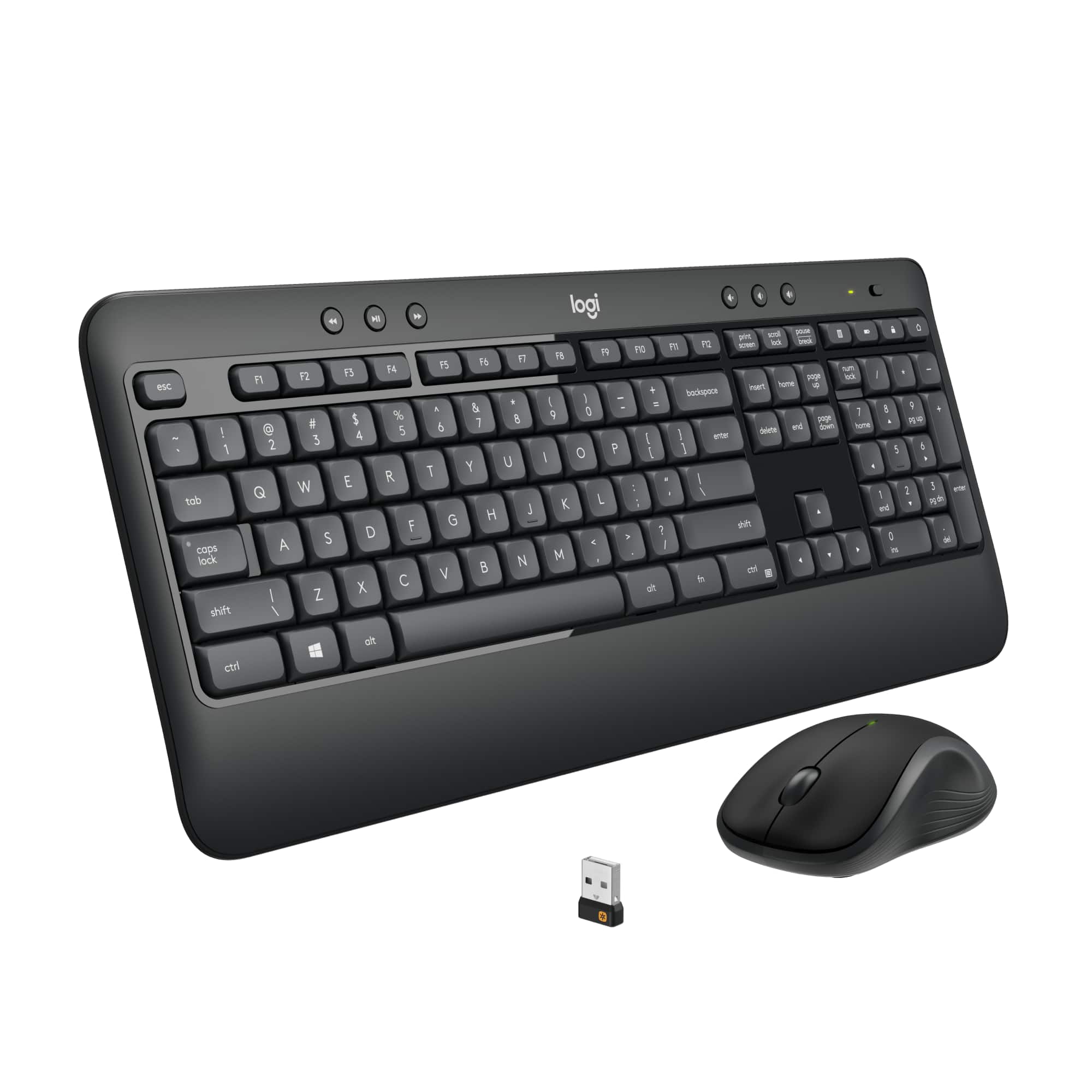

- Model:
- 920-008671
- SKU:
- 11974494
Rating by feature
- Value
Rating 4.6 out of 5 stars
- Quality
Rating 4.6 out of 5 stars
- Ease of Use
Rating 4.7 out of 5 stars
to a friend
Avoid this!
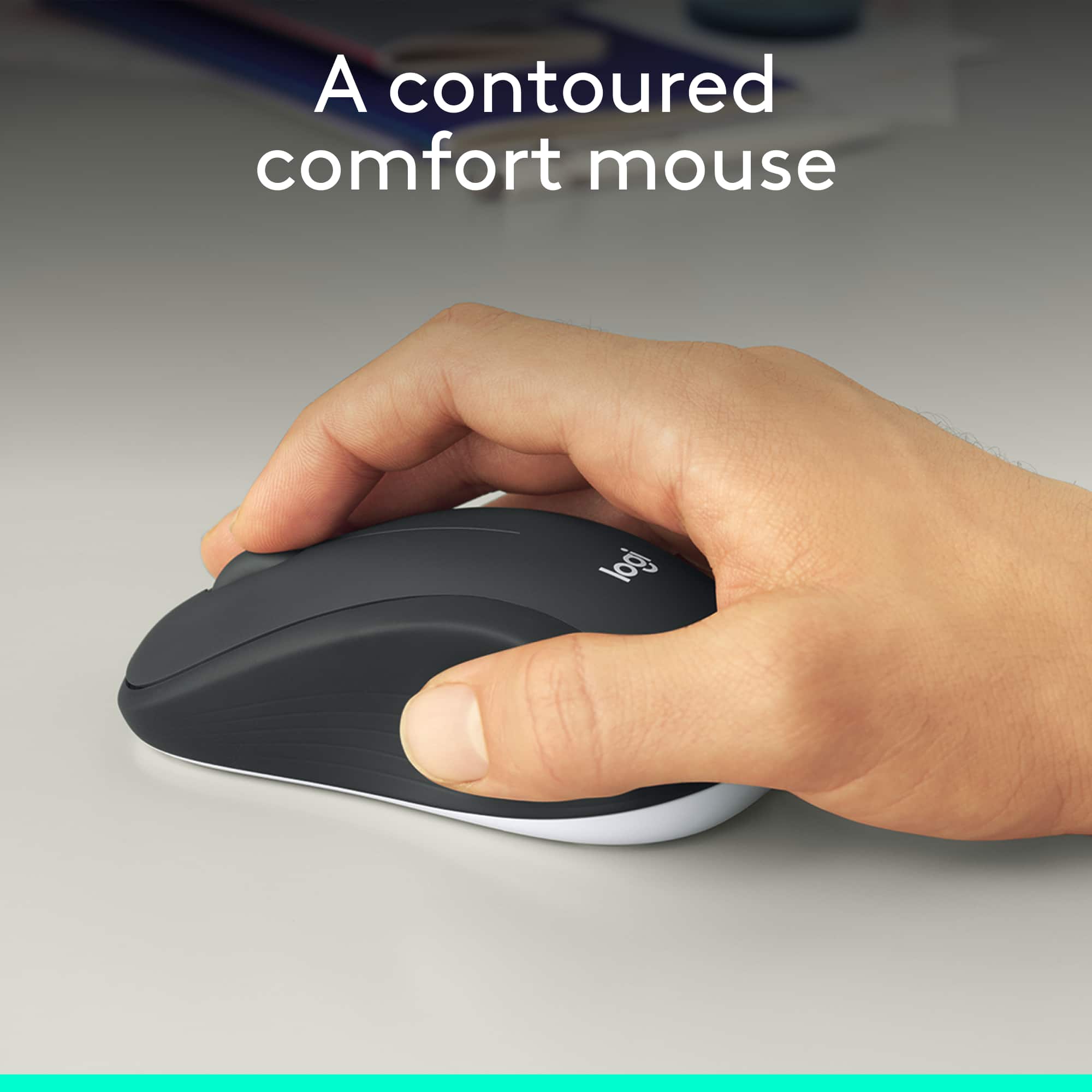
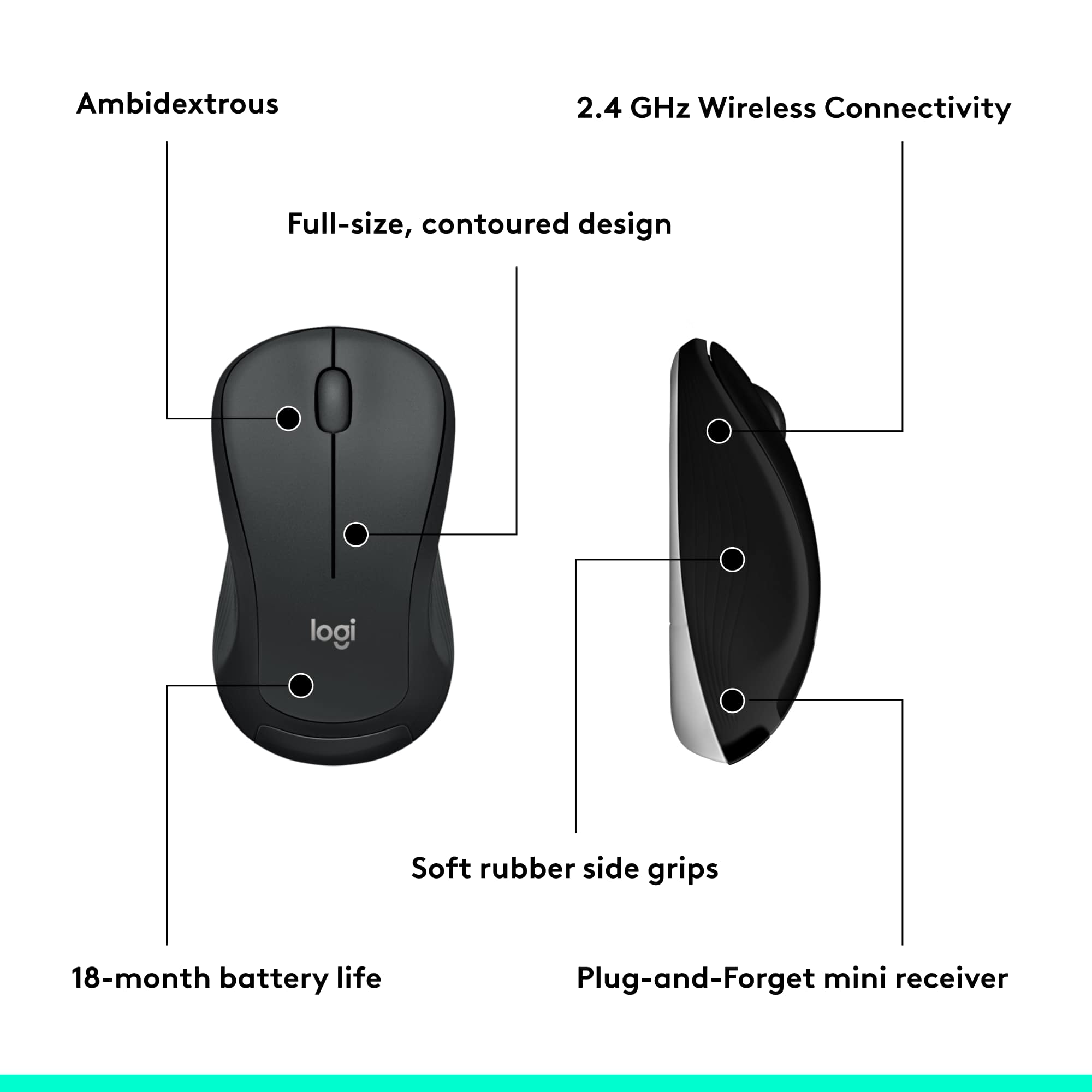
||Posted . Owned for 1 month when reviewed.This reviewer received promo considerations or sweepstakes entry for writing a review.The keyboard is fine, but the mouse is horrible. Every time you use the scroll wheel on the mouse, it sounds like you are dragging something across a surface. If you like smooth scrolling, this is NOT for you. The noise alone has prevented me from using my new desktop. I ordered a Microsoft wireless mouse to replace this one. Believe me, you do NOT want the mouse that comes in this package.
No, I would not recommend this to a friendBrand response from Logitech
Posted .Hi Alice,
Thank you for your feedback. Sorry you are having issues with your mouse. Here are possible solutions:
If your mouse is not working, the problem is likely to be a lost connection. The connection between the mouse and Unifying USB receiver can be lost for several reasons. Make sure you have fresh batteries in your mouse and is turned on. Make sure the Unifying USB receiver is securely plugged directly into a working USB port on your computer. Turn your computer on. Finally, download the correct version of Logitech SetPoint mouse and keyboard software. If you need further assistance, please contact Logitech support on the website.
LaShonda from Logitech
Keyboard isn't working
||Posted . Owned for 1 month when reviewed.This reviewer received promo considerations or sweepstakes entry for writing a review.This should all be plug and play, but it ain't. Had trouble after install yesterday but finally got it working after reinstalling drivers and options. Today it's not working again. I checked the Logitech boards, and someone reported this problem 8 months ago - no one responded to his request for help. This is the first time I've had a Logitech product fail.
No, I would not recommend this to a friendBrand response from Logitech
Posted .Hi Redeye,
Thank you for your feedback. It is greatly appreciated. . For further assistance, please contact Logitech Support on the website.
LaShonda from Logitech
Doesn't stay connected to Wi-Fi
||Posted . Owned for 2 months when reviewed.This reviewer received promo considerations or sweepstakes entry for writing a review.The keyboard doesn't stay firmly connected to the Wi-Fi and many times you have to wait for it to respond to input and commands like "Backspace", etc. Can be frustrating to operate. Pros: Do like the soft touch of he keyboard
No, I would not recommend this to a friendWorks great
||Posted .This reviewer received promo considerations or sweepstakes entry for writing a review.First wireless keyboard and mouse, works well and I can’t detect any lag (though I’m not playing any games). Uses a single usb dongle you plug into your pc and it just works.
I would recommend this to a friendMay cause issues with other wireless devices
||Posted . Owned for 3 weeks when reviewed.This reviewer received promo considerations or sweepstakes entry for writing a review.while i believe this works ok for some, i have other computers with wireless devices. apparently the frequency of these devices interfers with the proper operation of these wireless devices.
No, I would not recommend this to a friendBrand response from Logitech
Posted .Hello. Thank you for taking the time to write your review of the MK540 combo. I'm sorry to hear that it is causing interference with other devices you have. This uses the 2.4GHz frequency band and while it is highly unlikely that frequencies are crossing, occasionally it can happen. Please download Logitech Options and try to pair both the mouse and keyboard to the Unifying receiver again. It will find an unused frequency and should not interfere any longer. https://support.logi.com/hc/en-us/articles/360024850313--Downloads-MK540-ADVANCED-Wireless-Keyboard-and-Mouse-Combo
-Charlton at Logitech
good product
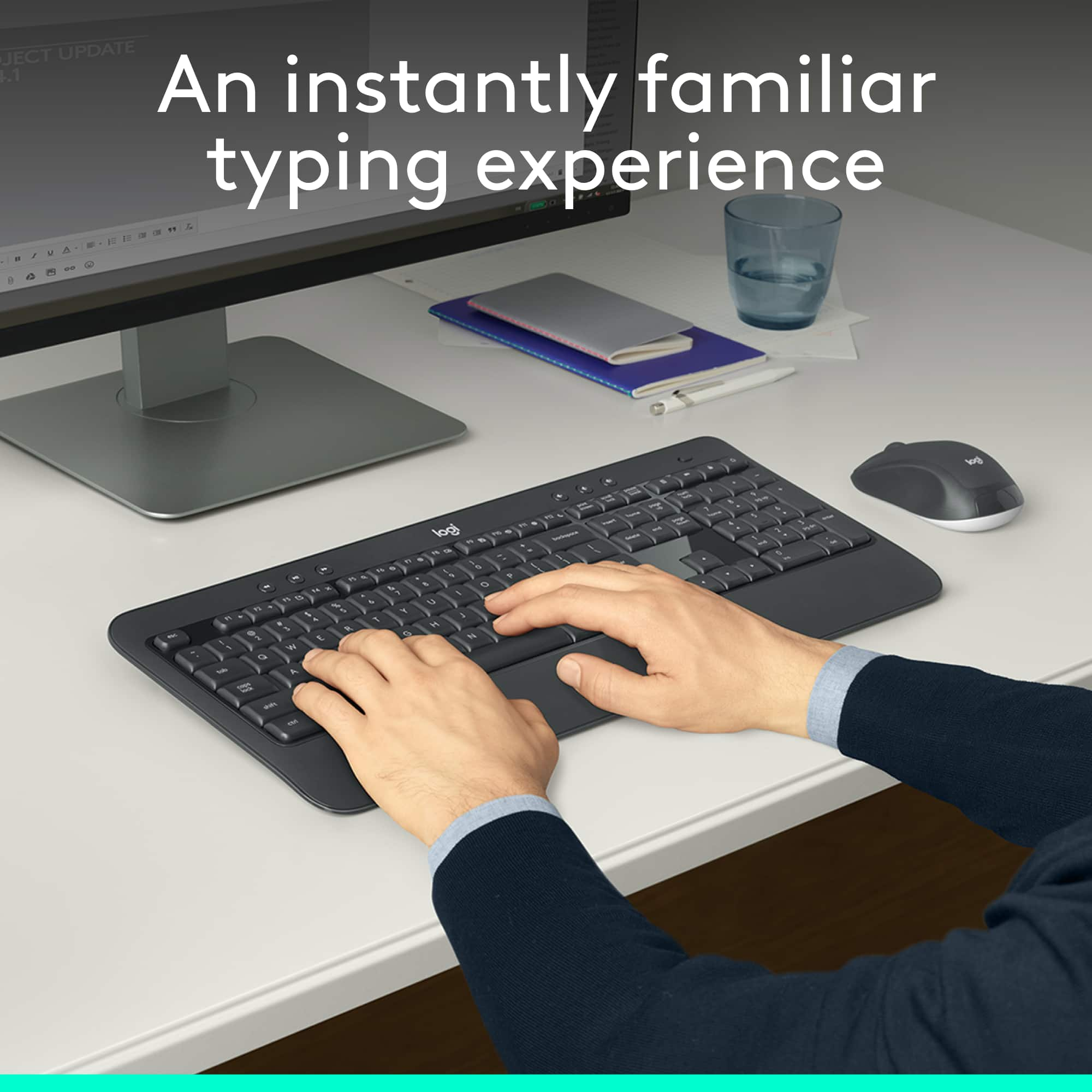
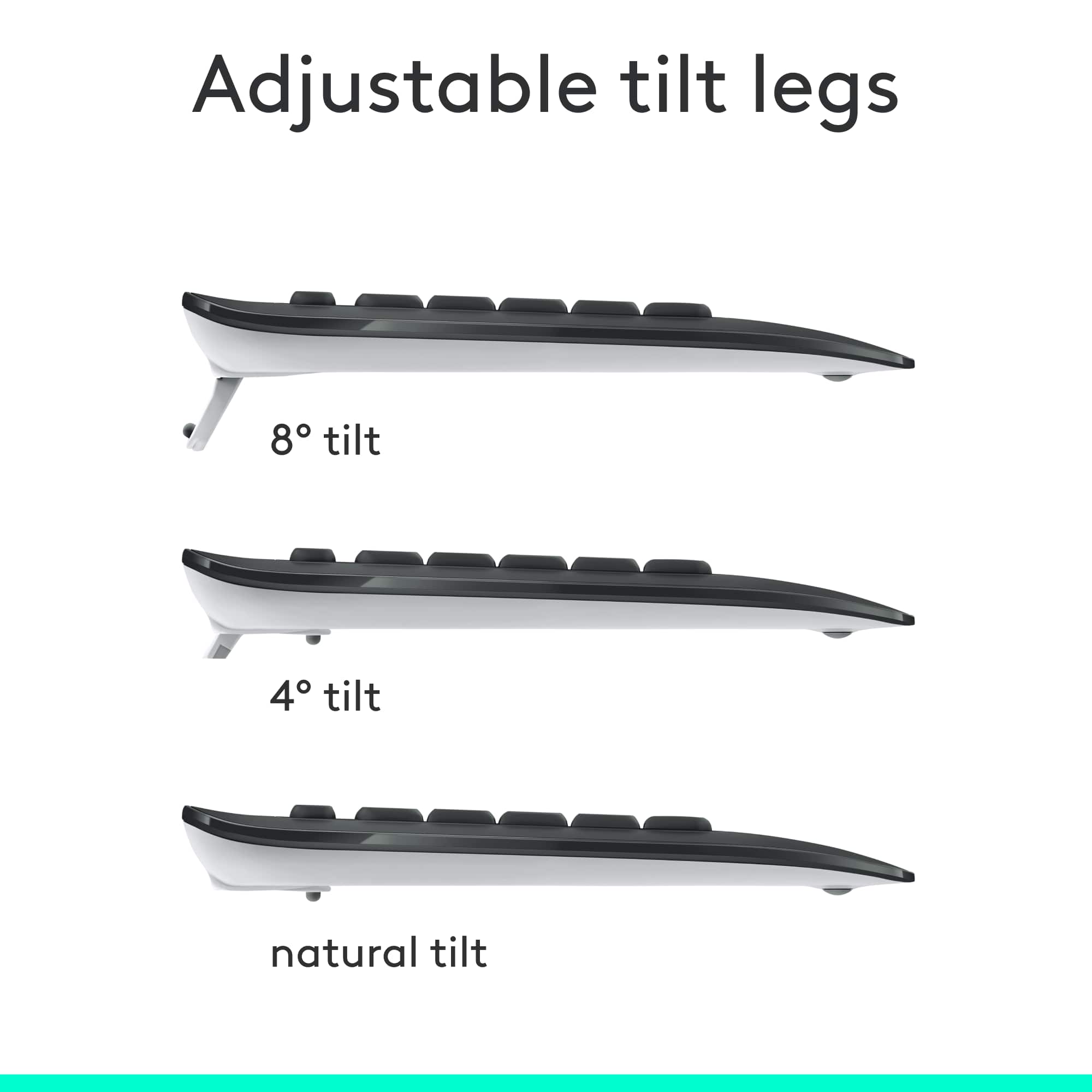
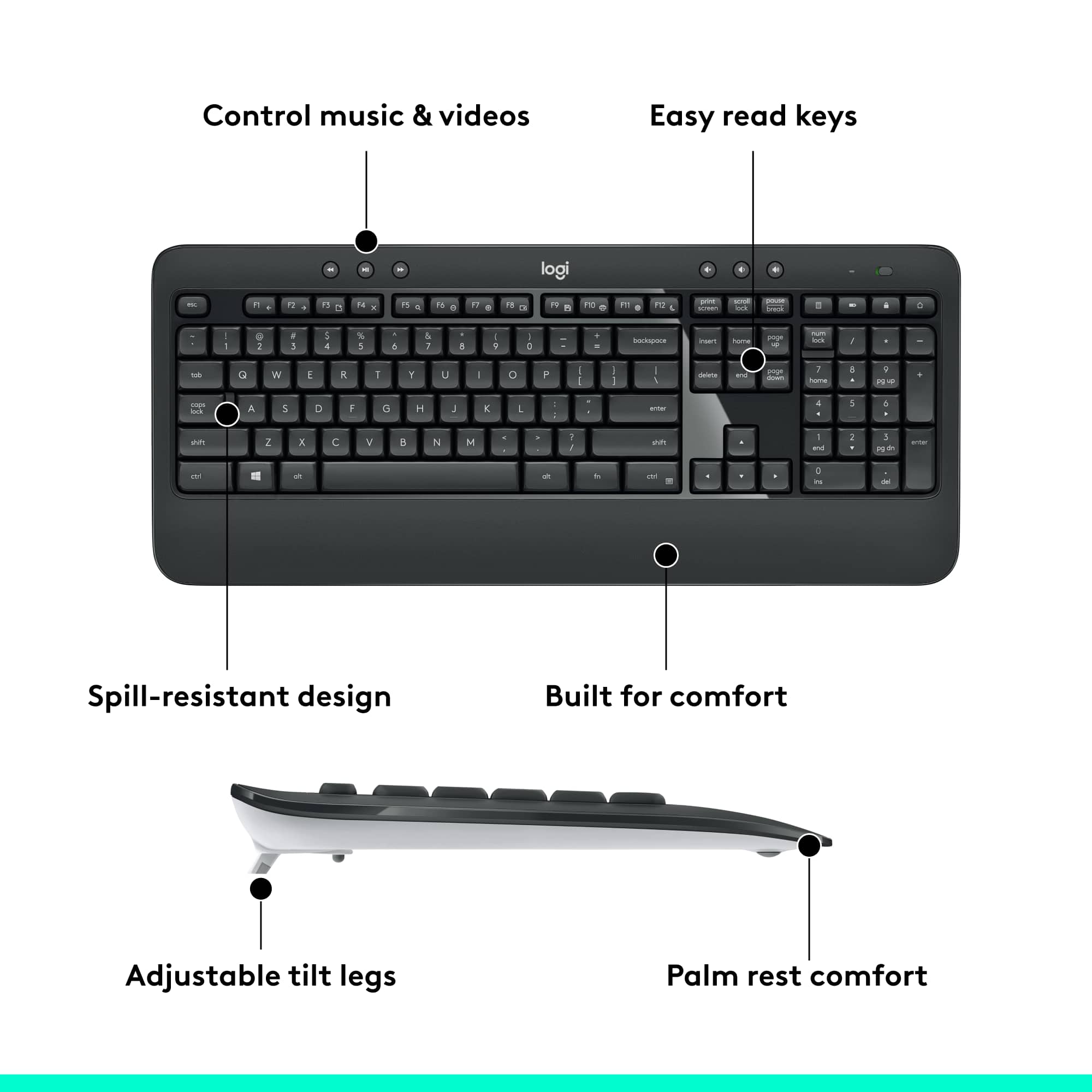
||Posted . Owned for 1 month when reviewed.This reviewer received promo considerations or sweepstakes entry for writing a review.Has a nice feel when typing which not true in laptops. being able to tilt is also nice
I would recommend this to a friendNew employee keyboard
||Posted . Owned for less than 1 week when reviewed.This reviewer received promo considerations or sweepstakes entry for writing a review.Every new employee gets a new computer, monitor and keyboard they all love this setup.
I would recommend this to a friendMouse gives off a loud, annoying "click
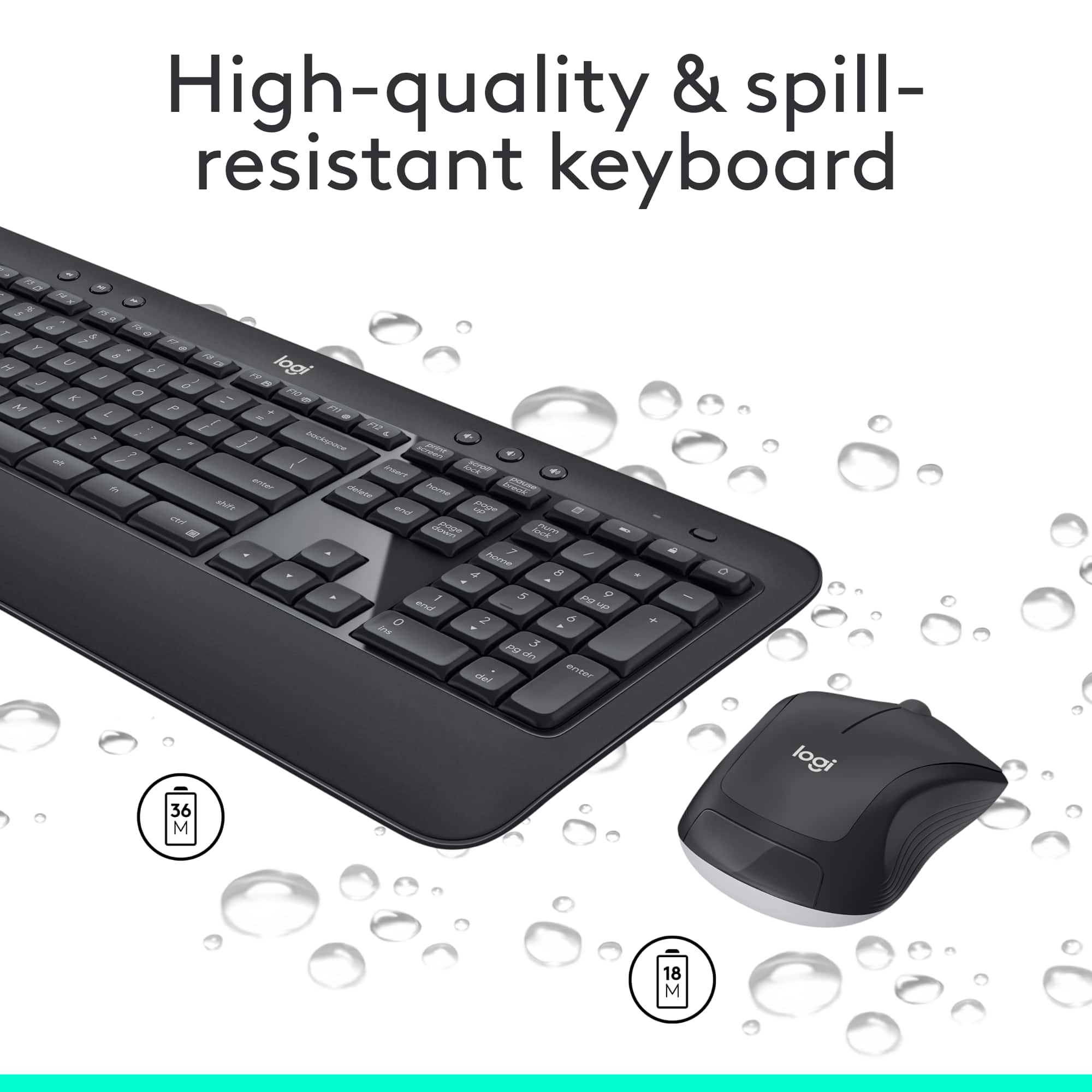
||Posted .This reviewer received promo considerations or sweepstakes entry for writing a review.Have purchased many Logitech products in the past (including a keyboard), but was disappointed in this purchase and am returning. The underside of the keyboard and mouse, although not pictured, is stark white, which will show dirt in no time. While perhaps I could have lived with that, but could not live with the fact that the mouse makes an annoying, LOUD, tinny sound with every click. Can't have that going on when on a video call for work. It's already on its way back to BestBuy
No, I would not recommend this to a friendBrand response from Logitech
Posted .Hello, Very sorry to hear about your disappointment with the mouse included in the MK540 Keyboard and Mouse bundle. Logitech does have a host of "Silent" clicking mice that you may find more to your liking, here's a link to check them out: https://www.logitech.com/en-us/products/mice.html?filters=silent-clicks. Hope that you found this helpful and that all is going better. Thank you for being a Logitech customer. - Richard from Logitech
Great buy!
||Posted . Owned for less than 1 week when reviewed.This reviewer received promo considerations or sweepstakes entry for writing a review.This is such a seamless keyboard. I love using it for typing homework assignments!
I would recommend this to a friendNice product
||Posted .This reviewer received promo considerations or sweepstakes entry for writing a review.The product is nice. The keyboard Keys are smooth, the layout and angle of the keyboard are very comfortable. Like the wireless mouse very responsive and smooth.
I would recommend this to a friendDon't buy
||Posted . Owned for 1 month when reviewed.This reviewer received promo considerations or sweepstakes entry for writing a review.Not impressed by this wireless combination. The problem with it is that it is unreliable in it's connection. So much so, that I went back to my wired keyboard.
No, I would not recommend this to a friendBrand response from Logitech
Posted .Hi LittleRalph, thank you for your feedback! The Unifying USB receiver provides up to 10 meters of wireless range. Wireless range may vary due to environmental and computing conditions. For support, please refer to: https://support.logi.com/hc/en-us/articles/360023459773 - Will, Logitech.
LOGI
||Posted . Owned for 1 month when reviewed.This reviewer received promo considerations or sweepstakes entry for writing a review.THE MOUSE KEEPS FREEZING UP, I HAVE TO TURN IT OFF AND BACK ON,EVEN AFTER REPLACING BATERY.
No, I would not recommend this to a friendBrand response from Logitech
Posted .Thanks for reaching out about your Logitech MK540 mouse. We're sorry to hear you're experiencing freezing issues that require you to turn it off and on, even after replacing the battery. To address this issue, we recommend reaching out to our social care team via email at socialcare@logitech.com with your
- Name:
- Email Address:
- Country:
- Product Name:
- Brief description of issue:
DO NOT BUY!!!!!!
||Posted . Owned for 2 months when reviewed.This reviewer received promo considerations or sweepstakes entry for writing a review.Connection is fickle at best when only 5 feet away.
No, I would not recommend this to a friendBrand response from Logitech
Posted .Hi Samantha,
Thank you for your feedback. It is greatly appreciated. . For further assistance, please contact Logitech Support on the website.
LaShonda from Logitech
Shhhhh....quiet keyboard.
||Posted . Owned for 1 month when reviewed.This reviewer received promo considerations or sweepstakes entry for writing a review.Simple and effective. Quiet keyboard is great for office when on calls.
I would recommend this to a friendDisconnect after 9 months
||Posted . Owned for 9 months when reviewed.This reviewer received promo considerations or sweepstakes entry for writing a review.After 7 months of regular using, this combo got disconnected occasionally and sometimes time lag in typing which is really annoying. Now after 9months, the keyboard is completely dead - no connection at all! I downloaded the Logitech software but still no use. I tried to contact Logitech for the 1-year warranty but I can’t find a way to file a claim. It is really a pity. I enjoyed typing on this keyboard and the mouse was good too. But after 9 months, the disconnection and no-way warranty turn me away for other brands.
No, I would not recommend this to a friendBrand response from Logitech
Posted .Hello, we are sorry to hear about your connection issues with the MK540. You can start a support ticket/warranty claim through our system here: https://support.logi.com/hc/en-us/requests/new?ticket_form_id=360000621393
Mouse failed in 18 months
||Posted . Owned for 1.5 years when reviewed.This reviewer received promo considerations or sweepstakes entry for writing a review.The mouse started double clicking for single clicks after 18 months. I am not sure why this issue is plaguing Logitech products for ages..
No, I would not recommend this to a friendBrand response from Logitech
Posted .Hello, Faiz! I'm sorry to hear about your experience with the MK540 mouse. I would recommend reaching out to our support team here https://support.logi.com/hc/en-us/requests/new?ticket_form_id=360000621393 to file a warranty claim. The MK540 combo has a 1-year limited hardware warranty. Thank you so much for the feedback on the mouse double clicking! I will be passing this along. - Maggie from Logitech
Horrible keyboard. Good mouse.
||Posted . Owned for 1 month when reviewed.This reviewer received promo considerations or sweepstakes entry for writing a review.Horrible keyboard. The keys’ shape is really weird. While typing, I keep hitting two adjacent keys ! The mouse is good.
No, I would not recommend this to a friendBrand response from Logitech
Posted .Hello Mike. Thank you for taking the time to write your review of the MK540 combo. I'm sorry to hear that you're not liking the keyboard. The combo uses our Unifying technology, so if you find a keyboard that better suits you that also uses the Unifying receiver, you can connect it with your mouse that you are enjoying. If you have any other questions or issues, please visit our support site: support.logi.com
-Charlton at Logitech
didn't have a usb toggle
||Posted . Owned for 2 weeks when reviewed.This reviewer received promo considerations or sweepstakes entry for writing a review.Looked like a quality keyboard, came with no usb toggle for the wireless connection. Yes, had 4 others check all packaging, the slot to hold it in the battery compartment was empty, every effort was made to find it. Since I bought it as a bundle package with a monitor, I was told to return it I would have to pay them, as I had received a discount on the monitor. Not happy, but still asked if they would recycle the keyboard as it was useless, that was also refused. Keyboard is in the garbage, won't be buying one from Best Buy.
No, I would not recommend this to a friendBrand response from Logitech
Posted .Hello, I am sorry to hear about the issue you are having with the keyboard. Fortunately, this device has a warranty through Logitech. If you would like to file a claim to receive the missing USB dongle, please visit the support page for this item on Logitech.com. I hope this helps! Thank you for taking the time to write this review, we appreciate the feedback.
The best for me
||Posted .This reviewer received promo considerations or sweepstakes entry for writing a review.This is the second key board I have to use in my home and at work. The Caps Lock button to warn me when I type, so never confuse. and not expensive.
I would recommend this to a friendIt had a defect, but will be replaced by warranty.
||Posted . Owned for 1 month when reviewed.This reviewer received promo considerations or sweepstakes entry for writing a review.The keys on the left side of the keyboard started locking up after having it for a few weeks. It will be replaced under warranty.
No, I would not recommend this to a friendBrand response from Logitech
Posted .Hello, we are so sorry you received a defective device. I am glad to hear you took advantage of the 1 year warranty we offer for this Logitech product. Thank you for taking the time to write this review, we really appreciate the feedback. I hope you have a great day!
-Danielle from Logitech