Customer Ratings & Reviews
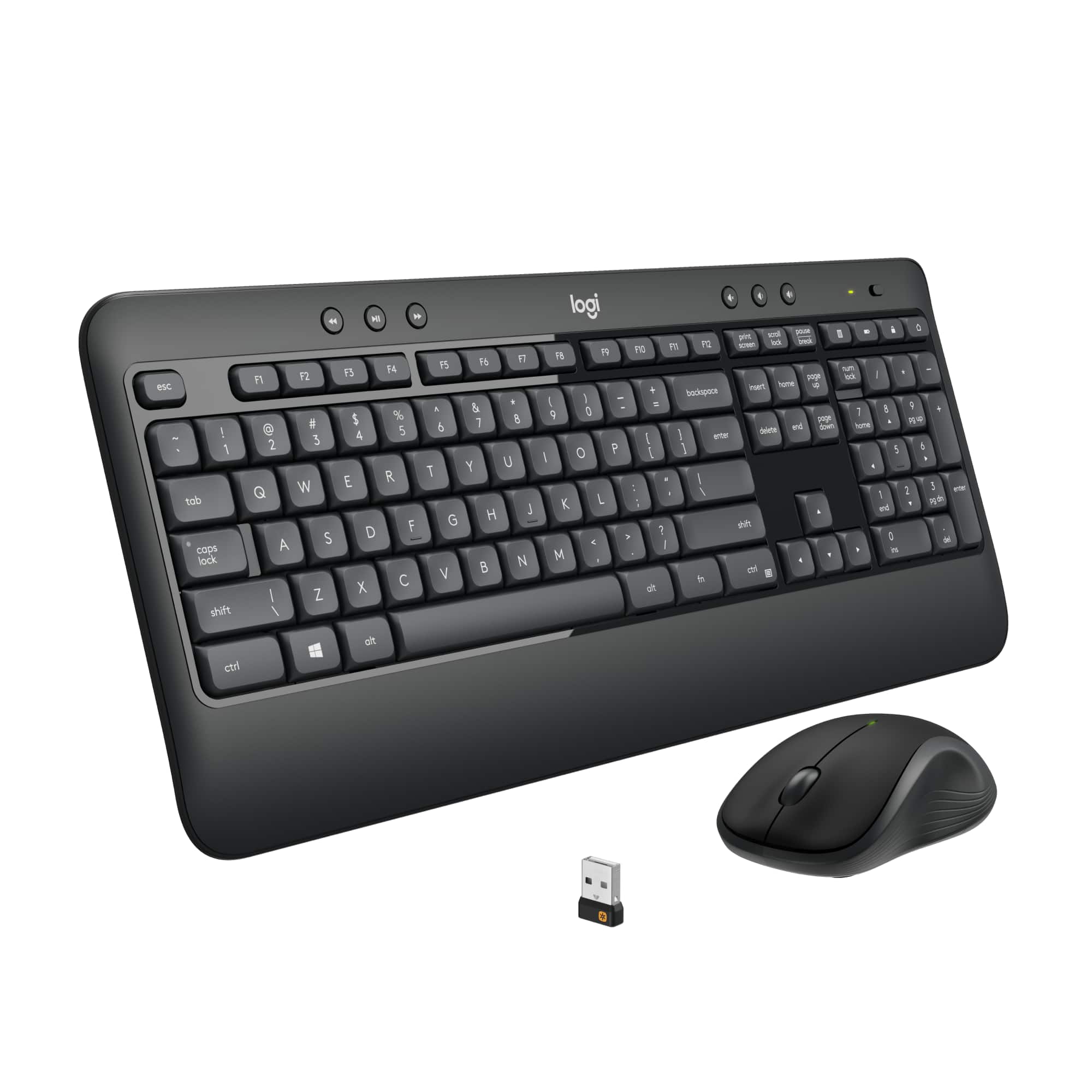
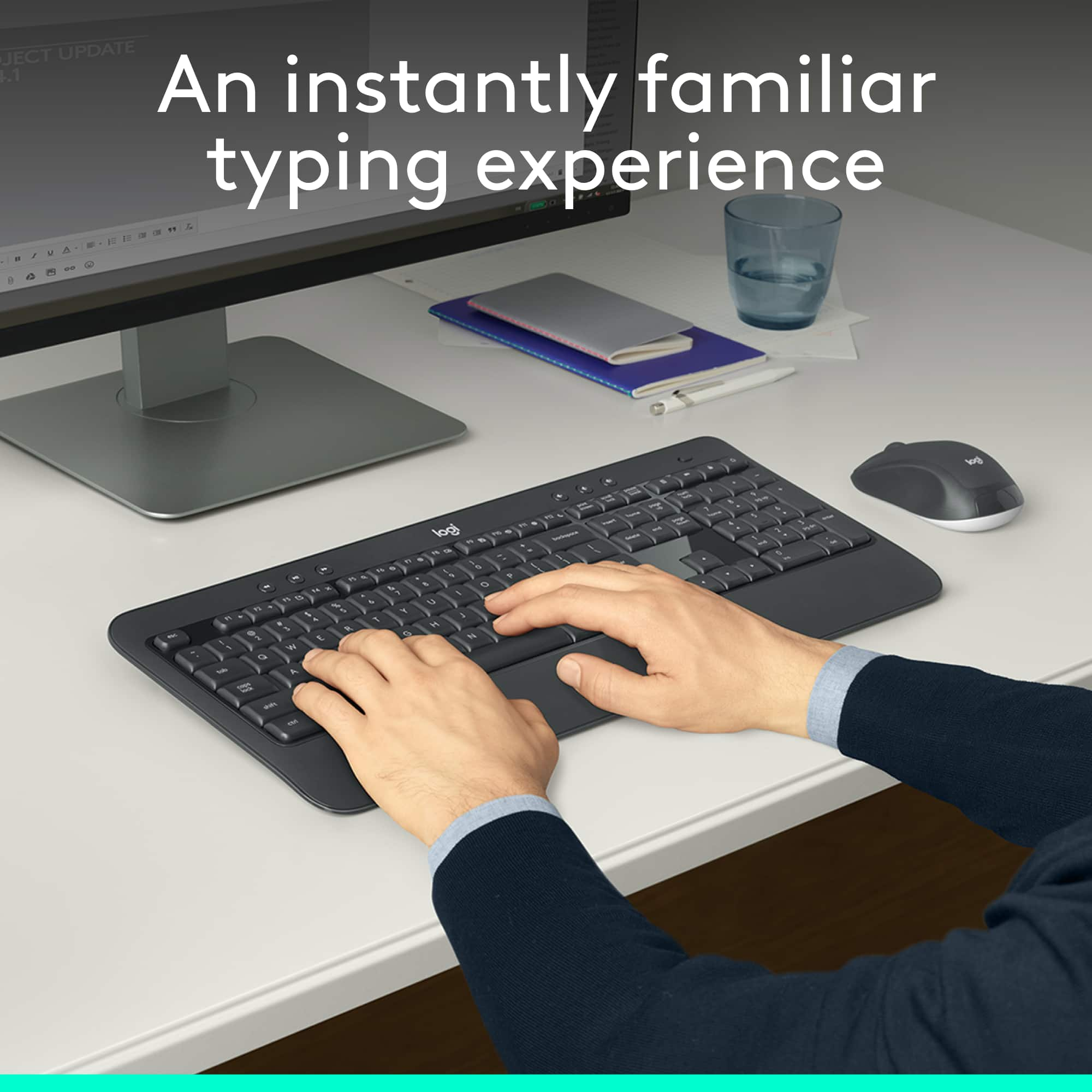

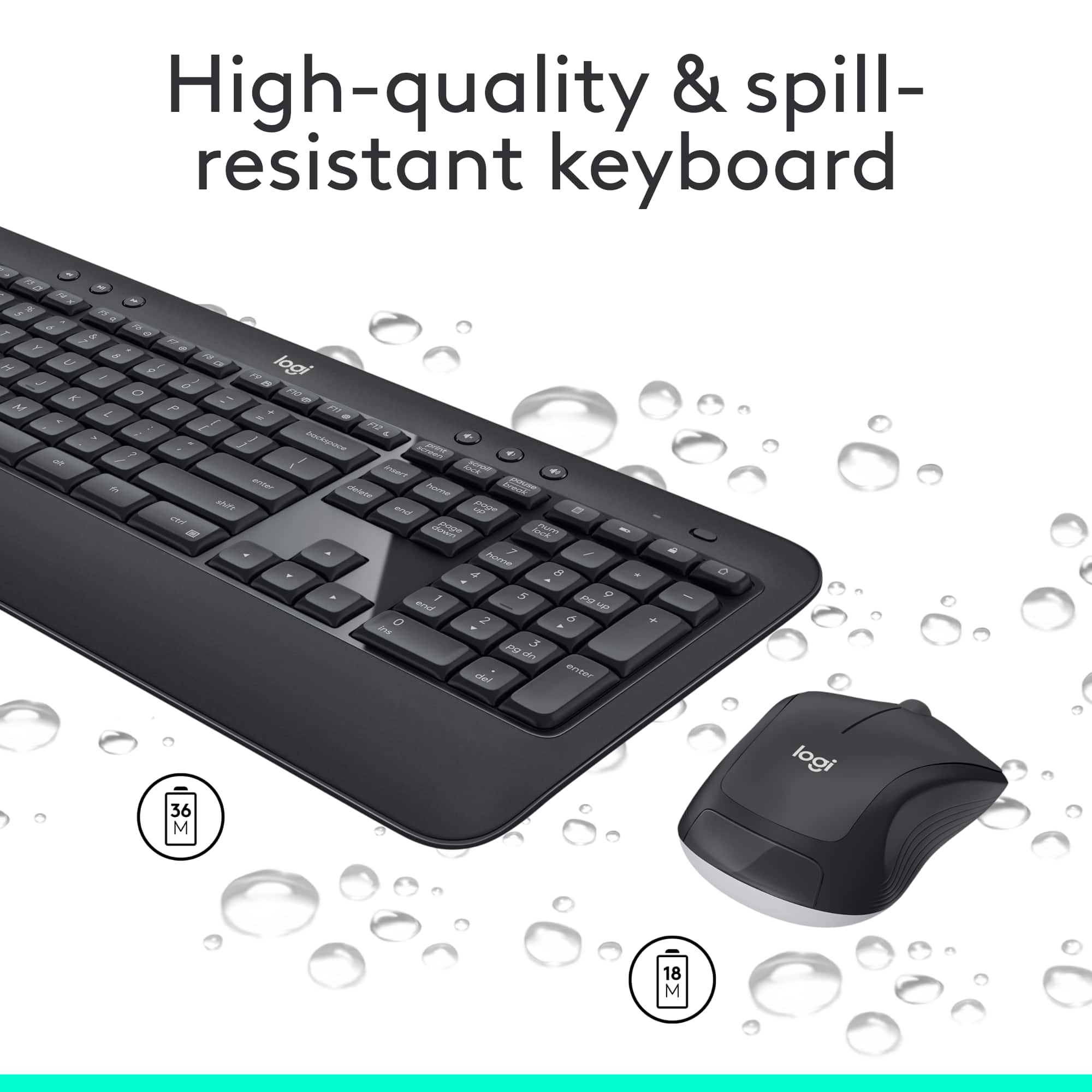
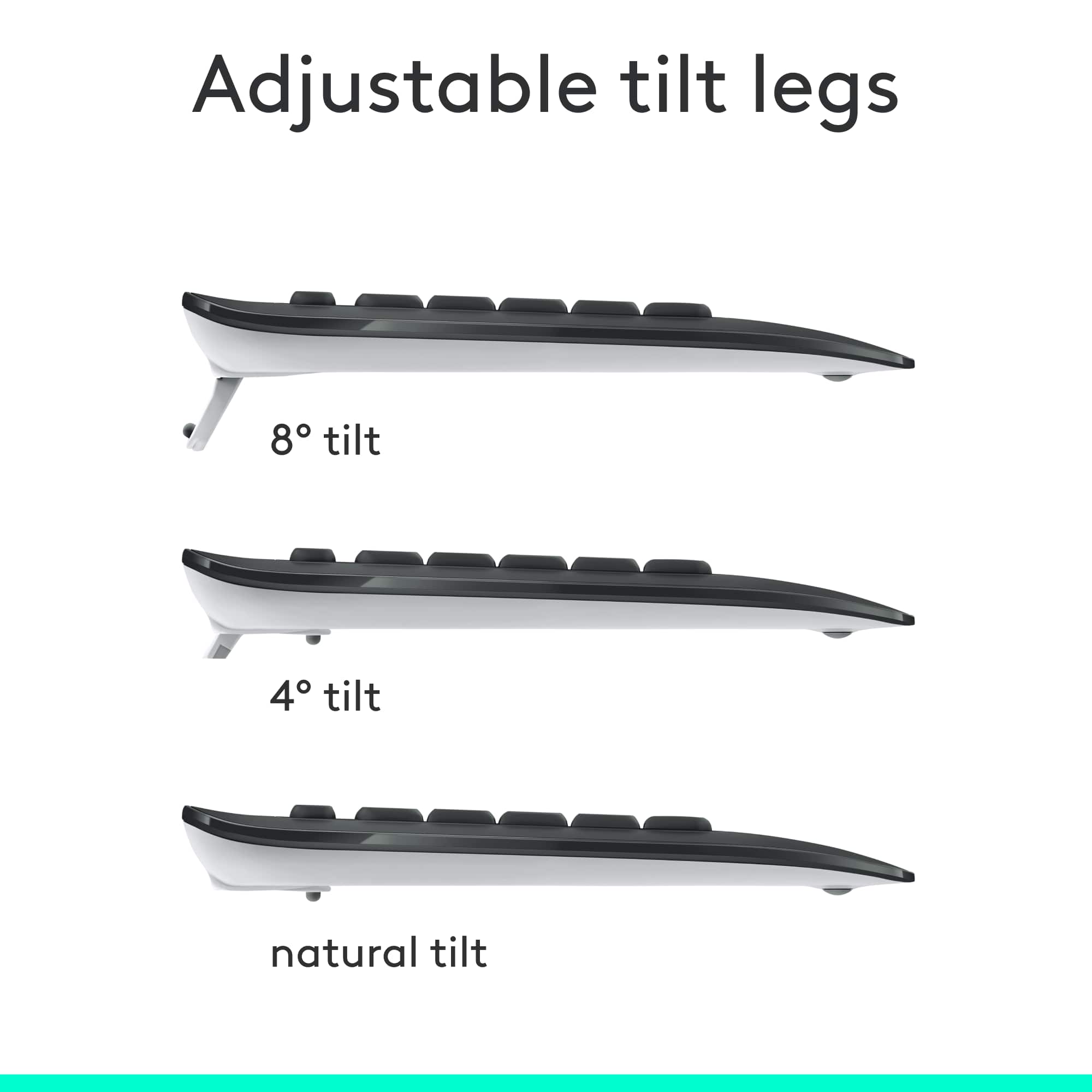
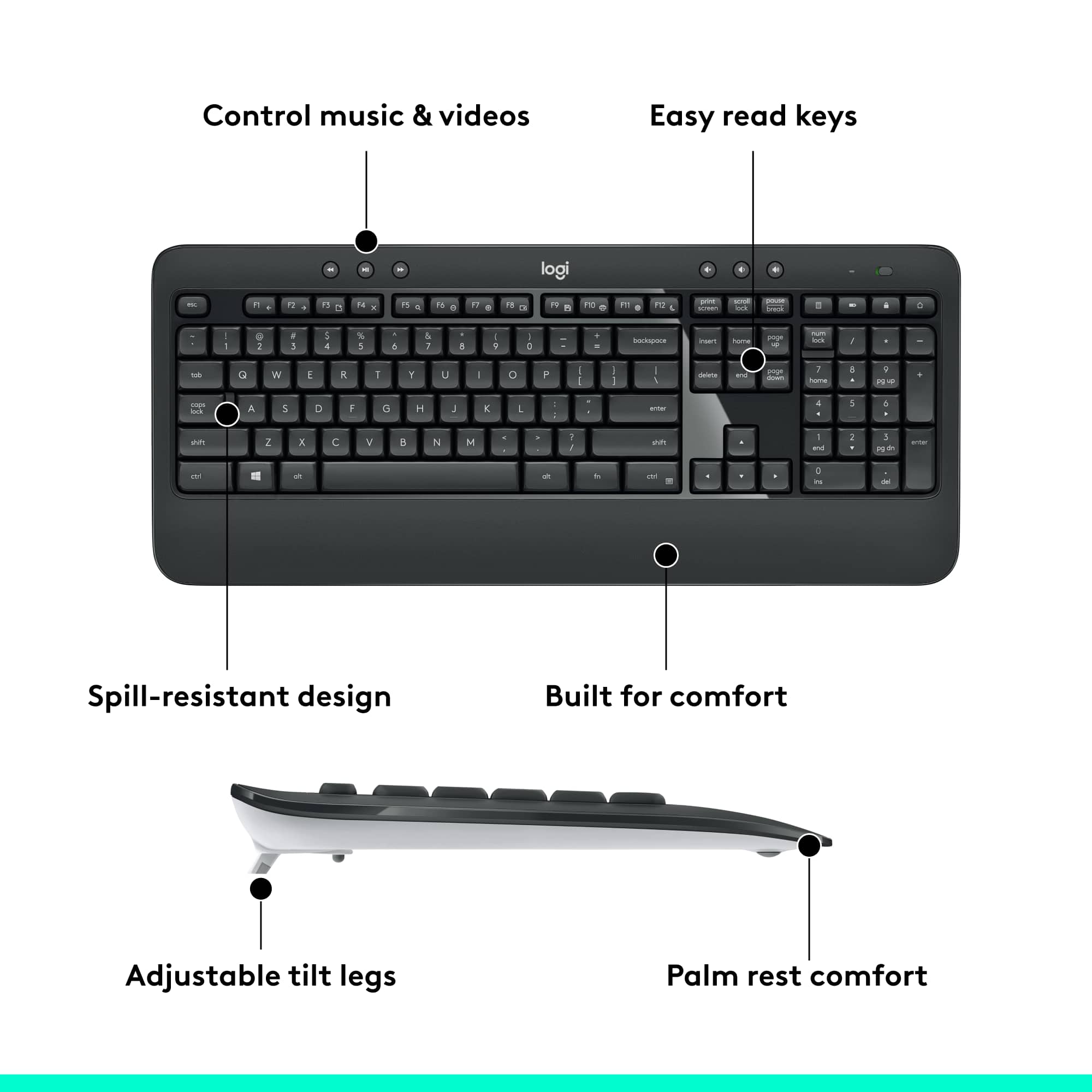
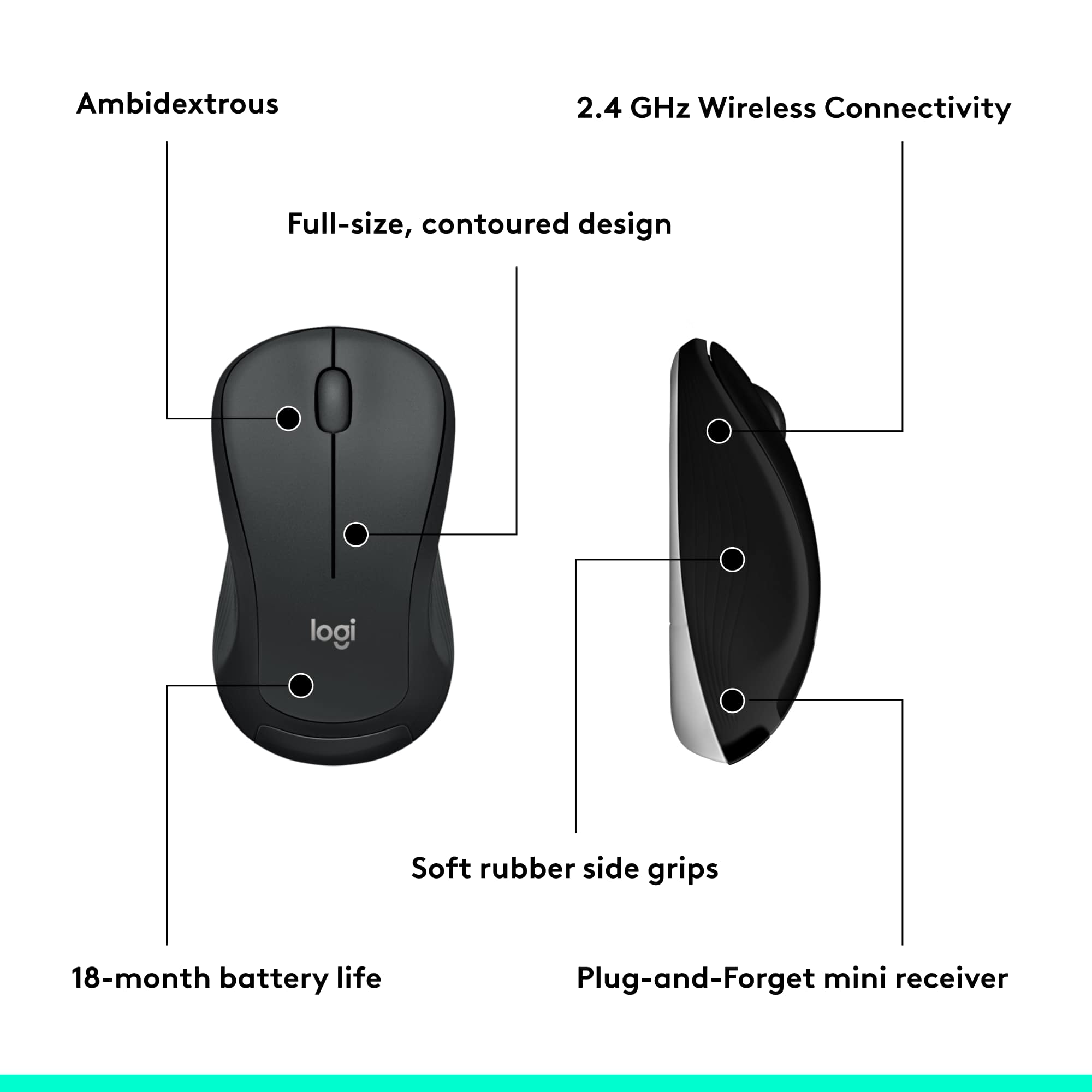
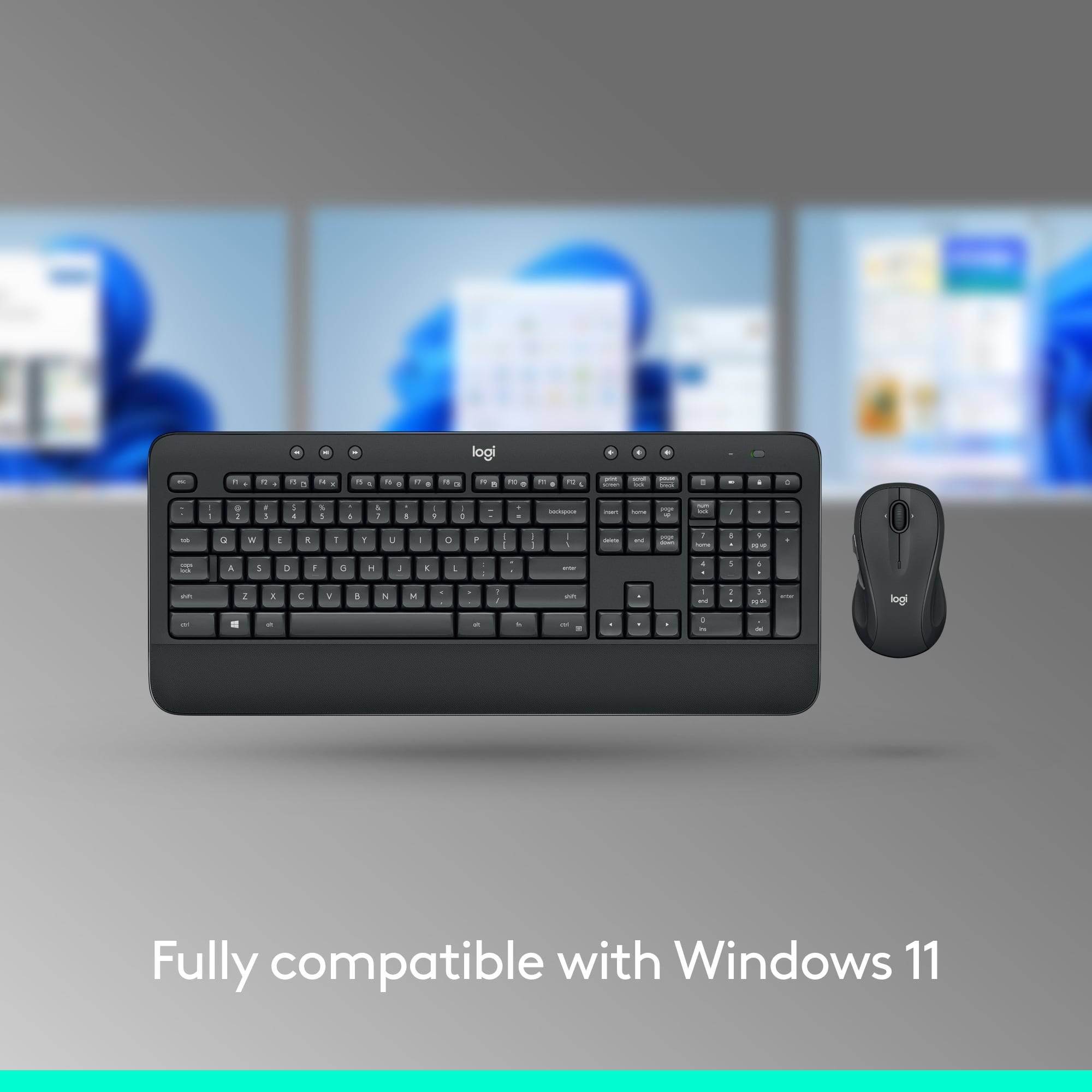
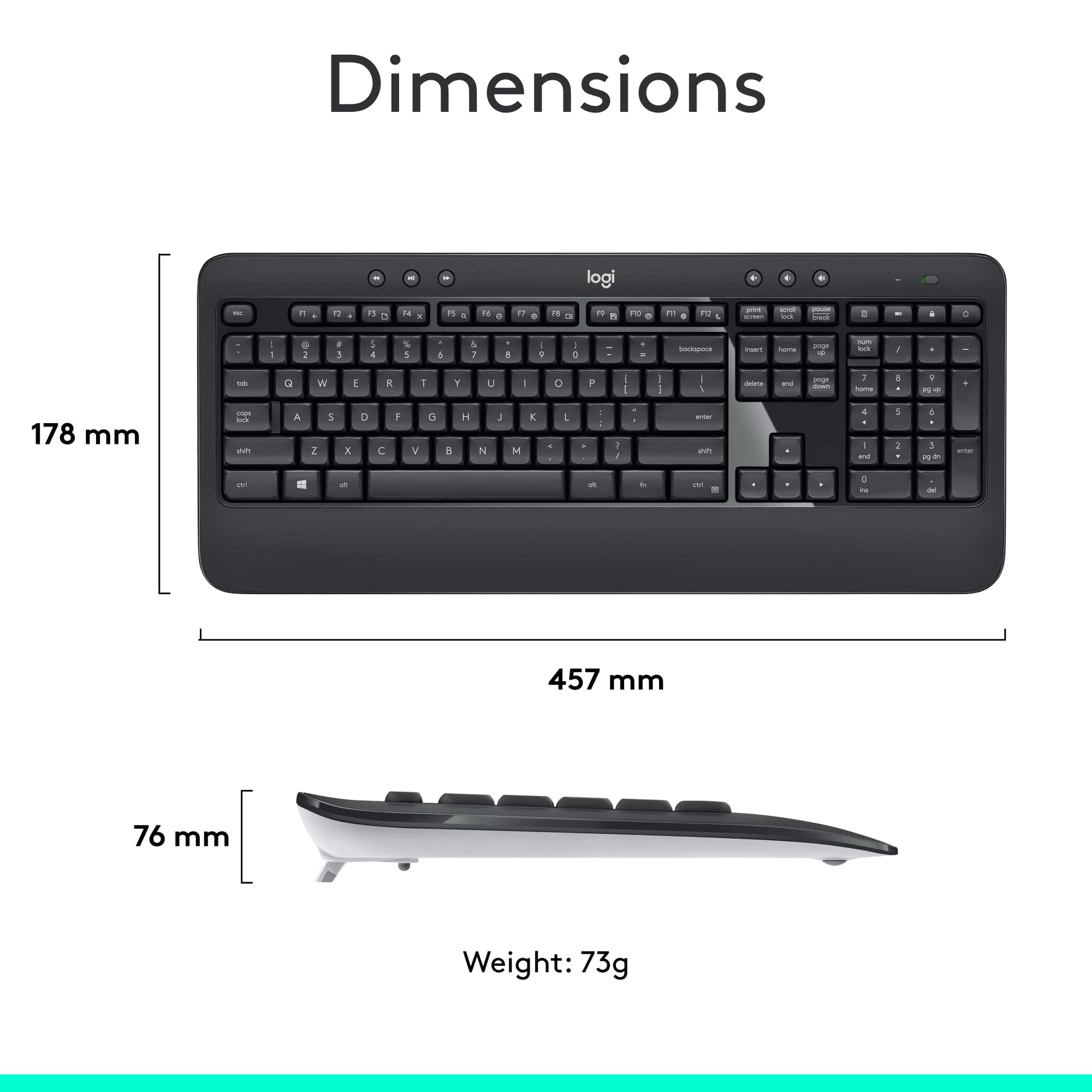

- Model:
- 920-008671
- |
- SKU:
- 6215118
Customer reviews
Rating 4.6 out of 5 stars with 7206 reviews
(7,206 customer reviews)Rating by feature
- Value4.6
Rating 4.6 out of 5 stars
- Quality4.6
Rating 4.6 out of 5 stars
- Ease of Use4.7
Rating 4.7 out of 5 stars
Customers are saying
Customers are satisfied with the keyboard's quality and ease of use. The wireless feature, price, and impressive battery life also contribute to positive experiences. However, some customers have reported occasional connection issues and lag. Overall, the keyboard and mouse combo seems to be well-received.
This summary was generated by AI based on customer reviews.
Rated 2 out of 5 stars
Sigh. Disappointed.
||Posted .This reviewer received promo considerations or sweepstakes entry for writing a review.This product is barely OK. The mouse won’t connect (even after many attempts and much troubleshooting) and the keys stick.
No, I would not recommend this to a friendBrand response from Logitech
Posted .Hello GomezClan. Thank you for taking the time to write a review of the MK540 at Best Buy. I'm sorry to hear that you are having issues with the mouse not connecting and the keys sticking. Unfortunately lemons can happen sometimes with the thousands of products that get shipped out everyday. If you are still within the exchange period, please try a new one and see if that one works. If not, please contact our Customer Support and get a warranty replacement started. https://support.logi.com/hc/en-us/
-Charlton at Logitech
Rated 2 out of 5 stars
Not a fan
||Posted .This reviewer received promo considerations or sweepstakes entry for writing a review.No bluetooth connectivity without dongle, meaning cannot be used separately (just mouse or just keyboard)
No, I would not recommend this to a friendBrand response from Logitech
Posted .Hi Anon, thank you for your feedback! The MK540 uses a wireless USB receiver which will work for both the mouse and the keyboard. You may prefer the upgraded MK850, which includes Bluetooth, Multi-device, and FLOW with Logitech Options software: https://www.bestbuy.com/site/logitech-mk850-performance-wireless-keyboard-and-optical-mouse-black/5761911.p?skuId=5761911 - Will, Logitech.
Rated 1 out of 5 stars
Returned
||Posted .This reviewer received promo considerations or sweepstakes entry for writing a review.Did not work properly but it would have been cool if it worked
No, I would not recommend this to a friendBrand response from Logitech
Posted .Hi sbuyher93,
I am sorry you didn't like your new Logitech mouse and keyboard combo. This issue is not common, so I suggest you contact Geek Squad support for technical assistance or the Logitech support team. Logitech appreciates your product insight. https://support.logitech.com/hc/en-us/requests/new?ticket_form_id=360000621393&mID=13004
- Leo from Logitech
Rated 2 out of 5 stars
Few months and then it stopped working
||Posted . Owned for 7 months when reviewed.This reviewer received promo considerations or sweepstakes entry for writing a review.So after a few months the keys stopped working and I had to return it thank goodness I got the warranty replacement!!
I would recommend this to a friendBrand response from Logitech
Posted .Hello, Very sorry to hear about the keys stopped working with the MK540. Also glad that you were able to get a warranty replacement through Best Buy. Just know that Logitech provides a 1 year limited hardware warranty for the MK540. If any issues should come up, please visit this link: https://support.logi.com/hc/en-us/articles/360023459773-Getting-Started-MK540. This is the product support page for the MK540 which has troubleshooting FAQs, software downloads, warranty information, and more. Hope that you found this helpful and that all is going well. Thank you for choosing Logitech. - Richard from Logitech
Rated 2 out of 5 stars
Meh- not comfy.
||Posted . Owned for 1 month when reviewed.This reviewer received promo considerations or sweepstakes entry for writing a review.Not happy; keys are spaced tightly and rounded; making it hard to get a tactile grip on the keys.
No, I would not recommend this to a friendRated 5 out of 5 stars
Logitech is the best
||Posted .This reviewer received promo considerations or sweepstakes entry for writing a review.Don't both with HP, Microsoft, or any other brand keyboards and mice. Logitech will last you forever!
I would recommend this to a friendRated 4 out of 5 stars
Almost
||Posted . Owned for 1 month when reviewed.This reviewer received promo considerations or sweepstakes entry for writing a review.After Windows 11 boots, the right hand number pad stops working.
I would recommend this to a friendRated 2 out of 5 stars
Poor quality
||Posted . Owned for 2 weeks when reviewed.This reviewer received promo considerations or sweepstakes entry for writing a review.Likes to randomly stop transmitting inputs. One second it working and then the next you have to wait 30 seconds for it to work.
No, I would not recommend this to a friendBrand response from Logitech
Posted .Very sorry to hear about your troubles with the MK540 and the connection issues it's giving you. Try downloading Logitech's Option software which you can use to customize settings and also insure that your unifying receiver is working properly running the latest driver. Here's a link specifically for your MK540: https://support.logi.com/hc/en-us/articles/360024850313--Downloads-MK540-ADVANCED-Wireless-Keyboard-and-Mouse-Combo . Hope this was a help. Thanks for being a Logitech customer.
- Cons mentioned:Size
Rated 1 out of 5 stars
Too big of a keyboard for me
||Posted .This reviewer received promo considerations or sweepstakes entry for writing a review.I would recommend a lil smaller for myself. I just don’t enjoy something going over both of my legs like that.
No, I would not recommend this to a friend Rated 1 out of 5 stars
Mouse have a 0.1 mm gap, so it is wobbly
||Posted . Owned for 1 week when reviewed.This reviewer received promo considerations or sweepstakes entry for writing a review.Two times I bought this kit the mouse had an issue so it wobbles on the surface (pad or table). This is a unacceptable defect for a mouse device. You can fix it with 2-4 layers of a duct tape on one of the slide pads. I love Logitech and love this combo kit design. I hope it is just a manufacturing defect of one batch, not the whole series. I have a M310 mouse from a different kit and its surface is perfect.
No, I would not recommend this to a friend- Cons mentioned:Lag
Rated 1 out of 5 stars
Mouse and keyboard always freeze randomly
||Posted .This reviewer received promo considerations or sweepstakes entry for writing a review.Both the keyboard and mouse lag frequently and it makes both of the items unusable
No, I would not recommend this to a friendBrand response from Logitech
Posted .Hello customer, I'm sorry to hear that you're having some issues with your MK540. It sounds like you're having some connectivity issues. My recommendation would be to try different usb ports for the unifying receiver, specifically ports that are closest to the mouse and keyboard and that have minimal obstructions.
Rated 2 out of 5 stars
Keyboard
||Posted .This reviewer received promo considerations or sweepstakes entry for writing a review.Average at best, in fact the one sift key does not work properly. Disappointing, get something better, junk.
No, I would not recommend this to a friendBrand response from Logitech
Posted .Hi Bruce,
Thank you for your feedback. Sorry you are having issues with your keyboard. Here are possible solutions:
If your keyboard is not working, the problem is likely to be a lost connection. The connection between the keyboard and the USB receiver can be lost for several reasons. Make sure you have fresh batteries in your keyboard. Make sure your keyboard is turned on. Make sure the USB receiver is securely plugged directly into a working USB port on your computer. Turn your computer on download the correct version of Logitech SetPoint Mouse and Keyboard Software.
If you need further assistance, please contact Logitech Support on the website.
LaShonda from Logitech
Rated 2 out of 5 stars
Clunky, did odd things
||Posted .This reviewer received promo considerations or sweepstakes entry for writing a review.Dislike this keyboard. Keyboard is noisy and clunky to use. Wish I never bought it! Number pad stopped working the second day
No, I would not recommend this to a friendRated 1 out of 5 stars
Poor response
||Posted . Owned for 4 months when reviewed.This reviewer received promo considerations or sweepstakes entry for writing a review.Looses connection a lot. Freezes nothing you can do with it
No, I would not recommend this to a friendBrand response from Logitech
Posted .Hi Manny, Very sorry to hear about the connection issues that you're having with the MK540 Wireless Keyboard and Mouse. There are several reasons why connection can be lost: low batteries, moving the Unifying Receiver from one USB port to another, moving the receiver to another computer, plugging the receiver into a USB hub or other unsupported device such as a KVM switch (your USB receiver must be plugged directly to your computer), using your mouse/keyboard on metal surfaces, radio frequency (RF) interference of more powerful wireless devices (wireless speakers, computer power supplies, monitors, cell phones, garage door openers). Be sure to keep those devices at least 8 inches away from the receiver. If none of those solutions work, then there could be a hardware issue which should be covered by the 1 year limited hardware warranty. Here's a link to File A Claim: https://support.logi.com/hc/en-us/articles/360024924974-Warranty-MK540-ADVANCED. Hope that you found this useful and that all is going well. - Richard from Logitech
Rated 2 out of 5 stars
Meh
||Posted . Owned for 2 weeks when reviewed.This reviewer received promo considerations or sweepstakes entry for writing a review.The keyboard was very faulty and laggy. Had to return the item. Other then that, it was a good design.
No, I would not recommend this to a friendBrand response from Logitech
Posted .Hi 12234, thank you for your feedback! You should not experience any lag with any Logitech product. For support, please refer to: https://support.logi.com/hc/en-us/articles/360023459773 - Will, Logitech.
Rated 2 out of 5 stars
Trash
||Posted . Owned for 3 weeks when reviewed.This reviewer received promo considerations or sweepstakes entry for writing a review.The mouse is laggy and inaccurate, the keyboard is garbage-- wouldn't buy it again for even $10.
No, I would not recommend this to a friendBrand response from Logitech
Posted .Hi Brandon, thank you for sharing your experience with the MK540. I'm sorry that your experience with the mouse was inaccurate and had lag. In some instances the placement on the USB receiver can impact the performance of the mouse. If possible you can change the port that the USB is in or get a USB extender so that there is line of sight between the mouse and the USB. I'm sorry that the keyboard didn't live up to your standards either. I hope you are able to find a mouse and keyboard that better suits your needs. Thank you for being a Logitech customer. Kristi from Logitech
Rated 1 out of 5 stars
none
||Posted . Owned for 1 month when reviewed.This reviewer received promo considerations or sweepstakes entry for writing a review.Mouse frequently fails. Keyboard frequently freezes. If warranty by Best Buy is 60 days rather than 30 I'll probably return it.
No, I would not recommend this to a friendBrand response from Logitech
Posted .That sounds like an issue. In order to help you effectively, please provide your information to our support team by emailing socialcare@logitech.com. Name – Email address – Country – Product name – Brief description of the issue –
Rated 3 out of 5 stars
Ok keyboard and mouse
||Posted .This reviewer received promo considerations or sweepstakes entry for writing a review.Bought for son for gaming loses signal a lot slow response time wouldn’t recommend for gaming
I would recommend this to a friendRated 1 out of 5 stars
Lags
||Posted . Owned for 2 weeks when reviewed.This reviewer received promo considerations or sweepstakes entry for writing a review.I got this keyboard to replace an old wired keyboard, but when I got home and connected to my computer the keyboard lagged like crazy. I don't know how you can get any work done with this. Returned and got another wired keyboard, I never want another wireless keyboard thanks to my experience with this one.
No, I would not recommend this to a friendBrand response from Logitech
Posted .Hey there Gigi, I'm sorry to hear that you had some issues with your MK540. In the future, if you have this issue again, I would recommend trying a different USB port for the dongle, one closer to your devices and with as few obstacles as possible, and switch out the batteries for fresh ones. -Weston from Logitech
Rated 5 out of 5 stars
Great for all ages
||Posted .This reviewer received promo considerations or sweepstakes entry for writing a review.This was not only to be used for work but also for gaming and I have no complaints!
I would recommend this to a friend