Customer Ratings & Reviews
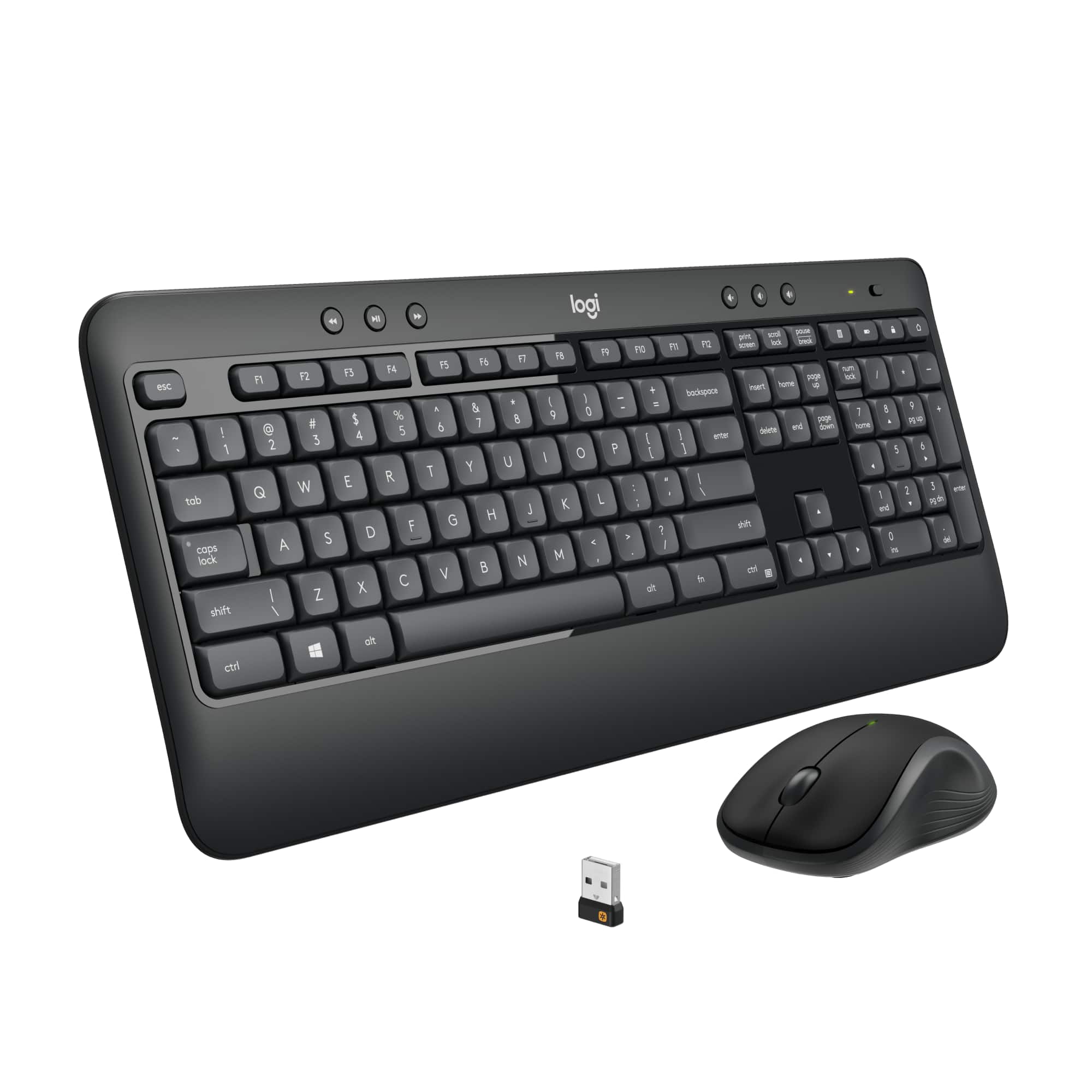
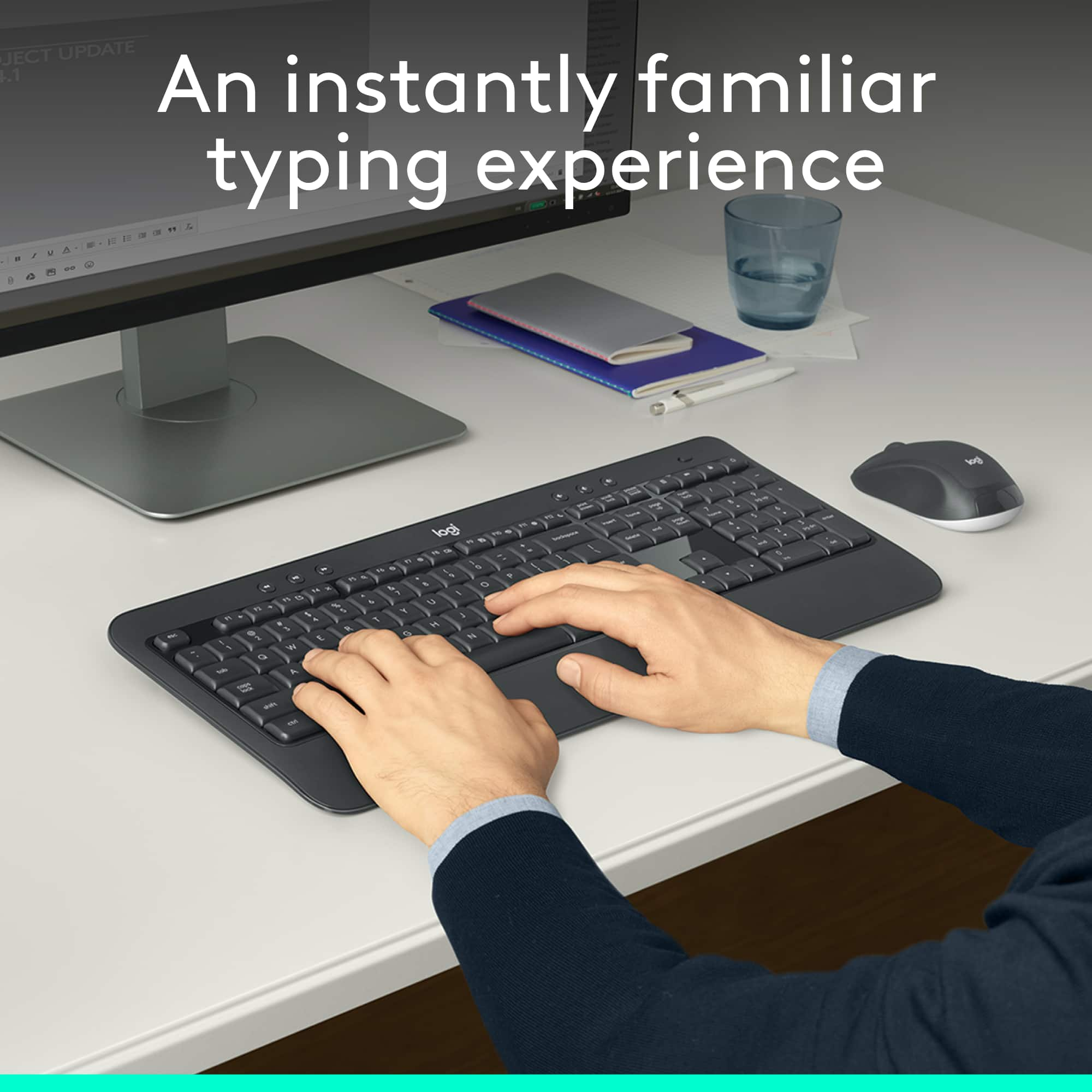
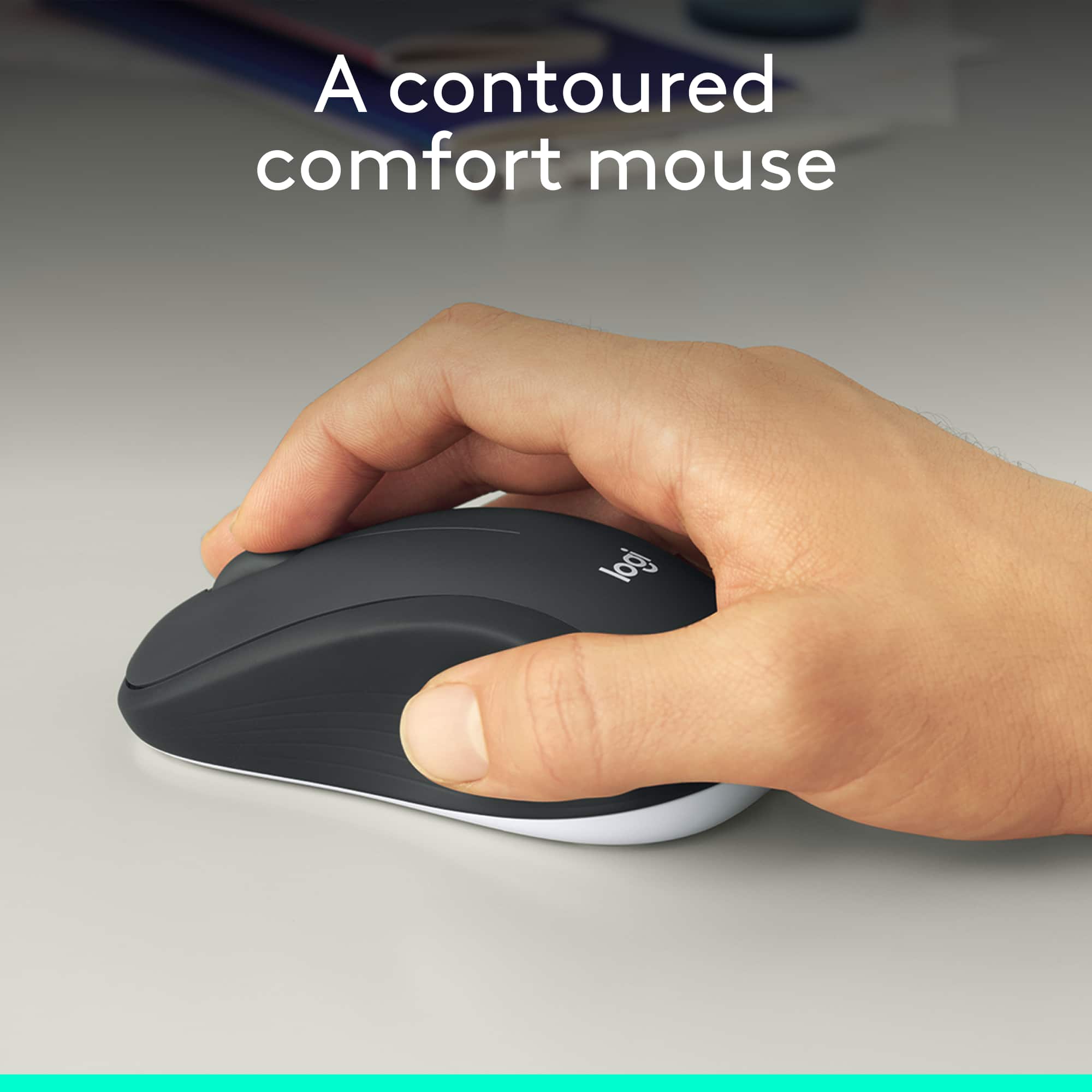
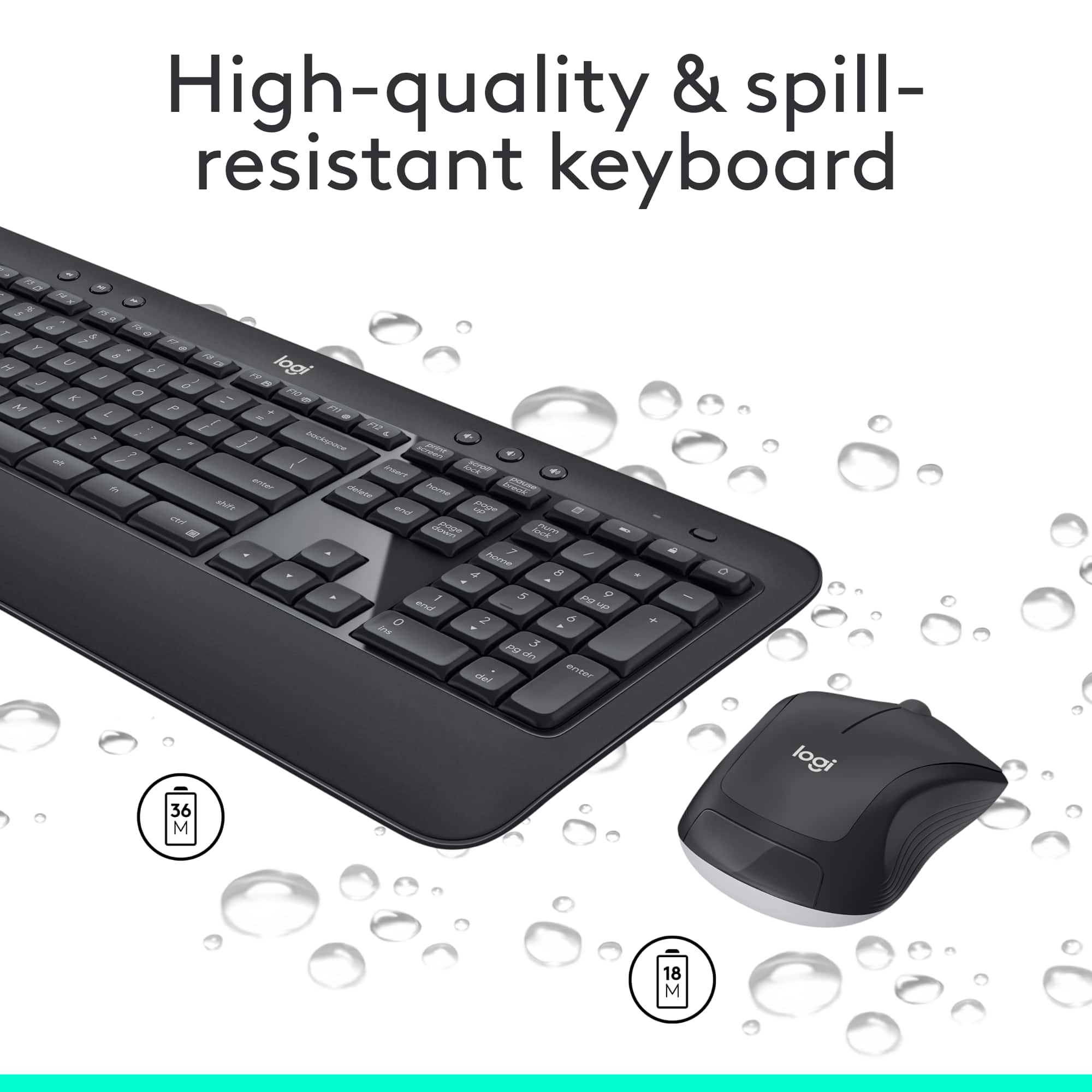
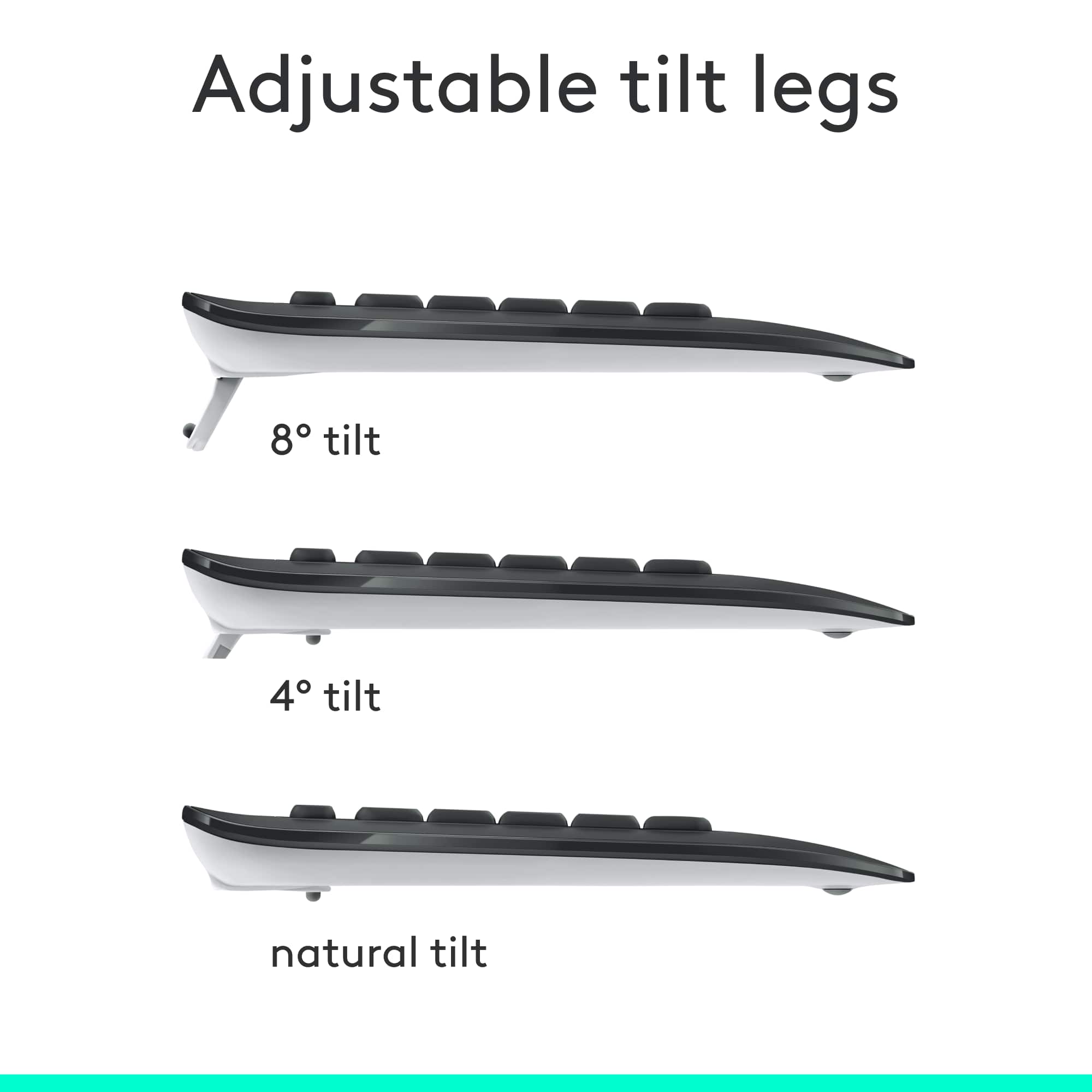
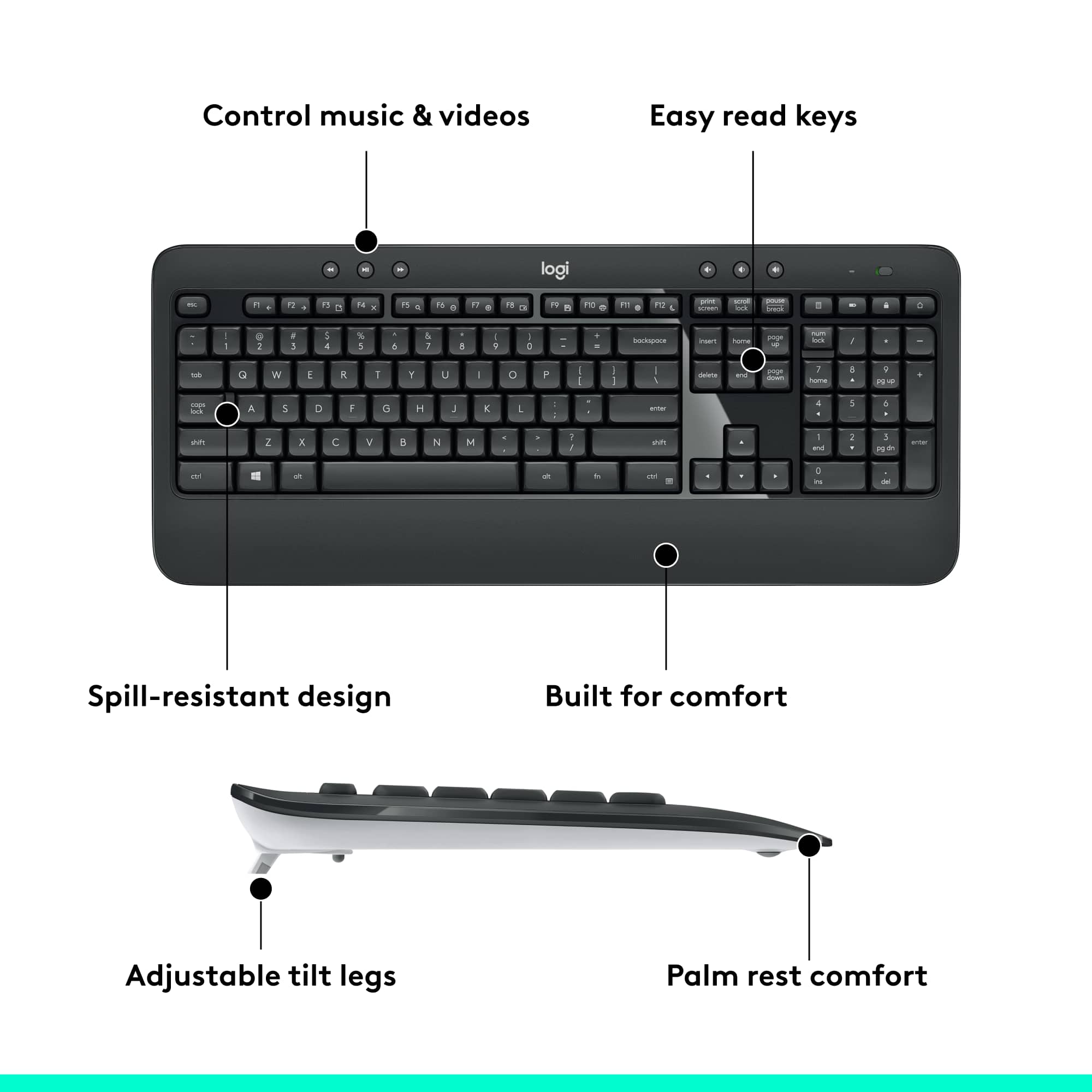
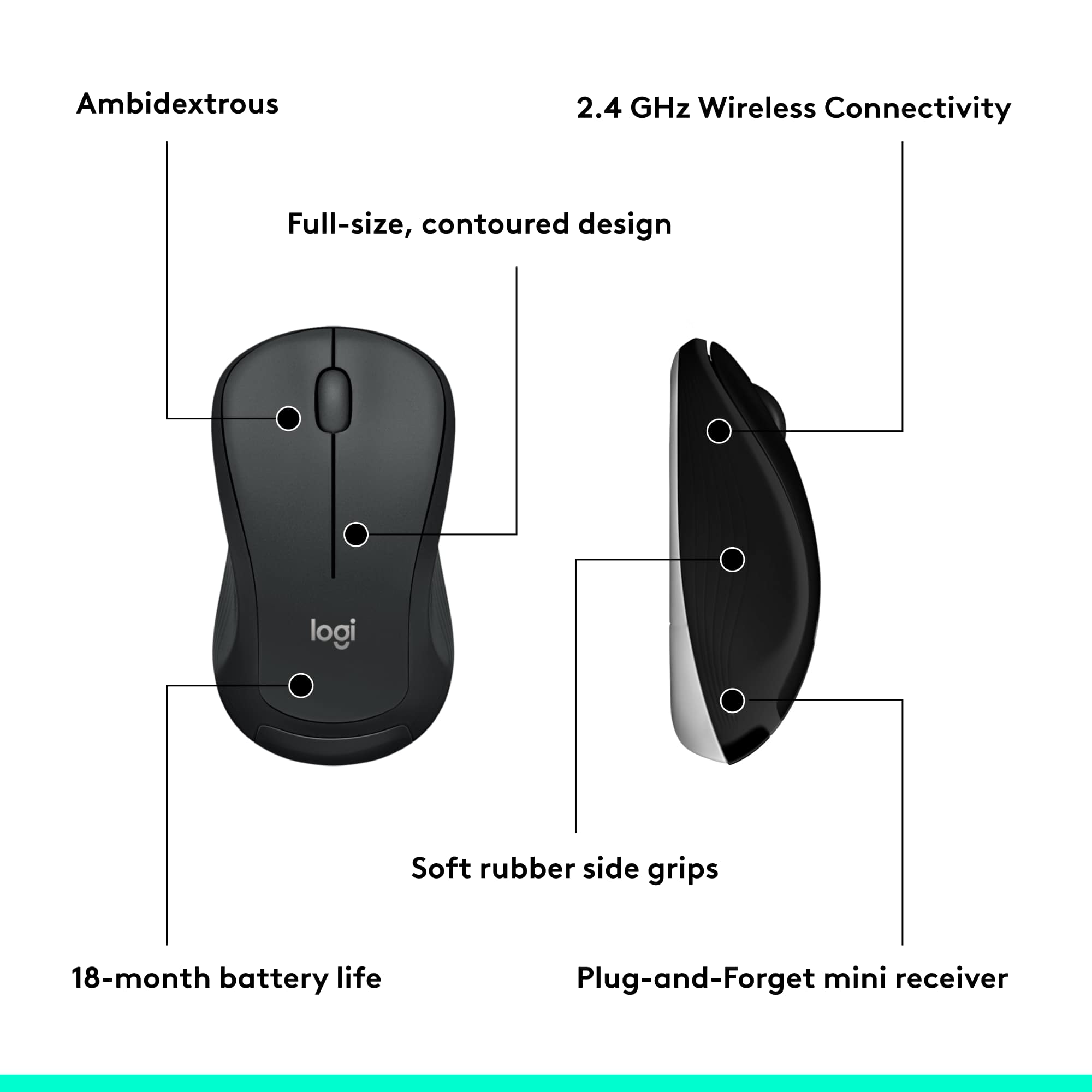
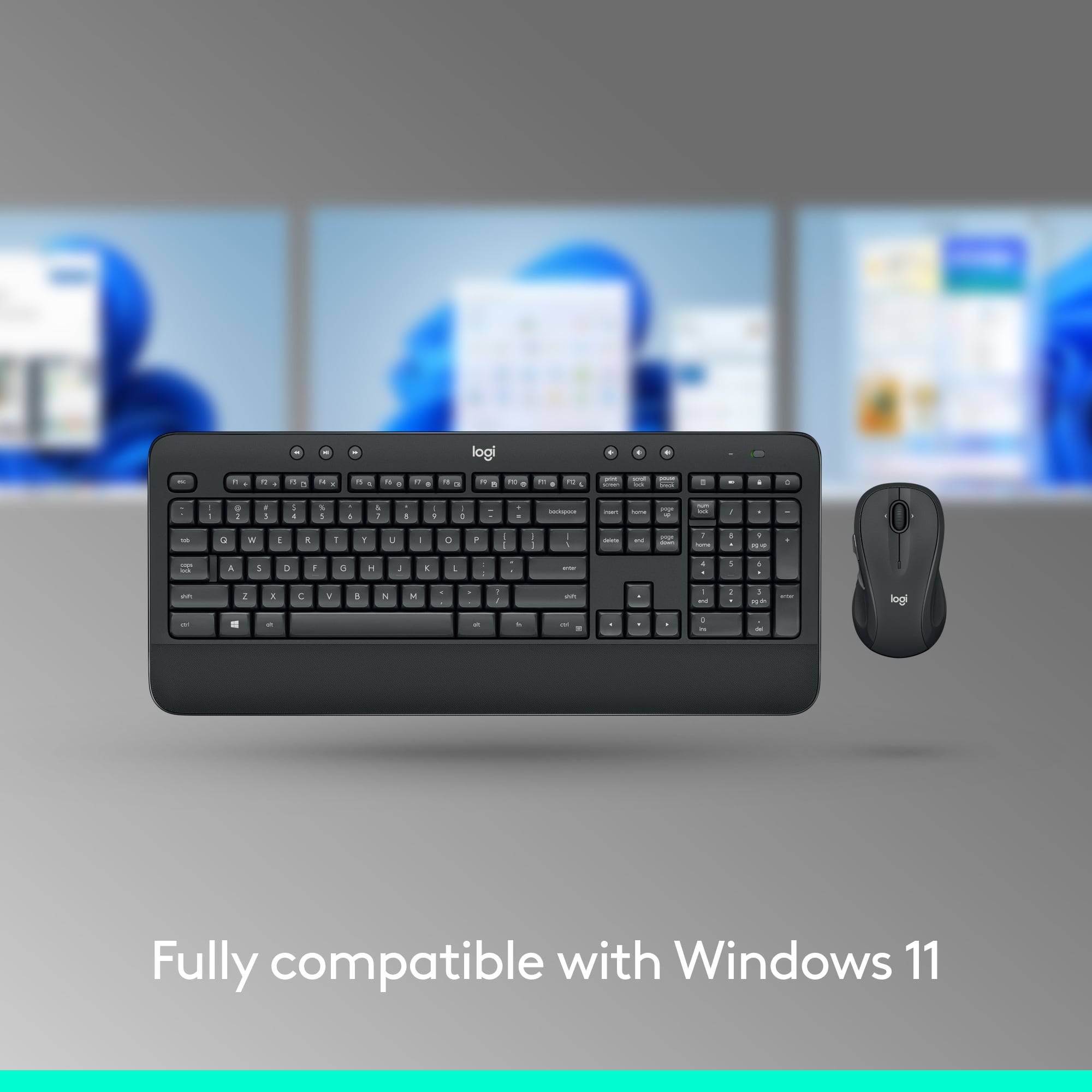

- Model:
- 920-008671
- |
- SKU:
- 6215118
Customer reviews
Rating 4.6 out of 5 stars with 7206 reviews
(7,206 customer reviews)Rating by feature
- Value4.6
Rating 4.6 out of 5 stars
- Quality4.6
Rating 4.6 out of 5 stars
- Ease of Use4.7
Rating 4.7 out of 5 stars
Customers are saying
Customers are satisfied with the keyboard's quality and ease of use. The wireless feature, price, and impressive battery life also contribute to positive experiences. However, some customers have reported occasional connection issues and lag. Overall, the keyboard and mouse combo seems to be well-received.
This summary was generated by AI based on customer reviews.
Rated 2 out of 5 stars
Cheapest model. Just save up for something better
||Posted . Owned for less than 1 week when reviewed.This reviewer received promo considerations or sweepstakes entry for writing a review.Keyboard is okay. But the mouse is indeed terrible, even for the price.
No, I would not recommend this to a friendBrand response from Logitech
Posted .Hi Meeseeks, we're sorry to see you're unsatisfied with the MK540 Combo. If you're looking for something that might be a little bit better, check out the MK550 Comfort Wave Combo. If has a great built in wrist rest and one of more popular mice, the M510! Hopefully that helps. -N from Logitech
Rated 2 out of 5 stars
Ok for the value
||Posted . Owned for 3 weeks when reviewed.This reviewer received promo considerations or sweepstakes entry for writing a review.I have to reset the keyboard all the time. I don’t have that problem with other keyboards.
No, I would not recommend this to a friendBrand response from Logitech
Posted .Hello KimS. I'm sorry to hear that you're having some issues with your MK540 keyboard. I would recommend making sure the batteries are fresh inside the mouse and the keyboard, and possibly switching the USB dongle to a different or closer port on your computer. -Weston from Logitech.
Rated 3 out of 5 stars
Logi
||Posted . Owned for 1 month when reviewed.This reviewer received promo considerations or sweepstakes entry for writing a review.I had to get a new keyboard because my old one had a key that stopped working correctly. I failed to get a keyboard with backlit keys. So I had to buy a desk lamp to see the keys. It is working just fine - just like it is supposed to.
I would recommend this to a friendRated 1 out of 5 stars
Not reliable for Surface use
||Posted .This reviewer received promo considerations or sweepstakes entry for writing a review.This keyboard and mouse sometimes works well, and sometimes doesn't. It almost feels like the keyboard needs to "wake up", so I first use the native Surface keyboard attachment, and then go back to this keyboard, and then only sometimes does it work. Very disappointed, and I think I am outside of the return timeframe too...
No, I would not recommend this to a friendBrand response from Logitech
Posted .Hi Ally1,
Thank you for your feedback. Sorry you are having issues with your keyboard. Here are possible solutions:
If your keyboard is not working, the problem is likely to be a lost connection. The connection between the keyboard and the USB receiver can be lost for several reasons. Make sure you have fresh batteries in your keyboard. Make sure your keyboard is turned on. Make sure the USB receiver is securely plugged directly into a working USB port on your computer. Turn your computer on download the correct version of Logitech SetPoint Mouse and Keyboard Software.
If you need further assistance, please contact Logitech Support on the website.
LaShonda from Logitech
Rated 2 out of 5 stars
Missing parts
||Posted . Owned for 7 months when reviewed.This reviewer received promo considerations or sweepstakes entry for writing a review.Would not work out of the box,missing parts. Had to return.
No, I would not recommend this to a friendRated 1 out of 5 stars
Terrible functionality
||Posted . Owned for 3 weeks when reviewed.This reviewer received promo considerations or sweepstakes entry for writing a review.Terrible functionality, constantly loses connection.
No, I would not recommend this to a friendBrand response from Logitech
Posted .Hi Socrates213,
Thank you for your feedback. Sorry you are having issues with your keyboard. Here are possible solutions:
If your keyboard is not working, the problem is likely to be a lost connection. The connection between the keyboard and the USB receiver can be lost for several reasons. Make sure you have fresh batteries in your keyboard. Make sure your keyboard is turned on. Make sure the USB receiver is securely plugged directly into a working USB port on your computer. Turn your computer on download the correct version of Logitech SetPoint Mouse and Keyboard Software.
If you need further assistance, please contact Logitech Support on the website.
LaShonda from Logitech
Rated 1 out of 5 stars
Terrible
||Posted . Owned for 2 months when reviewed.This reviewer received promo considerations or sweepstakes entry for writing a review.Never connects properly . I don’t need or want three buttons that confuse the keyboard and Me when all I want to do is connect with one monitor
No, I would not recommend this to a friendBrand response from Logitech
Posted .Sorry about the experience! In order to help you effectively, please provide your information to our support team by emailing socialcare@logitech.com. Name – Email address – Country – Product name – Brief description of the issue –
Rated 1 out of 5 stars
i have a n extended warranty YOU DID NOT HONOR
||Posted . Owned for 1 month when reviewed.This reviewer received promo considerations or sweepstakes entry for writing a review.I have an extended warranty for this product which you DID NOT PROVIDE the ability to exchange to cover my extended warranty while you are closed due to pandemic. I now need to return the defective mouse/keyboard with my receipt and extended warrant and you need to credit my account for having to make a purchase vs exchange!!!
No, I would not recommend this to a friendRated 5 out of 5 stars
Great Product
||Posted .This reviewer received promo considerations or sweepstakes entry for writing a review.Love the ergonomics and simplicity of this keyboard and mouse
I would recommend this to a friendRated 5 out of 5 stars
great keyboard for my lenovo
||Posted .This reviewer received promo considerations or sweepstakes entry for writing a review.This is a great keyboard for my Lenovo computer. works great
I would recommend this to a friendRated 5 out of 5 stars
Exactly what I needed
||Posted .This reviewer received promo considerations or sweepstakes entry for writing a review.This works well with my son's laptop and desktop computers.
I would recommend this to a friendRated 1 out of 5 stars
Connectivity Range is not very good
||Posted . Owned for less than 1 week when reviewed.This reviewer received promo considerations or sweepstakes entry for writing a review.The connectivity distance is not very good. If the usb reciever is plugged just a but farther from the mouse/keyboard then the mouse or keyboard drops connection. Keyboard and mouse has to really close to the transmitter.
No, I would not recommend this to a friendRated 5 out of 5 stars
Works great
||Posted .This reviewer received promo considerations or sweepstakes entry for writing a review.Works great nd has awesome range wirelessy. Would buy again
I would recommend this to a friendRated 1 out of 5 stars
non functioning keyboard and mouse
||Posted .This reviewer received promo considerations or sweepstakes entry for writing a review.I finally put this keyboard and mouse on the shelf. The keyboard locks up or spews out letters uncontrollable. worked for about 30 days. Now is unreturnable! BestBuy is always my last choice for a retailer to purchase electronics. They sell junk and then do not allow returns of the junk they sell.
No, I would not recommend this to a friendBrand response from Logitech
Posted .Hi Solsen, Thank you for your feedback. Sorry for any inconvenience. Be sure to download the latest software for your device which can help fix minor issues of bugs. If you ever need assistance, please contact Logitech Support on the website. LaShonda from Logitech
Rated 4 out of 5 stars
The range of the keypad is rather short.
||Posted .This reviewer received promo considerations or sweepstakes entry for writing a review.Works good, but should have a longer range for the keypad. Needs to be too close to the computer.
I would recommend this to a friendRated 1 out of 5 stars
Number Pad and CTRL Button Always Get Stuck
||Posted . Owned for 3 weeks when reviewed.This reviewer received promo considerations or sweepstakes entry for writing a review.I think I received a faulty keyboard which I unfortunately do not want to return due to Covid. On mine, you must press #2 and #9 on the number pad extremely hard in order for it to work. The decimal/period on the number pad doesn't work at all. The ctrl button is sometimes unresponsive unless you press really hard.
No, I would not recommend this to a friendBrand response from Logitech
Posted .Hello, I am sorry to hear you having issues with your MK540 keyboard keys. You may try these solutions to help alleviate the issue.
Clean the button/key with compressed air.
Clean the button/key with a damp cloth on the edges.
Remove key cap, if possible, and clean underneath the key cap.
If you need further assistance please reach us for Support on the Logitech website.
Rated 5 out of 5 stars
Keyboard
||Posted .This reviewer received promo considerations or sweepstakes entry for writing a review.Wife lives it she says the keys are smooth and no delay
I would recommend this to a friendRated 5 out of 5 stars
The best
||Posted .This reviewer received promo considerations or sweepstakes entry for writing a review.So far it's a great combo, feels great, buttons are nice
I would recommend this to a friendRated 5 out of 5 stars
Keyboard
||Posted .This reviewer received promo considerations or sweepstakes entry for writing a review.Love the keyboard and mouse. Would definitely recommend
I would recommend this to a friendRated 1 out of 5 stars
Garbage
||Posted . Owned for 3 weeks when reviewed.This reviewer received promo considerations or sweepstakes entry for writing a review.Keyboard worked till return date. Now the keyboard stops typing most of the time. I have to wait for the keyboard to respond. Do not buy this product. It gets super frustrating.
No, I would not recommend this to a friendBrand response from Logitech
Posted .We apologize for the experience you had with the product. We recommend that you contact Logitech support for further assistance in this case as they're well equipped to assist you with the necessary steps and also will let you know any available options.