Customer Ratings & Reviews

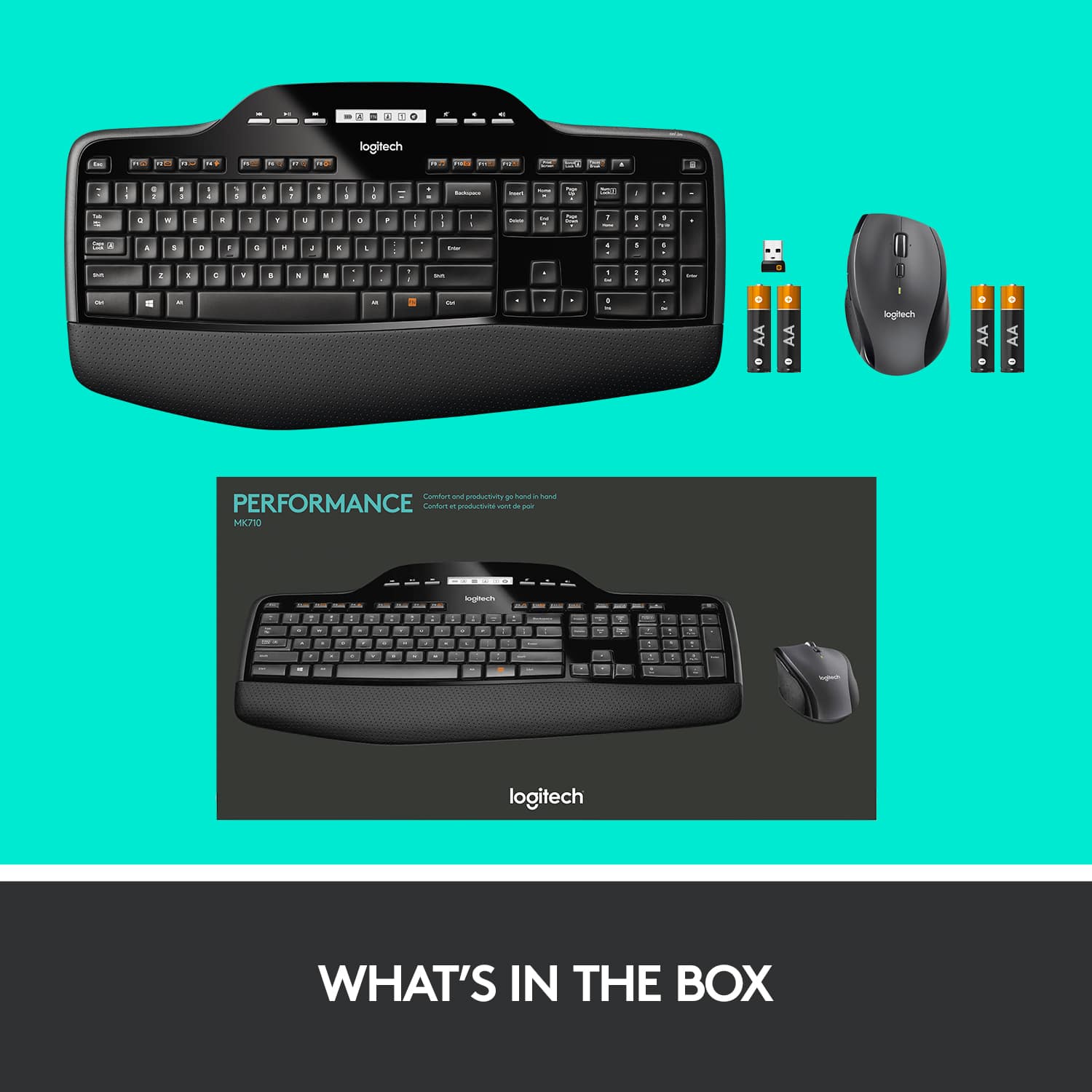


- Model:
- 920-002416
- SKU:
- 10952789
Rating by feature
- Value
Rating 4.6 out of 5 stars
- Quality
Rating 4.7 out of 5 stars
- Ease of Use
Rating 4.7 out of 5 stars
Customers are saying
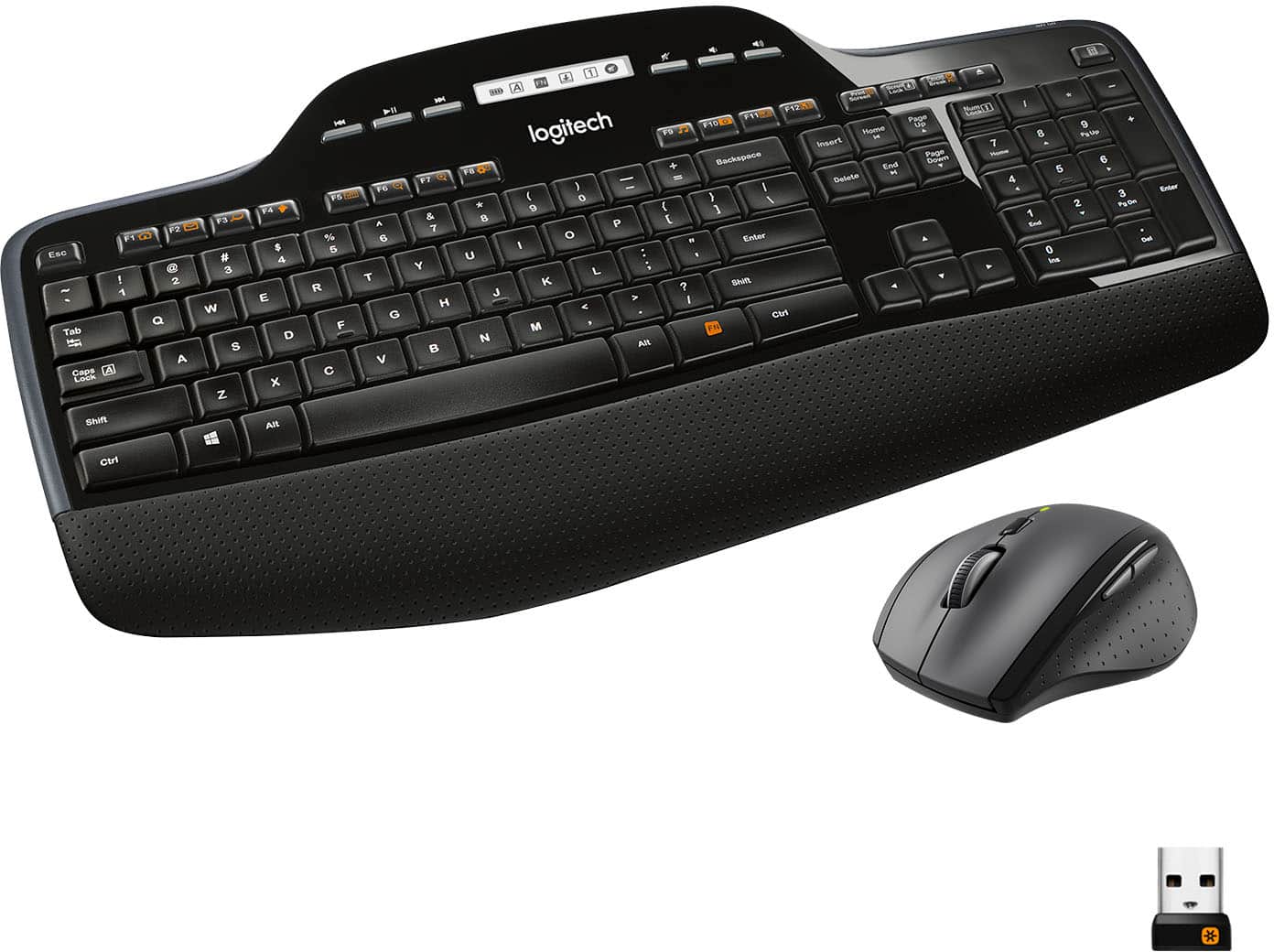
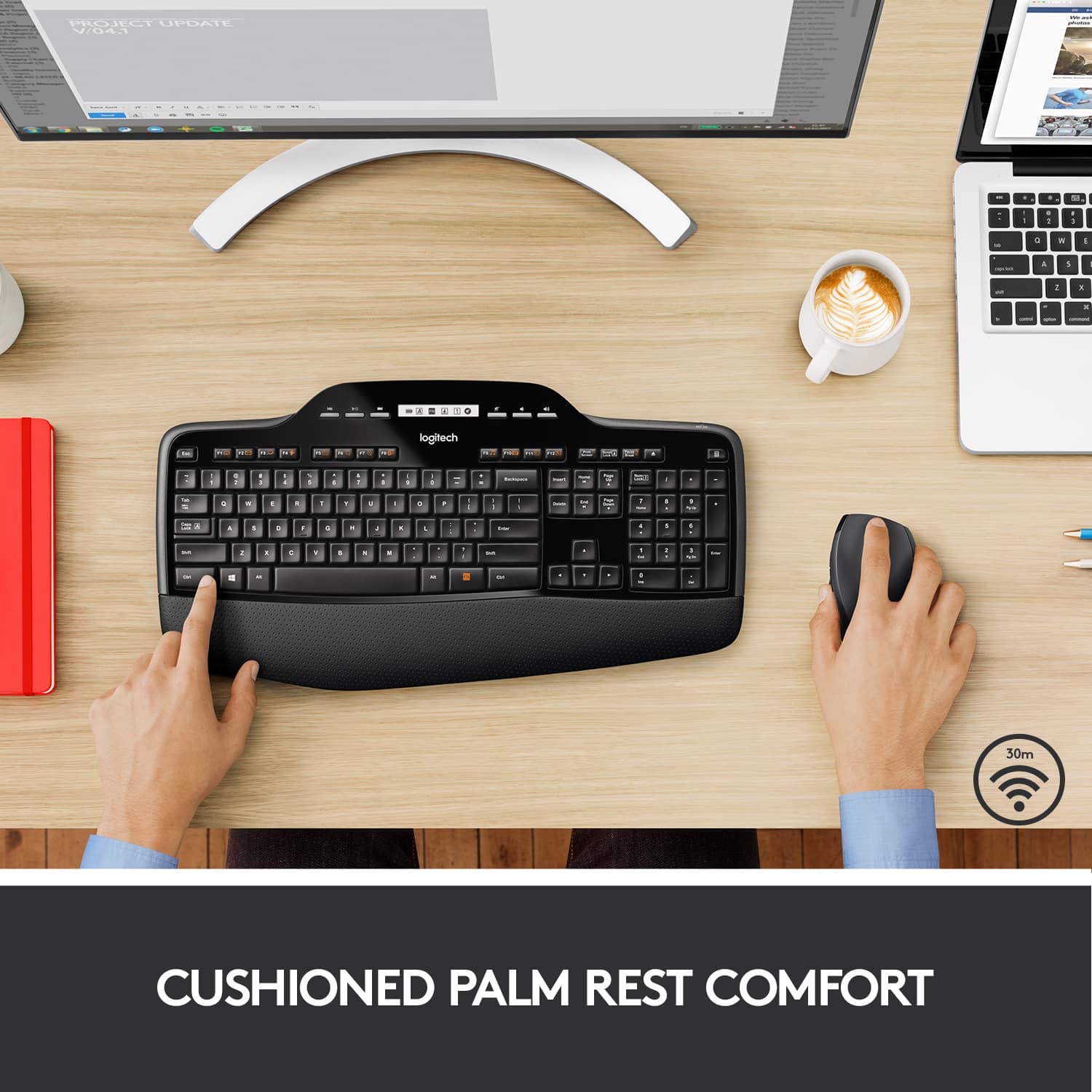
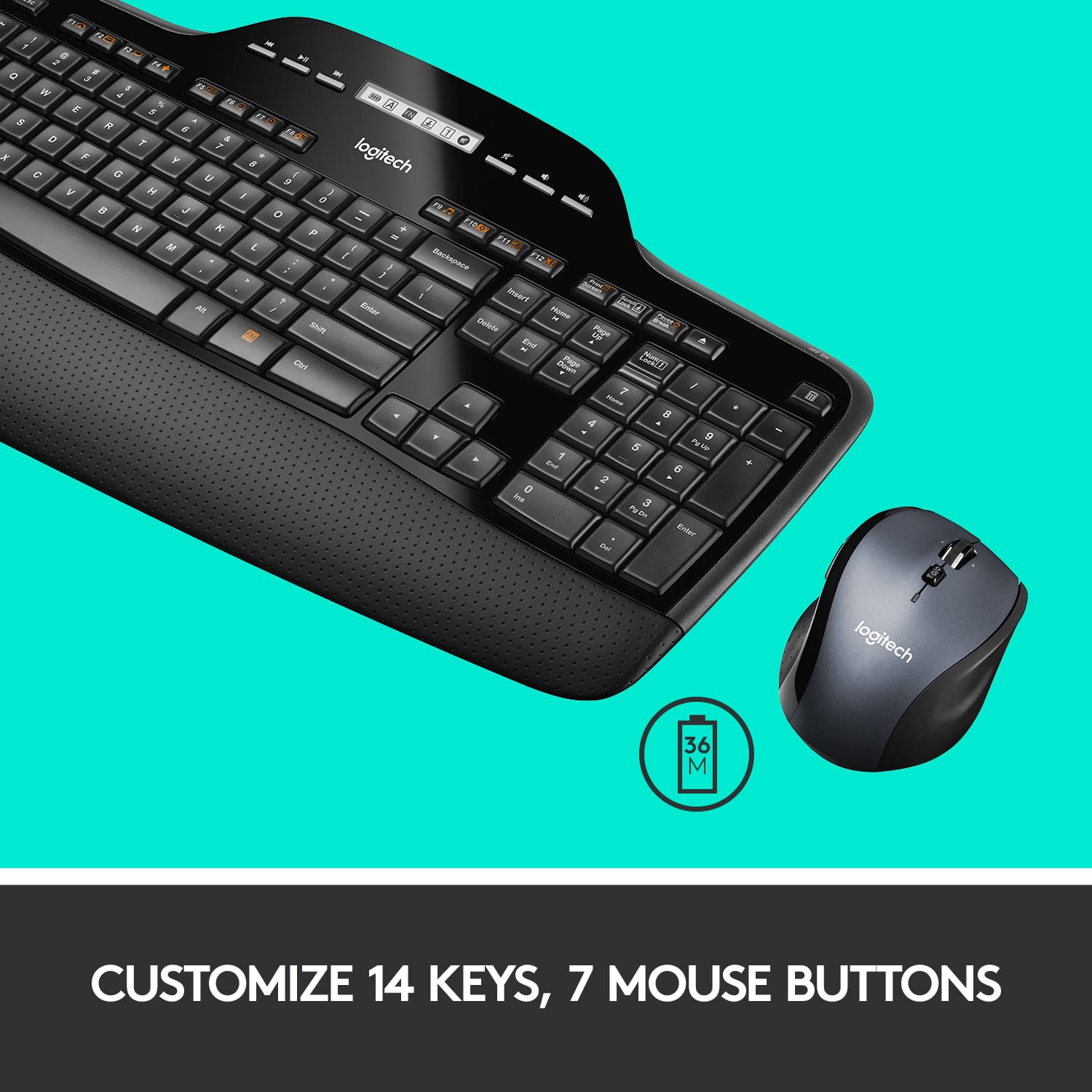
Customers value the MK710 keyboard and mouse bundle for its comfortable design and ease of use. The long battery life and wireless connectivity are also appreciated features. Some customers have noted concerns about the key feel, scroll wheel functionality, and price point. Overall, the positive aspects of the product seem to outweigh the negative ones.
This summary was generated by AI based on customer reviews.
- Pros mentioned:Keyboard quality
Love it.
||Posted .This reviewer received promo considerations or sweepstakes entry for writing a review.Love the feel of the keyboard. The build was solid of both devices.
I would recommend this to a friendBrand response from Logitech
Posted .The Logitech MK710 is a fantastic choice for a comfortable and efficient keyboard and mouse combo. Its ergonomic design, quiet keys, and reliable wireless connectivity make it a great option for both home and office use.

- Pros mentioned:Battery life, Keyboard quality
Great Keyboard Combo
||Posted .This reviewer received promo considerations or sweepstakes entry for writing a review.This Keyboard/Mouse combo is very comfortable to use, easy to install and has a long battery life.
I would recommend this to a friend - Pros mentioned:Battery life
Nice keyboard/mouse set
||Posted . Owned for 1 month when reviewed.This reviewer received promo considerations or sweepstakes entry for writing a review.We buy this keyboard and mouse set for all of the office computers all the computers, it is a very nice set and holds up really well under the usual office abuse. The batteries last for 2 years and the only time we’ve ever had a problem with them is when a someone has spilled an entire cup of coffee or soda into the keyboard.
I would recommend this to a friend - Pros mentioned:Keyboard quality
Comfortable all day long
||Posted .This reviewer received promo considerations or sweepstakes entry for writing a review.I bought this when I started working full time in IT. I find this keyboard/mouse combo to be comfortable during my 8 hour workday. The keys are fluid and responsive. The palm rest takes a bit of getting used to, but over time I have gotten accustomed to it. I am a fan of Logitech products, and have been for some time. I will buy another one of these combos for my home PC when my Logitech Wave finally wears out.
I would recommend this to a friend - Pros mentioned:Ease of use, Wireless
Quality product
||Posted . Owned for 1 month when reviewed.This reviewer received promo considerations or sweepstakes entry for writing a review.easy to set up and works great. Nice size and love the wireless.
I would recommend this to a friend - Pros mentioned:Wrist rest
Great Office Keyboard
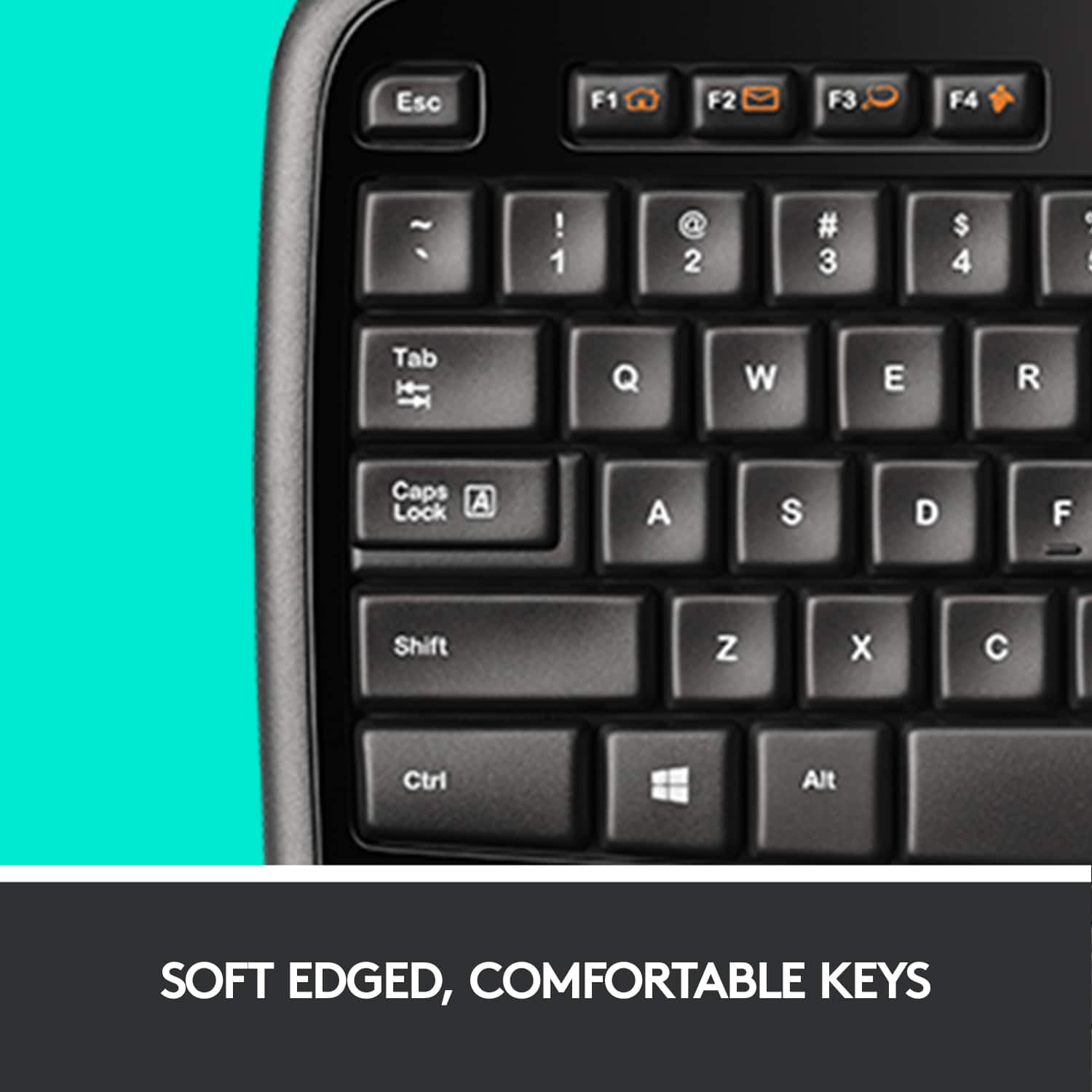
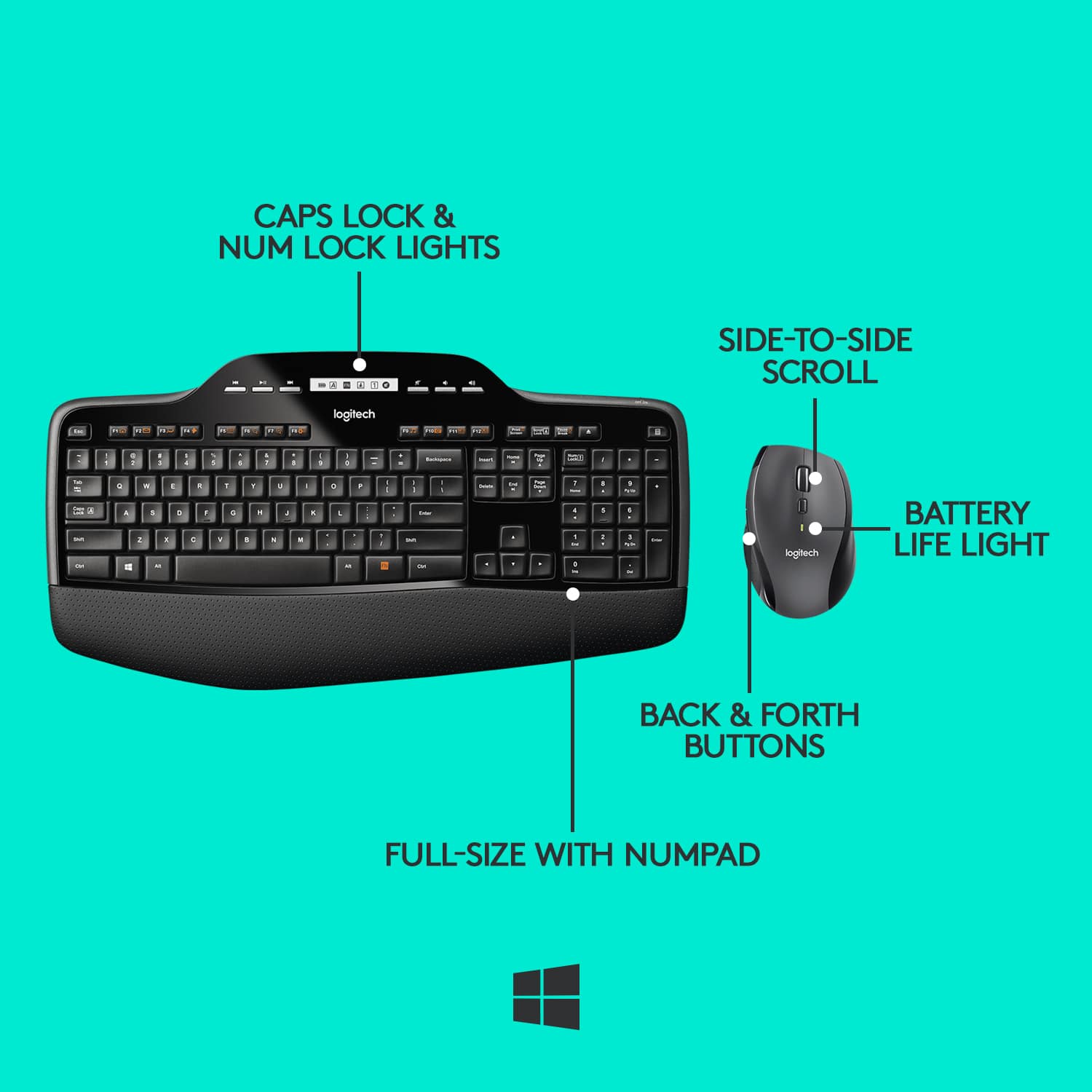
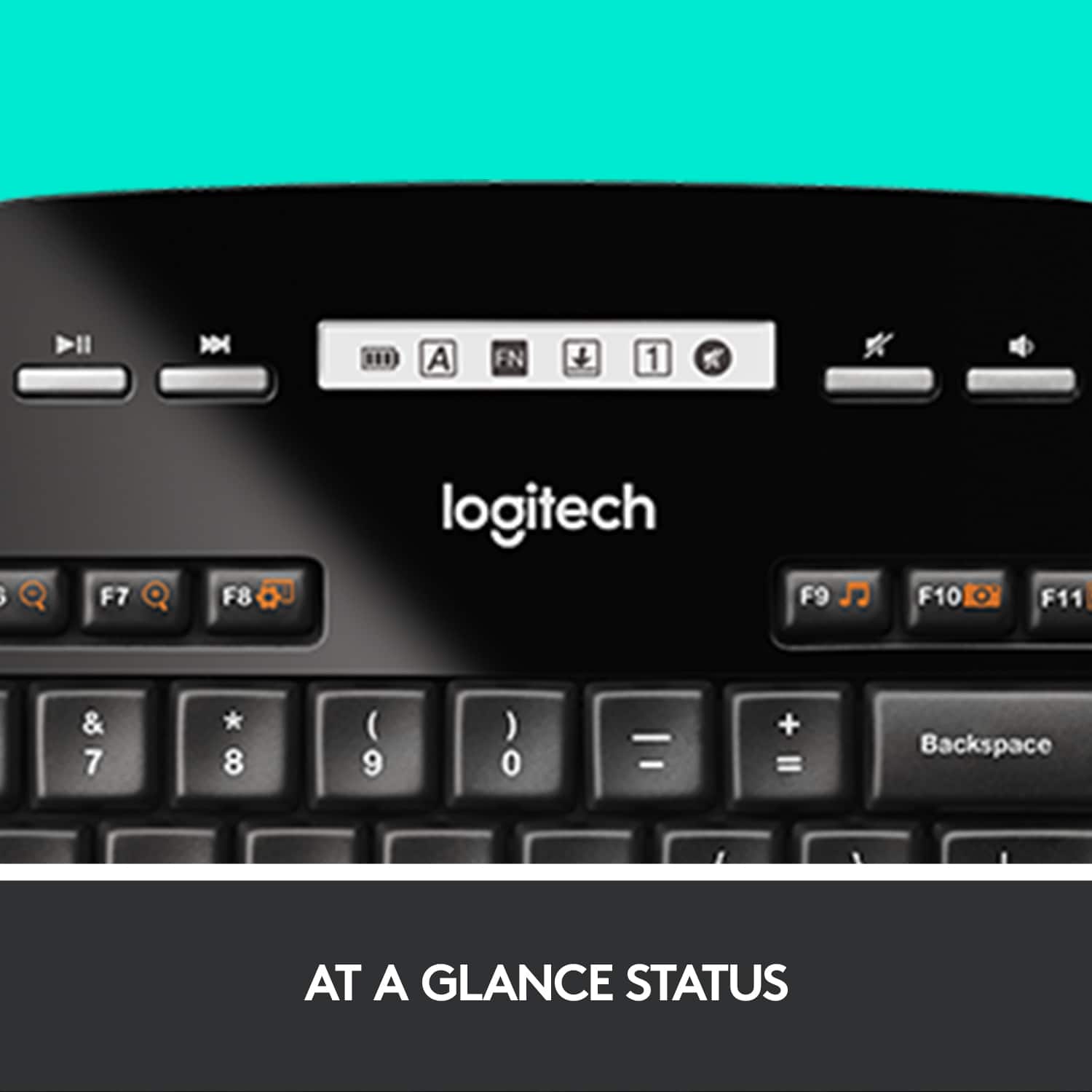
||Posted .This reviewer received promo considerations or sweepstakes entry for writing a review.Not a "gaming" keyboard but perfect for office and work use. The keys are shallow for light pressure typing and the extended pad is nice as well. The "screen" is handy for seeing what is enabled (caps, num lock, etc) and is overall a good keyboard. The mouse has the nice shape of the more expensive Logitech mice with the all but essential forward/bback buttons and a manually toggled "free" scrolling wheel.
I would recommend this to a friend - Pros mentioned:Battery life
Beautiful keyboard
||Posted . Owned for 1 month when reviewed.This reviewer received promo considerations or sweepstakes entry for writing a review.It’s a nice keyboard that connected immediately. I love it has a screen to display battery life. The mouse took some time getting use to but now feels natural. I would buy another one.
I would recommend this to a friend - Pros mentioned:Ease of use, Keyboard quality
It's comfortable to use!
||Posted .This reviewer received promo considerations or sweepstakes entry for writing a review.Keyboard has a palm rest built in it and the mouse fits my hand comfortably. Mouse is very easy to use.
I would recommend this to a friend - Pros mentioned:Ease of use, Keyboard quality
GREAT KEYBOARD SET
||Posted . Owned for 3 weeks when reviewed.This reviewer received promo considerations or sweepstakes entry for writing a review.GREAT SET WORKS VERY GOOD AND EASY TO USE COMFORTIBLE
I would recommend this to a friend - Pros mentioned:Battery life, Keyboard quality
Love it
||Posted .This reviewer received promo considerations or sweepstakes entry for writing a review.Batteries last forever, keys are quite, mouse tracks great, what’s not to love?
I would recommend this to a friend - Pros mentioned:Ease of use
Logitech Keyboard
||Posted . Owned for 3 weeks when reviewed.This reviewer received promo considerations or sweepstakes entry for writing a review.I bought this for my elderly mother and she loves it, it is easy to use simple to understand.
I would recommend this to a friendBrand response from Logitech
Posted .We're delighted to hear that your mother is enjoying the Logitech MK710 keyboard! It's great that it's been so easy for her to use. Thank you for sharing your positive experience.
Best Keyboard
||Posted . Owned for 1 year when reviewed.This reviewer received promo considerations or sweepstakes entry for writing a review.I work from home and needed a new keyboard, one that comfortable with light keys and with an wrist pad. This is the best key board ever.
I would recommend this to a friendBrand response from Logitech
Posted .Thanks for the glowing review! We're so glad the MK710 is hitting the mark for your work-from-home setup. Its soft-touch keys, integrated wrist rest, and long battery life are all designed to keep you comfortable and productive throughout the day. Hearing that it’s the best keyboard ever truly means a lot.
- Pros mentioned:Ease of use, Wireless
Excellent keyboard.
||Posted . Owned for 1 month when reviewed.This reviewer received promo considerations or sweepstakes entry for writing a review.Works great! Easy to plug and play. Great not having wires.
I would recommend this to a friend - Pros mentioned:Battery life
Good keyboard and Mouse Combo
||Posted . Owned for 4 months when reviewed.This reviewer received promo considerations or sweepstakes entry for writing a review.Logitech has been my go to for wireless keyboards and mice for a long time. This particular setup has been used for my work docking station for quite some time and I enjoy the quality of the product and it's battery life.
I would recommend this to a friend - Pros mentioned:Ease of use, Keyboard quality
Love the keyboard
||Posted .This reviewer received promo considerations or sweepstakes entry for writing a review.This was an awesome keyboard and it's very comfortable to use and very easy to set up and use.
I would recommend this to a friend - Pros mentioned:Keyboard quality
Good value
||Posted . Owned for 2 weeks when reviewed.This reviewer received promo considerations or sweepstakes entry for writing a review.Great value but keys are mushy. Mouse is the best office use.
I would recommend this to a friendBrand response from Logitech
Posted .Thanks for your feedback on the MK710. We appreciate your input on the keyboard's key feel. We're glad you're enjoying the mouse for office use.
- Pros mentioned:Battery life, Keyboard quality
Nice mouse but mushy and weird keyboard.
||Posted . Owned for 1 month when reviewed.This reviewer received promo considerations or sweepstakes entry for writing a review.Mushy typing experience and a giant FN key instead of the right-click button on the keyboard. Little screen serves no purpose, should've just been the standard lights for CAPS, NUM, and SCROLL lock. Mouse is pretty comfy though, I like it a lot.
No, I would not recommend this to a friend - Pros mentioned:Keyboard quality
The new TV is Amazing
||Posted .This reviewer received promo considerations or sweepstakes entry for writing a review.Our Best Buy experience was terrific. The sales staff was helpful, the transaction went smoothly, and the television is fantastic. The new Samsung replaces a 10+ year old Samsung that we were very happy with. The change/ advance in technology over the past 10 years is apparent in the incredibly clear screen and the low profile, lighter weight unit. We are very pleased with our whole purchasing experience.
I would recommend this to a friend - Pros mentioned:Keyboard quality
Logitech MK710
||Posted . Owned for 1 month when reviewed.This reviewer received promo considerations or sweepstakes entry for writing a review.Great keyboard and mouse, worth the price. I had bought a great laptop a few weeks earlier, but prefer a real keyboard and mouse when I can use them, this set up is perfect.
I would recommend this to a friend - Pros mentioned:Keyboard quality
Love it
||Posted .This reviewer received promo considerations or sweepstakes entry for writing a review.I’ve been using it for few days now. To be honest, it’s working better than expected. Quality is awesome on both the keyboard and mouse. I like the extremely quiet keyboard and flat surface keys. Wrist support is a plus on the keyboard so you don’t have to buy anything extra. Love it so far
I would recommend this to a friend