Customer Ratings & Reviews
![esc ! i 1 tab caps lock shift F1 2 Q A aas E4 F3 F2 $ % # 4 5 3 E R W F S D X C Z FS A 6 T G V F6 & 7 Y H B 17 * 8 U J N logi HI FI0 P9 FB ) - ( - 9 0 o P I K L > < M I P + = { [ A : I : ? I alt cmd3 2 0 3 10% 1 F12 page home up backspace ins page I delete end down } ] / enter shift ctrl fn opt^= Q I * / clear 8 9 + 7 pg up home 5 6 4 , 4 2 3 enter 1 dn pg end = 0 del ins ctrl start opt alt cmd](https://pisces.bbystatic.com/image2/BestBuy_US/images/products/6571/6571662_sd.jpg)






- Model:
- 920-012425
- SKU:
- 6571662
Rating by feature
- Value
Rating 4.7 out of 5 stars
- Quality
Rating 4.8 out of 5 stars
- Ease of Use
Rating 4.8 out of 5 stars
Customers are saying
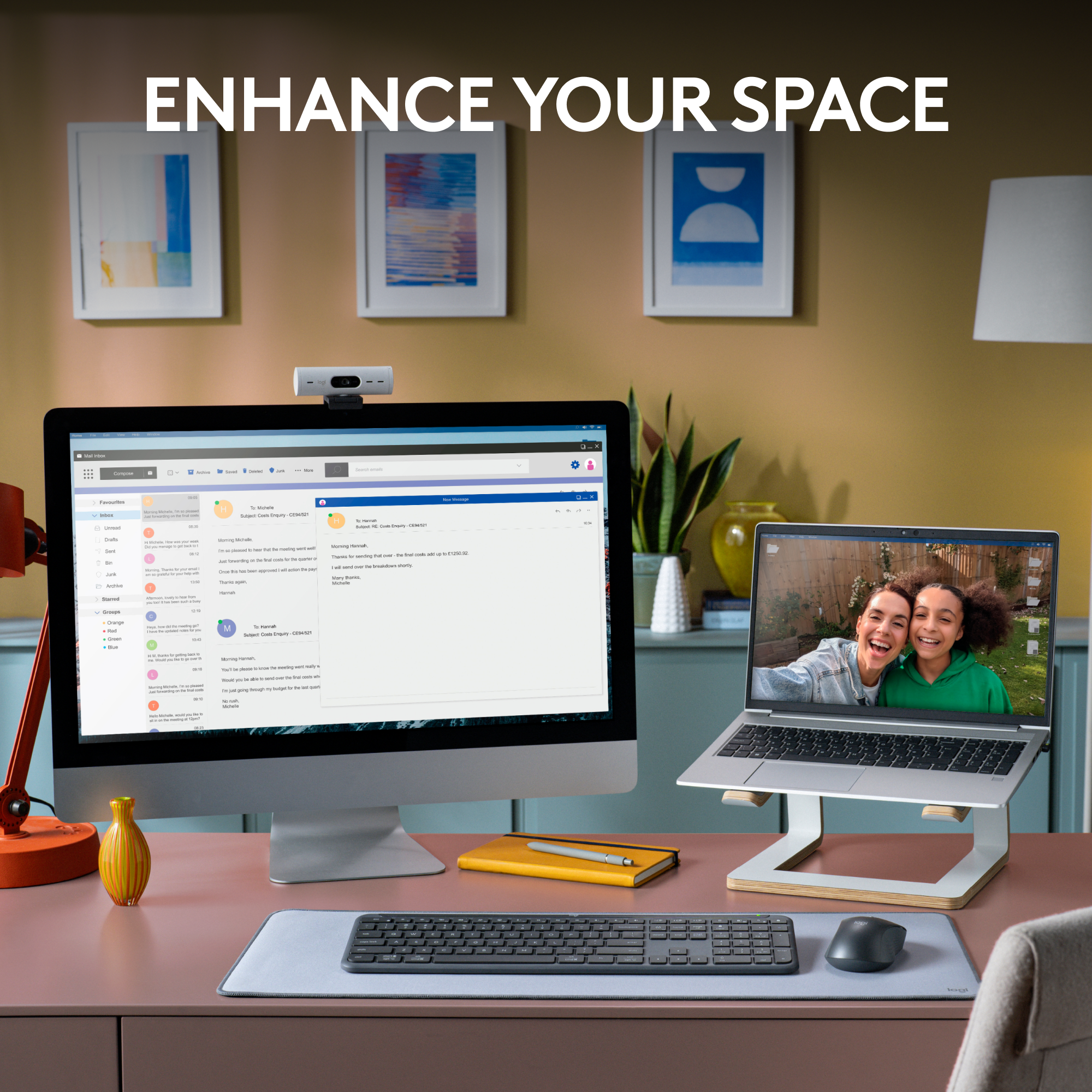
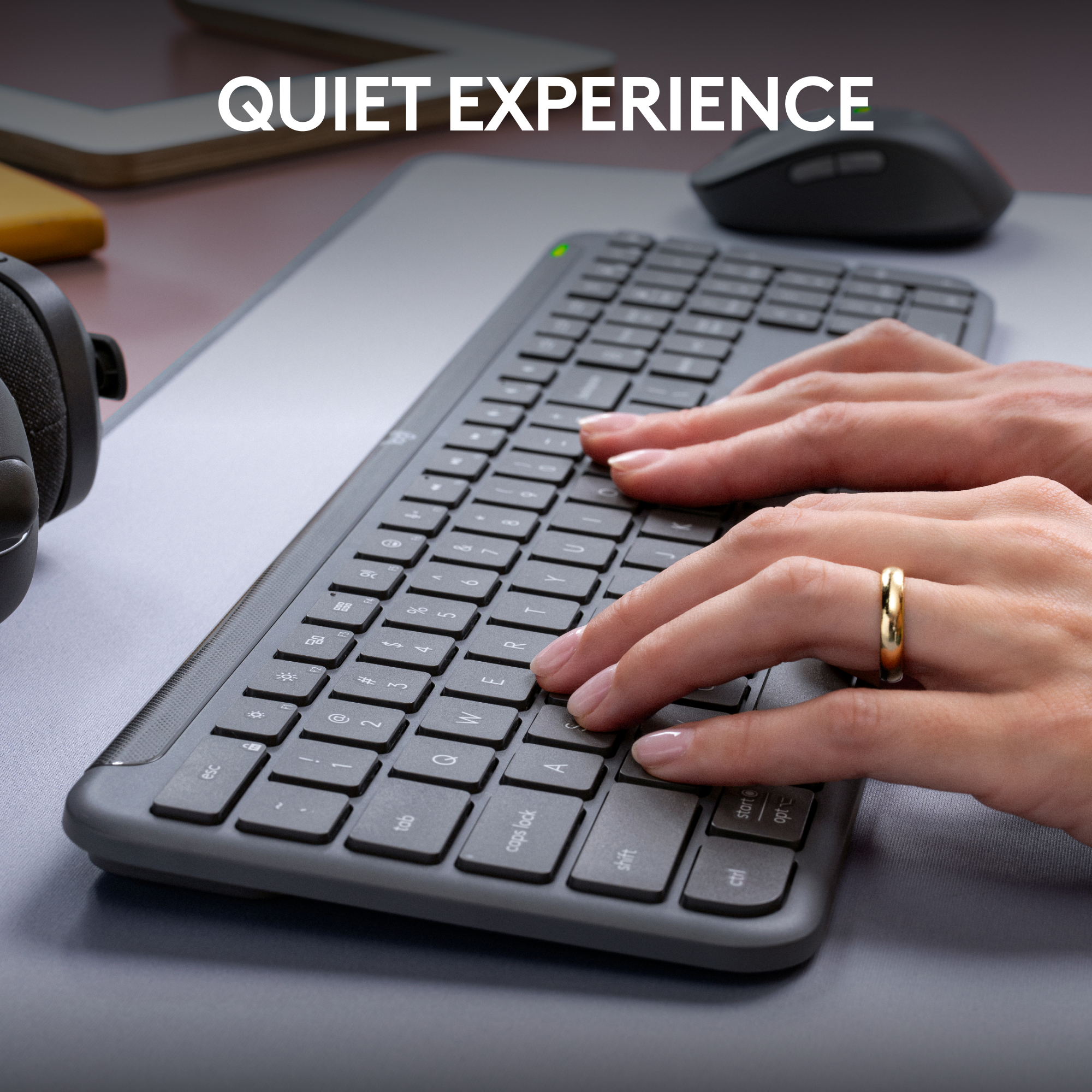
Customers often highlight the MK955 Signature Slim Keyboard and Mouse Combo for its impressive keyboard and mouse quality, ease of use, and reliable connectivity across multiple devices. The long battery life of both devices is also a frequently praised feature. Additionally, the silent scroll wheel is appreciated by users.
This summary was generated by AI based on customer reviews.
Keyboard & Mouse
||Posted . Owned for 2 weeks when reviewed.This reviewer received promo considerations or sweepstakes entry for writing a review.Love my keyboard and mouse, works perfectly when I have to work from home.
I would recommend this to a friendBrand response from Logitech
Posted .We're thrilled to hear that the Logitech MK955 Signature Slim keyboard and mouse combo has been a perfect fit for your home office setup! Its comfortable design and reliable performance make it a great choice for remote work. Thank you for your positive feedback.
Great keyboard mouse combo!
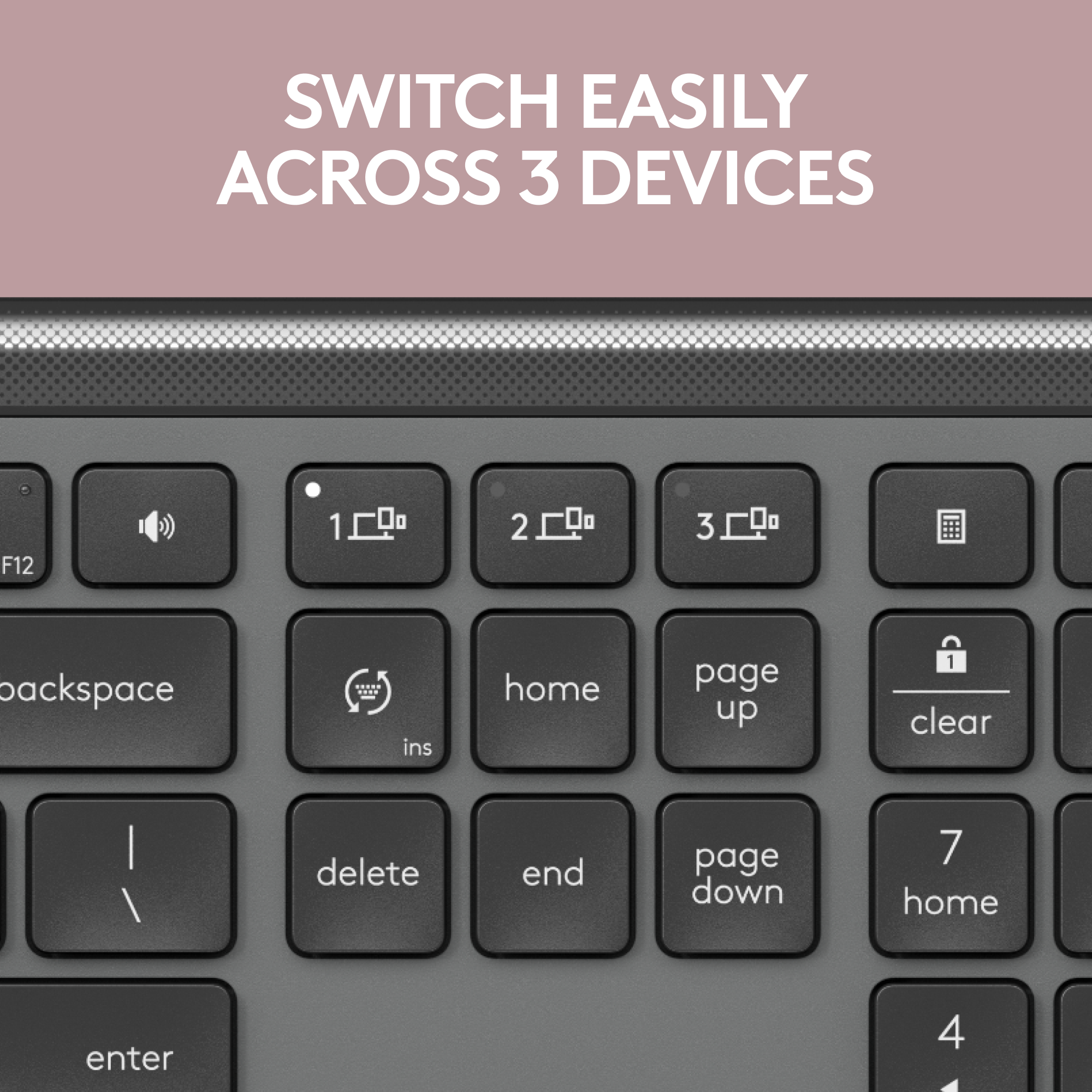
||Posted .This reviewer received promo considerations or sweepstakes entry for writing a review.Great keyboard ! The availability to switch from one device to another is definitely a plus!
I would recommend this to a friendBrand response from Logitech
Posted .Thank you for your kind words and for letting us know how our product is working for you. We’re thrilled that it’s meeting your needs and making a positive impact. Your feedback is incredibly valuable to us, and we’re grateful you chose Logitech.

Keyboard/mouse combo
||Posted . Owned for 3 weeks when reviewed.This reviewer received promo considerations or sweepstakes entry for writing a review.I have a hard time using the track pad on the laptop. This wireless set gave me a keyboard and a mouse to use and they are GREAT.
I would recommend this to a friendBrand response from Logitech
Posted .Hey! Your experience helps us shape future improvements. We’re happy our product is delivering value. Thank you for being part of the Logitech community.
Mouse easy-switch button is inconvenient
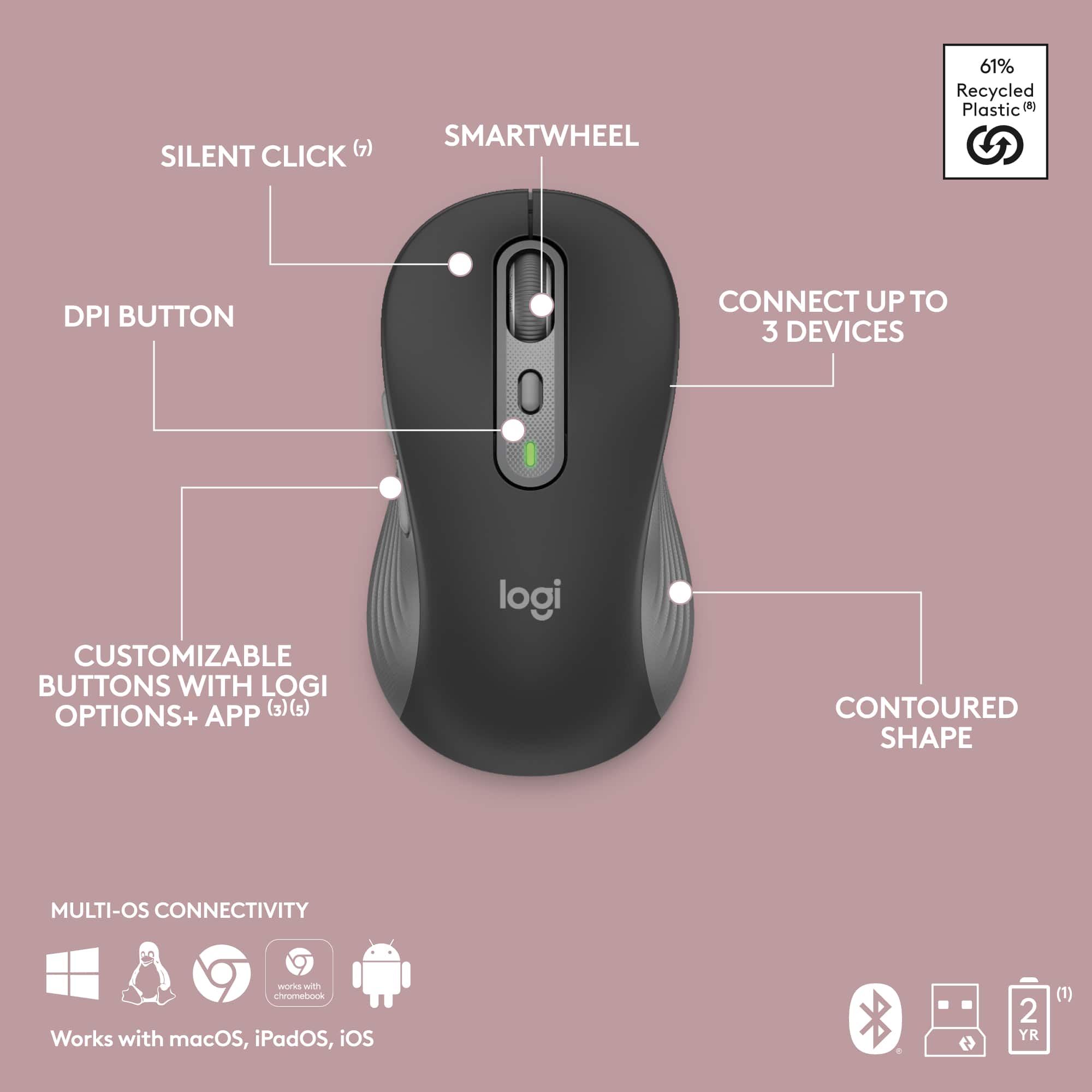
||Posted .This reviewer received promo considerations or sweepstakes entry for writing a review.Keyboard has all around good features, however the mouse easy-easy switch button is on the buttom instead of the top of the mouse. You are forced to lift up the mouse, turn it upside down then push the button in order to switch your mouse to another computer. Mouse computer switching is not so convinent if computers on different networks. The easy-switch button should be on the top for easy access and convinent switching.
No, I would not recommend this to a friendBrand response from Logitech
Posted .Thank you for sharing your feedback on the Logitech MK955. We appreciate your input regarding the Easy-Switch button placement. Your feedback will be shared with our team to help us improve future designs.
Added to my Surface Pro
||Posted . Owned for 1 month when reviewed.This reviewer received promo considerations or sweepstakes entry for writing a review.Added to my Surface Pto 9 and all make a perfect set for travel.
I would recommend this to a friendBrand response from Logitech
Posted .That's a great point about the Logitech MK955! It sounds like it perfectly complements your Surface Pro 9 for travel. The MK955's compact, low-profile design and quiet typing make it ideal for mobile use, and the long battery life means you won't have to worry about running out of power on the go.
Happy travels!
Happy Customer
||Posted . Owned for 1 month when reviewed.This reviewer received promo considerations or sweepstakes entry for writing a review.Keyboard and mouse are perfect for home pc's. Works well and is a reasonable price. You won't be discouraged with this product.
I would recommend this to a friendBrand response from Logitech
Posted .It's great to hear the MK955 keyboard and mouse combo is perfect for your home PC! Your positive comments on its performance are much appreciated, and we're glad it's meeting your expectations.
Excellent semi compact Keyboard
||Posted . Owned for 3 weeks when reviewed.This reviewer received promo considerations or sweepstakes entry for writing a review.It was frankly more than I wanted to spend but the feel of the keys and of the mouse made it so worth every penny!!
I would recommend this to a friendBrand response from Logitech
Posted .Thank you for your feedback on the MK955 Signature combo. We're so glad that the premium feel of the keyboard and mouse made it a worthwhile purchase for you. We appreciate you choosing Logitech and are happy to hear you're enjoying the experience.
Good deal
||Posted . Owned for 2 months when reviewed.This reviewer received promo considerations or sweepstakes entry for writing a review.Great combo, mouse and keyboard have a great quality
I would recommend this to a friendBrand response from Logitech
Posted .We're thrilled to hear that you're happy with the Logitech MK955 Signature Slim combo! Your feedback on the quality of the keyboard and mouse is fantastic. We appreciate you choosing Logitech!
Logitech - MK955 Wireless Keyboard & Mouse
||Posted .This reviewer received promo considerations or sweepstakes entry for writing a review.Logitech has always been my go to for computer accessories and this one did not disappoint!
I would recommend this to a friendBrand response from Logitech
Posted .We’re truly honored by your kind words. Knowing that our product is making a difference for you inspires us to continue pushing the boundaries of design and performance. Customer voices like yours guide everything we do, and we couldn’t be more thankful that you chose to share your experience.
Nice Keyboard
||Posted . Owned for 2 weeks when reviewed.This reviewer received promo considerations or sweepstakes entry for writing a review.Bought this to replace another keyboard. Easy to install and works well.
I would recommend this to a friendBrand response from Logitech
Posted .We appreciate your feedback and are glad to hear the product is working smoothly. Thanks for being part of the Logitech family.
Nice and quiet
||Posted . Owned for 1 week when reviewed.This reviewer received promo considerations or sweepstakes entry for writing a review.Quite keyboard, great feeling mouse. Strong recommend.
I would recommend this to a friendBrand response from Logitech
Posted .Hi there! Thanks for the great feedback! We're glad you're enjoying the quiet typing and comfortable mouse of the MK955.
Quiet Typing Keyboard
||Posted . Owned for 7 months when reviewed.This reviewer received promo considerations or sweepstakes entry for writing a review.Love this keyboard! It's great as the keys don't make loud clicking sounds. I use it at home and have a similar one at work. Makes a big difference. If you don't like the sounds of keys clicking loudly, purchase this keyboard! It's great!
I would recommend this to a friendBrand response from Logitech
Posted .Thank you for your kind words. We're pleased you're appreciating the quiet keystrokes of the MK955. We understand the importance of a quiet workspace, and we're glad it's meeting your needs at both home and work.
Working great so far
||Posted . Owned for 3 weeks when reviewed.This reviewer received promo considerations or sweepstakes entry for writing a review.Working great so far! comfortable keyboard and mouse
I would recommend this to a friendBrand response from Logitech
Posted .Hey there! We're thrilled to hear you're enjoying the MK955. It's always great to hear positive feedback about comfort and performance.
Serves the purpose; clunky sync process
||Posted .This reviewer received promo considerations or sweepstakes entry for writing a review.The combo works great on my personal laptop but was challenging to set up with my work laptop. Initial effort aside, it meets my needs. Would have been great if I had the option to pick another/better mouse though.
I would recommend this to a friendBrand response from Logitech
Posted .Thank you for your valuable feedback! We're glad to hear that the combo works great on your personal laptop, and we appreciate your insights regarding the sync process and mouse options. Your input helps us improve our products and services.
Worth the cost
||Posted .This reviewer received promo considerations or sweepstakes entry for writing a review.So comfortable to use and works flawlessly with my Mac. I haven’t tried it with my phone or iPad yet but I’m so glad it has a multi device feature.
I would recommend this to a friendBrand response from Logitech
Posted .We're so happy to hear you're enjoying the comfort and seamless Mac compatibility of your MK955 Signature Slim Combo! It's great to know the multi-device feature is something you're looking forward to exploring with your phone and iPad. Thanks for sharing your positive experience!
Laptop compliment
||Posted . Owned for 1 month when reviewed.This reviewer received promo considerations or sweepstakes entry for writing a review.Works great along with my laptop and external monitor.
I would recommend this to a friendBrand response from Logitech
Posted .We're pleased to hear that the device is compatible with your laptop and external monitor.
Very good combo.
||Posted . Owned for 3 weeks when reviewed.This reviewer received promo considerations or sweepstakes entry for writing a review.It's a very good keyboard and mouse combo. However, it was too large for my needs, so I returned it. I would recommend it as a full-size keyboard. It's also extremely quiet.
I would recommend this to a friendBrand response from Logitech
Posted .Hey! Appreciate the feedback! It's good to know the MK955 is a solid full-size and so quiet. Size matters, and it's understandable it wasn't the right fit for you.
Smooth Keyboard
||Posted . Owned for 7 months when reviewed.This reviewer received promo considerations or sweepstakes entry for writing a review.This is a very smooth and easy keyboard to type on - also very quiet to type on. I only wish it had backlighting, but I'll still give it 5 stars since that's just a preference.
I would recommend this to a friendBrand response from Logitech
Posted .Thank you for your positive feedback on the Logitech MK955 Signature. We appreciate you highlighting the smooth, quiet typing experience and understand your preference for backlighting.
It's convenient to use
||Posted . Owned for 2 weeks when reviewed.This reviewer received promo considerations or sweepstakes entry for writing a review.It's convenient and good. And it doesn't break down.
I would recommend this to a friendBrand response from Logitech
Posted .Thanks for the encouraging feedback! We’re glad the product is working well for you. Your support helps us keep innovating.
Great keyboard
||Posted . Owned for 3 weeks when reviewed.This reviewer received promo considerations or sweepstakes entry for writing a review.I love the feel of the keyboard and mouse Very compatible with my computer
I would recommend this to a friendBrand response from Logitech
Posted .We’re grateful you took the time to share your thoughts. It’s wonderful to know our product is meeting your expectations.