Customer Ratings & Reviews


- Model:
- 910-005132
- SKU:
- 5870714
Rating by feature
- Value
Rating 4.6 out of 5 stars
- Quality
Rating 4.7 out of 5 stars
- Ease of Use
Rating 4.7 out of 5 stars
Customers are saying
Customers find value in the MX Anywhere 2S Wireless Laser Mouse's ease of use, long battery life, and Bluetooth connectivity. Many appreciate its compact size, compatibility with various surfaces, and precise tracking. Positive feedback also highlights the responsiveness, lightweight design, and comfortable ergonomics. However, some customers express concerns about the price and occasional clicking sounds.
This summary was generated by AI based on customer reviews.
Junk mouse
||Posted . Owned for 1 year when reviewed.This reviewer received promo considerations or sweepstakes entry for writing a review.Piece of crap. Won't always keep its BT connection
No, I would not recommend this to a friendBrand response from Logitech
Posted .That sounds like an issue. In order to assist you effectively, please provide your information to our support team by emailing socialcare@logitech.com. Name – Email address – Country – Product name – Brief description of the issue –
Not a good fit for basic users.
||Posted . Owned for 1 month when reviewed.This reviewer received promo considerations or sweepstakes entry for writing a review.Bought this because it seemed to be bundled with the laptop I was buying. Mistake. It was not a plug and use mouse...needed downloads that were confusing.
No, I would not recommend this to a friendBrand response from Logitech
Posted .Hello, we are sorry to hear about your issues with downloads and mouse setup. If you ever have any feature/settings questions, please visit us for support at https://support.logi.com/hc/en-us
Did not work!!!
||Posted . Owned for 3 weeks when reviewed.This reviewer received promo considerations or sweepstakes entry for writing a review.Could not get it to work on my new 15.6” HP 360 Envy 2 in 1. Followed directions online. Tried quite a few times then gave up and returned.
No, I would not recommend this to a friendBrand response from Logitech
Posted .Hello, I am so sorry to hear the mouse did not work for you. You may have just received a defective item. Next time, contact our support page for this item so we can get you a replacement. Thank you for taking the time to write this review, we really appreciate the feedback.
I didn't need it.
||Posted .This reviewer received promo considerations or sweepstakes entry for writing a review.With a touch screen and a keyboard, I see no reason to purchase a mouse. I've heard that the mouse is a good buy, however I never opened the box or tested it out.
I would recommend this to a friendIt works... sorta
||Posted .This reviewer received promo considerations or sweepstakes entry for writing a review.Well this is a very nice mouse but trying to connect to two different PCs is a bit of a challenge. Only use if you have full admin rights in your PCs....
I would recommend this to a friendDoesn't work
||Posted . Owned for 6 months when reviewed.This reviewer received promo considerations or sweepstakes entry for writing a review.Worked great when I first hooked it up, thought it was awesome, doesn't work at all now. Even tried it on other computer. No good!
No, I would not recommend this to a friendBrand response from Logitech
Posted .Hello, I am sorry to hear the mouse is no longer functioning for you. You may have received a defective unit. Fortunately, it has a warranty through Logitech. Please visit the support page for this item on Logitech.com to file a claim for a new one. I hope this was helpful! Thank you for taking the time to write this review, we appreciate the feedback.
Too small
||Posted . Owned for 2 months when reviewed.This reviewer received promo considerations or sweepstakes entry for writing a review.Too small for my hands because Im a big mon you see.
No, I would not recommend this to a friendGreat size but still skips
||Posted .This reviewer received promo considerations or sweepstakes entry for writing a review.This mouse is sized right but, in my case, it still skips. My old Dell mouse with the "puck" works without skipping. Maybe it's my 2011 HP computer.
No, I would not recommend this to a friendWill not fit the computer I bought!
||Posted . Owned for 1 month when reviewed.This reviewer received promo considerations or sweepstakes entry for writing a review.There there’s no wayThat this mouse fit my Mac air computer, and it should not have been included with it. I need to return it.
No, I would not recommend this to a friendBrand response from Logitech
Posted .Hello SarahRiley23, I am sorry about your experience with our MX Anywhere 2S mouse. You are correct, the mouse won't fit using the USB receiver, but luckily, this mouse is bluetooth compatible. You'll be able to use the MX Anywhere 2S with your Macbook Air this way. No delay or connectivity issues will occur by using it via Bluetooth. If you have any issues connecting, please reach out to us on our Logitech support website.
-Ricky from Logitech
- Cons mentioned:Durability
This mouse could not find cheese
||Posted . Owned for 3 months when reviewed.This reviewer received promo considerations or sweepstakes entry for writing a review.After just exactly 3 month (actually less than that) this mouse stopped working correctly. I bought this for a Apple Mac Book Pro. I can't see the M1 chip being the issue. Logitech usually has a good brand reputation.
No, I would not recommend this to a friendBrand response from Logitech
Posted .Hello, I am so sorry to hear the mouse stopped functioning for you. Luckily, it does come with a 1 year warranty so we can get that replaced for you! Here is the link in order to file a claim: https://support.logi.com/hc/en-us/articles/360025071273-Warranty-MX-Anywhere-2S. I hope this helps! Thank you for taking the time to write this review, we appreciate the feedback.
-Danielle from Logitech
Too expensive of a mouse
||Posted . Owned for 1 year when reviewed.This reviewer received promo considerations or sweepstakes entry for writing a review.When I bought my laptop they recommended this mouse. I could have easily gotten a cheaper one that would have worked just fine
No, I would not recommend this to a friendNice Mouse
||Posted . Owned for 2 months when reviewed.This reviewer received promo considerations or sweepstakes entry for writing a review.I like the features of this mouse and it works great... when it works. It loses the signal often and gets pretty aggravating.
I would recommend this to a friendIt doesn’t work. Terrible
||Posted . Owned for 3 weeks when reviewed.This reviewer received promo considerations or sweepstakes entry for writing a review.This product hasn’t worked since I took it out of the box. It won’t connect to my computer or be recognized.
No, I would not recommend this to a friendBrand response from Logitech
Posted .Hello, I am sorry to hear about the issues you are having with the mouse. It sounds like you may need to update the drivers on your computer for this device. these can be found on the support page on Logitech.com under downloads. I hope this helps! Thank you for taking the time to write this review. We appreciate all the feedback.
I took it back
||Posted . Owned for 1 month when reviewed.This reviewer received promo considerations or sweepstakes entry for writing a review.exchanged this for the MX Master 3 the roller was loose felt heavy with the batteries and a bit clunky
I would recommend this to a friendBrand response from Logitech
Posted .Hi DSinNoVa,
Sorry to hear that you are unsatisfied with your MX Anywhere 2S. We are always looking for ways to improve our products, so we appreciate your review. If you ever have additional feedback or questions regarding Logitech products, feel free to visit https://support.logi.com/hc/en-us
Thanks,
-Logitech
- Pros mentioned:Long battery life, Responsive

The Best Travel Mouse
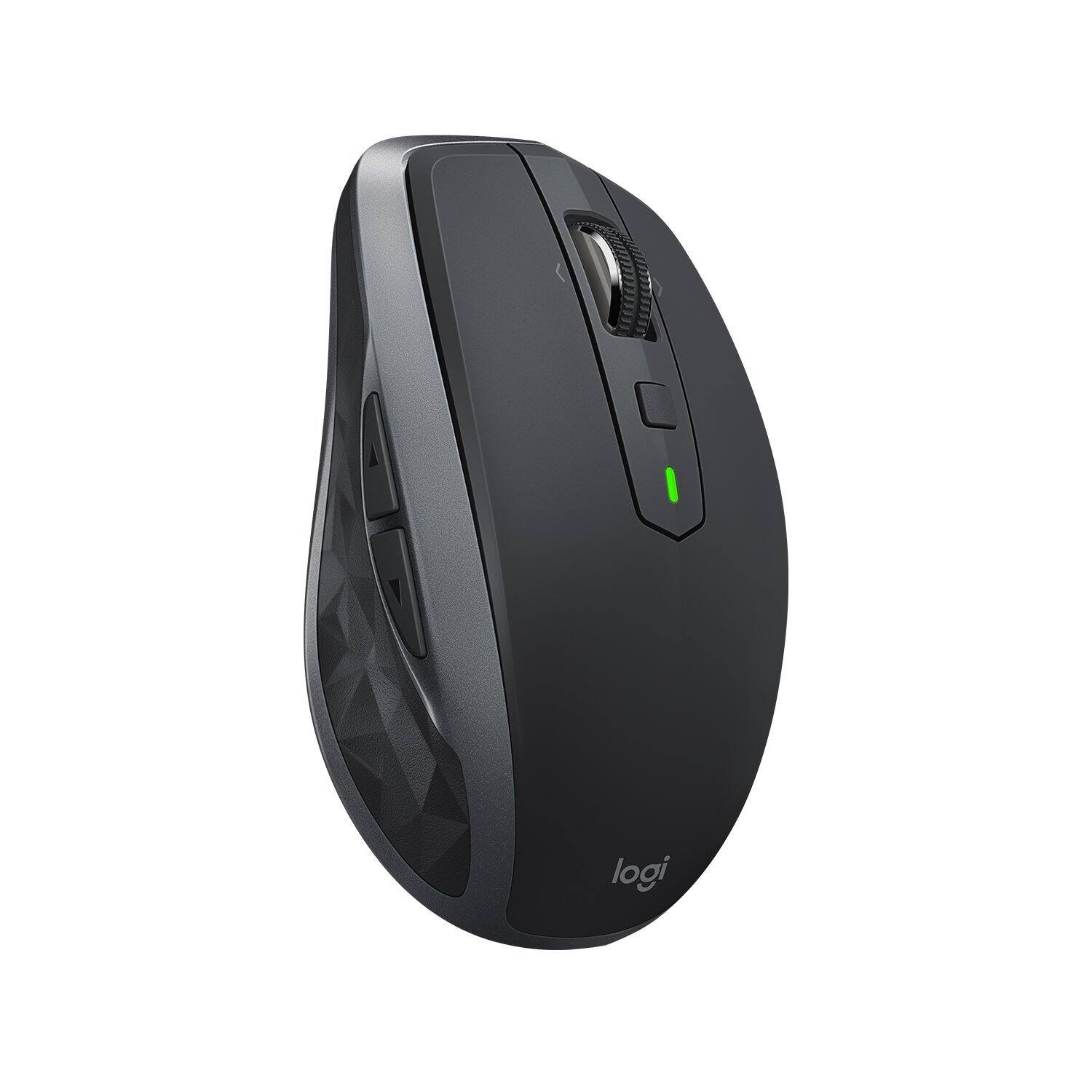
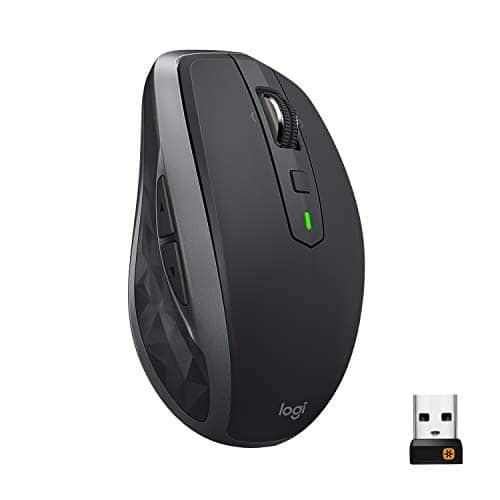
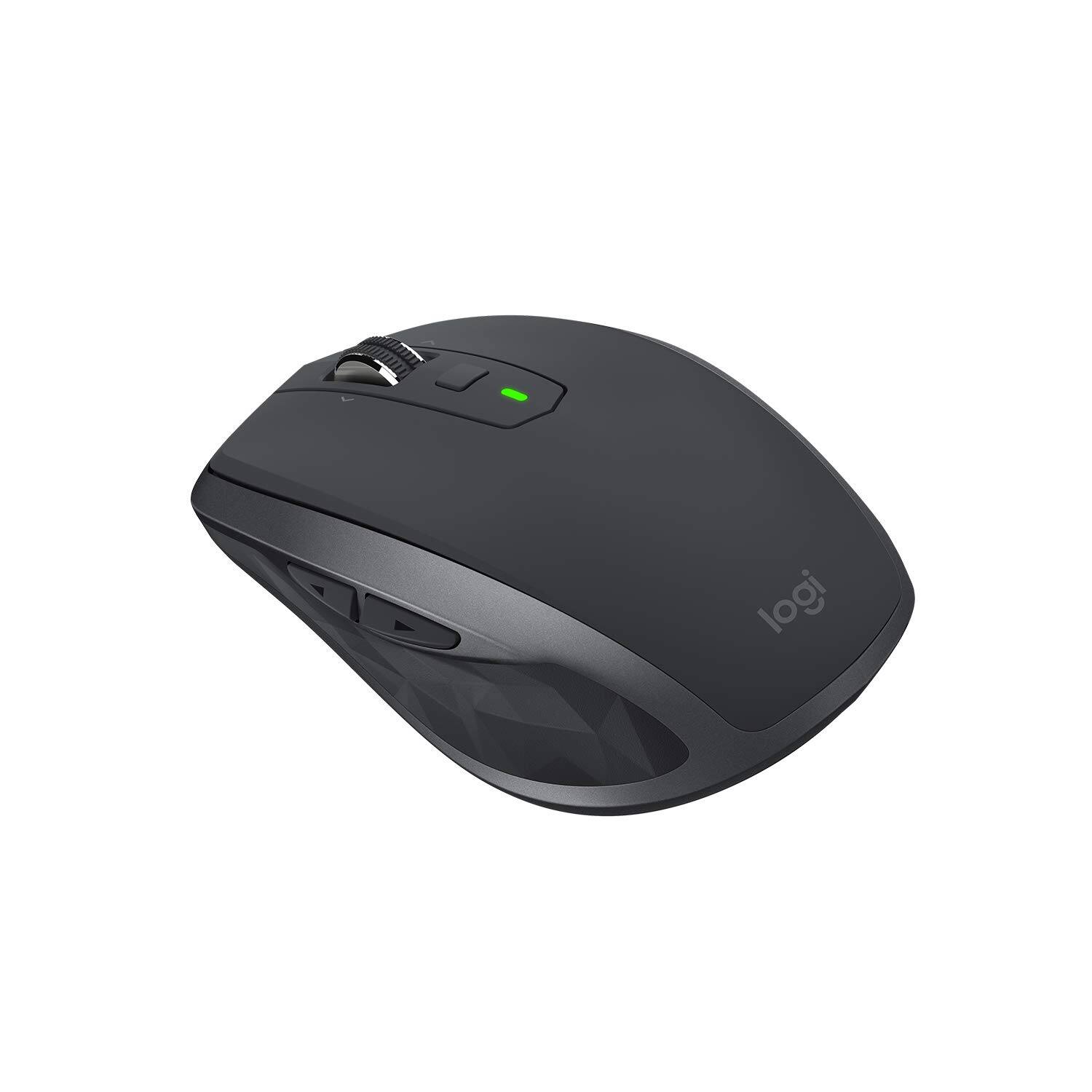
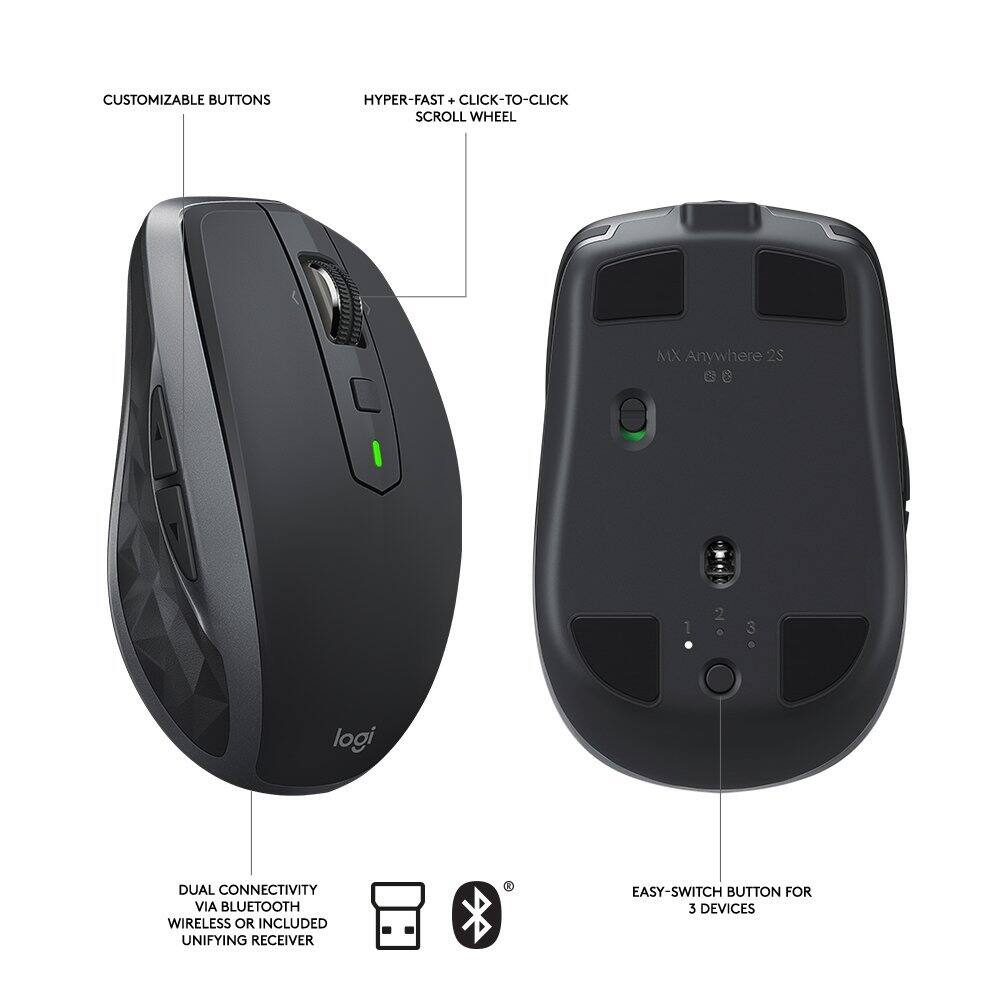
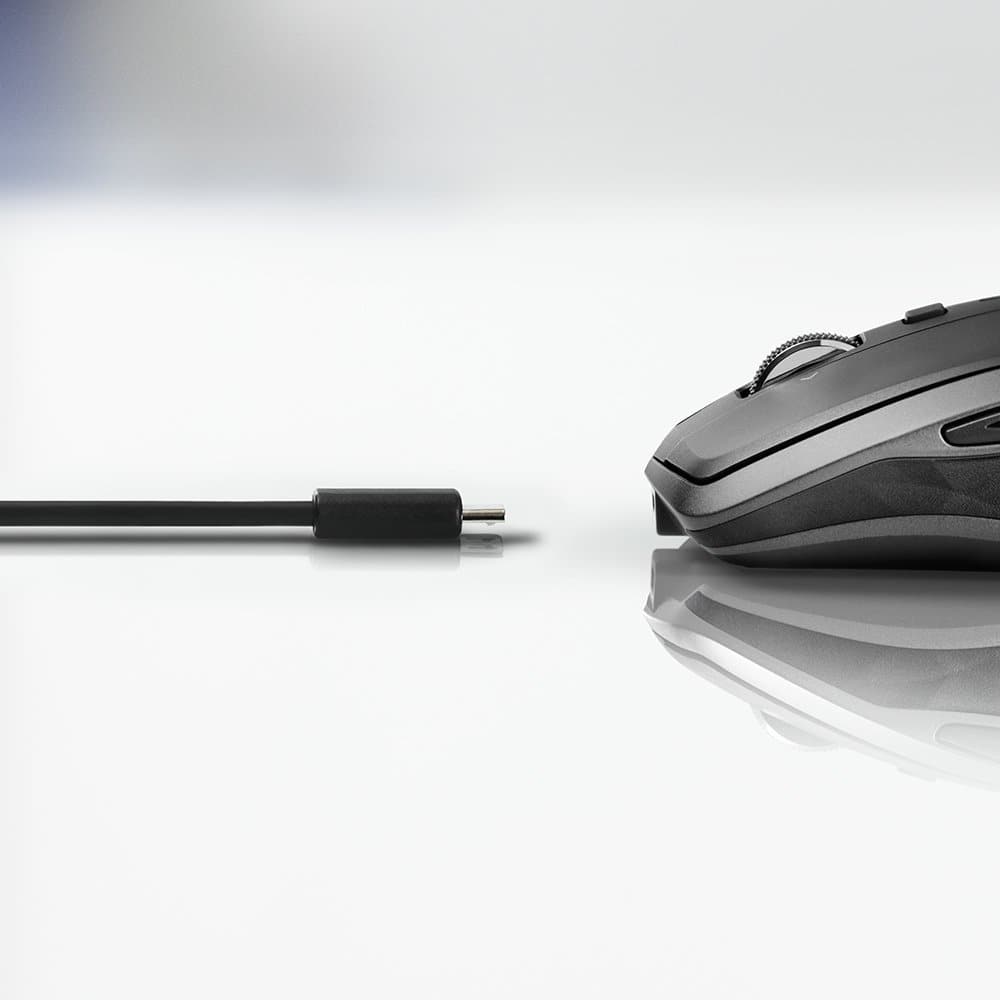
|Posted .This reviewer received promo considerations or sweepstakes entry for writing a review.PROS: - Compact for travel - Very responsive - Customizable with "Logitech Options" (program the buttons and adjust cursor speed) - Rechargeable battery via micro-USB (cable included) - Decent battery life (rated for 70 hours) CONS: - It's not free (there's really nothing to complain about) I love this mouse, I really can't think of anything I could complain about. It's possibly the best travel mouse on the market. It's compact and doesn't take up much space in my backpack or messenger bag, but still is quite comfortable to use (even if you have larger hands). Not having to swap out AA or AAA batteries is a huge perk and one of the biggest reasons why I love this mouse. I hate having to either recycle old batteries or bring along a battery charger for trips. With this mouse, I can just recharge it with any micro-USB cable (I can use the same cable that I use to charge my bluetooth headphones). Logitech rates the mouse for 70 hours of use, which is fine, plus the mouse charges pretty quickly. Being able to customize and program the mouse with the "Logitech Options" software (which you need to download from Logitech's website) is fantastic. You can program what the buttons do, how sensitive you want the cursor to be, and you can even disable/enable smooth scrolling. The software even lets you know the battery status on the mouse. BOTTOM LINE: I can't think of another travel mouse I would recommend over the MX Anywhere 2S.
I would recommend this to a friend Okay but not great
||Posted . Owned for 1.5 years when reviewed.This reviewer received promo considerations or sweepstakes entry for writing a review.Works okay but needs to be charged frequently. Logitech makes other mouses that are better.
No, I would not recommend this to a friendworks fine. support lacking
||Posted .This reviewer received promo considerations or sweepstakes entry for writing a review.Had a problem understanding how it works. Owners manual virtually non existent. Online support difficult to maneuver.
No, I would not recommend this to a friendLooks Premium But....
||Posted .This reviewer received promo considerations or sweepstakes entry for writing a review.I finally got one, & it's not as solid as I thought, feels flemsy for the price, & it has a over scroll issue.
No, I would not recommend this to a friendNot bluetooth
||Posted .This reviewer received promo considerations or sweepstakes entry for writing a review.The mouse is great. I was told by the sales guy that it was Bluetooth. That is my only disappointment
I would recommend this to a friendMissing usb receiver
||Posted .This reviewer received promo considerations or sweepstakes entry for writing a review.Missing unifying receiver. Product was missing items.
No, I would not recommend this to a friendBrand response from Logitech
Posted .Hi Domino, Very sorry to hear that the Unifying Receiver was missing from the MX Anywhere 2S you purchased. Fortunately, there are a couple of easy solutions. First, if it's convenient for you and it's been less than 14 days, go back to Best Buy and simply tell them that the receiver is missing and they should simply do an exchange. If you're beyond the 14 day return period, than you use this link: https://support.logi.com/hc/en-us/ and a technician should be able to help you get a replacement. In the meantime, the MX Anywhere 2S connects using Bluetooth. Here's a link to how to set that up: https://support.logi.com/hc/en-us/articles/360023300134--Getting-Started-MX-Anywhere-2S. Hope that I was able to resolve your issues and that all is going better. Thank you for choosing Logitech. - Richard from Logitech