Customer Ratings & Reviews



- Model:
- 910-005132
- SKU:
- 5870714
Rating by feature
- Value
Rating 4.6 out of 5 stars
- Quality
Rating 4.7 out of 5 stars
- Ease of Use
Rating 4.7 out of 5 stars
Customers are saying
Customers find value in the MX Anywhere 2S Wireless Laser Mouse's ease of use, long battery life, and Bluetooth connectivity. Many appreciate its compact size, compatibility with various surfaces, and precise tracking. Positive feedback also highlights the responsiveness, lightweight design, and comfortable ergonomics. However, some customers express concerns about the price and occasional clicking sounds.
This summary was generated by AI based on customer reviews.
Need to return
||Posted . Owned for 3 months when reviewed.This reviewer received promo considerations or sweepstakes entry for writing a review.I purchased this and could not get it to work with my new computer. Returning
No, I would not recommend this to a friendGreat mouse
||Posted . Owned for 4 months when reviewed.This reviewer received promo considerations or sweepstakes entry for writing a review.Perfectly portable and a great backup! One at home and one at the office.
I would recommend this to a friendLow quality
||Posted . Owned for 4 months when reviewed.This reviewer received promo considerations or sweepstakes entry for writing a review.Cheaply built. I returned it and got the MX master 3 instead. Best move ever! If you can't afford the MX master 3, you'd be better off buying a cheap mouse for 9 bucks at Burlington or OfficeMax instead of paying 40 bucks for this.
No, I would not recommend this to a friendNot Great Quality
||Posted . Owned for 5 months when reviewed.This reviewer received promo considerations or sweepstakes entry for writing a review.I have the MX keyboard and that is awesome. This is not on the same level. Not sure if I got a broken product but that scrolling wheel was weird. Definitely felt like a cheaply made mouse. Not worth the price at all.
No, I would not recommend this to a friendBrand response from Logitech
Posted .Hello BonfireBilly,
I am sorry that the MX Anywhere 2S is not meeting your expectations. I recommend you the newer version, MX Anywhere 3. I hope you find this information helpful. Logitech appreciates your review. - Leo from Logitech
Looks like it may work
||Posted . Owned for 3 weeks when reviewed.This reviewer received promo considerations or sweepstakes entry for writing a review.Cannot use it yet, no tech support to set up computer !
I would recommend this to a friendBrand response from Logitech
Posted .Hi Dallas! Sorry to read you're having trouble getting your MX Anywhere 2S. If you haven't already, please make sure the mouse is fully charged and that you're using the included Unifying receiver if you are not connecting the mouse via Bluetooth. If you continue to experience technical issues, please follow this link https://support.logi.com/hc/en-us/articles/360023300134 for further tips. Hope that helps!
Never came with the charger
||Posted . Owned for 1 month when reviewed.This reviewer received promo considerations or sweepstakes entry for writing a review.Never came with the charger. Never came with charger!
No, I would not recommend this to a friendBrand response from Logitech
Posted .Hello, I am sorry to hear about the missing charger. If you would like to make a claim, please visit the support page for this item on Logitech.com. Thank you for taking the time to write this review, we appreciate the feedback.
MX anywhere mouse
||Posted . Owned for 11 months when reviewed.This reviewer received promo considerations or sweepstakes entry for writing a review.very good mouse for travel but it is a little pricey
I would recommend this to a friendMX Anywhere 2S Wireless Laser Mouse
||Posted .This reviewer received promo considerations or sweepstakes entry for writing a review.I was confused. No instructions. Need to do more research on product.
No, I would not recommend this to a friend
Logitech Continues to Innovate
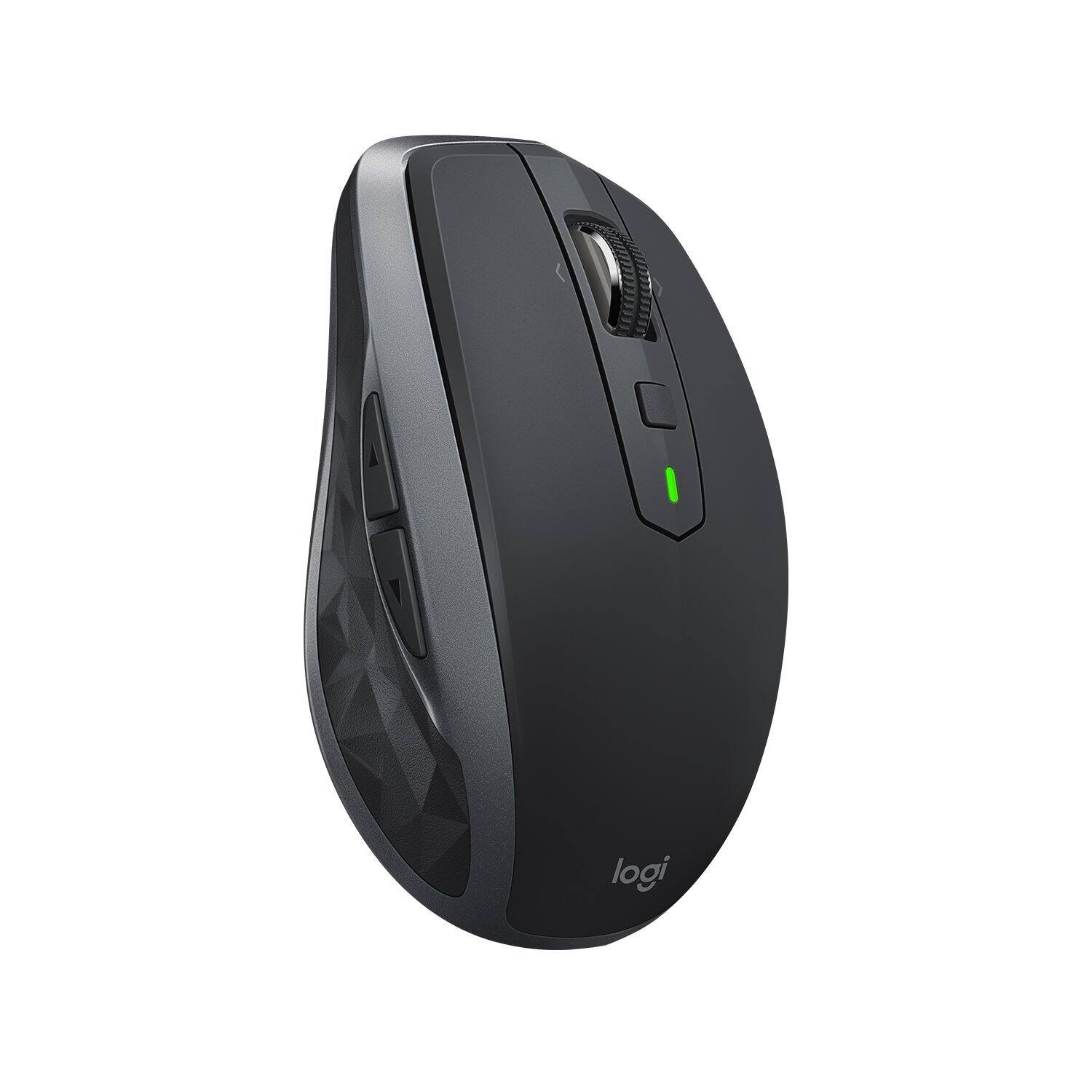
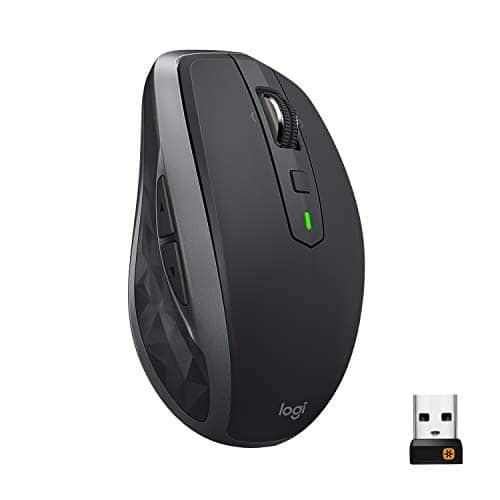
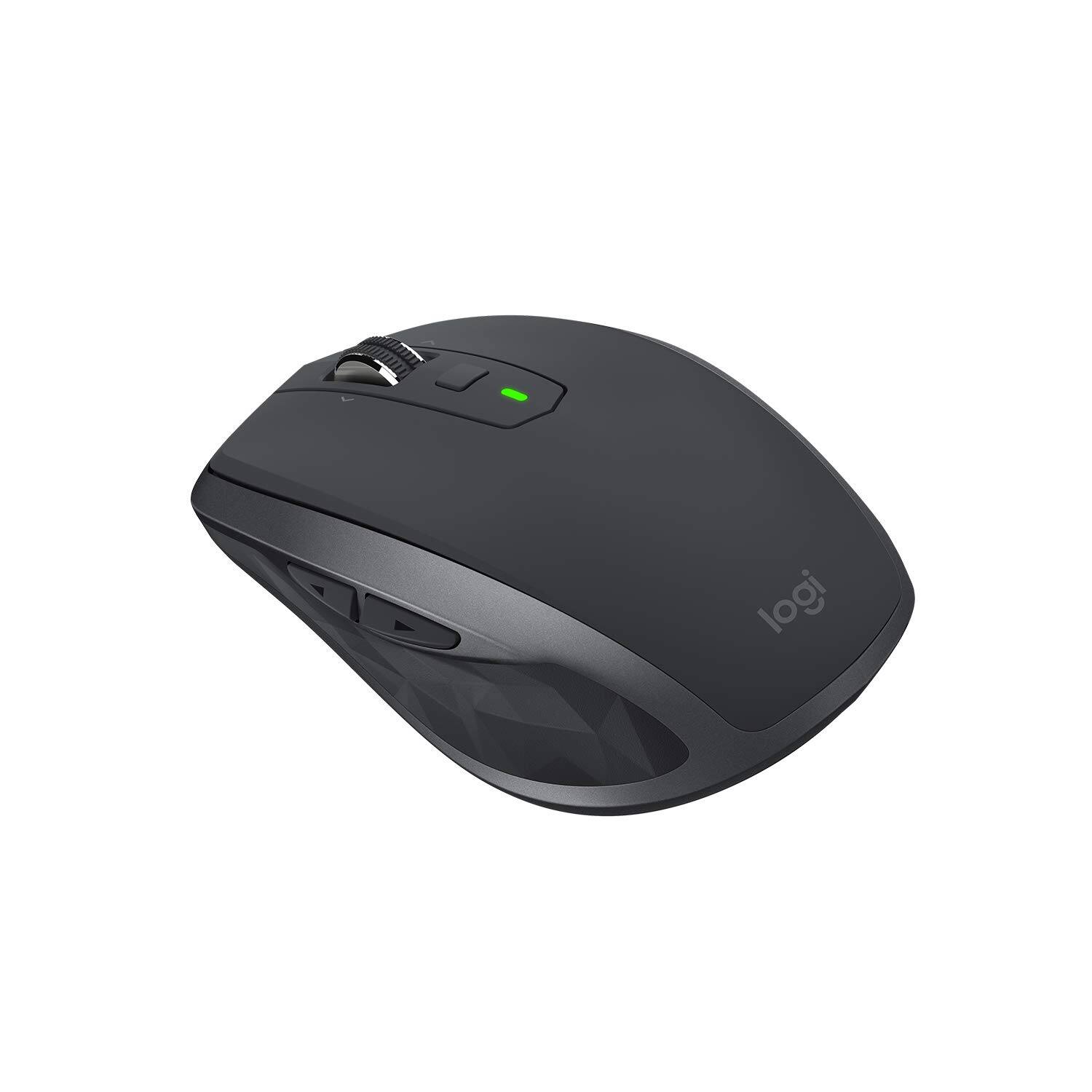
|Posted .This reviewer received promo considerations or sweepstakes entry for writing a review.I've always thought that the mouse was one of those utilitarian technologies that couldn't be improved upon and that Logitech, being the most dominant player in this market, would not have any incentive to make a better mouse. The Logitech MX Anywhere 2S proved me wrong. From the sculpted design to the weighty feel of the mouse, and right down to the smooth rolling speed of the hyper-fast scroll wheel, it felt very refreshing as if I were holding a mouse for the first time. The mouse is well designed. It is rounded at the palm of the hand like any old mouse, but is more angular along the side edges and the front. Placement of the buttons is very natural. There is the forward/backward thumb buttons on the side, scroll left/scroll right button on the mouse wheel, and a middle gesture button directly below the wheel. All five of these buttons can be customized to your liking to control other content such as adjusting volumes, opening and closing windows, etc. The mouse is powered by a lithium ion polymer which Logitech claims can last up to 70 days on a full charge. I've only had this mouse for a day, so I can neither corroborate nor deny their claim. The amount of battery remaining is indicated by the green led lights when you switch on the mouse. 3 green lights means the battery is fully charged, 2 lights mean it still has 66% charge, 1 light is 33% charge, and a red light means it's time to charge. One of the nice things about this mouse is that you have a choice of how you want to connect it to your computer, either through the unifying receiver or via bluetooth. The mouse is feature rich. To get the most out of the mouse, you need to download the “Logitech Options” software. Once you install the software, you can customize the buttons, make adjustments to pointer speeds, define the direction of the scroll wheel, and seamlessly switch the mouse to up to three different computers with the Logitech Flow technology. The Logitech Flow is pretty awesome and this is one of the features that you're paying for in this premium mouse. This function allows you to seamlessly move the mouse from one computer to another and to copy and paste content from one computer to another with just the click of the mouse (note, you cannot drag and drop). You need to download and install the Logitech Flow software on the two (or three) computers you plan to use with this mouse and follow the on-screen menu that will lead you through the set up process. Once set up is completed, you will be amazed at how easily it is to cut/copy/paste content from one computer to another with the mouse. To get the mouse from one computer screen to the next, you simply move the mouse cursor to the edge of your first computer screen ,and the mouse cursor magically appears on your other computer screen and you could then control the other computer and paste or copy the file onto the second computer. It's a pretty cool feature that Logitech provides to give an option on how to transfer files between two computers. However, both computers need to be on the same network for the Logitech Flow to work. Another cool feature that you're getting with the MX Anywhere 2S is the hyper-fast scrolling function. With a simple press of the wheel, the scroll wheel transforms from a traditional wheel that will click and scroll a few lines at a time to a hyper scroll wheel allowing you to quickly scroll up and down long documents or web pages with a low friction spinning wheel. Other than those two main standout features (1. Logitech Flow and 2. Hyper-fast Scrolling), you pretty much have an advanced functioning mouse with customizable buttons. You also get Logitech's Darkfield high precision tracking sensor which will track on any surface including glass which is useful if you find yourself in situations where you're in need of using the mouse in a less than ideal surface. In summary, Logitech's MX Anywhere 2S is a great choice for anyone seeking a sleek wireless, high performance mouse with bluetooth connectivity needing to transfer files between computers or needing to control up to three computers with a single mouse. There isn't anything negative I can think of about this mouse. You really cannot go wrong. The deciding factor is whether or not you will be needing to use the Logitech Flow or the hyper scrolling features. If you need them, then this mouse should be considered; if not, then Logitech has more basic mice offerings to select from at a lower price point.
I would recommend this to a friendOK mouse
||Posted .This reviewer received promo considerations or sweepstakes entry for writing a review.it does its job, I like the MX master mouse way better!
I would recommend this to a friendBluetooth mouse
||Posted .This reviewer received promo considerations or sweepstakes entry for writing a review.Bluetooth was nice but quit working shortly after purchase.
No, I would not recommend this to a friendIt's a mouse
||Posted .This reviewer received promo considerations or sweepstakes entry for writing a review.What can you say? It does what it is supposed to do.
I would recommend this to a friendblue tooth connectivity issues
||Posted .This reviewer received promo considerations or sweepstakes entry for writing a review.download logitech unifying reciever and worked great
I would recommend this to a friend- Pros mentioned:Long battery life, Wireless
Great for travel
Posted .This reviewer received promo considerations or sweepstakes entry for writing a review.Good mouse, smooth and great battery life. Very easy to connect via Bluetooth and switch between devices
I would recommend this to a friend Didn't get my order
||Posted .This reviewer received promo considerations or sweepstakes entry for writing a review.I bought this item Nov. 30 but still waiting for it.
No, I would not recommend this to a friend- Pros mentioned:Easy to use, Works on any surface
Nice feel and operation. Super easy setup
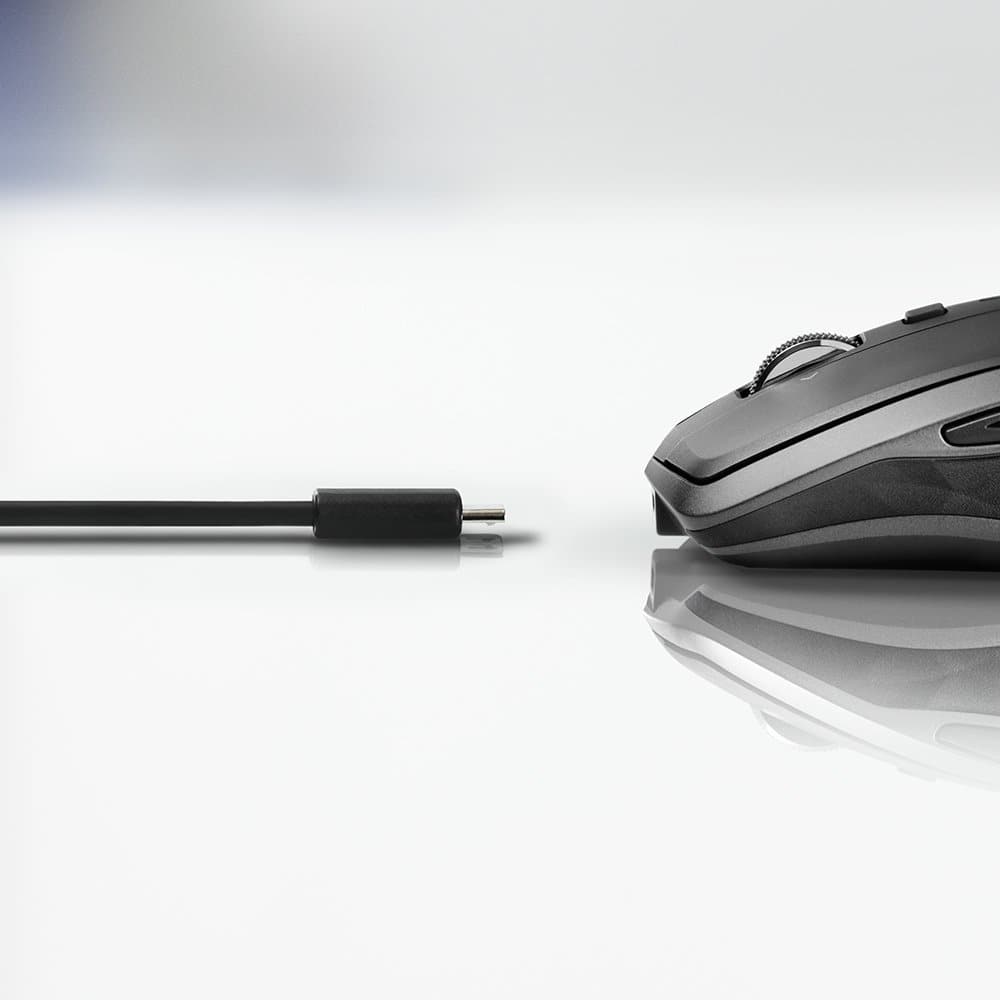
|Posted .This reviewer received promo considerations or sweepstakes entry for writing a review.Full disclosure: I received the Logitech MX Anywhere 2S for free in return for a timely and honest review. It doesn't get any easier than this. I pulled the mouse out of the box, removed the protective sticky strip off the bottom, turned it on and clicked on "Pair" in BlueTooth seetings on my MacBook Pro. That was it. The mouse works exactly has I would expect it to work. I used it on carpet, on my ottoman and on my leg. It doesn't matter what surface. Scrolling is smooth and fast. The mouse is light and a good size...not too large or too small...just right. It comes with a USB charging cable and a little Bluetooth Dongle (that I didn't need) Since my MBP has USB-C, I'll charge the mouse using an iPhone or iPad USB charger most likely...rather than using an A to C adapter and charging it off my laptop. Nice product. I'll try it on my PC laptop when I get a chance to do so.
I would recommend this to a friend - Pros mentioned:Easy to use, Wireless
Sweet Upgrade
|Posted .This reviewer received promo considerations or sweepstakes entry for writing a review.Alright, so I have traditionally used wired mice for... ever. I got this little guy out of curiosity and I am glad that I did. What was I thinking not jumping on the wireless band wagon? Who knows but if you're reading this make the investment. If not for the wireless feature where you can sync up to three different devices then for the cool two-button features on the side of the mouse that let you toggle back and forth between pages instead of having to go and click on the back button! Charging is simple, and syncing it with your devices is easier than connecting Bluetooth earphones. I have had issues with earphones in the past but this mouse was simple and easy to use. I do wish it came with a carrying case because tossing it in my backpack makes me scared i'll somehow ruin it but so far it's not been affected. I hope you get as much use out of it as I am!
I would recommend this to a friend Great mouse, poor pckaging
||Posted . Owned for less than 1 week when reviewed.This reviewer received promo considerations or sweepstakes entry for writing a review.The mouse is superb. I now have one for my laptop and one for my desktop. My complaint is the packaging. For some gimmicky reason the USB is packaged so when you open it it is the first thing you see. It is not secure. Mine came free and fell to the floor as I opened the package. My best friend was faster than me and had it in her mouth before I could stop her. It's now chewed. I feel this should be more secure or packaged in the main part of the container.
I would recommend this to a friendNnnnnoooo
||Posted .This reviewer received promo considerations or sweepstakes entry for writing a review.My fat fingers kept touching all the buttons on the thing making life miserable while highlighting, clicking, whatever. too many buttons for something. all I wanted was a regular mouse that was wireless.
No, I would not recommend this to a friendNot for 3D Designers, Photoshop, CAD etc.
||Posted . Owned for less than 1 week when reviewed.This reviewer received promo considerations or sweepstakes entry for writing a review.Do not use if you do 3D design, CAD, or Photoshop. The middle click is not really an option unless you use the gesture button, which is honestly annoying and difficult. A large group of us have complained to Logi, who frequently does firmware updates for this mouse, but still can't seem to be bothered with a feature that a lot of us use CONSTANTLY. Just disappointing and returning right away.
No, I would not recommend this to a friendBrand response from Logitech
Posted .Hello dwgrl,
I am sorry that the MX Anywhere 2s is not meeting your expectations. Try the MX Master 3, or the G502. Most designers are using these two mice models. I hope you find this information helpful. Logitech appreciates your product review. - Leo from Logitech