Customer Ratings & Reviews
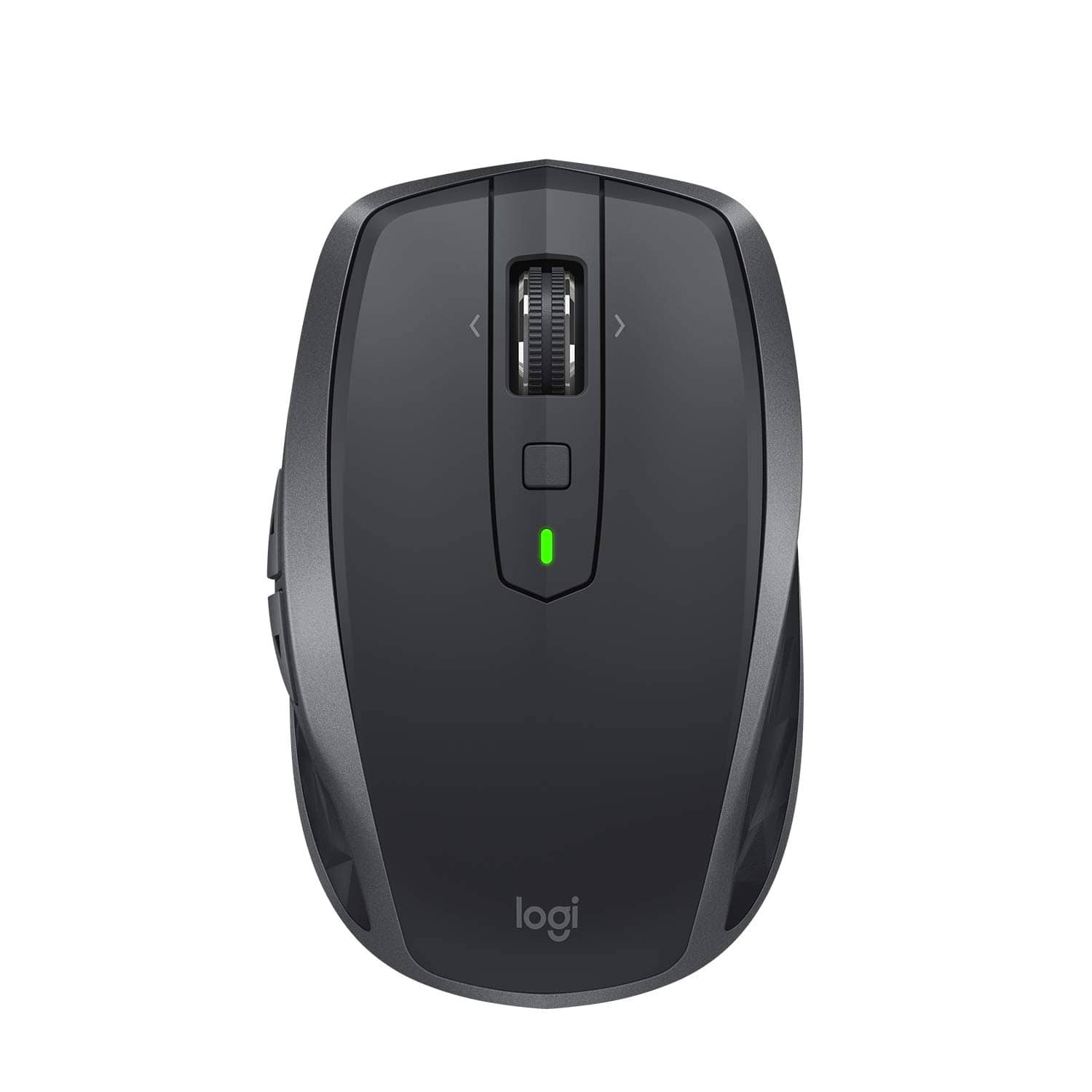
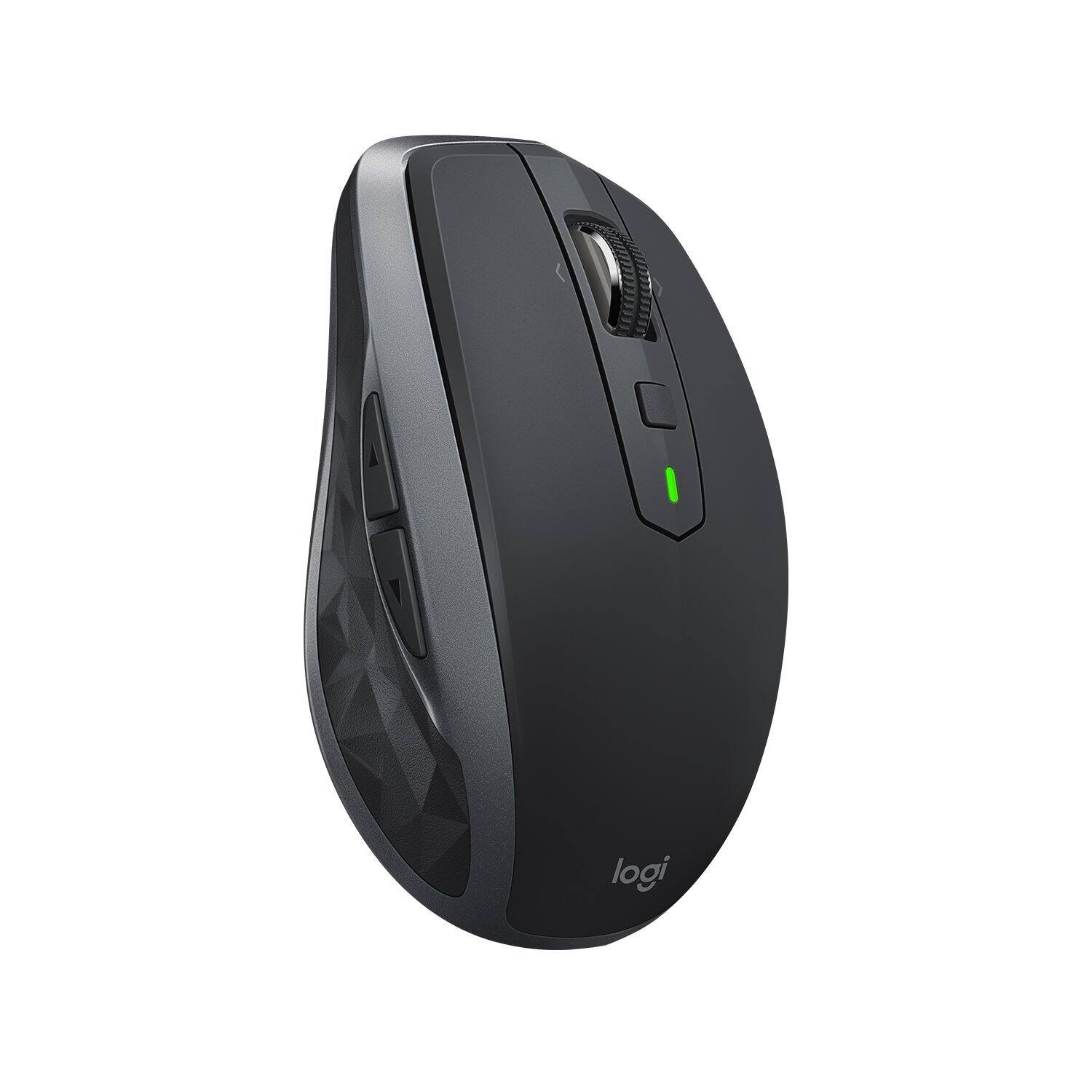
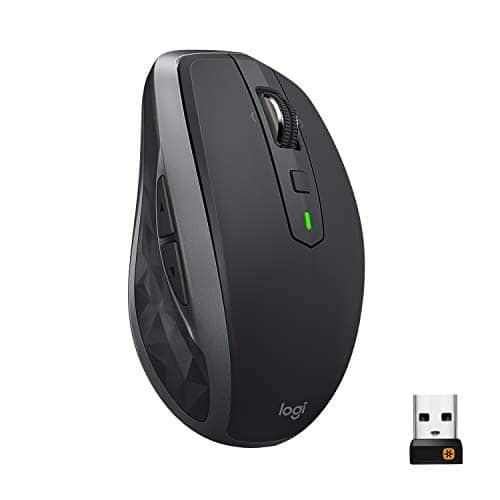
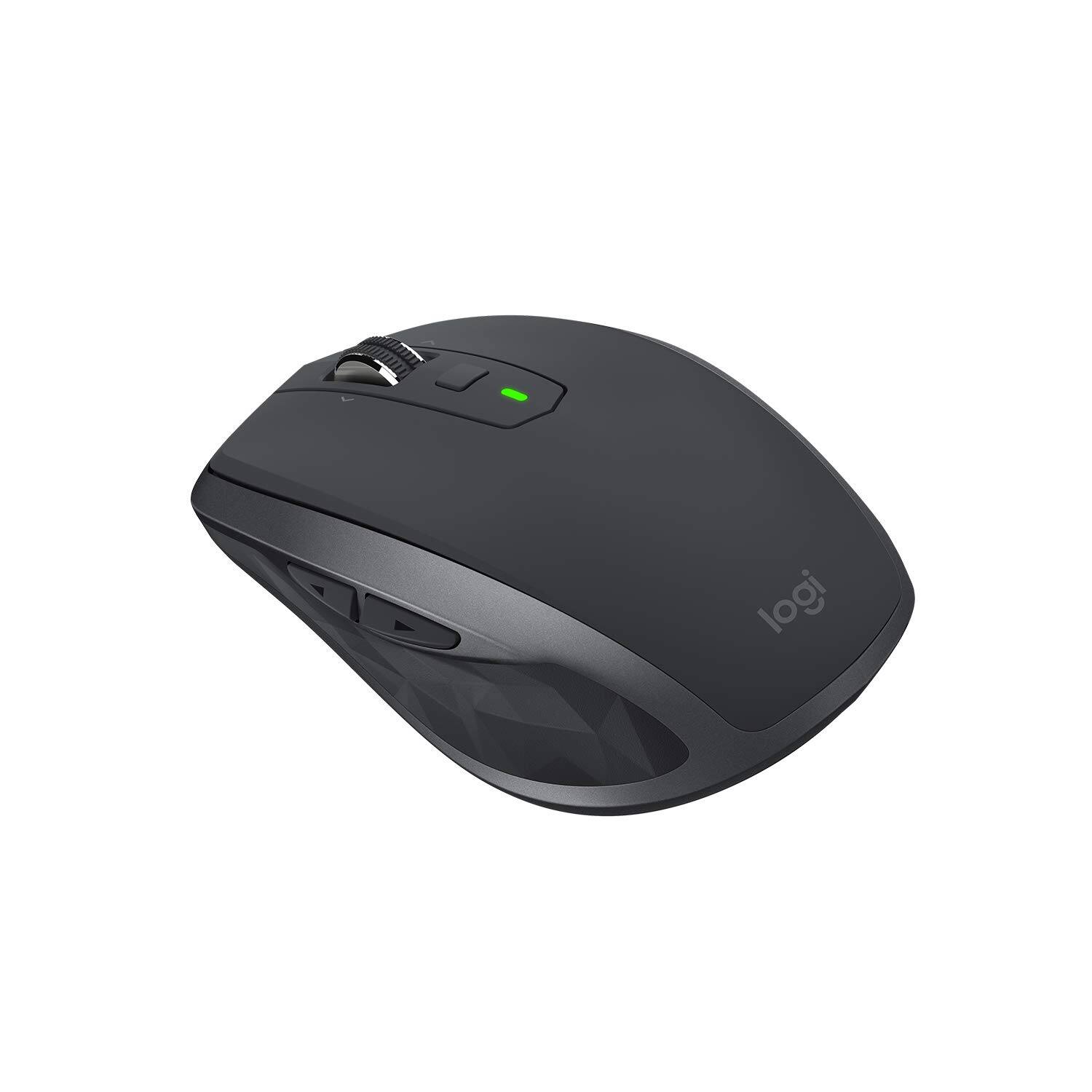

- Model:
- 910-005132
- SKU:
- 5870714
Rating by feature
- Value
Rating 4.6 out of 5 stars
- Quality
Rating 4.7 out of 5 stars
- Ease of Use
Rating 4.7 out of 5 stars
Customers are saying
Customers find value in the MX Anywhere 2S Wireless Laser Mouse's ease of use, long battery life, and Bluetooth connectivity. Many appreciate its compact size, compatibility with various surfaces, and precise tracking. Positive feedback also highlights the responsiveness, lightweight design, and comfortable ergonomics. However, some customers express concerns about the price and occasional clicking sounds.
This summary was generated by AI based on customer reviews.
Works fine but really small.
||Posted . Owned for 11 months when reviewed.This reviewer received promo considerations or sweepstakes entry for writing a review.Didn't like the way it fit my hand, have an average size male hand and it felt too small. Good to pack for travel if size is a premium.
No, I would not recommend this to a friendBrand response from Logitech
Posted .Hello, I am sorry to hear you are not satisfied with the product. Thank you for taking the time to write this review, we appreciate the feedback.

This mouse makes me happy!
|Posted .This reviewer received promo considerations or sweepstakes entry for writing a review.I love this mouse. So much. Strictly on the basis of physical design and performance. It feels wonderful. The weight is perfect, the construction is high quality--the materials are excellent, aren't slippery or sweaty, have good grip without being sticky. I love it. The buttons are well-placed and have good feedback. Ergonomically, this is one of the best-feeling classic mice I've ever used. It's the perfect size for my petite lady hands and does not aggravate my carpal tunnel... in fact, my hand has been feeling pretty darn good since I started using it. The scroll wheel is a little more loose than I'm used to... but I've started to appreciate the light touch. I want to get another one for work! And I usually don't spent more than twenty bucks on a mouse. Seriously, though... this one is so worth it. I love it. On the software front, I was really excited to try out the Flow feature, which is advertised to basically let you seamlessly use the mouse between two computers, even letting you copy/paste files between the two machines using the mouse. The front-load to use this feature is a bit of a hassle, requiring you to download, install and enable the Logitech "Options" software on both machines you plan to use it on (this is not simple plug-and-play). But I did it with two Windows 10 computers and at first, I was psyched--it totally worked! The mouse cursor moved beautifully between the two computers as if they were the same desktop and I was successfully able to copy/paste files between the two computers as I was just moving a file from one directory to another on the same machine. It was awesome. But then I shut one of the laptops and it went to sleep... and when I woke it back up again, I could not get the two computers to connect again in the Flow feature. Ah, well. I guess there are still some bugs in the software. It was super cool when it worked--and with updates, I'm betting it will start to work more reliably again in the future... but right now, it seems to be a little hit or miss. But... that's not why I use a mouse. I want the hardware to be awesome. And it is. This is a great mouse. And, as lame as it sounds... yes. I am excited about this mouse. I really, really like it and it's a pleasure to use. Yup... just decided. I'm getting another one for work...
I would recommend this to a friend- Cons mentioned:Durability
Very bad quality
||Posted .This reviewer received promo considerations or sweepstakes entry for writing a review.This one broke after 2 months - considering it's expensive should have lasted a bit longer.
No, I would not recommend this to a friend Use on any surface
||Posted .This reviewer received promo considerations or sweepstakes entry for writing a review.If you read the title of this review, then you know the sole reason to buy this heavy, oversized, over-priced, complex mouse .
No, I would not recommend this to a friend- Cons mentioned:Size
Not want I expected
||Posted .This reviewer received promo considerations or sweepstakes entry for writing a review.More bulky than I expected and bigger. Also not easy to use the Bluetooth features
No, I would not recommend this to a friend Not thrilled
||Posted . Owned for 1 year when reviewed.This reviewer received promo considerations or sweepstakes entry for writing a review.I didn’t really like this. It did not link to my two laptops like described.
No, I would not recommend this to a friend- Pros mentioned:Long battery life
Perfect laptop mouse
|Posted .This reviewer received promo considerations or sweepstakes entry for writing a review.It is hard for me to say anything bad about this mouse. To begin, it is a travel mouse so you should expect a slightly smaller size than a desktop mouse. Aside from that possible issue, it is near perfect! The device comes in a high-quality box that looks premium. There is the mouse, a dongle, usb cable (for charging) and documentation inside. The dongle is not needed if you are going to connect via Bluetooth but the RF connection might provide smoother mouse input. Setup is a breeze. I charged the device via micro USB 2.0, plugged in the dongle and was gtg. For testing I tried pairing with Bluetooth, performance here was above average compared to other Bluetooth mice I have used in the past with smooth scrolling and quick response. I wouldn’t mind playing some action games via Bluetooth with this thing, its that good! Ergonomics are superb other than it big a bit smaller. It fits perfect in the right hand and has four main buttons, a scroll wheel with smooth or precise scrolling, a middle button that can be user assigned. The materials it is made of are high quality and it feels like it would do great after a few drops. The battery life seems fine so far and should last a long time. I recommend you download the Logitech software for mouse updates and to gain the ability to reassign buttons as needed. Again, I can find no fault in this mouse. Go buy it now!
I would recommend this to a friend Not Impresses
||Posted .This reviewer received promo considerations or sweepstakes entry for writing a review.Mouse works fine for a while then all of a sudden it will not scroll the page down, very frustrating, would not recommend this Mouse. Stick to the cheaper ones they work better.
No, I would not recommend this to a friend- Pros mentioned:Long battery life
Precise, Perfect!
|Posted .This reviewer received promo considerations or sweepstakes entry for writing a review.I am a long time and loyal customer of logitech devices going back quite a few years. Prior to the MX Anywhere 2S i was using a touchpad/trackpad from logitech with my desktop. Recently i decided to go back to using a mouse for photoshop type tasks for when precision matters. This is one of the main reasons I chose this item above the rest. There is no "jerkiness" that is associated with other devices. Another plus, is the LONG battery life. Logitech promises a full 70 days per full charge (depending on use). In fact, they state that a mere 4 minute charge can last an ENTIRE day ! I can verify this is correct. You really can't beat that. A full charge via the included mini USB cord takes approx 4 hours - and believe it or not, you can also use the mouse while it is charging. There's not a whole lot one can say about a mouse - the multi device feature is GREAT - as you can use the mouse across your laptop, and desktop without having to plug/unplug. My favorite feature when it comes to that is the ability to copy and paste between devices! Needless to say, that comes in very handy! If you are in the market for a high quality mouse where precision matters - don't hesitate - get this!
I would recommend this to a friend - Pros mentioned:Long battery life, Works on any surface
Works great
|Posted .This reviewer received promo considerations or sweepstakes entry for writing a review.I've been frustrated with wireless mice more often than not so I tend to just avoid using them. This one may change my mind. As advertised, it works on almost any surface with ease. Haven't had it long enough to attest to the battery lasting as long as they say but I suspect that it will yield better than average life.
I would recommend this to a friend - Pros mentioned:Long battery life
A Great Mouse for Anyone
|Posted .This reviewer received promo considerations or sweepstakes entry for writing a review.I'm not a huge fan of higher priced mice, but after using this one, I'm sold on the notion that you get what you pay for still applies with anything. The mouse feels great, worked on both my Windows and Mac based products, features good battery life (still going with everyday use), buttons feel good, and no hand discomfort. Seemed fine on glass like advertised. I was also able to control two computers at once, but not three, as packaging states. Overall good product.
I would recommend this to a friend - Pros mentioned:Easy to use
One of the Best
|Posted .This reviewer received promo considerations or sweepstakes entry for writing a review.The packaging was designed in such a way that made seeing the mouse easy. It also allowed for quick viewing of the many overall key features available without having to use the mouse. I easily opened the package and set the mouse up for use, without installing any software, within less than three minutes. Love the mouse’s small design which let it fit easily into the palm of my hand for smooth scrolling, movement and usage. The mouse’s rechargeable battery makes it even more valuable in the fact that I don’t need to bother with changing batteries out constantly. I can just easily plug it into my computer for quick and convenient charging. I have been using the mouse for over ten days, in my workplace, on the initial charge straight out of the packaging. I would recommend this mouse to anyone with multiple work locations. I take it home at night for use with my laptop and then bring it back to work with me every day. It seamlessly transitions between the two computer locations without an issue. Good Shopping!
I would recommend this to a friend - Pros mentioned:Wireless
love the mouse
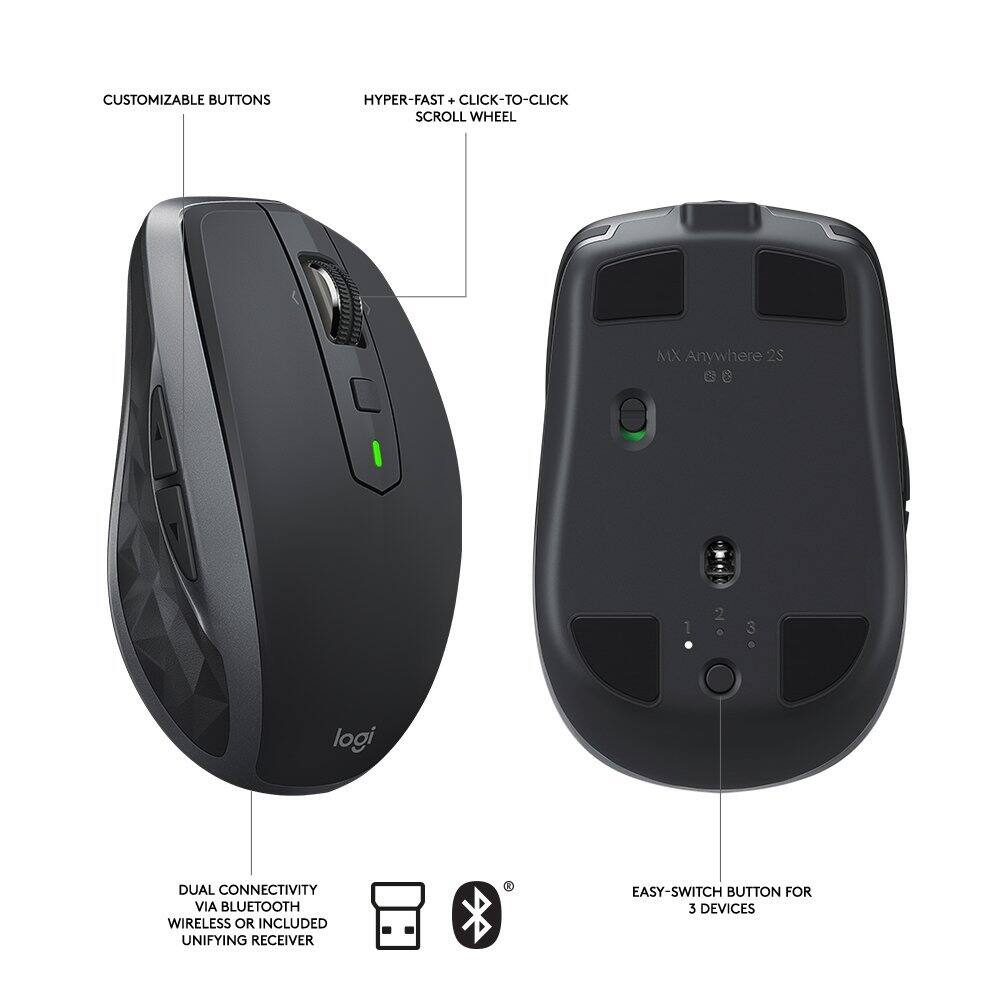
|Posted .This reviewer received promo considerations or sweepstakes entry for writing a review.i enjoy this mouse and was surprised. for the price I already new it was probably something that was going to be a 30 or so dollar mouse. and just paying more because it has Bluetooth, and wireless and built in battery. so I was surprised to find out it had a lot of customizations that could be done. one that is nice is a button that you hold down just under scroll wheel and you can then move the mouse left, right, up or down and set it to do something. and a couple other buttons to which you can also customize. I have not fully used everything yet so not sure if there is a program that allows to customize the dpi to specific numbers. the Logitech program is said to download seems to just use a slider and not say what the dpi is. you can set it up with 3 devices at once. can be nice if you use a desktop and then go to a laptop. you don't have to disable the BT on the desktop and re pair. it moves smoothly on 3 different mouse pads that I own. I have a couple cloth style pads and then a harder type pad. a few cons that I have. the charging cable is not long but not short either. its great if you have a laptop and the usb is on the side you use the mouse or back. otherwise you would not be able to use while charging. being it is supposed to be a travel mouse, I would have expected to either have a case for it to put everything in, or a slot in the mouse to store the receiver. and profiles for the mouse per computer. like 3 different profiles to choose from so if I am in a game I can switch to a profile, or if wife is using it etc. overall though, for the price I think its worth it if you are looking for a good wireless mouse.
I would recommend this to a friend Mouse
||Posted .This reviewer received promo considerations or sweepstakes entry for writing a review.mouse is ok but a lot of trouble to set the scroll on it and to get web help is hard you go to Logitech and cant find how to troubleshoot you search for it and all it does is redirect you where to buy one
No, I would not recommend this to a friend- Cons mentioned:Pricey
Mouse is good. "Flow" software is not.
|Posted .This reviewer received promo considerations or sweepstakes entry for writing a review.This is the first mouse that I've had with a smooth scrolling wheel (i.e. no notched scrolling, but free-wheel spinning). This took me a little while to get used to, but I find it quite nice now that I have the settings arranged to my preferences. The mouse moves very smoothly across any surface that I've used it on. The buttons click nicely, and I like having dedicated buttons for moving forward and back in web browsing. All in all, this is a somewhat nicer mouse than their standard M325. I don't game, so I can't say if it is worth the added $40. The Flow software that they tout as being able to allow you to use the mouse with multiple machines is really just a cheap knock-off of Microsoft software called "Mouse without Borders." It is available for free. With Flow, you can move the mouse between the computers, but not much more. There is also about a 2-second delay every time you move from one screen to another. Another problem is that only the mouse moves, not the keyboard functionality, so you have to have 2 keyboards on your desk. With Mouse without Borders, the movement is instantaneous and it allows you to use the same keyboard with both computers. This is far more useful than Flow. I don't know if Mouse without Borders is available for use on a Mac, but I assume not. If you want to use this mouse with both a PC and a Mac, I guess Flow is an option, if a terrifically imperfect one. In total, I'd say don't bother with Flow, and the mouse is likely not worth the massive price-jump over a basic mouse with a tilting scroll-wheel.
No, I would not recommend this to a friend - Pros mentioned:Long battery life, Responsive
Awesome mouse
Posted .This reviewer received promo considerations or sweepstakes entry for writing a review.Ive had this mouse now for 5 years. It still works perfectly. Battery life is great. Very fast response time and accurate movements
I would recommend this to a friend - Pros mentioned:Works on any surface
Great mouse on any surface
|Posted .This reviewer received promo considerations or sweepstakes entry for writing a review.MX Anywhere 2S by Logitech has a comfortable, easily mobile design and multiple control options that should cover all your computing needs from a mouse. The battery is rechargeable via the included micro-USB cable (lists 70-day usage on a full charge!), and it connects via USB or bluetooth with the ability to seamlessly switch controls between multiple computers and even to transfer files between them. The best feature is undoubtedly its ability to work on virtually any surface. Tested on hardwood, glass, carpet, rigid couch fabrics, and even on body parts like hands and arms, this mouse had no trouble functioning properly. Overall, this is a nice, solid product that doesn't have a lot of bells and whistles but gets the job done. Full disclosure I received this item for my honest, unbiased review.
I would recommend this to a friend Works but Freezes A Lot
||Posted .This reviewer received promo considerations or sweepstakes entry for writing a review.It worked well for a couple of months but now it constantly freezes
No, I would not recommend this to a friend- Pros mentioned:Wireless
Diverse Functionality
|Posted .This reviewer received promo considerations or sweepstakes entry for writing a review.The feel of this new MX is a little 'light' but is comfortable and you will easily get used to it in no time. It has a smart feel to it as well with all of it's versatile features. You will need to D/L their software and then you will be able to customize the way you can use the buttons and what they will be used for. Cool feature for sure! With 1 click of the scroll wheel, you will change from regular scroll to a 'Hyper-Scroll' which is definitely extremely useful when scrolling through long documents as I often do. Click the wheel again to return to regular scrolling. You can use this mouse on up to 3 computers at the same time even if they are a combination of Windows based or Mac (I haven't tried 4 computers yet...never know huh?) Anyhow, if you intend to do this, first D/L the software for the mouse to each and then you will be able to copy/paste or cut/paste from 1 computer to 1 of the others (if you have them on the SAME network). I have found the features of this mouse to be very time saving for my needs and would recommend it to anyone who multitasks across 2-3 systems and want to save a ton of time. This mouse certainly creates Shortcuts for me!
I would recommend this to a friend Not for Apple Products
||Posted . Owned for 3 weeks when reviewed.This reviewer received promo considerations or sweepstakes entry for writing a review.Could not get the mouse to connect via Bluetooth. Wanted it to work because of its slick look, but wouldn’t. Would recommend for window computers.
I would recommend this to a friend