Customer Ratings & Reviews
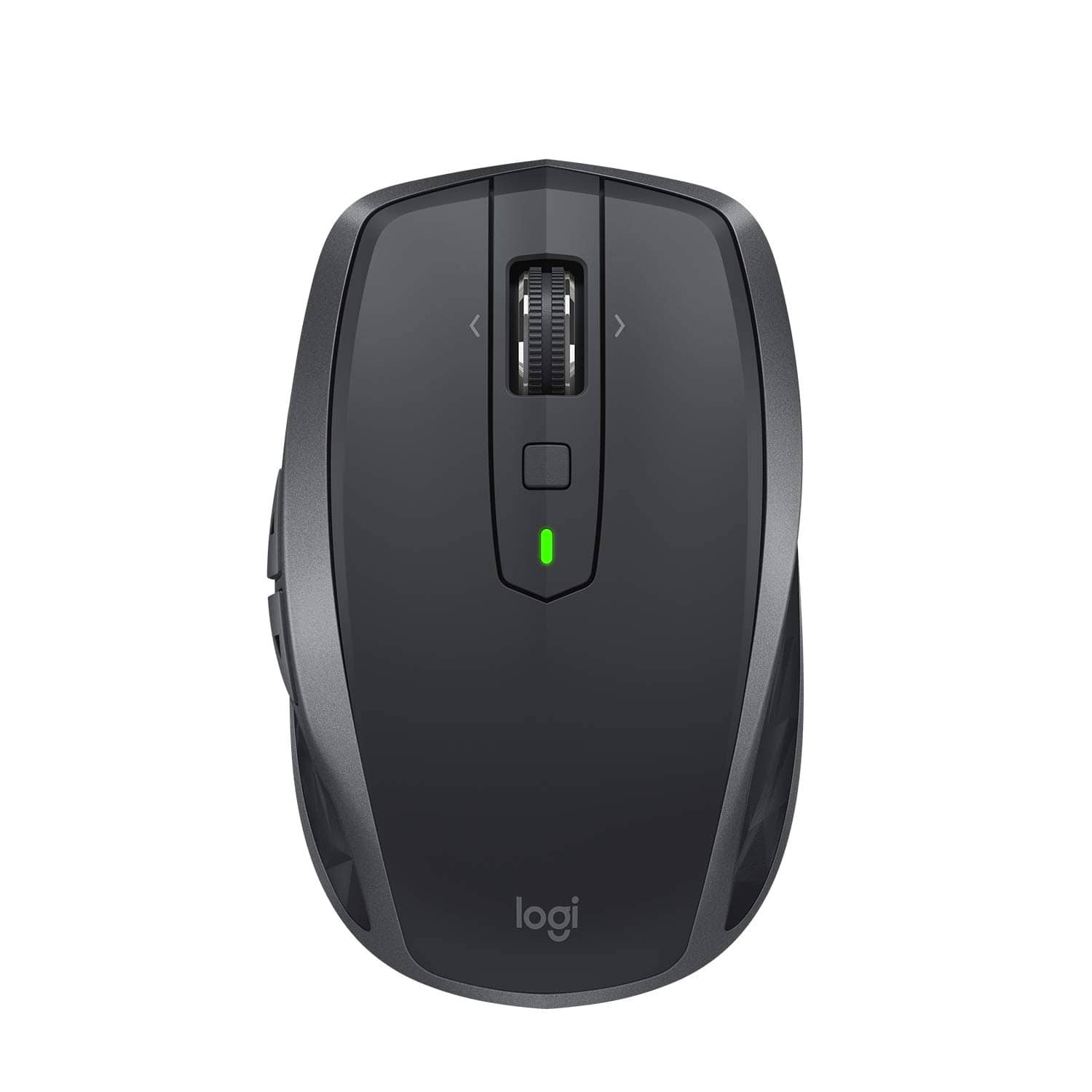
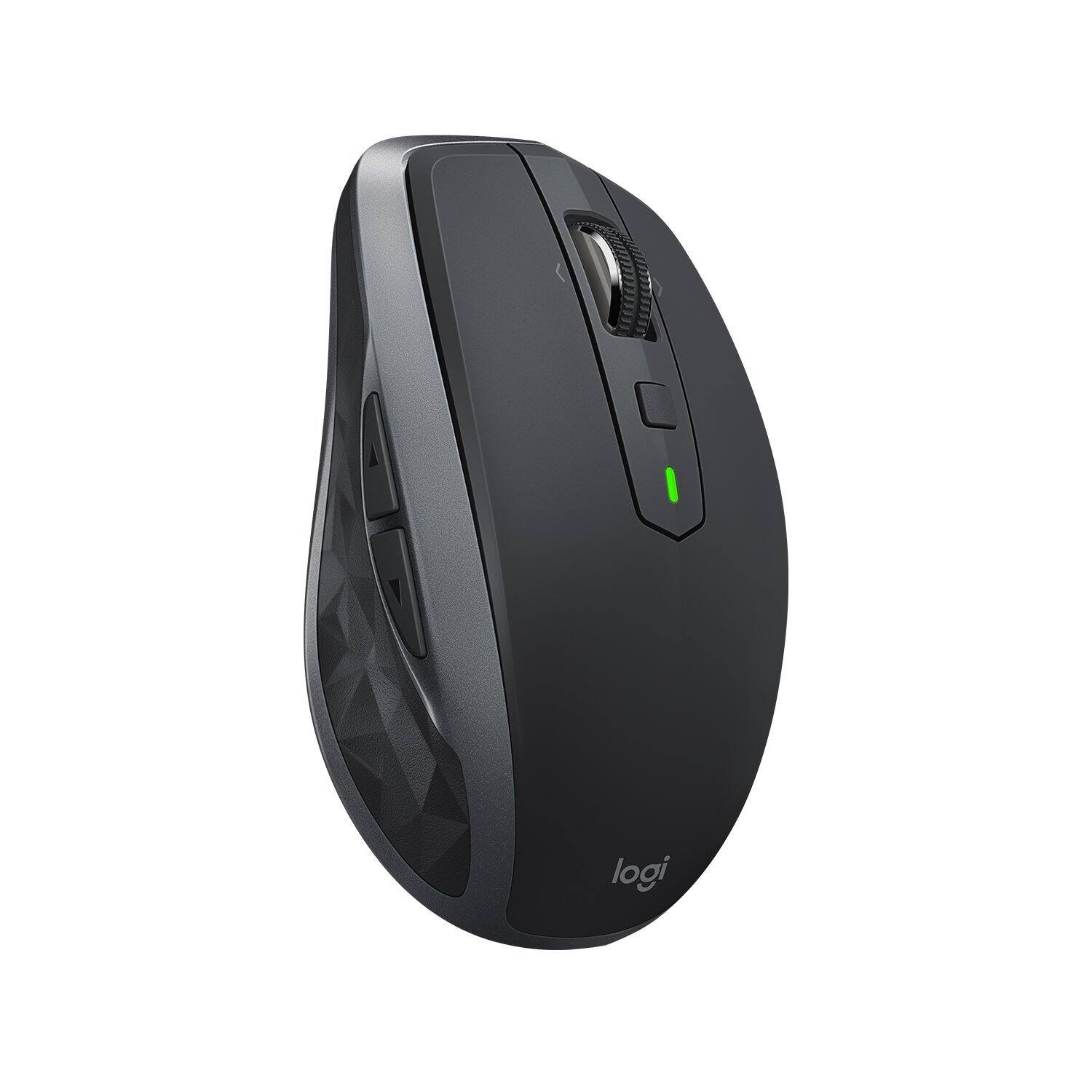
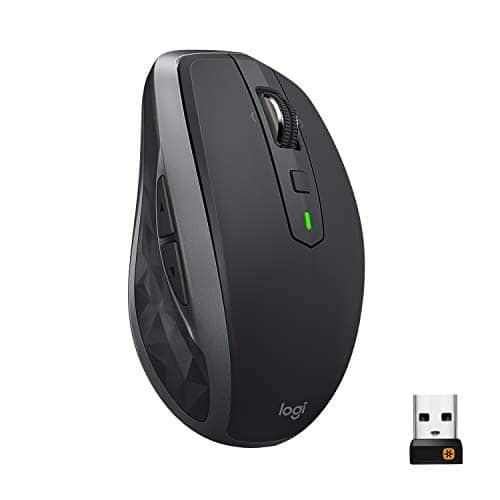
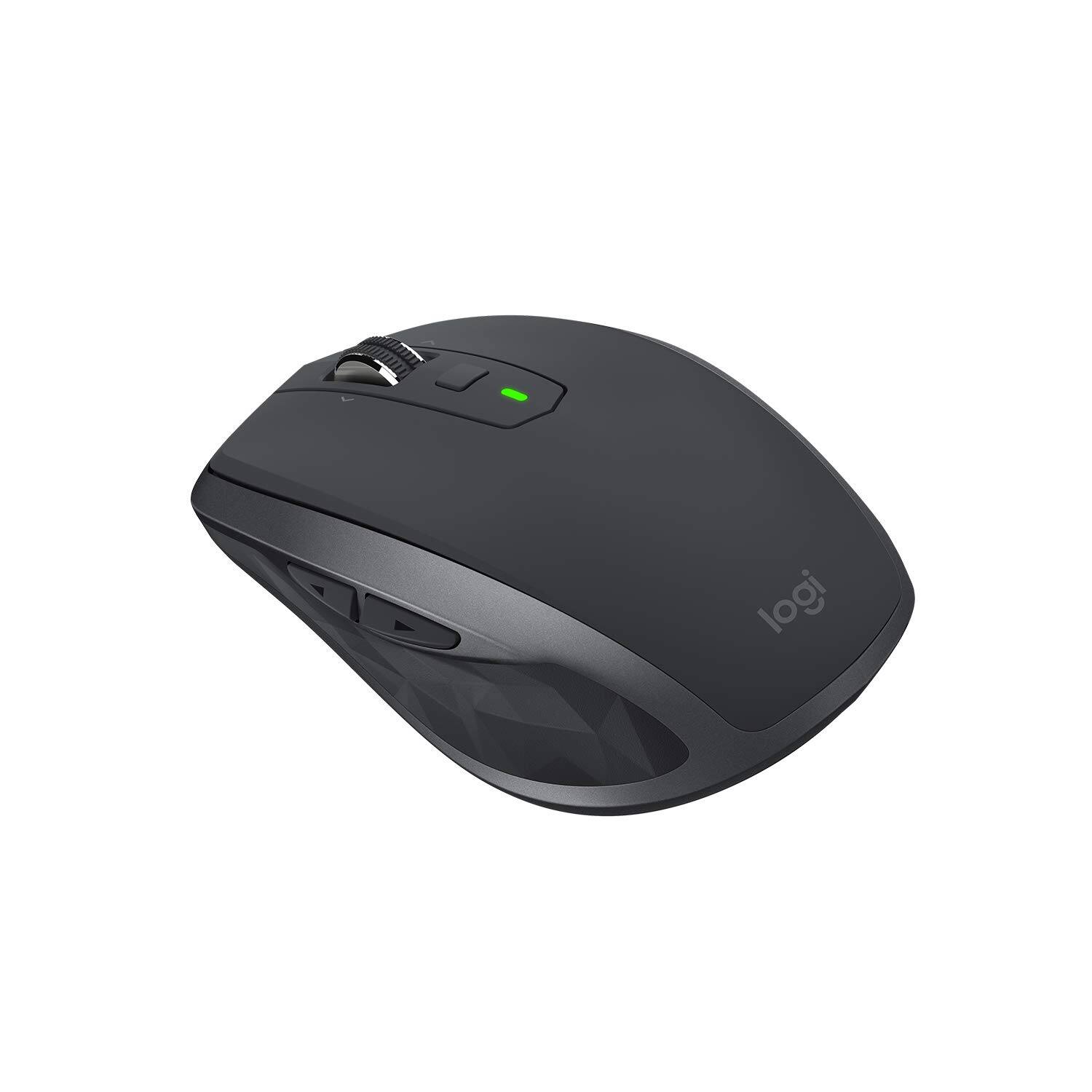
- Model:
- 910-005132
- SKU:
- 5870714
Rating by feature
- Value
Rating 4.6 out of 5 stars
- Quality
Rating 4.7 out of 5 stars
- Ease of Use
Rating 4.7 out of 5 stars
Customers are saying
Customers find value in the MX Anywhere 2S Wireless Laser Mouse's ease of use, long battery life, and Bluetooth connectivity. Many appreciate its compact size, compatibility with various surfaces, and precise tracking. Positive feedback also highlights the responsiveness, lightweight design, and comfortable ergonomics. However, some customers express concerns about the price and occasional clicking sounds.
This summary was generated by AI based on customer reviews.

Smooth Wireless Goodness
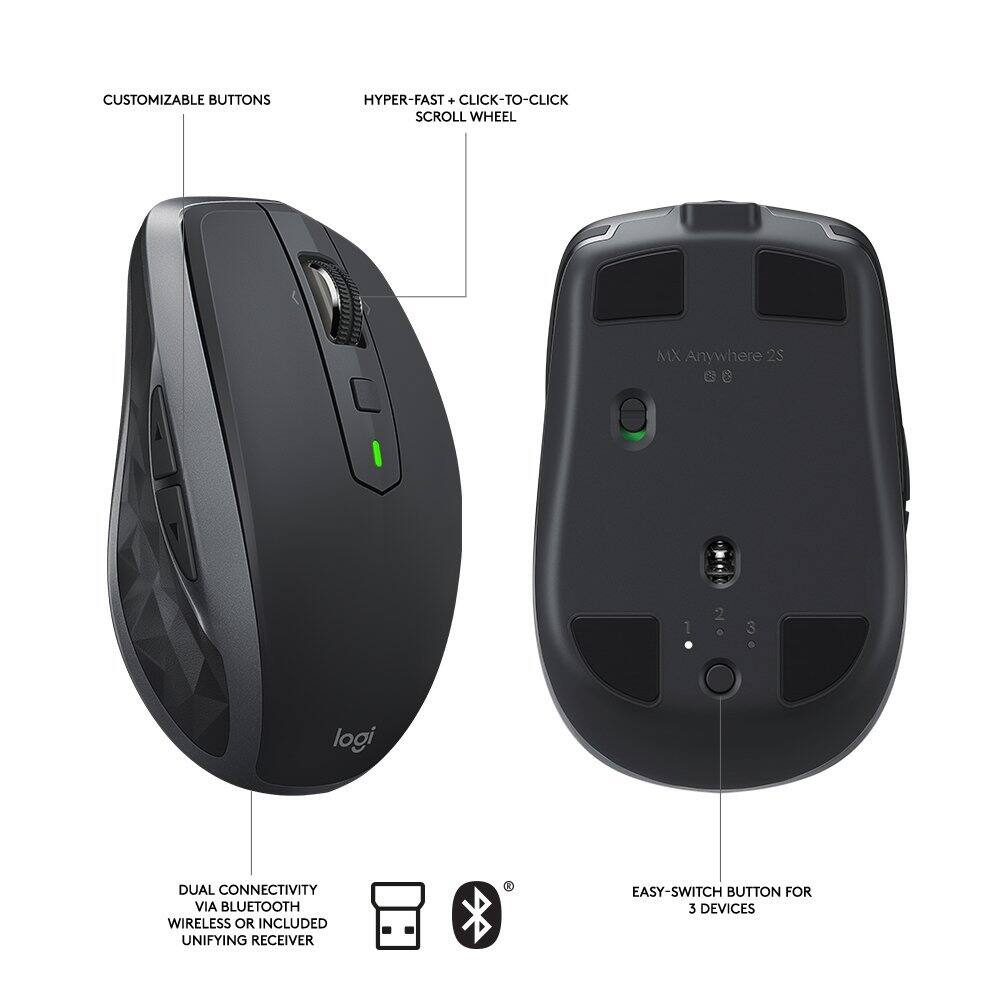
|Posted .This reviewer received promo considerations or sweepstakes entry for writing a review.The Logitech MX Anywhere 2S Wireless Laser Mouse is yet another example of the exceptional line of electronic products Logitech is known for. Oh my gosh ... the scrolling wheel is super smooth, and quiet. It really is the smoothest scrolling on any mouse I've ever used. This 'Darkfield' technology, truly impressed me, as every surface I tested the mouse out on - a traditional matte surfaced mousepad, cloth shammy, wood desk, sandstone coaster, paper, cardboard, glass, textured fabric - the Logitech Anywhere mouse performed flawlessly, with fast, precision movements. The size of this mouse is just right too, both for at-home and travel use, with an ergonomically designed shape that is comfortable no matter the size of your hand, or the grip you prefer. Pairing this wireless laser mouse with my Windows laptop and 5-year old iMac was pretty straightforward, following the simple instructions. For further button and key customizations, 'Logitech Options' can be downloaded from their support page on the Logitech website. A feature I was unable to test out was Logitech FLOW, though it certainly sounded interesting and which I'm sure could prove useful for some. The way I understand it, 'Flow' enables the mouse to control up to 3 computers, allowing you to copy & paste text, images, and files between them.
I would recommend this to a friend- Cons mentioned:Size
typical high quality Logitech mouse
|Posted .This reviewer received promo considerations or sweepstakes entry for writing a review.have had so many logitech mice, that in my mind, they are the standard for conventional mouse product for the windows world. this one is no exception, working just fine on my windows 10 machine, and just so so on my sons Imac. nothing really exceptional here, its feature set is ok, but I personally prefer the higher end MX Master. Either way, no matter what you choose, if its a Logitech mouse, it will work just fine; keep in mind this one is a little smaller than the MX Master, so if you have large hands, you might want to step up to that one.
I would recommend this to a friend A Tech Savvy Mouse
|Posted .This reviewer received promo considerations or sweepstakes entry for writing a review.This mouse is very advanced and offers new technology that allows you to copy and paste from one computer to another, even if you are using one Mac and one PC. The button on the bottom of the mouse can be used to switch between as many as three computers. It is worth noting that it can only be hooked up to one computer with the included USB wifi adapter, and that the other two would need Bluetooth. The first thing I noticed when I grabbed the mouse was its design. It is stylish and full of options, yet small enough to carry around the house or work. The mouse wheel can be set to free flow or to precision click by simply pushing the button. You can also setup the other buttons on the mouse with shortcuts that can make you more productive. The two other things I would point out are the battery and the laser. Having a rechargeable battery that lasts for months is really nice and it charges enough for a day's use in just 2-3 minutes - fully charged it can last for 70 days. Also, because of the laser, it works on nearly any surface (I haven't found one yet that it doesn't) and tracks very precisely. As far as cons go, I haven't found any complaints at all yet with this mouse.
I would recommend this to a friend- Pros mentioned:Wireless
Best idea!
Posted .This reviewer received promo considerations or sweepstakes entry for writing a review.After struggling to use a mouse touch pad, I decided to try a wireless mouse. Great decision, great results.
I would recommend this to a friend A Good Logitech Mouse But Not A Great Mouse
|Posted .This reviewer received promo considerations or sweepstakes entry for writing a review.This Logitech MX Anywhere 2S Wireless Laser Mouse is more interesting conceptually than functionally. Mostly it just feels like any other Logitech mouse. I like that it is rechargeable and I love the tracking (it really does track well even on clear plastic and glass surfaces). I also like being able to change from click-scroll to smooth-scroll - and the scrolling can be set to lightning speeds. It fits comfortably in the hand but side buttons make this mouse useful only for right-handed people. The mouse works great with my Windows desktop and laptop, but I found it to be clunky, at best, with my Mac - sometimes even short pauses in mouse activity seemed to create a momentary disconnect between the mouse and the Mac that I have never experienced with my Apple Magic Mouse 2. The MX can be paired with three separate computers - you change the computer assignment by way of a button on the bottom of the mouse - so that mousing with one computer won’t continue to mouse on the other computers if they are nearby. That feature can be used to transfer files from one computer to another by way of your shared internet connection which sounds incredible but is not that much less work than emailing a file to yourself. The MX isn’t a bad mouse, it’s just not a significantly greater mouse than other Logitech mice. I don’t like how it works with my Mac and, at the end of the day, I guess I’m just a kinda guy who prefers to have separate mice for each computer.
No, I would not recommend this to a friend- Pros mentioned:Works on any surface
This mouse is working great on any surface
Posted .This reviewer received promo considerations or sweepstakes entry for writing a review.Great mouse, working on any surface, glass tables, carpet, hardwood floor. Thank you Best Buy for the great price!
I would recommend this to a friend Logitech quality continues
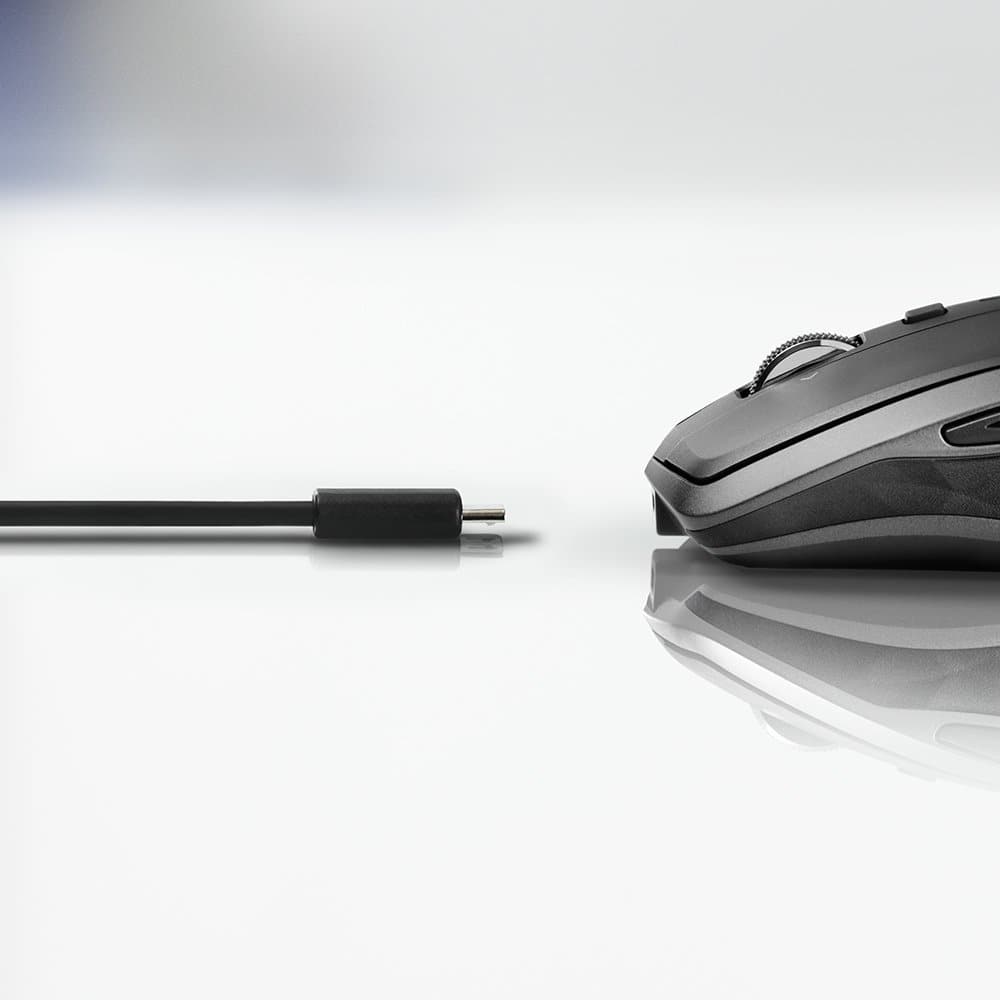
|Posted .This reviewer received promo considerations or sweepstakes entry for writing a review.The Logitech MX Anywhere 2S Wireless Mobile Mouse uses the tried and true Logitech mouse form factor, it fits comfortably in your hand and is easy to use. As with my previous Logitech Anywhere mouse it has back and forward buttons on the side which aid greatly for surfing in your favorite internet browser. While I did not use the FLOW software I did wirelessly connected this mouse to my laptop using Bluetooth, which allowed me to bypass using the small USB receiver that is supplied with the mouse. Another great feature of the Logitech MX Anywhere 2S Wireless Mobile Mouse is that is has a rechargeable battery built in, no need to carry spare batteries, just plug in the supplied USB charging cable (you can use it while charging) and charge the internal battery. I expect this MX Anywhere 2S will perform as well and long as my previous MX Anywhere, Logitech is known for quality products and I expect the same from this product.
I would recommend this to a friendLogitech Apology for Making the Anywhere 2
Posted .This reviewer received promo considerations or sweepstakes entry for writing a review.If you head now to Logitech.com and try to find anywhere 2 you won't find it even though it has been less than a year out, the product didn't live up to expectations of multi device smooth ride mice while 2S came to fix it and it absolutely did. Here is the thing, I'm anywhere original fan and I still think the older model had better and stronger plastic structure and finishing feel while this one (2s and 2) feels like on strict diet. The 2S tops the 2 in the fast tracking and keeping up with your navigation (epically if you switch between Mac and PC). btw Anywhere 2 always lose scroll functionally in a Mac for some reason. Bottom line, if you are coming from anywhere the 2S is the correct upgrade, anywhere 2 is Logitech fling.
I would recommend this to a friendGreat Mouse
|Posted .This reviewer received promo considerations or sweepstakes entry for writing a review.The Anywhere 2S is all it's promised to be. Setup can be a little tricky, as there are no instructions with the mouse. However, if you go online to Logitech, you will find what is needed. The mouse is a small, light, good hand fitting bundle of options. It works on a glass table top as well as on a mouse pad and the tracking is spot on. It is fast, has an exceptional scroll function, and other operational buttons that can be customized with a large number of options. The ability to pair the mouse via Bluetooth to another computer is easy and affords an excellent way to file share. I have an excellent Logitech wireless laser mouse that I have had for some time, but the Anywhere 2S leaves it in the dust. I definitely would recommend it to a friend.
I would recommend this to a friendVery High Tech Mouse!
|Posted .This reviewer received promo considerations or sweepstakes entry for writing a review.This Logitech anywhere mouse is one of the coolest mice I have ever seen. Right out of the box I love how easy it is to connect. It has two options for connecting both USB or Bluetooth. It can also be paired with up to 3 computers and there is a button to switch between each computer. A problem with some Bluetooth devices is that when pairing with more than one device they usually don't switch easily this is not the case with this mouse. Logitech Flow is tech that I have never heard of or thought would be possible. It allows you to have multiple computers running and then when you move all the way to the right on one computer it automatically switches to the next. You can also transfer files from one computer to another. I have both a PC and a Mac and this is a very convenient feature and worked seamlessly between operating systems. The scroll wheel is a little funky as you click it down and it is in scrolling mode but click it again and it goes into a free scrolling mode to allow fast scrolling. The only real use I can see for this is getting to the bottom of a page fast.
I would recommend this to a friendIt completes me
|Posted .This reviewer received promo considerations or sweepstakes entry for writing a review.I did not use to care about mice. This one though, it fits right in my hand. So now, anywhere I go, I am so used to operating with it-- even in meetings where I can just usually use my laptop pad, I am so used to it that I bring it and use it. The convenience of the buttons to page back and front when browsing is great. I also like the scroll wheel-- it has the option to have clicks for accuracy or if an option to make it quiet. I have not tried the multi-computer function yet since I use multiple screens at work. But the mouse itself is really great. I cannot work without it now.
I would recommend this to a friend- Pros mentioned:Wireless
Best Mouse I've ever owned!
|Posted .This reviewer received promo considerations or sweepstakes entry for writing a review.This is the best mouse ever! Easily connects to 3 devices at the same time with the click of a button. You can use this mouse on just about any surface.
I would recommend this to a friend - Pros mentioned:Wireless
great mouse
Posted .This reviewer received promo considerations or sweepstakes entry for writing a review.such a nice mouse, great design great for long hours use. pairs easily with win and mac on mac u get all the fratures as windows
I would recommend this to a friend Quality mouse
Posted .This reviewer received promo considerations or sweepstakes entry for writing a review.I have been using this mouse with no issue since I purchased in 2020. Works perfect.
I would recommend this to a friend- Pros mentioned:Wireless
Worth the money
Posted .This reviewer received promo considerations or sweepstakes entry for writing a review.The mouse works fine with the usb plug-in or, with bluetooth.
I would recommend this to a friend What a GOAT. So good. Just get it.
Posted .This reviewer received promo considerations or sweepstakes entry for writing a review.It’s 2024 and I’m still using this bad boy. Using every day during my 9 to 5 as an accountant.
I would recommend this to a friendDrive a cat crazy!
Posted .This reviewer received promo considerations or sweepstakes entry for writing a review.Great mouse!......................................................................................
I would recommend this to a friendLightweight Travel mouse with some tradeoffs
|Posted .This reviewer received promo considerations or sweepstakes entry for writing a review.The features on this thing rock - ability to connect to three devices, ability to connect to bluetooth OR a logitech unified receiver, ability to track on surfaces other mice can't; like glass or dark tabletops. All of those stack up to make this a very nice portable option. The size is a little small feeling in the hand, especially for someone who uses an ergonomic mouse at their desktop. It also has a built in rechargeable battery, which is counter productive in my mind for a portable mouse. It DOES have a charging plug in and for once they're placed the port in the RIGHT place where if you're using the mouse plugged in to charge, it's coming right off the front of the mouse as if it's wired. This is a nice little touch. Overall this one is decent and it's going in my travel laptop bag - it's nice and portable but not my everyday mouse. I'd look to Logitech's other darkfield mice for tracking on all kinds of surfaces that have a larger feel in the hand to replace my everyday mouse.
No, I would not recommend this to a friendGreat Update
|Posted .This reviewer received promo considerations or sweepstakes entry for writing a review.Little changed from excellent anywhere mouse. Added ability to connect to multiple PCs and quick charging long lasting battery. Like MX master charges via micro USB. Tracking excellent - great switchable scroll wheel.
I would recommend this to a friend- Cons mentioned:Scroll wheel
Most frustrating computer accessory I ever bought.
Posted .This reviewer received promo considerations or sweepstakes entry for writing a review.I've been using computers since 1978 and mice since they were introduced. I've always bought Logitech mice, keyboards and various accessories. This is the WORSE MOUSE I've ever used. I dislike this mouse so much, I turn it OFF and use the trackpad, instead. I hate trackpads so much I disable them and use a mouse so I hate this mouse more than a trackpad. Attempting to select something becomes a nightmare as the page scrolls away from the mouse pointer. The scroll wheel, set to the three line scroll setting, scrolls and scrolls well beyond my intended position making it impossible to enjoy reading a web page. Initially, I thought I just needed to get used to the mouse. My best efforts have been futile. I'm a retired computer professional with years of experience building, repairing, programming, and teaching college computer courses. In short, I have extensive experience and I've NEVER BEEN SO FRUSTRATED WITH A MOUSE. Please avoid this mouse.
No, I would not recommend this to a friendBrand response from Logitech
Posted .We sincerely regret if our product provided you with a inferior experience. We understand your displeasure and apologize for any issues that arise. We value your input, therefore we will forward it along to the appropriate team so they can look into it.