Customer Ratings & Reviews

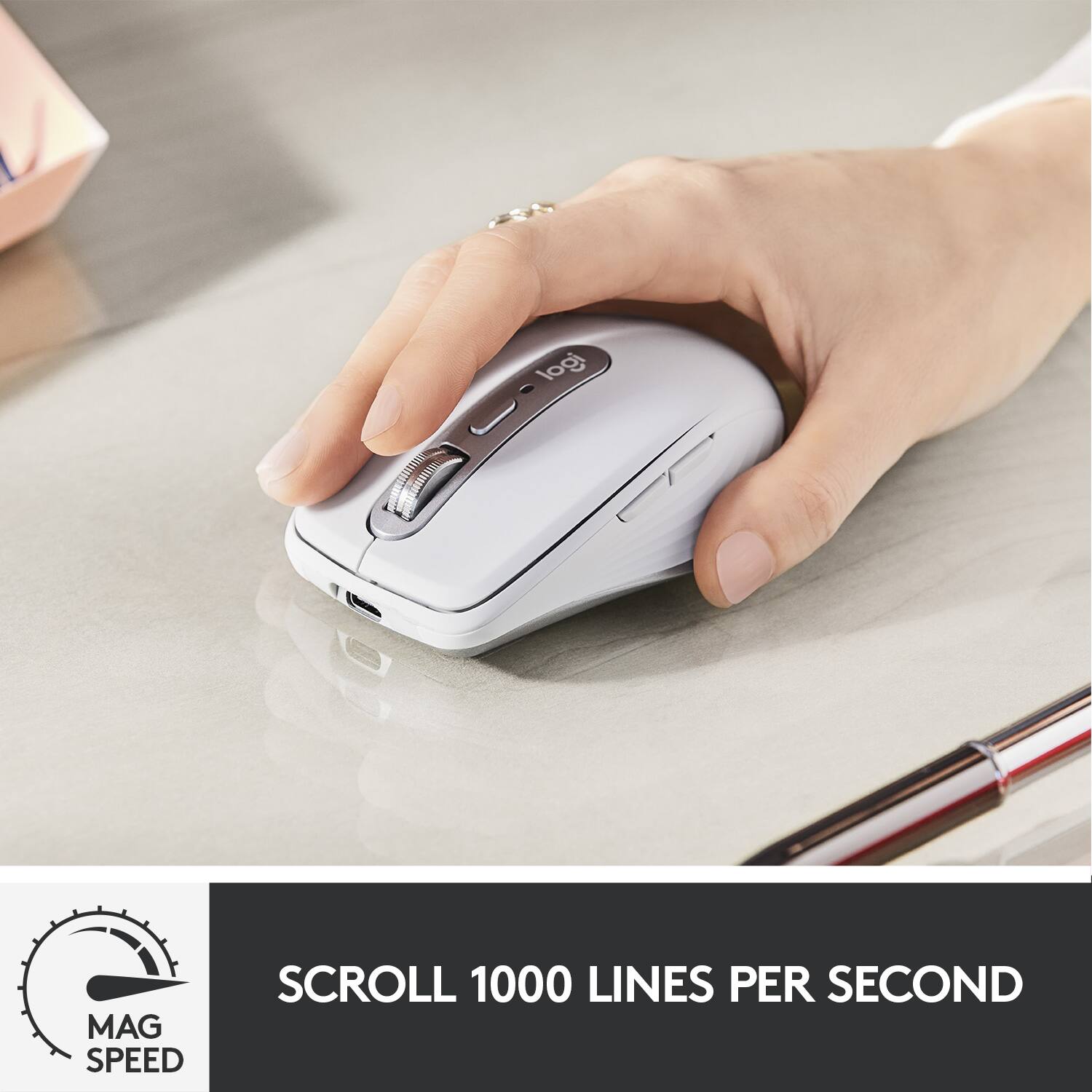
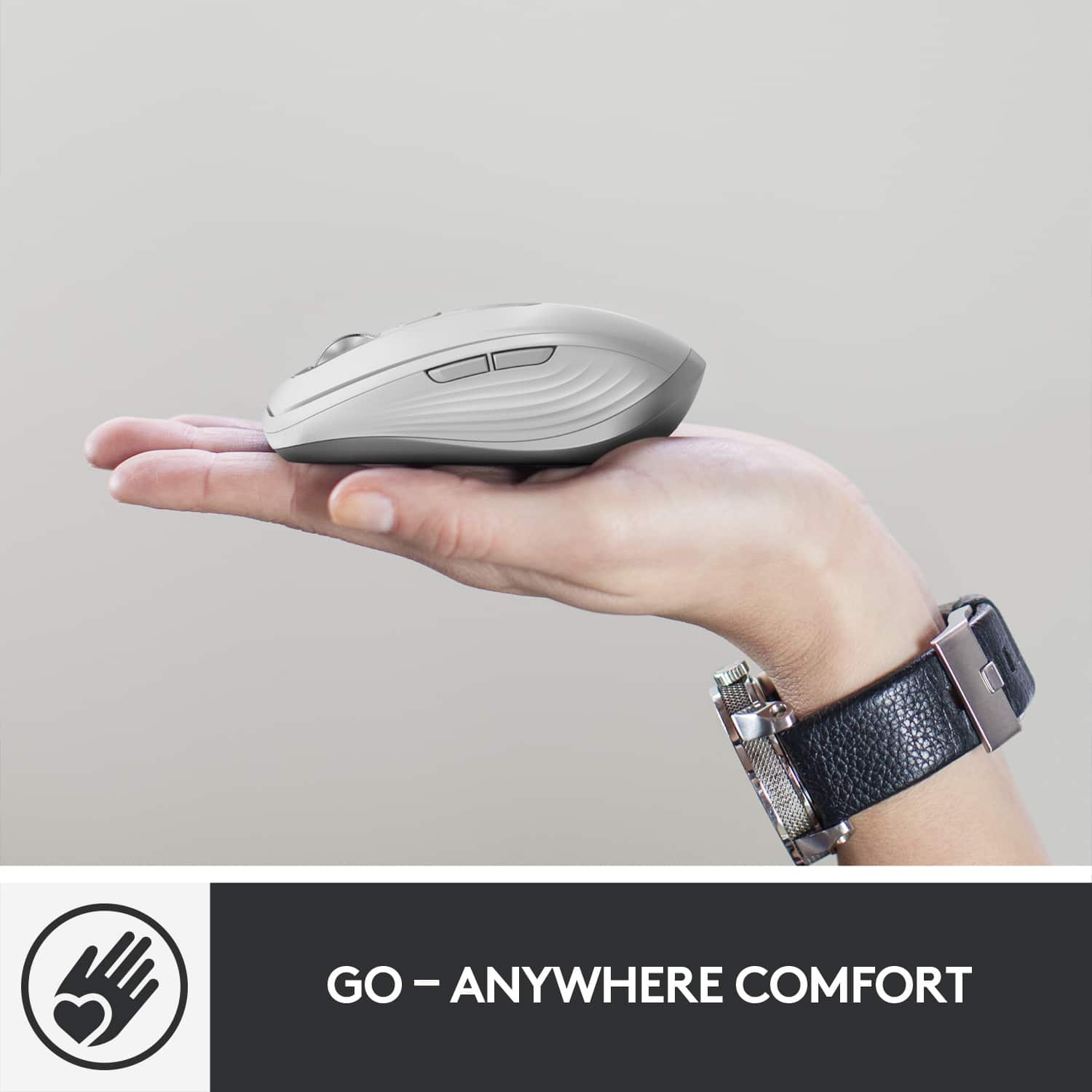


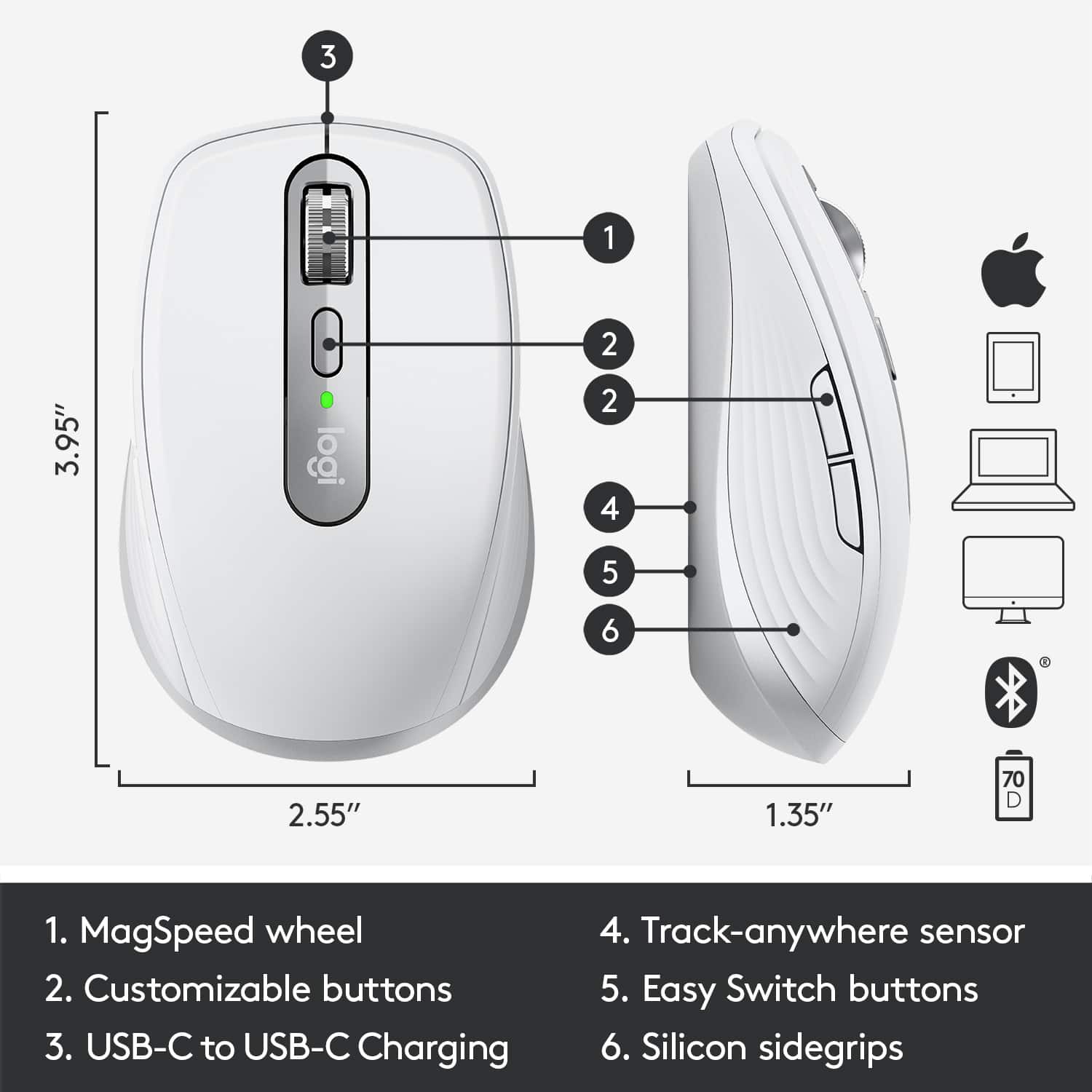


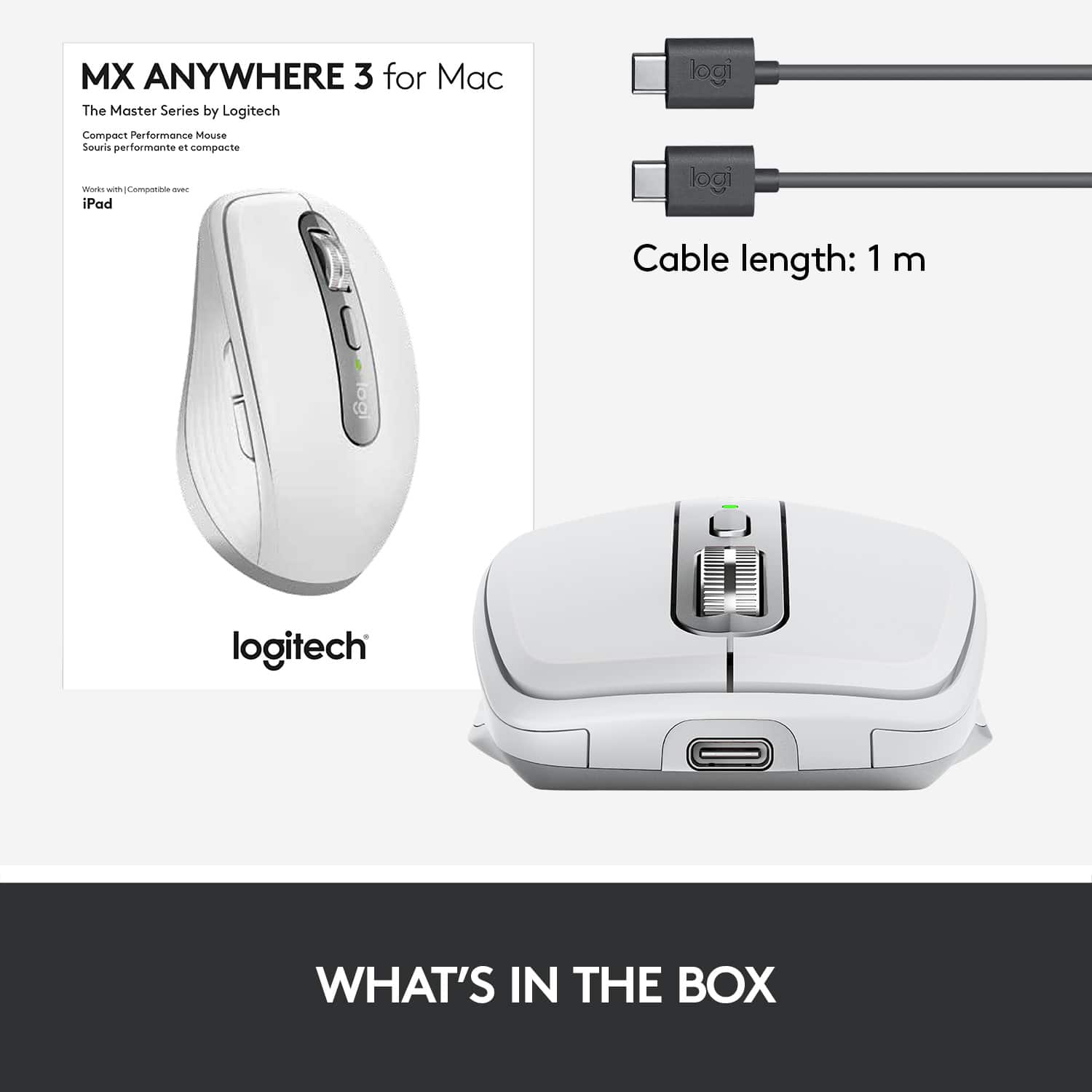

- Model:
- 910-005899
- |
- SKU:
- 6424892
Customer reviews
Rating 4.7 out of 5 stars with 638 reviews
(638 customer reviews)Rating by feature
- Value4.5
Rating 4.5 out of 5 stars
- Quality4.8
Rating 4.8 out of 5 stars
- Ease of Use4.8
Rating 4.8 out of 5 stars
Customers are saying
Customers admire the MX Anywhere 3’s ease of use, long battery life, and compact size. The smooth scroll wheel and compatibility with Mac systems are also frequently praised, along with its Bluetooth connectivity and high-quality build. While some users find the click sound noticeable, the overall positive feedback highlights its excellent ergonomics and lightweight design.
This summary was generated by AI based on customer reviews.
Rated 4 out of 5 stars
Good buy.
||Posted . Owned for 9 months when reviewed.This reviewer received promo considerations or sweepstakes entry for writing a review.Good mouse. Like that it can control up to 3 devices.
I would recommend this to a friendRated 1 out of 5 stars
Bad investment
||Posted . Owned for 1.5 years when reviewed.This reviewer received promo considerations or sweepstakes entry for writing a review.After one year of owning this and using it for work it has been a bad purchase. The right button does not work properly. It constantly goes out and double clicks or does not hold when trying to highlight.
No, I would not recommend this to a friendBrand response from Logitech
Posted .We appreciate your feedback on the Logitech MX Anywhere 3. We're sorry to hear that you've encountered issues with the right button. To address this issue, we recommend reaching out to our social care team via email at socialcare@logitech.com with your
- Name:
- Email Address:
- Country:
- Product Name:
- Brief description of issue:
Rated 2 out of 5 stars
Not the best use of money
||Posted . Owned for 3 months when reviewed.This reviewer received promo considerations or sweepstakes entry for writing a review.Not super happy with this purchase, design is sleek but as far as functionality the mouse moved back wards and too expensive for what it did.
No, I would not recommend this to a friendRated 3 out of 5 stars
It's a really good mouse
||Posted . Owned for 3 weeks when reviewed.This reviewer received promo considerations or sweepstakes entry for writing a review.I've never like the Apple mouse, It's a good mouse for me
I would recommend this to a friendRated 3 out of 5 stars
Confusion when using with a MacBook Air
||Posted .This reviewer received promo considerations or sweepstakes entry for writing a review.Difficult to figure out how to charge the battery when the power cord only has a USB2 port at each end and my 2012 MacBook Air only has a USB1 port.
I would recommend this to a friendRated 2 out of 5 stars
Pale grey to Pale brown, ugh
||Posted . Owned for 1.5 years when reviewed.This reviewer received promo considerations or sweepstakes entry for writing a review.It's a pretty mouse out of the box and works great. However, BE AWARE! after less than a year, the color started changing from white to off-white to an ugly light brown color. This is unacceptable for the price I paid for this mouse. I purchased other white mice that were 3 times cheaper and do not have this problem, and work just as well. Moreover, many people have experienced this problem and is posted all over the net. Logitech, if you see this, please offer an exchange for a black mouse. Really disappointing.
No, I would not recommend this to a friendBrand response from Logitech
Posted .We regret to hear about your unpleasant experience with the product. We recommend you to please get in touch with the Logi support team to explore all the available options.
Rated 5 out of 5 stars
Best Mouse Ever.
||Posted . Owned for 1 month when reviewed.This reviewer received promo considerations or sweepstakes entry for writing a review.I love this mouse - rechargeable, so no buying batteries, and charges quickly for long lasting performance (one minute of charge gives an hour of function).
I would recommend this to a friendRated 3 out of 5 stars
Logitech Mouse
||Posted . Owned for 1.5 years when reviewed.This reviewer received promo considerations or sweepstakes entry for writing a review.Great mouse and works very well with my IMAC. No issues
I would recommend this to a friendRated 1 out of 5 stars
Caused laptop to freeze
||Posted . Owned for more than 2 years when reviewed.This reviewer received promo considerations or sweepstakes entry for writing a review.Worked fine initially but after sometime caused my laptop to freeze again and again, that I realized only after switching my mouse with another wired one. It might sound weird but believe me it's one of the not that common things but took me a lot to figure out that the MX anywhere mouse was the reason for freezing my laptop, before cousing me a deal of problems.
No, I would not recommend this to a friendRated 5 out of 5 stars
Feels great!
||Posted . Owned for 2 weeks when reviewed.This reviewer received promo considerations or sweepstakes entry for writing a review.Having small hands makes it difficult to find the perfectly sized mouse. This one takes the cake! Small in size but Large in functionality.
I would recommend this to a friendRated 1 out of 5 stars
Cheap, overpriced, unreliable
||Posted . Owned for 9 months when reviewed.This reviewer received promo considerations or sweepstakes entry for writing a review.I had to replace this in under six months. The MX mouse I replaced it with died even faster. It's been a WHILE since I've seen such poor quality in a peripheral. ESPECIALLY at these prices. You're better off just buying something cheap and replacing it - these aren't going to last any longer.
No, I would not recommend this to a friendRated 1 out of 5 stars
Nor for me
||Posted . Owned for 1 month when reviewed.This reviewer received promo considerations or sweepstakes entry for writing a review.This item was a bit too small for my hands to use. Yes, it works, however, it was not comfortable.
No, I would not recommend this to a friendBrand response from Logitech
Posted .Thanks for you feedback. Your feedback is important to us, and we'll make sure to share it with the right team.
Rated 5 out of 5 stars
Incredible Mouse
||Posted . Owned for 1 month when reviewed.This reviewer received promo considerations or sweepstakes entry for writing a review.A solid mouse that is super responsive. It fits right in my palm and feels good.
I would recommend this to a friendRated 2 out of 5 stars
Feels good
||Posted . Owned for 2 months when reviewed.This reviewer received promo considerations or sweepstakes entry for writing a review.Love the feel of this. Love the scroll. I still don't understand how to customize it, needs better instructions. It does work great for the basics, just wish I knew how to use it to it's fullest capacity.
No, I would not recommend this to a friendBrand response from Logitech
Posted .Hello, I am sorry if there was any confusion on how to customize the mouse. Here is the link to the free Logitech Options software that allows you to customize the mouse: https://support.logi.com/hc/en-us/articles/360025297893. I hope this helps clear things up! Thank you for being a Logitech customer and taking the time to write this review. We really appreciate the feedback.
Rated 5 out of 5 stars
Great Value Add!!!
||Posted . Owned for 1 month when reviewed.This reviewer received promo considerations or sweepstakes entry for writing a review.Love the functionality & ease of use...easy install!
I would recommend this to a friendRated 2 out of 5 stars
Truly A Mouse
||Posted . Owned for 3 weeks when reviewed.This reviewer received promo considerations or sweepstakes entry for writing a review.None of the functions that I was expecting to work, work. Maybe I’m challenged but, challenged is fine….a product that disappoints is not ok.
No, I would not recommend this to a friendRated 1 out of 5 stars
Don't mess with the mouse!
||Posted . Owned for 5 months when reviewed.This reviewer received promo considerations or sweepstakes entry for writing a review.It doesn't work all the right clicks and I'm not willing to relearn for my 80th b birthday. Otherwise it was great to ditch the cord since my MacBook pro will only plug into an adapter. That's not very portable. Apple should just change the power supply, not the functionality. I bought 2 other brands for the same price in the past year, and they did not last long at all. I'm back to the wire plus the USB adapter.
No, I would not recommend this to a friendBrand response from Logitech
Posted .Hi Davelikestrucks,
I am sorry that your new MX Anywhere 3 didn't work as expected. I suggest you contact Logitech support for personalized assistance with your new device. I hope you find this information helpful. Logitech appreciates your input. http://support.logitech.com/contact
- Leo from Logitech
Rated 2 out of 5 stars
Seen better
||Posted .This reviewer received promo considerations or sweepstakes entry for writing a review.No rocker in the wheel. Too appley. ..................
No, I would not recommend this to a friendBrand response from Logitech
Posted .We're sorry that the product didn't meet your expectations. We will be sure to pass on your feedback to the right team. We value our customers and ask you to please feel free to continue providing feedback about our product and services.
Rated 2 out of 5 stars
MX Anywhere 3
||Posted . Owned for 3 weeks when reviewed.This reviewer received promo considerations or sweepstakes entry for writing a review.Product did not show applicability clearly on box. Purchased and returned due to incompatibility with New MacBook.
No, I would not recommend this to a friendBrand response from Logitech
Posted .Hello DSowell,
Thank you for choosing Logitech. I am sorry that you experienced difficulties with your MX Anywhere 3 for Mac. This mouse can connect to up to 3 devices via Bluetooth, and will also connect to a Logitech "Unifying" USB receiver. To connect to your MacBook, you will want to use the input selector on the back to chooses the desired channel (i,2 or 3), hold the Easy Switch button until the LED indicator blinks rapidly to indicate pairing mode, and open your MacBook's Bluetooth devices menu to pair to the MX Anywhere 3. I have attached a link to the MX Anywhere 3's "Getting Started" page for your reference. For further support, please visit the Logitech website.
Best regards,
John at Logitech
https://support.logi.com/hc/en-us/articles/360053831934
Rated 1 out of 5 stars
Doesn't last.
||Posted . Owned for 6 months when reviewed.This reviewer received promo considerations or sweepstakes entry for writing a review.I have several of the MXAnywhere2 on various computers, as it's very comfortable in the hand. This new MXAnywhere3 is garbage. It loses connection every other day and only a re-pair with the device will make it work again. It now tracks poorly as well. I've had it just under six months, and it's garbage. I am very disappointed by this.
No, I would not recommend this to a friendBrand response from Logitech
Posted .Hello, Macawber! I'm sorry to hear about your experience with the MX Anywhere 3 mouse. I would recommend reaching out to our support team here https://support.logi.com/hc/en-us/requests/new?ticket_form_id=360000621393 to file a warranty claim. The MX Anywhere 3 has a 1-year limited hardware warranty. Thank you for the feedback on the connection issues you're running into! I will be passing this along. - Maggie from Logitech