Presidents’ Day SaleEnds February 16. Limited quantities. No rainchecks.Shop now

Skip to contentGo to Product SearchGo to Footer
Gift Ideas
Main Content

Customer Ratings & Reviews
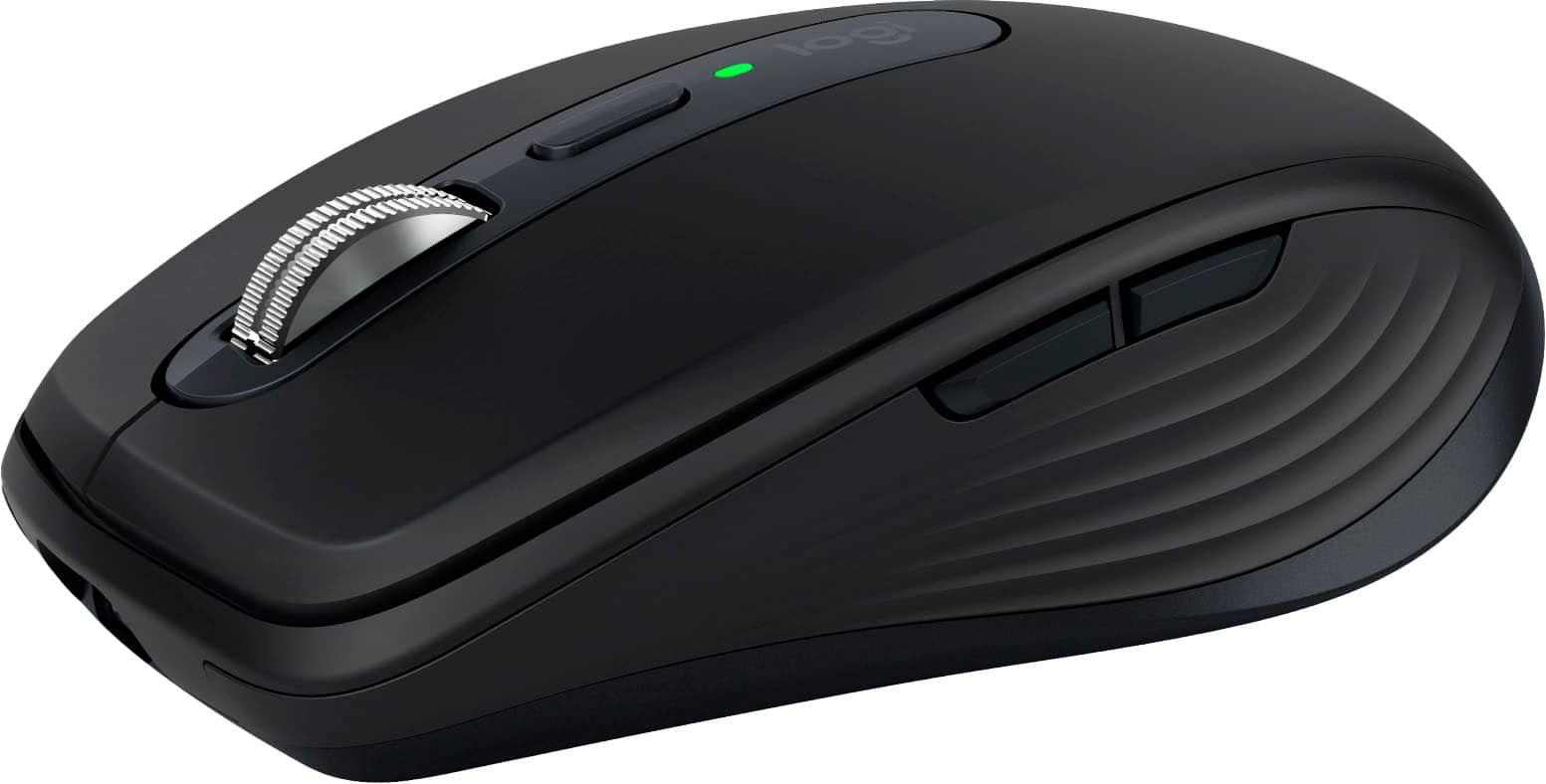

Your price for this item is $74.99
The comparable value price is $89.99

Customer reviews

Rating 4.7 out of 5 stars with 592 reviews

Rating Filter

Rating by feature

  • Value

    Rating 4.5 out of 5 stars

  • Quality

    Rating 4.7 out of 5 stars

  • Ease of Use

    Rating 4.8 out of 5 stars

Pros mentioned filter

Cons mentioned filter

93%would recommend to a friend

Customers are saying

Customers often highlight the MX Anywhere 3S mouse for its ease of use, long battery life, convenient size, and smooth scrolling. Many appreciate its compatibility with various surfaces and reliable Bluetooth connectivity. While some find the price a bit high and are not fully satisfied with the click noise, the mouse is generally praised for its overall performance and ergonomic design.

This summary was generated by AI based on customer reviews.

The vast majority of our reviews come from verified purchases. Reviews from customers may include My Best Buy members, employees, and Tech Insider Network members (as tagged). Select reviewers may receive discounted products, promotional considerations or entries into drawings for honest, helpful reviews.
Page 28 Showing 541-560 of 592 reviews
  • Rated 4 out of 5 stars

    Great mouse, but a little small

    |
    |
    Posted . Owned for 1 week when reviewed.
    This reviewer received promo considerations or sweepstakes entry for writing a review.

    Great mouse with excellent tracking. Definitely for smaller hands though.

    I would recommend this to a friend
  • Rated 4 out of 5 stars

    Excellent

    |
    |
    Posted . Owned for 1 week when reviewed.
    This reviewer received promo considerations or sweepstakes entry for writing a review.

    Simple set up. Smooth and quick. Easy scrolling through open pages.

    I would recommend this to a friend
  • Rated 3 out of 5 stars

    when it works…

    |
    |
    Posted . Owned for 3 weeks when reviewed.
    This reviewer received promo considerations or sweepstakes entry for writing a review.

    loved the original anywhere mx mouse. this version lacks a receiver and constantly disconnects from bluetooth. While it works it is smooth and responsive. then it loses connection locks the built in trackpad and forces a computer restart to reconnect or restore function. disappointed.

    No, I would not recommend this to a friend
  • Rated 3 out of 5 stars

    Almost perfect

    |
    |
    Posted . Owned for 5 months when reviewed.
    This reviewer received promo considerations or sweepstakes entry for writing a review.

    Would five 5 stars but i had the horizontal scoll of death. Some how it automatically fixed itself, which is amazing bit still....no bueno logi!!

    I would recommend this to a friend
    • Brand response from Logitech
      Posted .

      Thank you for your feedback on the MX Anywhere 3S Wireless Bluetooth Fast Scrolling Mouse. We're glad to hear that the horizontal scrolling issue resolved itself, but we apologize for any inconvenience it caused. We'll continue to monitor and address any recurring issues with our products.

  • Rated 1 out of 5 stars

    Disposable Mice & No USB 2.4 GHz Dongle

    |
    |
    Posted .
    This reviewer received promo considerations or sweepstakes entry for writing a review.

    I had two of the previous model because I like identical mice on my desktop and laptop. They were good until they weren't any more. After about three years of use, single clicks were becoming double-clicks. After a little research online, it appears that a few years back Logitech started using cheaper switches and the result is random double-clicks. It got bad enough that I had to replace both mice soon. Even though I know about the problem, I decided to pick up two "disposable" mice. When I got them home, I found out that Logitech doesn't include the USB dongle that allows you to use 2.4 GHz -- and the old dongles won't work. Based on a site search, Best Buy doesn't carry the dongles. The two I purchased an hour ago will be returned and I'll be looking for either a retailer that sells both, or a completely different pair of mice.

    No, I would not recommend this to a friend
    • Brand response from Logitech
      Posted .

      We apologize for the inconvenience caused by the double-click issue and the missing USB dongle. In order to help you effectively, please provide your information to our support team via email at socialcare@logitech.com with your
      - Name:
      - Email Address:
      - Country:
      - Product Name:
      - Brief description of issue:

  • Tech Insider Network Member

    Rated 4 out of 5 stars

    Mighty Mouse

    |
    Tech Insider Network Member
    Posted .
    This reviewer received promo considerations or sweepstakes entry for writing a review.

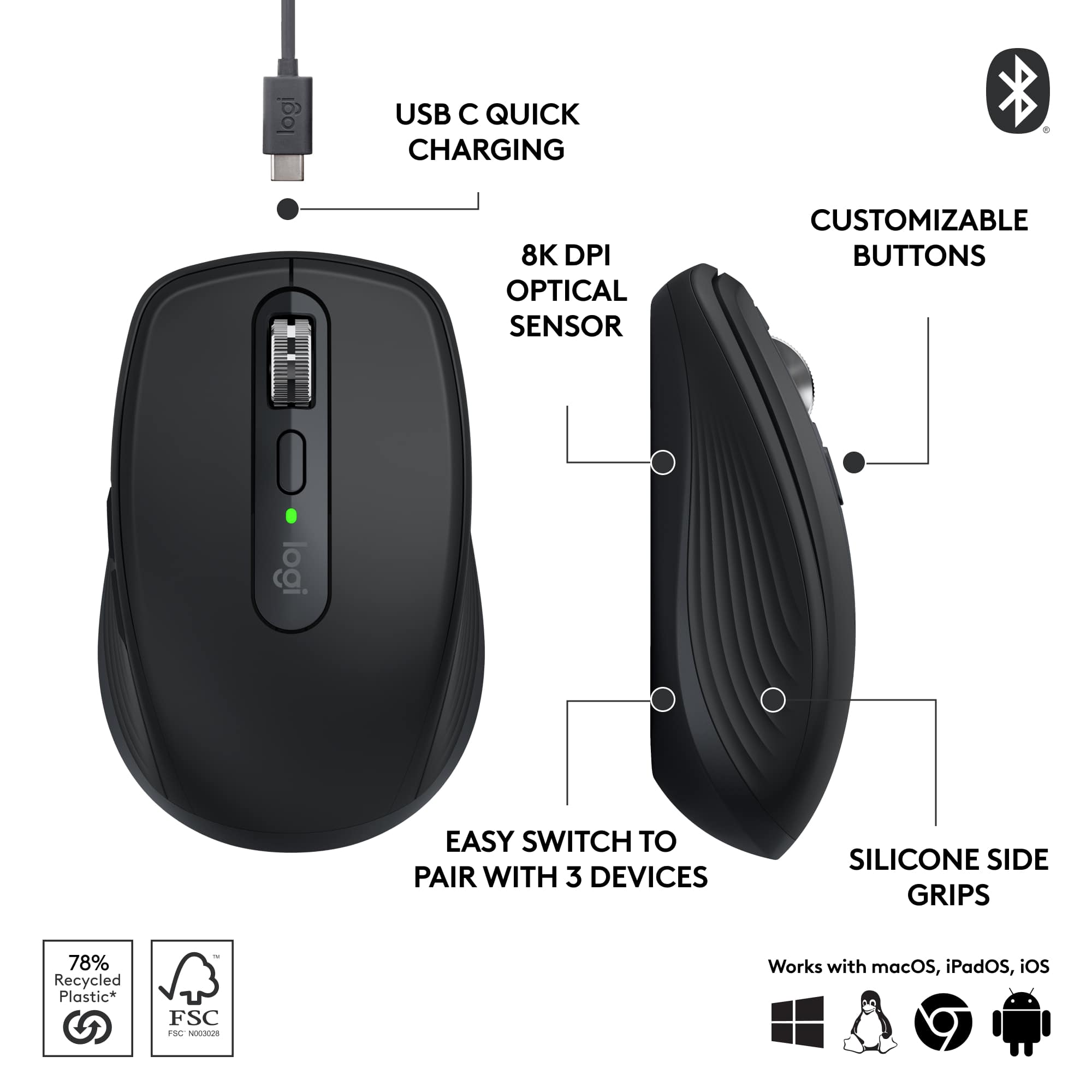
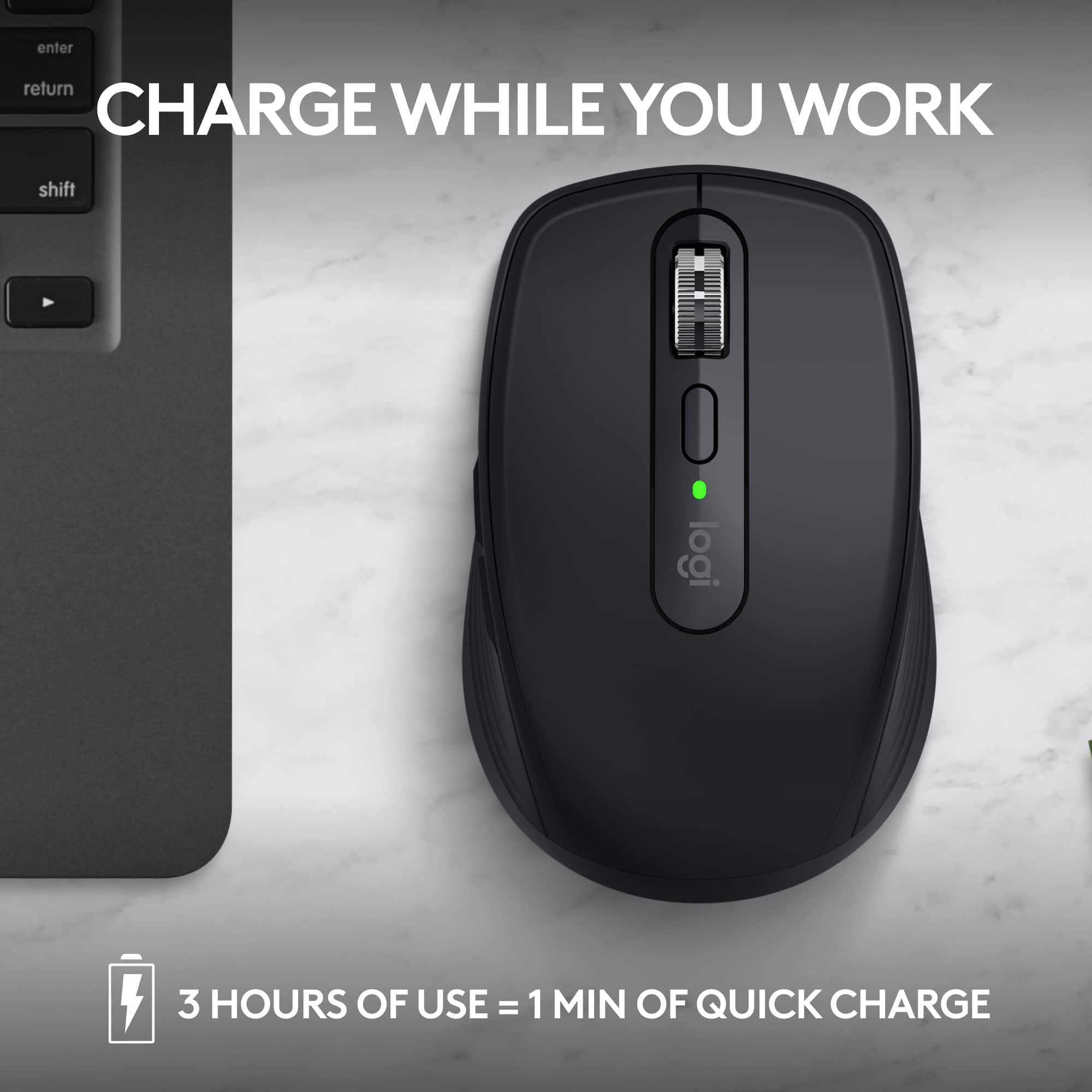
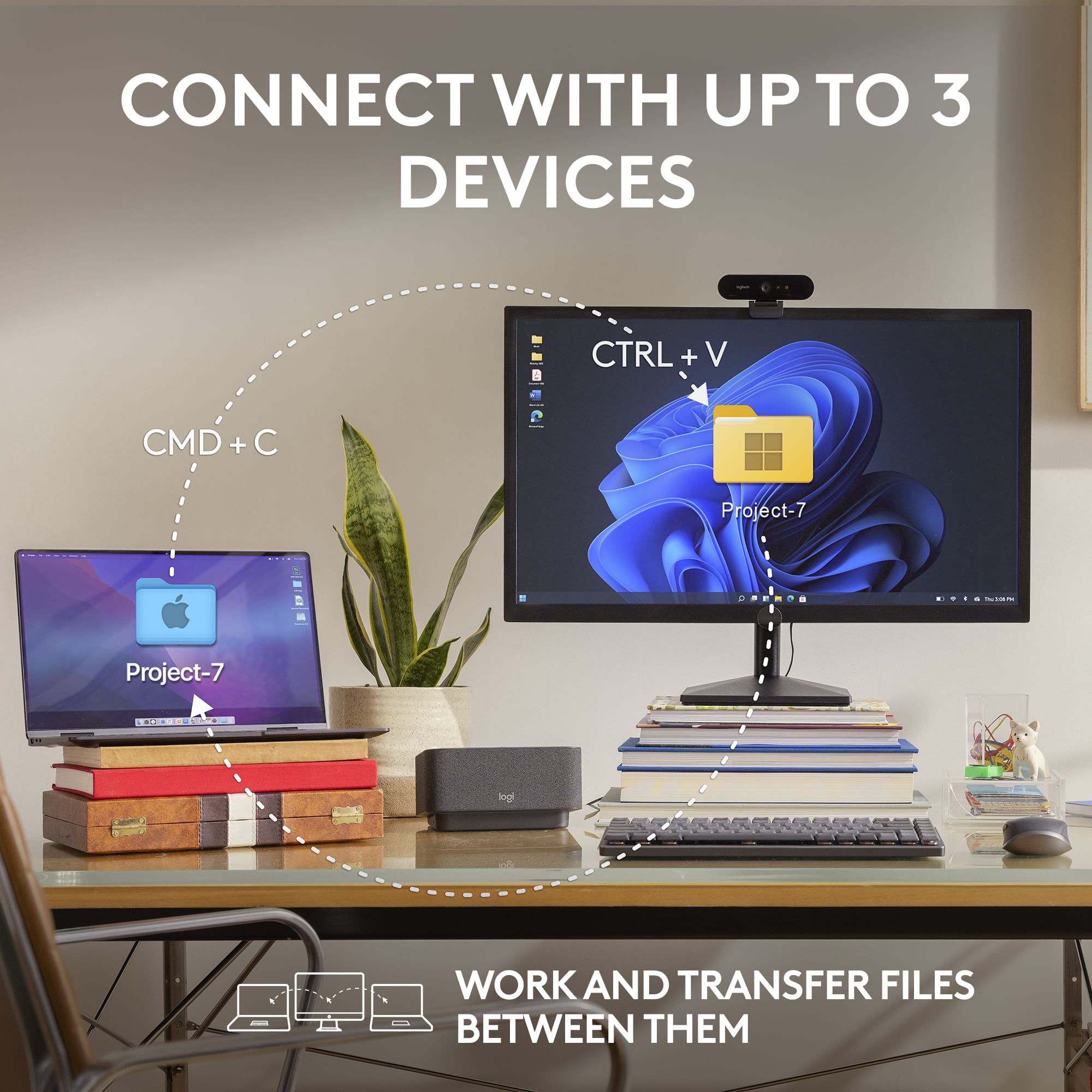
    I loved my last "all surface" mouse and wanted one for my office as well. So here I am testing, using and deciding on where it belongs in my life. 1. nice size. not too small but smaller than normal mouse, so it is more packable. 2. battery lasts a decent amount and with usb-c port charging I can use almost any cable in my house to charge it. 3. usable on 3 different devices is a game changer. I use it on my laptop and when I need some finer movements, I use it on my tablet or phone. the switch button on bottom makes it easy to reach and out the way for daily use. 4. center wheel is smooth and easy to use when needed 5. materials are plastic and silicone. So it will not be bulletproof, but it will take some drops and such with no issues. 6. software is easy to install (not needed for basic use) and lets you configure all the buttons to your liking. I use my scroll for page minimize for quick desktop access. 7. scroll wheel is very precise and I can get small movements with no issues on webpage. 8. high DPI is a lifesaver. it is so small in the movements, I can barely move my hand to get it to go across the page. 9. pairs quickly and I have not had any stuttering or dropouts while using it. 10. can be used either straight bluetooth, or using a typec cable plugged into the computer. Now of the not so goof the good things for me on this. 1. "hump" on top is a little too low to use for long periods as it will fatigue your hand. 2. it says it is 90% quieter then previous models when it comes to mouse clicks. Well I do not hear any difference between 2s and 3s model. So the clicks are still clicky and noticeable in quiet room. 3. takes a few seconds to awaken from sleep (when not used for certain time) 4. silicone sides are nice and smooth, but with moisture you will feel it slip sometimes or feel "slimey" if you have wet hands. But with the large amount of good things and small amount of bad, I would still use this a my daily mouse across all my devices.

    I would recommend this to a friend
  • Rated 2 out of 5 stars

    Good but not for me.

    |
    |
    Posted . Owned for 1 month when reviewed.
    This reviewer received promo considerations or sweepstakes entry for writing a review.

    Returned because it was too small and I could not get it to work with my set up.

    No, I would not recommend this to a friend
    • Brand response from Logitech
      Posted .

      That's unfortunate! We will consider this as feedback and share it on to the right team. Thank you so much.

  • Rated 2 out of 5 stars

    Not great for Mac Books

    |
    |
    Posted . Owned for 3 weeks when reviewed.
    This reviewer received promo considerations or sweepstakes entry for writing a review.

    Mouse feels very premium and tracks well on any surface. The reason I gave it two stars is because the scrolling is terrible on Mac Books. It is very twitchy when you scroll and after some more research it seems like it is a common issue that people experience. Very disappointed.

    No, I would not recommend this to a friend
    • Brand response from Logitech
      Posted .

      Your feedback has not gone unnoticed, we will forward it along to the right team so they can look into it. Thanks so much for bringing this to our attention.

  • Rated 2 out of 5 stars

    Beware No Dongle Included

    |
    |
    Posted . Owned for 3 weeks when reviewed.
    This reviewer received promo considerations or sweepstakes entry for writing a review.

    I bought this mouse for use with my work laptop. I was excited about the 8k dpi laser tracking on almost any surface including glass. The mouse does not come with a dongle / fob for non-bluetooth connection. I am restricted from dowloading software so I had to return the mouse. You would think Logitech would have included a dongle for the price.

    No, I would not recommend this to a friend
    • Brand response from Logitech
      Posted .

      We're sorry to disappoint you. The MX Anywhere 3S does not come with a receiver. However, we'll surely take this as feedback and share it with our team. Thank you for your valuable feedback.

  • Rated 3 out of 5 stars

    Good

    |
    |
    Posted . Owned for 1 month when reviewed.
    This reviewer received promo considerations or sweepstakes entry for writing a review.

    This mouse is good ,if you are looking for a mouse.

    I would recommend this to a friend
  • Rated 1 out of 5 stars

    Overpriced piece of crap

    |
    |
    Posted . Owned for 2 weeks when reviewed.
    This reviewer received promo considerations or sweepstakes entry for writing a review.

    Can't recommend this mouse. The scroll wheel is awful, very inconsistent scroll speed, scrolling down often doesn't move more than a single line or two. Mouse also goes completely unresponsive for 5-10 seconds occasionally. Tried updating the firmware through logitechs software and it doesnt recognize the mouse... An absolutely overpriced piece of crap.

    No, I would not recommend this to a friend
    • Brand response from Logitech
      Posted .

      That's disappointing to hear and it's surely not what we expect to deliver. In order to help you effectively, please provide your information to our support team by emailing socialcare@logitech.com. Name – Email address – Country – Product name – Brief description of the issue –

  • Rated 1 out of 5 stars

    Ummm

    |
    |
    Posted . Owned for 1 week when reviewed.
    This reviewer received promo considerations or sweepstakes entry for writing a review.

    Compatability specs need to be mire specific.......

    No, I would not recommend this to a friend
    • Brand response from Logitech
      Posted .

      You're absolutely right! More specific compatibility information would be incredibly helpful for potential buyers. While Logitech generally provides reliable products, clearer specifications can prevent potential compatibility issues.

  • Rated 1 out of 5 stars

    Started out great but it’s giving me issues now

    |
    |
    Posted . Owned for 10 months when reviewed.
    This reviewer received promo considerations or sweepstakes entry for writing a review.

    Only had this mouse for 10 months and it’s already beginning to have issues. First it would randomly disconnect every 4-5 days. Now the mouse disconnects every minute for a few seconds. Absolutely unacceptable for a $90 mouse.

    No, I would not recommend this to a friend
    • Brand response from Logitech
      Posted .

      We apologize for the inconvenience you're experiencing with the Logitech MX Anywhere 3S. It's unexpected to encounter connectivity issues with a product of this quality, especially within such a short timeframe. To address this issue, we recommend reaching out to our social care team via email at socialcare@logitech.com with your
      - Name:
      - Email Address:
      - Country:
      - Product Name:
      - Brief description of issue:

  • Rated 2 out of 5 stars

    Won't stay connected

    |
    |
    Posted . Owned for less than 1 week when reviewed.
    This reviewer received promo considerations or sweepstakes entry for writing a review.

    Even when I don't use the $85 keyboard that goes with it I still can't get this mouse to stay connected

    No, I would not recommend this to a friend
    • Brand response from Logitech
      Posted .

      It's disappointing to hear and it's surely not what we expect to deliver. In order to help you effectively, please provide your information to our support team by emailing socialcare@logitech.com. Name – Email address – Country – Product name – Brief description of the issue –

  • Rated 1 out of 5 stars

    Got a lemon

    |
    |
    Posted . Owned for less than 1 week when reviewed.
    This reviewer received promo considerations or sweepstakes entry for writing a review.

    My battery discharges 10% per day - while i am at work and no one is even using it. The one day i worked from home it dropped 45%. Thats a deal breaker.

    No, I would not recommend this to a friend
    • Brand response from Logitech
      Posted .

      We apologize for the battery drain issue you're experiencing with your Logitech MX Anywhere 3S. It's frustrating when a product doesn't perform as expected, especially regarding battery life. To address this issue, we recommend reaching out to our social care team via email at socialcare@logitech.com with your
      - Name:
      - Email Address:
      - Country:
      - Product Name:
      - Brief description of issue:

  • Tech Insider Network Member

    Rated 5 out of 5 stars

    Great bag friendly version of Logitech's mice

    |
    Tech Insider Network Member
    Posted .
    This reviewer received promo considerations or sweepstakes entry for writing a review.

    I use an MX Master as my primary "pointing" device on the desk at the office, but that's way too large and bulky to throw in a bag and take with you on the go. The MX Anywhere is a great option for that. This mouse has what feels like a semi ergonomic design, that could also be used right or left handed. I'm right, but my partner is left, and she sometimes grabs my computer mouse, so this works out well for her. Surprisingly a magnetic haptic scroll wheel is included in such a small package. The only downside was that this package is bluetooth only, as I see it's compatible with logitech receivers, but one wasn't included. In retrospect, this might be okay, since I have a bunch of these laying around at home now that almost all my devices are bluetooth capable, and the receiver isn't needed anyway. This becomes even more important with the thin form factor of lots of today's laptops and the low number of usb ports, or even my newest one with NO usb A ports at all. Charging over USB C and the ability to connect to 3 different devices are just added features. Logitech has the brushed plastic luxe feel down, and not many can recreate it as nicely as this one feels in the hand. Would recommend this mouse!

    I would recommend this to a friend
  • Rated 1 out of 5 stars

    Save yourself from having to buy twice!

    |
    |
    Posted . Owned for 1 month when reviewed.
    This reviewer received promo considerations or sweepstakes entry for writing a review.

    Please save yourself from having to buy twice by not buying this mouse. Even spending fractionally more money for a better mouse is 100% worth it. This thing just isn't a good product.

    No, I would not recommend this to a friend
    • Brand response from Logitech
      Posted .

      We regret to know that the product did not meet your expectations. We'll make sure to share it with the right team so they can look into it. Thanks for your valuable feedback and inputs.

  • Rated 1 out of 5 stars

    Doesn't work

    |
    |
    Posted . Owned for 3 weeks when reviewed.
    This reviewer received promo considerations or sweepstakes entry for writing a review.

    The mouse continually looses Bluetooth connection and stops working. I have to stop and go through the connection process which requires getting another mouse to control the computer. Support is of no help. Would not buy again

    No, I would not recommend this to a friend
    • Brand response from Logitech
      Posted .

      We're sorry to hear about the experience. Ensure that your Logitech device is in close range of your computer. If the problem persists, feel free to reach out to our support team for further assistance.

  • Rated 1 out of 5 stars

    No

    |
    |
    Posted . Owned for 3 weeks when reviewed.
    This reviewer received promo considerations or sweepstakes entry for writing a review.

    USB receiver was missing from all packages, verified by Best Buy associate.

    No, I would not recommend this to a friend
    • Brand response from Logitech
      Posted .

      We're sorry to hear that the USB receiver was missing from all packages, as verified by a Best Buy associate. We understand this is an inconvenience. Please double-check the battery compartment of the device, as the receiver is sometimes stored there. If it's still missing, we recommend reaching out to your place of purchase (Best Buy) for a replacement or further assistance. Logitech

  • Rated 1 out of 5 stars

    No Bluetooth

    |
    |
    Posted . Owned for 1 month when reviewed.
    This reviewer received promo considerations or sweepstakes entry for writing a review.

    Apparently, I just bought the only computer in the world that does not have bluetooth, so this $80 purchase is worthless to me.

    No, I would not recommend this to a friend
    • Brand response from Logitech
      Posted .

      That's sad to hear! However, MX Anywhere 3S is compatible with Logi Bolt USB Receiver (not included).