Customer Ratings & Reviews





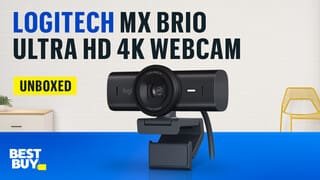
- Model:
- 960-001550
- SKU:
- 10939248
Rating by feature
- Value
Rating 4.5 out of 5 stars
- Quality
Rating 4.8 out of 5 stars
- Ease of Use
Rating 4.8 out of 5 stars
- Pros mentioned:Image quality

May be more of a streaming tool than a work one
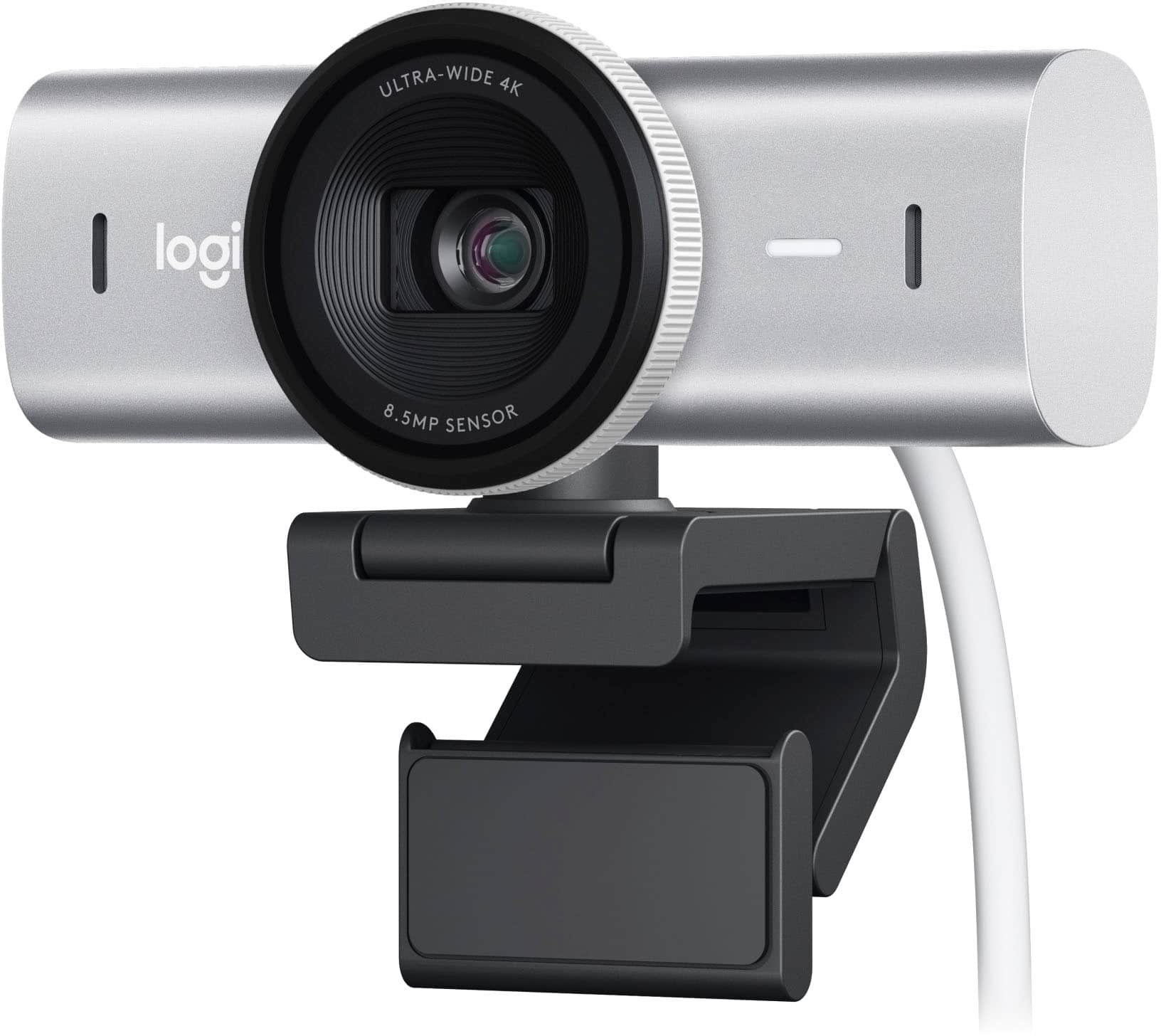
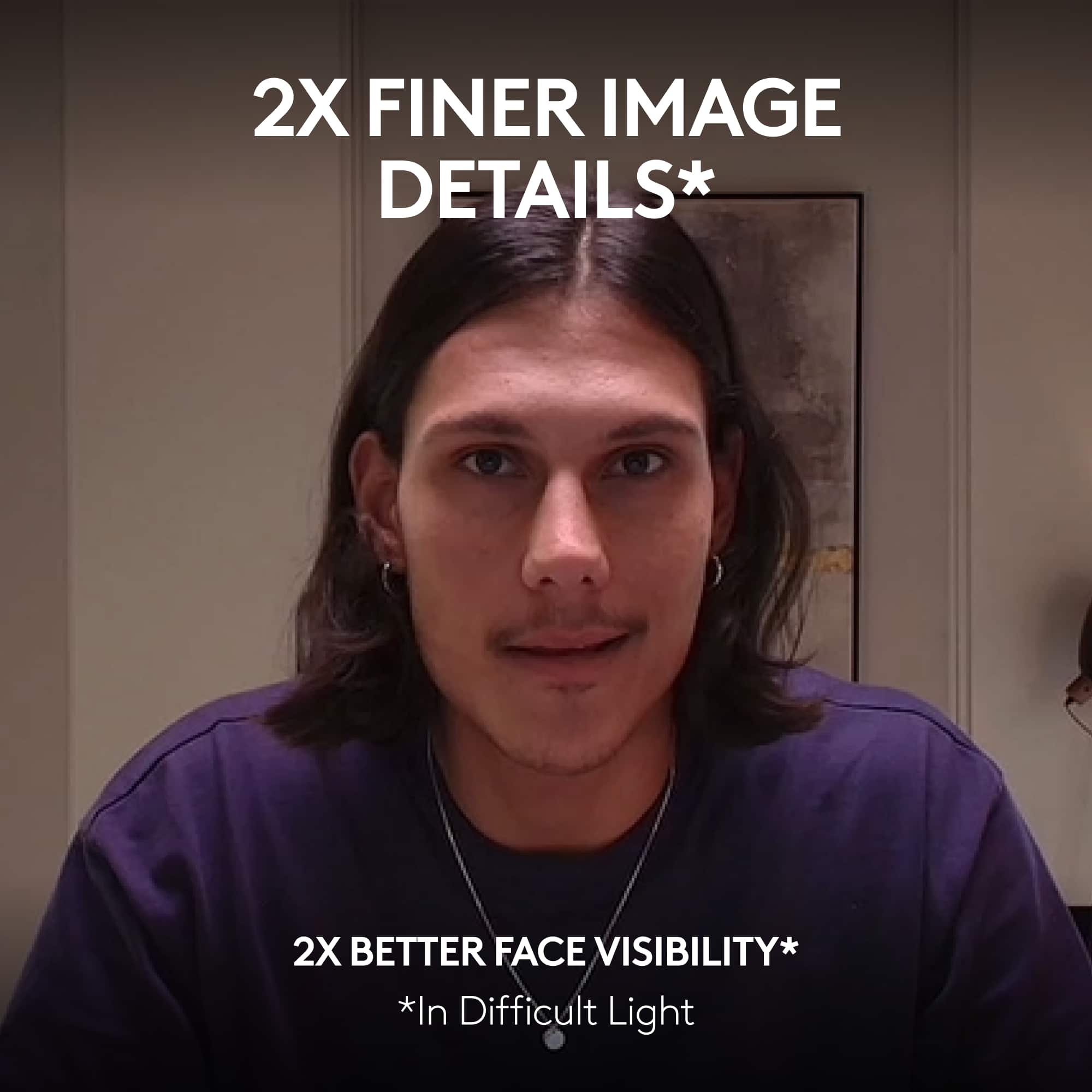
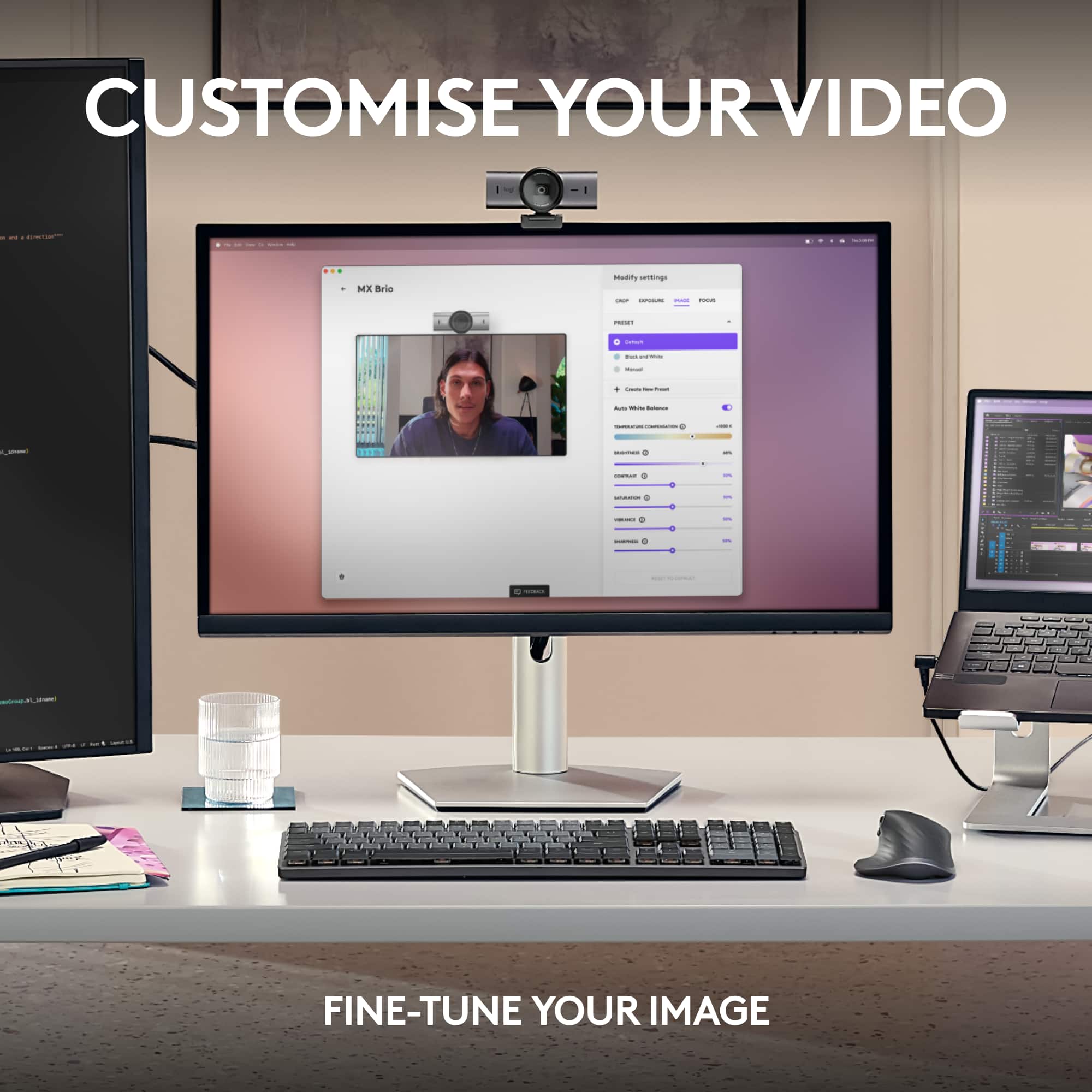
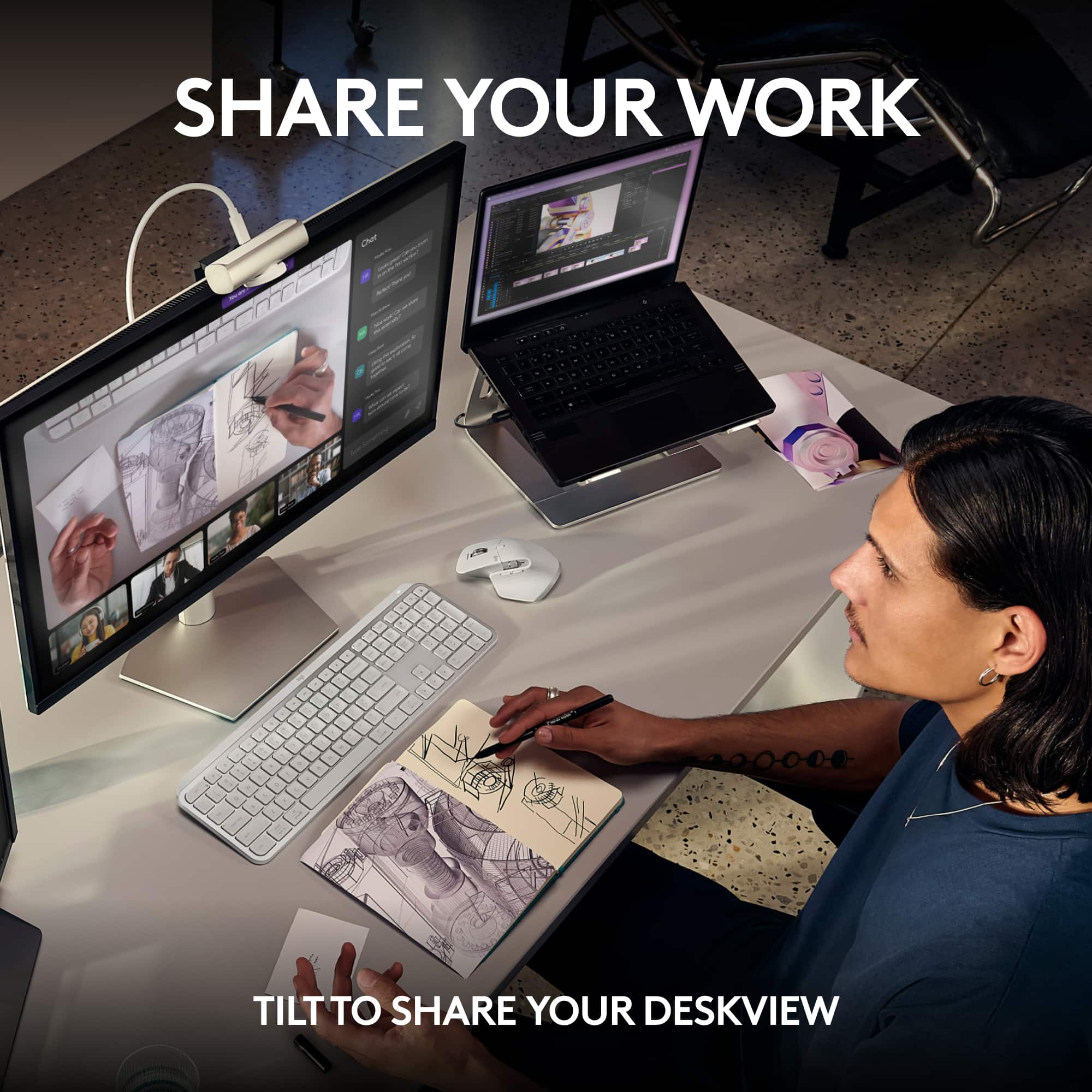
|Posted .This reviewer received promo considerations or sweepstakes entry for writing a review.I feel like webcams as a product had been more or less stagnant for years until the pandemic made them vital computing accessories again. Ever since then they've always felt a little weird to me, like no one's quite sure what the ultimate webcam is supposed to look like anymore and are just experimenting with everything they can think of. The MX Brio epitomizes that for me. It's well built, feature rich, and offers a ton of enhancements and features to justify its premium branding. But I find myself uncertain about what niche it's really meant to fit in, if it fits in any at all. There is a lot to be impressed with here. Right off the bat I love the fact that this is the first consumer grade webcam I've seen in a long time that didn't opt for a permanently attached cable. I have a ludicrously large monitor on my desk which necessitates moving the actual computer a little further away from it than it would be in most setups, and this ended up being a huge issue for my previous webcam because the cable was just a little too short to comfortably reach the ports. I basically had to only plug it in when it was actually being used, which I often forgot to do and resulted in several meetings where I just didn't bother at all. Not an issue when you've got the option to just buy another cable. I imagine for a lot of you this is enough to sell you on the thing, but there is more. The sensor they're using does offer really great image quality. Out of the box the colors were a little overly saturated, as it made my face look almost garishly pink, but the software made it very easy to dial it in for the light in my office and get a more natural skin tone. The wide angle lens does a great job capturing the whole space if you need to be moving around or capturing a moderately sized conference room. Mounting is very modular too - you can either use an included magnetic adjustable clip (which can be permanently affixed to a display if needed) or screw it into a standard threaded tripod adapter. Audio pickup is pretty good too - though of course still not as good as a dedicated headset. The only issues I really have with it is that I think it's honestly a little too much for most of my videoconferencing. Don't get me wrong the 4K resolution is great but it also means it does a great job highlighting every single blemish and shaving mistake. I'd probably be more okay with that if I were the type to constantly be presenting documents or sketching drawings, but when I do need to do such things I use screen sharing, so I'm not sure I'm really getting much value in exchange for my increased self consciousness. Additionally I'm rather disappointed to see that there's no support for features I would expect to be using daily like facial login via Windows Hello. My final conclusion was that as impressive as I found the camera, for this price it's probably not a great fit for my particular use case (primarily video conferences in my home office.) I think I'd likely get more out of something just a little cheaper with more focus on QOL features like the aforementioned facial login tech. But I can definitely see how this would be a great pick for streamers, educators, or smaller content creators who could put the AI image enhancement features and highly granular image controls to their full use.
I would recommend this to a friendBrand response from Logitech
Posted .Hey! Thanks for the thoughtful review of the MX Brio Ultra HD 4K webcam! We appreciate your insights, especially highlighting the detachable cable, image quality, and modular mounting options. It's helpful to understand how you see the MX Brio potentially being a great fit for streamers and content creators.
- Pros mentioned:Image quality
A Worthy Upgrade
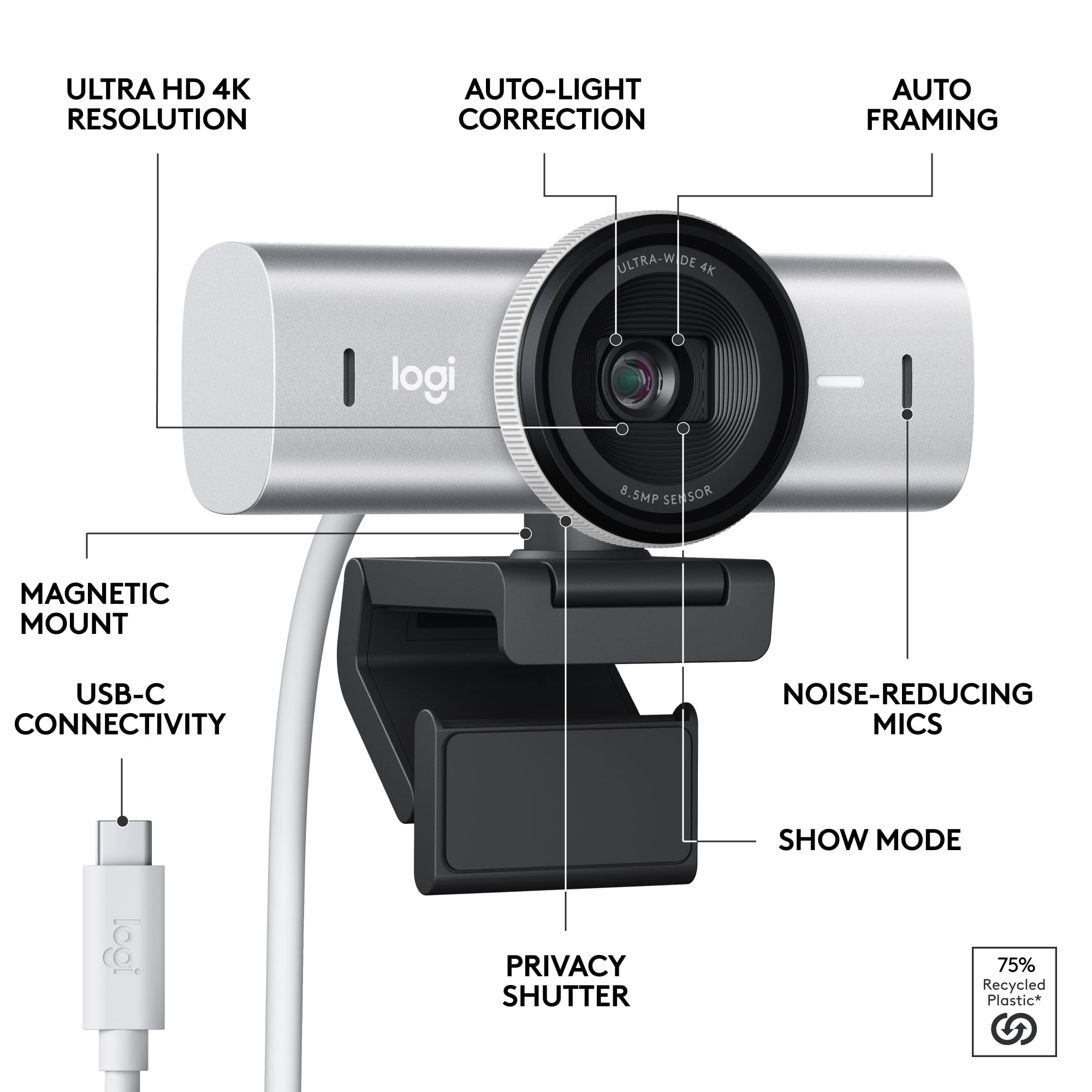
|Posted .This reviewer received promo considerations or sweepstakes entry for writing a review.If you have some experience with Logitech webcams, you'll know there's a diverse collection of them at different price ranges. I've had good experiences with these cameras from the cheaper ones to the Brio 1080p and 4K line. This latest Brio Ultra 4K webcam is fantastic and adds a couple of improvements from its predecessor. For the basics, I can say the image quality is still incredibly good, delivering a crisp an clear image to my video calls. The LogiTune and Logi Options+ companion software allows you to fine-tune the FOV, brighness, saturation, etc...just like before. Movement is smooth, and the microphone is clear. I now use the camera on a constant, daily basis for work, and I know that my video/audio feed is perfect. I see the small improvements in my teleconference quality, but there are two physical improvements that I was also really happy to see: 1) The shutter. The Brio Ultra now has a built-in privacy shutter. Wrapped around the lens is a wheel that you turn to open or close the shutter. I really like having this option over my previous webcam - where it was just a piece of plastic that you flip up and it often shifted around. 2) You can now disconnect the camera from its base. The camera is mounted onto its base magnetically. If you want to use the camera elsewhere, you can detach it and mount it on a different stand using the camera mounting screw now available on the camera itself. It's a small thing, but makes the camera much more versatile. If you're looking for a good quality camera in this price range, this is the one to get.
I would recommend this to a friendBrand response from Logitech
Posted .Glad you see the difference! The MX Brio's features, like 4K resolution, elevate your video conferencing and streaming experiences.
- Pros mentioned:Image quality
easy to use, top quality webcam
|Posted .This reviewer received promo considerations or sweepstakes entry for writing a review.This Brio webcam has all the bells and whistles one could hope for out of a top of the line webcam built in an easy to use package. If you are looking for a top of the line webcam. whether you will be using this for conference calls for work or streaming or anything in between. this webcam offers fantastic video and audio quality with minimal tinkering needed. however, for those more technically inclined, there are a wealth of features that can be tweaked to get even more out of the product. Pros: Build Quality - there is something to be said about a product literally feeling like it is worth it when it is in your hand. this webcam does exactly that. from the sturdy USBC cord to the mount with a variety of options - including top down viewing, it is clear that Logitech took special care when designing and building this device. I would be remiss if I didn't mention my favorite physical feature of this device, the rotating shutter there's equal parts efficient as well as satisfying to use. Image quality - while I have generally had very good lighting environments while using this product, I am still always quite impressed with the video quality offered. this is due in large part to the AI enhanced image quality providing the best possible picture with little to no input required. simply put this is the best webcam I have ever used and I recommend it highly to anyone
I would recommend this to a friendBrand response from Logitech
Posted .Thanks for the detailed review! We're thrilled you're impressed with the MX Brio's image quality, easy setup, and thoughtful design features. We love hearing how features like the rotating shutter enhance your video conferencing experience.
- Pros mentioned:Image quality
Beautiful Quality 4k Web Cam from Logitech
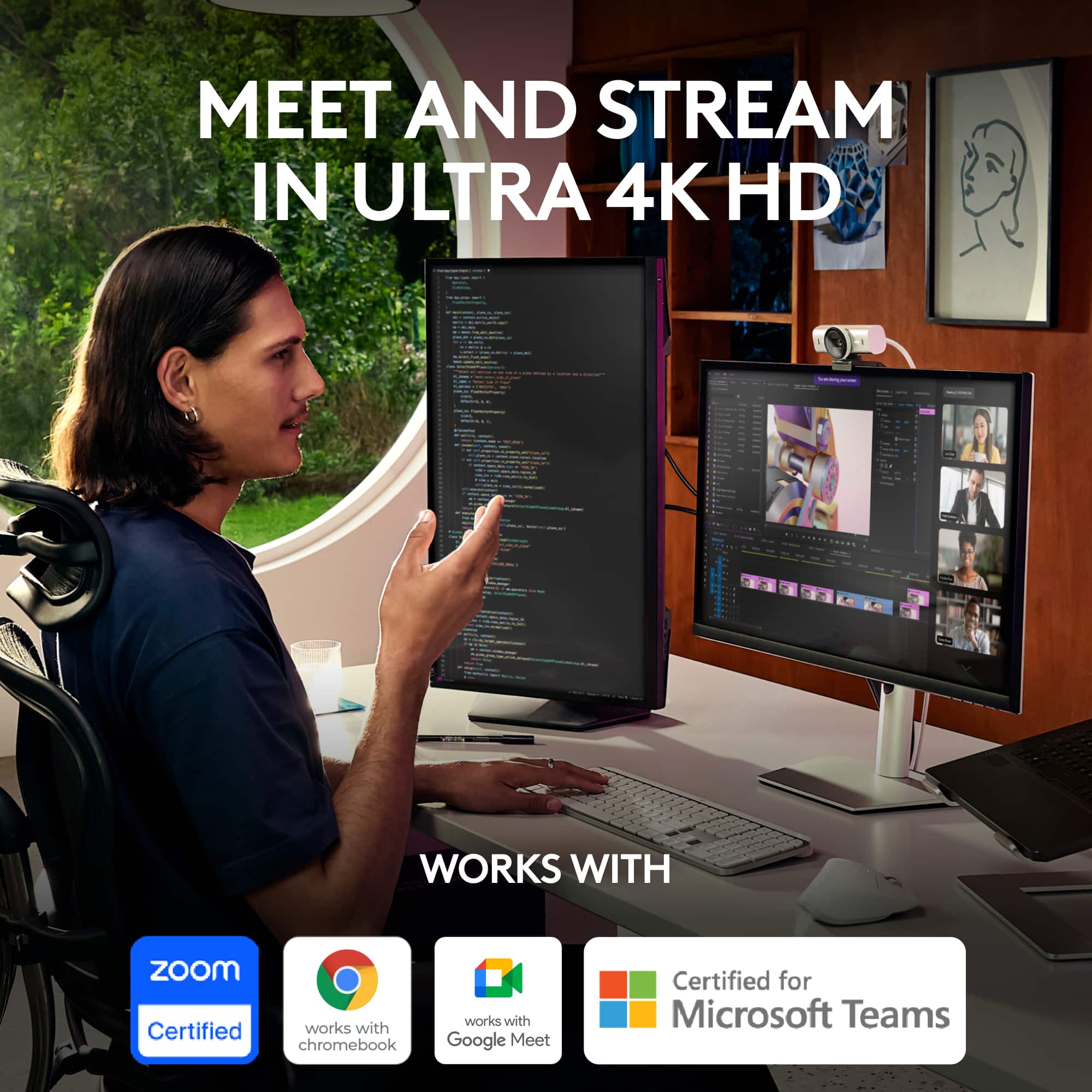
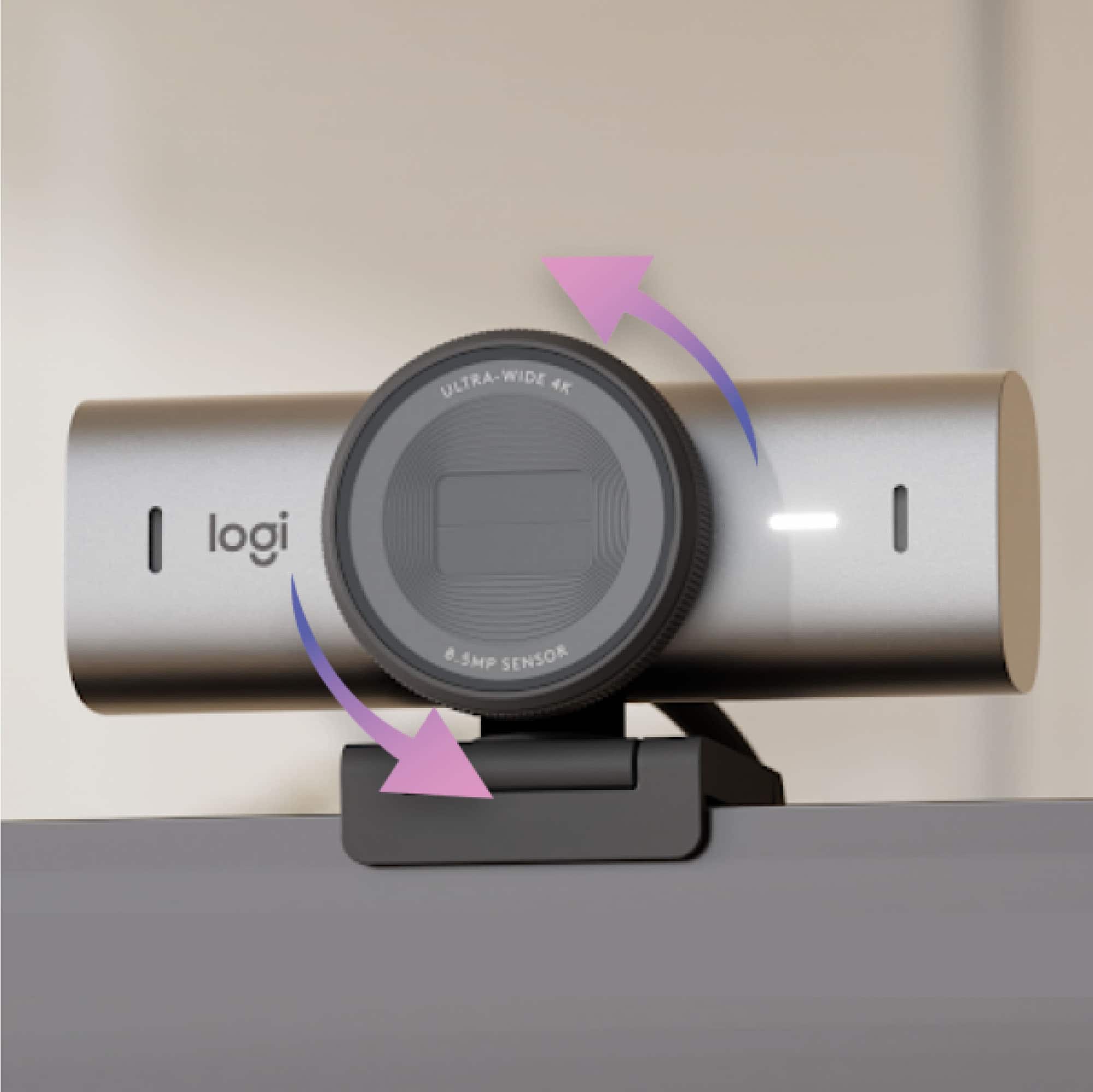
|Posted .This reviewer received promo considerations or sweepstakes entry for writing a review.If you’re still doing remote meetings (zoom, Google Meet, etc.) like I am, and you want to look better on camera, this Logitech MX Brio camera is a good investment. My old webcam (integrated) was 1920x1080 resolution, this one is up to 4k resolution. The picture and color quality on the MX Brio was far superior to my integrated camera, and it made my video quality much improved (I looked better). They claim the image is AI-enhanced, which I can only presume is helping the quality of the images (it’s difficult to know what’s AI-enhanced and what’s the camera itself, everything looks natural). Now there is a choice and some trade-offs (which you might not notice) in that you only get 60 frames per second at 1920x1080 with this camera, meanwhile you get 30 frames per second at 4k. Your choice of resolution may be influenced by the amount of outgoing (upstream) bandwidth you have available. Another great feature of this camera, which I couldn’t do with the integrated camera, is I can angle the camera (while mounted) to the left, right, or even straight down to show my desk. The privacy shutter is a big deal and important to have in an age where hackers try to take control of your cameras, you can open and shut the camera (with a twist) to reduce the likelihood that someone is looking through your camera when you don’t want to be on camera.
I would recommend this to a friendBrand response from Logitech
Posted .We appreciate you sharing your experience with the MX Brio! Upgrading from a 1080p webcam to the MX Brio's 4K resolution is a significant jump in image quality. The AI-enhancement feature helps optimize the image for clarity and natural-looking color reproduction. It's great to hear it's making a noticeable difference in your video calls!
- Pros mentioned:Image quality
Only webcam you'll ever need!
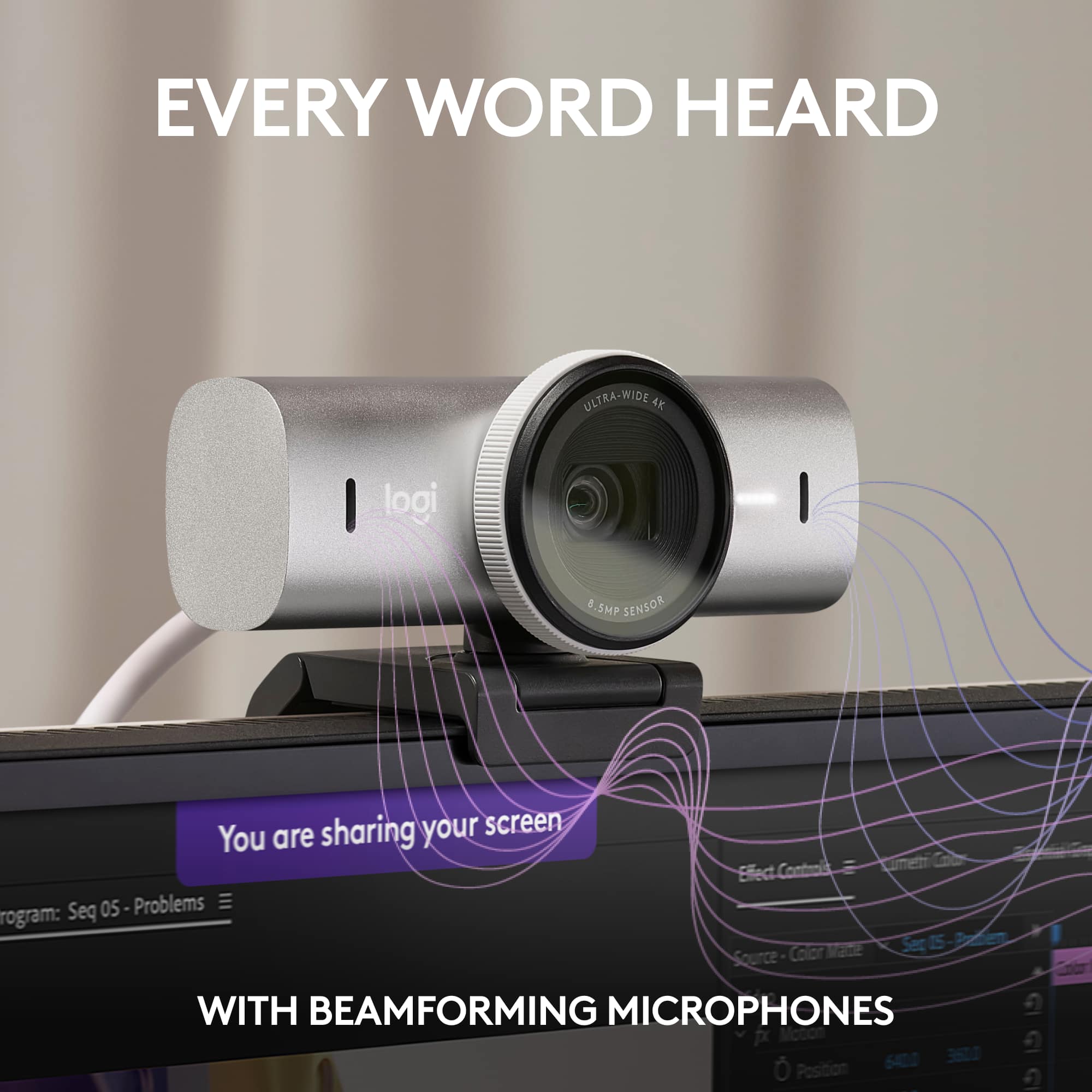
|Posted .This reviewer received promo considerations or sweepstakes entry for writing a review.I absolutely LOVE this camera!! The image quality is crisp and if you plan on using this for streaming it is perfect. It won't leave anything to be desired resolution-wise. The microphone is not bad either. I like to have a fan on and it did an amazing job of canceling out the fan noise and focusing on my voice which was very impressive. It magnetically connects to the base and can be mounted on a tripod so that's convenient. If you plan on using this to showcase stuff on your desk, it has a cool feature that lets you flip down the camera and it flips the image to make it right side up. The Logitech G Hub software is pretty intuitive, but I do wish it would give you the option to mirror the image. The thunderbolt cable it comes with is sturdy but not nearly long enough in my opinion. Unless your computer is right next to your monitor you will definitely need a longer thunderbolt cable. Also, make sure it is compatible with this camera, or else you won't get an image or the desired 4k image. Other than that, this camera ticks all the boxes for me. 10/10!
I would recommend this to a friendBrand response from Logitech
Posted .Thanks for the amazing MX Brio review! We're thrilled you love the image quality, microphone, and features. We're always looking for feedback on software features like mirroring, and we appreciate you letting us know about the cable length. Happy creating!
- Pros mentioned:Image quality
MX Brio
Posted .This reviewer received promo considerations or sweepstakes entry for writing a review.Noise cancellation is perfect and clarity stays the same after zoom.
I would recommend this to a friendBrand response from Logitech
Posted .We appreciate your thoughtful review. It’s great to know our product is meeting your needs. Thanks for being a valued customer.

Awesome webcam that runs circles around built-ins
|Posted .This reviewer received promo considerations or sweepstakes entry for writing a review.TL;DR: I love this webcam. It's much crisper, clearer, and the sound output is better than anything built into a laptop. I struggle to find any cons with its functionality. Price is the only sticking point I'd have with it, but it's pretty in line with other premium webcams. Would definitely recommend. What I like: +4k max resolution provides crystal clear picture that lends a professional look. I would not hesitate to use this in a job interview. I use this to stream on Twitch and YouTube and I love the way it looks. +Auto focus and exposure work very well and very quickly. Moving around, forward or back, I'm constantly in focus with very balanced exposure. +Built in dual mics do a good job of picking up your voice and little else in the background, though I will say these are no substitute for an actual mic. +Show mode is neat. If you want to show somebody what's on your desk, you just flip the camera all the way forward so it's pointing down. The image will automatically adjust to look like your POV. +Privacy shutter being a physical piece (vs clicking an "off" button) is appreciated. You simply twist the bezel a bit and it opens and closes. What I don't like: -I wish it had a depth of field slider or control so it was easier to blur out the background. Maybe you need a much longer lens to achieve that than what's here, but something would be nice instead of relying on the blur effect in Teams/Zoom/etc. -I think it's pretty expensive for what it is, but as mentioned before, it's pretty much in line with some other premium webcams so it's not off base. I just don't think it's a homerun value proposition.
I would recommend this to a friendBrand response from Logitech
Posted .Hello! Thanks for the MX Brio Ultra HD webcam review! We appreciate the detail on image quality, autofocus, and privacy shutter. We'll consider your depth of field feedback for future products. Glad you find the value comparable to other premium webcams!
- Pros mentioned:Image quality
Great camera but expensive
Posted .This reviewer received promo considerations or sweepstakes entry for writing a review.Great webcam. Really good picture quality. Microphone is average but from from an image quality perspective it’s really good
I would recommend this to a friendBrand response from Logitech
Posted .Thanks for the MX Brio feedback! We appreciate you sharing about the mic and will consider it for future designs.
- Pros mentioned:Image quality
Best webcam
Posted .This reviewer received promo considerations or sweepstakes entry for writing a review.Love it. Feels quality unlike most its competition
I would recommend this to a friendBrand response from Logitech
Posted .Thanks for the feedback! We appreciate you taking the time to share your experience with the MX Brio. It's great to hear that the quality feels superior to others on the market. We're constantly striving to improve our webcams, and your input helps us do that.
Great addition to my setup
Posted .This reviewer received promo considerations or sweepstakes entry for writing a review.Love this camera and all it can do. I wasn't able at first to get the control panel to work but have recently been able to. It will allow you to change the view and zoom and all the things you need for working from home. Love this piece of equipment!
I would recommend this to a friendBrand response from Logitech
Posted .The Logitech MX Brio Ultra HD 4K Webcam is a great choice for professional video recording. It offers high-quality video, excellent low-light performance, autofocus, zoom, clear audio, and easy setup.
Laptop camera
Posted .This reviewer received promo considerations or sweepstakes entry for writing a review.The works in my laptop pretty well. I have only used it a couple of times, but had no issues. I did have to add scotch tape to hold it on the laptop lid/screen…
No, I would not recommend this to a friendBrand response from Logitech
Posted .Hey! It sounds like you're using a webcam other than the Logitech MX Brio Ultra HD 4K! The MX Brio is an external webcam, not typically used on laptops. However, we appreciate your feedback on the webcam you're using for your laptop.
- Pros mentioned:Image quality
No Windows Hello face recognition
Posted .This reviewer received promo considerations or sweepstakes entry for writing a review.Coming from the Brio 4K, I was interested in upgrading to this to match my other MX master devices but the lack of Windows Hello makes it an complete downgrade. I use the older Brio 4K for face login on both my personal PC and work laptop a lot more than the actual web cam functionality and I'm on Team meetings a lot. This is a huge disappointment. The image quality may be better in the new one but not enough to justify a huge step back for those using the convenience of face login. Save your money and buy the previously one with Windows Hello.
No, I would not recommend this to a friendBrand response from Logitech
Posted .Hi there! Thank you for your feedback on the Logitech MX Brio Ultra HD 4K camera. We understand your disappointment that it doesn't support Windows Hello face recognition, a feature you heavily relied on with your previous Brio 4K.
We appreciate you highlighting this as a significant factor for users who prioritize secure facial login. Your insights will be valuable for future product development.
Satisfied
Posted .This reviewer received promo considerations or sweepstakes entry for writing a review.It didn’t come with the computer adapter and I haven’t use it yet
I would recommend this to a friendBrand response from Logitech
Posted .We apologize for the inconvenience caused by the missing computer adapter for your Logitech - MX Brio webcam. We understand the importance of having all necessary components for a smooth setup. Please reach out to our support team at and provide your order details.
Waste the last model is better
Posted .This reviewer received promo considerations or sweepstakes entry for writing a review.Unable to utilize Logitech Capture with this device, unable to utilize the 4k features because you can only use one app to use this camera.
No, I would not recommend this to a friendBrand response from Logitech
Posted .Hello Timmy! You can customize your Logitech MX Brio video in both Logi Options+ and G Hub with Fine Controls. MX Brio is compatible with Windows, macOS, or ChromeOS. Certified for Zoom, Microsoft Teams, Chromebook, Google Meet, and Streamlabs. We'd love to chat more about your setup so we can get your MX Brio working for you or find the best alternate Logitech solution. If this sounds good, please contact us at socialcare@logitech.com and we can go from there. Thanks!