Customer Ratings & Reviews
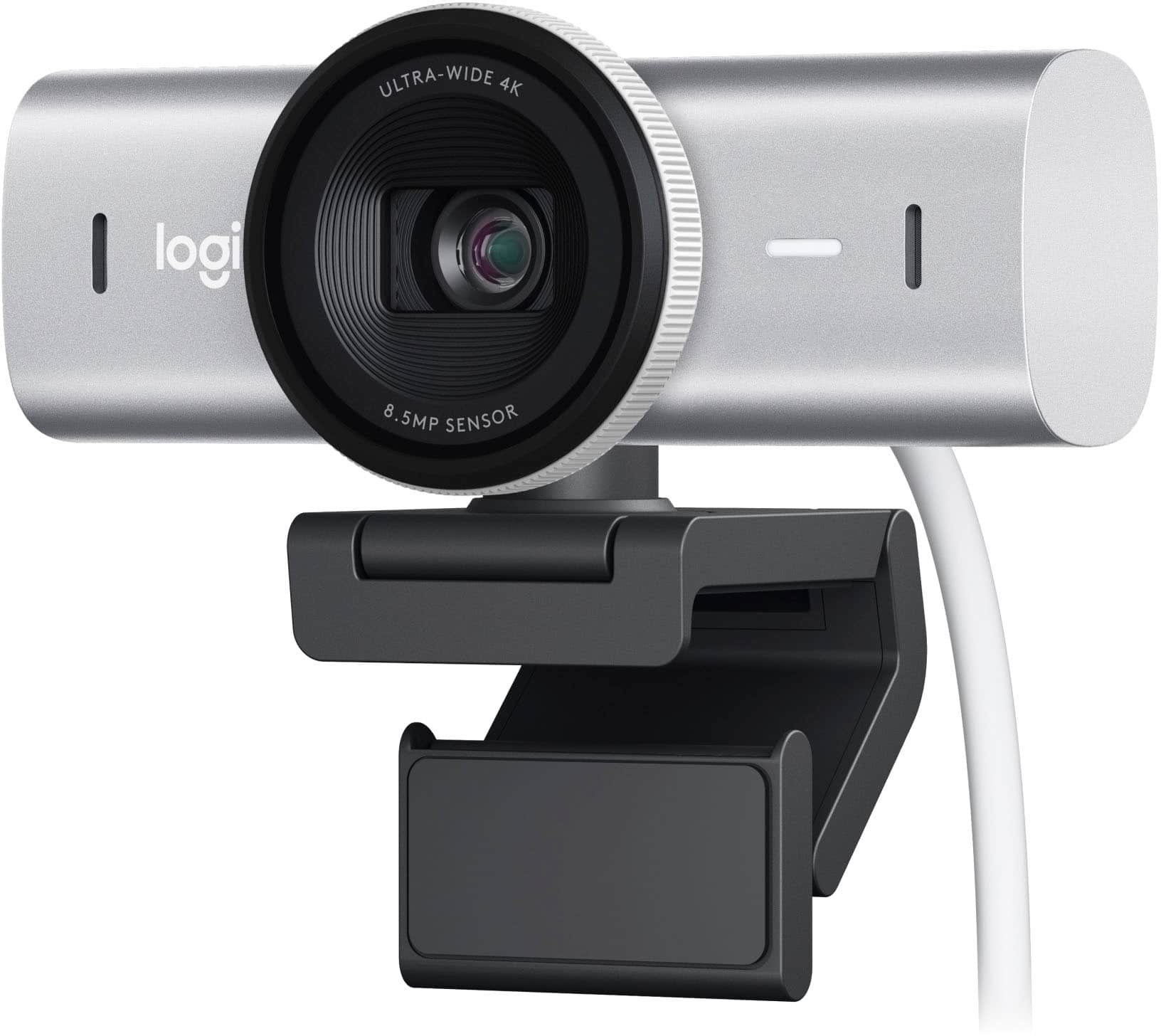





- Model:
- 960-001550
- |
- SKU:
- 6571655
Customer reviews
Rating 4.7 out of 5 stars with 364 reviews
(364 customer reviews)Rating by feature
- Value4.5
Rating 4.5 out of 5 stars
- Quality4.8
Rating 4.8 out of 5 stars
- Ease of Use4.8
Rating 4.8 out of 5 stars
to a friend
Customers are saying
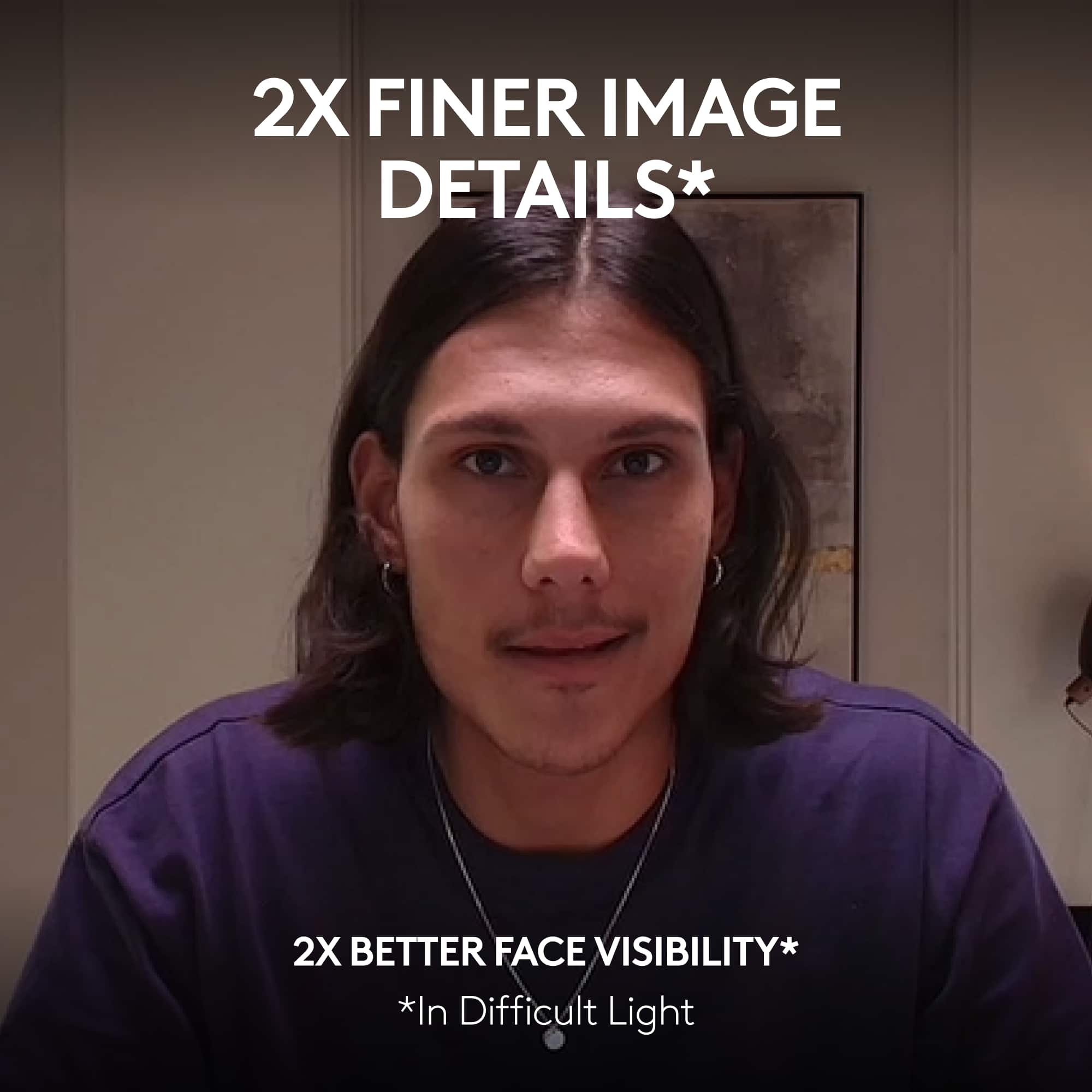
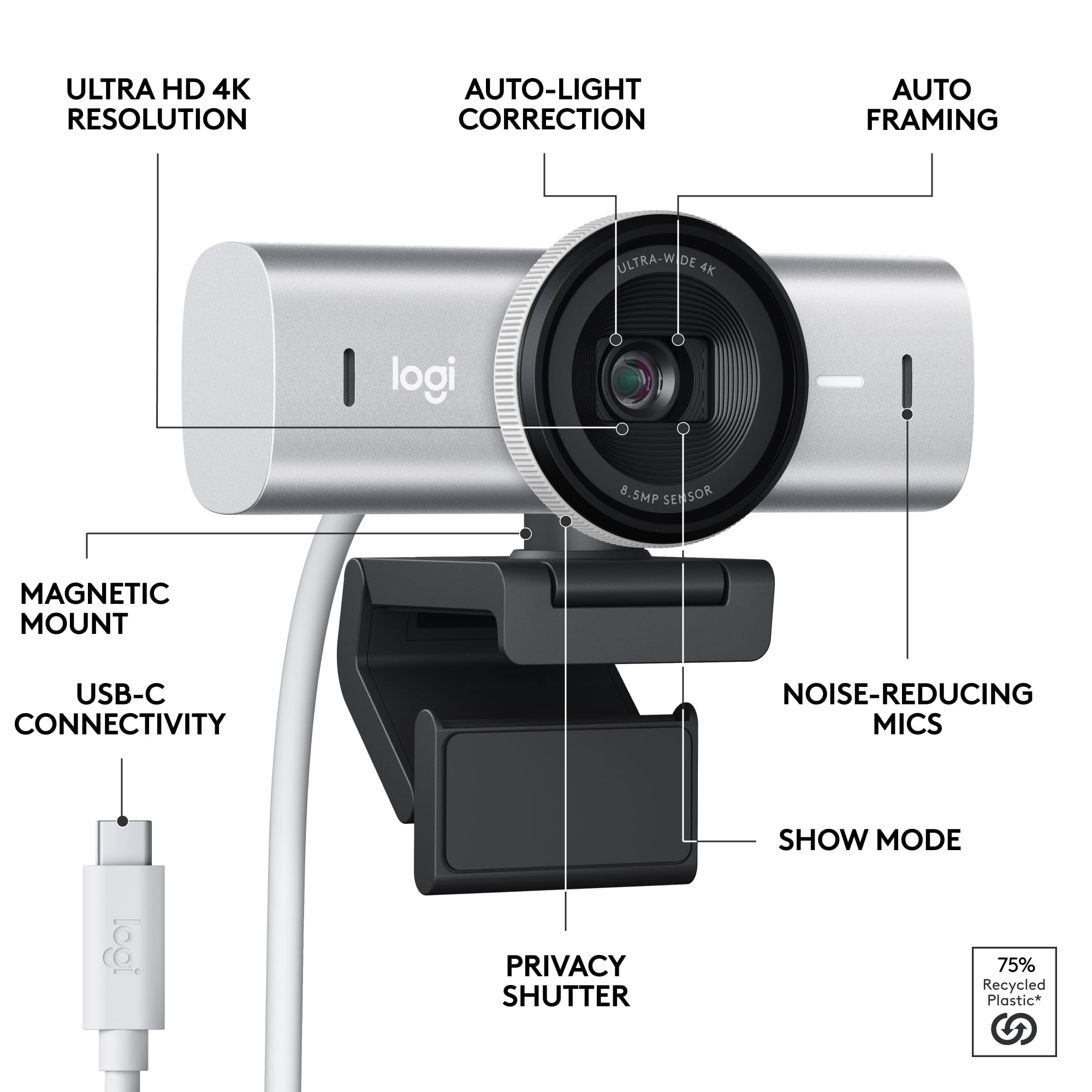
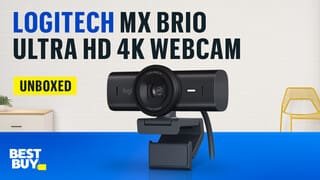
Customers express satisfaction with the MX Brio Ultra HD 4K Webcam's outstanding image quality, ease of use, and versatile connectivity options. The built-in privacy feature and great field of view are also welcomed. However, some customers have noted the mounting options could be improved with the addition of a tripod thread. Overall, the webcam seems to be well-received for its features.
This summary was generated by AI based on customer reviews.
Rated 4 out of 5 stars
Laptop camera
Posted .This reviewer received promo considerations or sweepstakes entry for writing a review.The works in my laptop pretty well. I have only used it a couple of times, but had no issues. I did have to add scotch tape to hold it on the laptop lid/screen…
This review is from Logitech - MX Brio Ultra HD 4K Video Conference, Gaming and Streaming Webcam - Black
No, I would not recommend this to a friendBrand response from Logitech
Posted .Hey! It sounds like you're using a webcam other than the Logitech MX Brio Ultra HD 4K! The MX Brio is an external webcam, not typically used on laptops. However, we appreciate your feedback on the webcam you're using for your laptop.
Rated 1 out of 5 stars
No Windows Hello face recognition
Posted .This reviewer received promo considerations or sweepstakes entry for writing a review.Coming from the Brio 4K, I was interested in upgrading to this to match my other MX master devices but the lack of Windows Hello makes it an complete downgrade. I use the older Brio 4K for face login on both my personal PC and work laptop a lot more than the actual web cam functionality and I'm on Team meetings a lot. This is a huge disappointment. The image quality may be better in the new one but not enough to justify a huge step back for those using the convenience of face login. Save your money and buy the previously one with Windows Hello.
This review is from Logitech - MX Brio Ultra HD 4K Video Conference, Gaming and Streaming Webcam - Black
No, I would not recommend this to a friendBrand response from Logitech
Posted .Hi there! Thank you for your feedback on the Logitech MX Brio Ultra HD 4K camera. We understand your disappointment that it doesn't support Windows Hello face recognition, a feature you heavily relied on with your previous Brio 4K.
We appreciate you highlighting this as a significant factor for users who prioritize secure facial login. Your insights will be valuable for future product development.
Rated 3 out of 5 stars
Satisfied
Posted .This reviewer received promo considerations or sweepstakes entry for writing a review.It didn’t come with the computer adapter and I haven’t use it yet
This review is from Logitech - MX Brio Ultra HD 4K Video Conference, Gaming and Streaming Webcam - Black
I would recommend this to a friendBrand response from Logitech
Posted .We apologize for the inconvenience caused by the missing computer adapter for your Logitech - MX Brio webcam. We understand the importance of having all necessary components for a smooth setup. Please reach out to our support team at and provide your order details.
Rated 1 out of 5 stars
Waste the last model is better
Posted .This reviewer received promo considerations or sweepstakes entry for writing a review.Unable to utilize Logitech Capture with this device, unable to utilize the 4k features because you can only use one app to use this camera.
This review is from Logitech - MX Brio Ultra HD 4K Video Conference, Gaming and Streaming Webcam - Black
No, I would not recommend this to a friendBrand response from Logitech
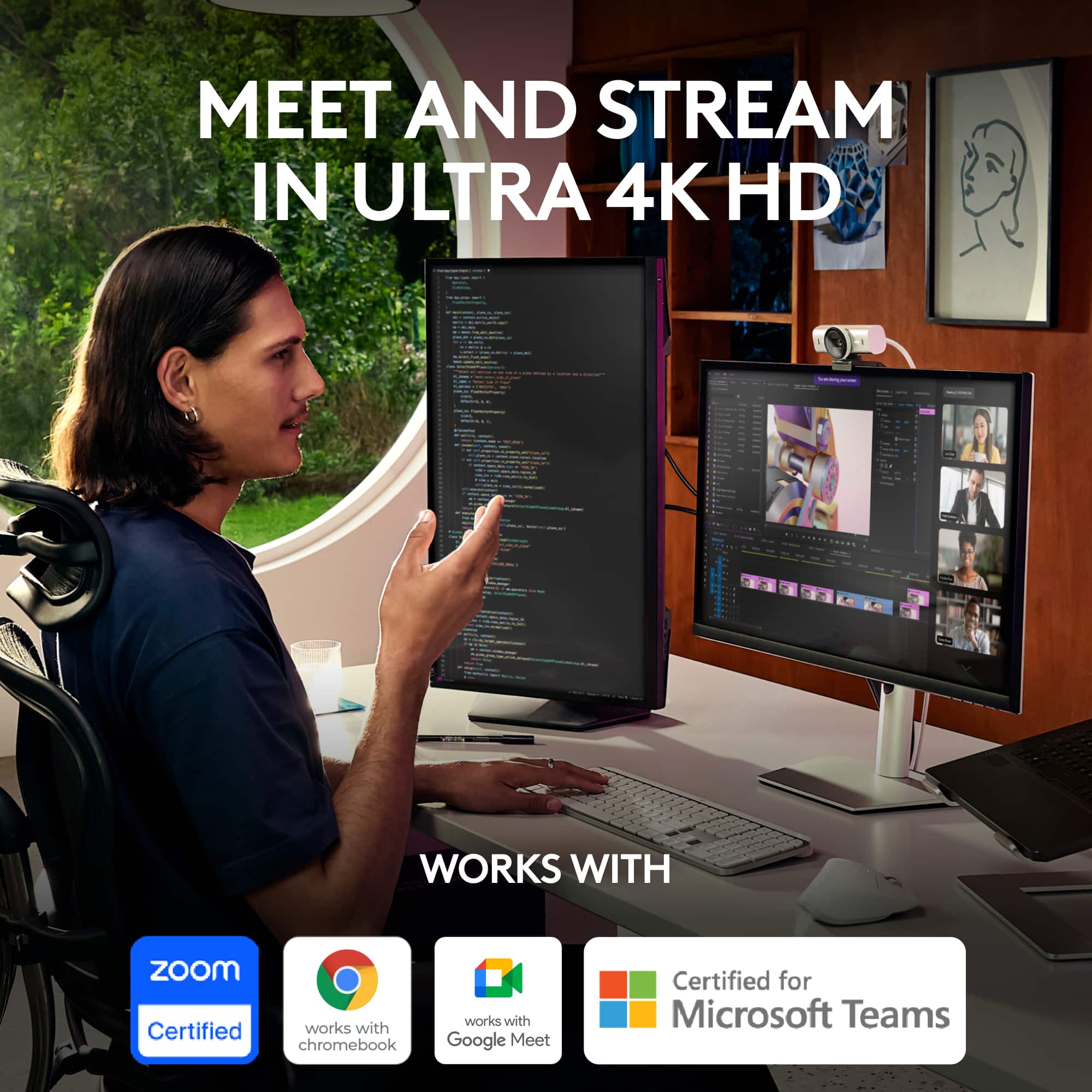
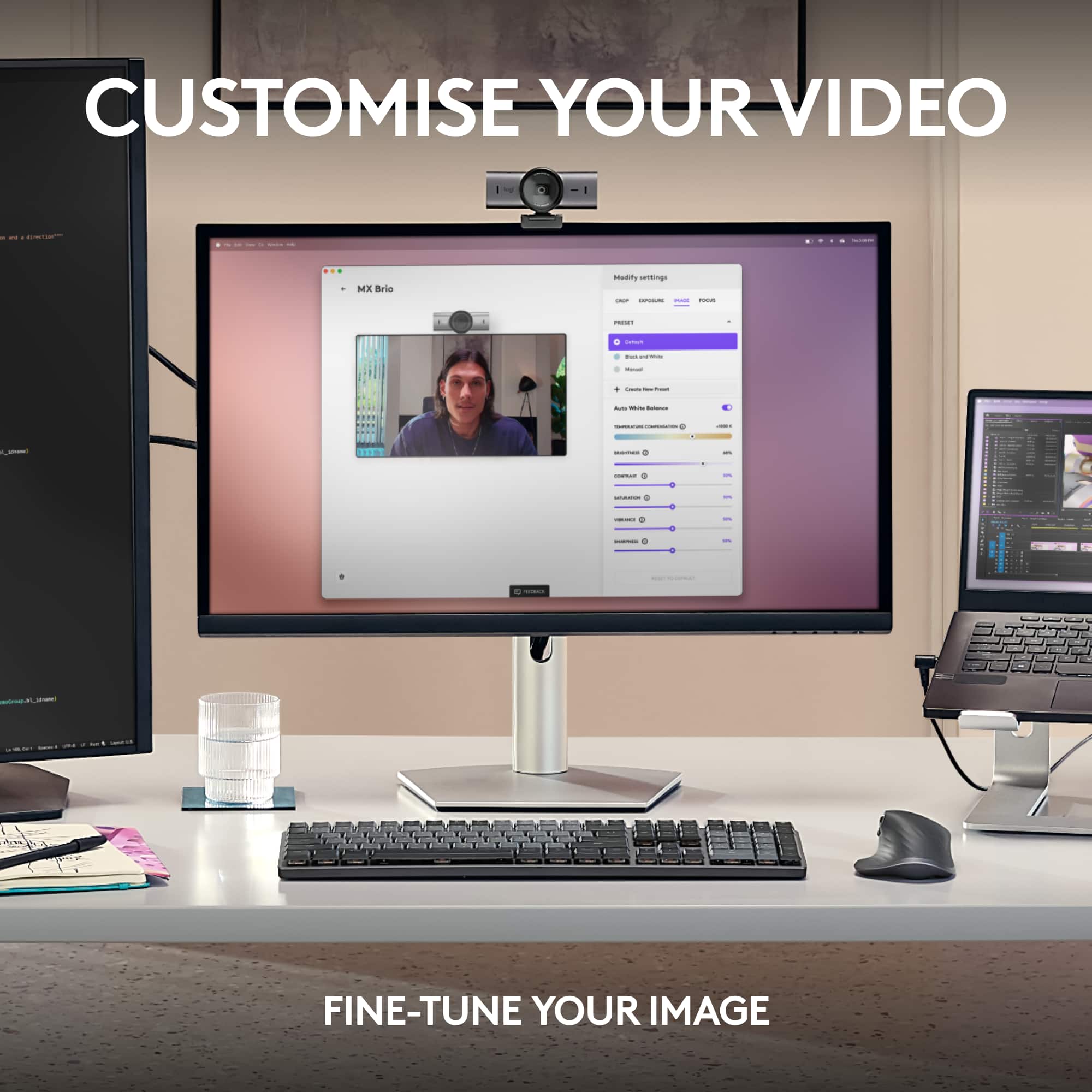
Posted .Hello Timmy! You can customize your Logitech MX Brio video in both Logi Options+ and G Hub with Fine Controls. MX Brio is compatible with Windows, macOS, or ChromeOS. Certified for Zoom, Microsoft Teams, Chromebook, Google Meet, and Streamlabs. We'd love to chat more about your setup so we can get your MX Brio working for you or find the best alternate Logitech solution. If this sounds good, please contact us at socialcare@logitech.com and we can go from there. Thanks!