Customer Ratings & Reviews
![F4 13 esc F2 n $ % # ! 4 5 - 2 3 . 1 E R Q W tab D F A S caps lock C X Z shift x command option control I A 6 T G V logi 32 D 109 1 Fa F 4 m 4 - M F - d N 18 page up clear ) - . = & 0 8 9 page down 7 7 I end doan I ) delete I o P [ ] U I Y return . K L : H J shift ? A < N M B control option command . F = I - 8 + 5 6 4 2 1 0 enter #](https://pisces.bbystatic.com/image2/BestBuy_US/images/products/6404/6404203_sd.jpg)
- Model:
- 920-009552
- SKU:
- 10111564
Rating by feature
- Value
Rating 4.6 out of 5 stars
- Quality
Rating 4.9 out of 5 stars
- Ease of Use
Rating 4.8 out of 5 stars
to a friend
Nice item
||Posted . Owned for 1 week when reviewed.This reviewer received promo considerations or sweepstakes entry for writing a review.Good for typing . Backlit is pretty bright at night make looking for the keys easier
I would recommend this to a friendCracked keyboard - new
||Posted . Owned for 2 weeks when reviewed.This reviewer received promo considerations or sweepstakes entry for writing a review.Didn't notice this at first but there is a crack along the bottom of the keyboard, it's too late to return. It looks like this is a used keyboard that was resold as new. Very disappointed as this is an expensive keyboard.
No, I would not recommend this to a friendMac Keyboard
||Posted . Owned for 1 month when reviewed.This reviewer received promo considerations or sweepstakes entry for writing a review.Works great, just like it is supposed to! Love the quality.
I would recommend this to a friendBest Mac Keyboard
||Posted . Owned for less than 1 week when reviewed.This reviewer received promo considerations or sweepstakes entry for writing a review.Great feel to this keyboard. Perfect spacing. Excellent product.
I would recommend this to a friendGood basic keyboard
||Posted . Owned for 1 week when reviewed.This reviewer received promo considerations or sweepstakes entry for writing a review.More functionality than Apple’s Magic Keyboard but less reliable connection
I would recommend this to a friendwhen the apple keyboard is just too slick
||Posted . Owned for 3 weeks when reviewed.This reviewer received promo considerations or sweepstakes entry for writing a review.Time for this old man to able to see the keys better.
I would recommend this to a friendVery happy with product and price
||Posted . Owned for 3 weeks when reviewed.This reviewer received promo considerations or sweepstakes entry for writing a review.works well with Mac mini. Just wish there we multiple back light colors
I would recommend this to a friendMx keys for Mac
||Posted . Owned for 3 weeks when reviewed.This reviewer received promo considerations or sweepstakes entry for writing a review.Works good with Bluetooth but better with unifying receiver.
I would recommend this to a friendMax Keyboard
||Posted . Owned for 3 weeks when reviewed.This reviewer received promo considerations or sweepstakes entry for writing a review.Logitech makes good products. Glad to see this keyboard for Mac.
I would recommend this to a friendSuper happy with it!
||Posted . Owned for 2 weeks when reviewed.This reviewer received promo considerations or sweepstakes entry for writing a review.So much better feel as you type than the apple keyboard. It would get 5 stars if updating the firmware wasn’t so glithcy. Still haven’t been able to do it.
I would recommend this to a friendFunction doesn’t follow form
||Posted . Owned for 5 months when reviewed.This reviewer received promo considerations or sweepstakes entry for writing a review.As a touch typist, this keyboard leaves something to be desired. Sub-par tactile feedback, with short stroke keys. It looks great, and feels great. However, as its primary function is for typing, it could be much better. Returned this and went with a mechanical keyboard.
No, I would not recommend this to a friendExcellent Keyboard
||Posted . Owned for 1 month when reviewed.This reviewer received promo considerations or sweepstakes entry for writing a review.I spilled a beer on my perfectly good Logitech keyboard that was only two years old, so I needed a replacement. After reading reviews and a couple of keyboard comparison articles, I selected the MX Keys model. I've been using it almost daily for over a month, and I like it as well as the Logitech keyboard that it replaced.
I would recommend this to a friendEverything is good besides....had to return it
||Posted . Owned for 8 months when reviewed.This reviewer received promo considerations or sweepstakes entry for writing a review.Everything is good besides the backlighting. there's no control over it. you can not turn it on and off either on itself or in software. once it's activated, it's smart / leave it for little time it goes off, and when you approach your hands, it lights. that is annoying, especially at night...it as it states for mac, should work like mac. you turn it on, or off as you would like potentially with lower to high settings. You should be able to turn it on and off either with a slide app in like in macs or bottoms in anywhere in btw those 12 F keys or arrows. Just two keys for on/increase or decrease/off. that would make this ideal.
No, I would not recommend this to a friendBrand response from Logitech
Posted .Hello, I am so sorry to hear about the lighting issue you are experiencing with this keyboard. You can turn it off/decrease the lights with the F5 key. You can then increase/turn it on with the F6 key. I hope that clears things up for you. Thank you for taking the time to write this review, we appreciate the feedback. I hope you have a wonderful day!
-Danielle from Logitech
Decent quality, could be better.
||Posted . Owned for 4 months when reviewed.This reviewer received promo considerations or sweepstakes entry for writing a review.Decent hardware quality, a little bit of flex (the frame appears to be plastic.) I have some squeaking sometimes when I press the shift/caps lock keys.
I would recommend this to a friendNot for me
||Posted . Owned for 1 week when reviewed.This reviewer received promo considerations or sweepstakes entry for writing a review.Didn’t work for me. Returned it. It’s only Bluetooth with the usb plug. Nice keyboard tho
I would recommend this to a friendPretty good hardware, crap software
||Posted . Owned for 1 month when reviewed.This reviewer received promo considerations or sweepstakes entry for writing a review.I want to love this keyboard, but Logitech's software is lacking key features and reliability. Unfortunately they are one of the few keyboards that can swap devices.
I would recommend this to a friendContinually unpairs
||Posted . Owned for 1 month when reviewed.This reviewer received promo considerations or sweepstakes entry for writing a review.Great feel, better than the Apple Keyboard. Unfortunately it doesn't work with during bootup, and it continuously unpairs. I've had it for a few weeks, and there's many copies of it in my Bluetooth menu where I wake up in the morning and it has randomly unpaired, and I have to go through the pairing process to use it again. I like how it feels, so I'm sad I'll have to return it. Pairing a bluetooth keyboard reliably should not require any tech support.
No, I would not recommend this to a friendBrand response from Logitech
Posted .Hello TheEternalPanda, Very sorry to hear about the unpairing issue that you're having with the MX Keys for Mac. The MX Keys should automatically pair with your Mac as soon as it boots up once you've initially paired it. Here's a link to some tips on how to better link your MX Keys to your Mac: https://support.logi.com/hc/en-us/articles/360023195654. Hope that you found this helpful and that all is now going better. Thank you for choosing Logitech. - Richard from Logitech
Delicate delinquent
||Posted . Owned for 1 month when reviewed.This reviewer received promo considerations or sweepstakes entry for writing a review.Heavy, fragile—two key caps popped off when unit was in use.
No, I would not recommend this to a friendBrand response from Logitech
Posted .That's unfortunate! You need not worry, reach out to Logi support and our team will look into this to find a solution.
Meh.
||Posted . Owned for 4 months when reviewed.This reviewer received promo considerations or sweepstakes entry for writing a review.It's ok. I noticed lag using bluetooth and had a lot of typos trying to use the board. If you're willing to pay for it, I strongly recommend upgrading to a G915.
No, I would not recommend this to a friendBrand response from Logitech
Posted .Hey there, I'm sorry to hear that your MX Keys had some connectivity issues when using Bluetooth. If possible, I would recommend using the wireless receiver included with the keyboard to minimize interference. If that isn't possible, try minimizing obstructions between the keyboard and the computer, as well as limiting the number of other Bluetooth sources near the keyboard, as that could be causing some interference.

What Apple should provide!
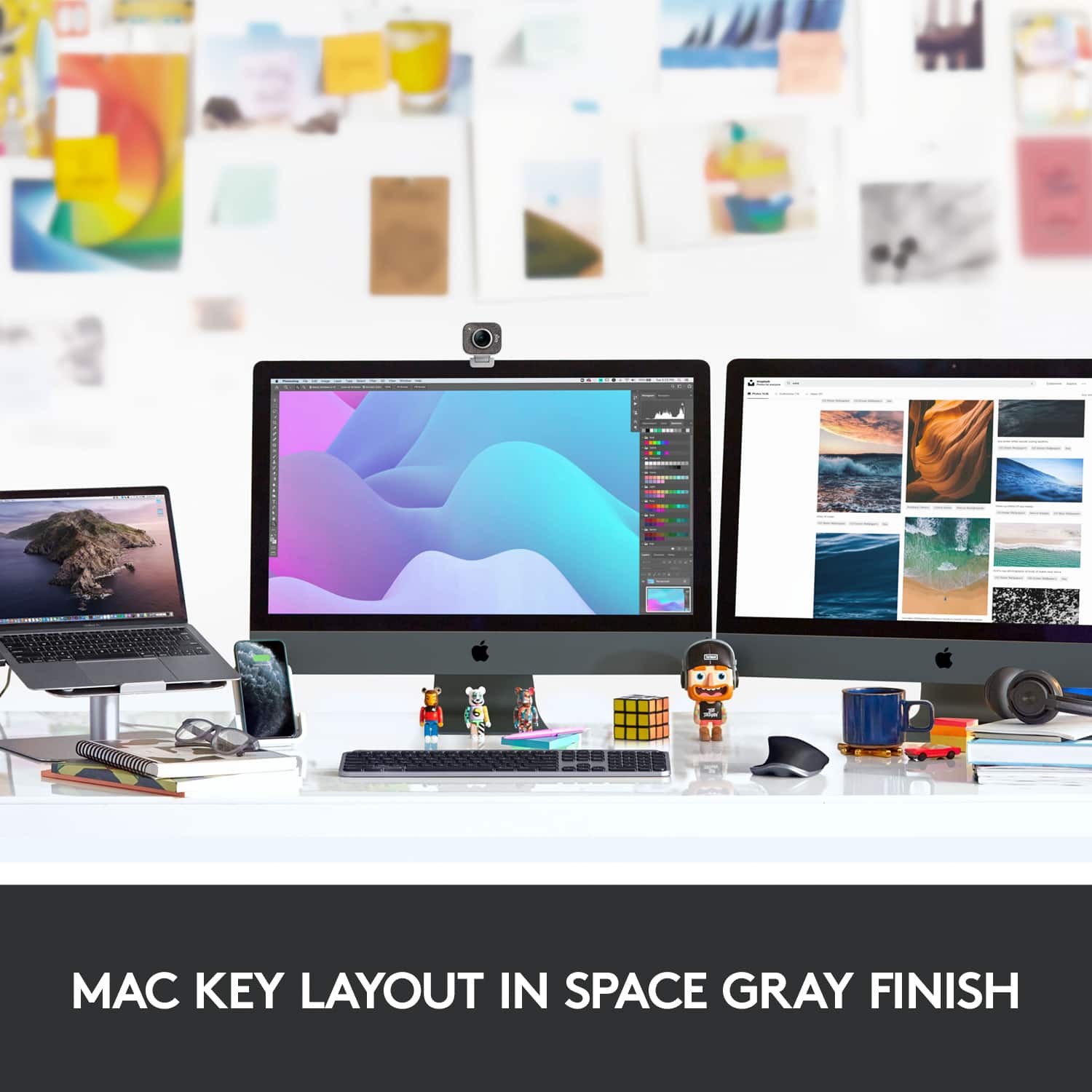
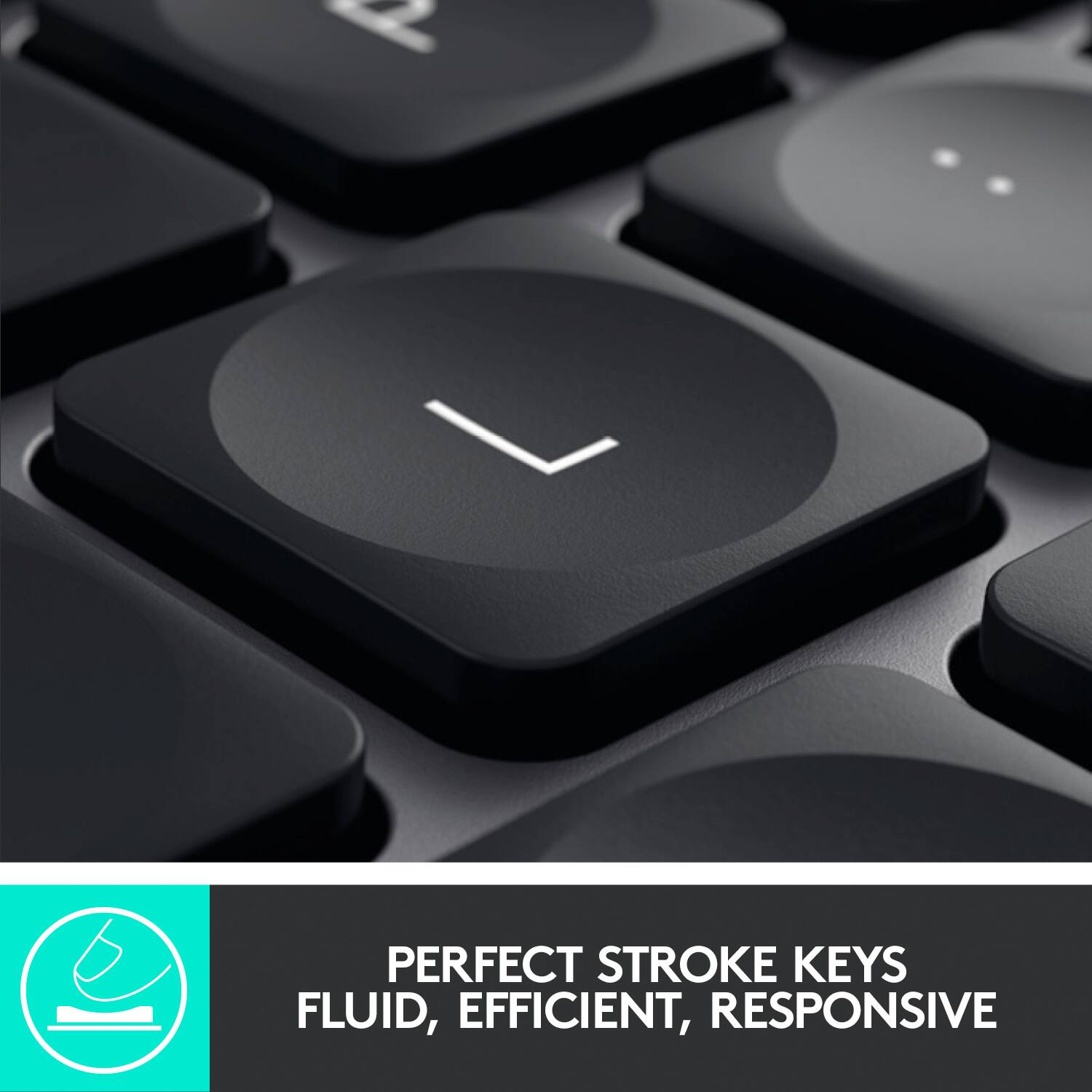
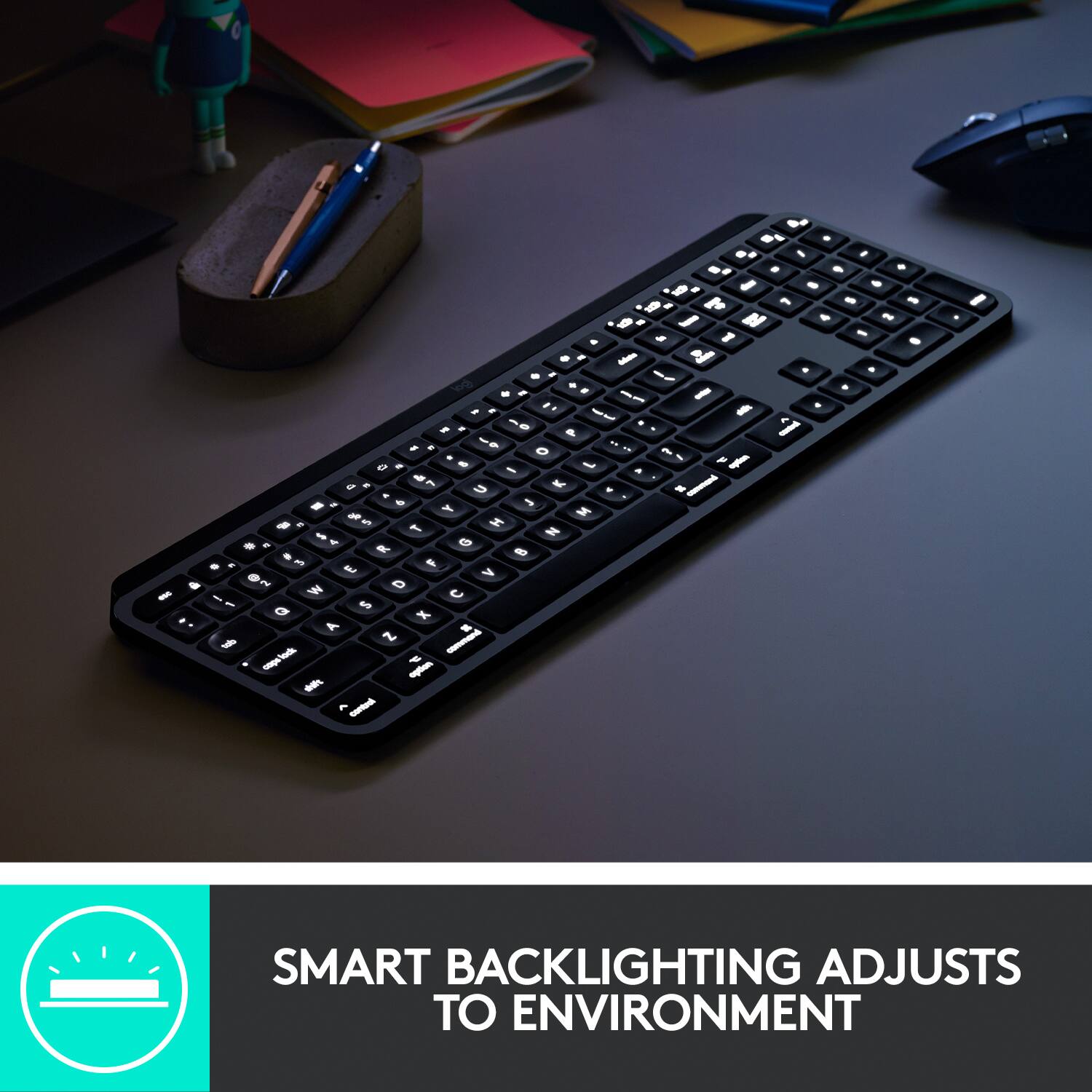
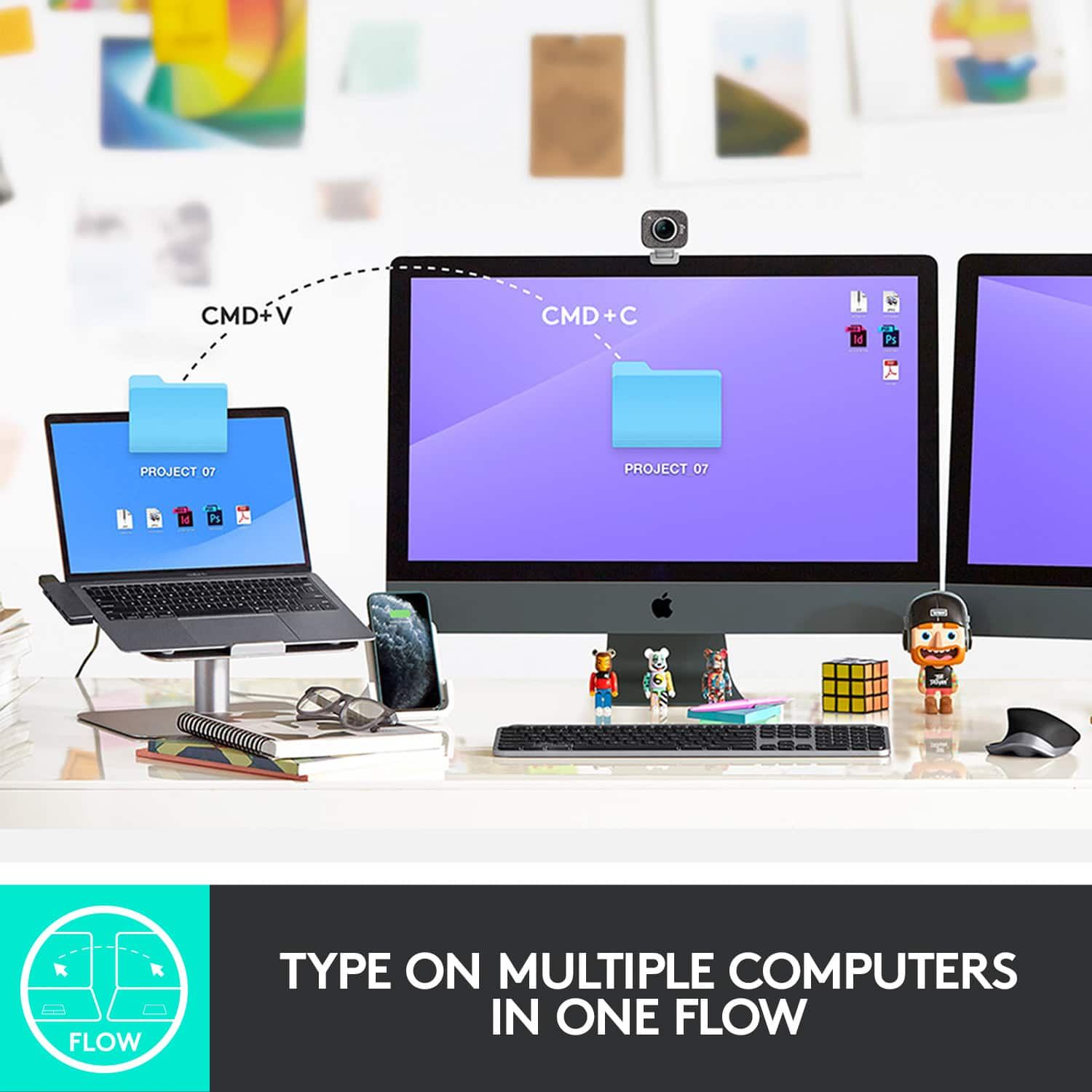
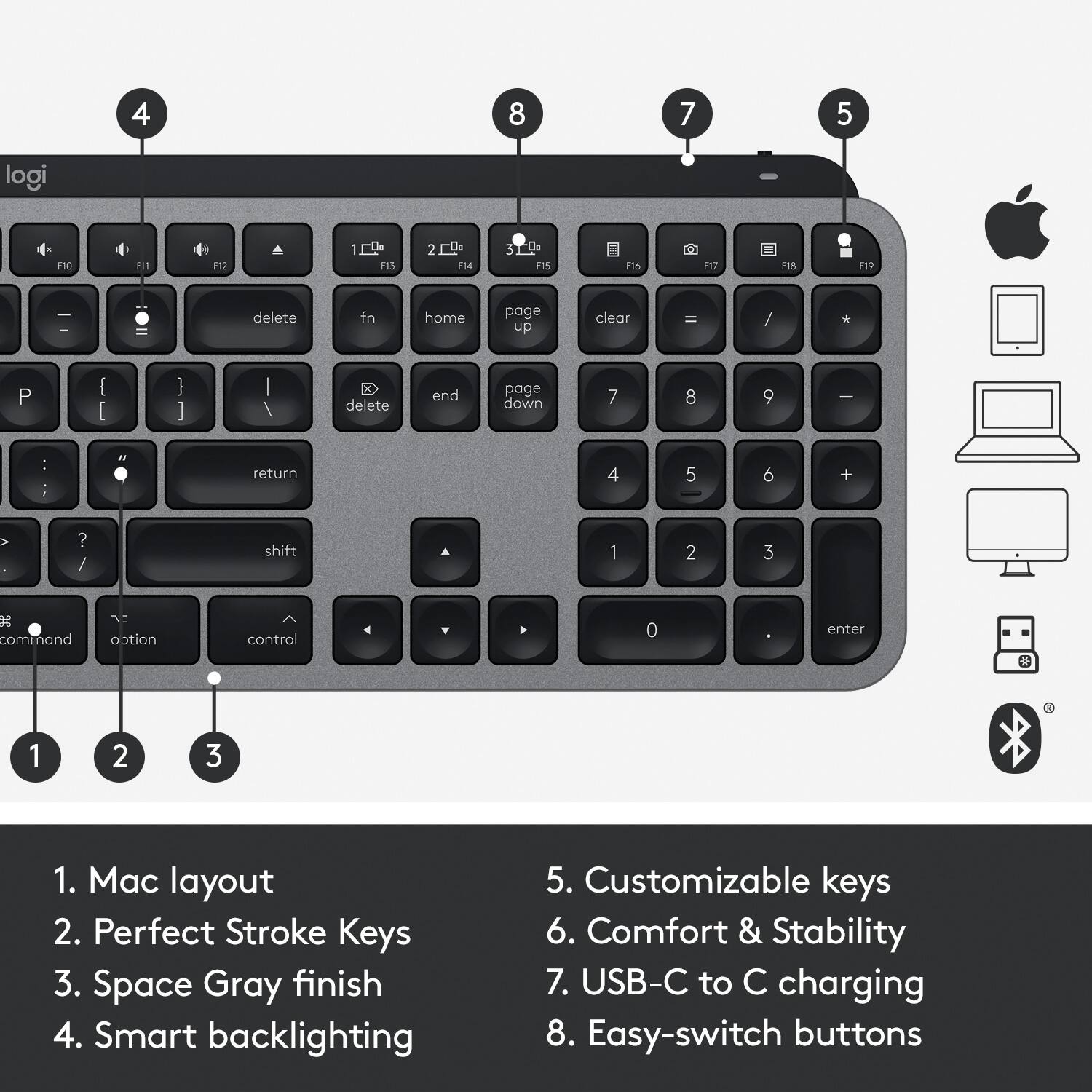
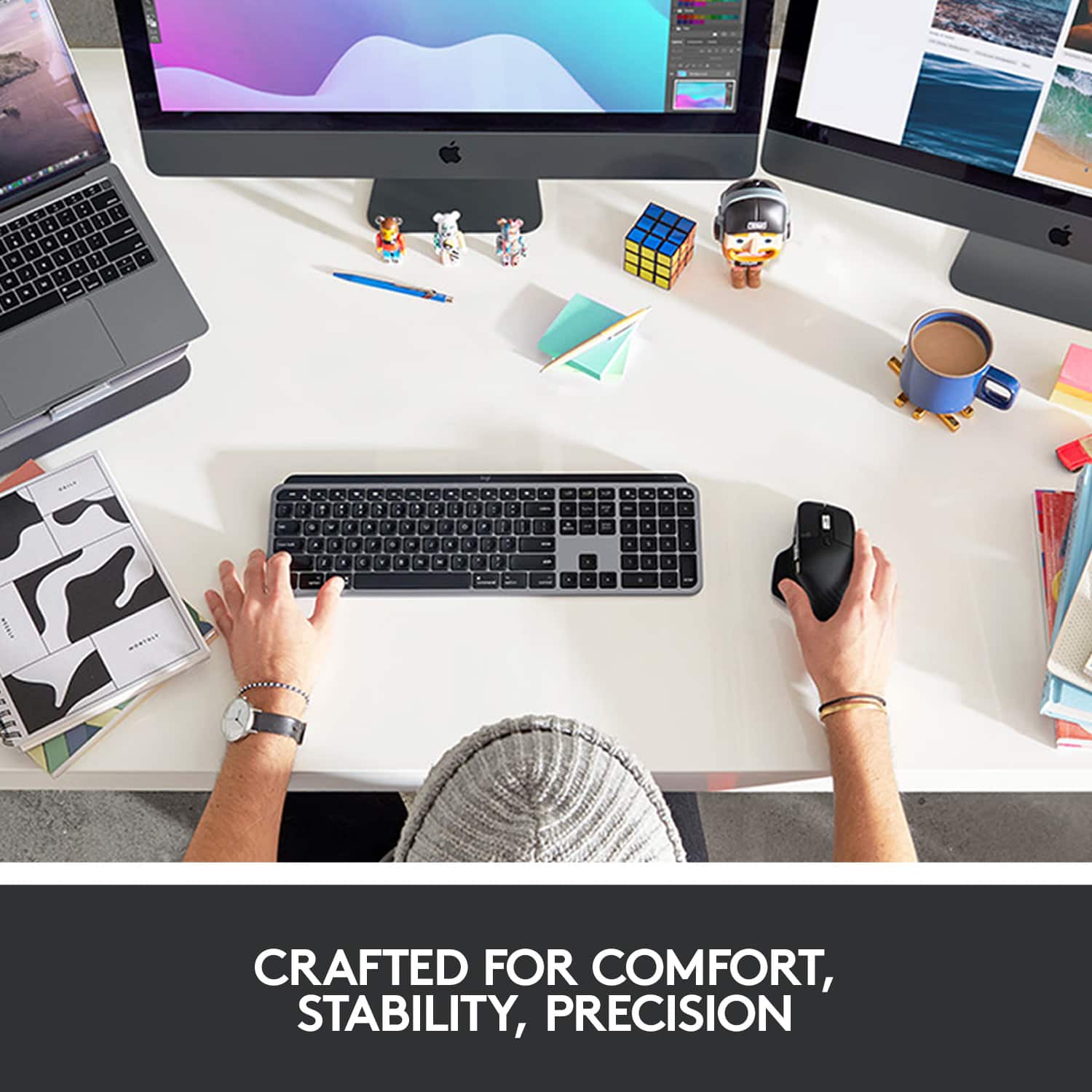
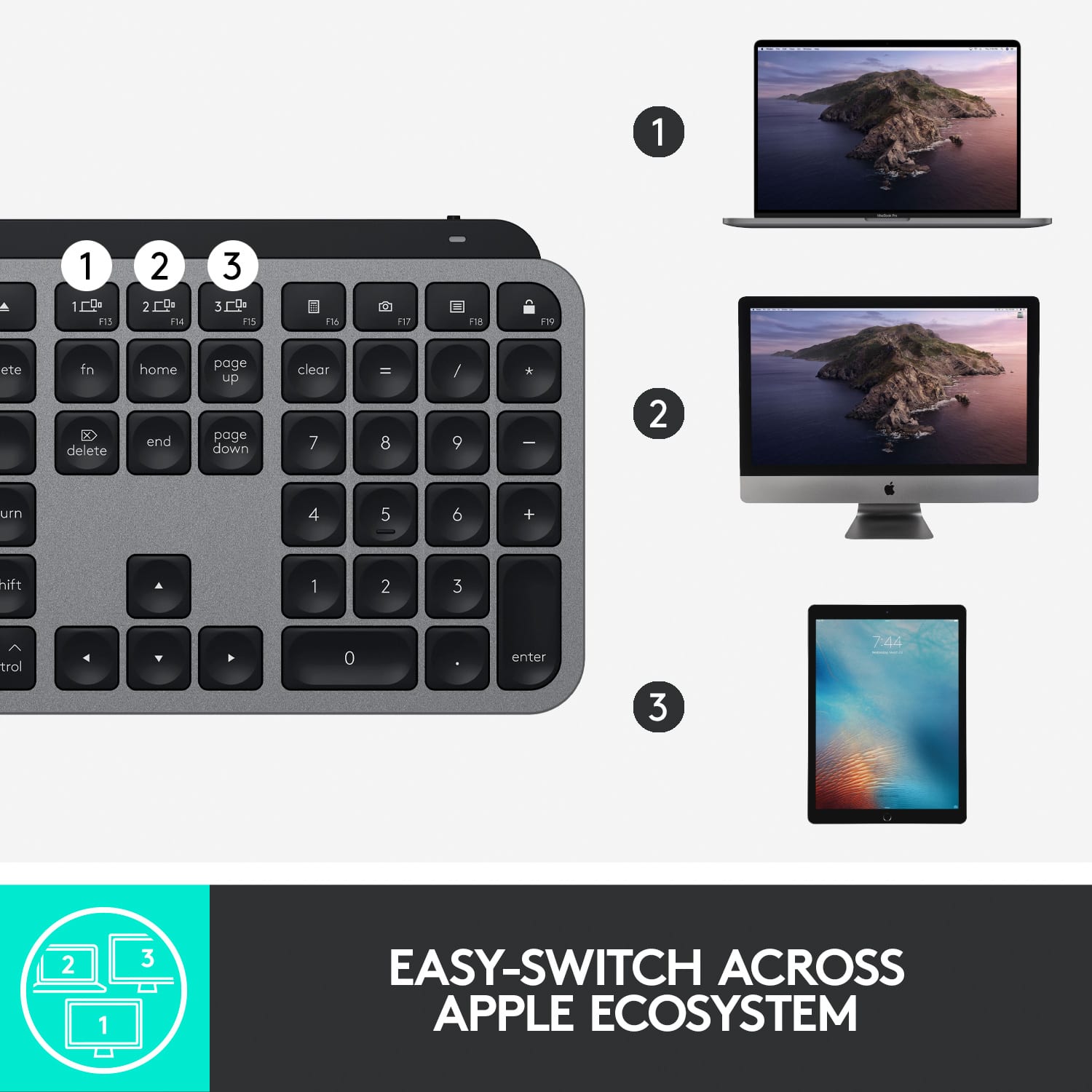
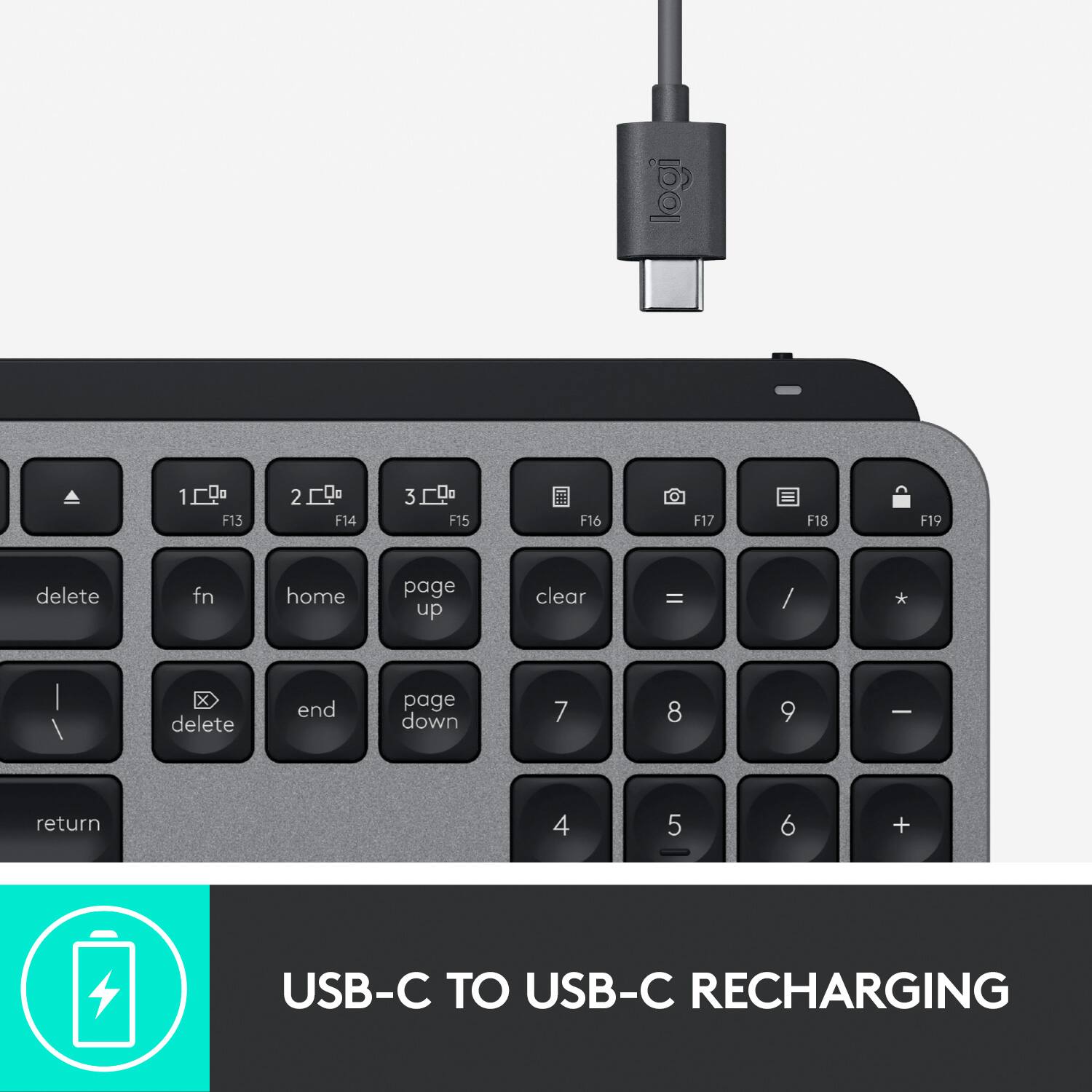
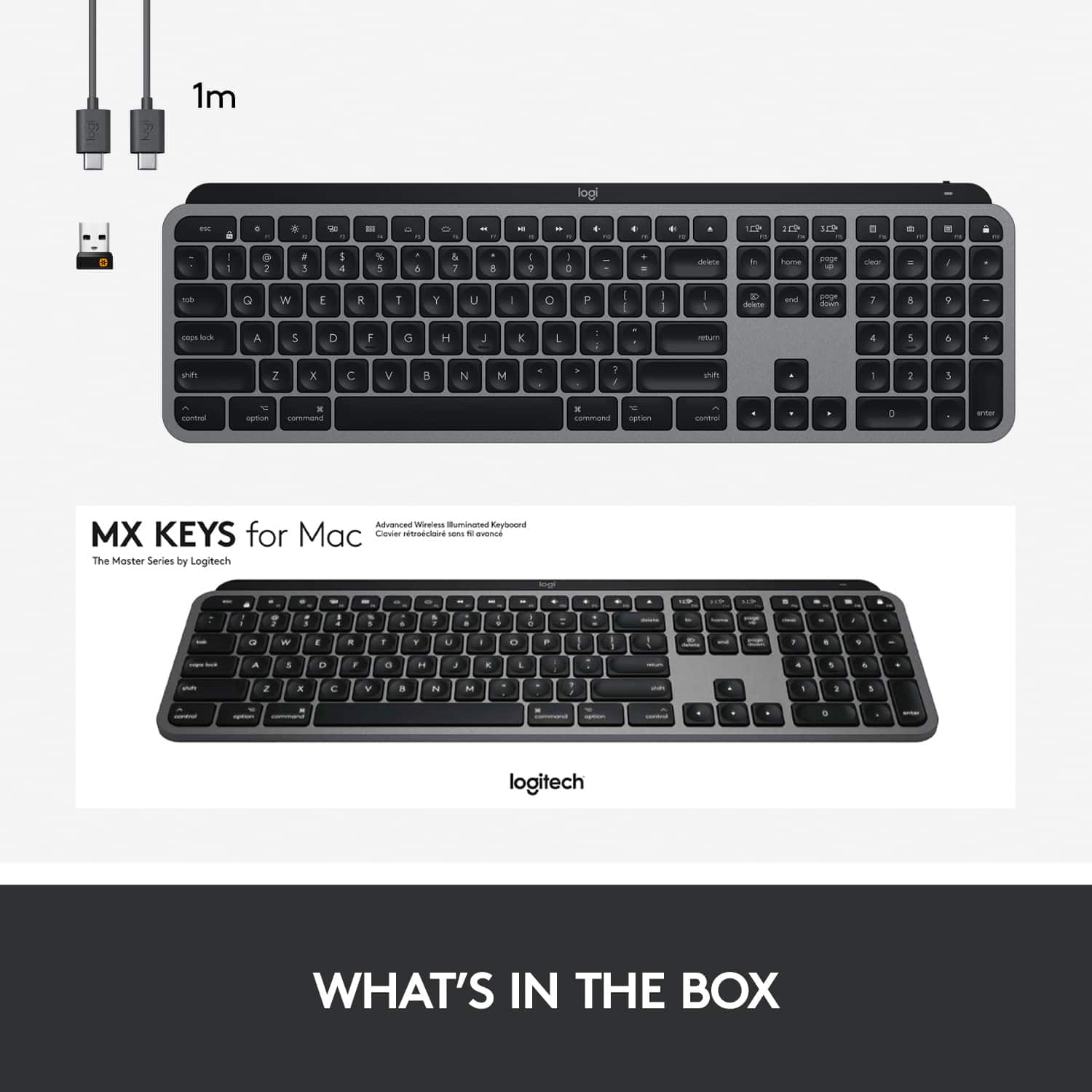
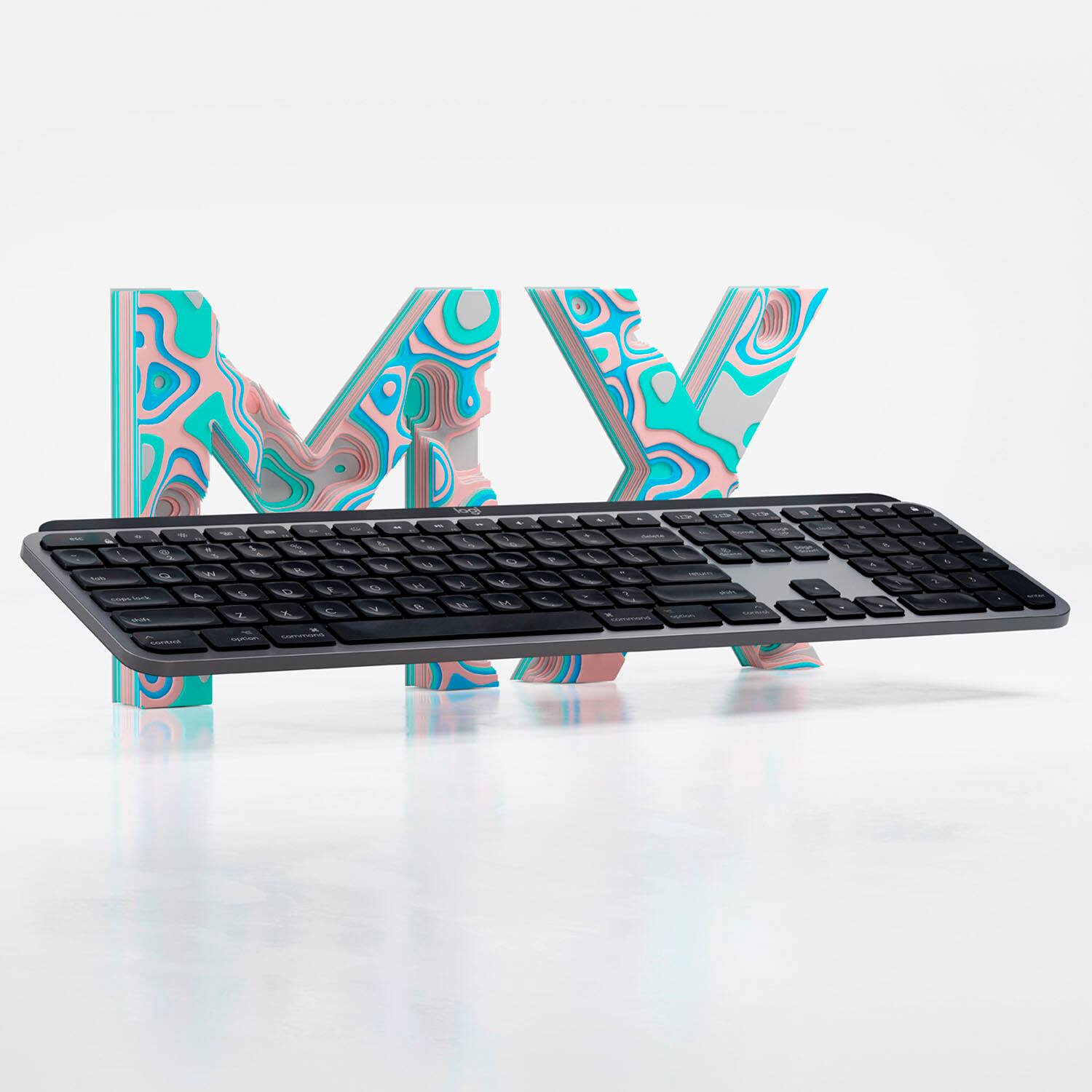
|Posted .This reviewer received promo considerations or sweepstakes entry for writing a review.What can I say, I love this keyboard! I have used Logitech wireless keyboards on my windows machines for years, but I’ve always loved the touch and feel of the Apple wireless keyboards. My only complaint was that unless I was using my MacBook Pro, none of Apple’s keyboards have backlighting. Enter the Logitech MX Keys for Mac! When I opened the box, the keyboard was wrapped in tissue paper like a fine instrument or piece of porcelain, and it is much heavier than I expected it to be. Setting it up via Bluetooth was no different than any other keyboard, activate the pairing mode by long pressing one of the three selection keys, let the Mac find it, type in the passcode and it was connected. Like my Logitech K850, the MX Keys for Mac can connect to three separate machines or devices, switching between them by pressing the corresponding selection button. Logitech also provides a unifying receiver for devices that don’t have Bluetooth, which is a bit surprising as every Mac for as long back as I can remember pairs keyboards via Bluetooth, so I can only think they added that for Windows PC’s that might not have Bluetooth. An added touch is you can use both the unifying receiver and Bluetooth at the same time. Each selection key will pair independently with either format. I use both a PC and a Mac in my office and this keyboard switches effortlessly between both. Logitech also has the Logi Options program that allows you to change the options on the keyboard like specialty key assignments however, I was unable to get the Mac version to recognize the keyboard. While this keyboard is designed for Apple devices with the command and option buttons, it will also pair with a Windows PC, which I did with no trouble at all. The windows version recognized the keyboard right away. Typing on the MX Keys for Mac has a very similar feel to the wireless Apple keyboard with short key throws and the same satisfying tap you get with the short throw keys. The satiny feel of the perfect stroke keys along with the curved indent make it a joy to type on, and unlike the older Apple wireless keyboards, this also has the built-in number pad which always wished my Apple keyboard had (the new wireless magic keyboards do have the number pad). My favorite feature on this keyboard is the Smart Illumination backlit keys. It automatically lights when it senses your hand get close and lights the keyboard up. There are six brightness levels and off. Logitech says a charge on the MX Keys will last approximately 10 days using the back light or up to 5 months with the back light off. Logitech also has a matching wireless mouse to complement the MX Keys for Mac but I prefer the Apple trackpad. I highly recommend the MX Keys for Mac to everyone.
I would recommend this to a friendBrand response from Logitech
Posted .Hello, I am so glad to hear you are satisfied with the product! Thank you for being a Logitech customer, and taking the time to write this review!