Customer Ratings & Reviews
![F4 13 esc F2 n $ % # ! 4 5 - 2 3 . 1 E R Q W tab D F A S caps lock C X Z shift x command option control I A 6 T G V logi 32 D 109 1 Fa F 4 m 4 - M F - d N 18 page up clear ) - . = & 0 8 9 page down 7 7 I end doan I ) delete I o P [ ] U I Y return . K L : H J shift ? A < N M B control option command . F = I - 8 + 5 6 4 2 1 0 enter #](https://pisces.bbystatic.com/image2/BestBuy_US/images/products/6404/6404203_sd.jpg)

- Model:
- 920-009552
- SKU:
- 10111564
Rating by feature
- Value
Rating 4.6 out of 5 stars
- Quality
Rating 4.9 out of 5 stars
- Ease of Use
Rating 4.8 out of 5 stars
to a friend
Doesn't connect and Best Buy Policies suck
||Posted . Owned for 1 month when reviewed.This reviewer received promo considerations or sweepstakes entry for writing a review.Took forever to connect the first time then never connected again even with USB. Horrible Product. Also hate best buy for not having a more reasonable return policy I'm done buying from this company.
No, I would not recommend this to a friendBrand response from Logitech
Posted .Hi Emily, thank you for sharing your experience with the MX Keys. I'm sorry that you had difficutlies with the connection. The provided Unifying receiver is automatically paired to #1 connection bank. If you connected your laptop/computer to #1 it would override the Unifying receiver connection. In order to connect the Unifying receiver again you will need to download the Unifying Software (https://support.logi.com/hc/en-us/articles/360025297913) and follow the on screen prompts. You can pair it to any of the 1-2-3 connection buttons. In order to connect activate the 1-2-3 connection you will want to press and hold the button down until the light flashes quickly. This indicates that it is in search/pair mode and you can either connect it with the Unifying receiver or to Bluetooth. I hope these steps help you. If you have more questions please visit support.logi.com. Thank you for being a Logitech customer. Kristi from Logitech
iPad User Beware
||Posted . Owned for 2 months when reviewed.This reviewer received promo considerations or sweepstakes entry for writing a review.Keyboard works with my iPad Pro, but often not well. Switching from my PC to iPad -- connection often takes 10+ seconds, results in very laggy performance (can type 10-15 characters ahead of what is displayed) and disconnects frequently. I often have to turn the keyboard off/on to get stable connection with my iPad, and sometimes have to unpair and re-pair the device. Would not buy this again.
No, I would not recommend this to a friendBrand response from Logitech
Posted .Hello DanC! We're sorry to hear you're having issues with your MX Keys keyboard! I would recommend making sure your iPad is up to date to the latest iOS. Then, download our Logitech Options software here https://support.logi.com/hc/en-us/articles/360025297893 to check to see if the keyboard is up to date. If neither one of those work, I would recommend reaching out to our support team here https://support.logi.com/hc/en-us/requests/new?ticket_form_id=360000621393 for further assistance. Thank you so much for the feedback and for choosing Logitech! - Maggie from Logitech
Perfect addition to mac setup
||Posted . Owned for 1.5 years when reviewed.This reviewer received promo considerations or sweepstakes entry for writing a review.Perfect addition to mac setup. I use it for video editing. Battery life could be a bit better but excellent quality.
I would recommend this to a friendSolid Keyboard
||Posted . Owned for 1 month when reviewed.This reviewer received promo considerations or sweepstakes entry for writing a review.This is by far the best keyboard I have ever used. It feels way better than the native Mac Keyboard
I would recommend this to a friendHeavy, bulky and not completely made for Mac
||Posted . Owned for less than 1 week when reviewed.This reviewer received promo considerations or sweepstakes entry for writing a review.This keyboard is very solid, if not a bit heavy. They keys are bulky and don’t always register. The keyboard doesn’t connect with the Mac until the OS is loaded, preventing one from holding down the option key at start up to choose which disk to start from.
No, I would not recommend this to a friendLove this keyboard.
||Posted . Owned for 10 months when reviewed.This reviewer received promo considerations or sweepstakes entry for writing a review.This keyboard works well with my new Apple computer.
I would recommend this to a friend
Buttery Smooth Experience for Mac, iPad, or iPhone
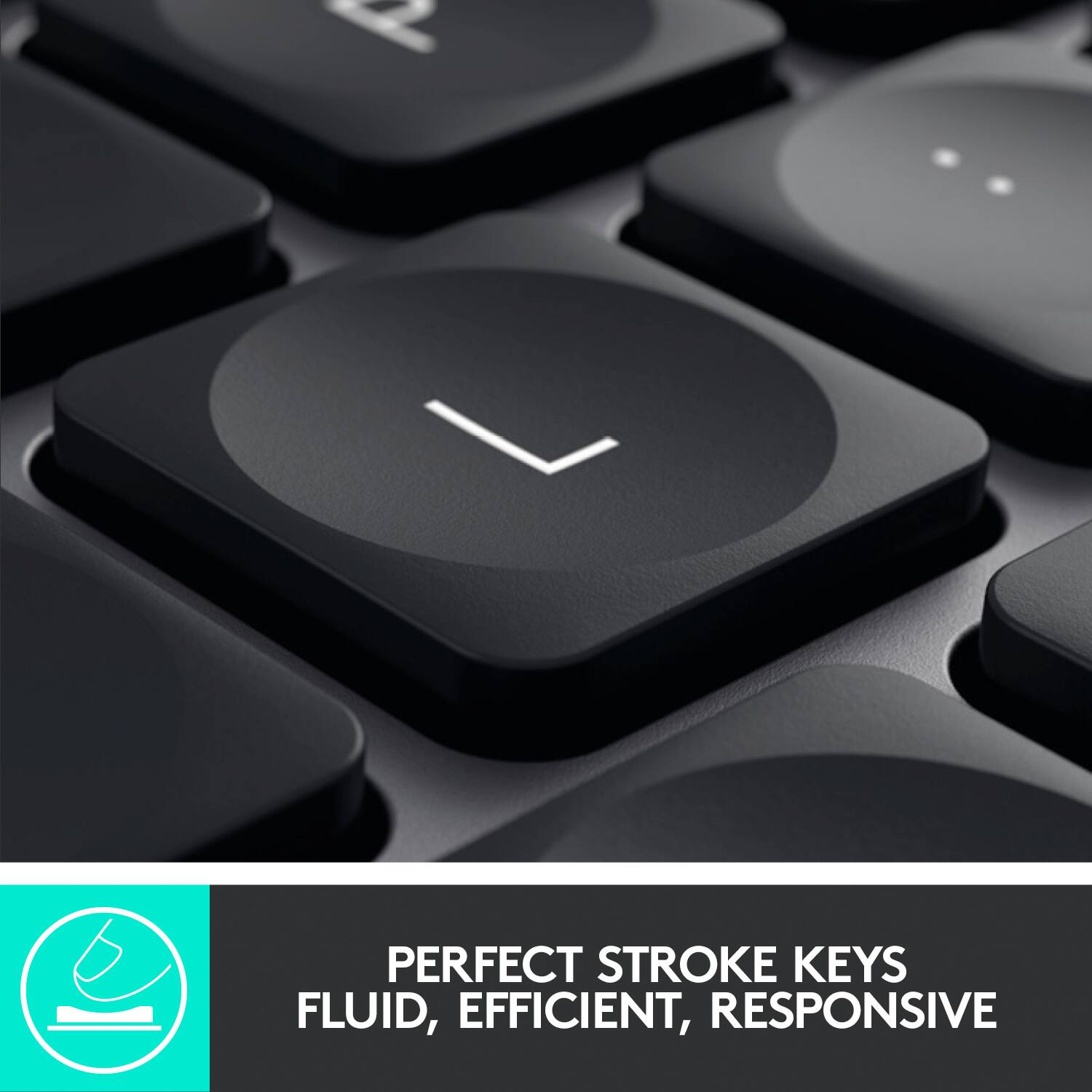
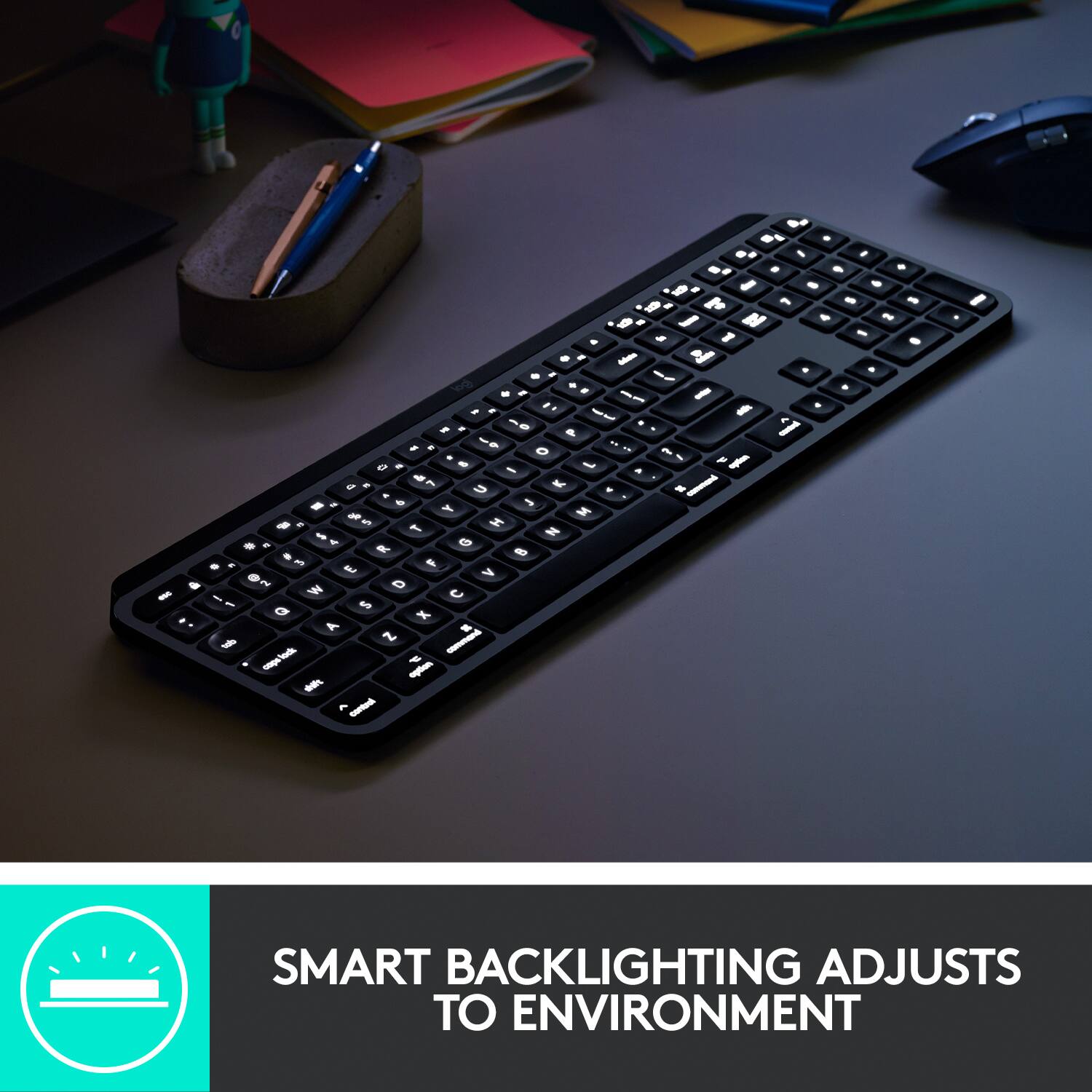
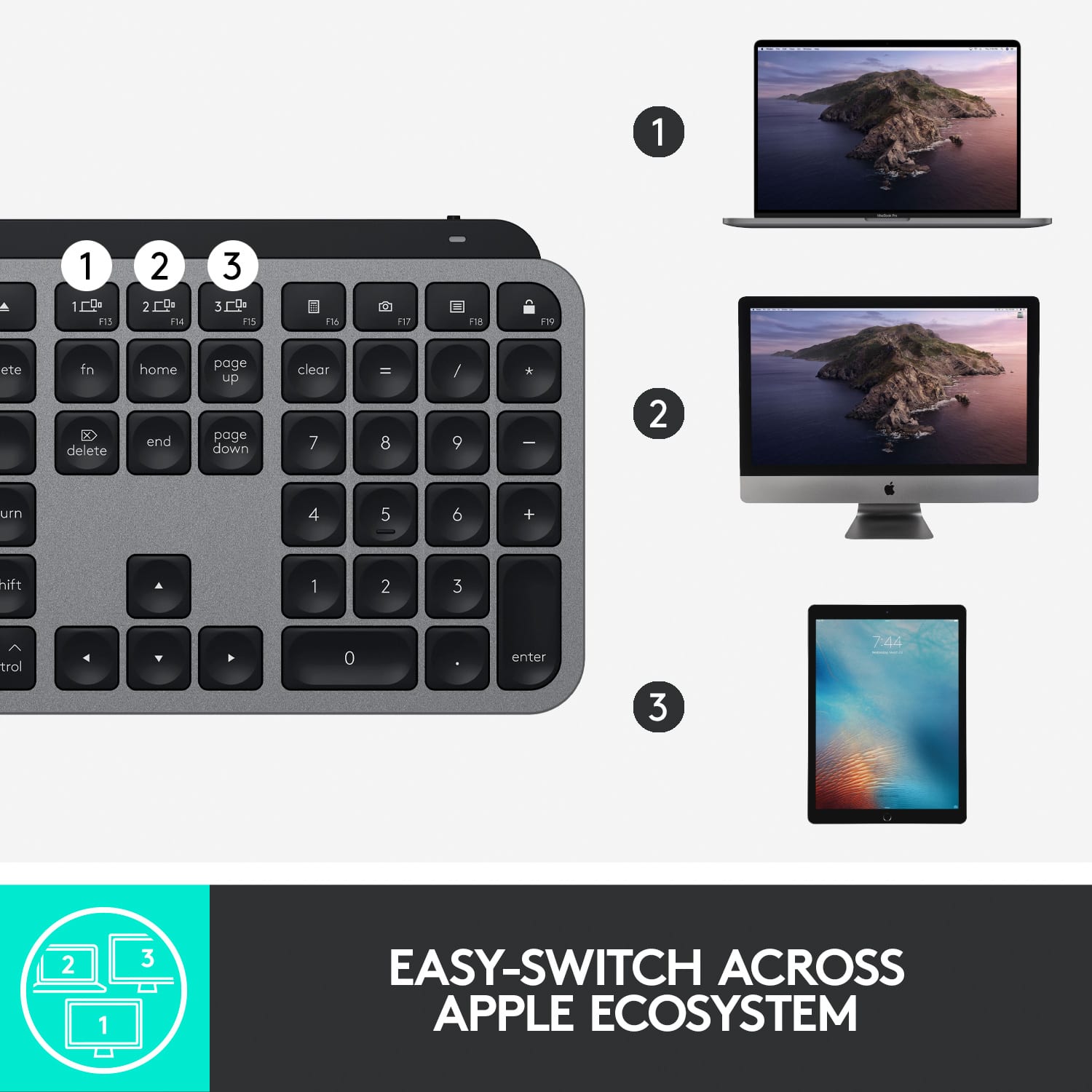
|Posted .This reviewer received promo considerations or sweepstakes entry for writing a review.This Logitech keyboard geared specifically for Apple product users is pretty much perfection. I connected it to my MacBook, iPad, and iPhone and the Bluetooth connectivity coupled with the seamless transitions between all three devices is excellent. I tried it out with all three devices on my desk simultaneously, going back and forth amongst all three and never had a problem, having almost instantaneous switching with no lag time at all. The actual typing experience is also superb. I type an average of 100wpm and like to test out different keyboards to see if I can comfortably achieve that same speed and was able to accomplish that with this keyboard. The height and angle are just right (it cannot be adjusted, so this was important). There is a nice amount of travel when pressing down on the keys and the “dish-shaped” keys have a good feel when typing. The backlight is a great plus when typing in semi-dark or low-light situations; it is quite neat when the backlight turns off automatically when you move your hands away from the keyboard, then lights back up when you place your hands back over the keyboard. I like that the layout of the keys pretty much mirror the keyboards I have on my Mac and my Smart Keyboard Folio for my iPad (made by Apple). I also love the Space Gray color that matches all three of my Space Gray Apple products, my MacBook, iPad and iPhone (even my Apple Watch!). The battery so far seems to be long-lasting; I fully charged it a few days ago and have yet to charge it up again (and I haven’t turned off the backlighting of the keys, but I do turn off the keyboard whenever I’m finished using it). This is a definite strong, positive recommendation.
I would recommend this to a friendLOTS OF GLITCHES, battery runs out FAST
||Posted .This reviewer received promo considerations or sweepstakes entry for writing a review.I'm not sure if I got a faulty keyboard but this keyboard is SOOOO GLITCHY. After 3 days of use, the battery runs out so it's extremely slow and the words that I type take at least 5 seconds for 1 word to show. And once I recharge it, it works again like normal but charging it every 3 days seems excessive when I don't even use the keyboard that often. Also the sound button stopped working so I had to disconnect and reconnect it to my laptop even though the keys were working. NOT WORTH THE PRICE FOR THIS GLITCHY KEYBOARD.
No, I would not recommend this to a friendBrand response from Logitech
Posted .Hello Diana, I'm sorry to hear that you've been having some problems with your MX Keys keyboard. Because the Keys is rechargeable, the battery doesn't last as long as some of our other products, so to prevent lag and running out of battery, I would recommend plugging the keyboard in when not in use/overnight. This should guarantee that your keyboard is always charged when you need it. I apologize for any inconvenience this may have caused you.
Expected more.
||Posted . Owned for 1 month when reviewed.This reviewer received promo considerations or sweepstakes entry for writing a review.Glitchy. When I’m typing it often pauses and I’ll get 30 spaces between a word randomly or it’ll just not catch what I type. Never had this issue w a Logitech product before so I’m surprised. My Mac is only 2 months old… wish I had bought the apple keyboard.
No, I would not recommend this to a friendBrand response from Logitech
Posted .Hi Carmi, thank you for your feedback! For support, please refer to: https://support.logi.com/hc/en-us/articles/360050549434 - Will, Logitech.
Whatever happed to Quality Control?
||Posted . Owned for less than 1 week when reviewed.This reviewer received promo considerations or sweepstakes entry for writing a review.I loved the look, feel and functionality until it stopped working roughl after the purchase. Apparently, the backlit keyboard and blue tooth functionality was never adequately tested before being released to consumers. Consequently, my productivity came to a dead stop due to lack of beta testing prior to roll-out. Love my Logitech webcam and wireless mouse, but this keyboard is absolutely unacceptable!
No, I would not recommend this to a friendBrand response from Logitech
Posted .Hello, I am so sorry to hear about the issues you are running into with the keyboard. It does come with a 1 year warranty through Logitech, so we can get that replaced for you. Here is the link in order to file a claim: https://support.logi.com/hc/en-us/articles/360035471534-Warranty-MX-Keys-Wireless-Illuminated-Keyboard. I hope this helps! Thank you for being a Logitech customer and taking the time to write this review, we appreciate the feedback.
Terrible Customer Service
||Posted . Owned for 1 month when reviewed.This reviewer received promo considerations or sweepstakes entry for writing a review.I have had a good experience with the product, but as others have mentioned, the Logitech customer service is awful. So if your purchase is entirely problem free, you should be good. But if not . . .
No, I would not recommend this to a friendBrand response from Logitech
Posted .Hi Chicago, So sorry to hear about your terrible experience with Customer Service. Due to the current global situation, there has been a very high demand for Logitech products which has also brought with it a high demand for techical support which has caused delays. We deeply apologize for any frustration and inconvenience that this has caused, but you can also go to Logitech's product support webpage for possible solutions and troubleshooting guides. Hope that this helped and we appreciate you being a Logitech customer. - Richard from Logitech
Backlight turns off without warning
||Posted . Owned for 2 months when reviewed.This reviewer received promo considerations or sweepstakes entry for writing a review.Very nice to use when it's sufficiently charged, but when the battery gets below a certain level, the backlight turns off without warning. Wireless typing continues to work without backlighting, which is supposed to be a compromise I suppose - and it's an indicator that it needs charging. Problem is- if you're in a darker environment that requires backlighting, suddenly the keyboard is completely unusable. No warning. It's just suddenly unusable. Turns out this is extremely inconvenient.
No, I would not recommend this to a friendFantastic Keyboard
||Posted . Owned for 2 weeks when reviewed.This reviewer received promo considerations or sweepstakes entry for writing a review.If you have the MX Master 3S mouse, this is a must!
I would recommend this to a friendSolar but has a NON-replaceable battery
||Posted . Owned for 1.5 years when reviewed.This reviewer received promo considerations or sweepstakes entry for writing a review.Unit worked well for about a year, then started losing connection. Found out that it has a battery that the user can NOT replace. Poor design.
No, I would not recommend this to a friendBrand response from Logitech
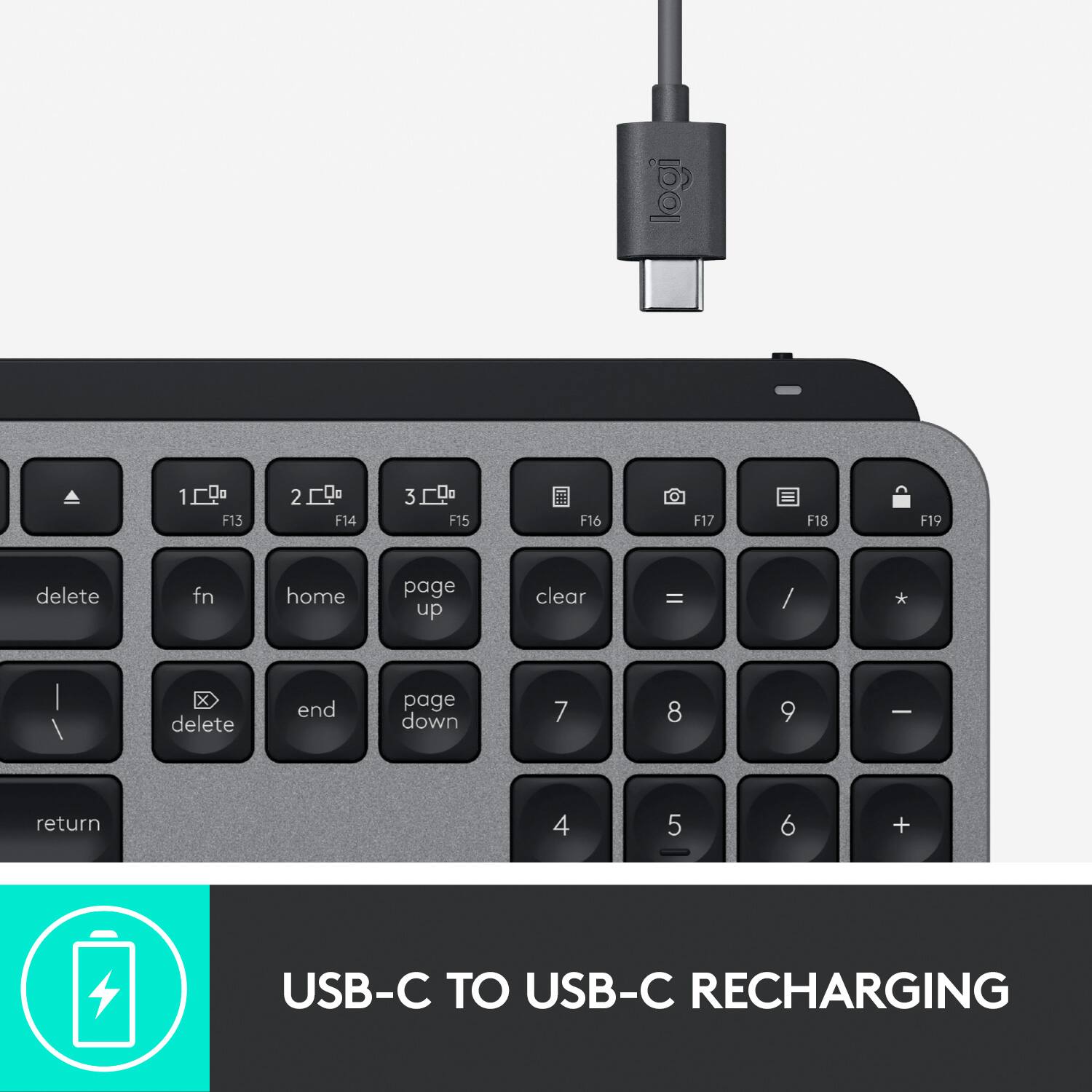
Posted .Hello, BoschLover! I'm sorry to hear about your experience with the MX Keys keyboard. Please make sure you are using the USB to USB-C cable provided with your keyboard to charge. If using this cable to recharge your keyboard isn't helping, I would then recommend reaching out to our support team here https://support.logi.com/hc/en-us/requests/new?ticket_form_id=360000621393 to file a warranty claim. The MX Keys keyboard has a 1-year limited hardware warranty. Thank you for the feedback on the connection issues you are having with the keyboard! I will be passing this along. - Maggie from Logitech
Great when it works
||Posted . Owned for 1 year when reviewed.This reviewer received promo considerations or sweepstakes entry for writing a review.I needed a replacement Mac keyboard with function keys up to F19 and wasn't impressed with the current Apple keyboard's bang-for-buck. This was the only option I could find (aside from refurbished wired Apple keyboards). I still prefer the old Apple keyboard on tactile grounds but I have only one real complaint about this one. It is the most unreliable wireless device I have ever owned. That's stretching back to the dawn of Bluetooth and even before. Not just keyboards, not just input devices—nothing, not one solitary product, has dropped connection as often as this keyboard does. Some user forum comments suggest bypassing the USB dongle and connecting by Bluetooth but that's no better. It works sometimes, then it doesn't. I have both set up and switch between them when one connection dies. The most frustrating thing is that it charges by USB, yet there's no way to use a wired connection. I guess I'll have to shell out for the Apple. If you see this laying on the sidewalk outside my apartment one day, you're welcome to it but use at your own risk.
No, I would not recommend this to a friendDo not buy for mac mini
||Posted . Owned for 1 month when reviewed.This reviewer received promo considerations or sweepstakes entry for writing a review.Bought for a new mac mini and had nothing but oroblems so i gave in and purchased apple brand.
No, I would not recommend this to a friendFrustrating
||Posted . Owned for 2 months when reviewed.This reviewer received promo considerations or sweepstakes entry for writing a review.Terrible. Keyboard itself is great when it works, but its simply not compatible with Macbooks as it continuously loses the bluetooth connection and doesn't come with a usb-c adapter. Everyone has this issue and all the fixes still don't stick. I wish it worked....
No, I would not recommend this to a friendYet another Logitech keyboard fail
||Posted . Owned for 1 week when reviewed.This reviewer received promo considerations or sweepstakes entry for writing a review.This the FOURTH Logitech keyboard that will not connect to my MacMini
No, I would not recommend this to a friendBrand response from Logitech
Posted .That sounds like an issue. In order to assist you effectively, please provide your information to our support team by emailing socialcare@logitech.com. Name – Email address – Country – Product name – Brief description of the issue –
Excellent keyboard option for your Apple ecosystem
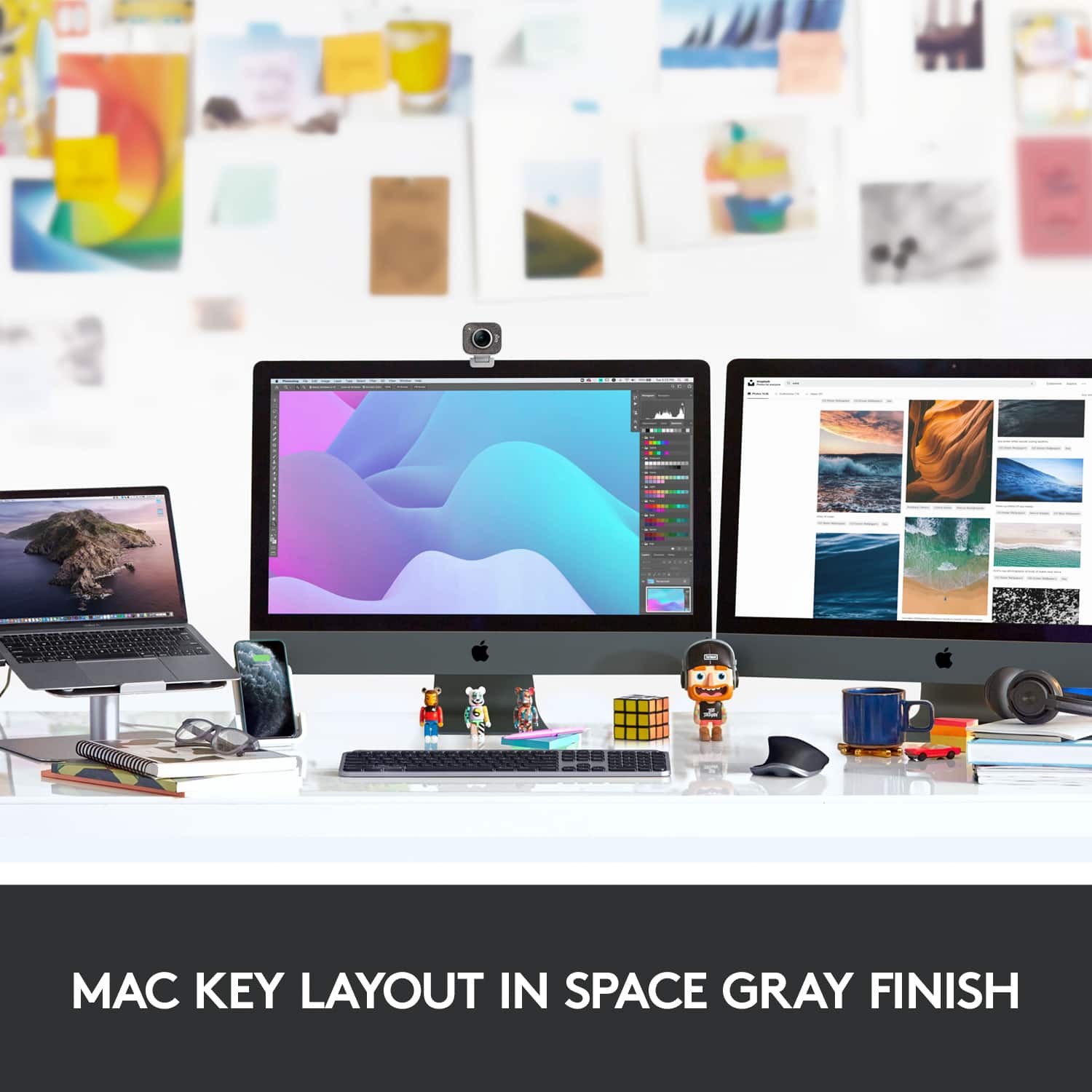
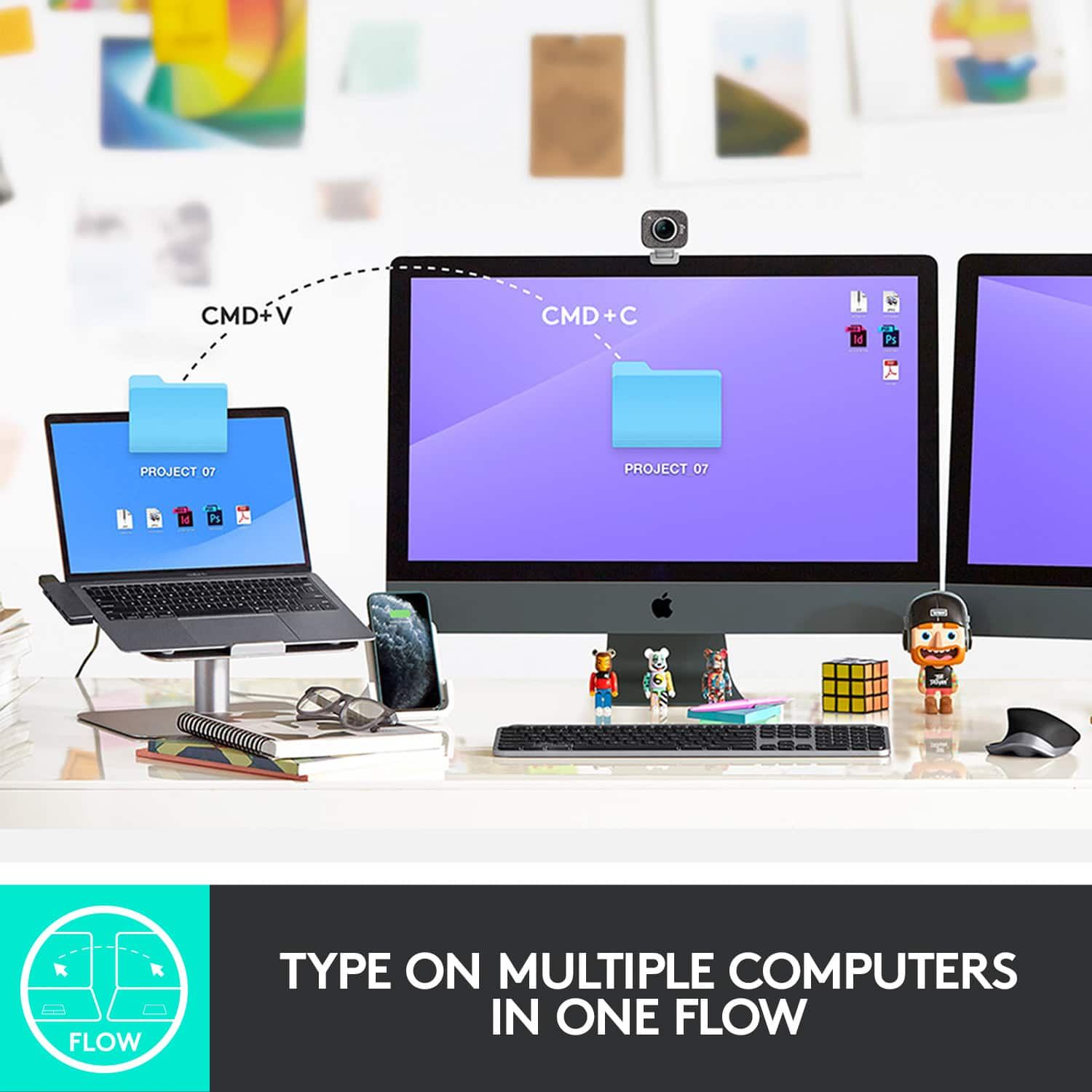
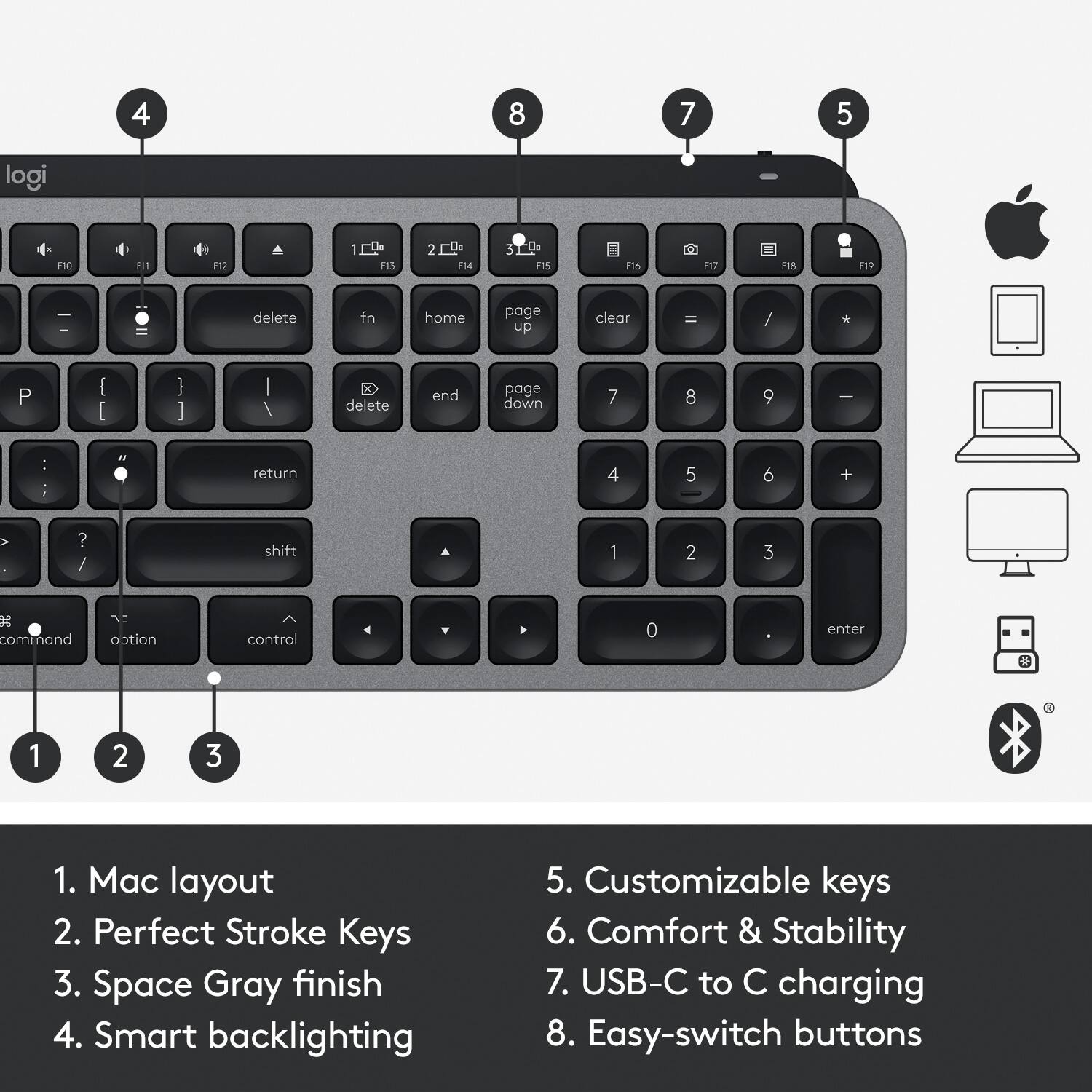
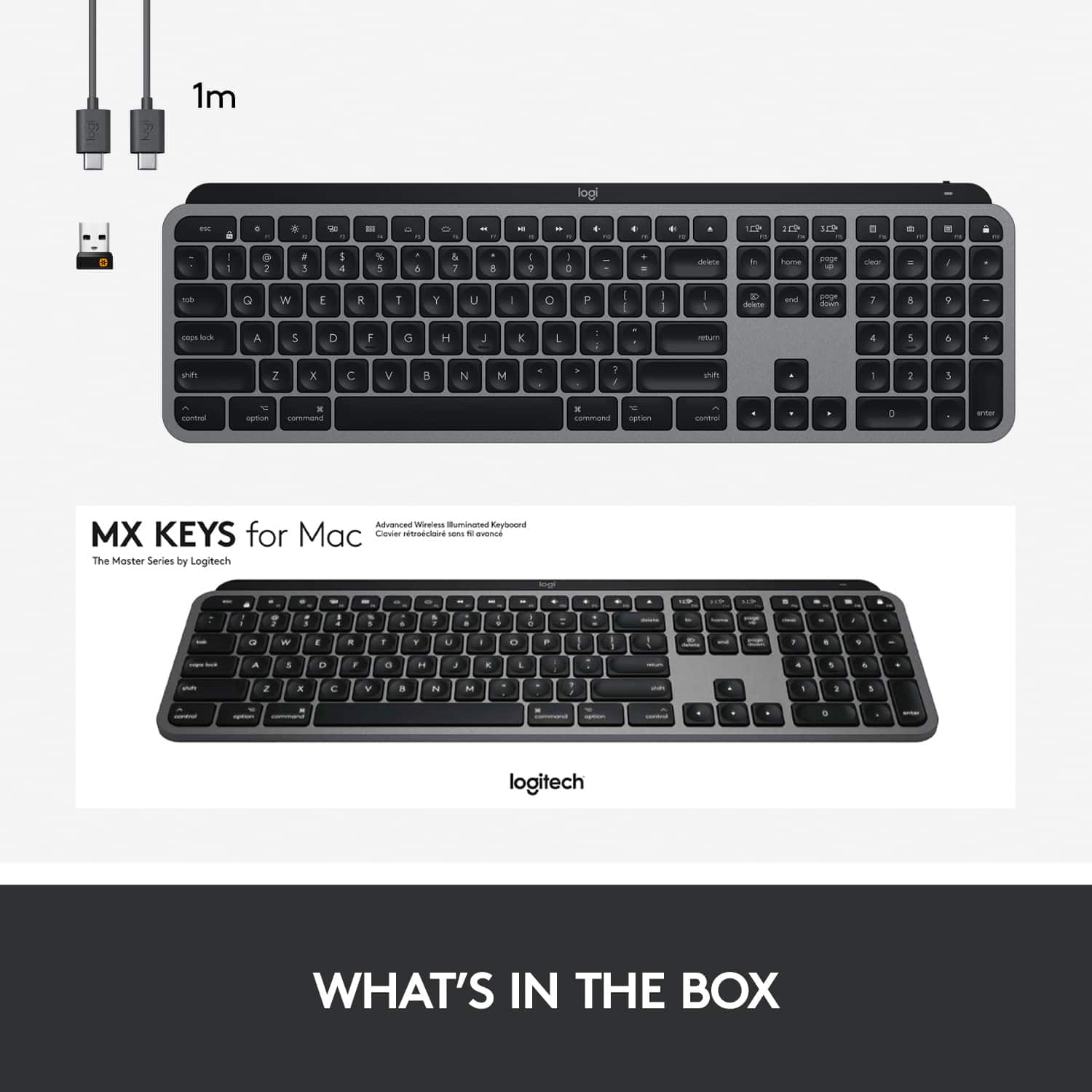
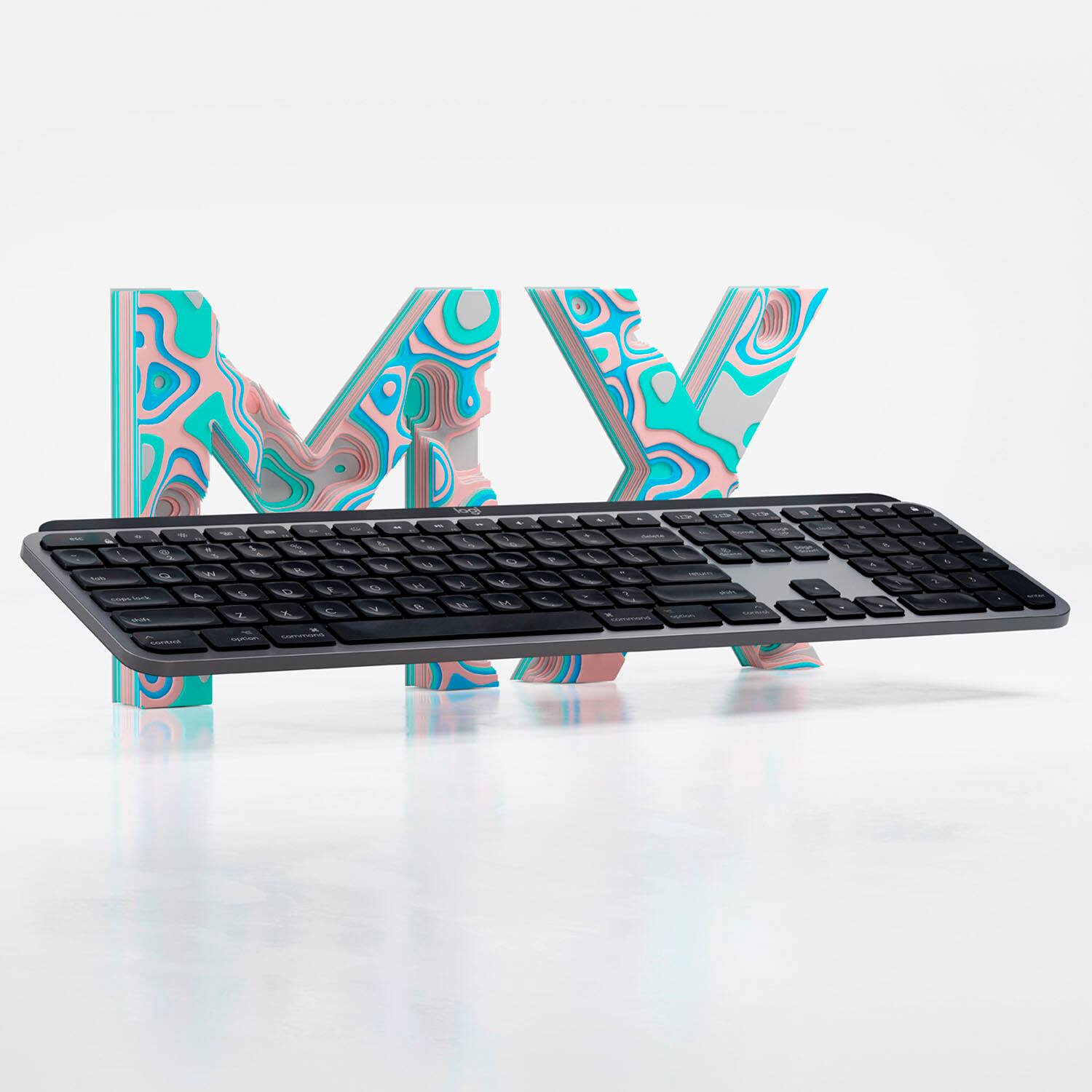
|Posted .This reviewer received promo considerations or sweepstakes entry for writing a review.The Logitech MX Keys keyboard is a great upgrade for your Mac. The packaging and presentation of this device oozes a premium feel - with the device coming in a box wrapped in another box wrapped in tissue paper. Included is the keyboard itself, a Logitech receiver, and a USB-C to USB-C cable. As for the keyboard itself, it's very thin, but surprisingly heavy - which lends to the premium feel. The keyboard sits at a fixed, yet comfortable angle. What really shines is the feel of the keys themselves. For a non-mechanical keyboard, this is probably about as good as it gets. The keys have small indentations on each key to match the curve of your finger. The keys are a good size and have a nice amount of travel to them. Typing on this keyboard is relatively silent as is customary with non-mechanical keyboards. Overall, typing on this keyboard is a pleasant experience. It's reminiscent of the keyboards of the previous generation MacBook keyboards - which is widely considered to be one of the best keyboard experiences available. Another super cool feature is the ability to switch the pairing between three devices. There's three buttons on the keyboard, one for each device that can be paired. Simply press the button corresponding to the device you wish to send the input to and it instantly starts sending input that way. I can quickly switch between my iMac and my MacBook, which is super handy for when I need to do work on the two machines at once (which is quite frequently!) This keyboard was made for Mac - and the buttons are labeled and act similarly to those on the native Apple keyboard - which lends well toward your ingrained behaviors for controlling screen brightness, volume, etc.. There's also some keys that are specifically for taking screenshots and opening context menus that also make your life easier when doing common tasks. Lastly, the backlighting on this keyboard is an awesome feature in both usefulness as well as giving it a premium appearance. The Logi Options software allows you to program specific functions for specific keys based upon the active and in-focus application. This is awesome if you have things you like to shortcut in content creation apps like Photoshop or Lightroom. Overall, this is is probably the best keyboard a Mac user can get for their system.
I would recommend this to a friendIs it me or is it the keyboard
||Posted .This reviewer received promo considerations or sweepstakes entry for writing a review.I'm a huge LG fan but this one fell short of my expectations. The keys are slightly off from a standard keyboard which led me to have many typos. I have never had this issue with other keyboards.
No, I would not recommend this to a friendBrand response from Logitech
Posted .Hello Techit,
Thank you for choosing Logitech and for taking the time to review the Logitech MX Keys keyboard. We appreciate your feedback. I am sorry that the layout of this keyboard is not what you had expected. Perhaps this keyboard will be more comfortable as you become more familiar with it. The Logitech MX Palm rest was designed for this keyboard. Adding a Palm rest may improve the typing experience for your preferences. Please feel welcome to visit the Logitech website for product guides, software downloads and further assistance.
Best regards,
John at Logitech
https://support.logi.com/hc/en-us/articles/360050549434