Customer Ratings & Reviews
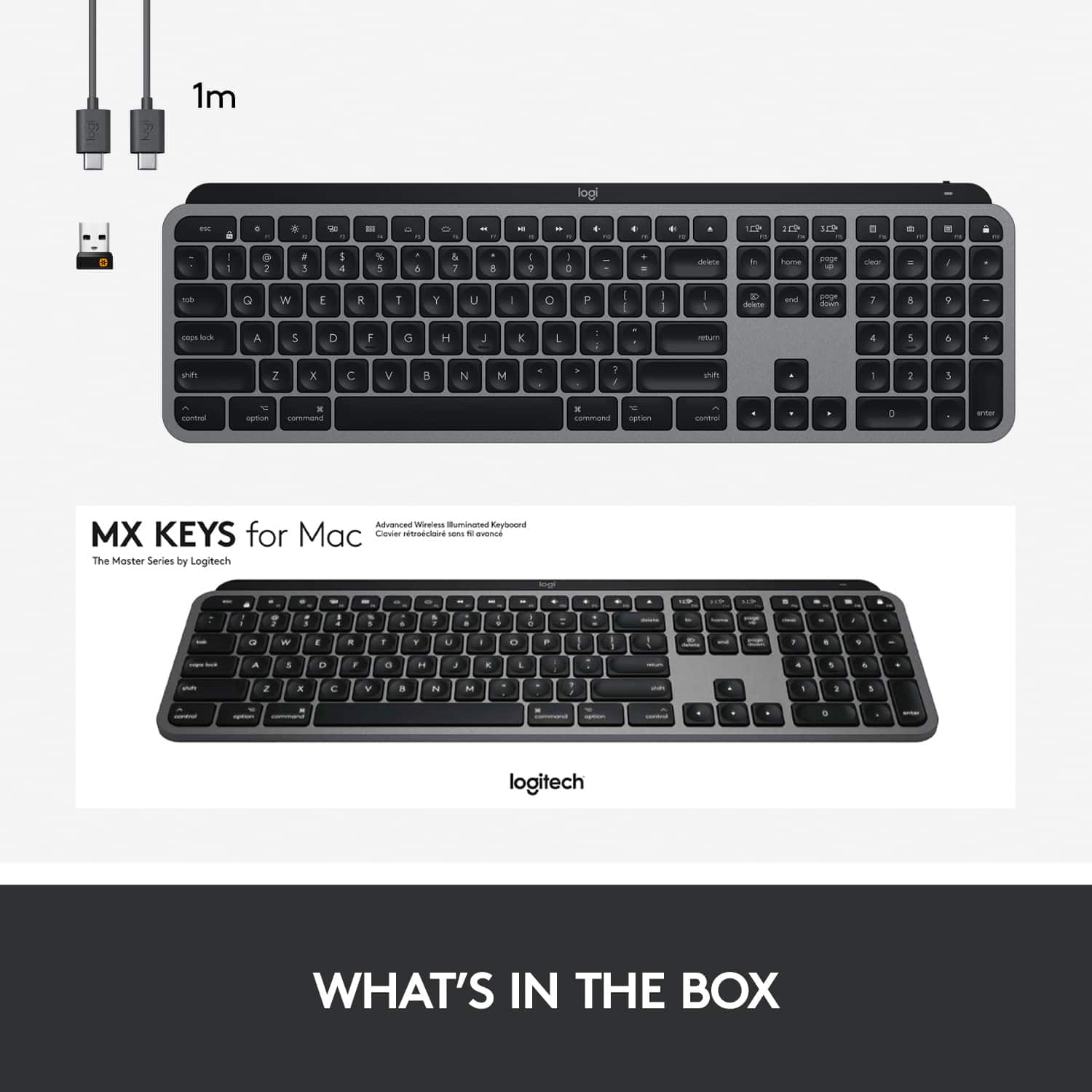
![The text on the image reads:
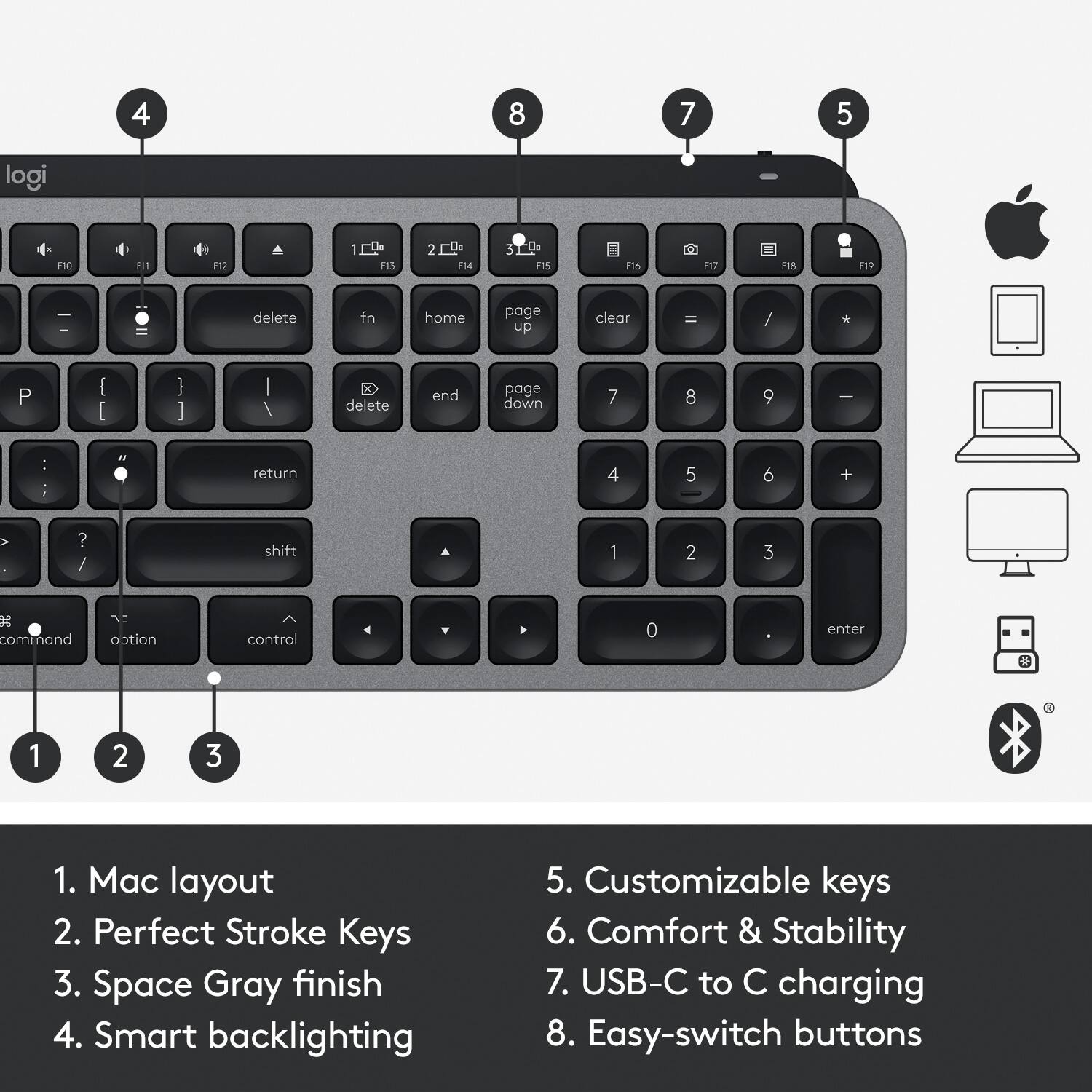
F4 13 esc F2 n $ % # ! 4 5 - 2 3 . 1 E R Q W tob D F A S caps lock C X Z shift x command option control I A 6 T G V logi 32 D 109 1 Fa F 4 m 4 - M F - d N 18 page ceor 11 home 1 fn up + delete ) - . = & 0 8 9 page 7 7 I end doan I ) delete I o P [ ] U I Y return . K L : H J shift ? A < N M B control option command . F = I - 8 5 6 4 2 1 0 enter #
The text is a combination of various keyboard keys and symbols. It is not possible to group the text into coherent sentences or phrases.](https://pisces.bbystatic.com/image2/BestBuy_US/images/products/6404/6404203_sd.jpg)
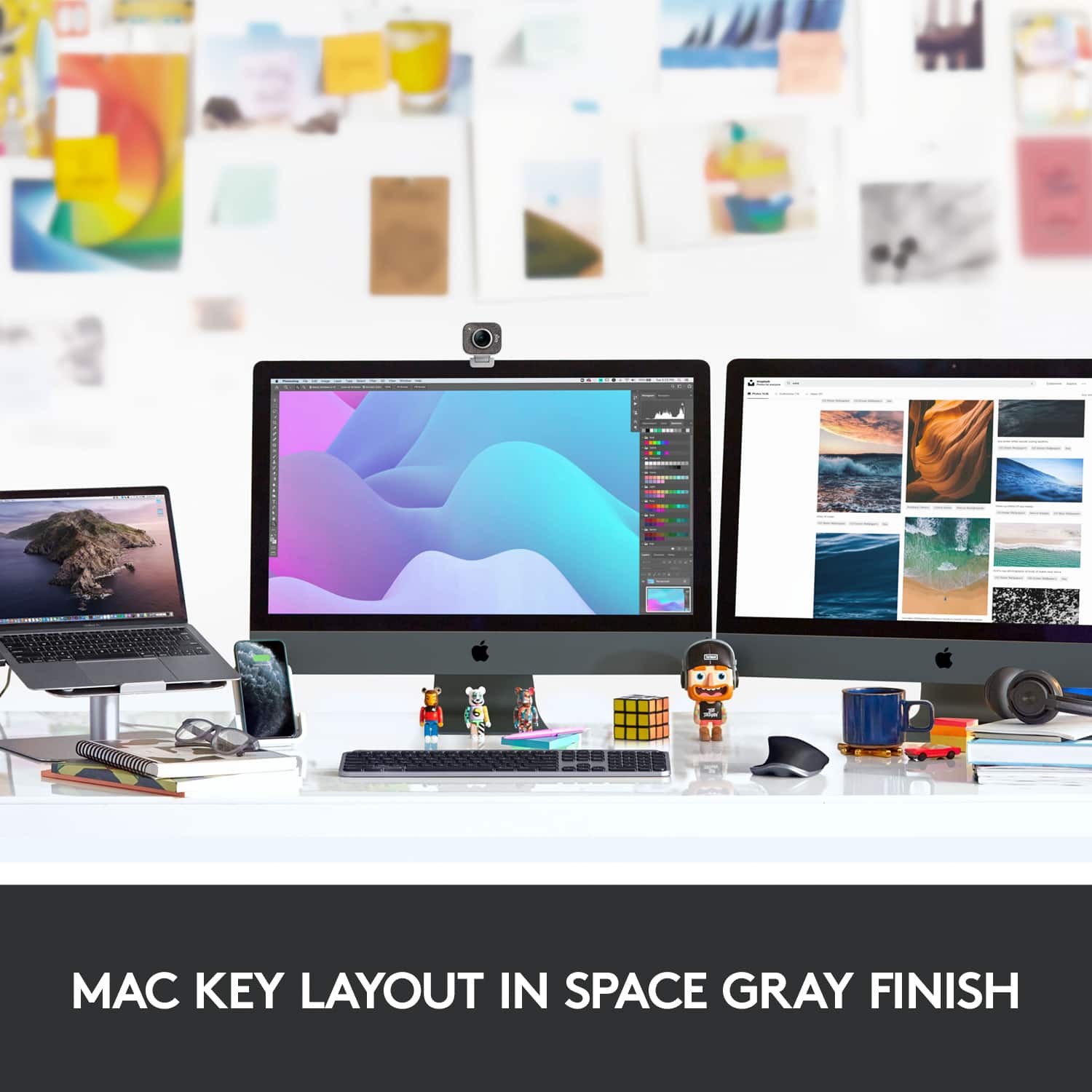
- Model:
- 920-009552
- |
- SKU:
- 11332585
Customer reviews
Rating 4.8 out of 5 stars with 1305 reviews
(1,305 customer reviews)Rating by feature
- Value4.6
Rating 4.6 out of 5 stars
- Quality4.9
Rating 4.9 out of 5 stars
- Ease of Use4.8
Rating 4.8 out of 5 stars
to a friend
Rated 5 out of 5 stars
Perfect for programmers
||Posted . Owned for 8 months when reviewed.This reviewer received promo considerations or sweepstakes entry for writing a review.This is my favorite keyboard. Since switching to it, I have noticed a huge difference in my comfort for typing. I am a programmer and type all day.
This review is from Logitech - MX Keys Full-size Wireless Bluetooth Membrane Keyboard for Mac with Smart Illumination - Space Gray
I would recommend this to a friendRated 5 out of 5 stars
Multiple uses with the Mac iPad and iPhone!
||Posted .This reviewer received promo considerations or sweepstakes entry for writing a review.This is how the apples keyboard should of been, back lit with all these extra functions so that you are not just tied to one type of computer.
This review is from Logitech - MX Keys Full-size Wireless Bluetooth Membrane Keyboard for Mac with Smart Illumination - Space Gray
I would recommend this to a friendRated 5 out of 5 stars
Better than the Apple Keyboard
||Posted . Owned for 1 week when reviewed.This reviewer received promo considerations or sweepstakes entry for writing a review.This keyboard is phenomenal, personally I use it more than any other keyboard I own due to the low profile design and concave keys which allow you to feel which key your finger is sliding to.
This review is from Logitech - MX Keys Full-size Wireless Bluetooth Membrane Keyboard for Mac with Smart Illumination - Space Gray
I would recommend this to a friendRated 5 out of 5 stars
best Apple alternative
||Posted .This reviewer received promo considerations or sweepstakes entry for writing a review.SImply the best alternative to the Apple Magic Keyboard. Seems to struggle with BT connections on M1 Macs but overall best Apple-like keyboard out there....and it's backlit!
This review is from Logitech - MX Keys Full-size Wireless Bluetooth Membrane Keyboard for Mac with Smart Illumination - Space Gray
I would recommend this to a friendRated 5 out of 5 stars
Keyboard
||Posted . Owned for 2 months when reviewed.This reviewer received promo considerations or sweepstakes entry for writing a review.Works as advertised. I have used it for several weeks. I would probably purchase this over the Apple keyboard, especially considering the price.
This review is from Logitech - MX Keys Full-size Wireless Bluetooth Membrane Keyboard for Mac with Smart Illumination - Space Gray
I would recommend this to a friendRated 4 out of 5 stars
Great keyboard for all MacBook
||Posted . Owned for 3 weeks when reviewed.This reviewer received promo considerations or sweepstakes entry for writing a review.This keyboard, work great with both my MacBook Pro and iPad pro
This review is from Logitech - MX Keys Full-size Wireless Bluetooth Membrane Keyboard for Mac with Smart Illumination - Space Gray
I would recommend this to a friendRated 5 out of 5 stars
key board for home office setup
||Posted . Owned for 1 month when reviewed.This reviewer received promo considerations or sweepstakes entry for writing a review.Works great ! We had an elderly iMac and badly needed to upgrade. We got the MacBook, a hub, a monitor, a keyboard, and a mouse and are good to go for another decade !
This review is from Logitech - MX Keys Full-size Wireless Bluetooth Membrane Keyboard for Mac with Smart Illumination - Space Gray
I would recommend this to a friendRated 5 out of 5 stars
Good
||Posted . Owned for 1 month when reviewed.This reviewer received promo considerations or sweepstakes entry for writing a review.As advertised. Plug & play. Not used to Bluetooth keyboard. Works by plugging a gadget into computer usb port.
This review is from Logitech - MX Keys Full-size Wireless Bluetooth Membrane Keyboard for Mac with Smart Illumination - Space Gray
I would recommend this to a friendRated 5 out of 5 stars
I love this keyboard
||Posted . Owned for less than 1 week when reviewed.This reviewer received promo considerations or sweepstakes entry for writing a review.I have always used ergonomic keyboards but needed a switchable keyboard to use with my MacBook and my work Windows 10 desktop. This thing works seamlessly and I have no complaints at all.
This review is from Logitech - MX Keys Full-size Wireless Bluetooth Membrane Keyboard for Mac with Smart Illumination - Space Gray
I would recommend this to a friendRated 5 out of 5 stars
Great Alternative to the Apple Magic Keyboard
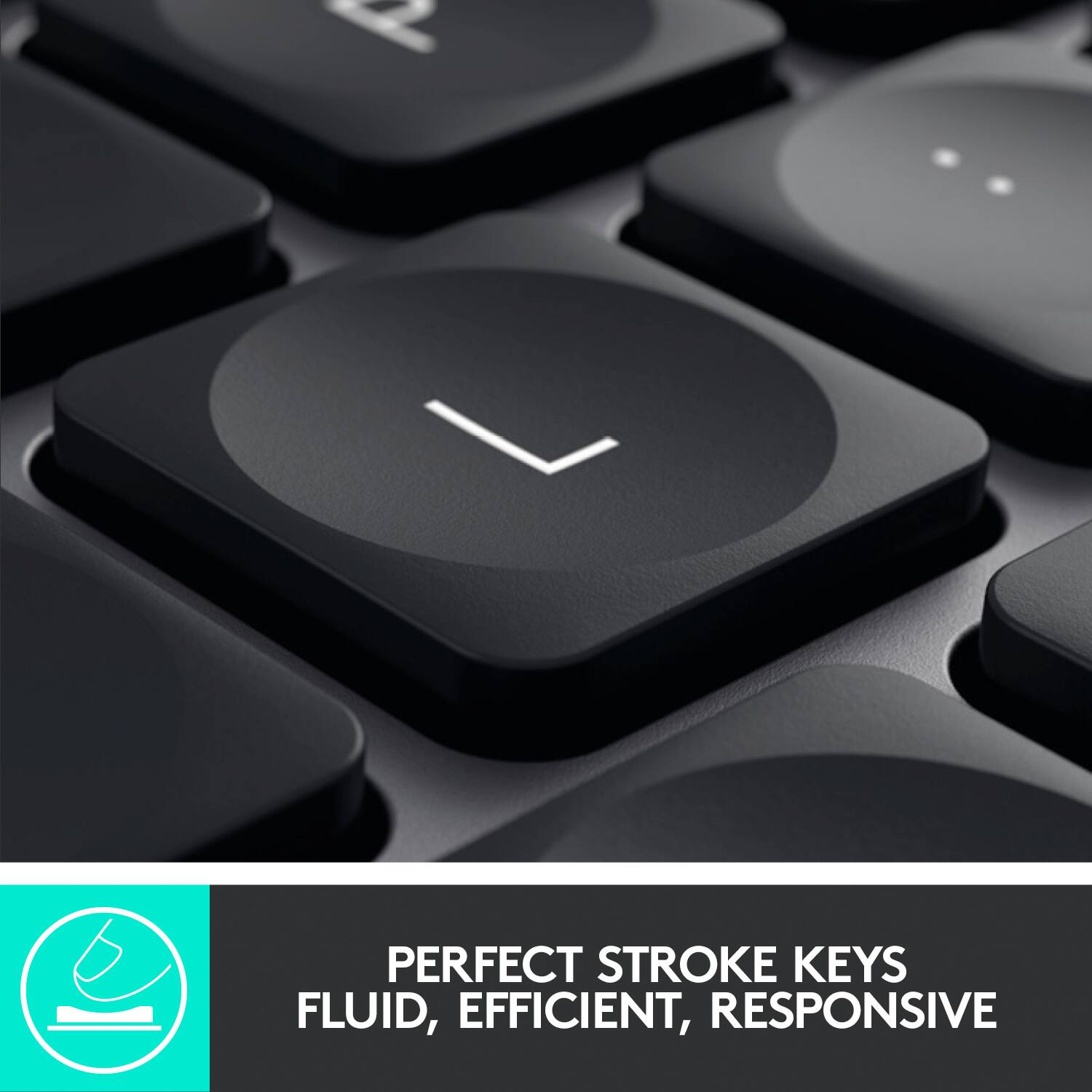
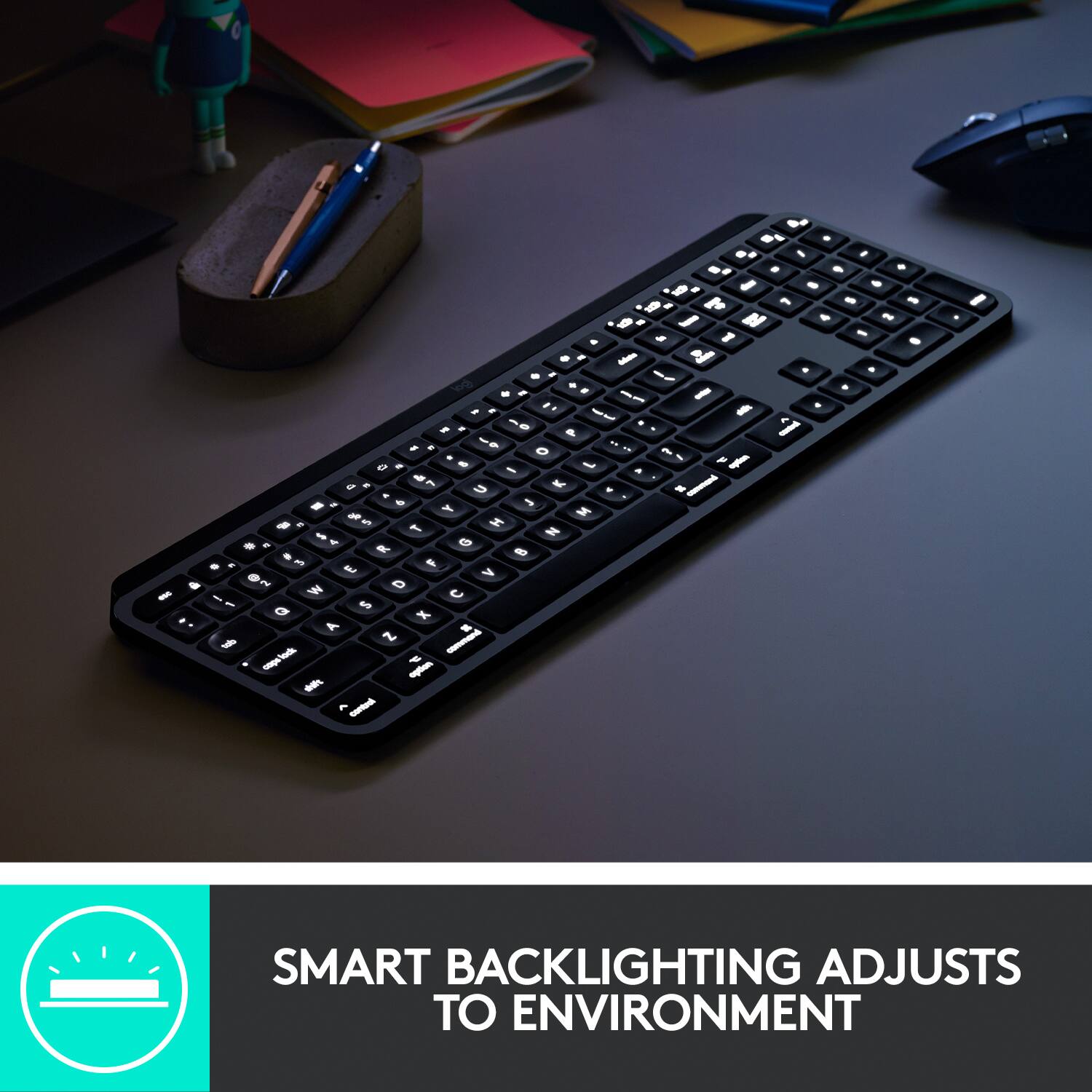
||Posted . Owned for 1 week when reviewed.This reviewer received promo considerations or sweepstakes entry for writing a review.This keyboard is the best alternative I've found to the magic keyboard for my MacBook Pro. The keystrokes are perfect, the 10 key is a nice addition and the active backlighting is great.
This review is from Logitech - MX Keys Full-size Wireless Bluetooth Membrane Keyboard for Mac with Smart Illumination - Space Gray
I would recommend this to a friendRated 3 out of 5 stars
Logitech keyboard
||Posted . Owned for 1 month when reviewed.This reviewer received promo considerations or sweepstakes entry for writing a review.I did’t like the keyboard that came with my new IMAC (2020), so I bought this keyboard. It is heavy, but has the features I am accustomed to. (i.e. a numeric pad). It does NOT connect by Bluetooth so I have to to use a USB port. Everything else such as the printer, iPad and iPhone connect just fine. After doing some research, I think that Logitech has a program glitch which doesn’t allow to connect to the new versions of the IMAC (Catalina) BTW I bought the Logitech Keyboard model that is suppose to be able to switch from a IMAC to a Windows with the same keyboard and it did not connect by Bluetooth either.
This review is from Logitech - MX Keys Full-size Wireless Bluetooth Membrane Keyboard for Mac with Smart Illumination - Space Gray
I would recommend this to a friendBrand response from Logitech
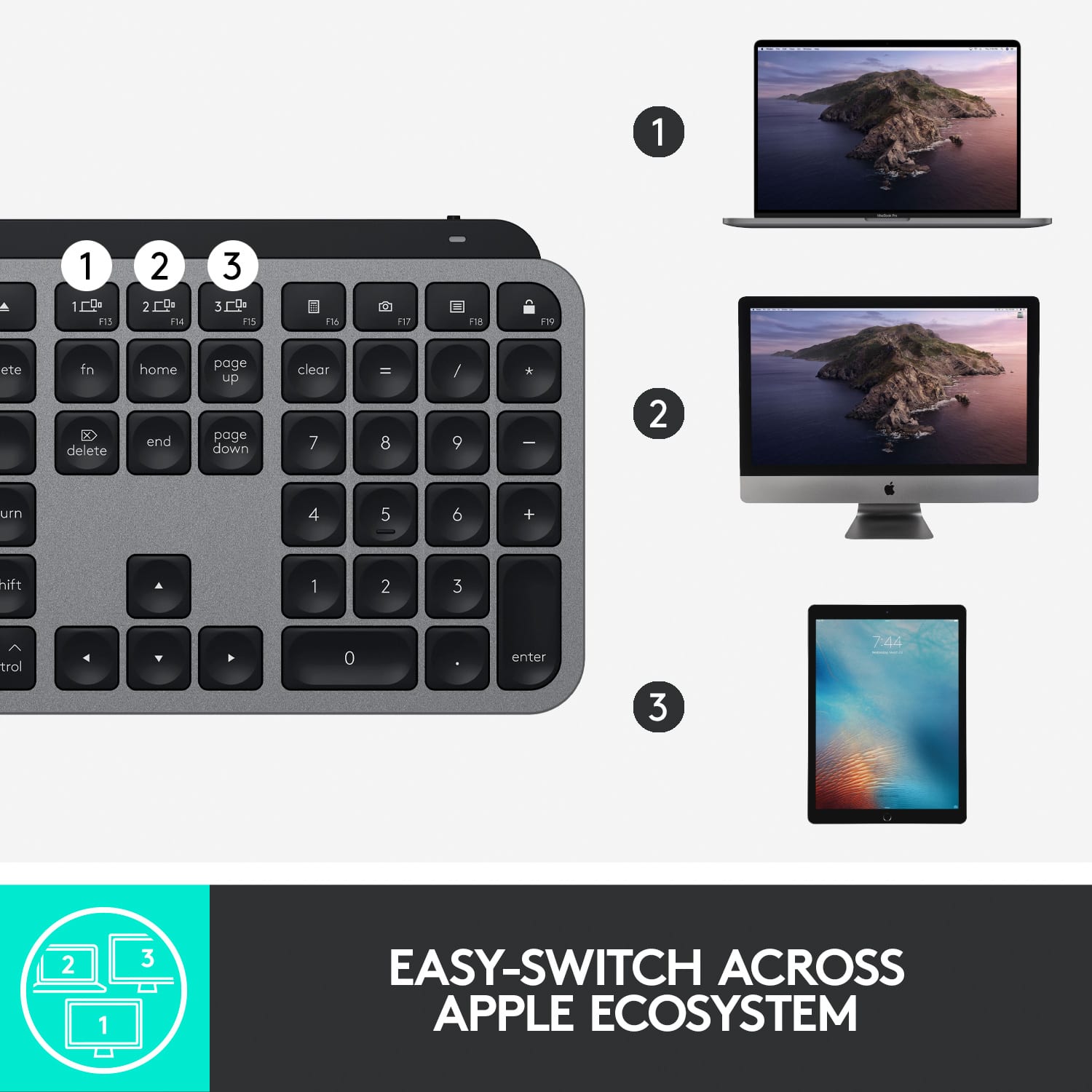
Posted .Hello Craig! I'm sorry to hear you're running into Bluetooth connection issues. Make sure when connecting via Bluetooth you are: pressing the "1" button at the top of the keyboard with the computer icon next to it for 3 seconds. The light should flash and, on your Mac, you'll want to click on the Settings icon on the bottom bar - click on Bluetooth - then click on MX Keys. Once paired it should become a solid white light. Then, on the Windows computer, press and hold the "2" button until flashing. Then go to the Windows icon in the bottom left corner - Settings - Devices - Bluetooth - Add Bluetooth or other devices - click on MX Keys once it pops up. If you've already gone through these steps, I would recommend reaching out to our support team here https://support.logi.com/hc/en-us/requests/new?ticket_form_id=360000621393 as it sounds like the Bluetooth in the keyboard is defective. I hope this helps! - Maggie from Logitech
Rated 4 out of 5 stars
Good
||Posted . Owned for 1 month when reviewed.This reviewer received promo considerations or sweepstakes entry for writing a review.I like it a lot, however it definitely does not feel nearly as premium as the apple magic keyboard. I would also like to note that it did have connection issues when not using the dongle. I have a USB/c hub monitor so not an issue anymore but still something to consider that it clearly isn’t optimized for the new macOS
This review is from Logitech - MX Keys Full-size Wireless Bluetooth Membrane Keyboard for Mac with Smart Illumination - Space Gray
I would recommend this to a friendRated 5 out of 5 stars
I got the keys the keys the keys
||Posted . Owned for 2 weeks when reviewed.This reviewer received promo considerations or sweepstakes entry for writing a review.Awesome keyboard best all around design. Great connectivity to multiple devices. Pleasant concave design to keys. This back lit keyboard does the job hands down logitech did their job.
This review is from Logitech - MX Keys Full-size Wireless Bluetooth Membrane Keyboard for Mac with Smart Illumination - Space Gray
I would recommend this to a friendRated 5 out of 5 stars
I love it! Great sleek looking keyboard!
||Posted . Owned for 1 week when reviewed.This reviewer received promo considerations or sweepstakes entry for writing a review.…………………………………………………………. ………………………………………………………………..
This review is from Logitech - MX Keys Full-size Wireless Bluetooth Membrane Keyboard for Mac with Smart Illumination - Space Gray
I would recommend this to a friendBrand response from Logitech
Posted .Thank you for your positive feedback on the Logitech - MX Keys' design. We strive to deliver products that excel in both aesthetics and functionality. To enhance future iterations, we'd appreciate any insights you can share about your experience using the MX Keys' features. Your input is valued greatly.
Rated 5 out of 5 stars
Great keyboard
||Posted . Owned for 7 months when reviewed.This reviewer received promo considerations or sweepstakes entry for writing a review.Awesome keyboard. Very similar to MAC which we also use. Backlit as well.
This review is from Logitech - MX Keys Full-size Wireless Bluetooth Membrane Keyboard for Mac with Smart Illumination - Space Gray
I would recommend this to a friendRated 4 out of 5 stars
Pretty good
||Posted . Owned for 1 week when reviewed.This reviewer received promo considerations or sweepstakes entry for writing a review.Wish it was a bit smaller but the keys were really comfortable
This review is from Logitech - MX Keys Full-size Wireless Bluetooth Membrane Keyboard for Mac with Smart Illumination - Space Gray
I would recommend this to a friendRated 3 out of 5 stars
Good keyboard
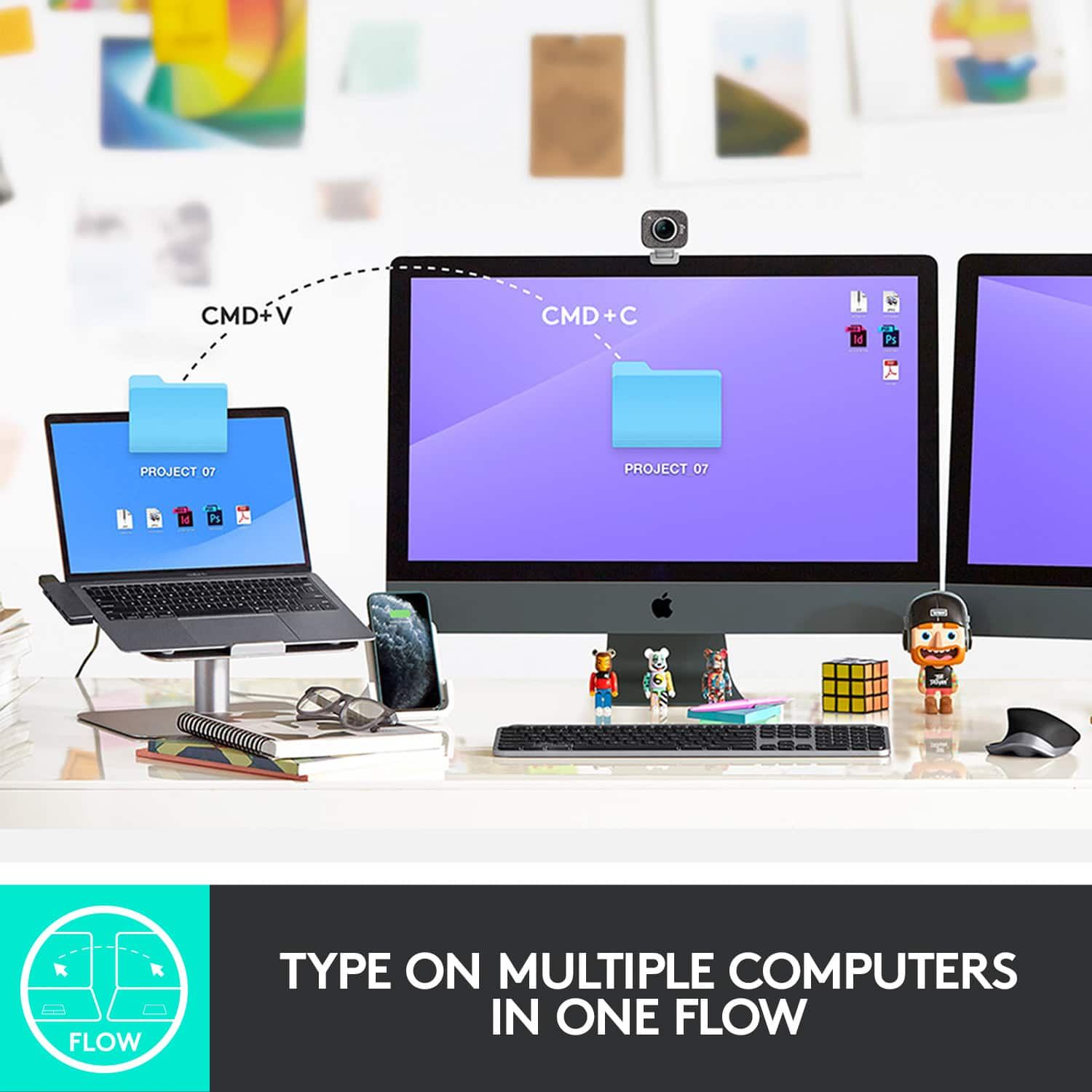
||Posted . Owned for 1 month when reviewed.This reviewer received promo considerations or sweepstakes entry for writing a review.I purchased this keyboard along with the Master Mouse because I have 2 devices that I used together. The option to switch up to 3 devices works great. My problem is with Flow, but that has more to do with the mouse. I wish it wasn't as heavy and smaller. It also feels cheap.
This review is from Logitech - MX Keys Full-size Wireless Bluetooth Membrane Keyboard for Mac with Smart Illumination - Space Gray
I would recommend this to a friendRated 5 out of 5 stars
Best keyboard
||Posted . Owned for 3 weeks when reviewed.This reviewer received promo considerations or sweepstakes entry for writing a review.Best keyboard that I've had. Good key size and spacing. Feels weighty and quality.
This review is from Logitech - MX Keys Full-size Wireless Bluetooth Membrane Keyboard for Mac with Smart Illumination - Space Gray
I would recommend this to a friendRated 5 out of 5 stars
Buy It
||Posted . Owned for 2 weeks when reviewed.This reviewer received promo considerations or sweepstakes entry for writing a review.I almost bought the Apple brand, but decided on the Logitech. I am not disappointed. I have had no issues with my 2021 14” MacBook.
This review is from Logitech - MX Keys Full-size Wireless Bluetooth Membrane Keyboard for Mac with Smart Illumination - Space Gray
I would recommend this to a friendRated 5 out of 5 stars
Perfect bluetooth Keyboard for my MacBook Pro 16in
||Posted . Owned for 1 month when reviewed.This reviewer received promo considerations or sweepstakes entry for writing a review.Just want I needed to use my MacBook Pro 16 in as a desktop. Responses is great, no issues and looks sleek.
This review is from Logitech - MX Keys Full-size Wireless Bluetooth Membrane Keyboard for Mac with Smart Illumination - Space Gray
I would recommend this to a friend