Customer Ratings & Reviews



![IN THE BOX logi logi esc a 1 2 1 3 Fl 1 da 2 4 11 18 4 IN HI 15 - 11 i i del 2 I 1 2 # 3 $ 4 % 5 A 6 & 7 * 8 ( 9 ( 0 I = + - backspace tab W E R T Y U et O P [ : I ] I I cops lock A S D F G H J K L : : & - enter shift Z X C V B N M < V ? / shift ctri fn Pot opt x alt cmd x alt cmd ctri opt TM Responsible FSC Packaging FSC" N003028](https://pisces.bbystatic.com/image2/BestBuy_US/images/products/765af771-c695-4e58-949d-e01634d5d664.png)
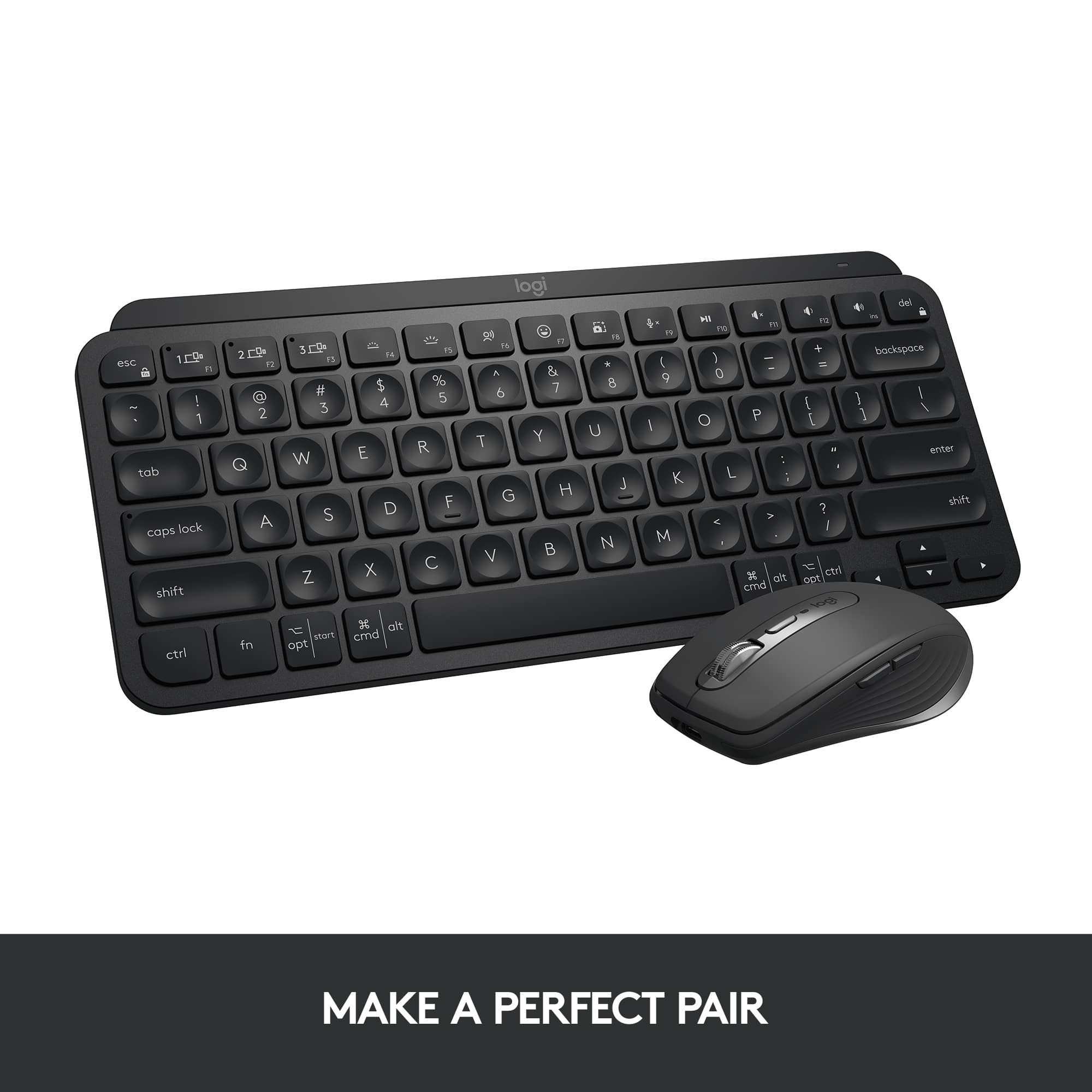

- Model:
- 920-010475
- SKU:
- 11275470
Rating by feature
- Value
Rating 4.5 out of 5 stars
- Quality
Rating 4.8 out of 5 stars
- Ease of Use
Rating 4.7 out of 5 stars
to a friend

portable mini backlit keyboard, comes in handy
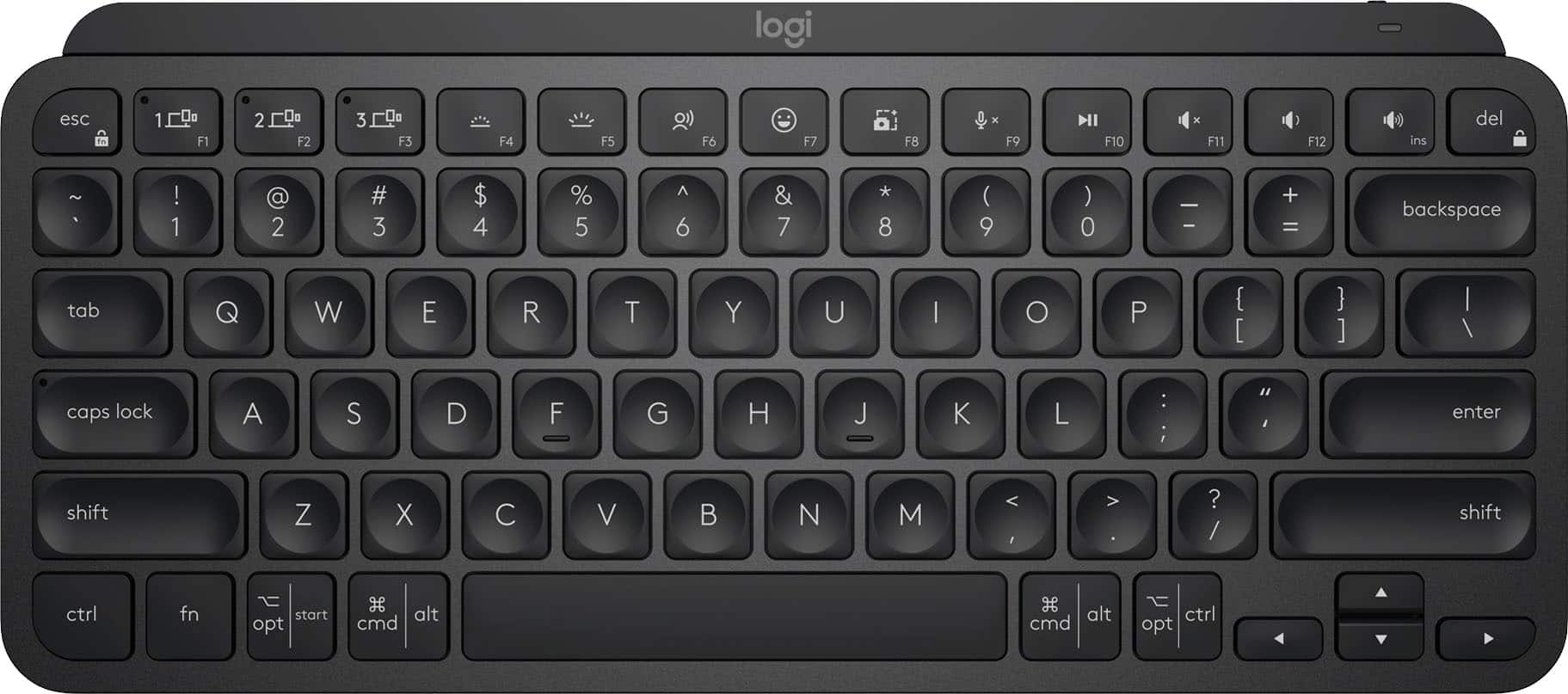
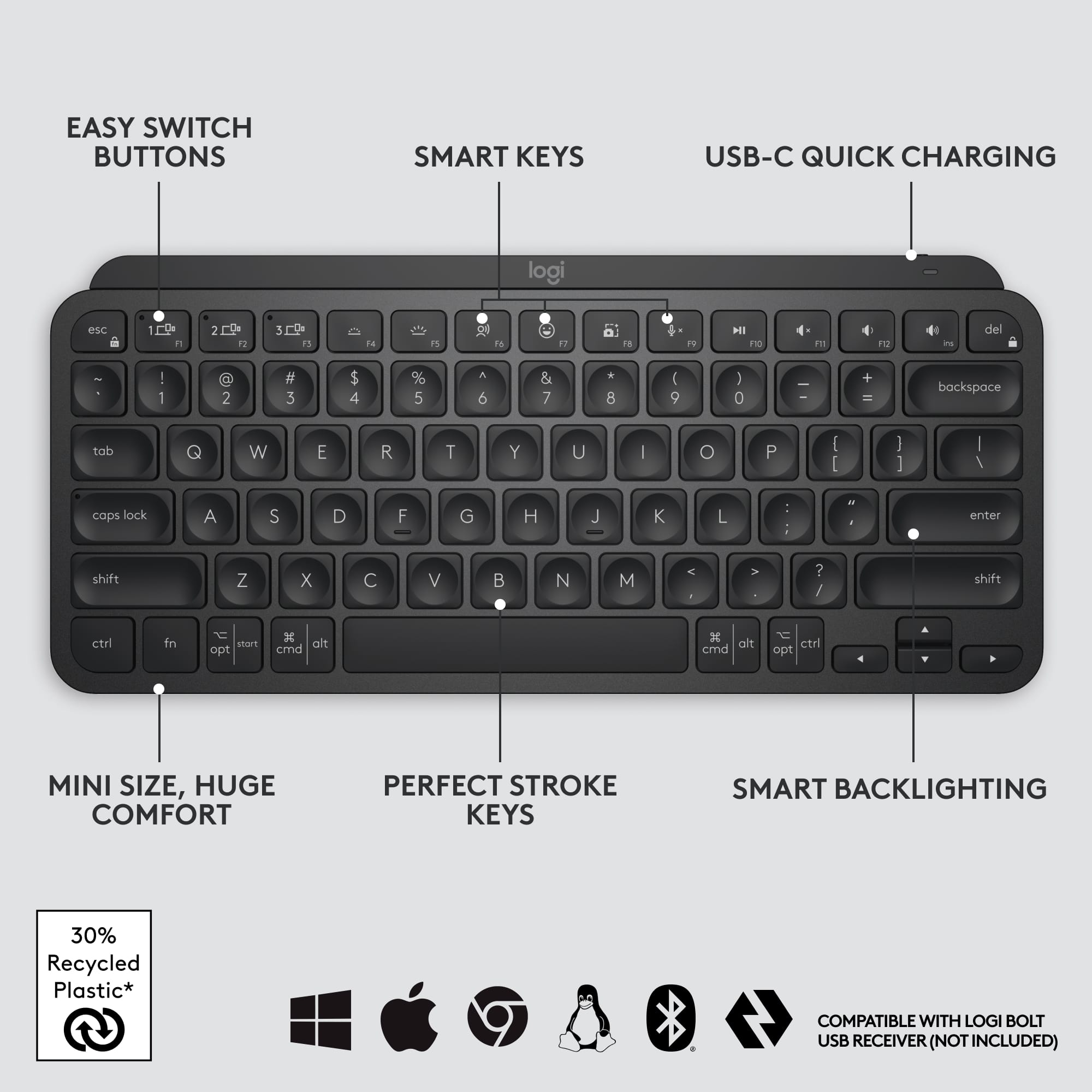
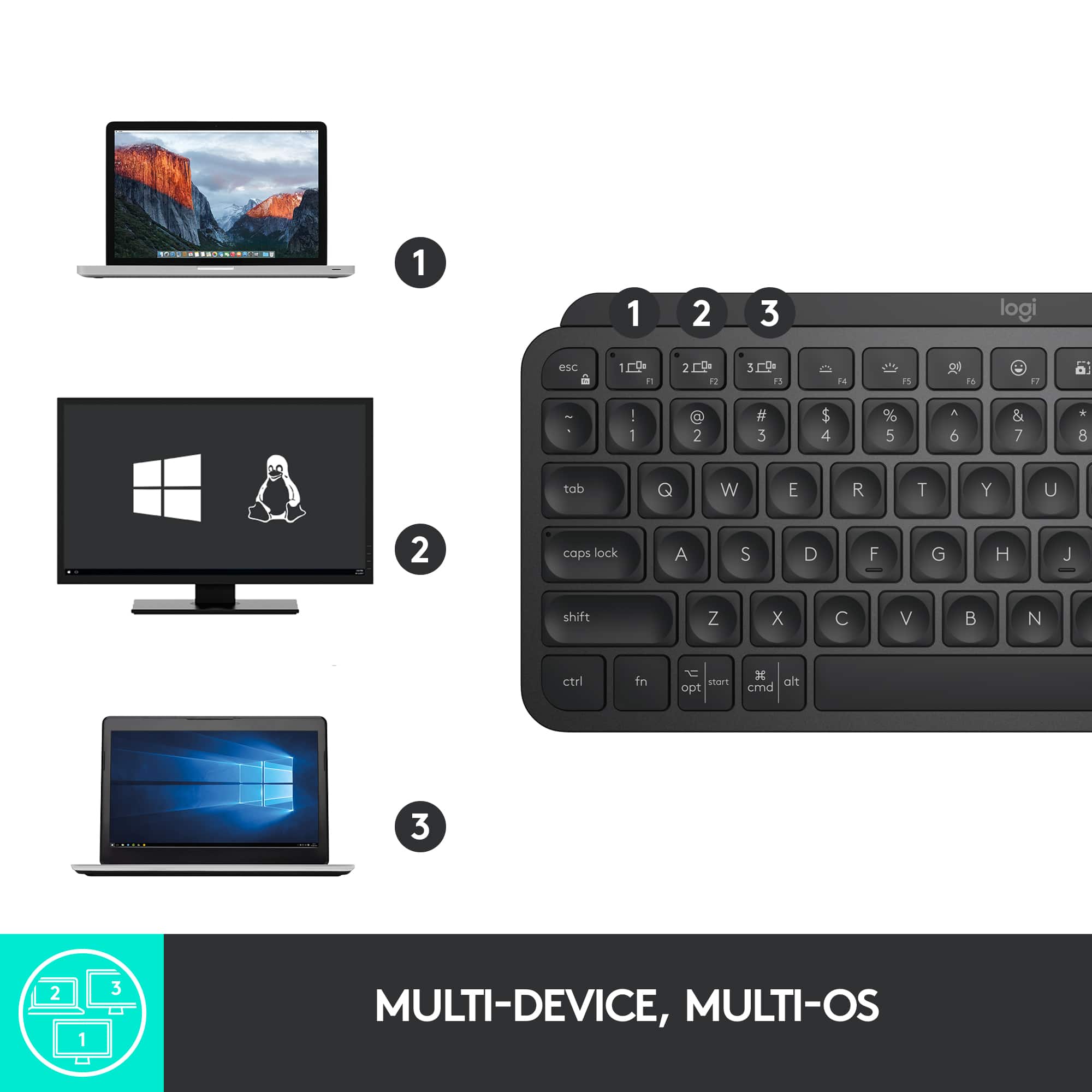
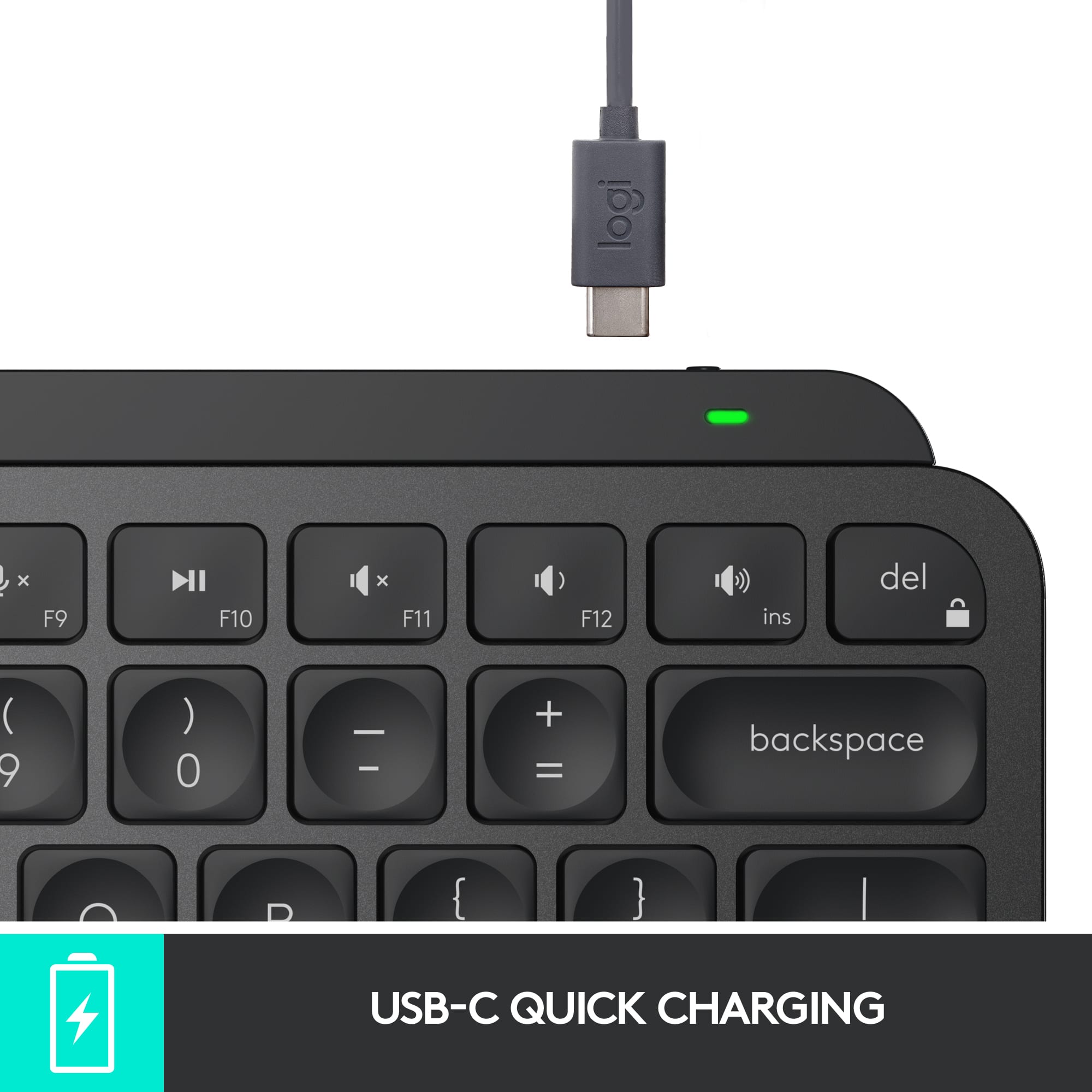
|Posted .This reviewer received promo considerations or sweepstakes entry for writing a review.I often find myself struggling with the on screen keyboard for my iPhone and iPad. The Logitech MX Keys mini keyboard solves a number of problems for me. First off, it is compact yet easy to type on, unlike other keyboards which have issues with key spacing, my hands naturally pressed the tactile and responsive keys. In addition, this model is back lit and has an integrated rechargeable battery. The keyboard can be charged using the USB-C plug on the edge of the top right corner, near the on off switch. Logitech definitely has the ergonomics down on this model. It also includes shared function buttons which can be used to switch between three paired devices, this was especially handy when using with my iPad and iPhone. Battery life is pretty good and is rated 10 days (not sure the hours) when using the backlit functionality and “months” with it disabled. Regardless since this is rechargeable in comparison to my Logi K380 mini keyboard battery life is not really an issue. Overall I am pretty happy with this Bluetooth keyboard. Certainly, this would be more than adequate to use with any of my devices. You could get by with going on a trip with just this keyboard and your mobile device and have confidence that if you had to type anything substantial, this keyboard would be more than adequate to handle the situation. Pros: • Lightweight and small • Keys are spaced well, not unlike using a laptop keyboard • Well built • Back lit • Rechargeable built in battery Cons: • None yet
I would recommend this to a friendSaves my shoulder
|Posted .This reviewer received promo considerations or sweepstakes entry for writing a review.I do not have this keyboard to save space on my desk—although it does. My work area is plenty large, and I have room for a full layout. I have this keyboard to save my neck and shoulder. You may not realize how unnatural it is to wing your arm out all day to manipulate a mouse sitting several inches outside your keyboard placement. It puts constant strain on tensions that shouldn’t move that way repetitively. Having your mouse inhabit the same space directly in front of you as the keys is so much more comfortable!! My shoulder isn’t up at my ear anymore. Love it. That said—Logitech has raised the bar for quality with this particular model. As soon as I took it out of the box and felt the weighted build quality, it was obviously high end. Someone put thought into the way the keys are angled and even how steady it sits on a surface. The travel is perfect and the keys are shaped for fingers. Backlight can be dimmed or turned off for battery life and preference. Function keys can be turned on or off with a quick combo stroke as shortcuts are needed or not. Shortcuts can be left as is, or assigned to open programs or complete actions. For example, I prefer my own print screen program to Logitech’s, and it’s easy to change that. If you absolutely must have a number pad, this design is not for you. But if you can live without that, want a high quality full Key size typing experience, and to avoid mouse shoulder—highly recommend!!
I would recommend this to a friendIt alright for certain OSes but not for PS4/PS5
||Posted . Owned for 1 month when reviewed.This reviewer received promo considerations or sweepstakes entry for writing a review.Does not work with PS5 even with the additional USB Adapter so its not universally used like the old model was.
No, I would not recommend this to a friendFantastic keyboard
|Posted .This reviewer received promo considerations or sweepstakes entry for writing a review.This Logitech MX Key S replaced my Logitech Craft Keyboard which was nice, but I always felt was too bulky niche with its knob. Since the MX Key S doesn’t have a knob, its profile is smaller, taking up less space on my desk. Unboxing and set up was a breeze. PROs - Keys are smooth. There’s just enough resistance so that you don’t accidentally press a key when resting your fingers on the keyboard. But not so much resistance that you need to exert a lot of pressure either. The keys also snap back without a lot of noise or squeaking, which is prone to happen in lower quality keyboards. - I really like that there is a dedicated button to mute/unmute the mic. When muted, a red icon appears on the right side of the screen, and an icon is also present in the menu bar on top. I wish there was a way, however, to make the icons more obvious when the mic is muted. This button is a Godsend for my Zoom calls. - Bluetooth for connecting up to 3 devices. There are also 3 dedicated buttons to switch quickly to those devices. The best part is that no dongle is needed. - Additional keyboard configuration options are handled with the Logi Options+ app. Using this app, the keyboard’s top row Fn keys can be reconfigured to a huge number of functions, settings, or actions. For example, the F5 key out of the box toggles dictation. If you don’t usually enter text via dictation, you can remap or reconfigure this key to do something else like launch a favorite app. The app is far more powerful than I describe here. It really requires a review of its own. CONs - The white print of the keys is less bright than my old Craft keyboard, making it harder to see in glare or fading light. This means I have to turn on the backlight, draining the rechargeable battery faster. - I still need two Logitech apps for different devices. The Logi Options+ app does not configure the Logitech Blue Yeti microphone. Hopefully Logitech will unify the experience across all their products under one app. - No Touch ID button. This is really Apple’s fault as they have not allowed 3rd parties access to Touch ID. All in all I give this keyboard 4.5 stars. The lettering being less white than my old Logitech keyboard keeps me from giving it a full 5 stars. Regardless, I still recommend it.
I would recommend this to a friendBrand response from Logitech
Posted .Hi! Thanks for the detailed Logitech MX Keys S for Mac review! We appreciate you highlighting both the strengths and weaknesses, especially the thoughtful points on key feel, mute button, and customization options through Logi Options+. The feedback about the keycap lettering brightness is valuable and will help others decide if this keyboard is the right fit for them.
Great little keyboard
|Posted .This reviewer received promo considerations or sweepstakes entry for writing a review.Logitech‘s newest keyboard, the MX keys mini wireless keyboard, is a great keyboard for anyone looking for more of a miniature keyboard. In my opinion this is perfect to use with tablets, you can stick this in a backpack with your tablet and keep the weight and space to a minimum. It’s also great for kids or anyone that just wants a small keyboard. Connecting this keyboard to my PC was fairly simple, just connected like you would any other Bluetooth device, the keys and keyboard feel great, it does not feel cheap at all. A great feature is the backlit keys. Only time will tell how great the battery on this thing is but logitech claims that it will last 10 days with the backlight on, or five months with the back lighting turned off. Overall I’m very happy with this keyboard, I wanted something small that I can lug around with me to use with my tablet, it’s definitely not cheaply made, and my kids seem to prefer this over a full-size keyboard.
I would recommend this to a friendOne of the best productivity keyboards
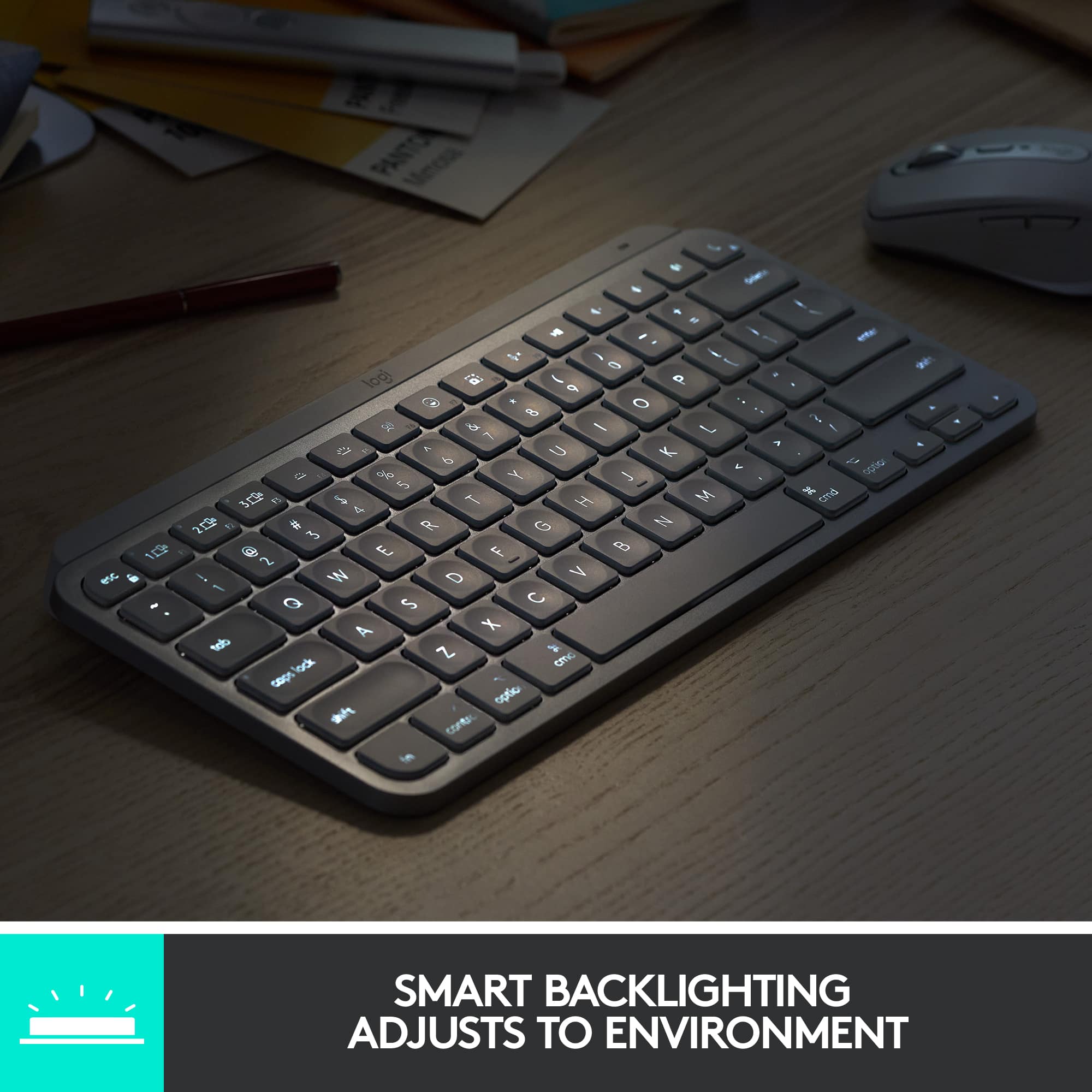
|Posted .This reviewer received promo considerations or sweepstakes entry for writing a review.I have reviewed dozens and dozens of keyboards and nearly all of them were decent, but most were nothing really special. Logitech keyboards were no different - good but nothing special. That changes with the Logitech - MX Keys S for Mac. For me, it comes down to the typing experience. I do not use keyboards for much gaming, I use them for productivity. That means it all comes down to the typing experience. The spacing, the overall size, the key travel , the responsiveness are all paramount to me. The Logitech - MX Keys S keyboard nails all of them. It truly is a pleasure to type on - quiet, responsive and the spacing is just perfect. In comparison to the significantly more expensive Apple keyboards, the Logitech Mx Keys S beats it hands down. The attention to detail is everywhere -right down to the concave keys that minimize mistypes. The keyboard in total is very solid and at just the right angle to make typing comfortable. Of course, it is backlit, but it has the unique feature of adjusting to the light conditions. For me, I could not care less about that, but I could see some people liking it. Since the keyboard is designed for Apple, you can customize macros ( called Smart Actions) that can combine multiple actions into one short. In conclusion, I cannot find any flaws. It is priced right, built well and the typing is a dream. I have to confess that I am probably not going to use it on my Apple but use it for my Windows work computer - I just love the typing experience. The Logitech MX Keys S is that good.
I would recommend this to a friendBrand response from Logitech
Posted .Thanks for the detailed review of the Logitech MX Keys S for Mac! It sounds like you're a keyboard connoisseur, and we really appreciate you sharing your experience. Especially highlighting how the MX Keys S for Mac excels in typing experience at a competitive price point compared to Apple keyboards. We'll definitely pass this feedback along to the product team!
Great keyboard for on the go!
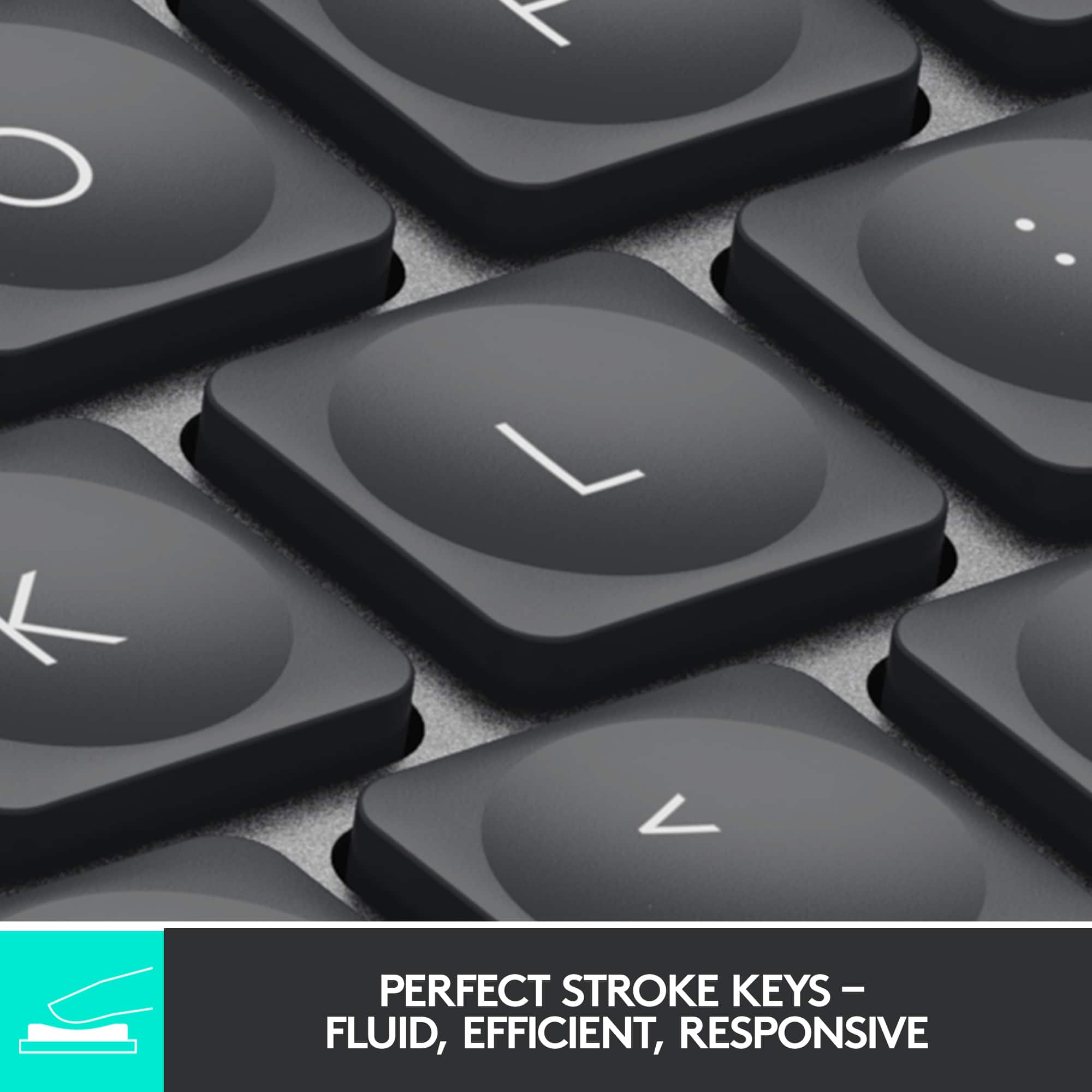
|Posted .This reviewer received promo considerations or sweepstakes entry for writing a review.I needed a small but comfortable keyboard to put in my backpack with my laptop that would allow me to push my laptop back a little further (I can't read it when it's too close) - this keyboard allowed me to do just that, without wires, and without losing the backlight that my laptop's keyboard has. Keys are like that of a high-end laptop , but not mechanical. They are "scissor" switches that give a pleasant click when typed on. Backlight doesn't stay on all the time, it senses when your hands are near and comes on. Battery life is great with the backlight on, roughly 10 days, but if you can go without the backlight you'll squeeze 5 months out of it - that's exceptional! Charging is done via USB-C cable.
I would recommend this to a friendGreat keyboard - HIGHLY RECOMMEND
Posted .This reviewer received promo considerations or sweepstakes entry for writing a review.Great keyboard and the fact that you can switch between different devices in a snap of a finger is so useful when always on the move. I think a great purchase if you are either working at home or on the move since it is light and doesn't take up much space. Did I mention the build quality.....it is second to none and Logitech hardware and devices never disappoint and would recommend anyone that is looking for a new keyboard to go with this.
I would recommend this to a friendGreat for working across multiple computers.
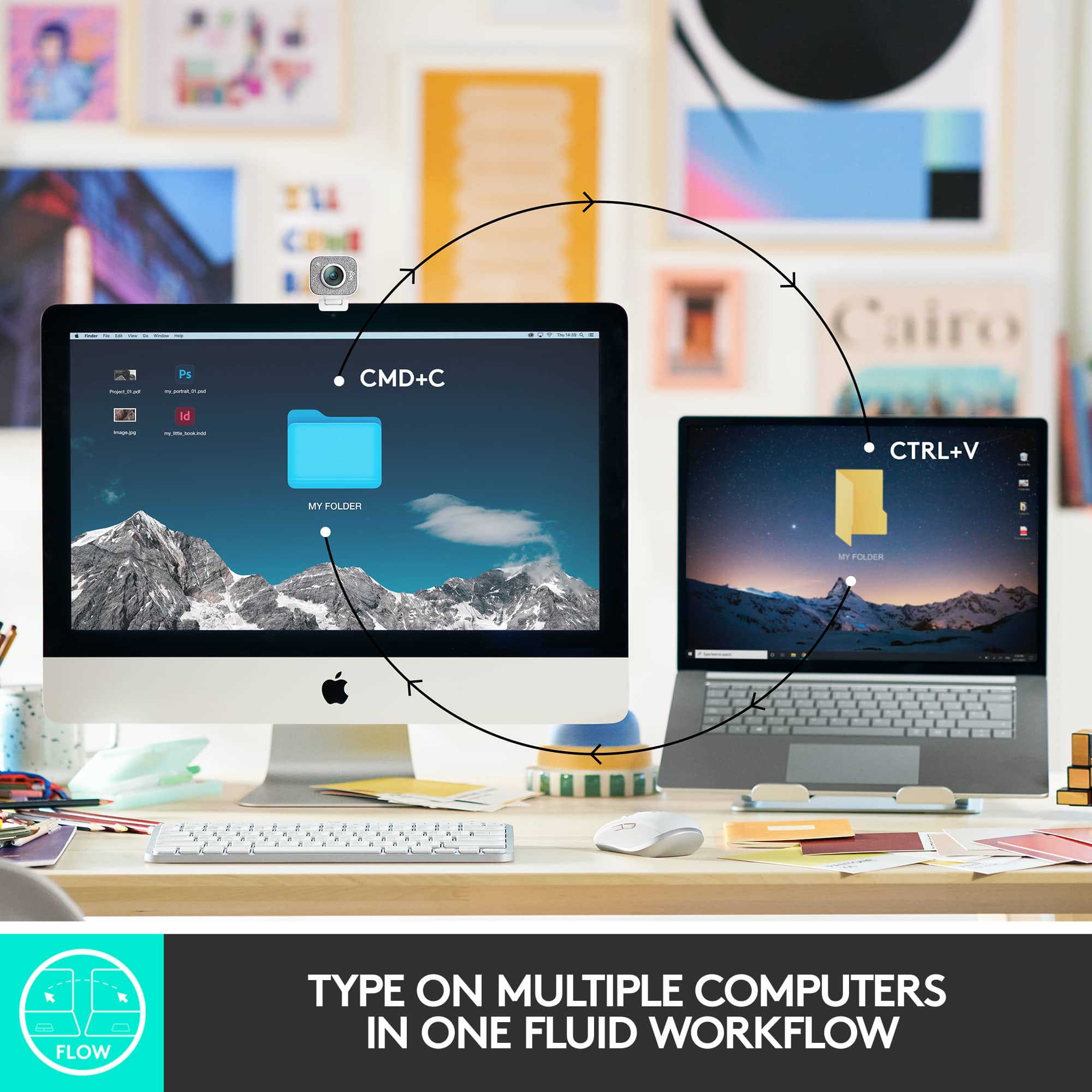
|Posted .This reviewer received promo considerations or sweepstakes entry for writing a review.I absolutely love this keyboard. In my office I have multiple computers. With my previous set up, I had to manually switch my keyboard and mouse dongles from one computer to another. With the MX mini keyboard, I no longer have to do that. I was able to pair 3 computers and easily switch between the computers by pressing and holding one of the F-keys for a few seconds. Everytime I switched computers, the keyboard connected in seconds and definitely improved my workflow. I loved it so much that I went out and purchased a matching Logitech MX2 mouse, which has similar features. Overall, I highly recommend this keyboard especially if you also perform work on multiple computers. You won't be disappointed.
I would recommend this to a friendPerfect tiny keyboard
|Posted .This reviewer received promo considerations or sweepstakes entry for writing a review.I am so glad I got this little gem. I recently got a new laptop and was was having a hard time typing since it has a 10 key on the side. Which makes all the letters not quite centered as I am used to. So when I saw this keyboard ( I have many from this brand) I knew I needed to get it. I am so happy I did. 1. keys are lit and are easy to see in low light and normal light 2. rechargeable and lasts a long time per charge 3. special keys for extra fun. Like Emoji and voice dictation (uses on board mic) 4. light and compact 5. all keys are nicely spaced and have a great travel so I can feel like I am typing not just poking. 6. software lets you customize to your liking and style. 7. media keys work perfect and are located in easy to reach spots for quick volume and mute control. There is nothing negative that I can say about this keyboard. I would recommend to anyone that needs a bluetooth (no dongle) keyboard with backlit keys.
I would recommend this to a friendSimply the best non-mechanical keyboard I've used
|Posted .This reviewer received promo considerations or sweepstakes entry for writing a review.The MX Keys Mini is an AWESOME keyboard. Since receiving my review sample, I've used it for two work from home days and then decided to bring it to my office to be my permanent office keyboard (since I can't use MX Blues at the office). I definitely prefer mechanical keyboards over membrane for actual typing speed and comfort, but in situations where you can't have a mechanical keyboard due to noise, the MX Keys has a really great, consistent feel to the keypresses that is easily the best I've used. It also has some extra features that increase it's usefulness significantly. Out of the box, first thing I noticed is that the keyboard does not include a unifying dongle - this is designed to pair using Bluetooth LE and it does so quite easily with multiple windows laptops and a chromebook - every device that I have tested so far. The keyboard includes the ability to easily switch between multiple devices, with three keys dedicated to this on the Fx row. This is a unique feature that I have not seen on a Bluetooth based keyboard before, and it works well. In my job I often have to switch between computers, and without a dongle I was worried the MX Keys Mini might be unusable since I couldn't switch through my KVM. Turns out it's just an extra keypress, but very easy. The MX Keys Mini DOES support a dongle, a new security-enhanced one from Logitech called Bolt that doesn't seem to be readily available yet. When paired with certain other Ergo and MX Master devices you can use the dongle for a single, stronger security connection than traditional BTLE or Unifying can handle. Build quality of the MX Keys is awesome - it's truly an impressive product in your hands. It does not have adjustable lifting feet in the back and it set at a slight incline by design. I typically raise my keyboards to max height in the rear and I did not find the angle of the MX Keys to be difficult to adjust to, so it seems to be a good middle ground. Where this comes in handy is slipping the keyboard into your bag - you no longer have to worry about a leg catching something and breaking off, permanently banishing you to the flat keyboard shadow realm. Probably the coolest visual feature of the MX Keys Mini is that it seems to use the chassis of the keyboard as a capacitance detector for the backlighting - it lights up as soon as you touch the keyboard, rather than requiring that you press a key to 'wake up.' This has come in really handy working from home in a dimly lit room. It's a really nice touch that I hope finds its way to Logitech gaming keyboards in the future. Overall this is a great keyboard and will be making my list for recommendations to coworkers and friends who are looking to upgrade without going to a noisy mechanical keyboard.
I would recommend this to a friendGreat for travel and multimedia keyboard.
|Posted .This reviewer received promo considerations or sweepstakes entry for writing a review.Logitech always make keyboards for different type of lifestyles. I always appreciate these low minimalist keyboards that can work extremely well with all types of media devices. MX is really well constructed with no flex or creaking when applying force to each side, first impressions are really good. Keystrokes and travel are nice when using the actual keyboard. My fingertips love touching the keys on this board. It’s also very responsive with no delay between connections. This one is made to be ergonomic with shoulders that keeps the mouse closer to the keyboard without your arm extending far. It feels nice to use a wireless mouse along side of it. Fun part about this keyboard is that it automatically adjust the backlit keyboard. I love this feature because it’s dynamic turns on when you are using the keyboard. Setup was easy. Just connect the keyboard though Bluetooth. No need for a USB dongle to lose. I’ve mostly used the device on Windows but also used the MX on Android and iOS. It streamlines your workflow on mobile devices I believe the most. You can pair it with up to three devices. There are other keys like Smart Dictation, Mute/Unmute, and Emoji keys. These all work flawlessly on mobile devices and it’s great they added them on here. Design is nice with no whims here, it’s small, light, and comfortable to use. Quickly you can place it around a desk or move it for travel. I like this keyboard. I am a mobile user and always on the go. Using this in a hotel room and typing reviews on iOS was a breeze. It’s as minimalistic keyboard that does the job with a strong connection. Another win for Logitech and one that’s perfect for my uses. No issues here.
I would recommend this to a friendGreat keyboard for your Mac book.
Posted .This reviewer received promo considerations or sweepstakes entry for writing a review.Easy setup. Nice weight and response from the keys. Charging is easy and lasts.
I would recommend this to a friendBrand response from Logitech
Posted .Thank you for your positive review of the MX Keys S for Mac! We're thrilled to hear you're enjoying the easy setup, the satisfying weight and key response, and the convenient, long-lasting charging. We appreciate your feedback and hope you continue to enjoy your keyboard.

MX Keys Mini
Posted .This reviewer received promo considerations or sweepstakes entry for writing a review.Logitech MX keys great typing board with backlit keys.
I would recommend this to a friendNice little mobile keyboard
|Posted .This reviewer received promo considerations or sweepstakes entry for writing a review.This keyboard came at just about the perfect time. I already have the original MX Keys keyboard and like it fine but don't use it a ton lately. I was going to start using it again as a keyboard for my AppleTV while I stream games to it via SteamLink. It works great but since it's going to be stashed near the TV in the living room I'm really happy this is basically the same keyboard in a smaller package (minus the numpad). Setup is simple. It connects via bluetooth and you have three different connection options making it also great for using the same keyboard for multiple computers. So I can use this keyboard on all 3 of my AppleTVs and switch between them with a keypress. The keys feel pretty good. They're scissor style keys. I didn't have any problems adjusting to typing on it while my main computer has a very sensitive mechanical keyboard with MX Cherry Silver Speed keys. I don't know if I'll want to type on it for huge things but for some gaming so I can play some games that really need a keyboard and mouse on the couch, it feels pretty good. The construction of the whole keyboard also feels really good. It's not super light for the size. It's got some weight to it which I like. It's not a lot but it's more than I thought when I first looked at the keyboard. Overall, it's a keyboard. It connects to 3 separate devices and it works well. If you need a small keyboard you can take with you to various devices then this one might be the one for you.
I would recommend this to a friendGreat little bluetooth keyboard
Posted .This reviewer received promo considerations or sweepstakes entry for writing a review.Great Minimalist keyboard. Sturdy and quiet. Very functional!
I would recommend this to a friendBrand response from Logitech
Posted .Thanks for sharing your feedback on the Logitech MX Keys Mini TKL keyboard! We're thrilled to hear it's a great, minimalist, and functional choice for you.
Great Keyboard!
Posted .This reviewer received promo considerations or sweepstakes entry for writing a review.I had been using a Mini Apple Magic Keyboard for years but was frustrated because it did not light up. This is a great keyboard, I love that I can switch between my work and personal Macs with the quick switch buttons. Only issue is that the control key and fn key on the left side are switched from my Macbooks, so, its easy to mix those keys up a lot and I haven't been able to find a way to switch them yet (though there are other ways to switch other keys).
I would recommend this to a friendBrand response from Logitech
Posted .Hello, Thanks for the detailed feedback on the MX Keys Mini TKL! We appreciate you switching from an Apple Magic Keyboard and finding the MX Keys Mini a great fit, especially with the multi-device switching and backlighting.
FINALLY A BACKLIT KEYBOARD FOR 3 DEVICES!!!
Posted .This reviewer received promo considerations or sweepstakes entry for writing a review.This keyboard is what I've been asking Logitech - a keyboard that can be used by all 3 devices - my computer, my iphone and my ipad!! But FINALLY LOGITECH MADE THE BACKLIT KEYBOARD FOR ALL 3 DEVICES!!! It is the same size as the regular Logitech keyboard but just the number pad isn't there. So all in this mini keyboard that backlit is just not having the keyboard - but the spacing of the keys are the same to me. So I can still type like a wiz! It was driving me crazy with the 3 device Logitech that did not backlit since I tend to watch TV while I do my work - and like it dim while I'm typing - but sometimes have to see the keys! Thank you Logitech for listening to my comments!
I would recommend this to a friendKeyboard
Posted .This reviewer received promo considerations or sweepstakes entry for writing a review.Perfect fit smaller size, works great and it is wireless.
I would recommend this to a friendAmazing little keyboard!
|Posted .This reviewer received promo considerations or sweepstakes entry for writing a review.I'm usually a big/full size mechanical keyboard kinda person, but this keyboard at this size, has such good click and travel, while being accurate and well lit! Being able to switch between multiple devices is huge plus, and the quick use/FN keys are all incredibly useful coming from a "normal" keyboard that has none. The battery life is great too, even with the backlight on. Using for work and I only have to charge it once every week or more! If you're looking for a mobile "all device compatible" keyboard, this one is it!
I would recommend this to a friend