Customer Ratings & Reviews



![IN THE BOX logi logi esc a 1 2 1 3 Fl 1 da 2 4 11 18 4 IN HI 15 - 11 i i del 2 I 1 2 # 3 $ 4 % 5 A 6 & 7 * 8 ( 9 ( 0 I = + - backspace tab W E R T Y U et O P [ : I ] I I cops lock A S D F G H J K L : : & - enter shift Z X C V B N M < V ? / shift ctri fn Pot opt x alt cmd x alt cmd ctri opt TM Responsible FSC Packaging FSC" N003028](https://pisces.bbystatic.com/image2/BestBuy_US/images/products/765af771-c695-4e58-949d-e01634d5d664.png)

- Model:
- 920-010475
- SKU:
- 12151960
Rating by feature
- Value
Rating 4.5 out of 5 stars
- Quality
Rating 4.8 out of 5 stars
- Ease of Use
Rating 4.7 out of 5 stars
Great Buy
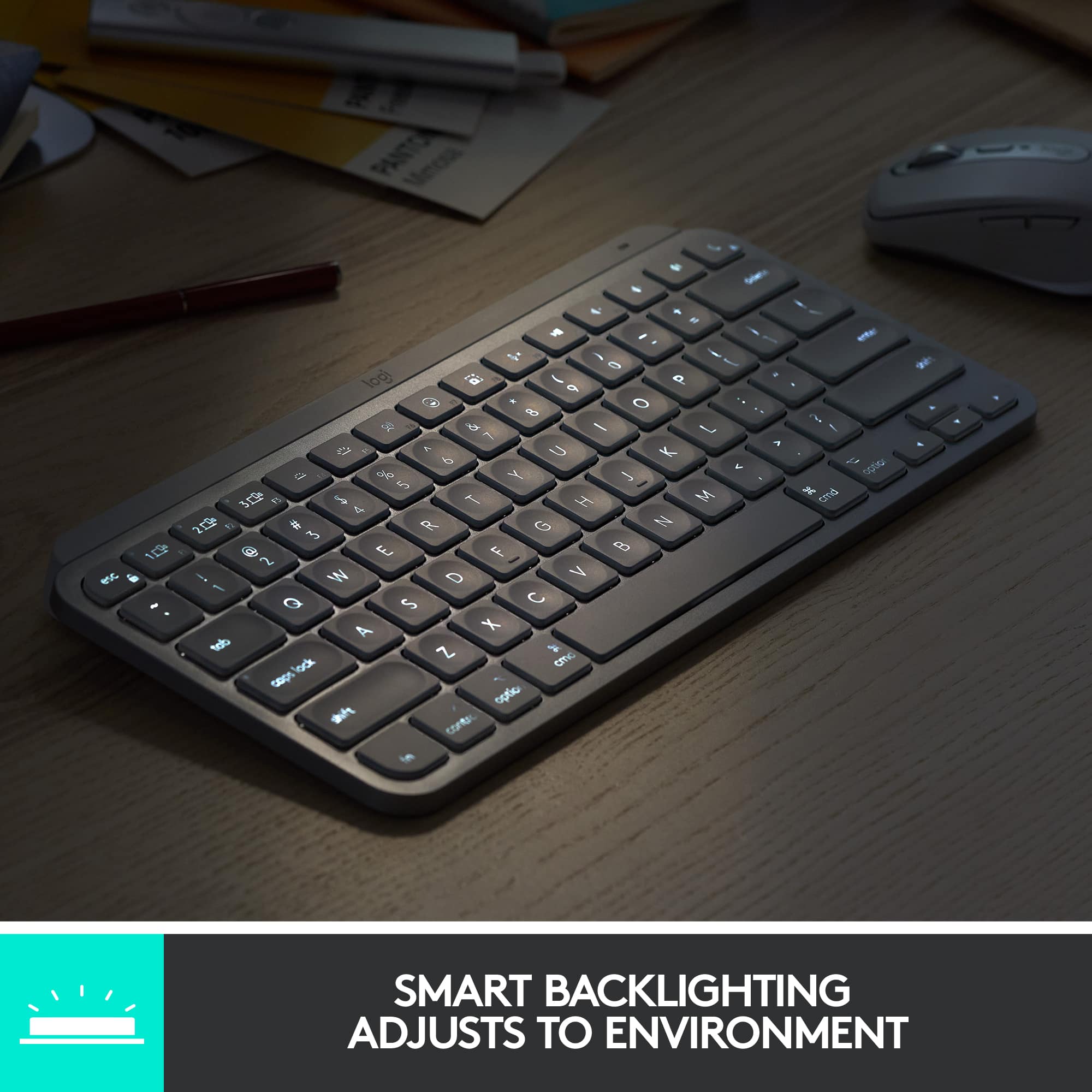
||Posted . Owned for 3 weeks when reviewed.This reviewer received promo considerations or sweepstakes entry for writing a review.Great product! Need for studio. Backlight was a must had the Apple one and returned for this
I would recommend this to a friendBrand response from Logitech
Posted .Thank you for choosing the Logitech - MX Keys S! We're glad you appreciate the backlit keys, which are essential for low-light environments. We hope you enjoy the enhanced productivity and comfort it brings to your studio workflow.

- Pros mentioned:Size
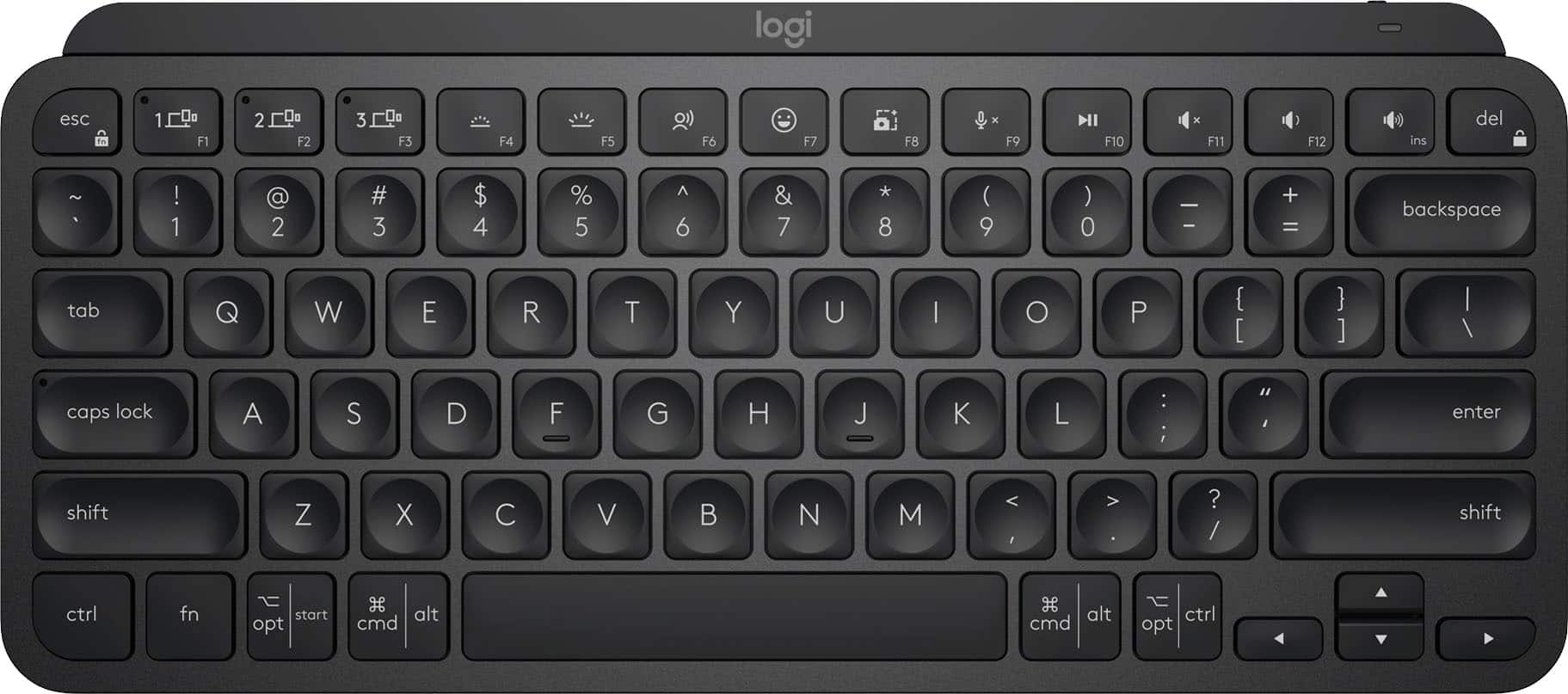
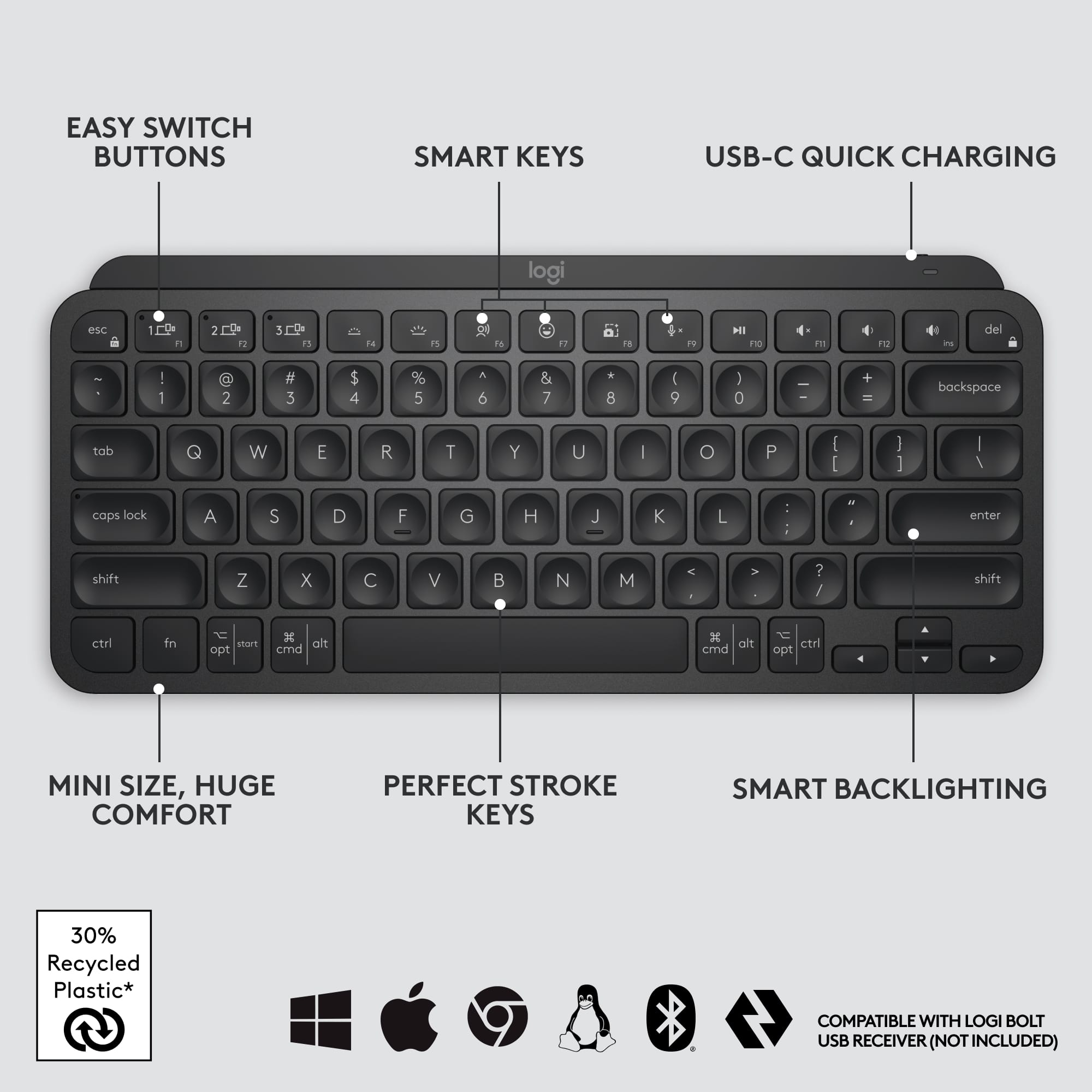
Compact and functional
||Posted . Owned for 3 weeks when reviewed.This reviewer received promo considerations or sweepstakes entry for writing a review.Works as expected, small enough to fit easily into my laptop bag.
I would recommend this to a friend - Pros mentioned:Ease of use
Good portable alternative for fullsize logitech mx
||Posted . Owned for 3 weeks when reviewed.This reviewer received promo considerations or sweepstakes entry for writing a review.Good keyboard, more portable than the regular mx key.
I would recommend this to a friend - Pros mentioned:Size
Good
||Posted . Owned for 3 weeks when reviewed.This reviewer received promo considerations or sweepstakes entry for writing a review.Good keyboard . Liked the compact size on this product
I would recommend this to a friend Great keys
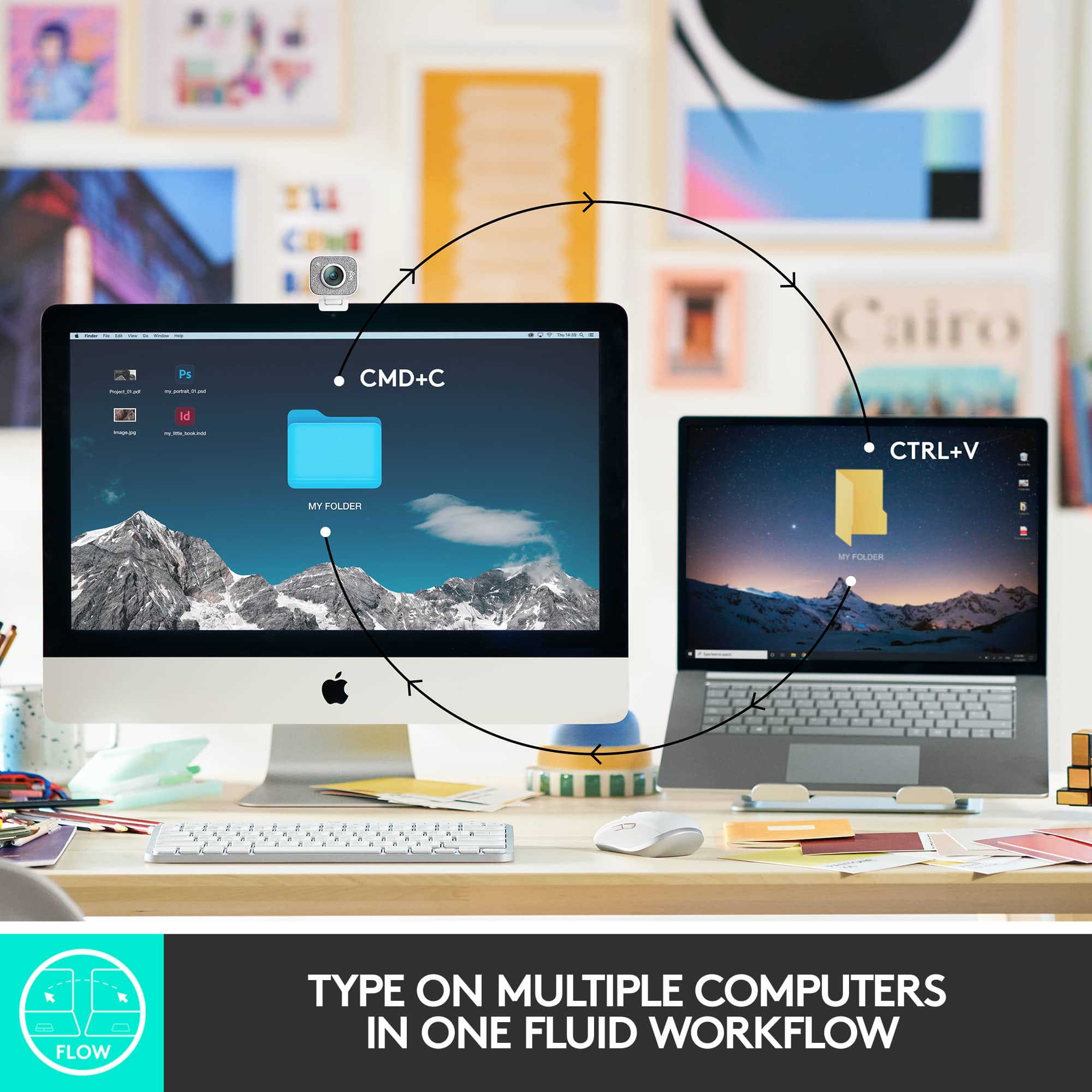
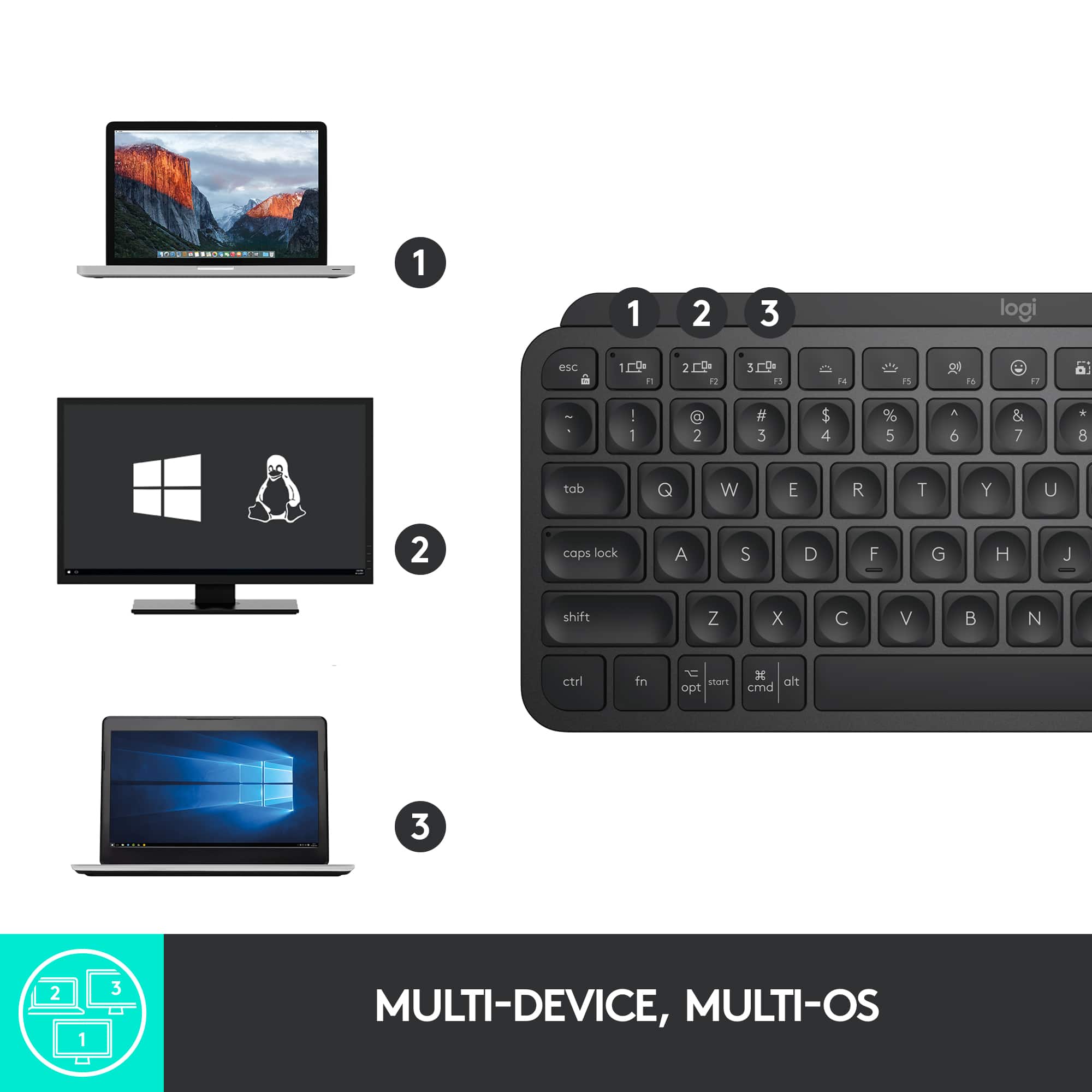
||Posted . Owned for 1 week when reviewed.This reviewer received promo considerations or sweepstakes entry for writing a review.Nice keyboard. The backlights are great and ability to swap between 3 devices on the fly
I would recommend this to a friendBrand response from Logitech
Posted .Thank you for your kind words about the MX Keys S for Mac! We're glad you're enjoying the backlit keys and the seamless device switching. We hope you continue to enjoy its performance.
Great little keyboard.
||Posted . Owned for 1 month when reviewed.This reviewer received promo considerations or sweepstakes entry for writing a review.Love this keyboard. The keys are very responsive, and the backlit makes it so easy to keep my fingers going where I want them too. I have a small workspace, so not having the number pad, since I use numbers only when I need to :) means I don't miss the keypad at all!
I would recommend this to a friendAn excellent purchase
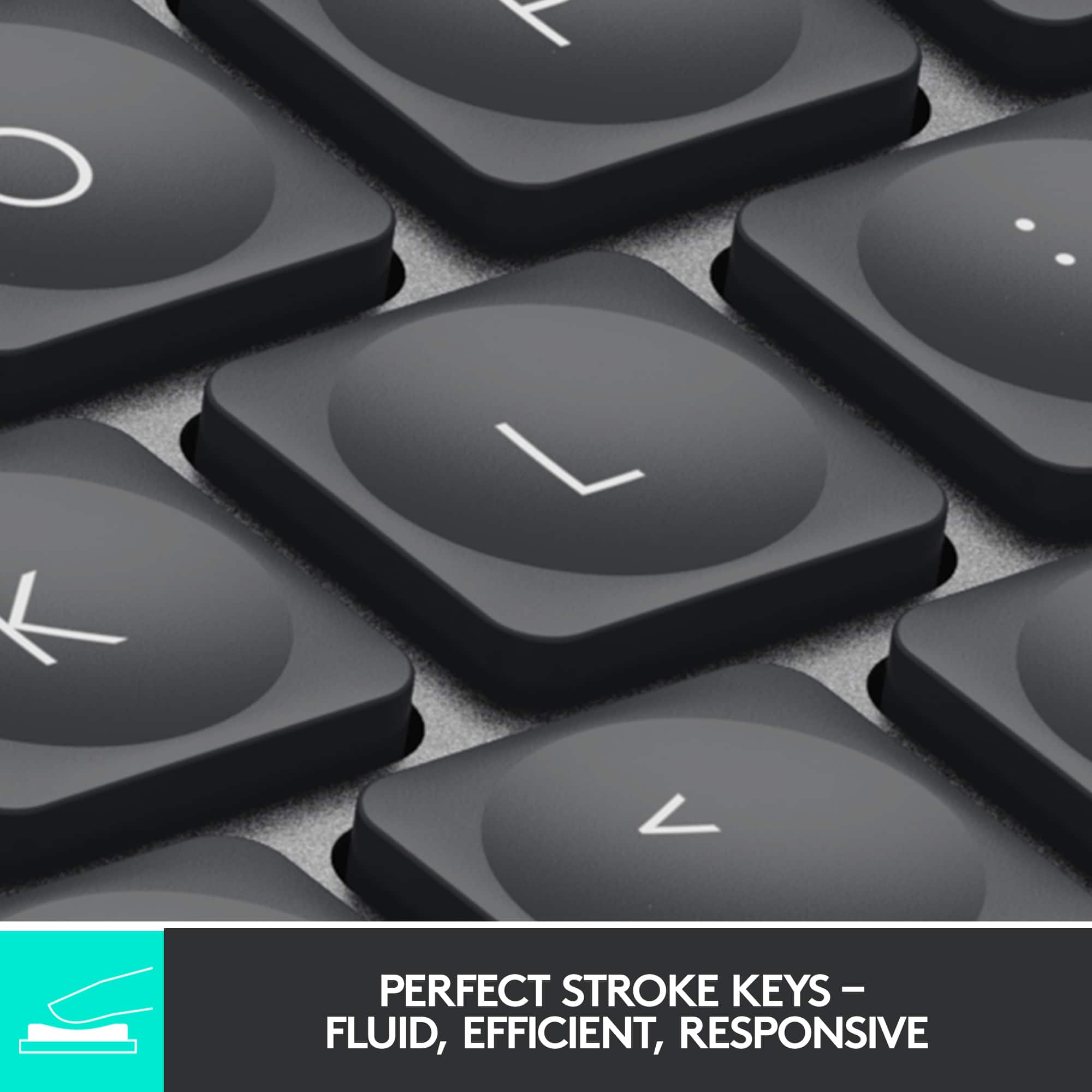
||Posted . Owned for 1 week when reviewed.This reviewer received promo considerations or sweepstakes entry for writing a review.Super-soft, quiet and precise keys. The keyboard delivers what it promises. I'm very satisfied!
I would recommend this to a friendBrand response from Logitech
Posted .We're thrilled to hear that you're loving the Logitech MX Keys S! Its comfortable keys, precise typing experience, and stylish design make it a great choice for Mac users.
- Cons mentioned:Price
Two Mules For Sister Sara
||Posted . Owned for 3 weeks when reviewed.This reviewer received promo considerations or sweepstakes entry for writing a review.Solid wireless keyboard, Bluetooth works well, Expensive
I would recommend this to a friend Good Purchase!
||Posted . Owned for 2 months when reviewed.This reviewer received promo considerations or sweepstakes entry for writing a review.Works Great! I use my keyboard everyday and the previous keyboard was also Logitech. It lasted me 5 years! I'm glad I bought this! If I could change anything, I'd like the keys to be darker. They are kind of hard to see when I need to check my keyboard
I would recommend this to a friendLots of features more affordable
||Posted . Owned for 1 week when reviewed.This reviewer received promo considerations or sweepstakes entry for writing a review.The only issue I have is the heavyness of this keyboard. Other than that it seems an elegant, very useful, and full of feature keyboard, wish it had the fingerprint access from the apple one.
I would recommend this to a friendBrand response from Logitech
Posted .We appreciate your feedback on the Logitech MX Keys S for Mac. We're glad you like its features and value, but we're sorry to hear that the weight is an issue. We'll take your feedback into consideration for future improvements. Thank you for sharing your experience.
simple and better
||Posted . Owned for 3 weeks when reviewed.This reviewer received promo considerations or sweepstakes entry for writing a review.I had the MX keyboard but the bigger version. I didnt like moving my hand over so much to type. this allows me to keep my mouse and keyboard closer.
I would recommend this to a friendBrand response from Logitech
Posted .I hear you completely! The MX Keys is a fantastic keyboard, but the full-size layout can definitely lead to some extra hand movement. That's where the MX Keys Mini shines. It's great that the smaller form factor lets you keep your mouse and keyboard closer together, creating a more ergonomic setup.
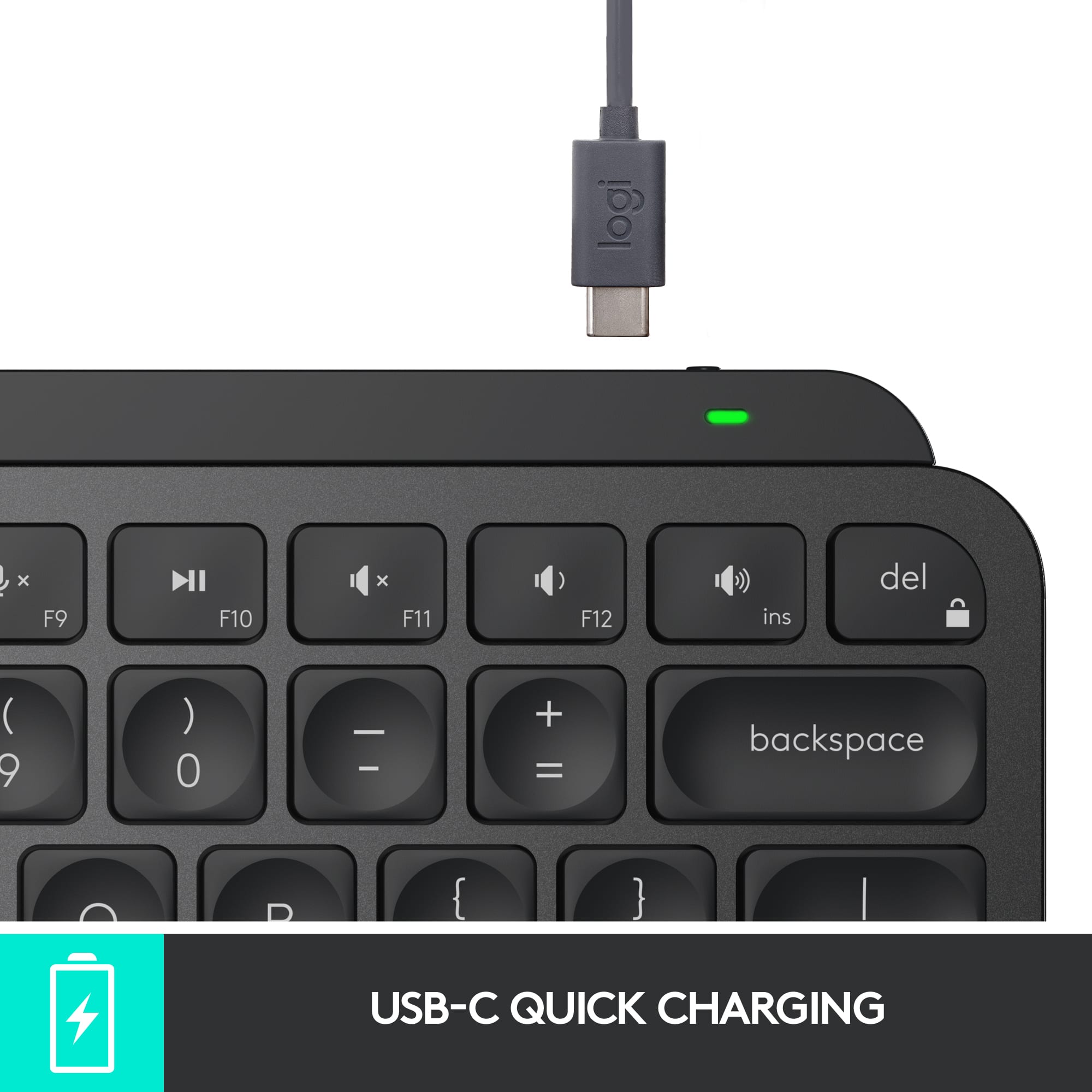
Great keyboard, could use better battery life.
||Posted . Owned for 2 months when reviewed.This reviewer received promo considerations or sweepstakes entry for writing a review.Amazing keyboard, excellent for travel. Only issue, especially when comparing it to past Logitech MX keyboards, the battery life on this is awful.
I would recommend this to a friendBrand response from Logitech
Posted .Hey, Thanks for the detailed review of the MX Keys Mini! We appreciate you calling it an amazing keyboard and great for travel. Battery life is definitely an important consideration, and we understand it falls short compared to previous MX keyboards. We'll take your feedback into account in future iterations to improve battery efficiency for users on the go.
Great Keyboard.
||Posted . Owned for 3 weeks when reviewed.This reviewer received promo considerations or sweepstakes entry for writing a review.Love this keyboard. Honestly can't go wrong with any of the MX series keyboards or mice from Logitech. They are all great.
I would recommend this to a friendBrand response from Logitech
Posted .Thanks for the kind words about the MX Keys Mini TKL! We strive to make high-quality MX series products that you love, and we're glad you're happy with your keyboard. Happy typing!
- Pros mentioned:Battery lifeCons mentioned:Price
Made for my mac mini needs.
||Posted . Owned for 3 weeks when reviewed.This reviewer received promo considerations or sweepstakes entry for writing a review.I like this so much I purchased a second one for my other mac mini. It works great has very good key feel. Also battery has a long lasting charge. Only wish it was less pricey.
I would recommend this to a friend Works good with Mac mini
||Posted . Owned for 1 week when reviewed.This reviewer received promo considerations or sweepstakes entry for writing a review.Works great with my Mac mini. Easy setup. Great value when in sale.
I would recommend this to a friendBrand response from Logitech
Posted .Thank you for your feedback! We're pleased that you're finding the MX Keys S easy to set up and use with your Mac mini. We designed it with Mac compatibility in mind, and we're glad you were able to take advantage of a sale.
Keyboard is the best
||Posted . Owned for 1 week when reviewed.This reviewer received promo considerations or sweepstakes entry for writing a review.Comfortable to use and very sleek design... Works well with all applications I use
I would recommend this to a friendBrand response from Logitech
Posted .We're thrilled to hear that you're enjoying the MX Keys Mini TKL! Thank you for choosing Logitech.
Match made in the electronic world!!
||Posted . Owned for 3 weeks when reviewed.This reviewer received promo considerations or sweepstakes entry for writing a review.Just a perfect match for my iPad Pro. Logitech to the rescue. Keyboard and mouse. Satisfied customer.
I would recommend this to a friendBrand response from Logitech
Posted .We're thrilled to hear that the Logitech MX Keys Mini TKL is the perfect match for your iPad Pro! Its compact design and seamless integration make it a great companion for your device. Thank you for your positive feedback.
Wrong item
||Posted . Owned for 1 week when reviewed.This reviewer received promo considerations or sweepstakes entry for writing a review.It was nice but I didn’t realize its for mac only so I had to return it
I would recommend this to a friendBrand response from Logitech
Posted .Thank you for letting us know about your experience with the Logitech - MX Keys S. We apologize for any inconvenience caused by the Mac compatibility. We hope you'll consider other Logitech keyboards designed for your operating system.
Keyboard
||Posted . Owned for 1 month when reviewed.This reviewer received promo considerations or sweepstakes entry for writing a review.Excellent keyboard. I dig the intuitive lighting FX and presets
I would recommend this to a friendBrand response from Logitech
Posted .We appreciate your honest feedback. It helps us identify where we can improve and provide a better experience with the Logitech - MX Keys Mini TKL Wireless Bluetooth Scissor Keyboard
- Pros mentioned:Keyboard quality
Mini Bluetooth Keyboard
||Posted . Owned for 1 month when reviewed.This reviewer received promo considerations or sweepstakes entry for writing a review.Good feel. Keyboard does not have a page up key or page down key.
I would recommend this to a friend