Customer Ratings & Reviews
![logi esc 1 F1 2 F2 3 F3 F4 F5 F6 F7 F8 x F9 NI F10 x F11 F12 ins del ~ ! 1 2 # 3 $ 4 % 5 ^ 6 & 7 8 ( 9 ) 0 e - + = backspace tab Q W E R T Y U I O P { [ } ] I / caps lock A S D F G H J - K L : ; " enter shift Z X C V B N M < > ? / shift ctrl fn L start opt H alt cmd alt cmd ctrl opt](https://pisces.bbystatic.com/image2/BestBuy_US/images/products/6478/6478163_sd.jpg)



![IN THE BOX logi logi esc a 1 2 1 3 Fl 1 da 2 4 11 18 4 IN HI 15 - 11 i i del 2 I 1 2 # 3 $ 4 % 5 A 6 & 7 * 8 ( 9 ( 0 I = + - backspace tab W E R T Y U et O P [ : I ] I I cops lock A S D F G H J K L : : & - enter shift Z X C V B N M < V ? / shift ctri fn Pot opt x alt cmd x alt cmd ctri opt TM Responsible FSC Packaging FSC" N003028](https://pisces.bbystatic.com/image2/BestBuy_US/images/products/765af771-c695-4e58-949d-e01634d5d664.png)

- Model:
- 920-010475
- SKU:
- 6478163
Rating by feature
- Value
Rating 4.5 out of 5 stars
- Quality
Rating 4.8 out of 5 stars
- Ease of Use
Rating 4.7 out of 5 stars
Customers are saying
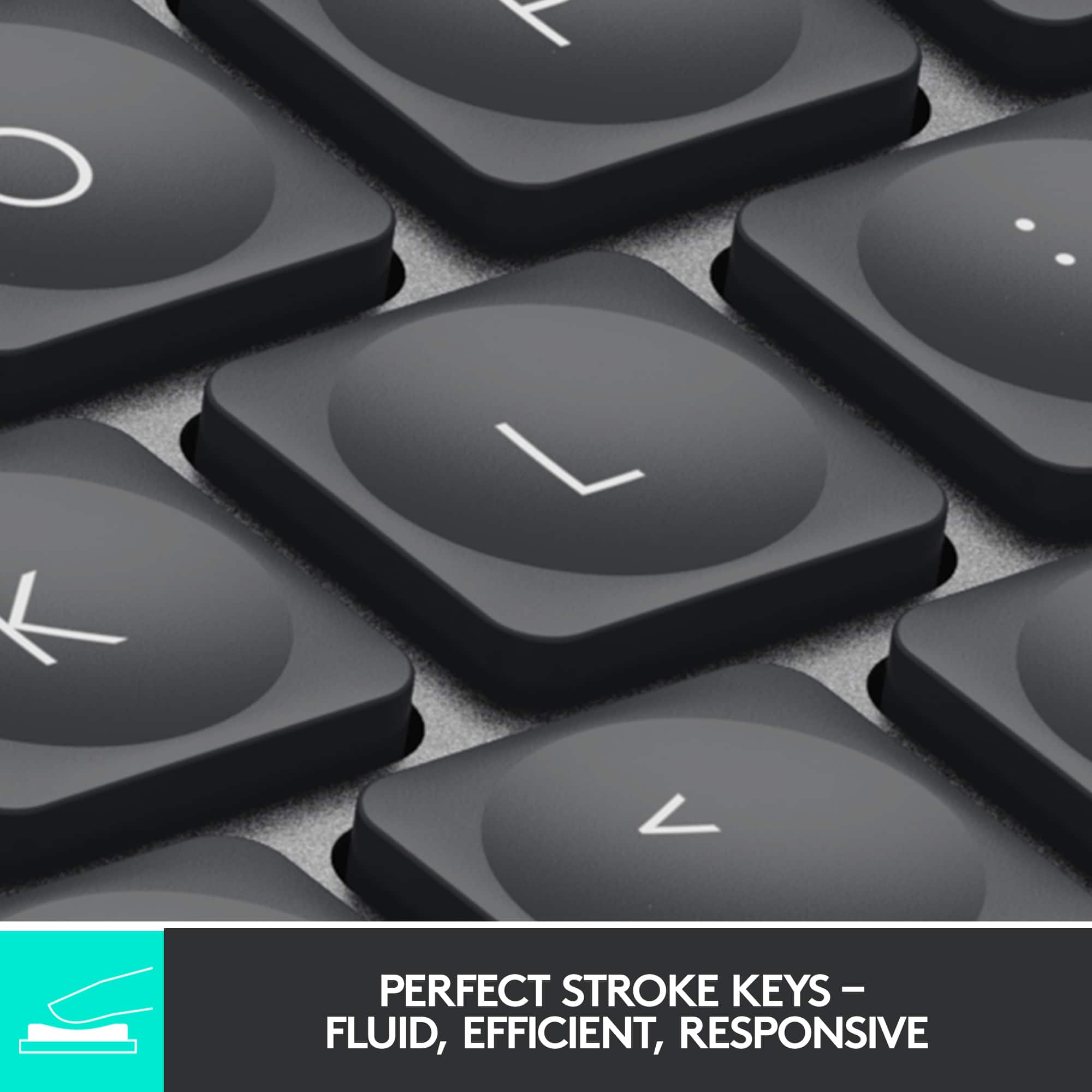
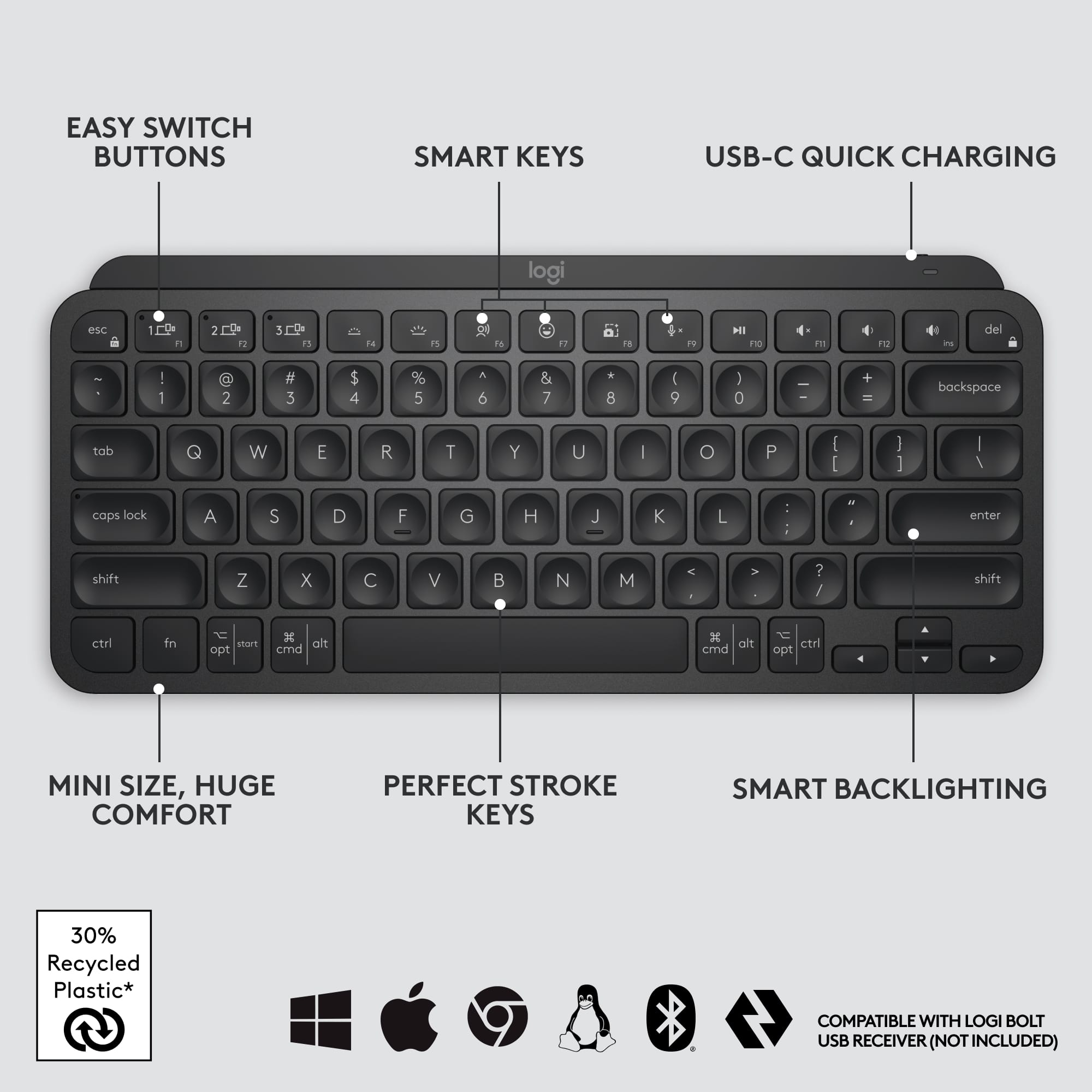
Customers appreciate the high-quality keyboard, which users find particularly convenient for nighttime use and satisfying due to its scissor-key feel. Many reviewers also highlight the device's impressive battery life, compact size, and overall ease of use. While the product is well-regarded, some users have expressed a desire for a dedicated number pad and noted that the price point is somewhat high. Additionally, a few customers have encountered minor challenges regarding device compatibility and connectivity options.
This summary was generated by AI based on customer reviews.
- Pros mentioned:Battery life, Keyboard quality
Work Travel Keyboard
||Posted . Owned for 3 weeks when reviewed.This reviewer received promo considerations or sweepstakes entry for writing a review.It's a great keyboard for traveling and working on the road. Small, rugged, and holds a great charge
I would recommend this to a friendBrand response from Logitech
Posted .We're glad you appreciate the MX Keys Mini TKL's portability and battery life! It's designed for seamless on-the-go productivity. Thanks for sharing your experience.

- Pros mentioned:Battery life, Keyboard quality
Premium keyboard, worth the cost.
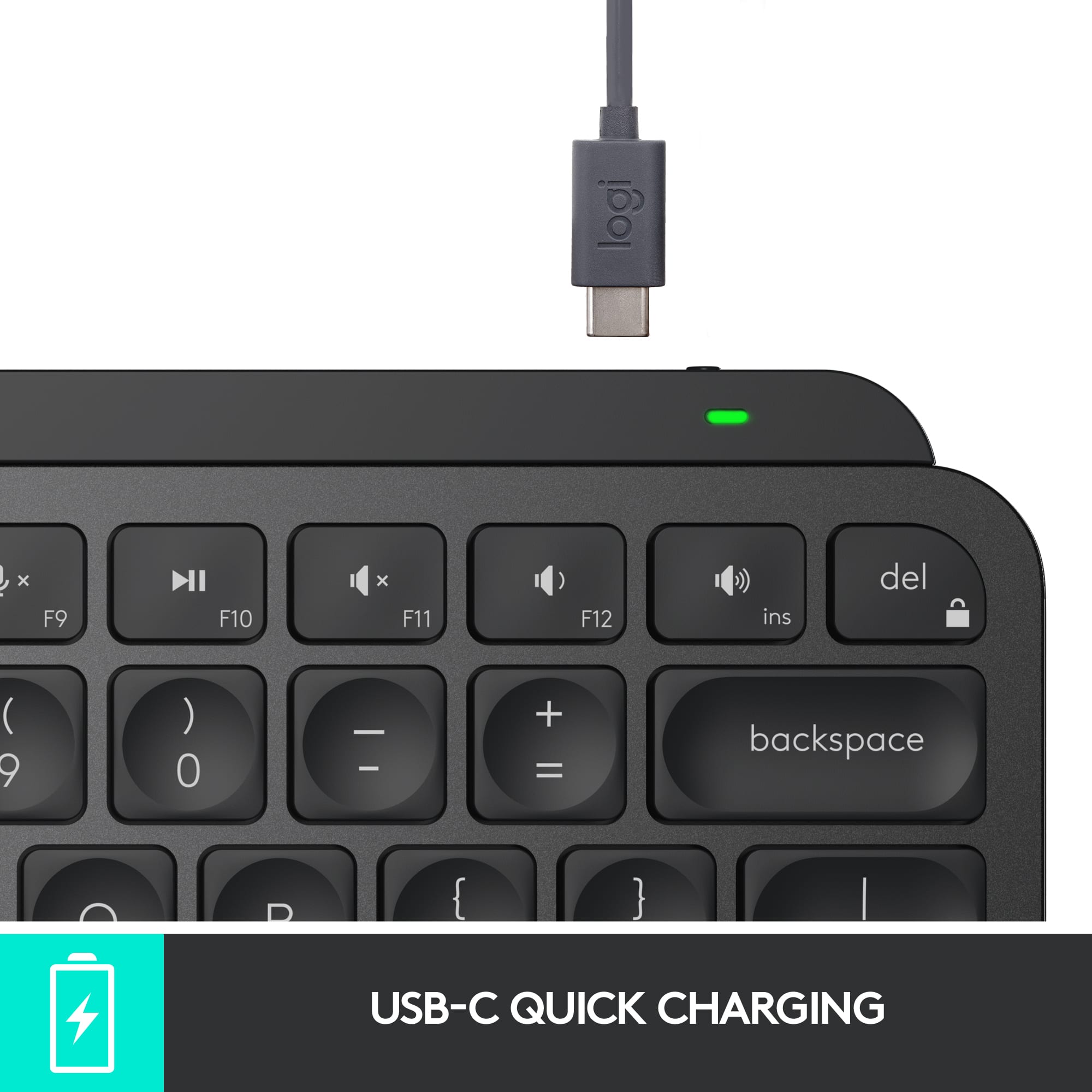
||Posted . Owned for 3 weeks when reviewed.This reviewer received promo considerations or sweepstakes entry for writing a review.Was tired of cheap wired keyboard work gave me. Upgraded to this and I gotta say, it’s the best keyboard I’ve ever owned. Travel and comfort are top notch, backlight is bright. Plug and play. It’s a premium keyboard that improves my experience teleworking. Charge lasts months.
I would recommend this to a friend - Pros mentioned:Size
Better than Apple's
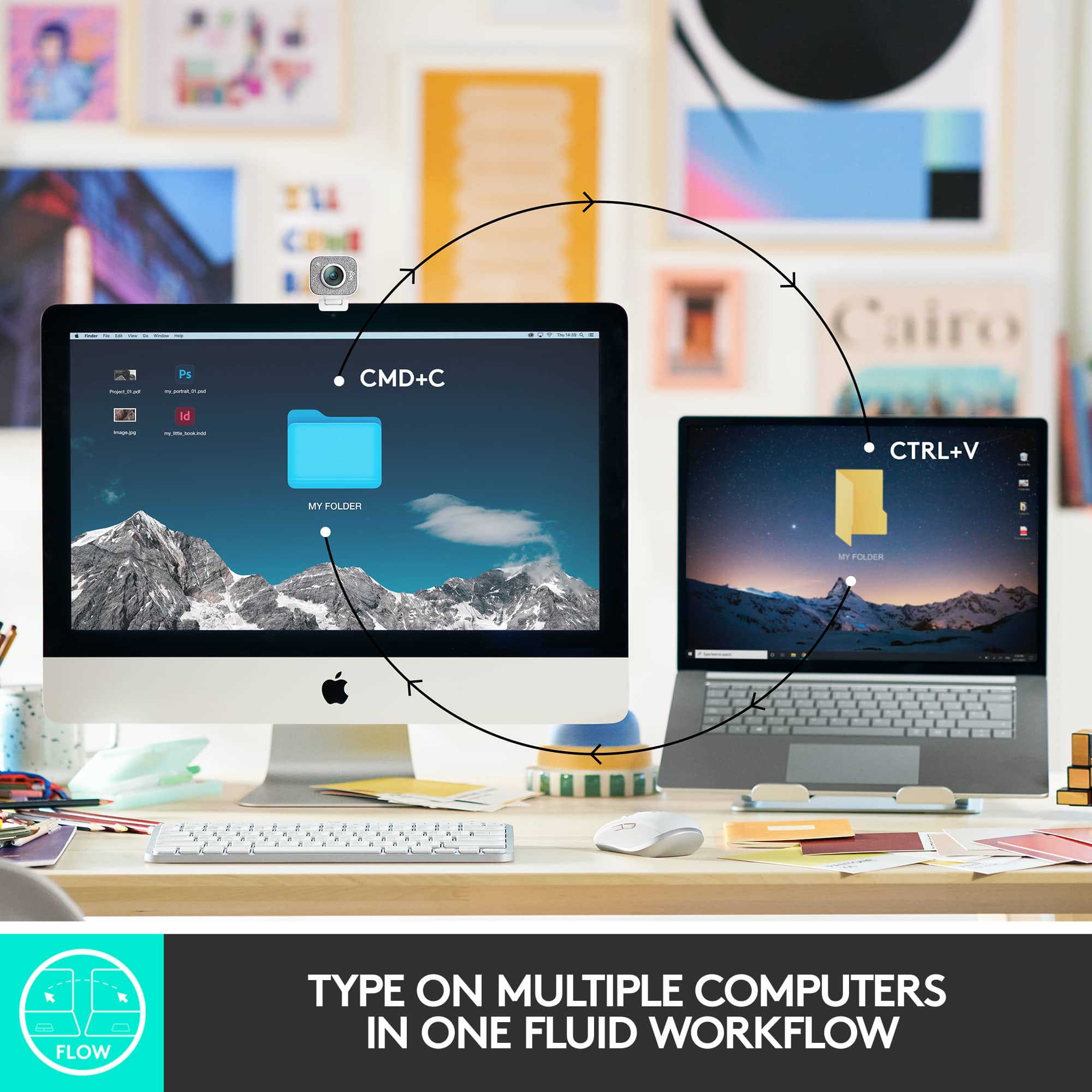
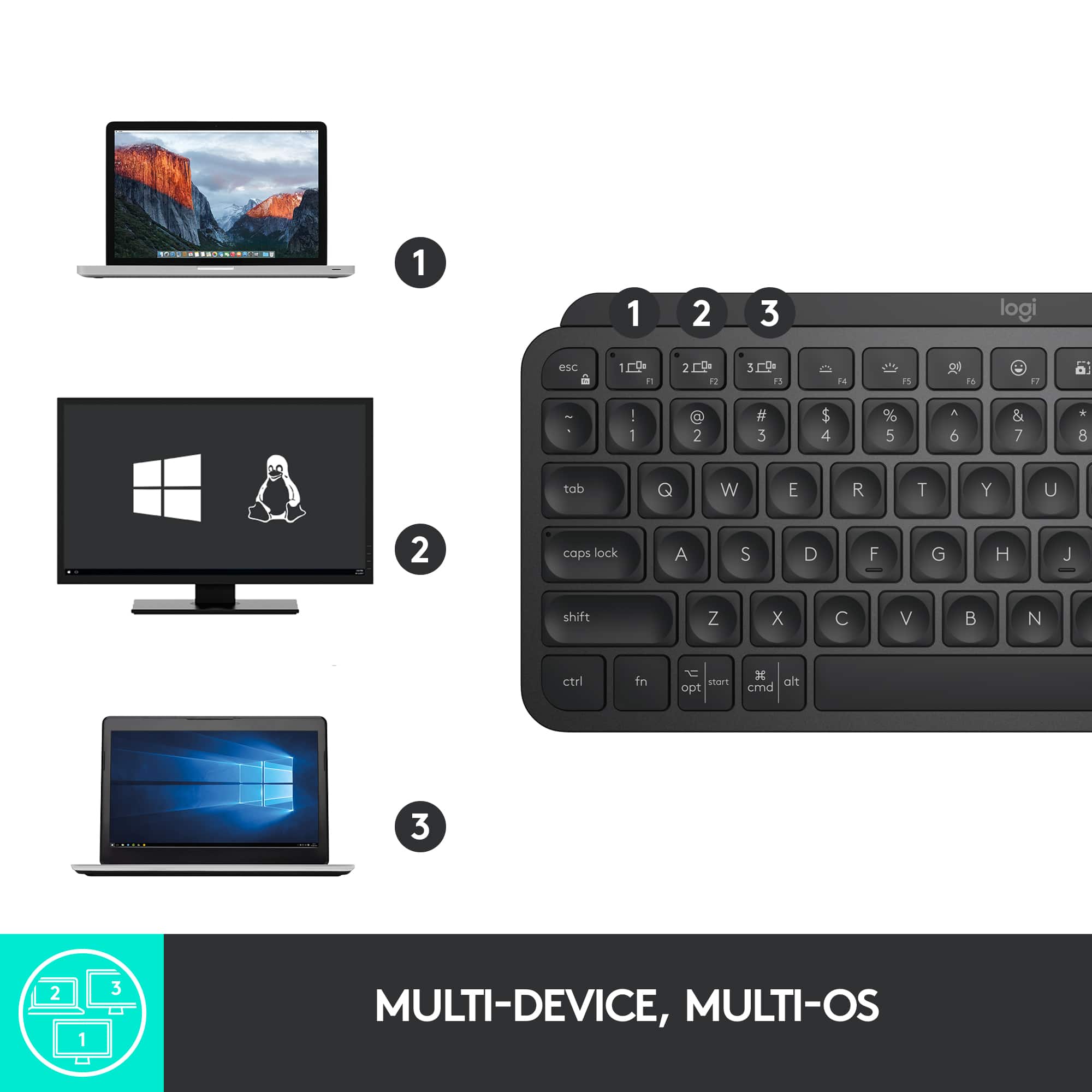
||Posted . Owned for 4 months when reviewed.This reviewer received promo considerations or sweepstakes entry for writing a review.Cheaper, Faster, More functions and awesome in size and felling. I really love this, I'm using on my Mac Pro, Windows PCs and aTV set. Obs: Download the Logitech Options+ app to enjoy everything this beauty has to offer.
I would recommend this to a friendBrand response from Logitech
Posted .Thank you for the fantastic review! We're thrilled to hear you're enjoying the MX Keys Mini TKL and find it outperforms the competition. We're glad it works seamlessly across your Mac Pro, Windows PCs, and aTV. Enjoy exploring all the features with Logitech Options+!
- Pros mentioned:Battery life, Ease of use
Perfect for Ipad
||Posted . Owned for 1 month when reviewed.This reviewer received promo considerations or sweepstakes entry for writing a review.Use this keyboard with my Ipad Pro and it lasts several uses consisting of a few hours each time. Connects instantly when turned on. Gives me the feel of a real keyboard so I can type anywhere.
I would recommend this to a friend - Pros mentioned:Ease of use, Keyboard quality
great keyboard, less than great on linux.
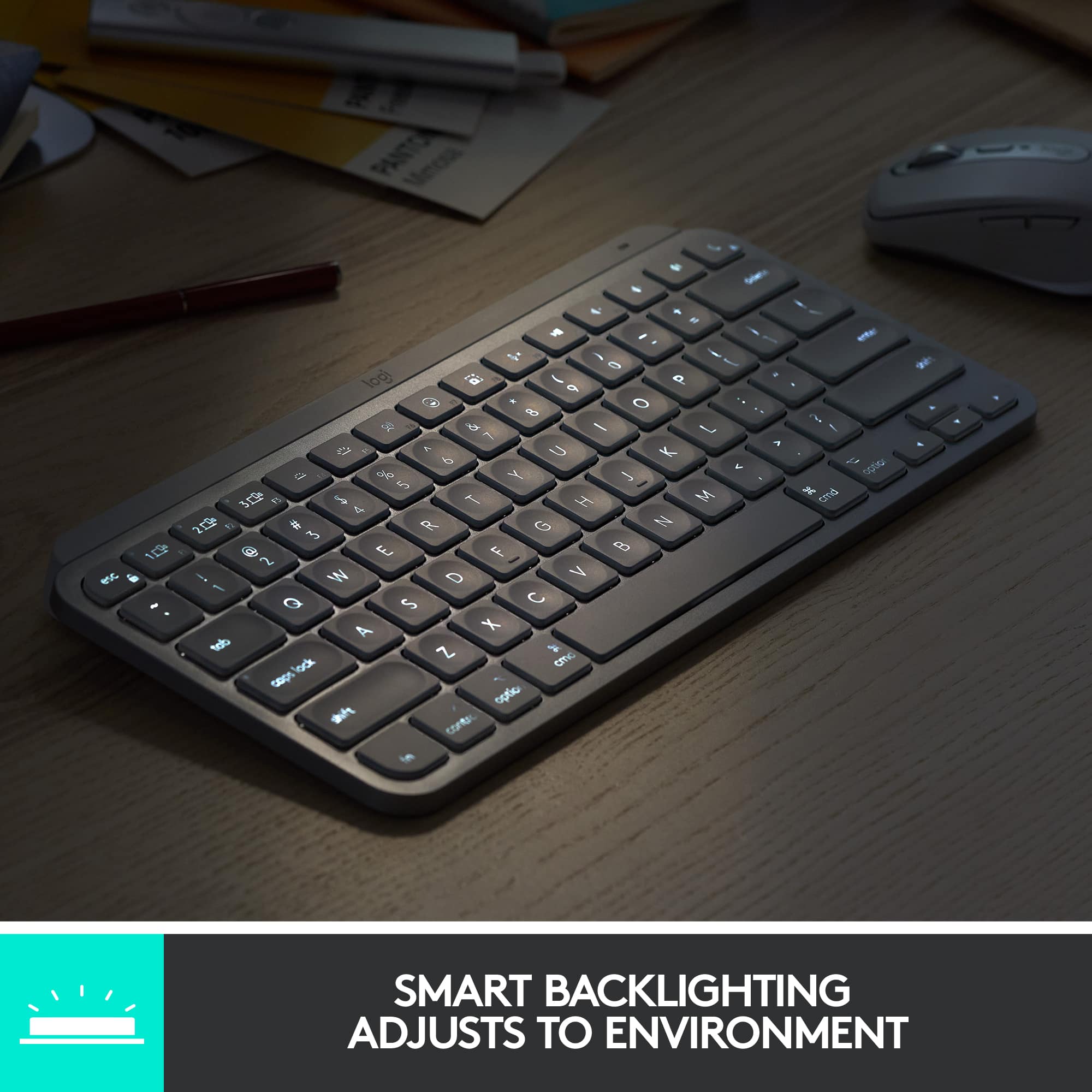
||Posted . Owned for 1 month when reviewed.This reviewer received promo considerations or sweepstakes entry for writing a review.good to type on, portable, and good value. love the sensor that lights up the keys when you get close to typing. only issue is that some function keys don't work under Linux, and as there's no app for fixing them, they're kind of a lost cause.
I would recommend this to a friendBrand response from Logitech
Posted .Thanks for the kind words about the MX Keys Mini! We appreciate you enjoying the typing experience and smart illumination. We understand your concern about the function keys under Linux. We're continuously working to enhance compatibility across different operating systems.
- Pros mentioned:Size
Great ergonomic keyboard at a good price
||Posted . Owned for 3 weeks when reviewed.This reviewer received promo considerations or sweepstakes entry for writing a review.I love this keyboard. I didn’t think I would like it because I thought it would be too small, but it feels way more ergonomic than the bulky ergonomic-labeled keyboards. I also thought not having the number pad and home/end keys would be annoying, but the keyboard is so comfortable to work with, it hasn’t been an issue. The small size lets the mouse be positioned so I’m not reaching for it. This helps a lot with shoulder strain and pain.
I would recommend this to a friendBrand response from Logitech
Posted .We're thrilled to hear that the Logitech MX Keys Mini TKL has exceeded your expectations! Your positive feedback on its ergonomic design, compact size, and comfort is appreciated. Thank you for sharing your experience.
- Pros mentioned:Keyboard quality
Glad I bought this.
||Posted . Owned for 1 month when reviewed.This reviewer received promo considerations or sweepstakes entry for writing a review.This is an entry-level lighted keyboard for me. It is packed with features I never knew I needed. My favorite feature is how the keyboard lights up. It makes it so much easier to type. The pros far outweigh the cons. The only con, for me, was not being able to wake my laptop from sleep with the lid closed (using Bluetooth). I use an external monitor and wanted to avoid opening and closing the lid. I bought a Logi-Bolt (not included), connected wirelessly, and was able to accomplish this. I had to do some digging on the internet to find instructions which are very easy. I feel like I'm getting a lot of bang for the buck!
I would recommend this to a friend - Pros mentioned:Battery life, Keyboard quality
Great if you are very kind to it.
||Posted . Owned for 2 months when reviewed.This reviewer received promo considerations or sweepstakes entry for writing a review.This is truly the most awesome keyboard. The way it feels, so smooth, the lighted keys are unreal and a charge lasts for days or weeks even. Then knock it around a bit, drop on the floor; and it is all downhill from there. It is not so durable but is still quite a keyboard.
I would recommend this to a friend - Pros mentioned:Keyboard quality
Broke up a fight!
||Posted .This reviewer received promo considerations or sweepstakes entry for writing a review.Loving it! I did drop it trying to break up a fight between two kittens. The keyboard played referee but wasnt badly damaged. Its been a great keyboard though very well made with lots of extra keys to use.
I would recommend this to a friendBrand response from Logitech
Posted .What an incredible story! We're so glad to hear that the MX Keys S for Mac survived its noble mission as a referee and is still a great keyboard for you. We appreciate you putting our "very well made" design to the test and are thrilled you're loving the extra keys. Thank you for the fantastic review!
- Pros mentioned:Keyboard quality, Size
Love this keyboard
||Posted . Owned for 1 week when reviewed.This reviewer received promo considerations or sweepstakes entry for writing a review.Mini but mighty! I love this keyboard, have been using it since purchased. The feel and look are both great!
I would recommend this to a friendBrand response from Logitech
Posted .Hello, We hear you loud and clear – you love the MX Keys Mini TKL! It's great to know you find it both stylish and comfortable to use. Thanks for sharing your experience!
- Pros mentioned:Keyboard quality
Small but user friendly
||Posted . Owned for 3 weeks when reviewed.This reviewer received promo considerations or sweepstakes entry for writing a review.Compact, Bluetooth , soft keys. All that I was looking for plus keys light up when needed with motion sensing. Even though pricey ? Well worth it for me I wanted a compact one.
I would recommend this to a friend S Tier keyboard
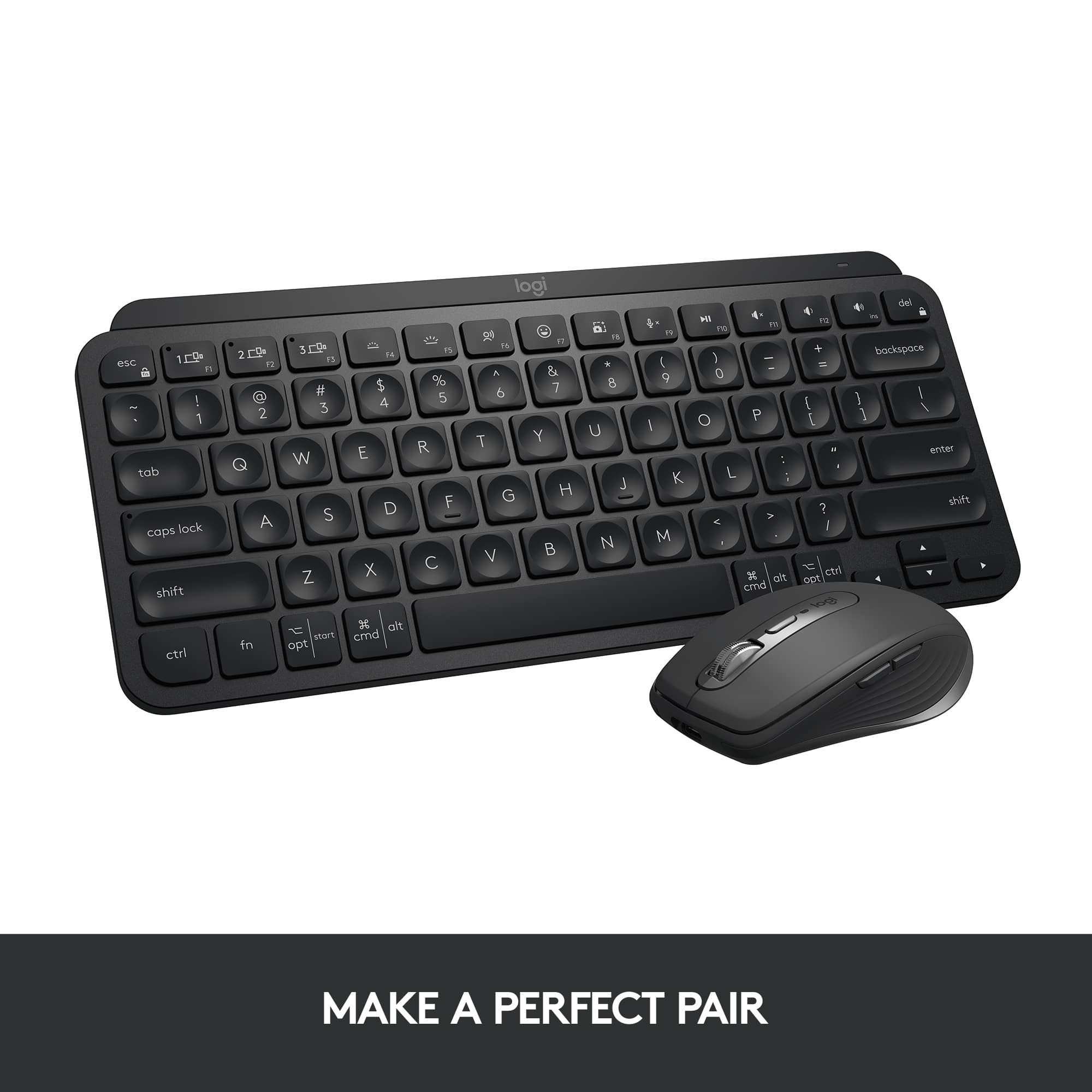
||Posted . Owned for 3 weeks when reviewed.This reviewer received promo considerations or sweepstakes entry for writing a review.I really enjoyed the Logitech keyboard. I was coming from a magic mouse and magic keyboard set up for my MacBook Pro when utilizing a desktop. This set up with the MS3 is one of the best things that I’ve ever seen as a product sold. The only way that it could be improved is to use Apple proprietary systems to make touch ID compatible. But that is it. Everything else fish in wine. It feels functional quick to respond, and innovative, especially with the screenshot adaptation. This product is S Tier by far.
I would recommend this to a friendBrand response from Logitech
Posted .Thanks so much for sharing your experience! We're thrilled to hear how well the keyboard is working for you and that it's made such a strong impression. It’s great to know the setup with the MS3 has elevated your desktop experience. Your feedback on Touch ID compatibility is appreciated too — we love hearing ideas that help us grow. Enjoy every keystroke!
Feels like mac keyboard
||Posted . Owned for 1 month when reviewed.This reviewer received promo considerations or sweepstakes entry for writing a review.Honestly, I had a mechanical keyboard but the travel was just hard. This is better (I would still get the wrist rest along with it)
I would recommend this to a friendBrand response from Logitech
Posted .It’s incredibly rewarding for us to hear that you’re satisfied with your Logitech product. Each positive review reminds our team why we’re so passionate about innovation and user experience. Thank you for placing your trust in us and for taking the time to share your valuable feedback.
- Pros mentioned:Keyboard quality
Great Wireless Keyboard
||Posted . Owned for 2 months when reviewed.This reviewer received promo considerations or sweepstakes entry for writing a review.I spilled some juice on my Chromebook keyboard and it has never been right, so I connected this excellent Logitech wireless keyboard and I can type away all day. I can never go back to stock keyboards now.
I would recommend this to a friendBrand response from Logitech
Posted .It's fantastic to hear the Logitech MX Keys Mini has been such an excellent solution for your Chromebook after the spill! We're so glad you can type away comfortably and that you love it so much you can never go back. Thanks for sharing your positive experience!
- Pros mentioned:Keyboard quality
Metal Mac!!!
||Posted . Owned for less than 1 week when reviewed.This reviewer received promo considerations or sweepstakes entry for writing a review.Heavy. Sturdy. Silent. Beautiful keyboard. If you have a problem syncing, download Logitech Options. Update the firmware, and select the option so that LO does not open when you log on. Otherwise, it runs in the background, which is annoying. Great product. 100% recommend.
I would recommend this to a friendBrand response from Logitech
Posted .Thank you for your detailed and insightful review of the Logitech - MX Keys S! We appreciate you sharing your experience, including the tip about Logitech Options. We're glad you're enjoying the keyboard's premium build and silent typing experience.
- Pros mentioned:Ease of use
Great for students or anyone on the go
||Posted . Owned for more than 2 years when reviewed.This reviewer received promo considerations or sweepstakes entry for writing a review.Functions seamlessly when using multiple devices like my iPad, Macbook, and extra monitor. Connects easily, portable, and looks nice. The smaller size took a little getting used to (hitting the wrong buttons etc) so something to note but not a dealbreaker for me.
I would recommend this to a friend - Pros mentioned:Keyboard quality
That’s one awesome keyboard, Bruh.
||Posted .This reviewer received promo considerations or sweepstakes entry for writing a review.This is one awesome keyboard. The backlit keys are perfect. They feel great and have great feedback as you type away. I use it for my iPad Gen 9, which has an Otterbox case. I chose this option over those all-in-one case / keyboard options as they’re very restrictive if you wanna use your iPad either in portrait mode or use it as a display while flying a drone. I am VERY pleased and was so happy that my local BestBuy store (N Canton, OH) had it in stock. Win!!
I would recommend this to a friend - Pros mentioned:Battery life, Keyboard quality
Great quality
||Posted . Owned for 3 weeks when reviewed.This reviewer received promo considerations or sweepstakes entry for writing a review.Love this key board. Keys feels great back lighting is nice and battery lasts a long time
I would recommend this to a friend No regrets
||Posted . Owned for 1 week when reviewed.This reviewer received promo considerations or sweepstakes entry for writing a review.Paired instantly with my M4 MacBook Pro. There is no finger Touch ID but my Apple Watch takes care of that. When choosing between this and the Magic Keyboard, I have no regrets!
I would recommend this to a friendBrand response from Logitech
Posted .We're thrilled to hear that you're loving the Logitech MX Keys S for Mac! Your positive feedback about its seamless connectivity, comfortable design, and multi-device functionality is truly appreciated. We're glad it's enhancing your productivity and overall computing experience. Thank you for choosing Logitech!
Great Scissor Keyboard
||Posted . Owned for 1 week when reviewed.This reviewer received promo considerations or sweepstakes entry for writing a review.Really great keyboard for those who enjoy typing on scissor keys. The indents on each key make it a pleasure to type on and the programmed function keys on the top row make it great to use on macOS. Overall, it's really great for those who want a low profile scissor keyboard.
I would recommend this to a friendBrand response from Logitech
Posted .Hey there! Thanks for the kind words about the MX Keys Mini. We're glad you're enjoying the typing experience and finding the function keys useful on macOS. The MX Keys Mini is one of our most popular keyboards for a reason – it's perfect for those who want a compact, comfortable, and versatile option.