Customer Ratings & Reviews
![logi esc 1 F1 2 F2 3 F3 F4 F5 F6 F7 F8 x F9 NI F10 x F11 F12 ins del ~ ! 1 2 # 3 $ 4 % 5 ^ 6 & 7 8 ( 9 ) 0 e - + = backspace tab Q W E R T Y U I O P { [ } ] I / caps lock A S D F G H J - K L : ; " enter shift Z X C V B N M < > ? / shift ctrl fn L start opt H alt cmd alt cmd ctrl opt](https://pisces.bbystatic.com/image2/BestBuy_US/images/products/6478/6478163_sd.jpg)



![IN THE BOX logi logi esc a 1 2 1 3 Fl 1 da 2 4 11 18 4 IN HI 15 - 11 i i del 2 I 1 2 # 3 $ 4 % 5 A 6 & 7 * 8 ( 9 ( 0 I = + - backspace tab W E R T Y U et O P [ : I ] I I cops lock A S D F G H J K L : : & - enter shift Z X C V B N M < V ? / shift ctri fn Pot opt x alt cmd x alt cmd ctri opt TM Responsible FSC Packaging FSC" N003028](https://pisces.bbystatic.com/image2/BestBuy_US/images/products/765af771-c695-4e58-949d-e01634d5d664.png)

- Model:
- 920-010475
- SKU:
- 6478163
Rating by feature
- Value
Rating 4.5 out of 5 stars
- Quality
Rating 4.8 out of 5 stars
- Ease of Use
Rating 4.7 out of 5 stars
Customers are saying
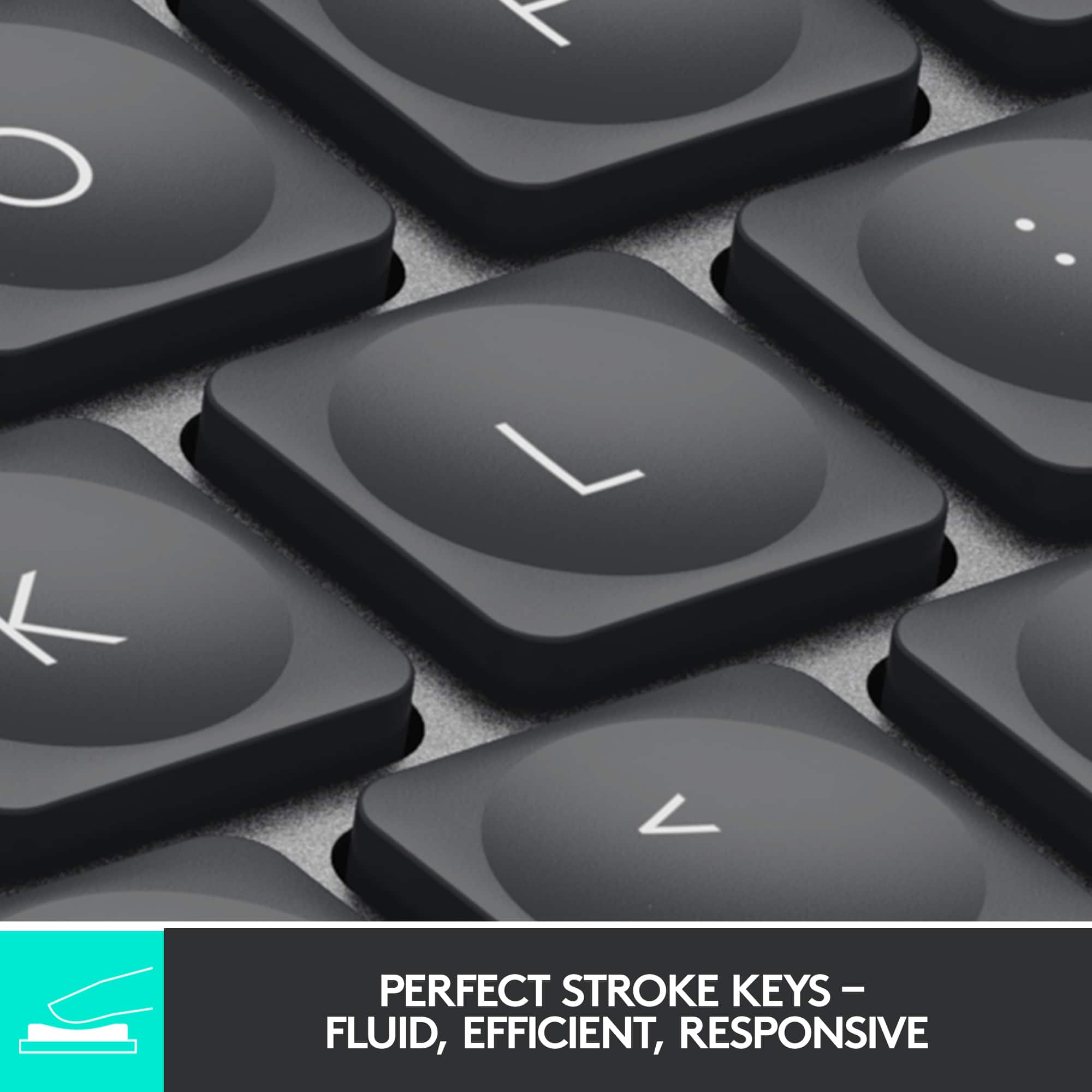
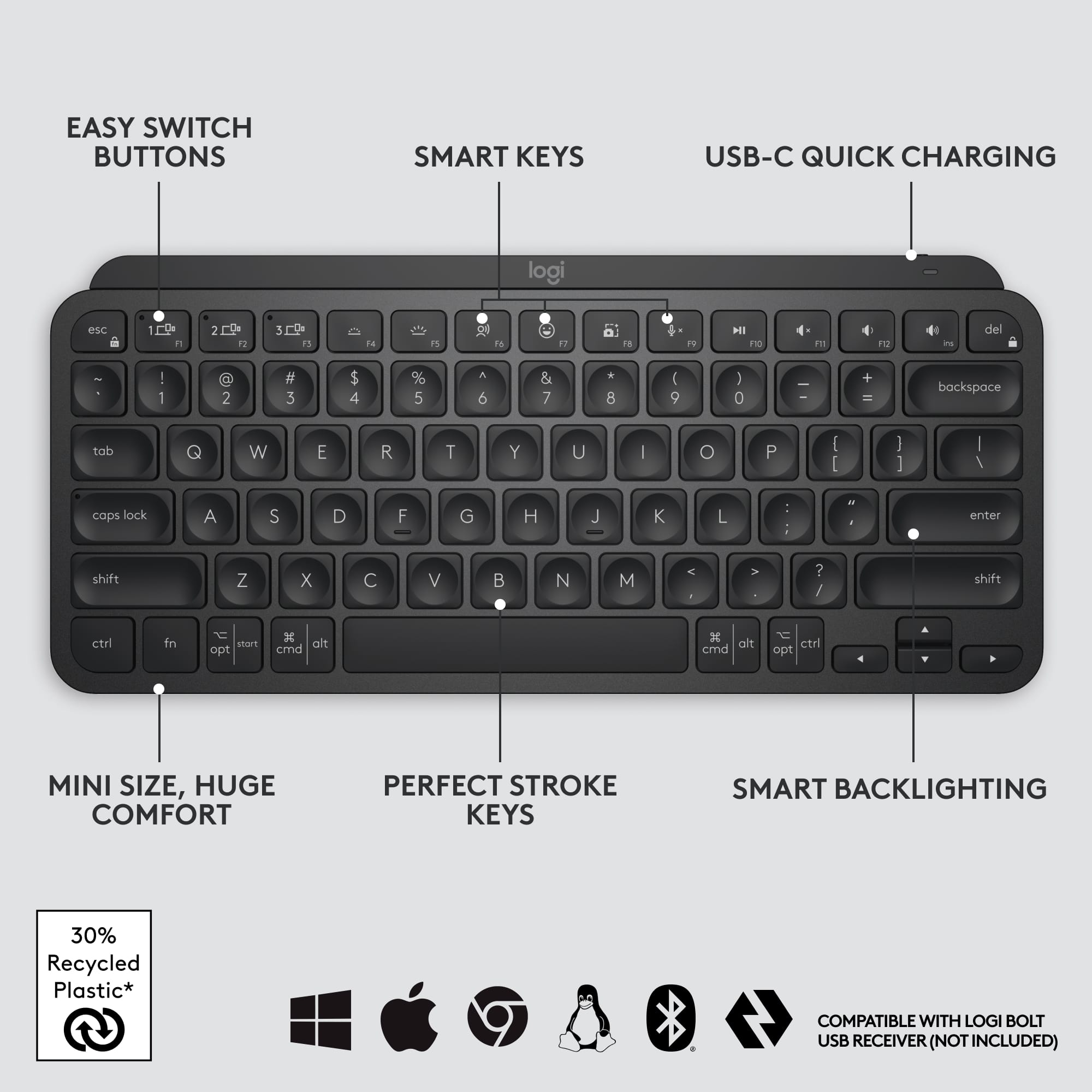
Customers admire the excellent keyboard quality, long battery life, and incredible ease of use. Many also appreciate its compact size, pleasant scissor key feel, and reliable Bluetooth connectivity. However, some customers find the product to be a bit pricey, and a few have expressed a desire for a number pad or reported compatibility challenges.
This summary was generated by AI based on customer reviews.
Beautiful Logitech keyboard
||Posted .This reviewer received promo considerations or sweepstakes entry for writing a review.Logitech, in my opinion, has some of the best quality tech products. I purchased this keyboard along with the mouse and I am absolutely glad that I bought this keyboard! Not only is the color so adorable, but the typing on the keyboard is not too loud. In fact, I'm writing this review while typing on this keyboard. A++ product, highly recommend this keyboard.
I would recommend this to a friend- Pros mentioned:Ease of use
Great Keyboard
||Posted . Owned for 3 weeks when reviewed.This reviewer received promo considerations or sweepstakes entry for writing a review.Excellent product will buy again. Easy to use. and great design.
I would recommend this to a friend - Pros mentioned:Keyboard quality
I love !
||Posted . Owned for 1 year when reviewed.This reviewer received promo considerations or sweepstakes entry for writing a review.Love!!! Such a pretty color and so comfortable to type on.
I would recommend this to a friend - Pros mentioned:Keyboard quality
Logitec mini keyboard
||Posted . Owned for 2 weeks when reviewed.This reviewer received promo considerations or sweepstakes entry for writing a review.This keyboard is amazing a must have. Small and compact
I would recommend this to a friend Keys on this keyboard are prone to failure
||Posted . Owned for 1.5 years when reviewed.This reviewer received promo considerations or sweepstakes entry for writing a review.I loved this keyboard until I didn’t. I’ve purchased 2 of these keyboards. On the first one, one of the keys stopped working after 16 months. I would depress it and it would not type the letter. So I purchased a new second one. Now after 18 months the “e” key on the new one has failed and sticks. I have not spilled anything in either keyboard. These are great keyboards but the keys appear prone to failure shortly after the 1 year warranty expires. Since they are expensive keyboards compared to other options that is disappointing.
No, I would not recommend this to a friendBrand response from Logitech
Posted .Apologize about the experience and it's surely not what we expect to deliver. We understand your displeasure and we will forward it along to the right team so they can look into it. Thanks for bringing this to our attention.
- Pros mentioned:Size
Great keyboard
||Posted . Owned for 1 week when reviewed.This reviewer received promo considerations or sweepstakes entry for writing a review.Got this for my wife as a gift. She loves the size and color. Would recommend
I would recommend this to a friend Backlight is distracting
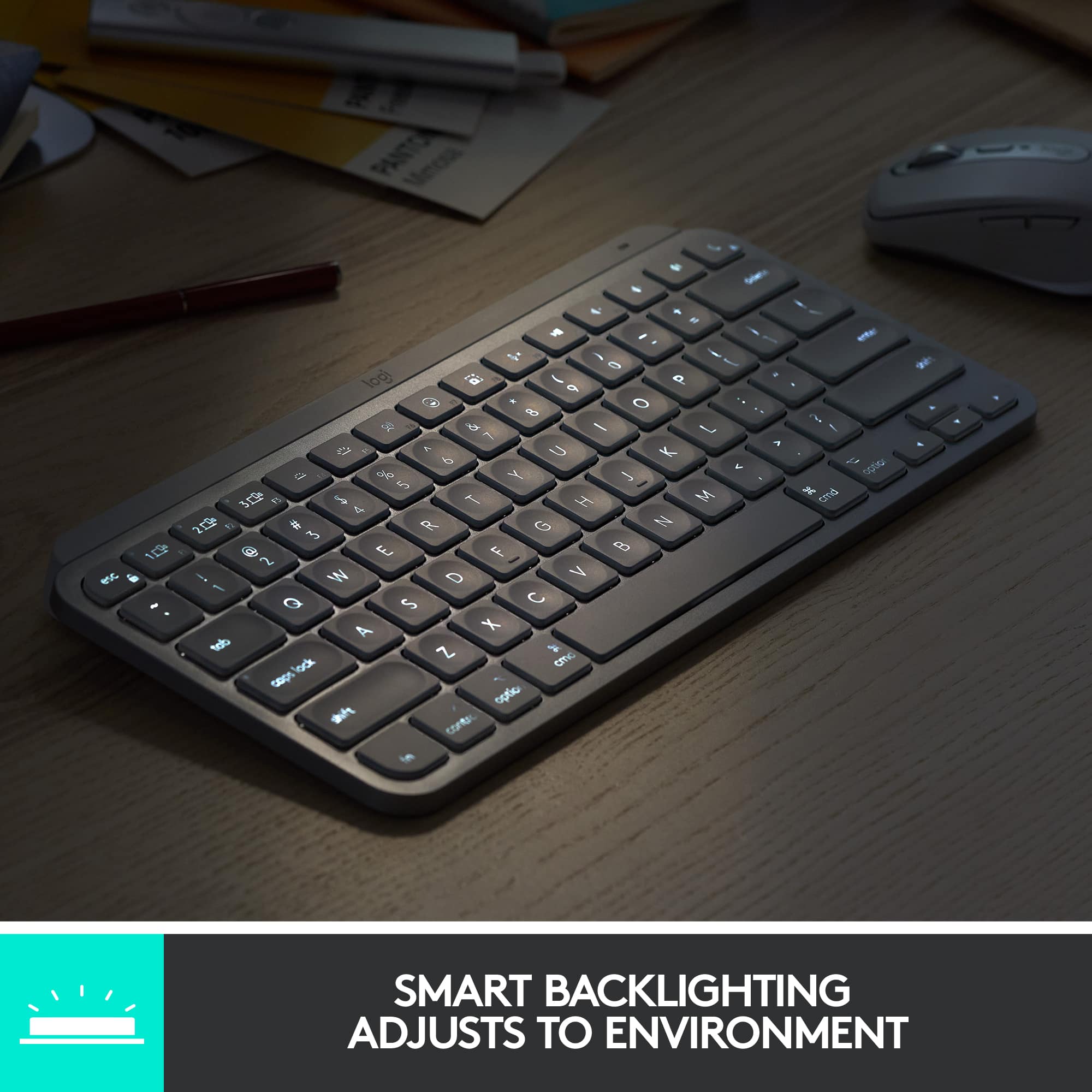
||Posted . Owned for 1 year when reviewed.This reviewer received promo considerations or sweepstakes entry for writing a review.The backlight comes on and off so much it's distracting. There's no way to keep it on or off. The larger keyboard they sell has this option but not this one.
No, I would not recommend this to a friendBrand response from Logitech
Posted .We're sorry to hear you're finding the backlight behavior on your MX Keys Mini TKL distracting with its frequent on and off cycles. We understand your frustration with the lack of a persistent on/off option, especially knowing it's available on our larger MX Keys model. Thank you for sharing this feedback with us.

- Pros mentioned:Ease of use
Great keyboard
||Posted . Owned for 1 month when reviewed.This reviewer received promo considerations or sweepstakes entry for writing a review.Great keyboard. Easy to connect and use. Plus love the color
I would recommend this to a friend - Pros mentioned:Keyboard quality
Excellent Keyboard for multiple devices!
||Posted . Owned for 3 weeks when reviewed.This reviewer received promo considerations or sweepstakes entry for writing a review.Excellent Keyboard for multiple devices! Would buy again :)
I would recommend this to a friend - Pros mentioned:Ease of use
Love it!
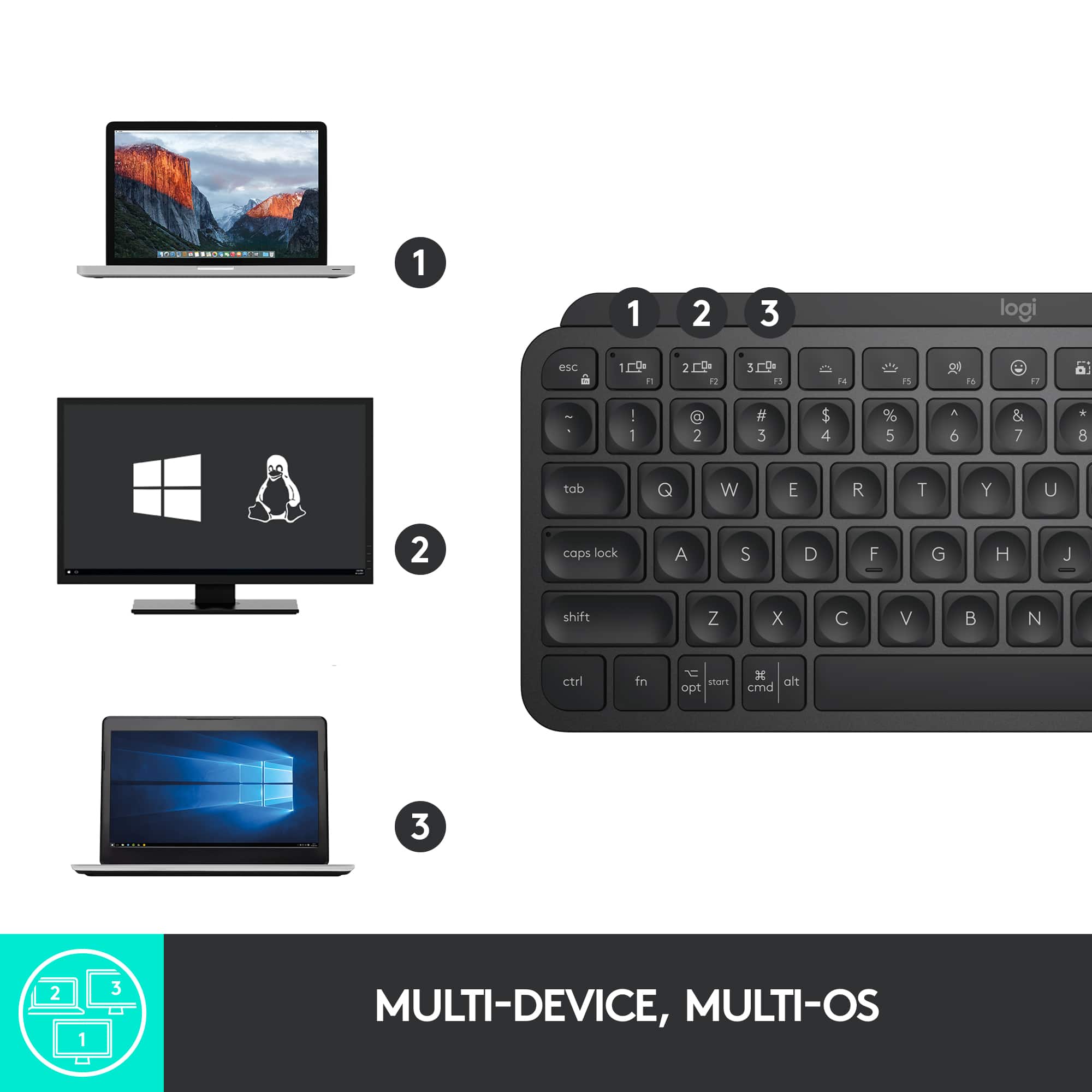
||Posted . Owned for 1 month when reviewed.This reviewer received promo considerations or sweepstakes entry for writing a review.Very easy to use! Switch between 2 MB Pro effortlessly!
I would recommend this to a friend - Pros mentioned:Ease of use
Happy with the keyboard and new hardware
||Posted . Owned for 1 month when reviewed.This reviewer received promo considerations or sweepstakes entry for writing a review.Love it for the new key commands, portability and ease of use.,
I would recommend this to a friend - Cons mentioned:Price
Nice product
||Posted . Owned for 2 weeks when reviewed.This reviewer received promo considerations or sweepstakes entry for writing a review.Nice color for the new released keyboard price is a bit over
I would recommend this to a friend Bluetooth is slow
||Posted . Owned for 3 weeks when reviewed.This reviewer received promo considerations or sweepstakes entry for writing a review.I like the feel and how it looks. However it sucks, not very responsive. I’ll start typing and it will take a moment to respond.
No, I would not recommend this to a friend- Pros mentioned:Ease of use
Love the color
||Posted . Owned for 1 month when reviewed.This reviewer received promo considerations or sweepstakes entry for writing a review.Keyboard was great. Very easy to connect as well.
I would recommend this to a friend - Pros mentioned:Ease of use
Best for money
||Posted .This reviewer received promo considerations or sweepstakes entry for writing a review.Best for multitask! Compact and easy to carry around!
I would recommend this to a friend Unusable
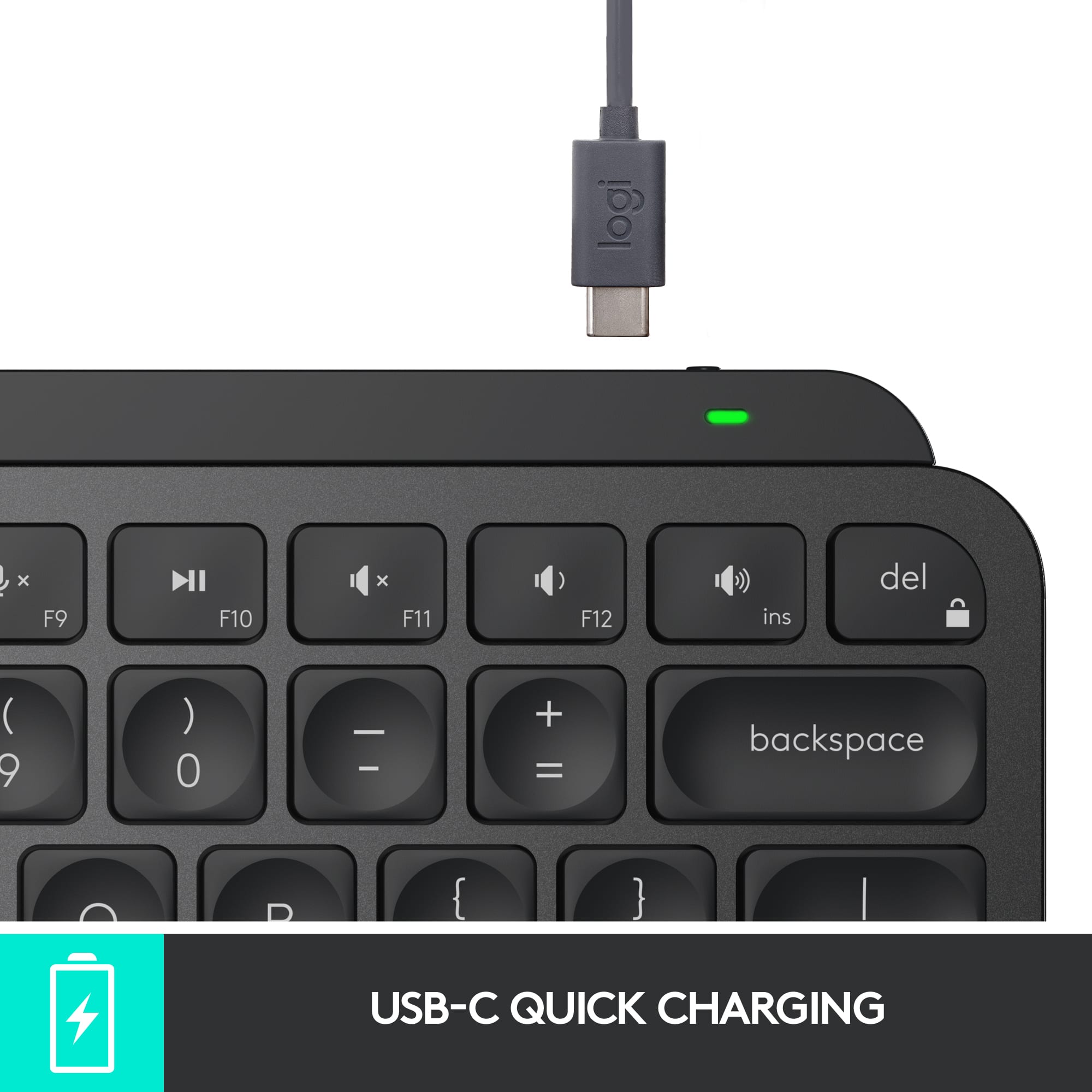
||Posted .This reviewer received promo considerations or sweepstakes entry for writing a review.If I plug a keyboard into my computer, it should just work. This device does nothing: Typing does nothing; checking USB cable, no dice; looking at Bluetooth settings shows nothing (I found out by searching that this keyboard only charges via USB, doesn't connect to computer via USB, like my Corsair mouse does.) Shame, I was looking forward to using this based on feel, but if it won't play nice (that is, at all) with my macbook, nothing to do but return it.
No, I would not recommend this to a friendBrand response from Logitech
Posted .We're very sorry to hear that your MX Keys S for Mac proved unusable and that you experienced such frustration with its connectivity. We understand your expectation for a plug-and-play experience and apologize that the keyboard did not meet that expectation. We appreciate you sharing your detailed feedback and will pass it along to our team for review.
- Pros mentioned:Keyboard quality
Nice little keyboard
||Posted . Owned for 3 weeks when reviewed.This reviewer received promo considerations or sweepstakes entry for writing a review.Nice little keyboard with good feel. Might be a little small for anyone with big hands.
I would recommend this to a friend Functional
||Posted . Owned for 3 weeks when reviewed.This reviewer received promo considerations or sweepstakes entry for writing a review.Too minature of a keyboard. Did not have a very good selection of keyboards and I unfortunately rushed to buy it.
No, I would not recommend this to a friend- Cons mentioned:Compatibility
Not for mac mini m4!
||Posted . Owned for less than 1 week when reviewed.This reviewer received promo considerations or sweepstakes entry for writing a review.I just got the mac mini M4 today. I got this keyboard. This keyboard is not compatible! Nor is the mouse. Please find ask for help.
No, I would not recommend this to a friendBrand response from Logitech
Posted .We apologize for the inconvenience caused by the incompatibility of the Logitech MX Keys S for Mac with your Mac mini M4. While the MX Keys S is designed for Mac devices, specific compatibility issues may arise with newer models.
3 Devices 1 Keyboard!
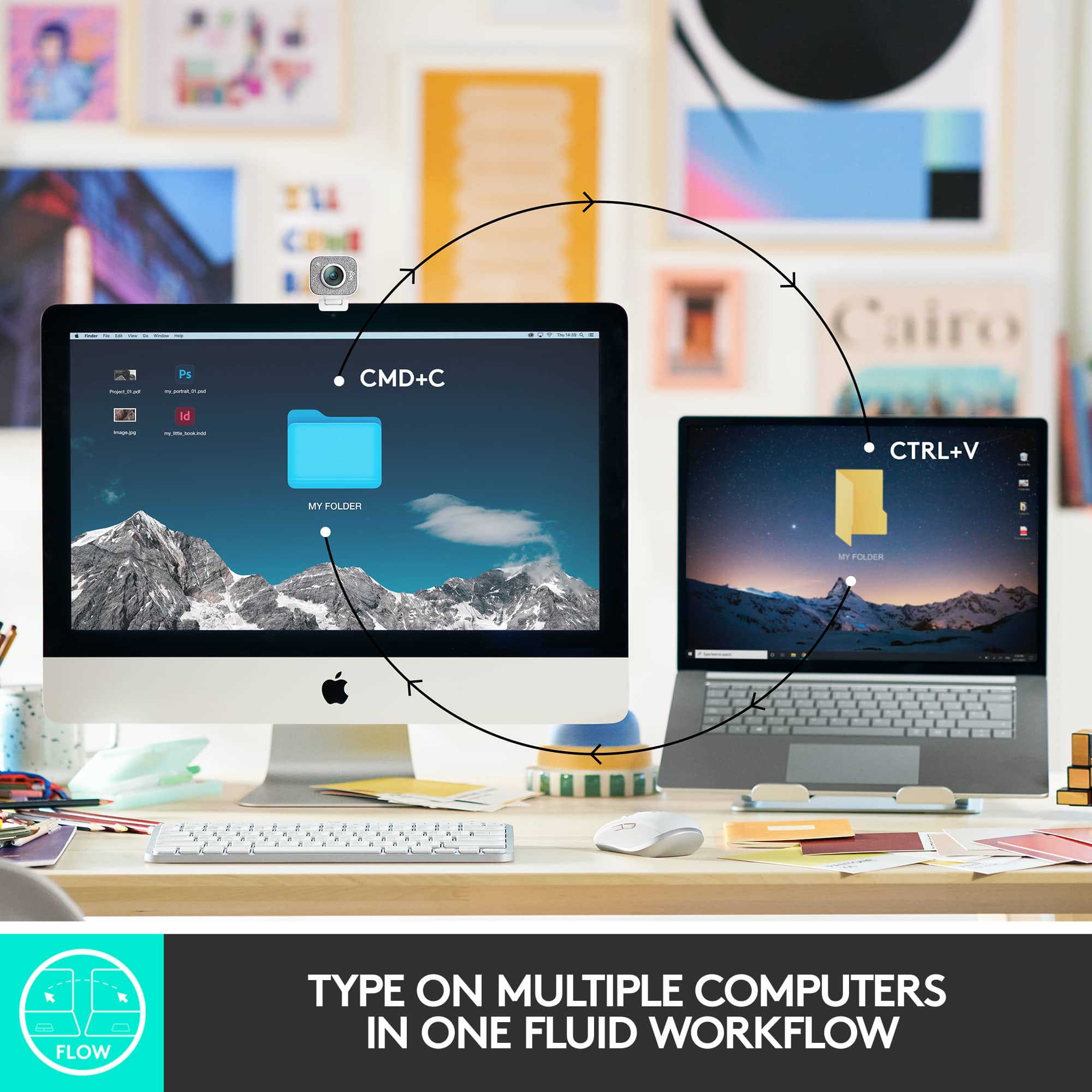
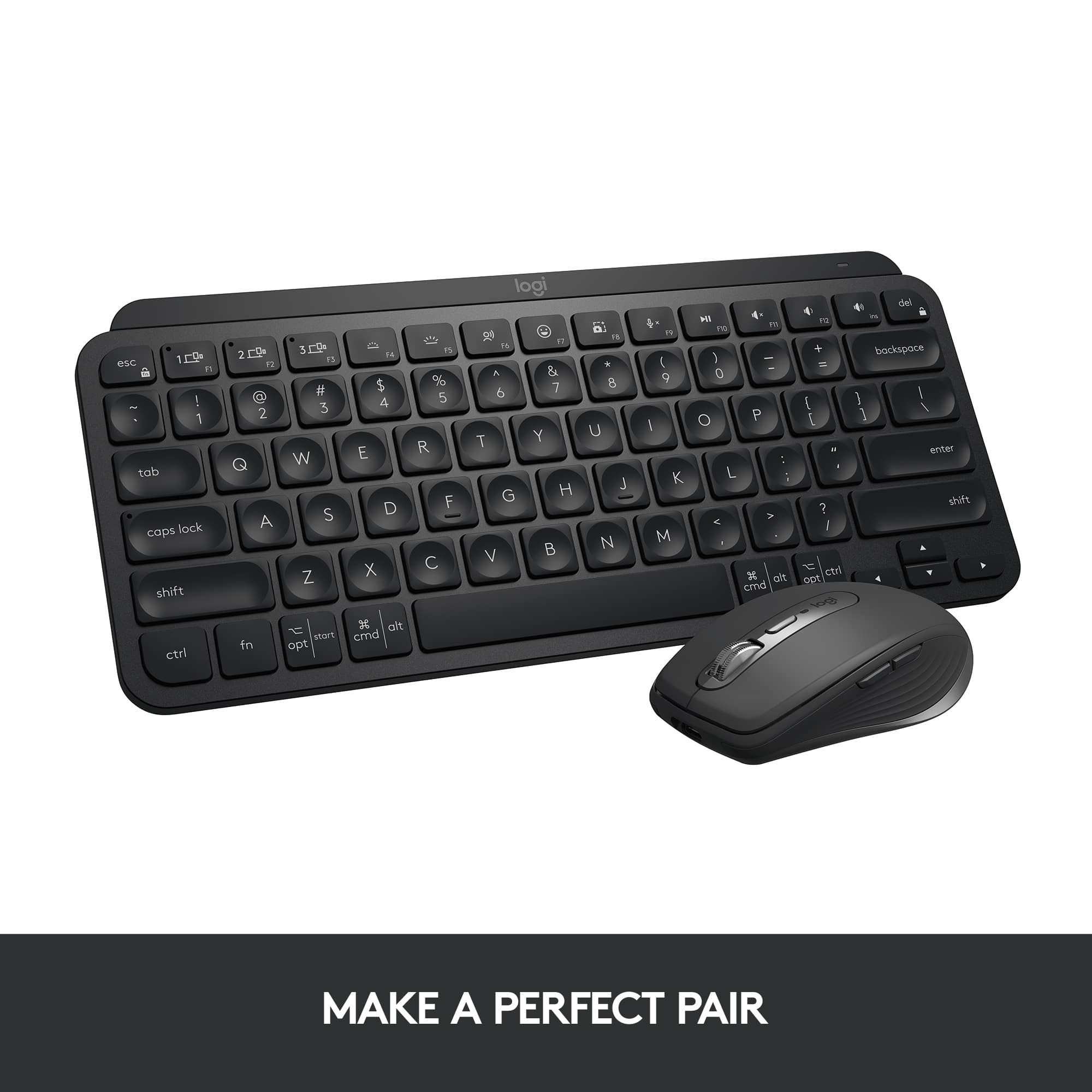
||Posted . Owned for 1 month when reviewed.This reviewer received promo considerations or sweepstakes entry for writing a review.I love it. I purchased this product in store. I love the shade of pink that it comes in so I also had to get the mouse that matched. The ability to switch seamlessly between multiple devices is something that I use regularly and need. Overall a fantastic product
I would recommend this to a friend