Customer Ratings & Reviews
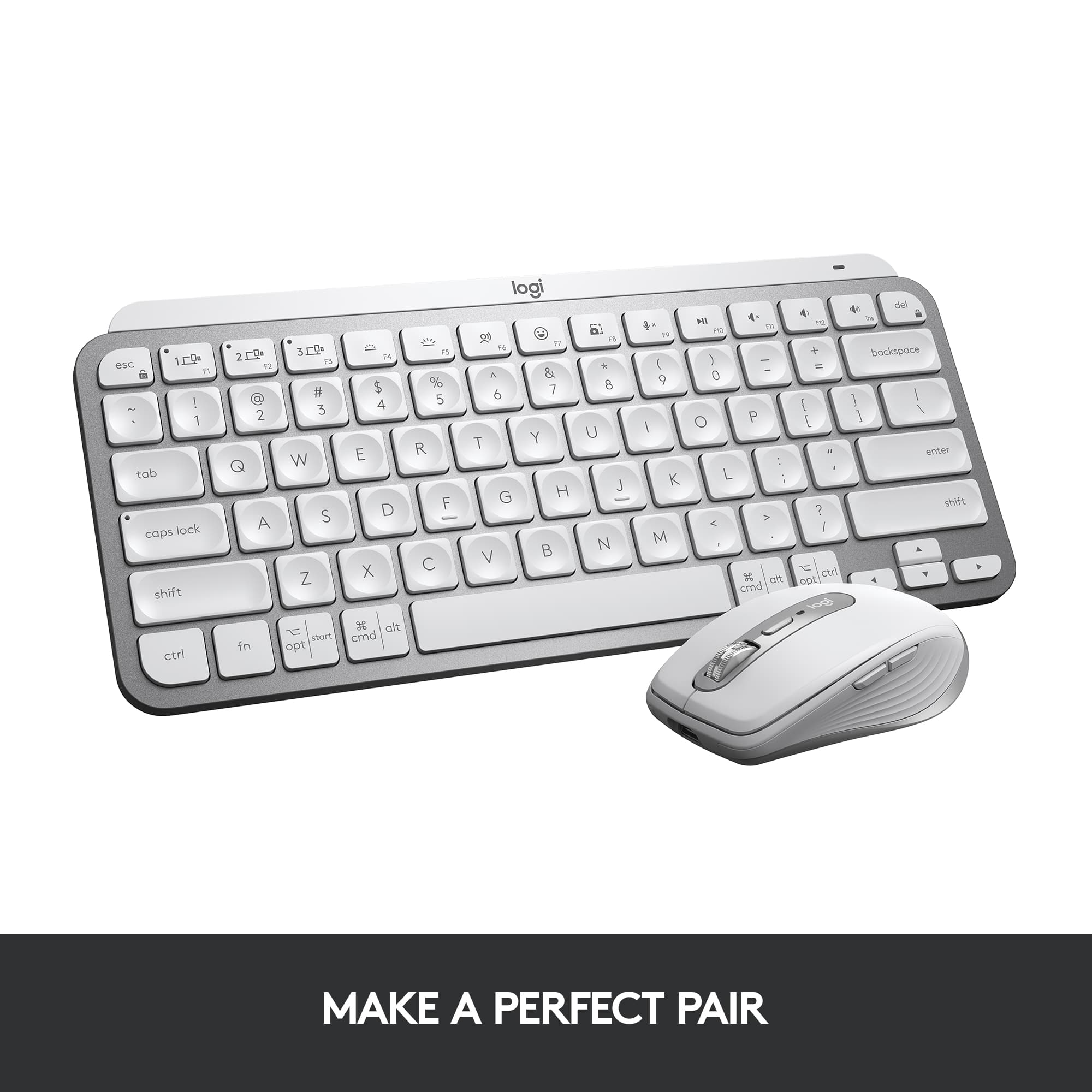
![logi esc to 1 F1 2 F2 3 F3 F4 F5 F6 F7 F8 x F9 NII F10 x F11 F12 Ins del ! 1 @ 2 # 3 $ 4 % 5 ^ 6 & 7 * 8 ( 9 ) 0 - ee + = backspace tab Q W E R T Y U I O P { [ } ] caps lock A S D F - G H J - K L : ; " J enter shift Z X C V B N M V , > ? / shift ctrl fn start opt H alt cmd alt cmd ctrl opt](https://pisces.bbystatic.com/image2/BestBuy_US/images/products/6478/6478160_sd.jpg)




- Model:
- 920-010473
- SKU:
- 6478160
Rating by feature
- Value
Rating 4.5 out of 5 stars
- Quality
Rating 4.8 out of 5 stars
- Ease of Use
Rating 4.7 out of 5 stars
to a friend
Customers are saying
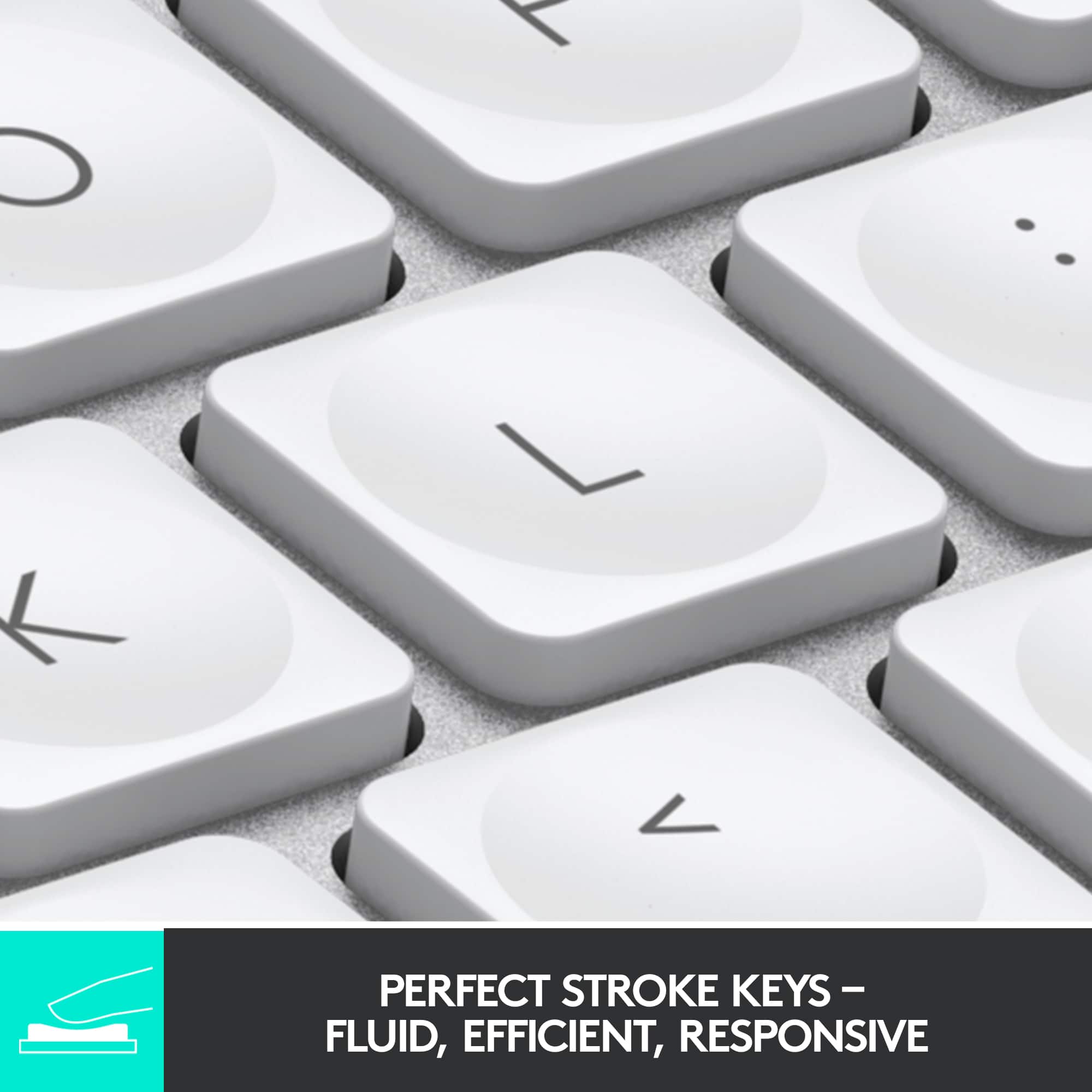
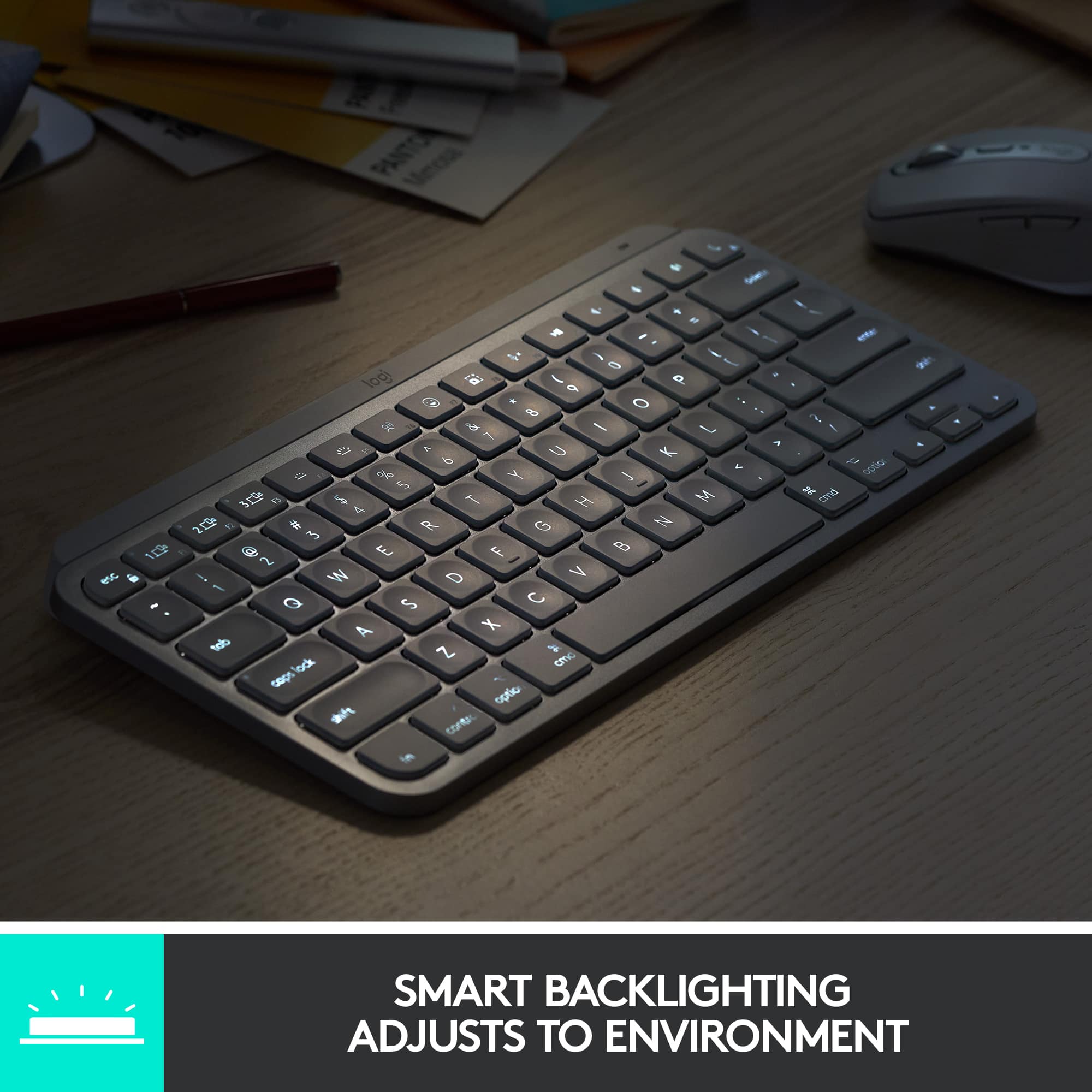
Customers admire the product's excellent keyboard quality, which is particularly easy to use at night, along with its long battery life, incredible ease of use, and compact size. They also appreciate its connectivity via Bluetooth and the satisfying scissor key feel. On the other hand, some customers found the product to be pricey and wished it included a side number pad. A few users also reported compatibility issues.
This summary was generated by AI based on customer reviews.
Really nice
||Posted . Owned for 1 week when reviewed.This reviewer received promo considerations or sweepstakes entry for writing a review.There is nothing to dislike about this item. It is a very good wireless keyboard.
I would recommend this to a friendLove it!!
||Posted . Owned for 2 weeks when reviewed.This reviewer received promo considerations or sweepstakes entry for writing a review.We bought this keyboard for my daughter for Christmas and she loves it!
I would recommend this to a friend
I'm Enjoying this Mini Keyboard
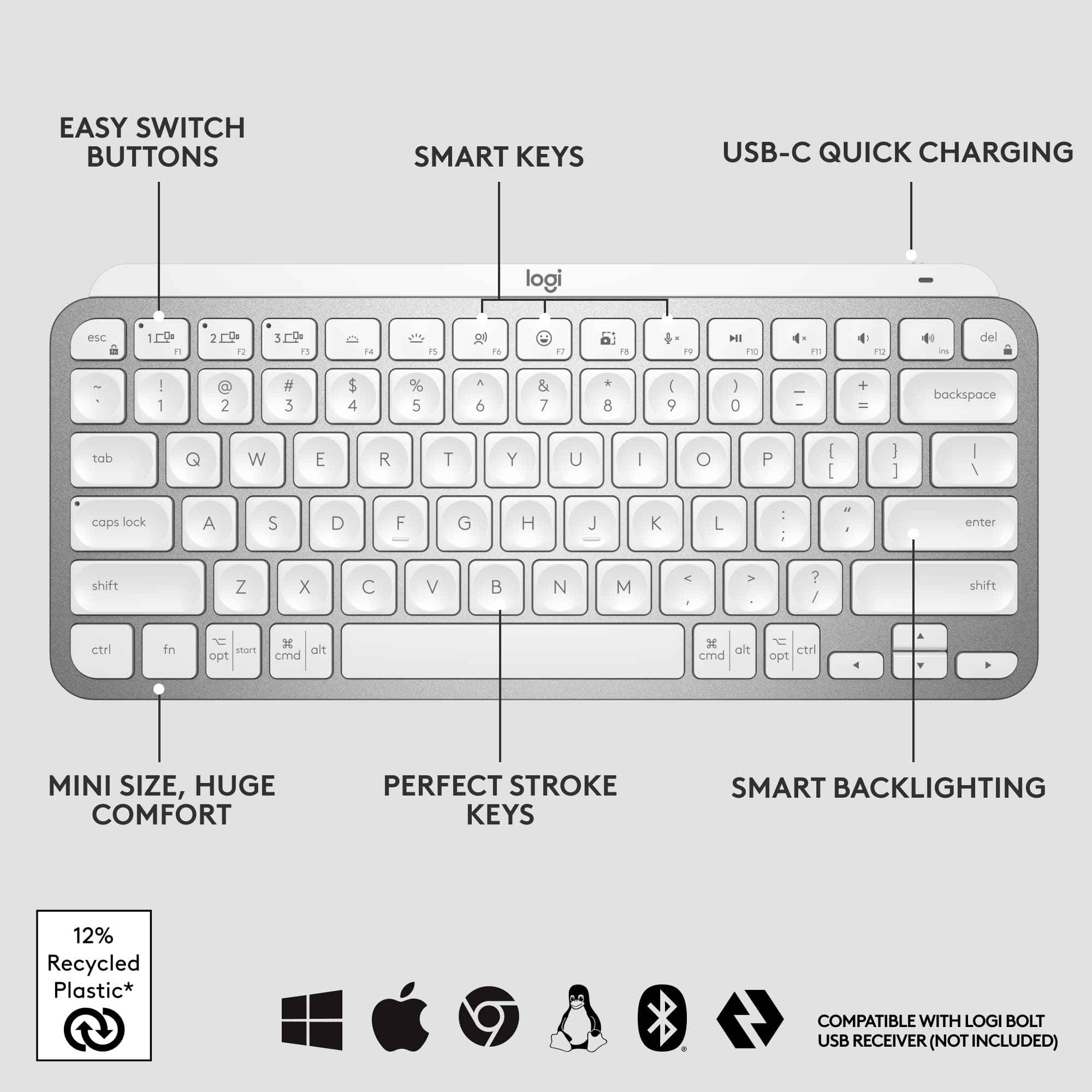
|Posted .This reviewer received promo considerations or sweepstakes entry for writing a review.The Logitech MX Keys Mini Wireless Bluetooth Keyboard with Backlit Keys is amazing for its size. I have made this my daily driver Keyboard for my tablet as of now. The size is great for portability and space on a small desk or like I have used it already, in a small sales setting with a customer on the tailgate of my truck. The customer actually asked about it and said it was by far the most professional setup he has seen with 10" tablet and the Logitech Keyboard. The batteries must last a long time, I am 5 days into using it and it is still working fine with using the back lighting almost all the time. The back lighting may be the most favorite feature for myself. The keys are a close but comfortable spacing with a nice shape your fingers fall right into. The positive but smooth feel of the Keys help your brain know you are typing or not, you know if you did not press the key because of the way the keys feel, unusual for myself but now find myself wanting that feel on my office Keyboard. The shortcut keys are a plenty on this setup, from Emoji Keys to Volume and lighting buttons. The quick connection through Bluetooth and/or USB makes it easy as pie for use on anything from a Windows computer, XBOX X, Samsung tablet or phone, at least it has for me during testing. I am going to set this up in my gaming area permanently to use as my quick function Keyboard next. This will definitely help when streaming having a small keyboard to move around fast. I plan on buying another to use during business when I have time to get back up to Best Buy. If you are looking for an amazing but small Keyboard, give the Logitech MX Mini a look, I am positive you will not return it.
I would recommend this to a friendExcellent
||Posted . Owned for 3 weeks when reviewed.This reviewer received promo considerations or sweepstakes entry for writing a review.I bought this keyboard for my wife. She loves it and so far no issues on the keyboard
I would recommend this to a friendExcellent
||Posted . Owned for less than 1 week when reviewed.This reviewer received promo considerations or sweepstakes entry for writing a review.Excellent keyword, was gift to my son's friend. She loved it.
I would recommend this to a friendLove it!
||Posted . Owned for 3 months when reviewed.This reviewer received promo considerations or sweepstakes entry for writing a review.Absolutely love this keyboard! It works amazing with my windows computer.
I would recommend this to a friend10 stars hands down
||Posted . Owned for 1 month when reviewed.This reviewer received promo considerations or sweepstakes entry for writing a review.Absolutely love keyboard. Had to return unfortunately it was too expensive.
I would recommend this to a friendBad firmware control of backlight
||Posted . Owned for 2 weeks when reviewed.This reviewer received promo considerations or sweepstakes entry for writing a review.The backlight goes off on this unit, randomly and even when actively typing, support says update firmware, but The firmware update tool can’t find the keyboard, I’d return it, but missed return window by 2 DAYS.
No, I would not recommend this to a friendBrand response from Logitech
Posted .That's unexpected! In order to help you effectively, please provide your information to our support team by emailing socialcare@logitech.com. Name – Email address – Country – Product name – Brief description of the issue –
What a time to be alive!
||Posted . Owned for 1 week when reviewed.This reviewer received promo considerations or sweepstakes entry for writing a review.My wife needed something to type words, so I bought here this keyboard. It worked!
I would recommend this to a friendKey board
||Posted . Owned for 3 months when reviewed.This reviewer received promo considerations or sweepstakes entry for writing a review.It’s a very pretty keyboard, a little on the small side but it does the job
I would recommend this to a friendBest!
||Posted . Owned for 1 month when reviewed.This reviewer received promo considerations or sweepstakes entry for writing a review.So compact, best wireless key pad i have ever purchased.
I would recommend this to a friendRecommend
||Posted . Owned for 1 month when reviewed.This reviewer received promo considerations or sweepstakes entry for writing a review.Love this keyboard. Very quick and responsive would recommend!
I would recommend this to a friendKeyboard a +
||Posted . Owned for 1 month when reviewed.This reviewer received promo considerations or sweepstakes entry for writing a review.Great keyboard and color options very light and durable
I would recommend this to a friendThe gem Mac and iPad users didn't know they needed
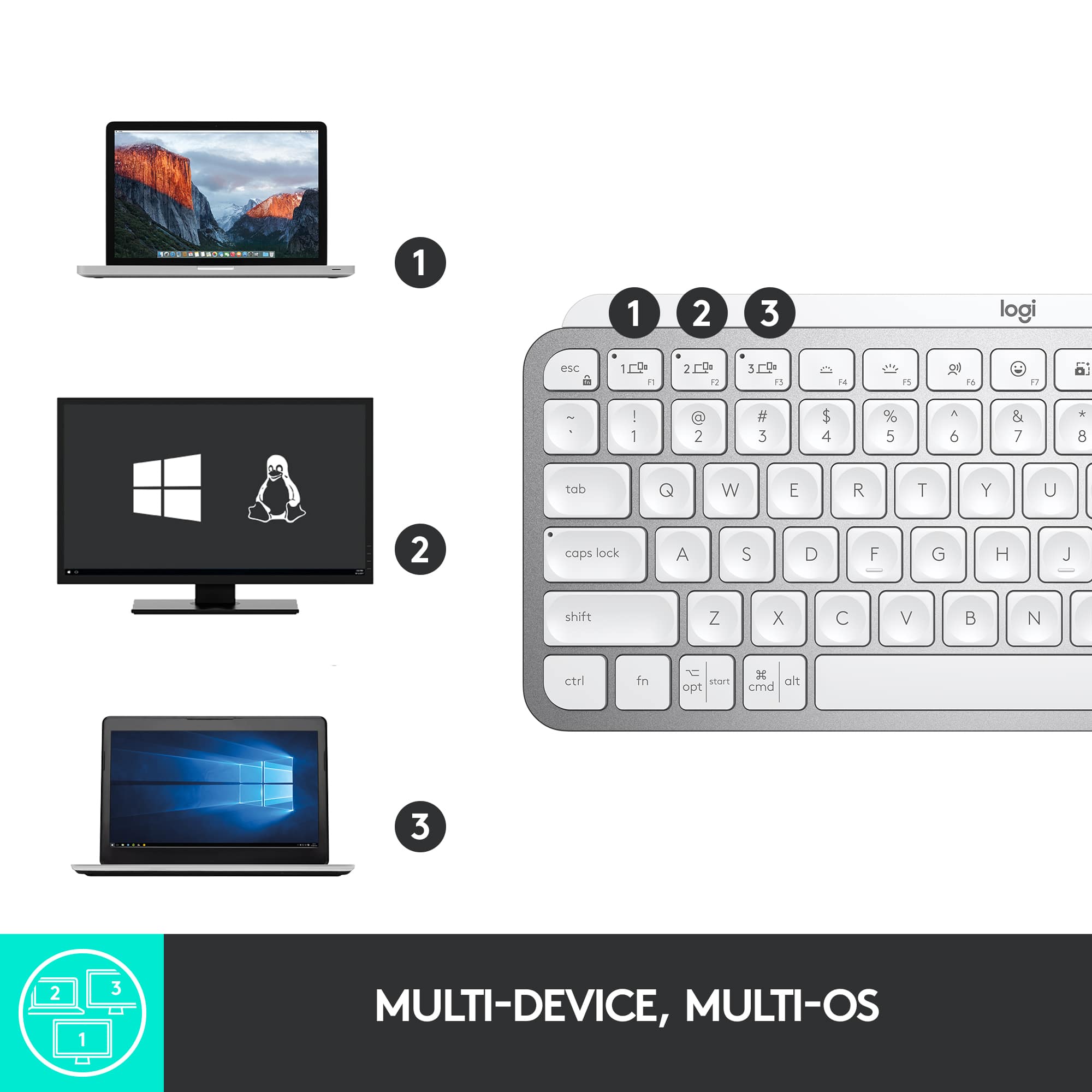
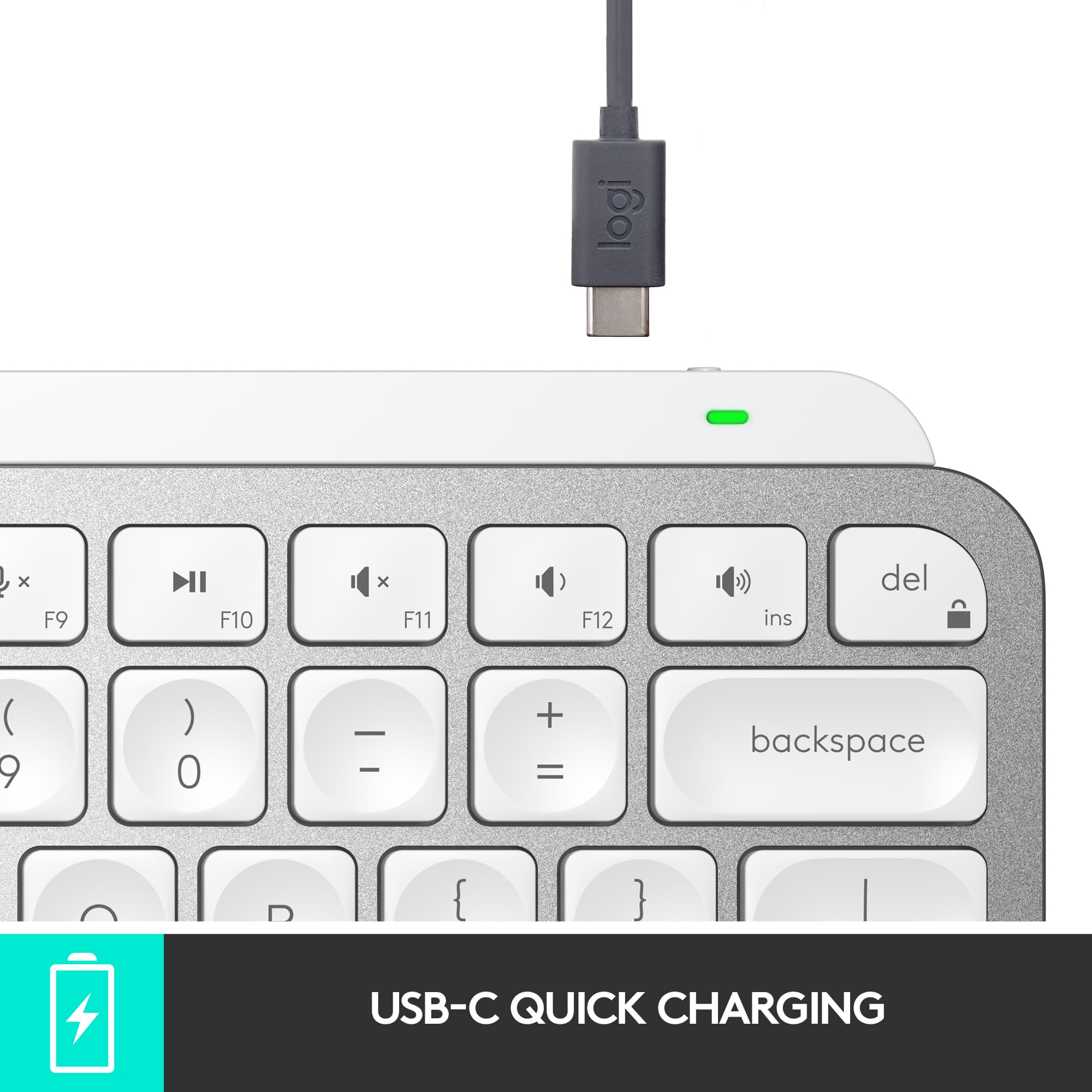
|Posted .This reviewer received promo considerations or sweepstakes entry for writing a review.After recently starting work from home, I found my Apple-branded Magic Keyboard that came with my iMac to be inadequate for long-term usage. The main issue is my fingers would be in throbbing pain from the sharp edges of the keys which you're bound to hit repeatedly as you type in a customer service/chat environment. Enter the Logitech MX Keys S for Mac. The first thing I noticed about this keyboard is the heft. It's got a premium feel and build quality to it. The keys, while square, have circular enclaves, which Logitech calls "spherically-dished keys" and I'm happy to report after weeks of typing on them, they are SUPER comfortable and the travel and action are on point. Beyond that, the keys are also backlit and there are sensors that detect when your hands are near the keyboard to control this functionality to preserve battery. Speaking of battery, the keyboard charges over USB-C and Logitech estimates 10 days of usage per charge with back-lighting enabled and I've yet to have to charge in almost that amount of time. Useful shortcuts are located across the F-row of keys and include: screen brightness decrease; screen brightness increase; keyboard brightness decrease; keyboard brightness increase; diction start & stop; emoji menu; mute/un-mute Mic; playback controls (rewind, play/pause & fast forward); audio controls (mute, volume down & volume up). There are also shortcuts for connecting multiple devices which Logitech calls Easy Switch. Considering most Mac users also own an iPhone and/or an iPad, this makes it easy to pair your keyboard to these devices and switch back and forward by tapping the corresponding paired number setting (you can pair up to 3). So for instance, if I have my iPad next to my iMac, I can type on my iMac by pressing "1" on the Easy Switch keyboard and if I want to switch to my iPad, I can press "2" and after a second or two I'm ready to type on my iPad - and you can switch back and forward. Additionally there are also quick action keys to launch the calculator, take a screen snip and to lock the screen if you're walking away from your device. You can also automate repetitive tasks with Smart Options which lets you launch a sequence of actions with a two-key shortcut - i.e. if I press control + a then minimize my Safari window and launch Apple Music. I didn't try this out as it seems like in the amount of time it would take to program and remember these, options I'm proficient enough where it's quicker for me to just do what I need to do - sans keyboard options. My only two improvements: I do wish you could raise the height of the keyboard (a steeper incline), but the height is fixed. I also wish there was a native keyboard shortcut for the Mission Control view (I would get more usage out of this than say Emojis) in macOS and/or the Stage Manager view on iPad (could be the same key) and one for showing the desktop (could be useful on Mac and iPad as well). Technically if you download the LOGI Options+ app, you can customize the F-row keys of shortcuts so this is a more minor quirk.
I would recommend this to a friendBrand response from Logitech
Posted .Hey! Thank you for your feedback on the Logitech MX Keys S for Mac! We're glad you find it comfortable and productive.
Stopped charging after 13 months
||Posted . Owned for 1 year when reviewed.This reviewer received promo considerations or sweepstakes entry for writing a review.Keyboard stopped charging a month after the 1 year warranty
No, I would not recommend this to a friendBrand response from Logitech
Posted .We're truly sorry to hear your Logitech MX Keys Mini TKL keyboard stopped charging just a month after its warranty period. To address this issue, we recommend reaching out to our social care team via email at socialcare@logitech.com with your
- Name:
- Email Address:
- Country:
- Product Name:
- Brief description of issue:
Great Keyboard with my Mac
||Posted . Owned for 1 month when reviewed.This reviewer received promo considerations or sweepstakes entry for writing a review.Great keyboard, small footprint and looks good too!
I would recommend this to a friendPerfect
||Posted . Owned for 2 weeks when reviewed.This reviewer received promo considerations or sweepstakes entry for writing a review.Works perfect along with the mouse that was purchased.
I would recommend this to a friendlove!
||Posted . Owned for 3 weeks when reviewed.This reviewer received promo considerations or sweepstakes entry for writing a review.cute and functional. I love the backlite keyboard!
I would recommend this to a friendGeat Keyboard for IPad
||Posted . Owned for 1 month when reviewed.This reviewer received promo considerations or sweepstakes entry for writing a review.I saw this in store and was able to purchase online.
I would recommend this to a friendNear perfect keyboard for easy personal/office use
|Posted .This reviewer received promo considerations or sweepstakes entry for writing a review.The MX Keys line from Logitech is one of my favorite product lines in computer accessories. The new MX Keys S is a great addition to the line that matches Space Gray Macs and uses the Logi Bolt receiver which is more secure than the previous Unifying receivers. #First Impressions and Look and Feel# The MX Keys S fits within the MX Keys line above the Mini and below the Mechanical versions. This is a dedicated keyboard for Mac without labeling for Windows layout on its keys. I was a little bummed that the MX Keys S doesn't include the leatherette wrist pad that the old MX Keys keyboard came with. One thing I noted immediately is that this is a very heavy keyboard vs the MX Keys Mini that I've been using for a few years. The full size MX Keys S has additional heft that isn't directly explained by the full numberpad included vs my old Mini. The keyboard is still exceptionally thin as well as just wide enough for the full size keyboard, thus fits in a backpack pretty well. The MX Keys S has fantastic backlighting that turns on as soon as you touch any part of the keyboard. This allows it to turn off quickly to save battery life but still turn back on quickly enough to be able to see as you place your hands on the keys. The timeout is customizable in the Logi Options+ app. #Usage# The typing experience on the MX Keys S is about as good as you can get on a scissor membrane keyboard. The keys are smooth and responsive with a small tactile bump just as you bottom out. The keyboard is very quiet and perfect for use in a crowded office environment. The Logi Options+ software allows you to easily pair it to a Logi Bolt receiver and you can switch between up to 3 computers/tablets/iPads with easy buttons near the right end of the keyboard. Logi Options+ lets you set layouts to match Windows or Mac as well as customize the backlight settings and update firmware. #Final thoughts# The MX Keys S is a great keyboard to pair with a Space Gray Mac and is easy to switch between multiple devices. I love using it with my work computer and then being able to tap a single key to switch and connect via Bluetooth to an iPad or personal Mac.
I would recommend this to a friendBrand response from Logitech
Posted .Hey! Absolutely, thanks for the detailed review of the Logitech MX Keys S for Mac! Your breakdown will be helpful for us as we continuously strive to improve our offerings.