Customer Ratings & Reviews
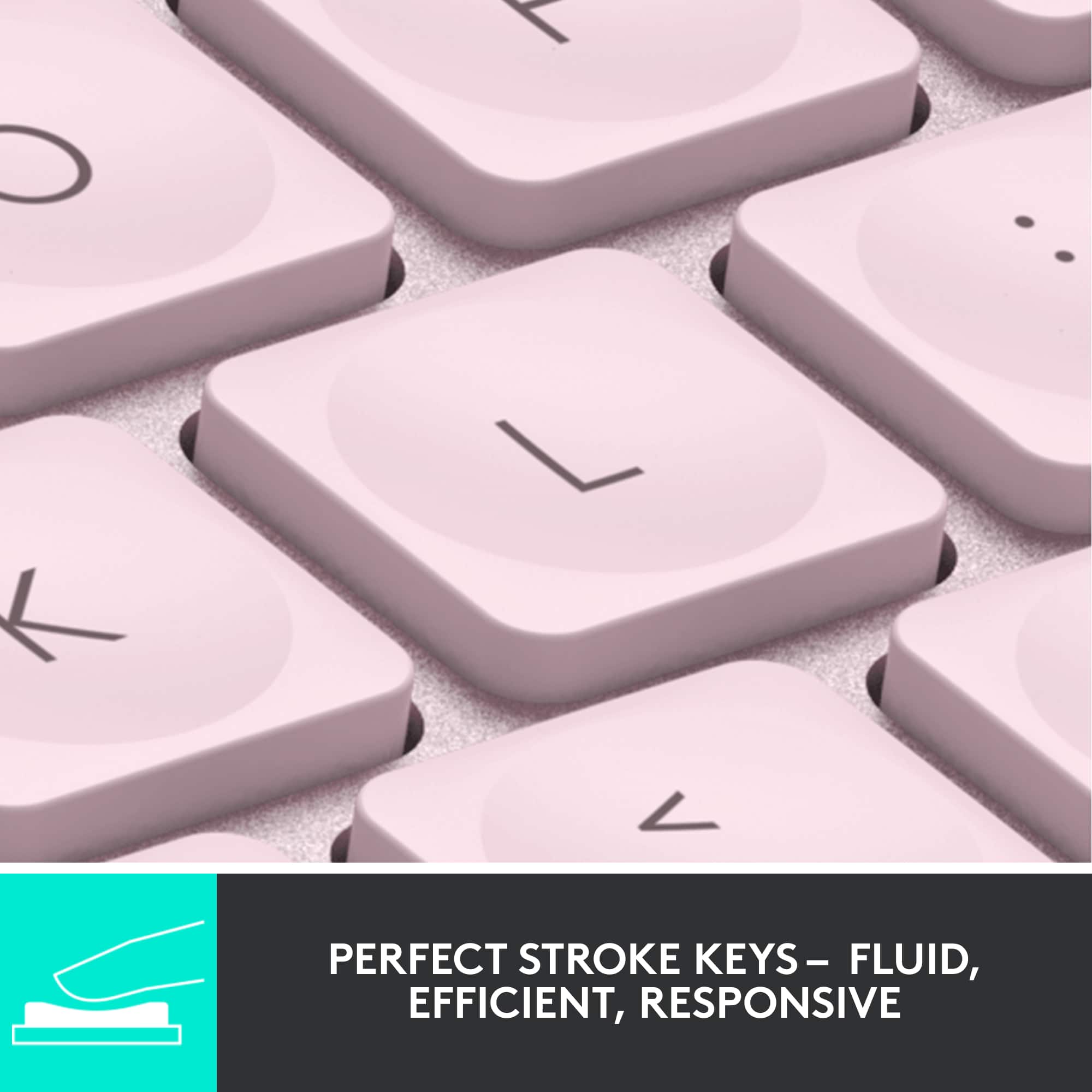
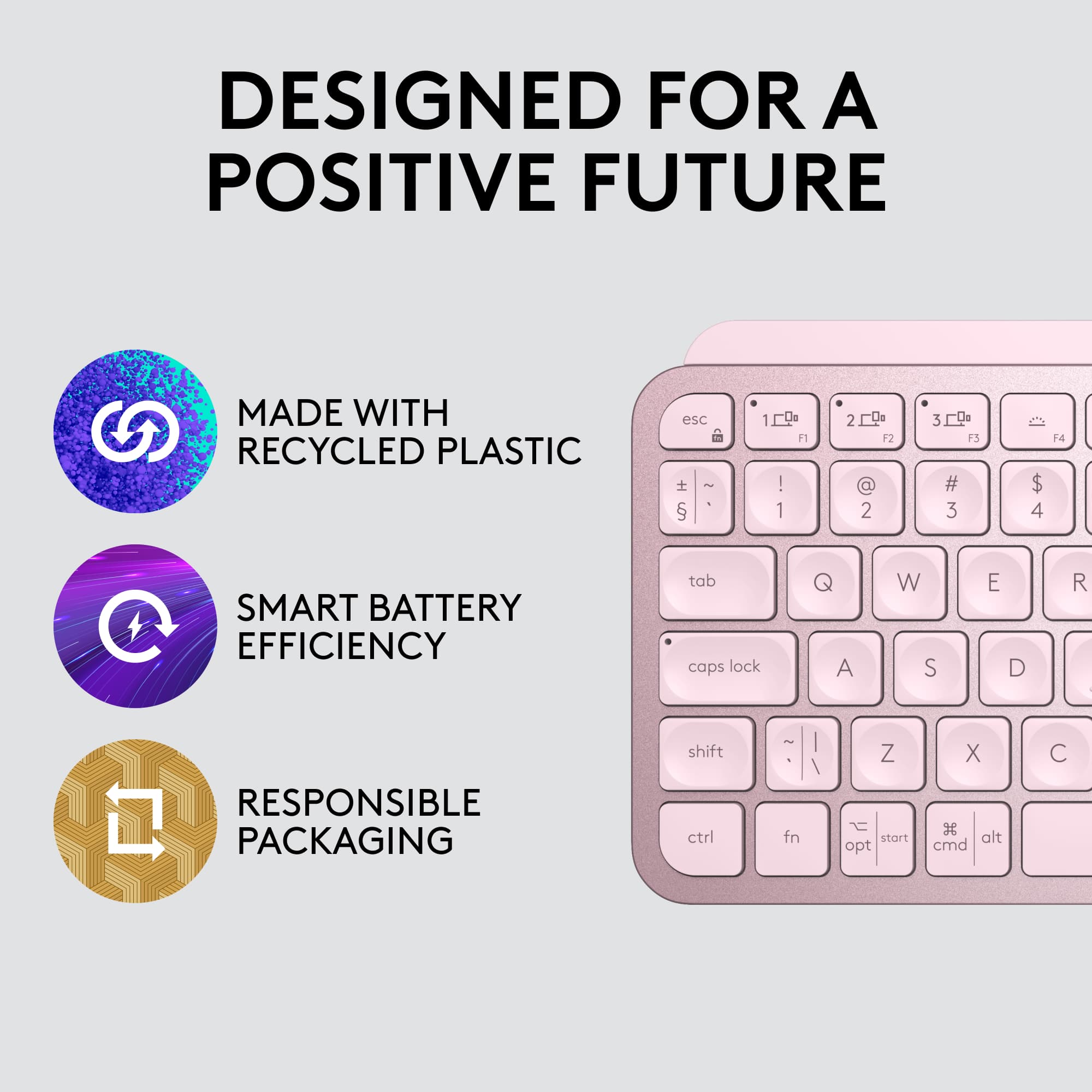
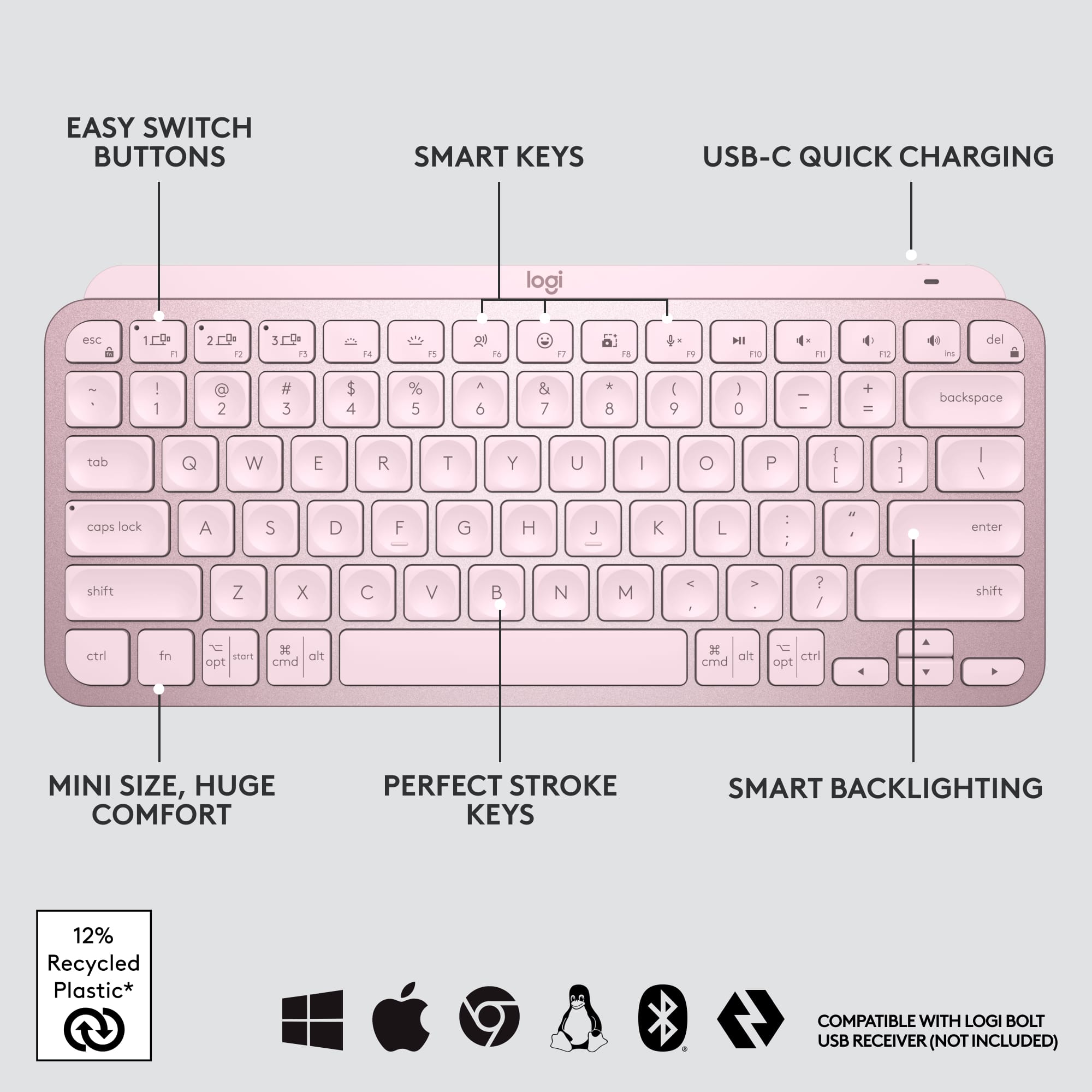
![The text on the image is a list of keys on a keyboard. Here is the corrected and grouped text:
1. Esc
2. F1
3. F2
4. F3
5. F4
6. F5
7. F6
8. F7
9. F8
10. F9
11. F10
12. F11
13. F12
14. Ins
15. Del
16. ~
17. !
18. 1
19. @
20. 2
21. #
22. 3
23. $
24. %
25. ^
26. &
27. 7
28. *
29. 8
30. (
31. )
32. 0
33. -
34. +
35. =
36. backspace
37. tab
38. Q
39. W
40. E
41. R
42. T
43. Y
44. U
45. I
46. O
47. P
48. {
49. [
50. ]
51. caps lock
52. S
53. D
54. F
55. G
56. H
57. J
58. -
59. K
60. L
61. :
62. ;
63. "
64. J
65. enter
66. shift
67. Z
68. X
69. V
70. B
71. N
72. M
73. ,
74. >
75. ?
76. /
77. shift
78. ctrl
79. fn
80. start
81. opt
82. H
83. alt
84. cmd
85. H
86. alt
87. cmd
88. ctrl
89. opt](https://pisces.bbystatic.com/image2/BestBuy_US/images/products/6478/6478159_sd.jpg)


![1. logi
2. esc 1 2 3 4 5 6 7 8 9 0 - = backspace
3. tab Q W E R T Y U I O P [ ] \
4. caps lock A S D F G H J K L ; ' enter
5. shift Z X C V B N M , . / shift
6. ctrl fn opt alt cmd
7. MULTI-DEVICE, MULTI-OS](https://pisces.bbystatic.com/image2/BestBuy_US/images/products/e563c254-4b09-453f-a596-db8b270b59a9.jpg)
![USB-C QUICK CHARGING
F9 F10 F11 F12 ins del
( 9 ) 0 - + = backspace O P { [ } ] \](https://pisces.bbystatic.com/image2/BestBuy_US/images/products/4ba47143-9573-4c40-9018-df94b6892919.jpg)

![IN THE BOX
logi
esc 1 2 3 4 5 6 7 8 9 0 - = backspace tab Q W E R T Y U I O P [ ] \ caps lock A S D F G H J K L ; ' enter shift Z X C V B N M , . / shift ctrl fn opt alt cmd
Responsible Packaging FSC™ FSC® N003028](https://pisces.bbystatic.com/image2/BestBuy_US/images/products/6177db92-9bf5-4933-9264-5b70b886f806.jpg)
- Model:
- 920-010474
- SKU:
- 10840948
Rating by feature
- Value
Rating 4.5 out of 5 stars
- Quality
Rating 4.8 out of 5 stars
- Ease of Use
Rating 4.7 out of 5 stars
LOVE BEST BUY!
||Posted . Owned for 6 months when reviewed.This reviewer received promo considerations or sweepstakes entry for writing a review.Always great help. Friendly. Great selection of computer products. Like Best Buy.
I would recommend this to a friendThe best compact keyboard.
||Posted . Owned for 1 week when reviewed.This reviewer received promo considerations or sweepstakes entry for writing a review.I am definitely happy with this purchase. This keyboard is nice, compact, and perfect for anytime you are on the go.
I would recommend this to a friendGreat…but
||Posted . Owned for 3 weeks when reviewed.This reviewer received promo considerations or sweepstakes entry for writing a review.Great keyboard but if you gave the option for screen brightness (laptops) weather a built in buttons or customizing it using the software,that could make this keyboard perfect
I would recommend this to a friendBrand response from Logitech
Posted .Hello, MacAndWindowsUser! I'm happy to hear that, overall, you're enjoying the MX Keys Mini keyboard! Feel free to reach out to our support team here https://support.logi.com/hc/en-us/requests/new?ticket_form_id=360000621393 if you ever need any assistance or if something happens in the 1-year limited hardware warranty. Thank you for the screen brightness option feedback! I will be passing this along. - Maggie from Logitech
Great product
||Posted . Owned for 4 months when reviewed.This reviewer received promo considerations or sweepstakes entry for writing a review.It is really comfortable and practical. Highly recommended
I would recommend this to a friendAmazing
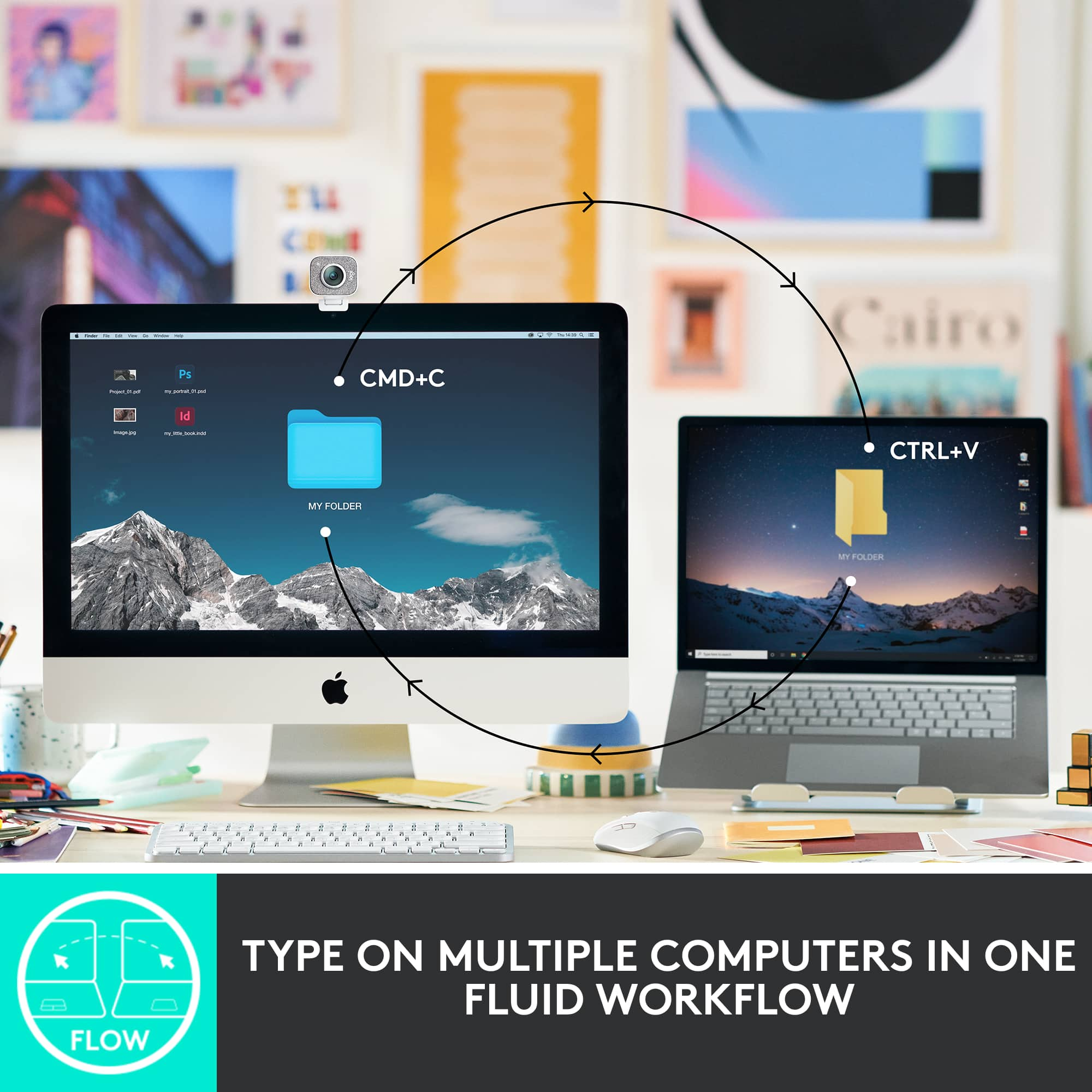
||Posted . Owned for 1 week when reviewed.This reviewer received promo considerations or sweepstakes entry for writing a review.This keyboard is incredible! I love that you can switch between screens with one button, I love the keys, the comfort! Worth the money!
I would recommend this to a friendGood keyboard
||Posted . Owned for 1 month when reviewed.This reviewer received promo considerations or sweepstakes entry for writing a review.Good product to use in tight surface s d it has full functionality
I would recommend this to a friendBluetooth Keyboard
||Posted . Owned for 3 weeks when reviewed.This reviewer received promo considerations or sweepstakes entry for writing a review.Great buy for the price! Very easy to connect and use for my lap top/tablet.
I would recommend this to a friend- Pros mentioned:Key feel
Awesome keyboard!
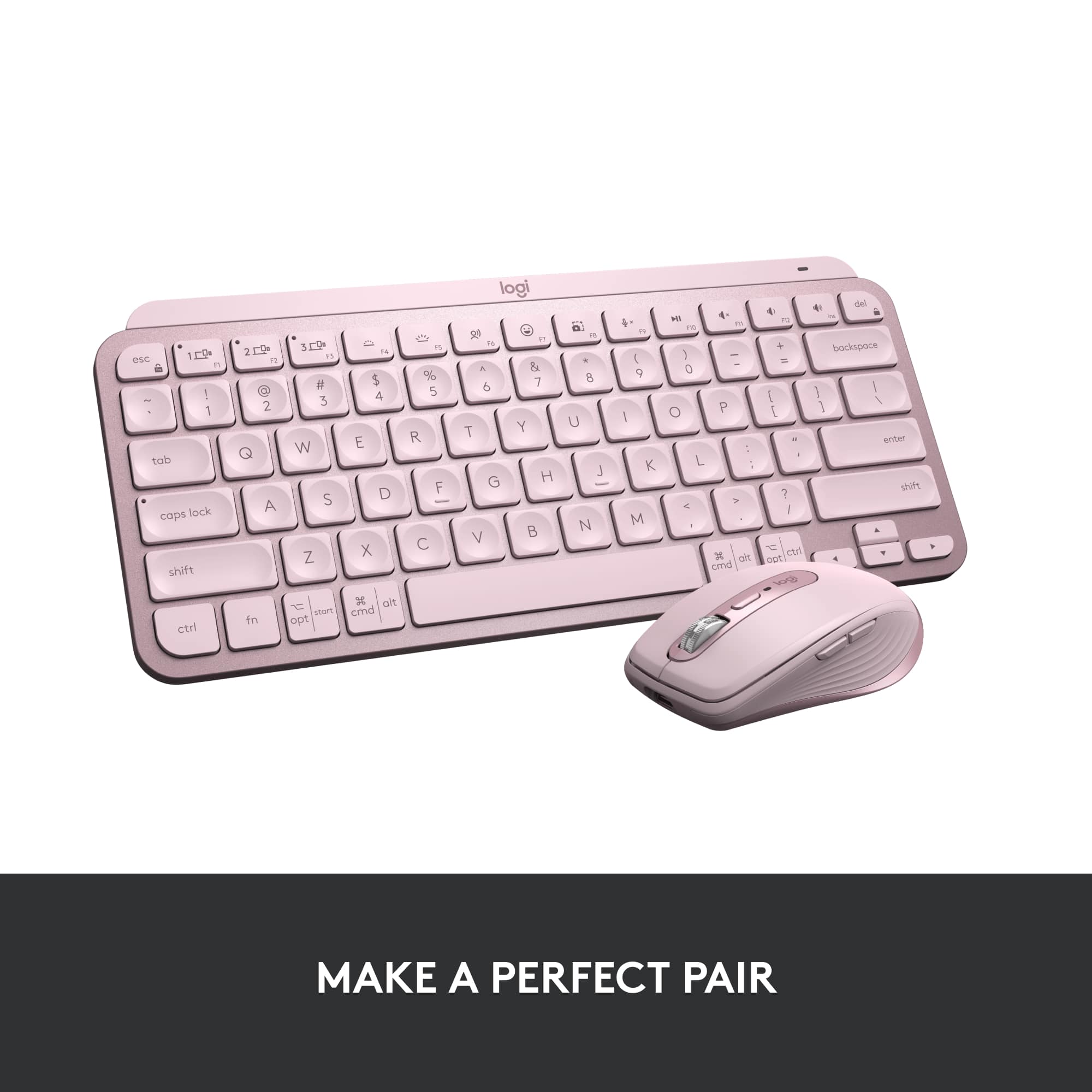
||Posted . Owned for 3 weeks when reviewed.This reviewer received promo considerations or sweepstakes entry for writing a review.Really great keyboard. Solid consteiction, and awesome key feel. Backlit works great and I appreciate the multiple platform labels on the keys. I use it with my windows and Mac and the best thing is the "del" key (in addition to backspace). If you're looking for a matching mouse, Logitech Anywhere 3 in rose color is a perfect match!
I would recommend this to a friend Nice Keyboard
||Posted . Owned for 1 month when reviewed.This reviewer received promo considerations or sweepstakes entry for writing a review.Nice keyboard when your Apple computer is older and doesn’t have the plugs to use the newer Apple keyboards.
I would recommend this to a friendLogitech keyboard
||Posted . Owned for 6 months when reviewed.This reviewer received promo considerations or sweepstakes entry for writing a review.I bought this for my IPad Pro. I like the larger buttons and that it can be used with android or apple products.
I would recommend this to a friendBest I've owned
||Posted . Owned for 3 weeks when reviewed.This reviewer received promo considerations or sweepstakes entry for writing a review.Love this keyboard. A little heavy for it's size, but worth it.
I would recommend this to a friendKeyboard
||Posted . Owned for 5 months when reviewed.This reviewer received promo considerations or sweepstakes entry for writing a review.Very comfortable keyboard, the best thing about it is that is wireless.
I would recommend this to a friendThe best portable keyboard from Logitech
||Posted . Owned for 3 weeks when reviewed.This reviewer received promo considerations or sweepstakes entry for writing a review.Excellent successor to the earlier non-backlit version. Works as expected. Keyboard touch is gentle and comfortable.
I would recommend this to a friendA great keyboard
||Posted . Owned for 2 months when reviewed.This reviewer received promo considerations or sweepstakes entry for writing a review.I love this comfortable keyboard for my work and personal computers. Fantastic product!
I would recommend this to a friendGood Keyboard!
||Posted . Owned for 6 months when reviewed.This reviewer received promo considerations or sweepstakes entry for writing a review.Works as intended...when I press keys...they function properly....
I would recommend this to a friendGood not awesome
||Posted . Owned for 1 week when reviewed.This reviewer received promo considerations or sweepstakes entry for writing a review.Great when it works! Love this little keyboard for the most part. But it seems to loose charge extremely fast and I can’t use it while plugged in.
No, I would not recommend this to a friendNice keys
||Posted . Owned for less than 1 week when reviewed.This reviewer received promo considerations or sweepstakes entry for writing a review.Very nice awesome keyboard so I can close laptops for multi monitor applications
I would recommend this to a friendGREAT Keyboard
||Posted . Owned for 1 month when reviewed.This reviewer received promo considerations or sweepstakes entry for writing a review.Great keyboard for traveling. The feel is substantial and the rechargeable battery is a great feature.
I would recommend this to a friendLogitech keyboard is awesome
||Posted . Owned for 1 month when reviewed.This reviewer received promo considerations or sweepstakes entry for writing a review.Replacement keyboard for my desktop. Again, Logitech works out of the box. Great keyboard, and of course backlit.
I would recommend this to a friend
Def. worth it!!
|Posted . Owned for 1 month when reviewed.This reviewer received promo considerations or sweepstakes entry for writing a review.Love this Keyboard so much. it matches well with my set up.
I would recommend this to a friend