Customer Ratings & Reviews
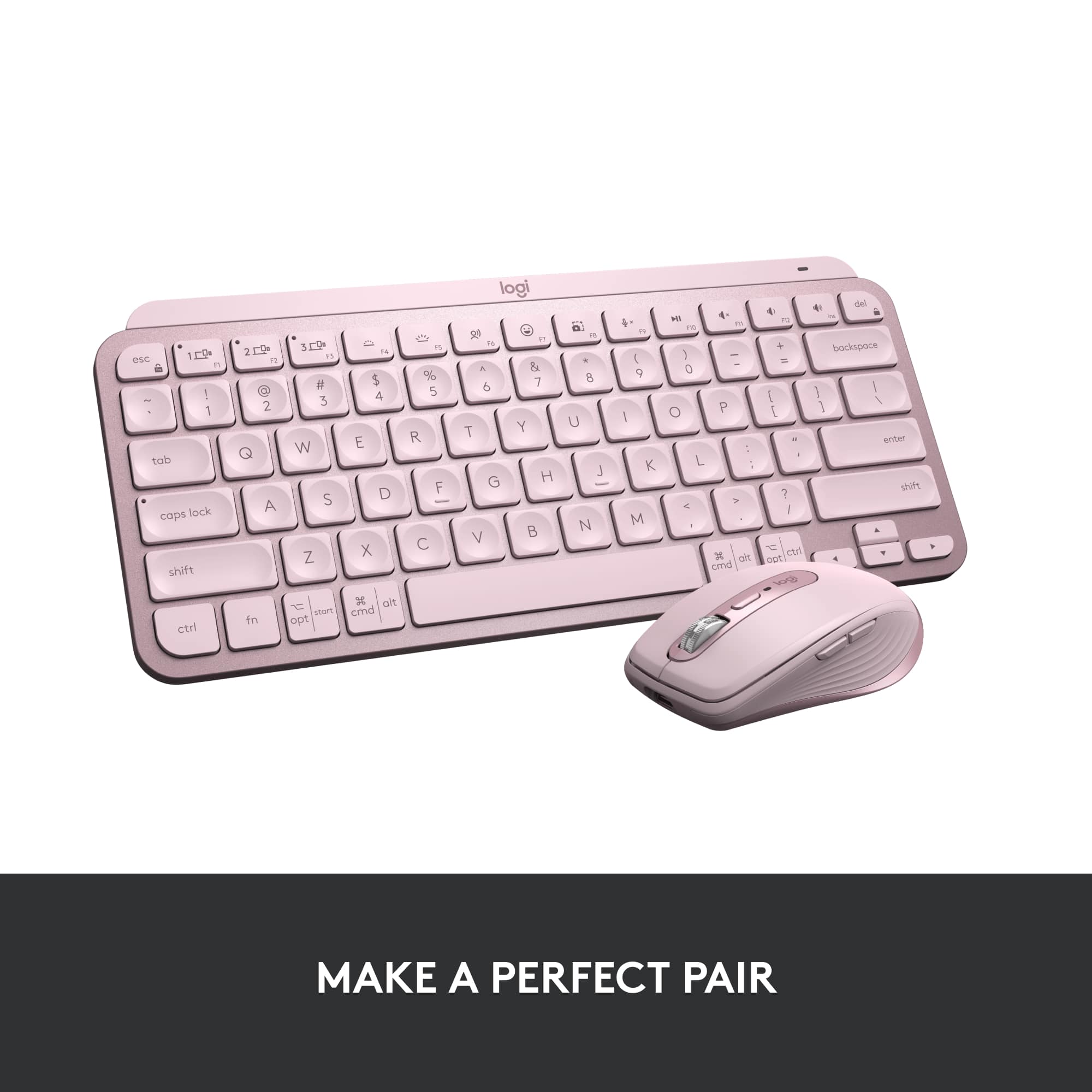
![logi esc to 1 F1 2 F2 3 F3 F4 F5 F6 F7 F8 x F9 NI F10 x F11 F12 Ins del ~ ! 1 @ 2 # 3 $ 4 % 5 ^ 6 & 7 * 8 ( 9 ) 0 - + = backspace tab Q W E R T Y U | O P { [ } ] caps lock A S D F G H J - K L : ; " " J enter shift Z X V B N M V , > ? / shift ctrl fn start opt H alt cmd H alt cmd ctrl opt](https://pisces.bbystatic.com/image2/BestBuy_US/images/products/6478/6478159_sd.jpg)


![1. logi
2. esc 1 2 3 4 5 6 7 8 9 0 - = backspace
3. tab Q W E R T Y U I O P [ ] \
4. caps lock A S D F G H J K L ; ' enter
5. shift Z X C V B N M , . / shift
6. ctrl fn opt alt cmd
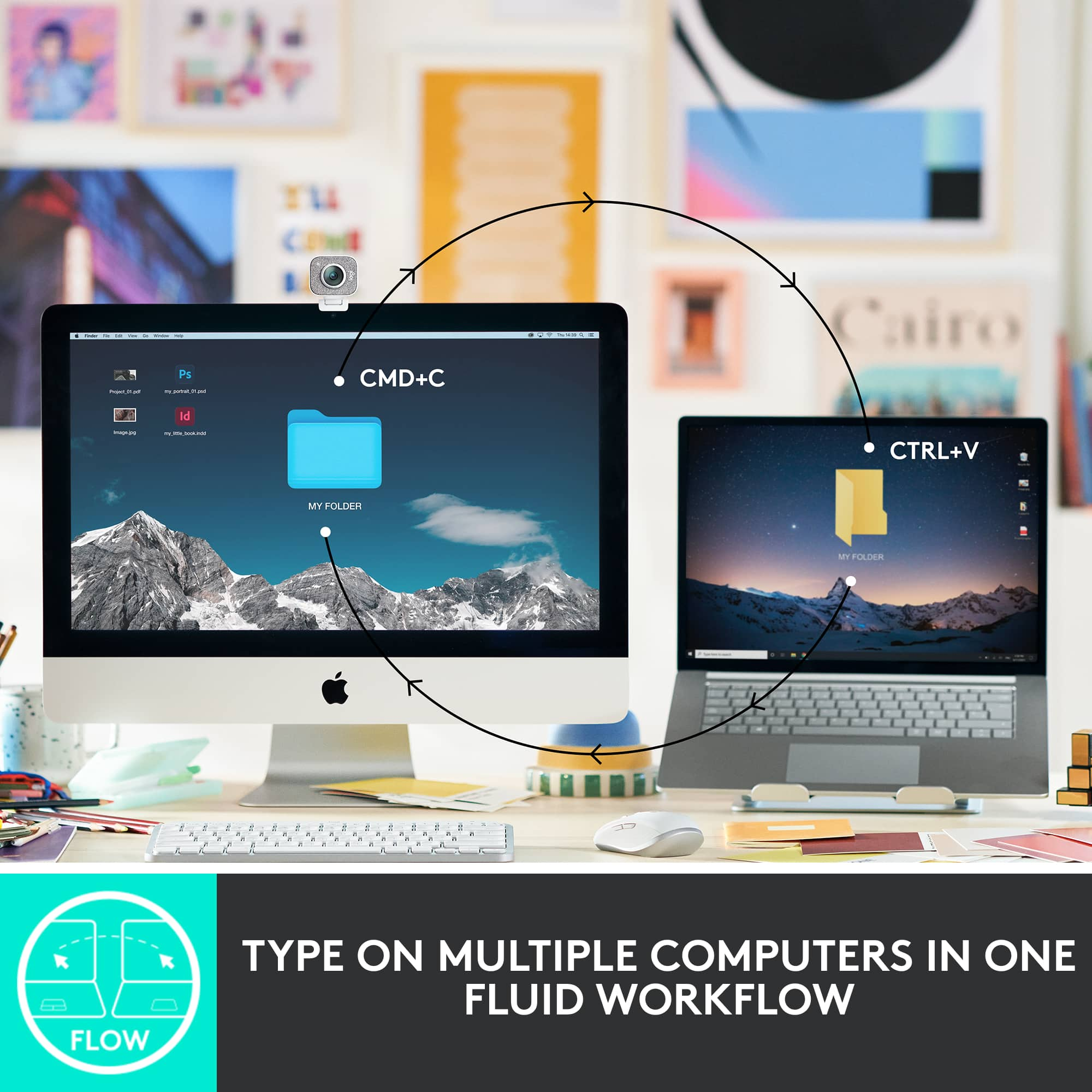
7. MULTI-DEVICE, MULTI-OS](https://pisces.bbystatic.com/image2/BestBuy_US/images/products/e563c254-4b09-453f-a596-db8b270b59a9.jpg)
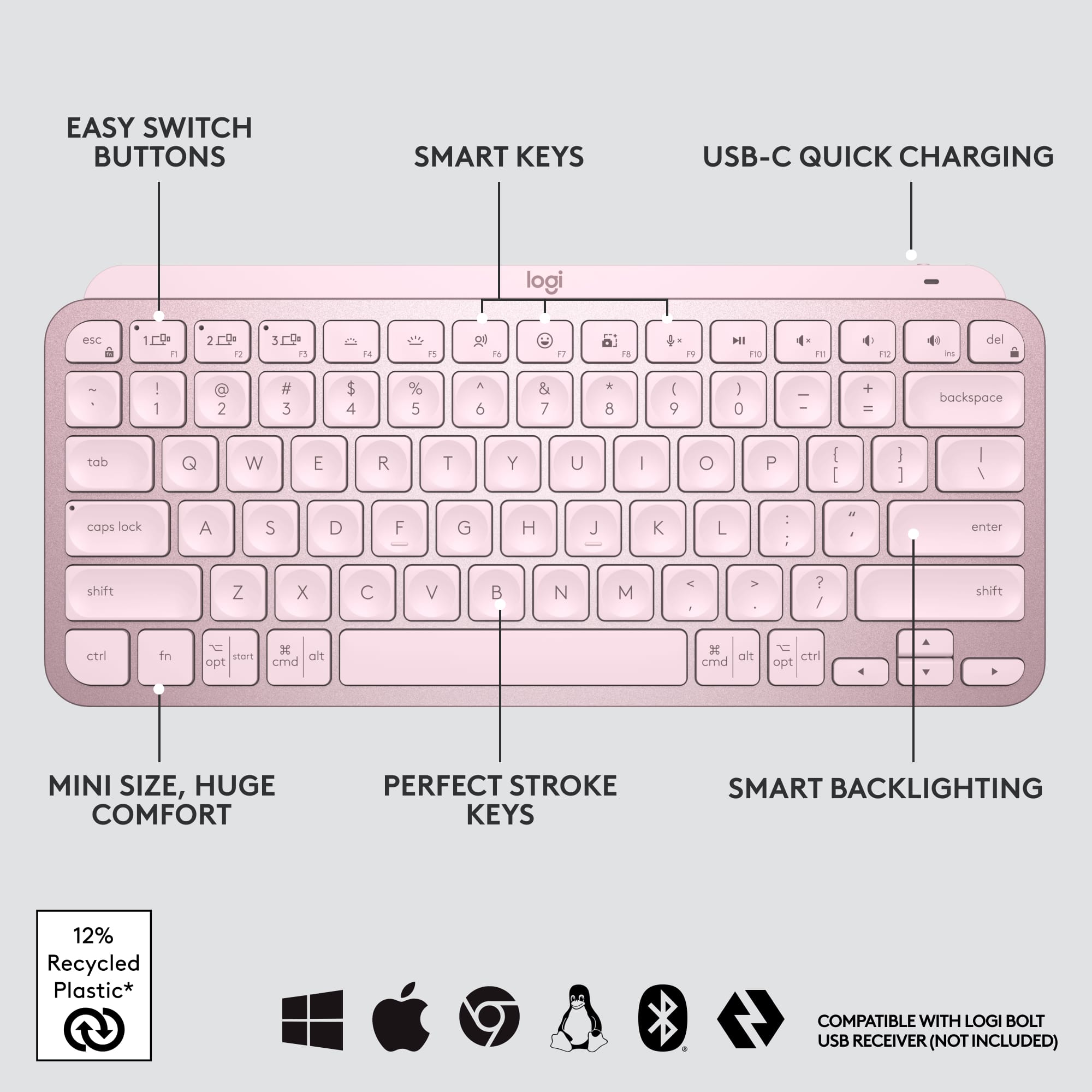
![USB-C QUICK CHARGING
F9 F10 F11 F12 ins del
( 9 ) 0 - + = backspace O P { [ } ] \](https://pisces.bbystatic.com/image2/BestBuy_US/images/products/4ba47143-9573-4c40-9018-df94b6892919.jpg)

![IN THE BOX
logi
esc 1 2 3 4 5 6 7 8 9 0 - = backspace tab Q W E R T Y U I O P [ ] \ caps lock A S D F G H J K L ; ' enter shift Z X C V B N M , . / shift ctrl fn opt alt cmd
Responsible Packaging FSC™ FSC® N003028](https://pisces.bbystatic.com/image2/BestBuy_US/images/products/6177db92-9bf5-4933-9264-5b70b886f806.jpg)
- Model:
- 920-010474
- SKU:
- 6478159
Rating by feature
- Value
Rating 4.5 out of 5 stars
- Quality
Rating 4.8 out of 5 stars
- Ease of Use
Rating 4.7 out of 5 stars
to a friend
Customers are saying
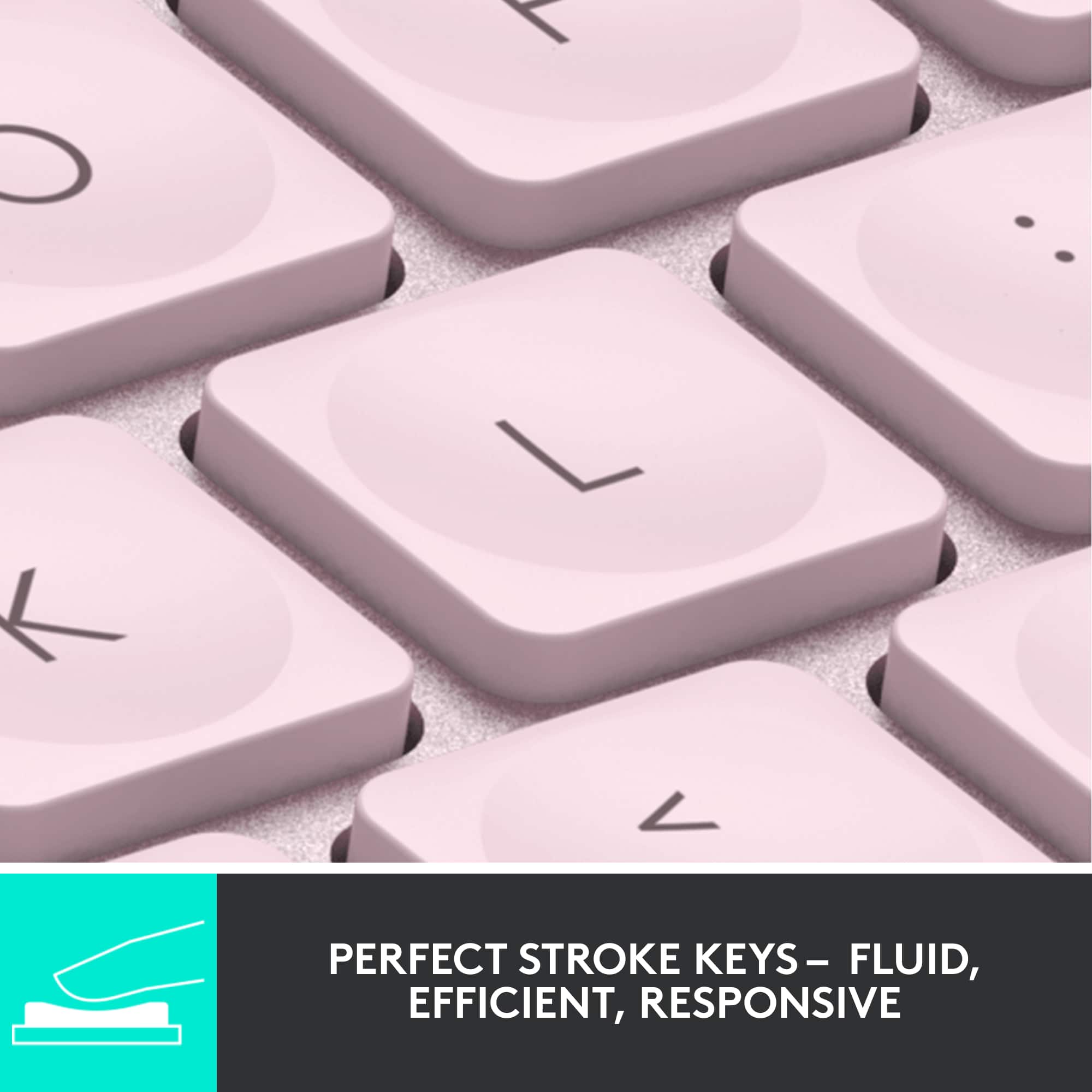
Customers admire the product's excellent keyboard quality, which is particularly easy to use at night, along with its long battery life, incredible ease of use, and compact size. They also appreciate its connectivity via Bluetooth and the satisfying scissor key feel. On the other hand, some customers found the product to be pricey and wished it included a side number pad. A few users also reported compatibility issues.
This summary was generated by AI based on customer reviews.
Just Love this Keyboard!!!
||Posted .This reviewer received promo considerations or sweepstakes entry for writing a review.This is an excellent keyboard! I have it paired with my phone, tablet 1 and tablet 2. I just love it. It's comfortable and very easy to type on. I would recommend it to my friends and family.
I would recommend this to a friendKeyboard
||Posted . Owned for 1 month when reviewed.This reviewer received promo considerations or sweepstakes entry for writing a review.Great product as it is for multiple uses. Its a great additikn with my mac mouse because of portability and ease of use plus it fits with my macbook pro 14”
I would recommend this to a friendgreat product
||Posted . Owned for 1 month when reviewed.This reviewer received promo considerations or sweepstakes entry for writing a review.Works great, but it would be even better if there is a wired connection too.
I would recommend this to a friendGood keyboard
||Posted . Owned for 1 week when reviewed.This reviewer received promo considerations or sweepstakes entry for writing a review.Works well and good battery life. It works well with chinese language.
I would recommend this to a friendGreat
||Posted . Owned for 1 week when reviewed.This reviewer received promo considerations or sweepstakes entry for writing a review.Love this keyboard for my work from home job. Very sleek , and the noise of the keycaps is great , easy to use and easy to pair , and easily stored away !
I would recommend this to a friendSmall and compact
||Posted . Owned for 3 weeks when reviewed.This reviewer received promo considerations or sweepstakes entry for writing a review.A nice travel keyboard, Keys aren’t sticky and has a good clack to them when you type.
I would recommend this to a friendWorth the price tag
||Posted . Owned for 2 months when reviewed.This reviewer received promo considerations or sweepstakes entry for writing a review.Very elegant and smooth. Also helped with my wrist pain given it’s a bit more flat. Very seamless end stsble Bluetooth connection and switch over between devices.
I would recommend this to a friendSolid Productivity Keyboard
||Posted . Owned for 3 weeks when reviewed.This reviewer received promo considerations or sweepstakes entry for writing a review.Very solid productivity keyboard for MacOS. The keyboard has a nice weight to it for the size.
I would recommend this to a friendSweet
||Posted . Owned for 1 month when reviewed.This reviewer received promo considerations or sweepstakes entry for writing a review.Comfort all the way. Nice quick set up! Can't comment on the response time as of yet.
I would recommend this to a friendNot so much
||Posted . Owned for 1.5 years when reviewed.This reviewer received promo considerations or sweepstakes entry for writing a review.It loses battery life fast. I have to keep plugged in to use it now.
No, I would not recommend this to a friendBrand response from Logitech
Posted .That's unexpected! In order to help you effectively, please provide your information to our support team by emailing socialcare@logitech.com. Name – Email address – Country – Product name – Brief description of the issue –

Sales personnel
||Posted .This reviewer received promo considerations or sweepstakes entry for writing a review.It’s getting more difficult each time I visit to get someone on the floor to help me.
I would recommend this to a friendAwesome
||Posted . Owned for 2 weeks when reviewed.This reviewer received promo considerations or sweepstakes entry for writing a review.I love the feel on my fingertips whenever im typing sound quality is grwat as well and i love rhat i can have 3 different Bluetooth connected and switch when needed
I would recommend this to a friendGreat Minimalist Wireless Keyboard
||Posted . Owned for 3 months when reviewed.This reviewer received promo considerations or sweepstakes entry for writing a review.Fantastic little keyboard. Pairs great with wife's MacBook Air. Has a very nice tactile feel and solid wireless connection with long battery life.
I would recommend this to a friendOK but would like to see little clicks goodness!
||Posted . Owned for 1 month when reviewed.This reviewer received promo considerations or sweepstakes entry for writing a review.Had to return, it feels too mushy for my liking. Otherwise it is good. Little pricy.
I would recommend this to a friendGreat Keyboard
||Posted . Owned for 1 week when reviewed.This reviewer received promo considerations or sweepstakes entry for writing a review.This keyboard is one of the best by Logitech. It combines a membrane keyboard with the mechanical key feel and the lights are bright and effective.
I would recommend this to a friendSad I had to return it
||Posted . Owned for 1 month when reviewed.This reviewer received promo considerations or sweepstakes entry for writing a review.The only reason I returned this product was because it needs software to be downloaded separately. My computer is a work computer that does not allow that. So I had to return it other than that, it's great.
No, I would not recommend this to a friendGreat!
||Posted . Owned for 4 months when reviewed.This reviewer received promo considerations or sweepstakes entry for writing a review.Love this keyboard!! I'm going from an Azio to this, and I really like it better. Anything Logitech has always been my first choice.
I would recommend this to a friendGreat Keyboard
||Posted . Owned for 1 year when reviewed.This reviewer received promo considerations or sweepstakes entry for writing a review.Excellent keyboard! I wanted one for mobility and I found it! Long battery life, which is most important for me
I would recommend this to a friendfine
||Posted . Owned for 3 weeks when reviewed.This reviewer received promo considerations or sweepstakes entry for writing a review.works fine, I also got the mouse but both of them take a little to connect with the pc one it turns on, its like a minute. sometimes it is a bit frustrating but I dont think its a big deal, keeping them.
I would recommend this to a friendKeyboard
||Posted . Owned for 1 month when reviewed.This reviewer received promo considerations or sweepstakes entry for writing a review.I really like this keyboard. It is compact and is lite so at night I don't have to a light on.
I would recommend this to a friend