Customer Ratings & Reviews
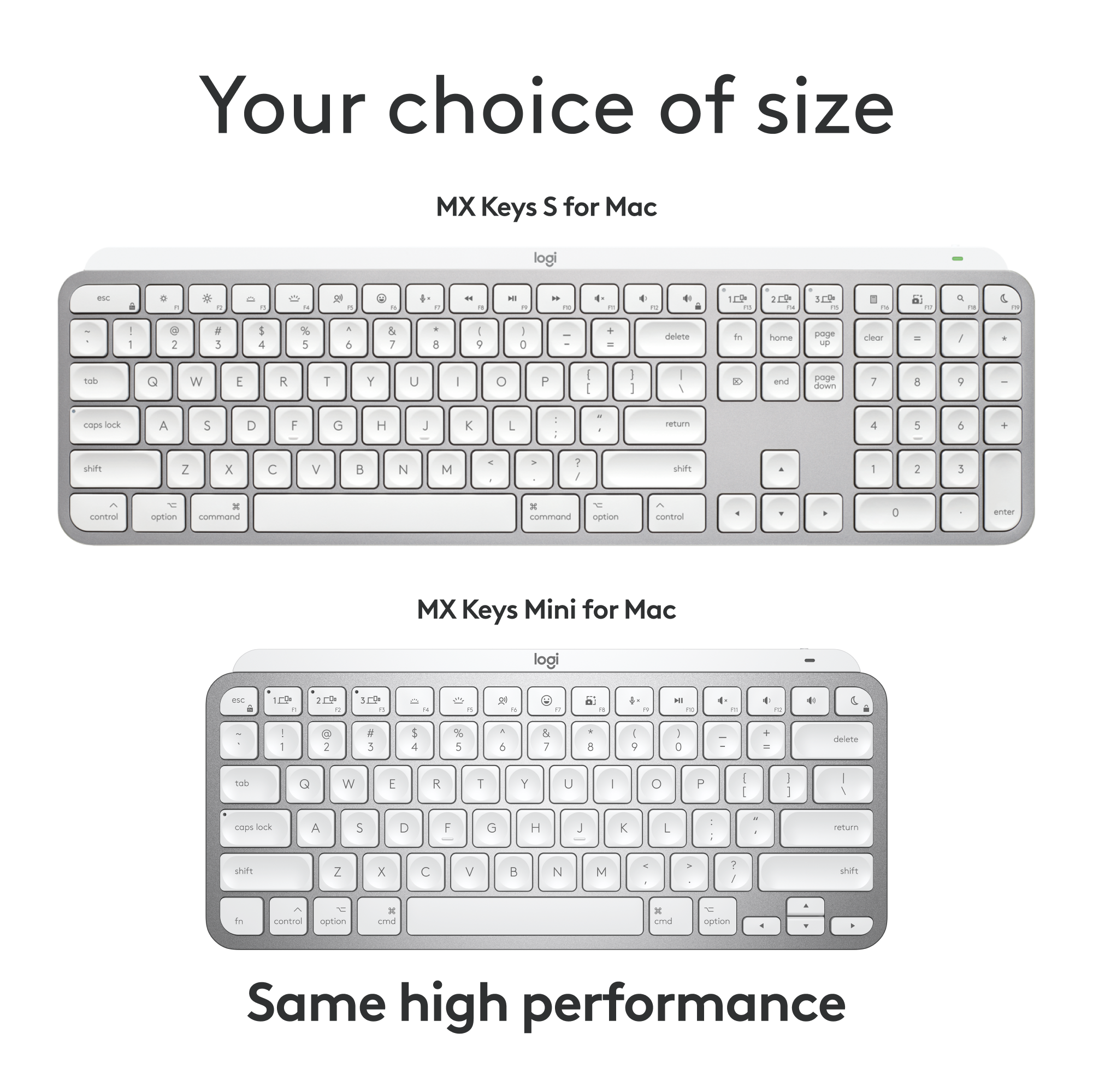
![F5 F4 F3 esc F2 F1 A $ % @ # 6 ! 4 5 ~ 3 1 2 R T W E Q tab F G S D - lock A caps V C X Z shift x command option control & F7 F6 * & 7 8 Y U H J B N logi MI PV FB ( ) 9 0 I O K L < M 100 200 300 P PA P F12 FM FIO page clear fn home up + delete - = - page 7 I end down I ] ] I P [ return : I ; A shift ? > / > control 3C option command Q F FS = I 8 9 4 5 - 1 2 0 PS * - 6 3 + enter](https://pisces.bbystatic.com/image2/BestBuy_US/images/products/6587/6587876_sd.jpg)
![Key layout for Mac:
1. 5: esc
2. 1: q
3. 2: w
4. 3: e
5. 4: r
6. 5: t
7. 6: y
8. 7: u
9. 8: i
10. 9: o
11. 0: p
12. -: j
13. =: k
14. @: l
15. [: ;
16. ]: ctrl
17. \: shift
18. |: option
19. : : control
20. j: cmd
21. i: fn
22. e: cmd
23. g: cmd
24. d: cmd
25. l: cmd
26. c: cmd
27. t: cmd
28. s: cmd
29. q: cmd
30. x: cmd
31. a: cmd
32. z: cmd
33. cmd: cmd
34. shift: shift
35. option: option
36. control: control
37. cmd: cmd
38. fn: fn
39. fast fluid precision typing: fast fluid precision typing](https://pisces.bbystatic.com/image2/BestBuy_US/images/products/668b36a6-74a2-4b65-9612-cd52dd54ba7a.png)
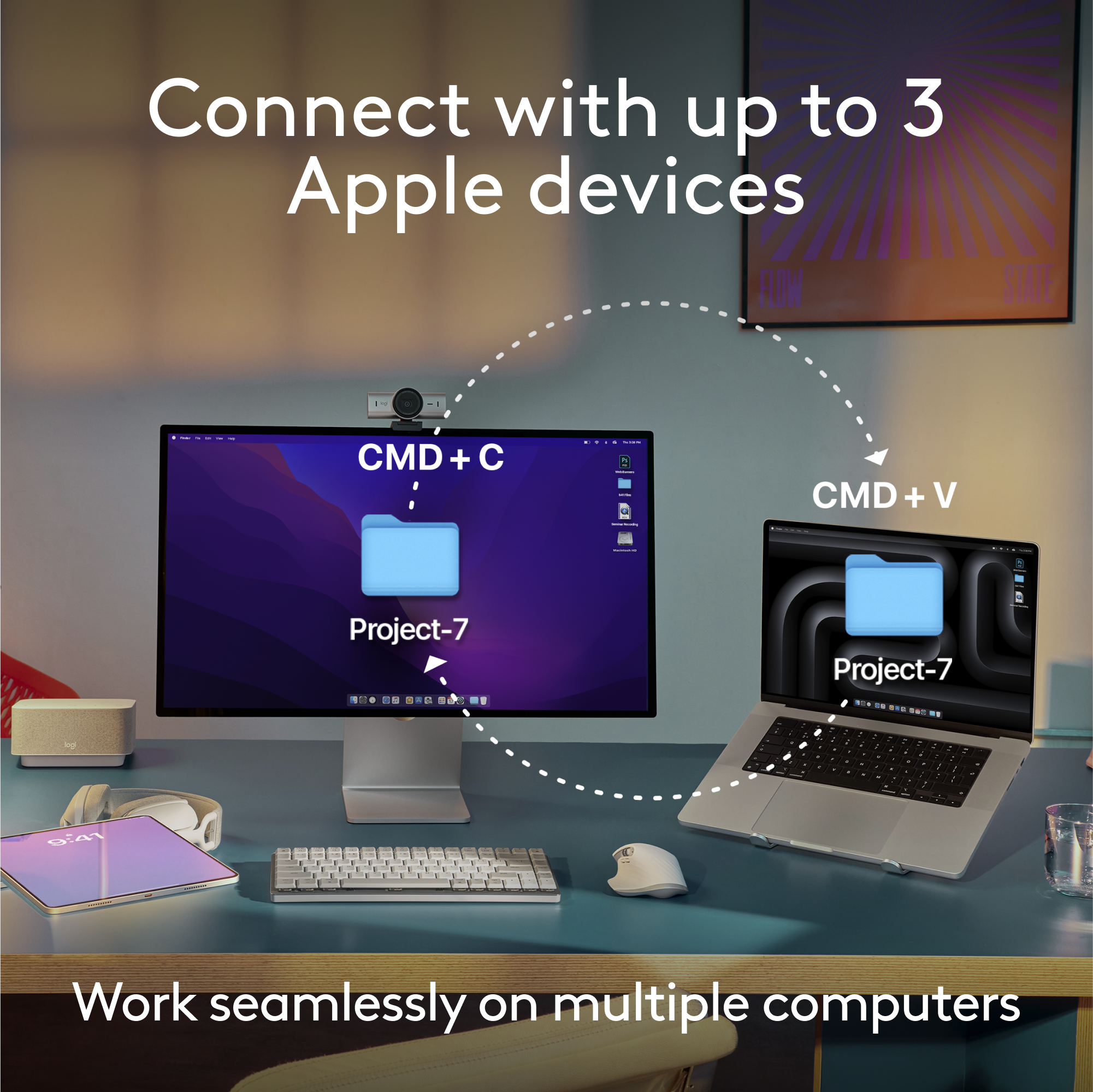
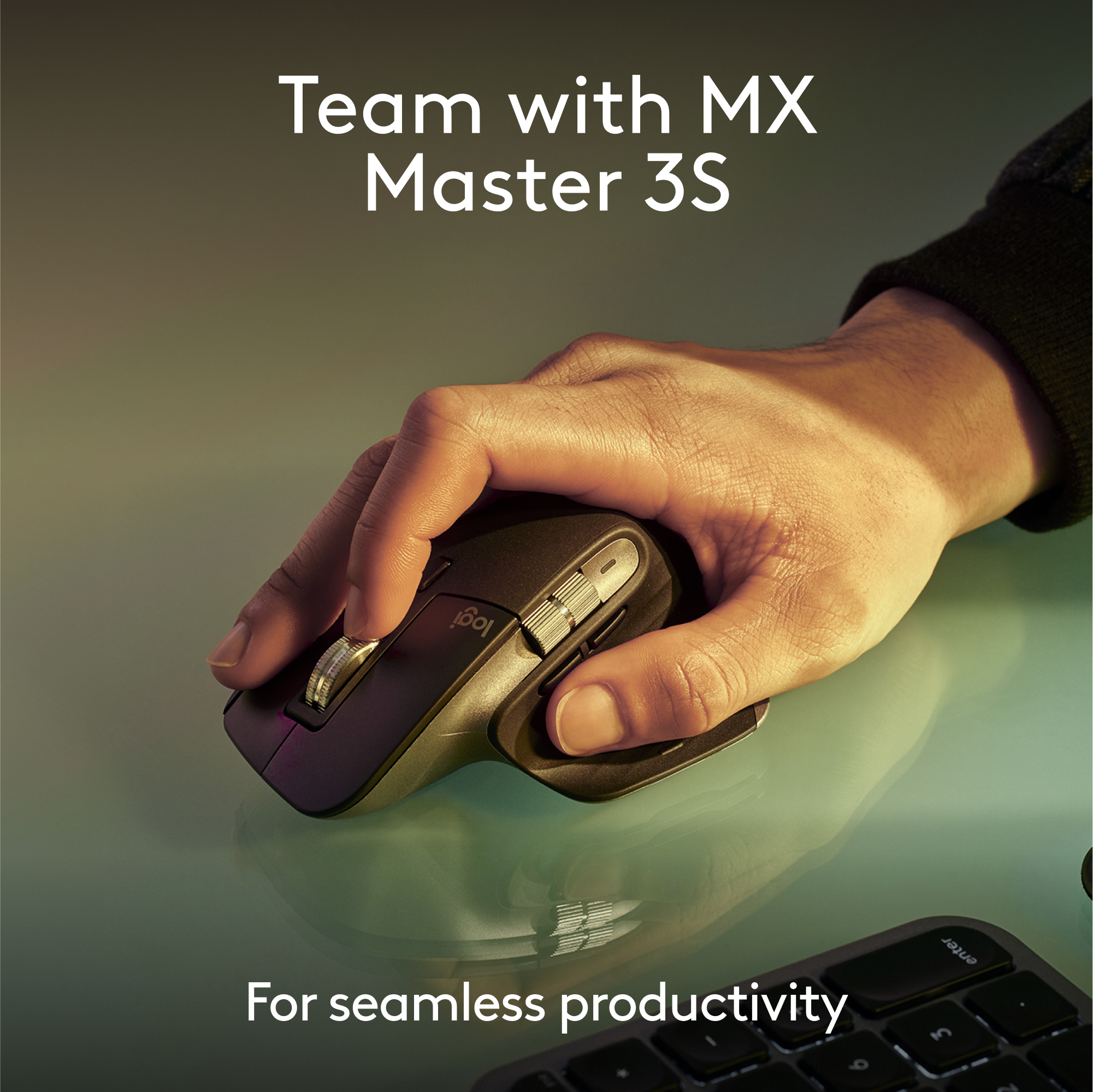
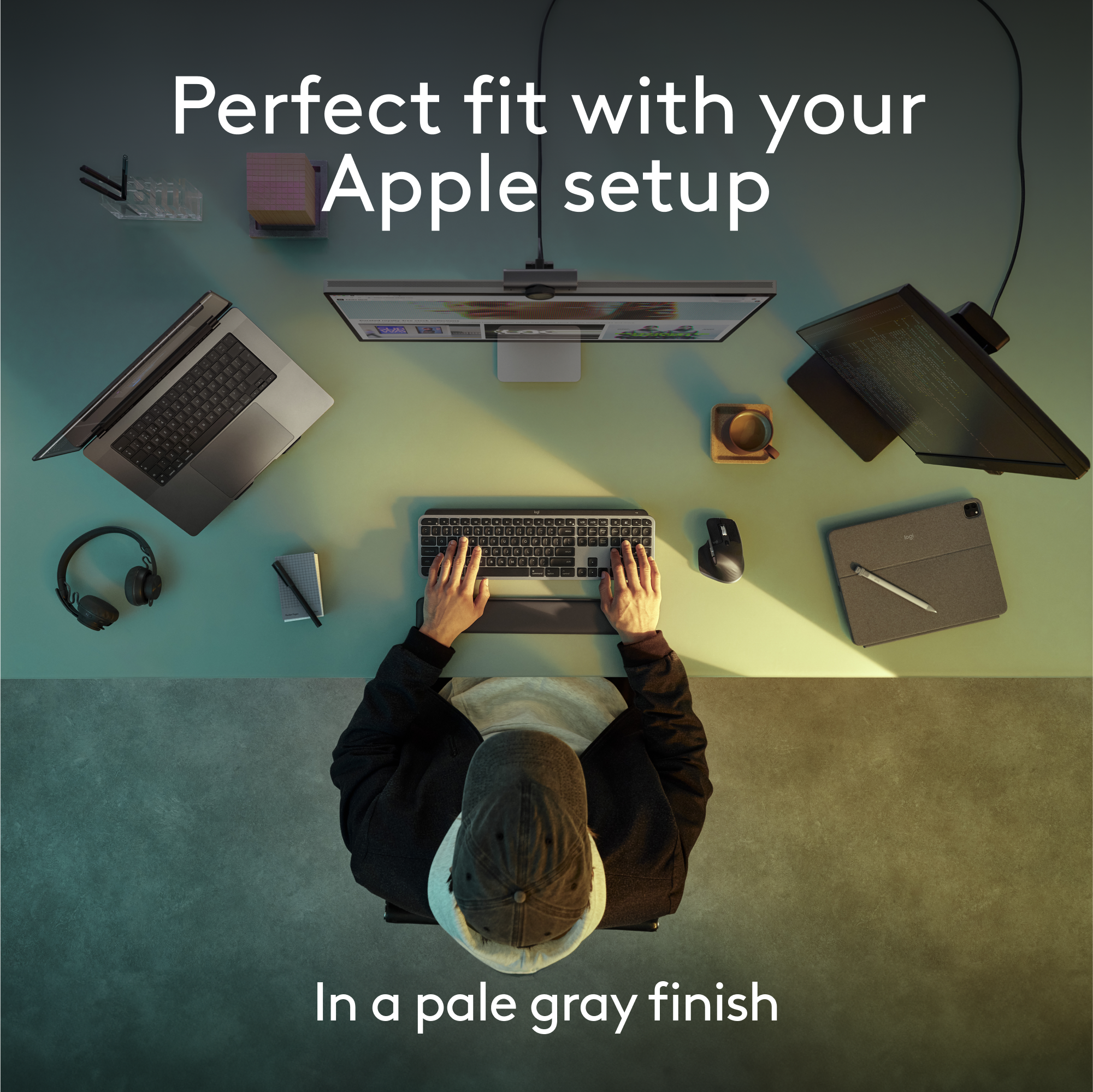

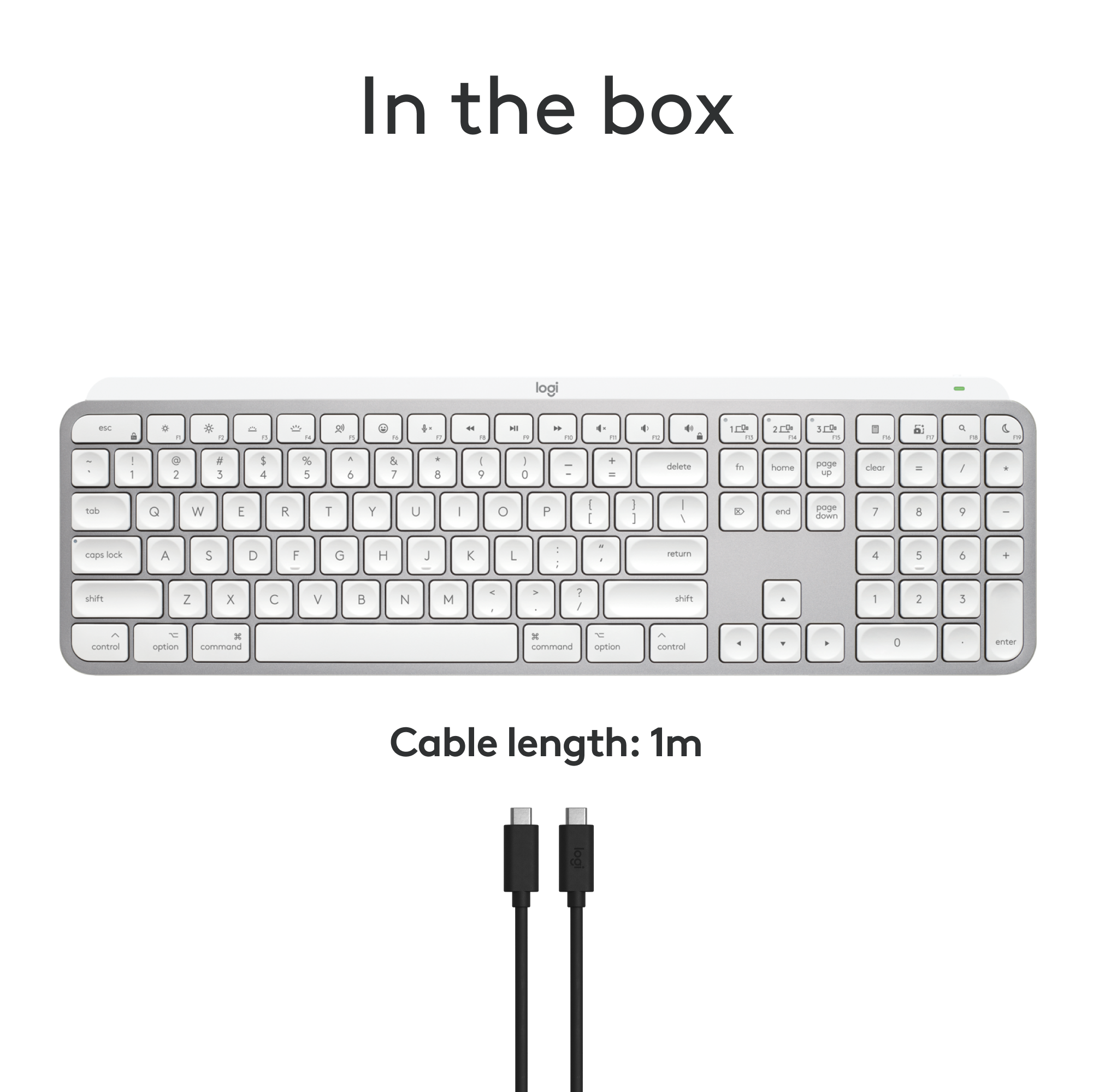


- Model:
- 920-011622
- SKU:
- 6587876
Rating by feature
- Value
Rating 4.5 out of 5 stars
- Quality
Rating 4.8 out of 5 stars
- Ease of Use
Rating 4.7 out of 5 stars
Customers are saying
Customers are satisfied with the product's excellent keyboard quality, long battery life, and ease of use. They also appreciate its compact size, reliable Bluetooth connectivity, and comfortable key feel. However, some customers find the product to be pricey and express a desire for a dedicated number pad. A few users also reported compatibility issues.
This summary was generated by AI based on customer reviews.
- Cons mentioned:Number pad
Need the number pad
||Posted . Owned for 2 weeks when reviewed.This reviewer received promo considerations or sweepstakes entry for writing a review.Great keyboard but wish it had the side number pad
I would recommend this to a friend It's a backlit keyboard ***sometimes***
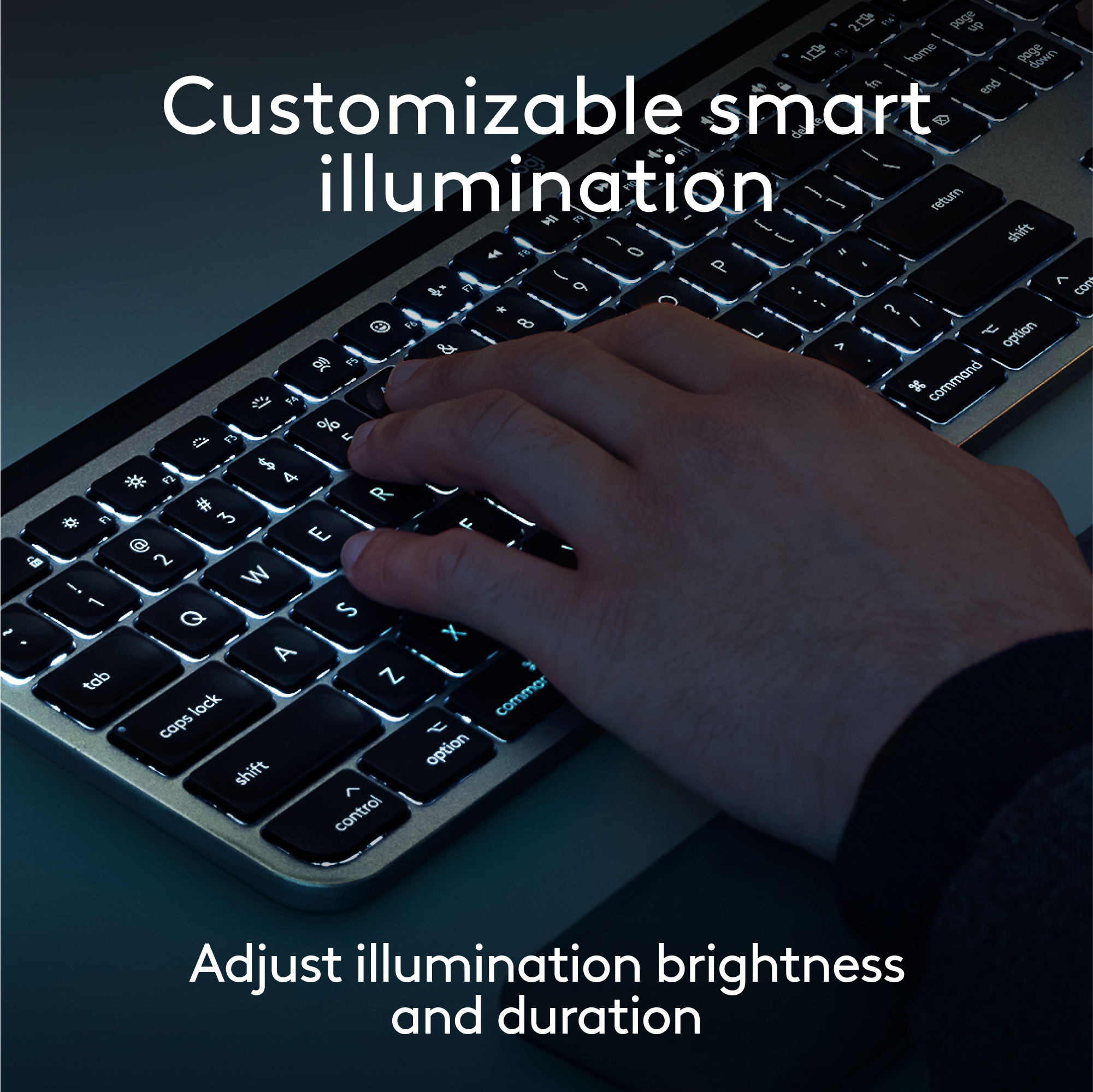
||Posted .This reviewer received promo considerations or sweepstakes entry for writing a review.If a keyboard doesn't have the option to be backlit 100% of the time, then it doesn't deserve to be called a backlit keyboard. Simple as that. At it's very best, it's a backlit *sometimes* keyboard. "Smart Illumination" is counter-intuitive, inconsistent, annoying, and unnecessary. Virtually every other backlit keyboard on the market is sold with the ability to enable backlight 100% of the time, I don't know why Logitech would randomly decide to go against such a widely-accepted convention and fail to explain it more clearly up front. If backlight solves a problem of visibility, why would you implement it in such a way that the problem still exists at times? It makes zero sense. "The backlit keys light up the moment your hands approach" - Logitech, Best Buy, readers, do you see the contradiction in this statement? The messaging around this product is genuinely misleading/inaccurate and should be corrected so that people like me who want a backlit keyboard (meaning ALWAYS backlit) don't waste their time or money on it.
No, I would not recommend this to a friendBrand response from Logitech
Posted .We appreciate your feedback and apologize as the product did not meet your expectations. Your feedback is instrumental in helping us improve our services and products.
good prod
||Posted . Owned for 3 months when reviewed.This reviewer received promo considerations or sweepstakes entry for writing a review.good product
I would recommend this to a friendSome issues with connection
||Posted . Owned for less than 1 week when reviewed.This reviewer received promo considerations or sweepstakes entry for writing a review.I love this Logitech premium line of keyboards. This one is not the exeption. However, it has some issues with bluethooth connection.
I would recommend this to a friendDoesn't stay connected, and lags. Don't buy it.
||Posted . Owned for 3 months when reviewed.This reviewer received promo considerations or sweepstakes entry for writing a review.Unreliable crap. Two things have happened repeatedly since I bought it: 1. it lags when using, so long delay between tapping a key and it responding, and more frustrating, 2. it doesn't stay connected. just drops out. I've been on chat with Logitech but all they say is unpair it and then pair again. But I can't do that 2-4 times per day. There's no interference, I have the keyboard withing inches of my computer.
No, I would not recommend this to a friendBrand response from Logitech
Posted .That's unexpected! To help you effectively, please email your information to our support team at socialcare@logitech.com.
Name –
Email address –
Country –
Product name –
Brief description of the issue –
Buy this keyboard
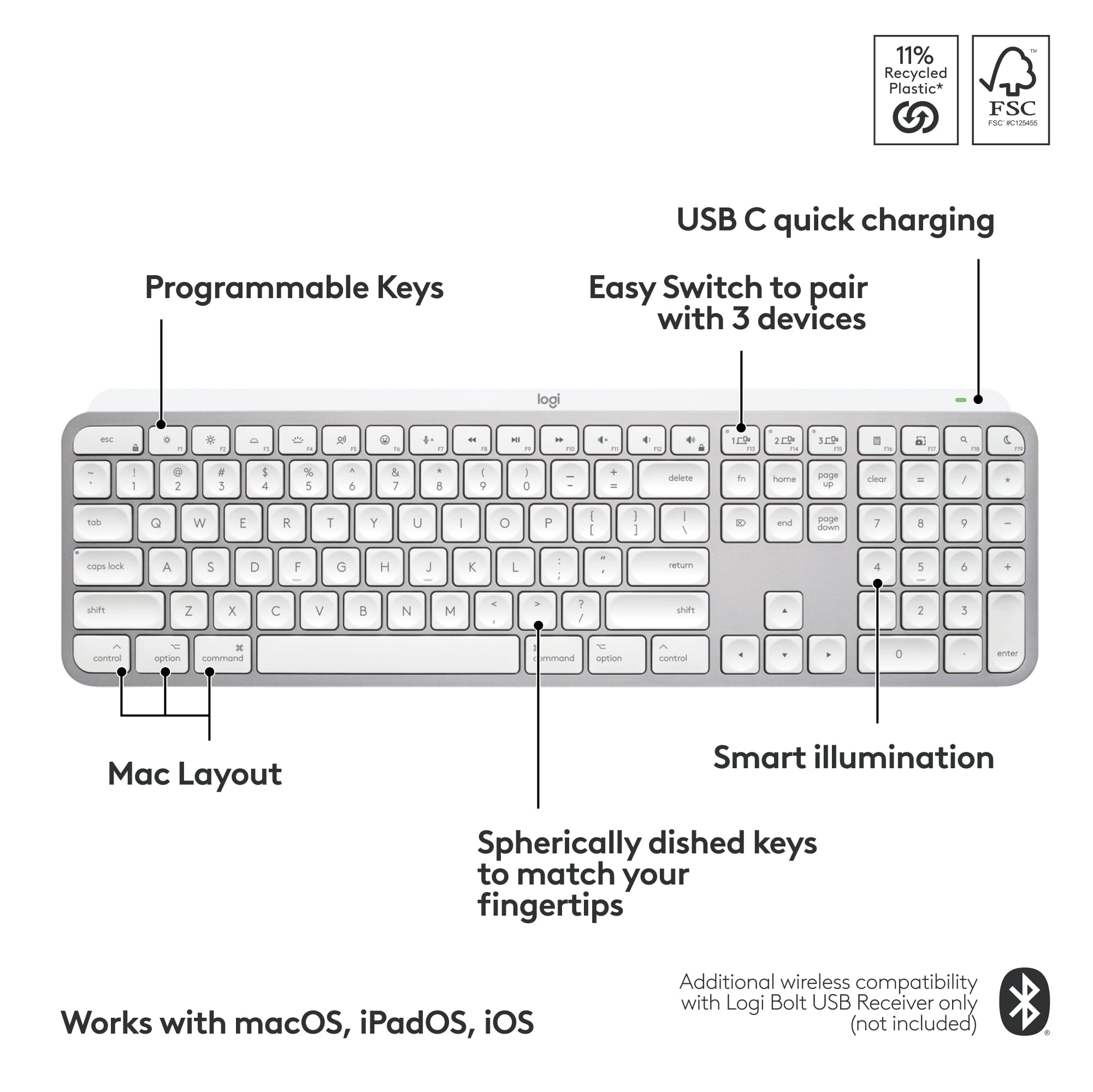
||Posted . Owned for 1 week when reviewed.This reviewer received promo considerations or sweepstakes entry for writing a review.It can be setup and used on multiple devices so it’s cute and functional. Setup can be semi difficult. Just YouTube the setup instructions and it’ll only take 30 seconds to do. It’s easy to remember how afterward.
I would recommend this to a friend- Pros mentioned:Keyboard quality
Minimalist Keyboard not as Bluetooth capable
||Posted . Owned for 1 month when reviewed.This reviewer received promo considerations or sweepstakes entry for writing a review.Returned this item. The keyboard is great in appearance and size. The Bluetooth doesn't seem to provide a good connection. The functions went stupidly crazy after about 4 days. Had to return and buy a keyboard from Logitech at Amazon which works just fine.
No, I would not recommend this to a friendBrand response from Logitech
Posted .Hi There KellyLaPlata, Very sorry to hear about the Bluetooth issues you experienced with the MX Keys Mini Keyboard. So glad that you were able to find another Logitech keyboard that is working better for you. In the future, if any issues should come up, go to support.logi.com for live technical chat and more. Thank you for remaining a Logitech customer. - Richard from Logitech
Small wireless keyboard
||Posted . Owned for 3 weeks when reviewed.This reviewer received promo considerations or sweepstakes entry for writing a review.Good, lack of home and end key takes a bit of getting used to
I would recommend this to a friendreplacement keys
||Posted . Owned for 1 month when reviewed.This reviewer received promo considerations or sweepstakes entry for writing a review.This was a replacement for a 10key attached keyboard.
I would recommend this to a friendgreat product
||Posted .This reviewer received promo considerations or sweepstakes entry for writing a review.great product
I would recommend this to a friend- Pros mentioned:Ease of use
Just Love this Keyboard!!!
||Posted .This reviewer received promo considerations or sweepstakes entry for writing a review.This is an excellent keyboard! I have it paired with my phone, tablet 1 and tablet 2. I just love it. It's comfortable and very easy to type on. I would recommend it to my friends and family.
I would recommend this to a friend Flawed design
||Posted .This reviewer received promo considerations or sweepstakes entry for writing a review.The keyboard feels good, but I'm unable to use it. It doesn't operate over a USB cable, Bluetooth only. I I'm locked out of my PC via secure boot and can't even pair the device. Can't even use the keyboard to access bios and turn off secure boot. It's unfathomable why the device has a USB port but can't fallback to sending keystrokes through it.
No, I would not recommend this to a friendBrand response from Logitech
Posted .Thank you for sharing your experience with the keyboard. We sincerely apologize for the frustration caused by the Bluetooth-only operation and the inability to use it to access your BIOS due to secure boot. We understand your disappointment with the USB port not supporting keystroke input in this situation.

- Pros mentioned:Ease of use
Keyboard
||Posted . Owned for 1 month when reviewed.This reviewer received promo considerations or sweepstakes entry for writing a review.Great product as it is for multiple uses. Its a great additikn with my mac mouse because of portability and ease of use plus it fits with my macbook pro 14”
I would recommend this to a friend great product
||Posted . Owned for 1 month when reviewed.This reviewer received promo considerations or sweepstakes entry for writing a review.Works great, but it would be even better if there is a wired connection too.
I would recommend this to a friend- Pros mentioned:Battery life
Good keyboard
||Posted . Owned for 1 week when reviewed.This reviewer received promo considerations or sweepstakes entry for writing a review.Works well and good battery life. It works well with chinese language.
I would recommend this to a friend - Pros mentioned:Ease of use
Great
||Posted . Owned for 1 week when reviewed.This reviewer received promo considerations or sweepstakes entry for writing a review.Love this keyboard for my work from home job. Very sleek , and the noise of the keycaps is great , easy to use and easy to pair , and easily stored away !
I would recommend this to a friend Small and compact
||Posted . Owned for 3 weeks when reviewed.This reviewer received promo considerations or sweepstakes entry for writing a review.A nice travel keyboard, Keys aren’t sticky and has a good clack to them when you type.
I would recommend this to a friendSolid Productivity Keyboard
||Posted . Owned for 3 weeks when reviewed.This reviewer received promo considerations or sweepstakes entry for writing a review.Very solid productivity keyboard for MacOS. The keyboard has a nice weight to it for the size.
I would recommend this to a friend- Pros mentioned:Keyboard quality
Worth the price tag
||Posted . Owned for 2 months when reviewed.This reviewer received promo considerations or sweepstakes entry for writing a review.Very elegant and smooth. Also helped with my wrist pain given it’s a bit more flat. Very seamless end stsble Bluetooth connection and switch over between devices.
I would recommend this to a friend Sweet
||Posted . Owned for 1 month when reviewed.This reviewer received promo considerations or sweepstakes entry for writing a review.Comfort all the way. Nice quick set up! Can't comment on the response time as of yet.
I would recommend this to a friend