Customer Ratings & Reviews
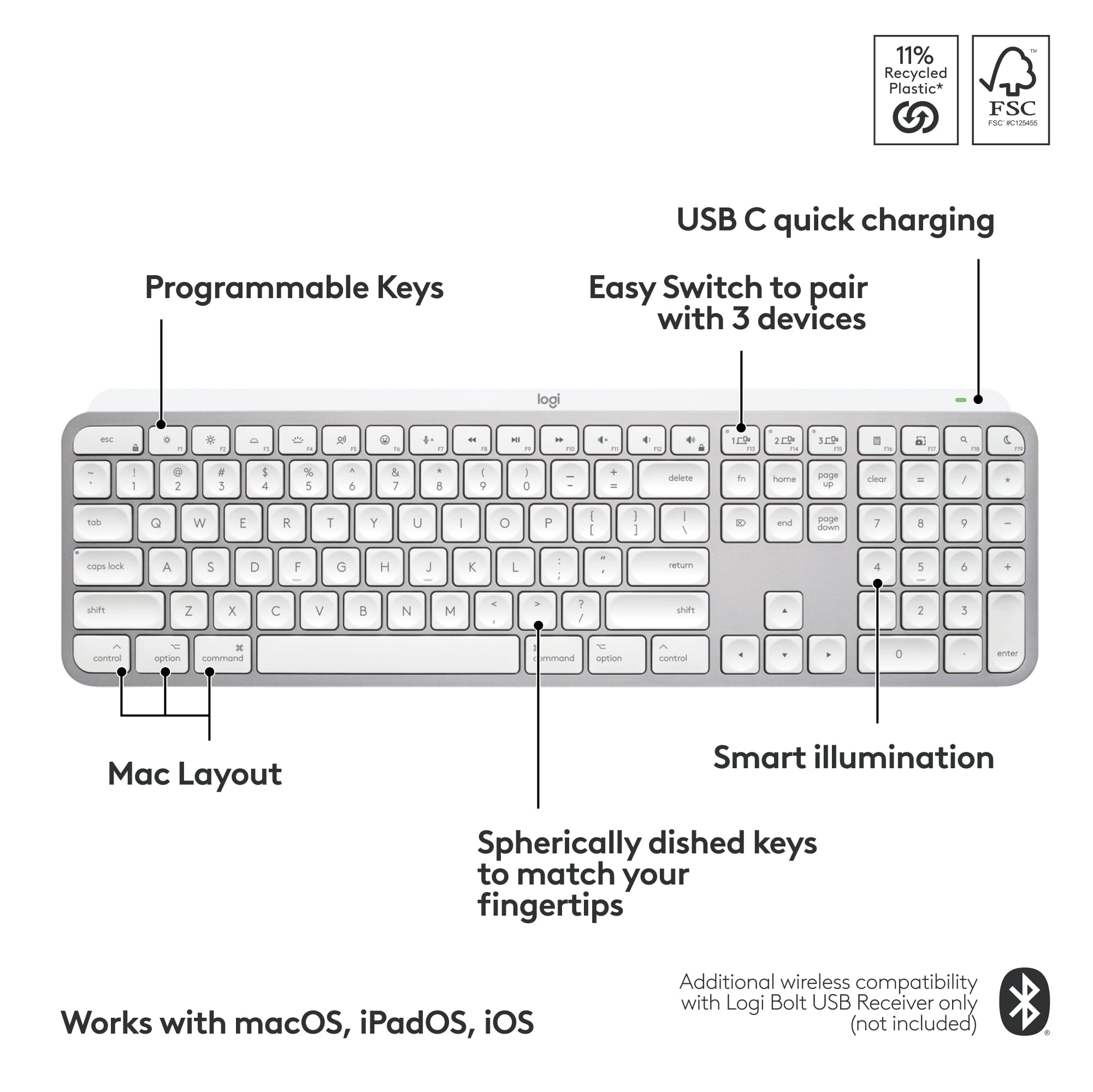
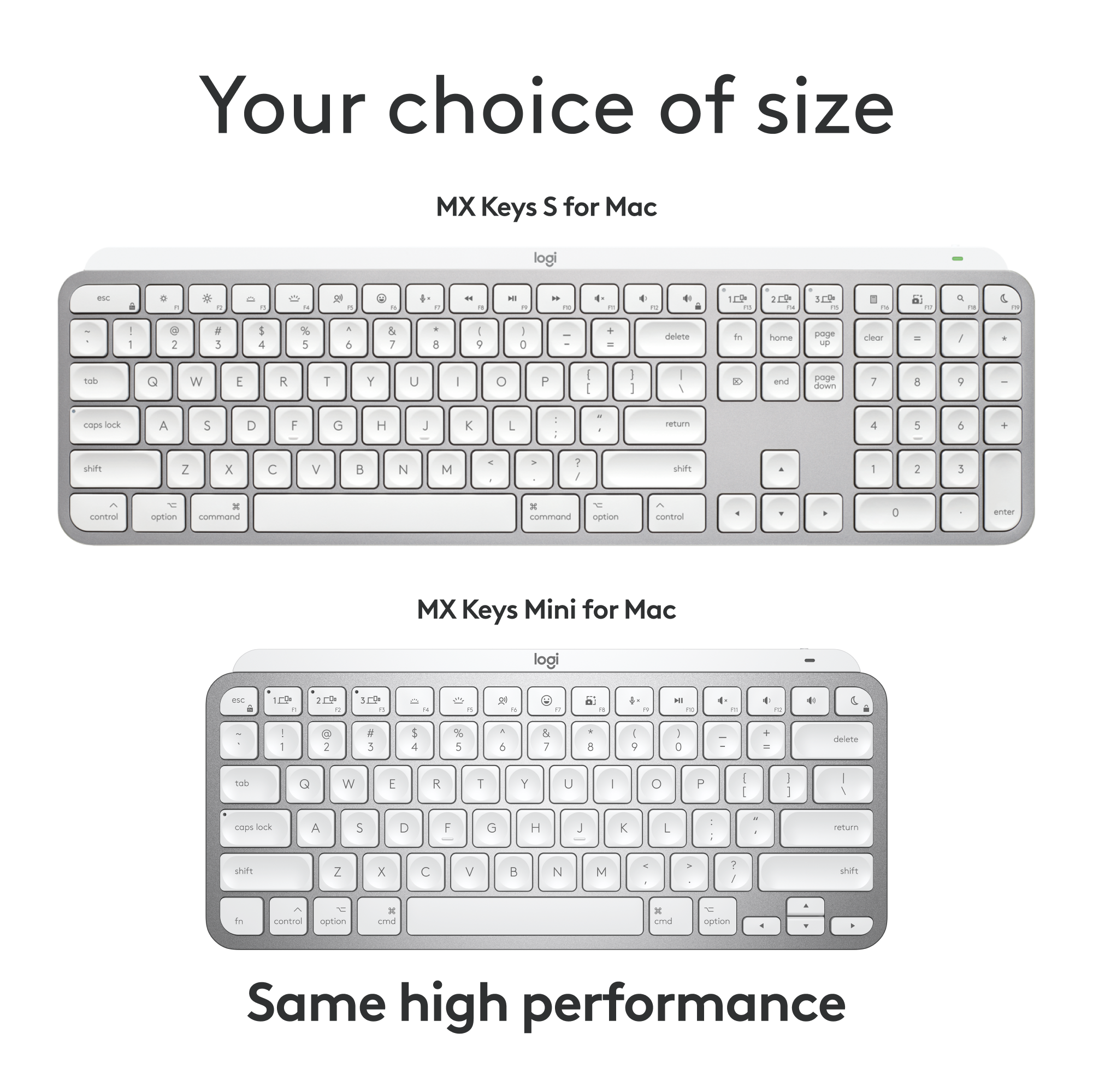
![F5 F4 F3 esc F2 F1 A $ % @ # 6 ! 4 5 ~ 3 1 2 R T W E Q tab F G S D - lock A caps V C X Z shift x command option control & F7 F6 * & 7 8 Y U H J B N logi MI PV FB ( ) 9 0 I O K L < M 100 200 300 P PA P F12 FM FIO page clear fn home up + delete - = - page 7 I end down I ] ] I P [ return : I ; A shift ? > / > control 3C option command Q F FS = I 8 9 4 5 - 1 2 0 PS * - 6 3 + enter](https://pisces.bbystatic.com/image2/BestBuy_US/images/products/6587/6587876_sd.jpg)
![Key layout for Mac:
1. 5: esc
2. 1: q
3. 2: w
4. 3: e
5. 4: r
6. 5: t
7. 6: y
8. 7: u
9. 8: i
10. 9: o
11. 0: p
12. -: j
13. =: k
14. @: l
15. [: ;
16. ]: ctrl
17. \: shift
18. |: option
19. : : control
20. j: cmd
21. i: fn
22. e: cmd
23. g: cmd
24. d: cmd
25. l: cmd
26. c: cmd
27. t: cmd
28. s: cmd
29. q: cmd
30. x: cmd
31. a: cmd
32. z: cmd
33. cmd: cmd
34. shift: shift
35. option: option
36. control: control
37. cmd: cmd
38. fn: fn
39. fast fluid precision typing: fast fluid precision typing](https://pisces.bbystatic.com/image2/BestBuy_US/images/products/668b36a6-74a2-4b65-9612-cd52dd54ba7a.png)
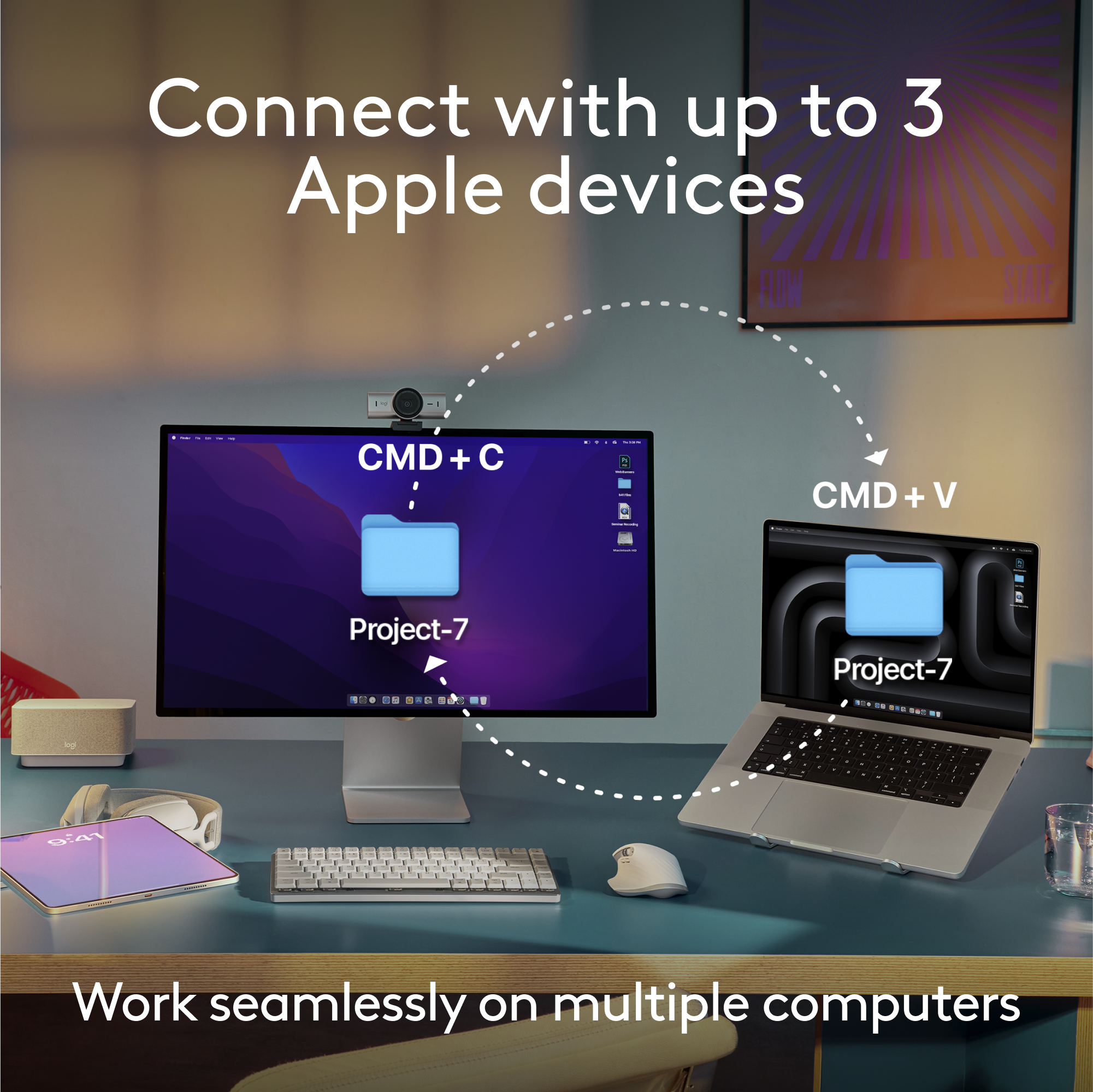
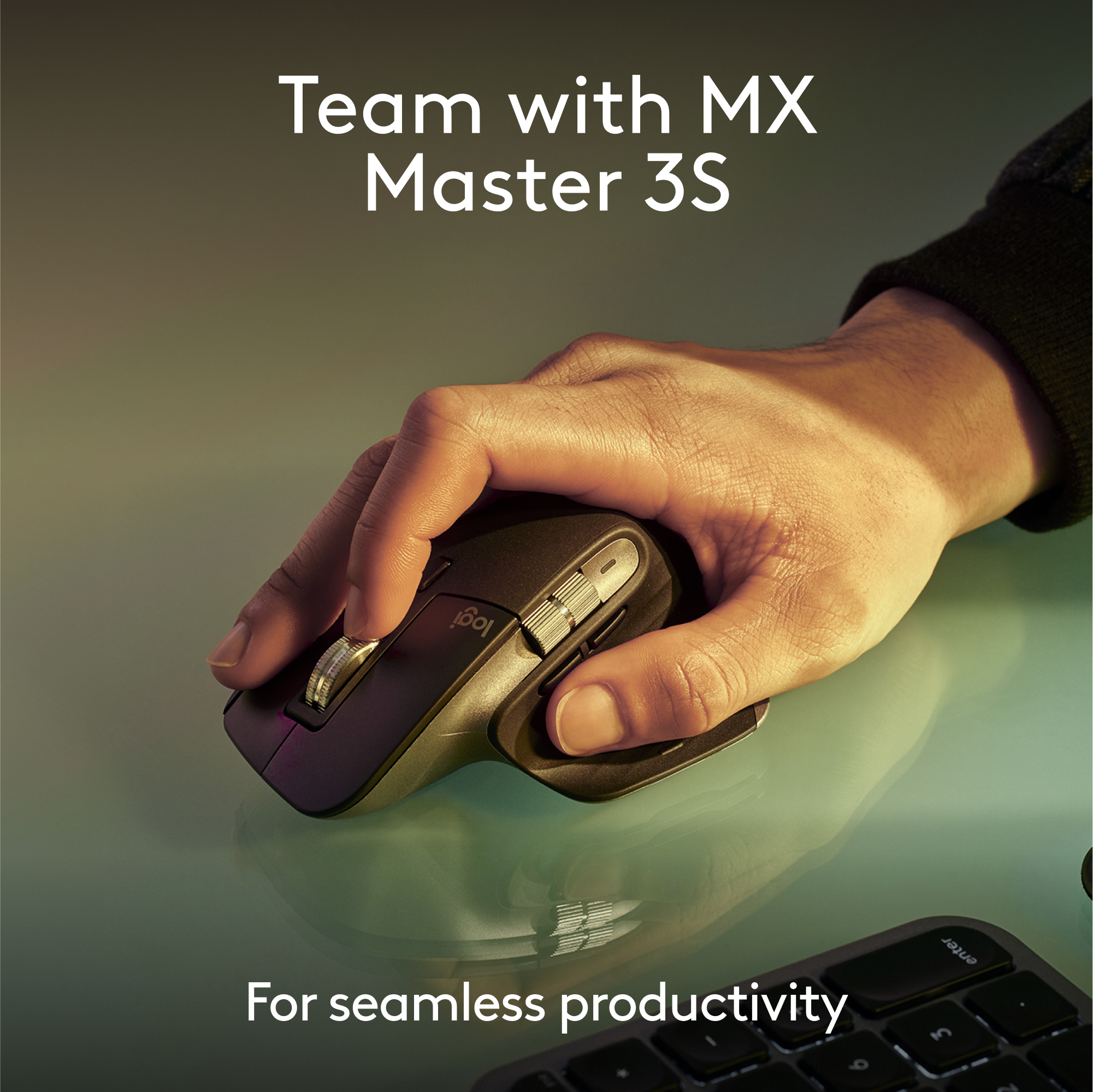
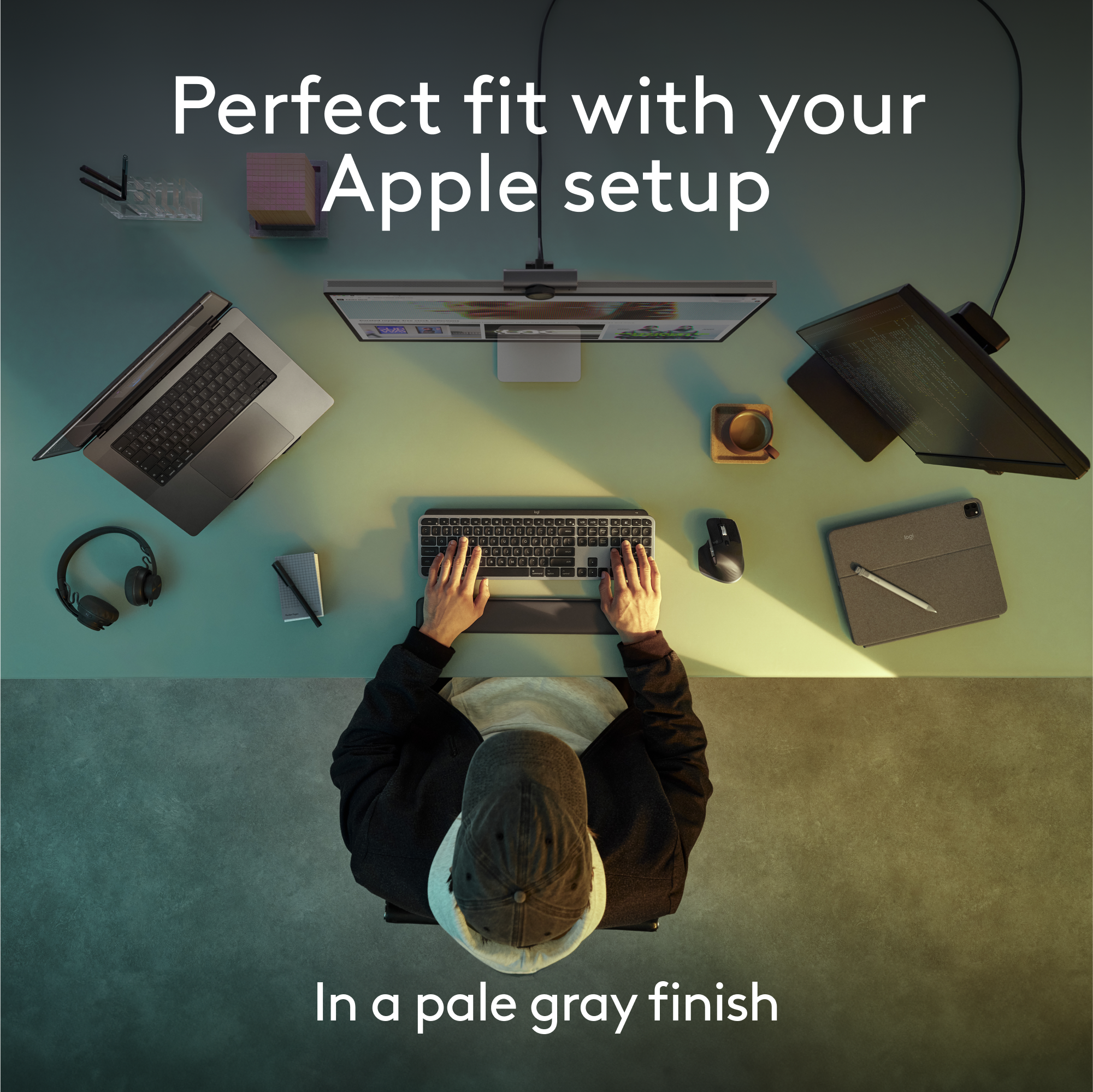

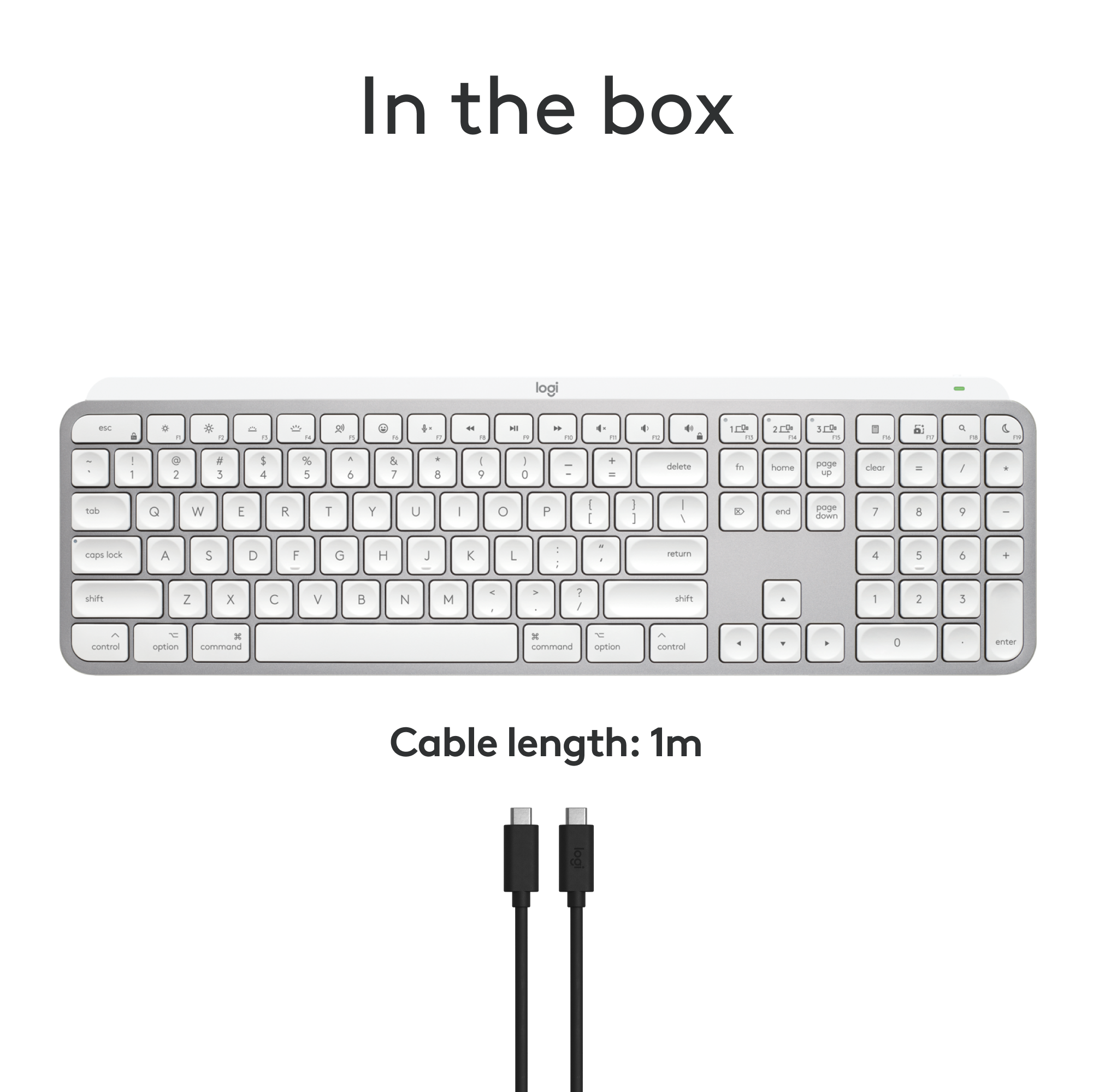


- Model:
- 920-011622
- SKU:
- 6587876
Rating by feature
- Value
Rating 4.5 out of 5 stars
- Quality
Rating 4.8 out of 5 stars
- Ease of Use
Rating 4.7 out of 5 stars
Customers are saying
Customers are satisfied with the product's excellent keyboard quality, long battery life, and ease of use. They also appreciate its compact size, reliable Bluetooth connectivity, and comfortable key feel. However, some customers find the product to be pricey and express a desire for a dedicated number pad. A few users also reported compatibility issues.
This summary was generated by AI based on customer reviews.
Bought a LG 55 on The 14th
Posted .This reviewer received promo considerations or sweepstakes entry for writing a review.The kid that had no idea made a mistake with whom i am. I’ve bought a lot of junk at the 22 nd and have had sales people not tell you the truth. My last purchase sent me my email and said “not you”. The kid that pushed me into buying extra. The paperwork for the extra stuff was sent to a Mexican company and i got nothing but the ticket that was very useless.
No, I would not recommend this to a friendBrand response from Logitech
Posted .Thank you for your feedback on the MX Keys S for Mac. We understand your frustration with your recent purchase experience. We value your feedback and will use it to improve our customer service and overall shopping experience.

Bluetooth-only to connect - makes this unusable
Posted .This reviewer received promo considerations or sweepstakes entry for writing a review.This keyboard needs to be connected by bluetooth in order to work at all, making it unusable for my purposes in my line of work. This would require the fiddly bluetooth setup for each and every device, including clients who borrow it, which no one will have the patience for. I was expecting a plug-and-play wireless dongle as an option. One star since I can't use it at all and have to return.
No, I would not recommend this to a friendBrand response from Logitech
Posted .Hey! Please note that the MX Keys mini keyboard is compatible with Logi Bolt receivers too. However, this receiver isn't included with the product, you will need to purchase it separately.
please do yourself a favor and don't buy
Posted .This reviewer received promo considerations or sweepstakes entry for writing a review.It worked well at the beginning but now I am out of warranty. If you are on OS Ventura or consistently update your OS, do not get. Ever since updating, logitech has not come up with a new driver. It has been months of lagging, it falls asleep in 2 seconds, extremely frustrating. No it is not a battery or connection problem, it is a huge bug. I spend most of my time slamming the keys awake, did I mention it is frustrating? The solutions forum and customer service is a joke. Just get the Apple keyboard.
No, I would not recommend this to a friendCould Have Been Great But...
Posted .This reviewer received promo considerations or sweepstakes entry for writing a review.Logitecch made a huge mistake with the layout of this keyboard by switching the location of the cntl & fn keys. What possible reason there could have been for this is beyond me but for anyone who uses keyboard shortcuts, this is an absolute dealbreaker. If you don't use keyboard shortcuts involving the control key, it's a nice keyboard albeit overpriced compared to the competition. If you look online, you'll find many other options for backlit Mac keyboards or they haven't screwed up the layout.
No, I would not recommend this to a friendBrand response from Logitech
Posted .Hello ExpertMacSupport,
I am sorry that the MX Keys Mini did not meet your expectations. There are many different keyboard layouts, and it is understandable that one layout would not satisfy everyone's needs. That is why Logitech offers a wide range of products to choose from. Good luck finding your perfect fit among the Logitech collection. Logitech appreciates your product review and brand loyalty. - Leo from Logitech