Customer Ratings & Reviews
![esc ~ ! 1 tab caps lock shift ctrl F2 Fl # 2 3 Q W A S Z start opt L F3 $ 4 E D X alt cmd3 ) FS F4 A % 5 6 R T F G V C logi 44 HI & F9 FID FB F7 F6 * ) - - & 0 8 9 7 O P U I Y K L H J > < N M 1 B PM + = { [ : I ; ? I alt cmd D 2 4 300 3 1 F12 . * page I insert home up clear backspace 8 9 + 7 page A pg up end down home } I delete ] / 6 4 5 4 enter 2 3 enter 1 dn Pg end shift = 0 del ins etrl fn opt](https://pisces.bbystatic.com/image2/BestBuy_US/images/products/6539/6539505_sd.jpg)





- Model:
- 920-011406
- SKU:
- 10111516
Rating by feature
- Value
Rating 4.6 out of 5 stars
- Quality
Rating 4.8 out of 5 stars
- Ease of Use
Rating 4.7 out of 5 stars
- Pros mentioned:Battery life, Keyboard quality

Nominal update
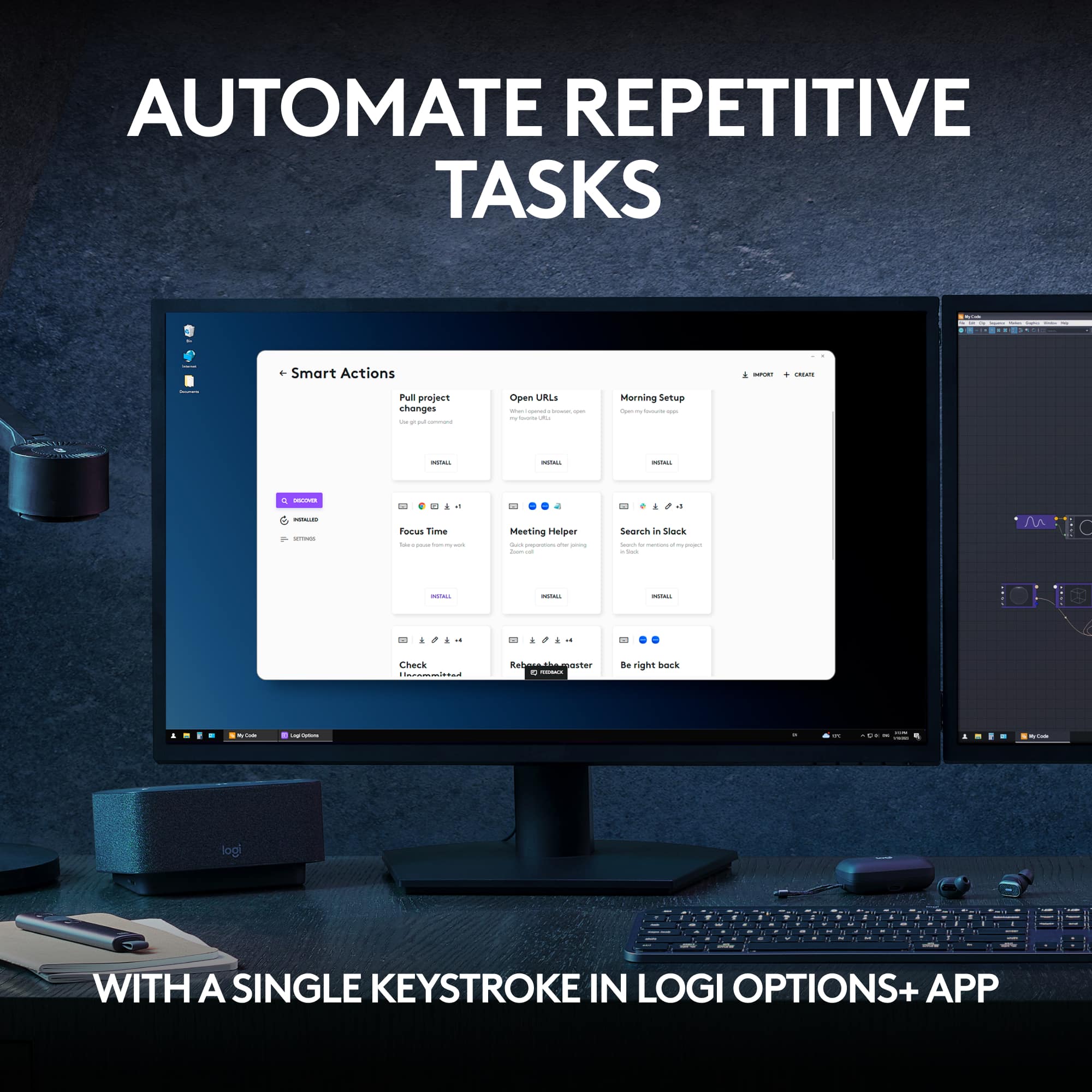
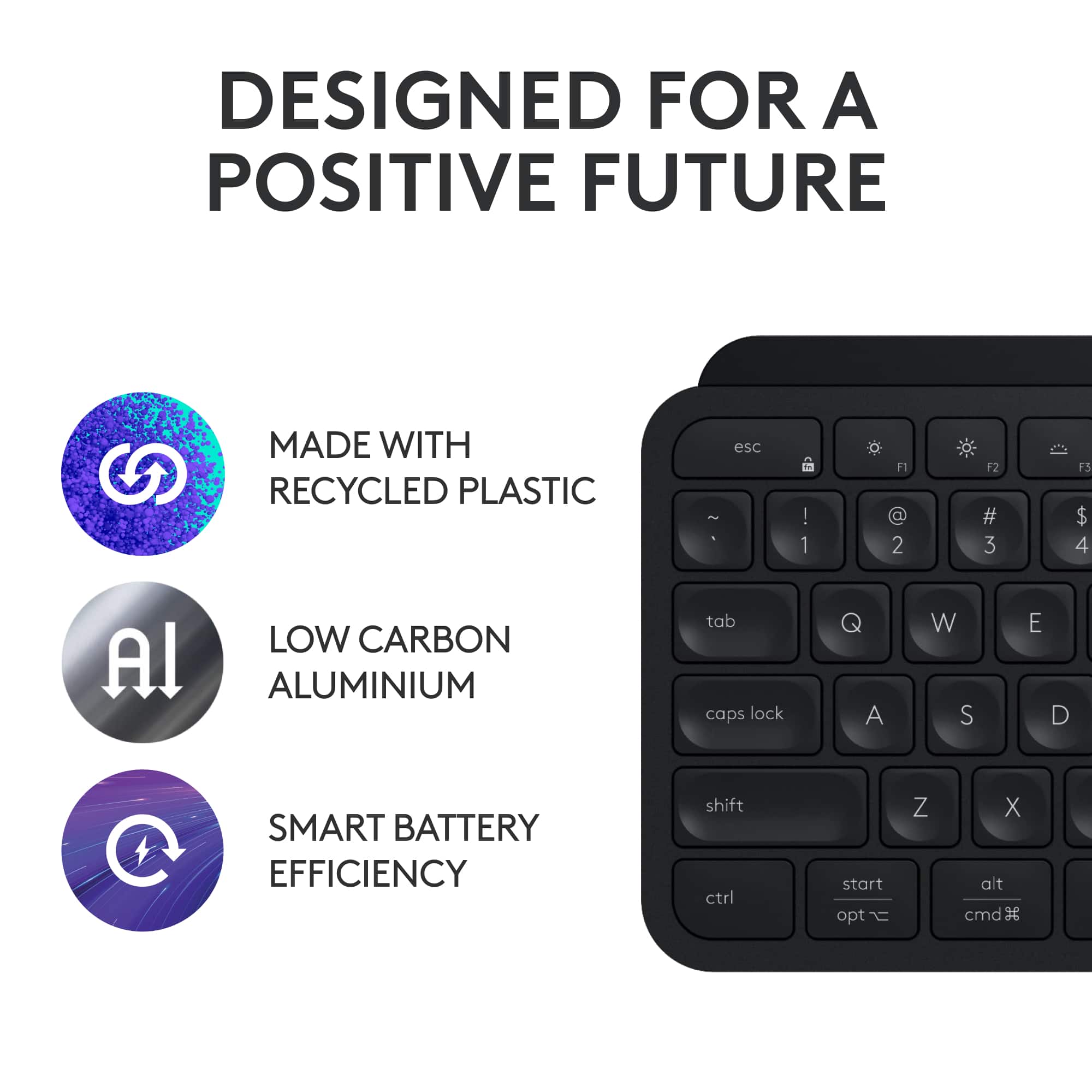
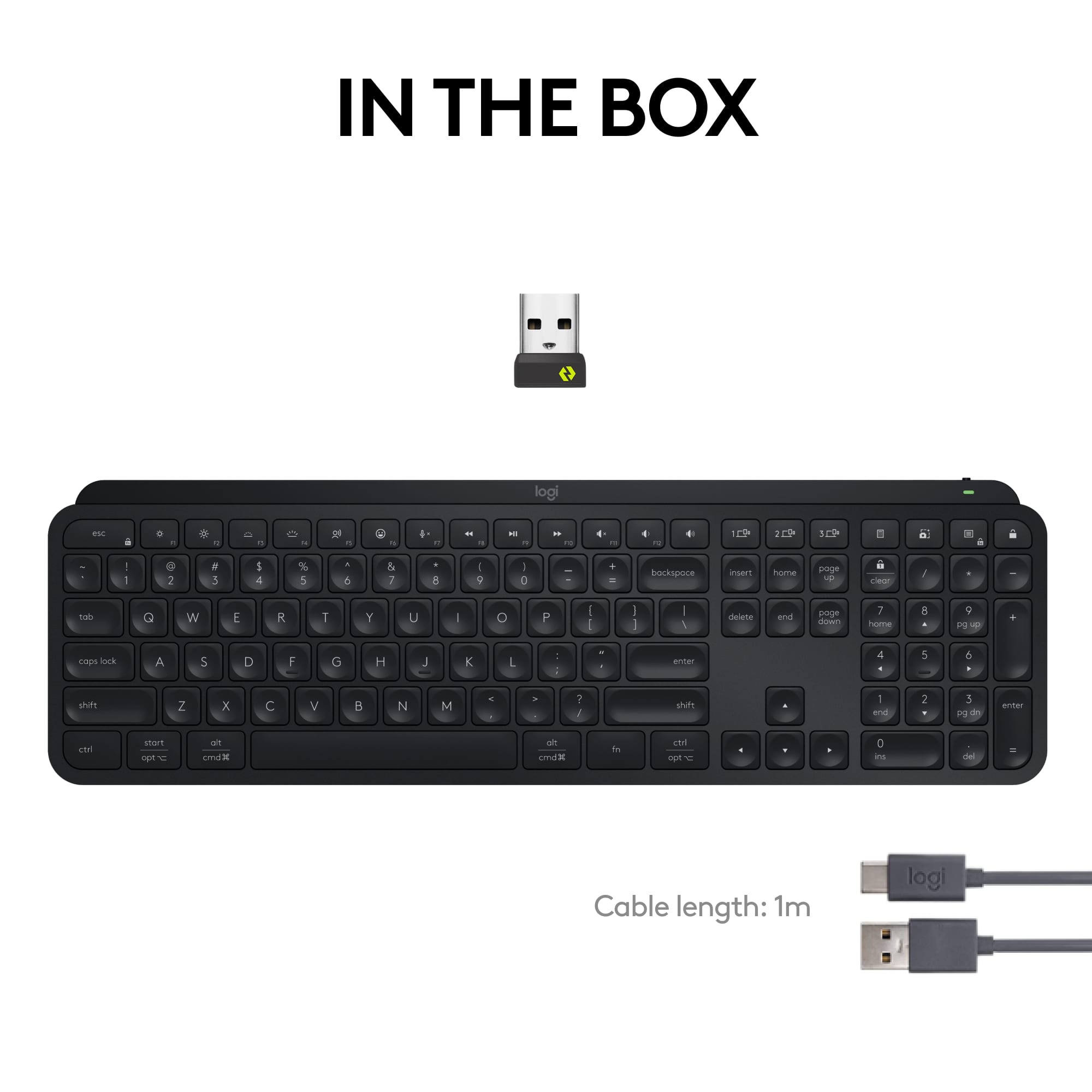
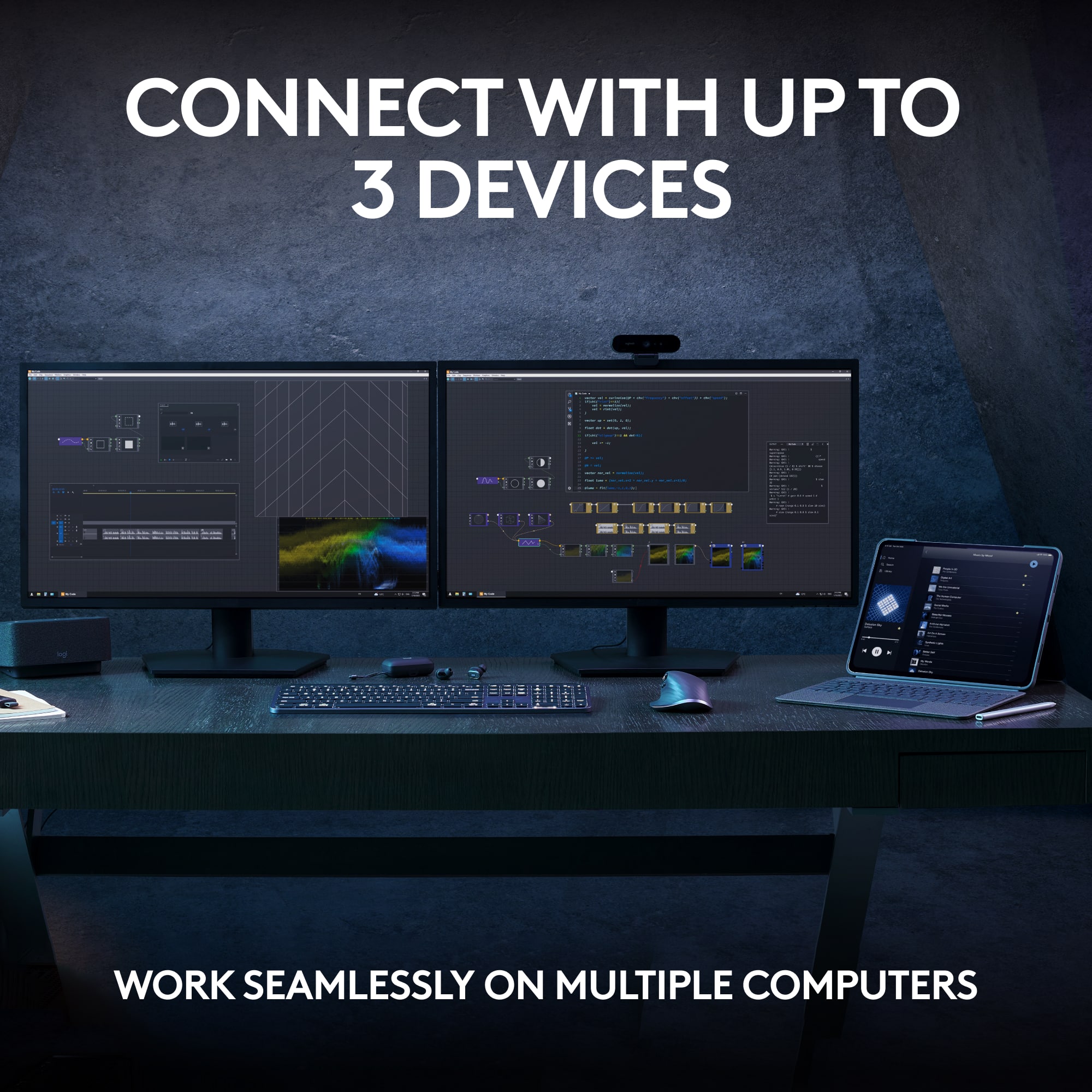
|Posted .This reviewer received promo considerations or sweepstakes entry for writing a review.Nominal Updates I've been a long time fan of Logitech's products, especially since the "Master-esque" line of products started being released with the original MX Master Mouse. I've acquired nearly every recent generation of product between the MX Master and MX Keys line (and considering for the purpose of this review the Logitech Craft keyboard to be the "first" of the MX Keys keyboards, although not by name) and am continually impressed with the consistent experience that Logitech provides in its flagship products. "Consistent experience" seems to be the name of the game now for the top-of-the-line Logitech MX Keys S, the renewed version of the original MX Keys released back in 2019. There are definitely some changes over the Logitech Keys (I use the Keys for Mac version of the first-generation keyboard), but it to some degree has reached "Ford F-150 status" in that a front-running, well-selling keyboard needs to change very little from generation to generation in order to retain its spot at the front of the pack. One notable difference in only a few years is Logitech's commitment to more responsible packaging, providing a slightly less premium, but still enjoyable unboxing experience. There was a nice piece of canvas/fabric folded around the Keys S, along with a USB Type-A to Type-C charging cable and the Logi Bolt USB receiver. Logitech claims a battery life of 10 days with backlighting, and up to 5 months without. The Craft Keyboard from Logitech always irritated me because the battery life seemed painfully short, but I've seen improvements in battery life across all their products generation-over-generation. Your use case will obviously be different than mine (or anyone else's). Not long ago I reviewed the MX Master 3S, titling the review "so much difference in only a click." That again seems to be the sentiment with the Keys S, wherein the only noticeable difference in experience is the sound of the keys...but that difference is not significant or substantially noticeable. That doesn't mean, however, that I don't love it. The original Keys keyboard has a sharper, slightly higher frequency "click" to its keypresses, versus a slightly more muted, less bright sounding click on the Keys S. Alongside the Logitech MX 3S, this creates a very muted--but still intentional and specific--set of noises around keypresses and mouse clicks. There are two other components to the Logitech accessory experience that have to be mentioned in EVERY review are the Logi Options app, and the Flow functionality within that app. Logi Options (or Logi Options+ depending on the product) is the companion app that really deserves to be installed on your computer. This app provides customization options around keymapping, which can be changed based on the type of device the keyboard is connected to (the Keys S can be paired to up to 3 different devices like its older sibling). And finally, there's Flow...the cross-device, cross-platform software KVM for sharing your mouse and keyboard across multiple devices. Flow just keeps getting better and smoother, and given a lack of significant competition for Mac's universal control, something that offers similar functionality across multiple platforms is a welcome alternative. And then there's price. Look, $120 is no small amount of money to pay for a somewhat un-exciting, well-built, quieter chiclet-style keyboard...but I have before and will continue to endorse opening your wallet for Logitech's premium products. I've used them for years, and I'm always pleased with performance, durability and experience--and when your mouse and your keyboard are you primary methods of interacting with your computer day-to-day, you deserve to spend a little extra to get the thing that you want.
I would recommend this to a friend They are better product for less money
||Posted . Owned for 3 weeks when reviewed.This reviewer received promo considerations or sweepstakes entry for writing a review.It should have come with a mouse for that much of money
I would recommend this to a friendSlow, unresponsive - returning
||Posted . Owned for less than 1 week when reviewed.This reviewer received promo considerations or sweepstakes entry for writing a review.I have been using wireless keyboards since it was a thing and I have never had a problem like this... The keyboard is unresponsive & has a major key stroke delay, plus it randomly produces multiple key strokes (eg: ppppppppp, or he llo) maybe I got a bad one, but for the price, it's going back to the store. Google it thought, I am not the only one. I tried it with and without the usb adaptor...
No, I would not recommend this to a friendBrand response from Logitech
Posted .We apologize for the issues you're experiencing with the Logitech MX Keys S. To get that issue resolved, we recommend reaching out to our social care team via email at socialcare@logitech.com with your
- Name:
- Email Address:
- Country:
- Product Name:
- Brief description of issue:
Meh
||Posted . Owned for 1 month when reviewed.This reviewer received promo considerations or sweepstakes entry for writing a review.2nd PC programmed will not connect part of the time
No, I would not recommend this to a friendDon't buy it!
||Posted . Owned for 1 week when reviewed.This reviewer received promo considerations or sweepstakes entry for writing a review.I don't like it because the backlit is dim, even at its highest setting. You also have to touch a key in order for the backlight to come on. With my old keyboard, all you had to do is hoover your hand over the keyboard and the backlight would come on.
No, I would not recommend this to a friendBrand response from Logitech
Posted .Truly sorry about any inconvenience caused and thanks for bringing it to our notice. We'd recommend to get in touch with the Logi Support Team in this case and the team will definitely walk you through all the available options, next steps, and best possible solution.
Goodbye shortcuts
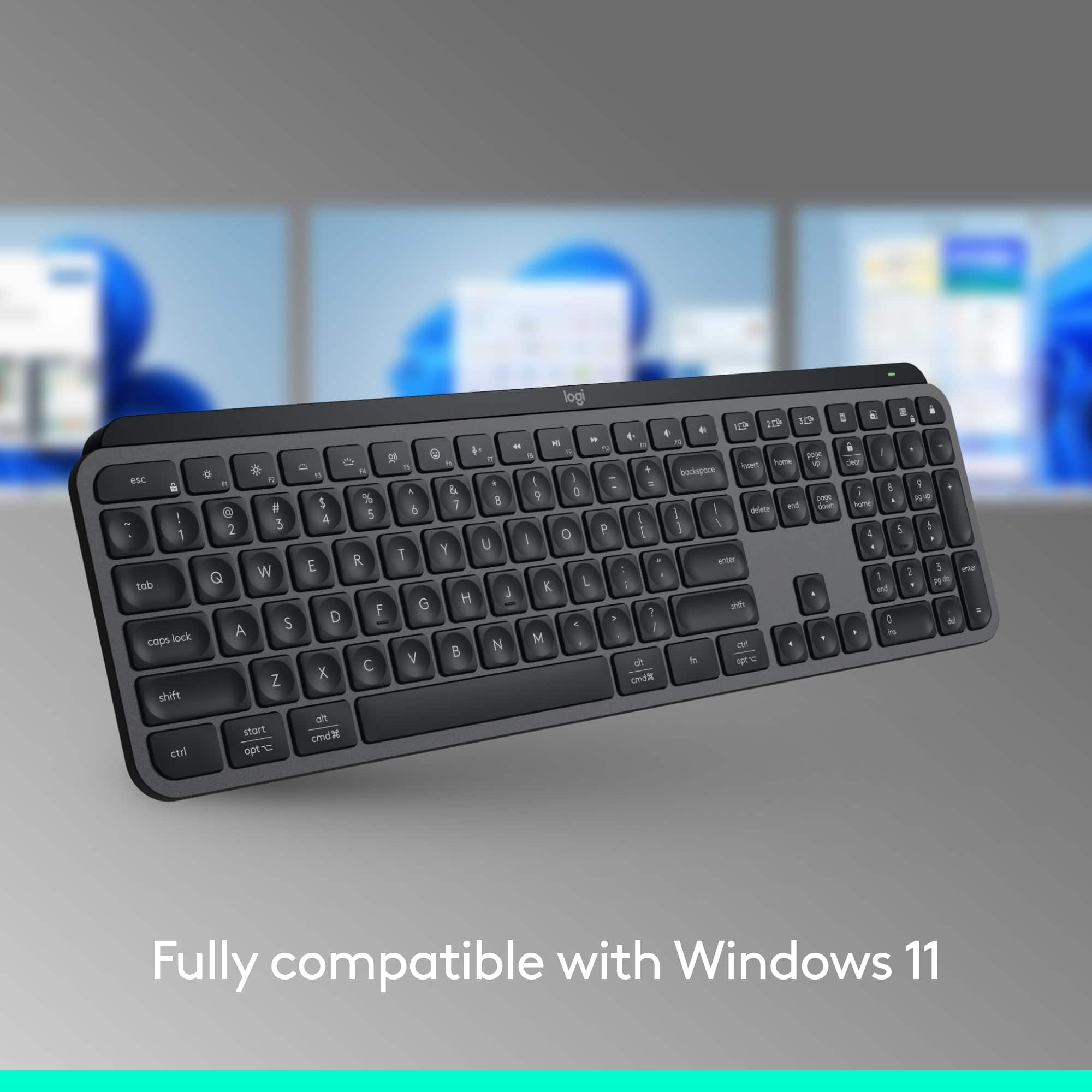
||Posted .This reviewer received promo considerations or sweepstakes entry for writing a review.There is no Windows button and there is no PRT SCRN button. There is no way to take a screen shot in Windows. The lack of the Windows button reduces the shortcuts for other things, as well. I wish I noticed this before putchasing.
No, I would not recommend this to a friendBrand response from Logitech
Posted .We're sorry to hear that the absence of a dedicated Windows key and Print Screen button on the MX Keys S is causing you inconvenience with Windows shortcuts and taking screenshots. We understand your frustration, especially since you wish you had noticed this before purchasing. Your feedback regarding these missing keys is important to us.

- Pros mentioned:Battery life, Keyboard quality
Another Winner from Logitech
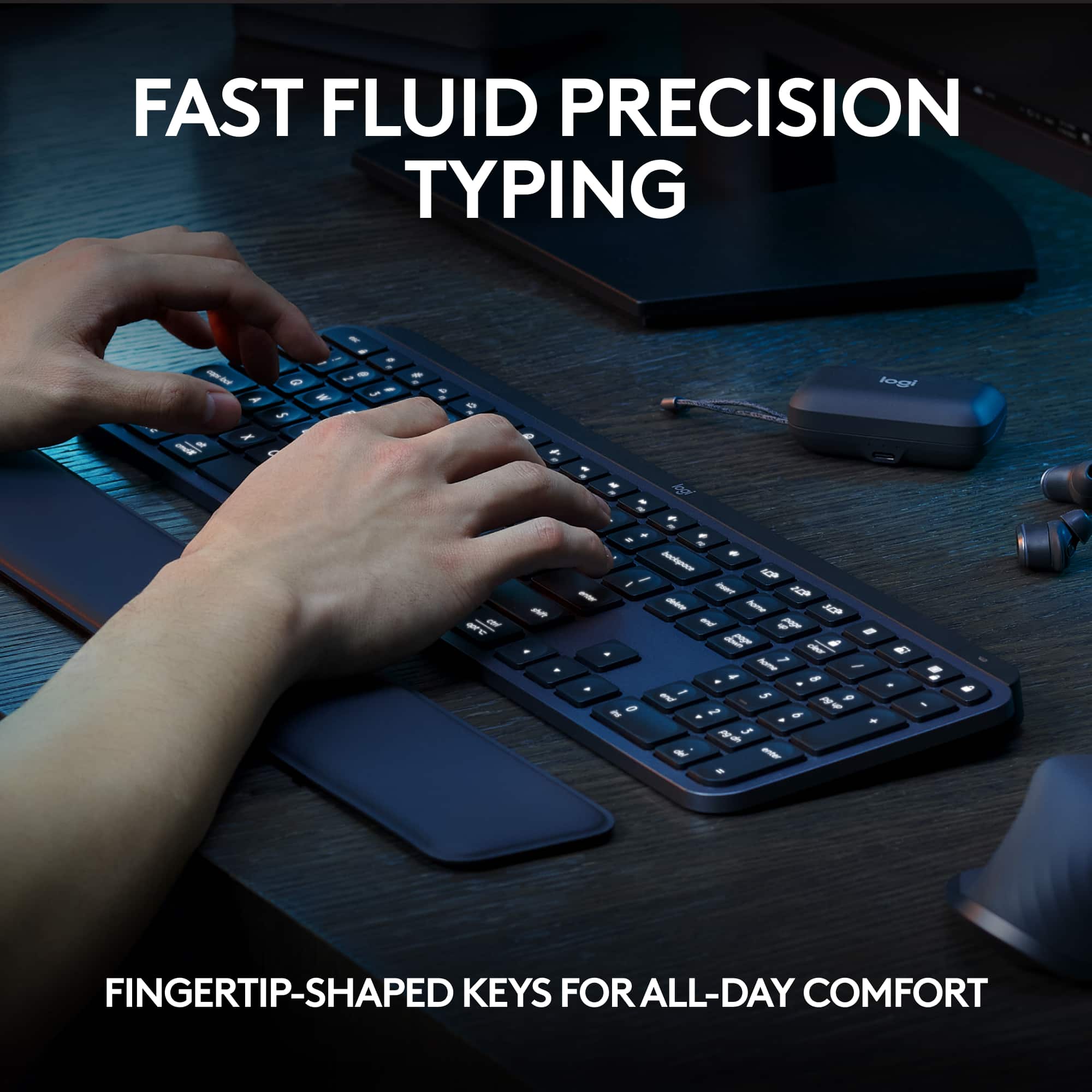
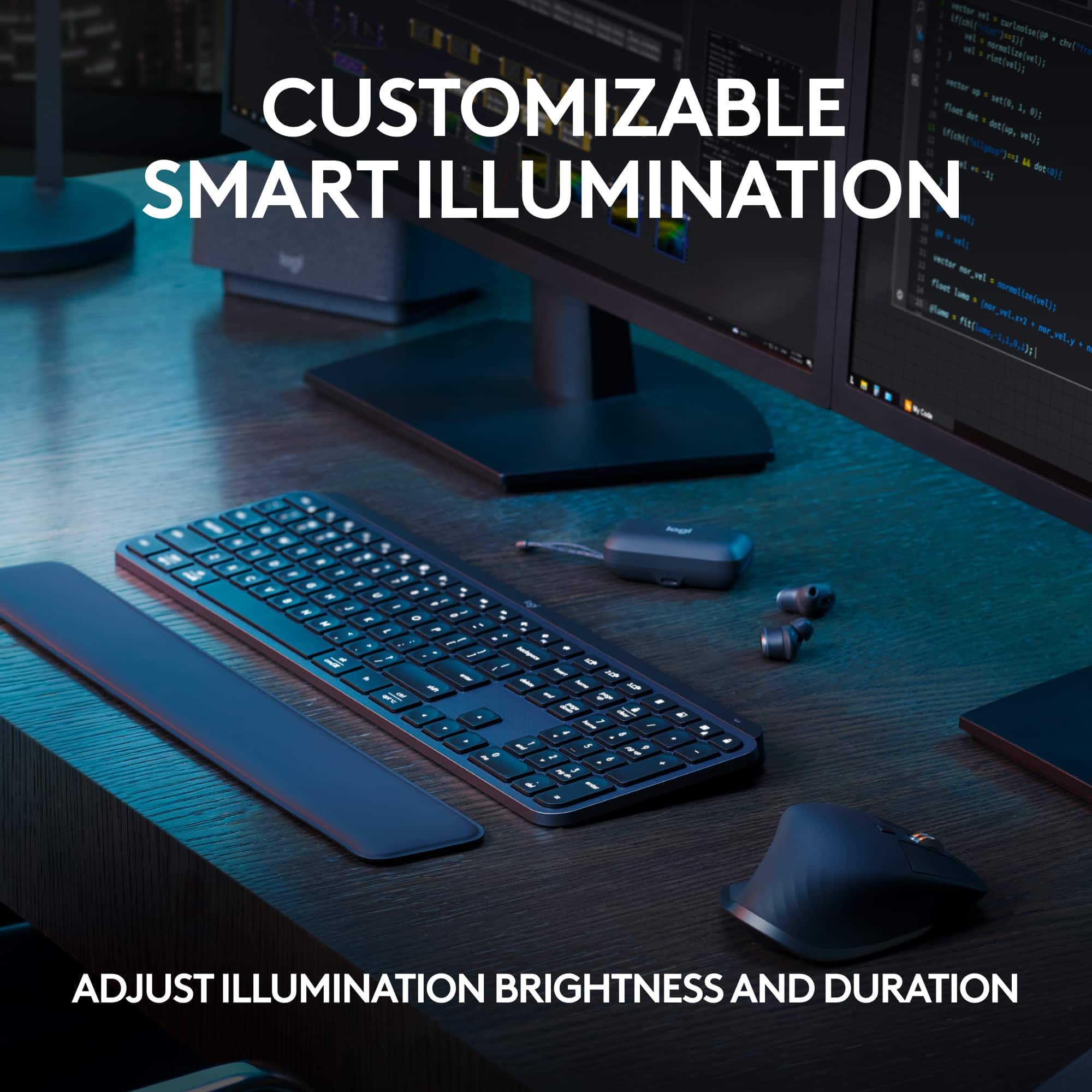
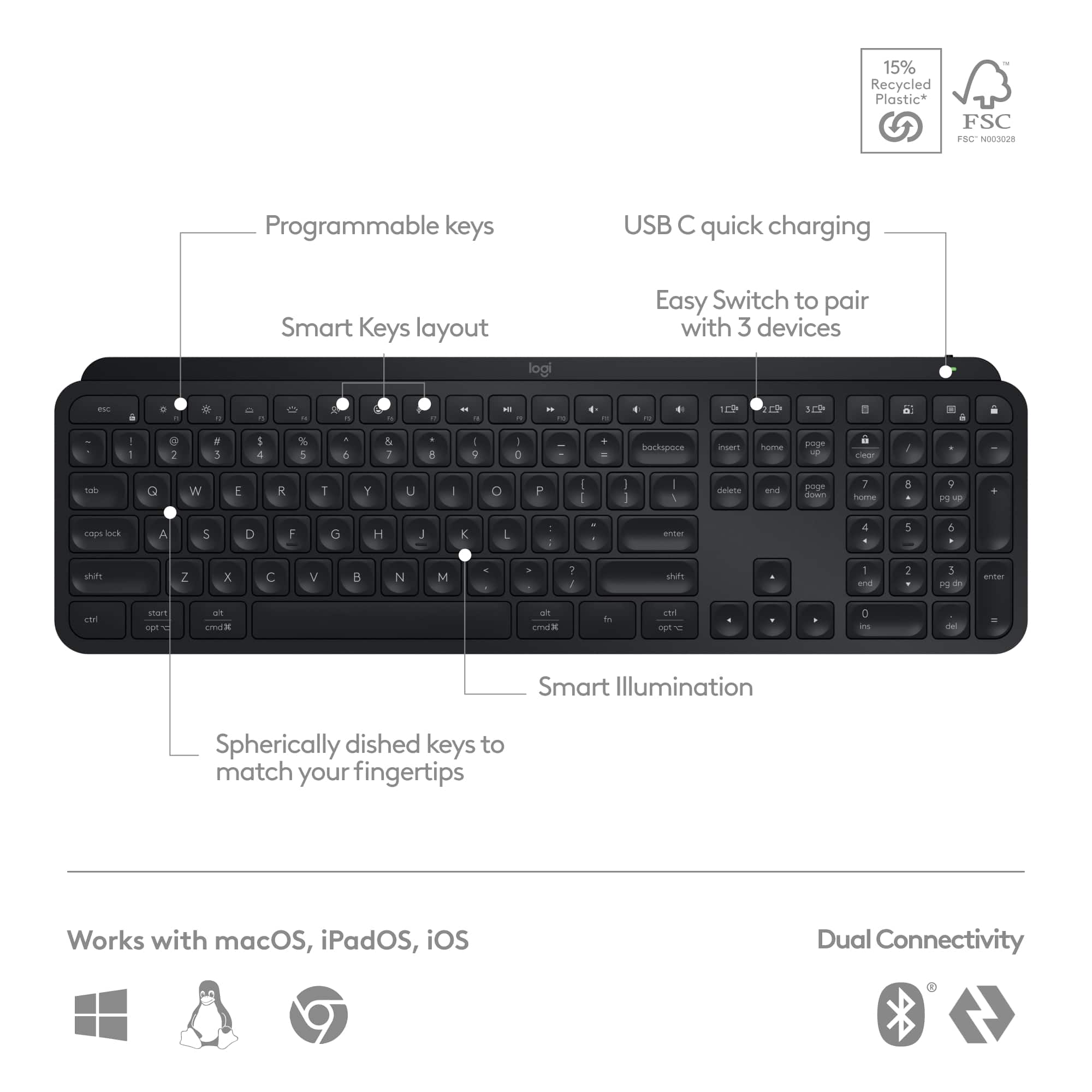
|Posted .This reviewer received promo considerations or sweepstakes entry for writing a review.Between work & home I’ve had over a dozen different keyboards from different manufacturers, but I always come back to Logitech. The MX Keys S is by far the best yet. 2nd place goes to the prior version, MX Keys that I used for a few years. I have only good things to say about this MX Keys S: -Weight: Logitech added just the right amount of weight so that the board doesn’t slide around on slick surfaces. -Backlighting: My office overhead lighting is a little dim, so the backlighting is an absolute must. The ‘Smart Illumination’ activates as soon as your hands approach the keyboard. Then additional censors adjust the brightness according to ambient room light. This feature alone sets it apart from every other board I’ve used. -Quiet keys: No loud, cheap, & plasticky clickety-clacking. This MX Keys S is virtually silent. -Key Shapes: The keys are slightly rounded and concave. It’s noticeably more comfortable than any keyboard I’ve ever tried, & it gives a sure feel. -USB-C Charging: No more eating batteries! Logitech claims 10 days of power from one charge (with backlighting on). My prior MX Keys board averaged 12 days, so I expect the same or better with this new S version. Overall: This MX Keys S gets 5 stars! It’s by far the best keyboard I’ve ever tried. Logitech keeps thinking creatively & upping their game.
I would recommend this to a friend Loses connection intermittently
||Posted . Owned for 1 week when reviewed.This reviewer received promo considerations or sweepstakes entry for writing a review.Loses connection intermittently if connected via Bluetooth to a Windows 10 device while my older version of this keyboard (MX Keys without the "S") works perfectly fine. Ended up returning it.
No, I would not recommend this to a friendBrand response from Logitech
Posted .Truly sorry to hear about your troublesome experience with the product. Your feedback is important to us, and we'll make sure to share it with the right team.
- Cons mentioned:Price
not worth purchasing
||Posted . Owned for 3 weeks when reviewed.This reviewer received promo considerations or sweepstakes entry for writing a review.terrible expensive, not ergonomic, after about 10 minutes using the keyboard I began to feel pain in my wrist, I returned it
No, I would not recommend this to a friendBrand response from Logitech
Posted .We regret to hear that you'll have to return the product and we apologize for the inconvenience caused. We'll surely take this feedback and make sure to share it with the right team. Thanks for bringing it to our notice.
MX Keys S
||Posted . Owned for 1 week when reviewed.This reviewer received promo considerations or sweepstakes entry for writing a review.What a downgrade from K740 I still have my K740 and bought this new keyboard MX Keys. If you still have K740, MX Keys will disappoint you.
No, I would not recommend this to a friendBrand response from Logitech
Posted .We're sorry to hear that you've had an unpleasant experience with our product. We'll surely take this feedback and make sure to share it with the right team.
keys fall off keyboard
||Posted . Owned for 1 month when reviewed.This reviewer received promo considerations or sweepstakes entry for writing a review.keys keep falling off the keyboard. After purchasing once before I should have learned, but I thought I would try it again, but again the keys keep coming off the keyboard
No, I would not recommend this to a friendBrand response from Logitech
Posted .Thank you for your feedback on the MX Keys S. We sincerely apologize for the issues you're experiencing with keys coming off the keyboard. To address this issue, we recommend reaching out to our social care team via email at socialcare@logitech.com with your
- Name:
- Email Address:
- Country:
- Product Name:
- Brief description of issue:
Awful
||Posted . Owned for 2 months when reviewed.This reviewer received promo considerations or sweepstakes entry for writing a review.Works half of the time, the other half it’s disconnecting and reconnecting to the bluetooth. Horrible, I wish I had returned it.
No, I would not recommend this to a friendBrand response from Logitech
Posted .Thank you for sharing your experience with the Logitech MX Keys S. We're very sorry to hear you're having connectivity issues with the Bluetooth, causing frequent disconnections and reconnections. To address this issue, we recommend reaching out to our social care team via email at socialcare@logitech.com with your
- Name:
- Email Address:
- Country:
- Product Name:
- Brief description of issue:
Poor quality
||Posted . Owned for 2 months when reviewed.This reviewer received promo considerations or sweepstakes entry for writing a review.This keyboard was not great. It had issues with the keys right out of the box. Would not recommend spending your time and money on it.
No, I would not recommend this to a friendBrand response from Logitech
Posted .We regret to know that the product did not meet your expectations. We'll make sure to share it with the right team so they can look into it.
Who designed this mess?
||Posted . Owned for 1 year when reviewed.This reviewer received promo considerations or sweepstakes entry for writing a review.F1-F12 keys do not work. It changes the brightness of the computer screen only. Impossible to use this keyboard for gaming that requires use of these keys.
No, I would not recommend this to a friendBrand response from Logitech
Posted .We apologize for the inconvenience caused by the F1-F12 key functionality issues with the Logitech MX Keys S keyboard. We'll investigate this matter to determine the cause and find a solution. Please contact our customer support team for further assistance or potential troubleshooting steps.
Not worth it
||Posted . Owned for 3 weeks when reviewed.This reviewer received promo considerations or sweepstakes entry for writing a review.Terrible product. Will randomly stop picking up keystrokes and will sometimes duplicate keystrokes.
No, I would not recommend this to a friendBrand response from Logitech
Posted .That sounds like an issue. In order to assist you effectively, please provide your information to our support team by emailing socialcare@logitech.com. Name – Email address – Country – Product name – Brief description of the issue –
Worst purchase
||Posted . Owned for 2 months when reviewed.This reviewer received promo considerations or sweepstakes entry for writing a review.Stopped working after a month. Keeps disconnecting from Bluetooth. There is no way to connect to a unifying receiver.
No, I would not recommend this to a friendBrand response from Logitech
Posted .That's unexpected! In order to help you effectively, please provide your information to our support team by emailing socialcare@logitech.com. Name – Email address – Country – Product name – Brief description of the issue –
Returned
||Posted . Owned for 1 month when reviewed.This reviewer received promo considerations or sweepstakes entry for writing a review.It is not comfortable on the wrist. I bought an Ergo Logitech keyboard instead
No, I would not recommend this to a friendBrand response from Logitech
Posted .We understand that ergonomics and comfort are important factors when choosing a keyboard. We appreciate your feedback and will continue to refine our products to meet the diverse needs of our customers.
Great keyboard-poor backlight-wish I could return
||Posted . Owned for 3 weeks when reviewed.This reviewer received promo considerations or sweepstakes entry for writing a review.While this is a great keyboard, the backlight sucks Wish I could still return it and try the black
No, I would not recommend this to a friendBrand response from Logitech
Posted .We apologize for the disappointment regarding the backlight on your Logitech MX Keys S. We encourage you to explore the backlight settings within the Logitech Options+ software. There may be adjustable options to optimize the backlight to your liking. If you are facing any issue, we recommend reaching out to our social care team via email at socialcare@logitech.com with your
- Name:
- Email Address:
- Country:
- Product Name:
- Brief description of issue:
dumb
||Posted . Owned for 3 weeks when reviewed.This reviewer received promo considerations or sweepstakes entry for writing a review.the G key popped out the very first time I used it.
No, I would not recommend this to a friendBrand response from Logitech
Posted .That's unexpected! In order to help you effectively, please provide your information to our support team via email at socialcare@logitech.com with your
- Name:
- Email Address:
- Country:
- Product Name:
- Brief description of issue:
- Pros mentioned:Battery life, Keyboard quality
My Favorite Keyboard
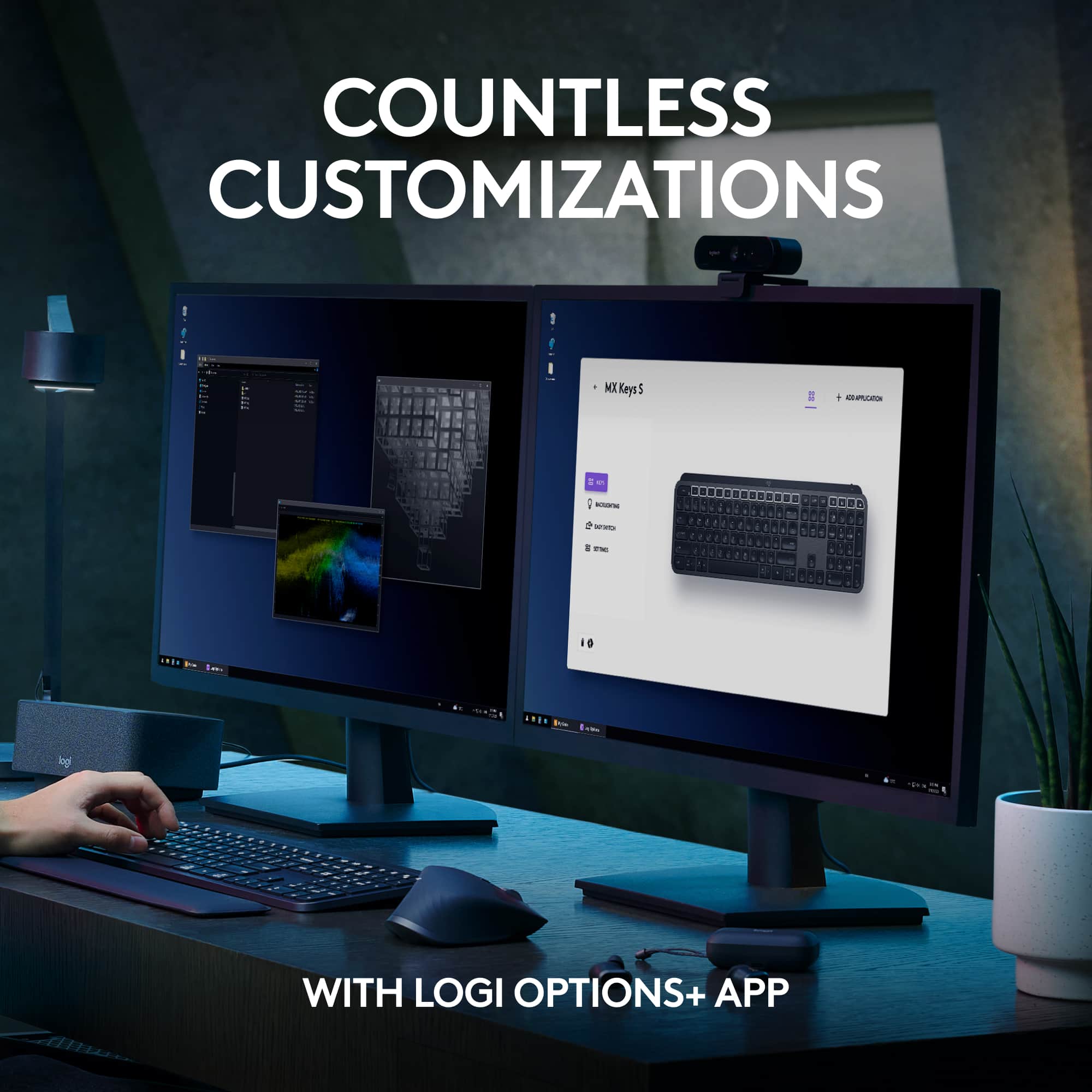
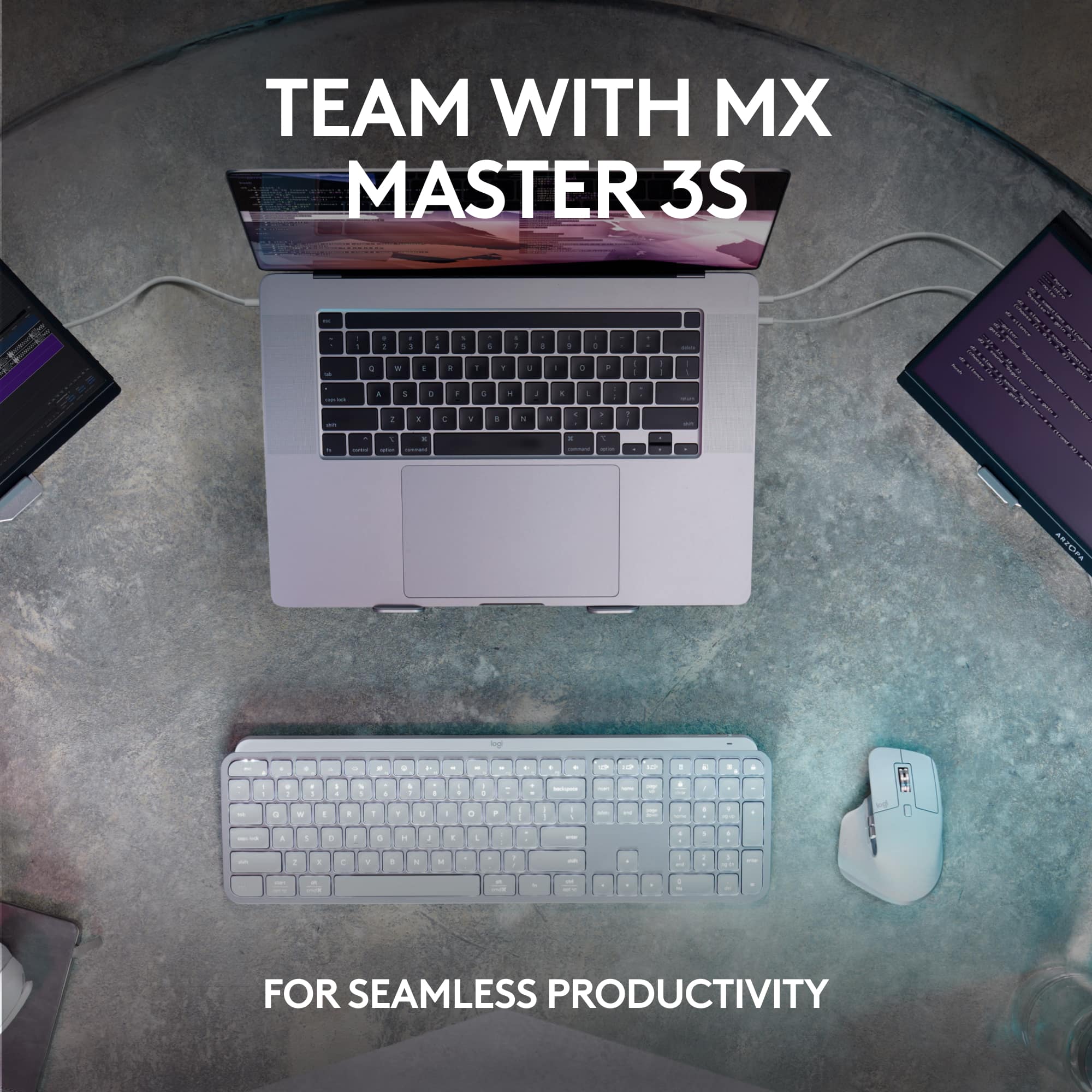
|Posted .This reviewer received promo considerations or sweepstakes entry for writing a review.I'm no stranger to Logitech keyboards as they have been my go-to brand for more than a decade. I was a fan of the original MX Keys, so I was happy to get my hands on the new MX Keys S to add to my work setup at the office. Right off the bat, the MX Keys S has a chicklet-style keyboard with a cupped indention in all the essential typing keys. The function and control buttons at the top of the keyboard are flat. At first, I found the indention to be a bit distracting, but after using Logitech keyboards for a while, I guarantee that you will get use to it. One of my favorite features of the MX Keys S is its sleek and stylish design. With a slim profile and a brushed aluminum finish, it has a premium look and feel. The low-profile keys provide a satisfying typing experience, with a good amount of travel and responsive feedback. The backlit keys are a nice touch, allowing you to work comfortably even in low-light environments. MX Keys S can connect to multiple devices via Bluetooth or with the Logi Bolt USB receiver. Switching devices is pretty streamline and simple using the three different device toggle buttons on the keyboard. For me, I use this with my laptop, desktop, and iPad. Customizability is another strength of the keyboard with the Logitech Options software. You can remap keys, create custom shortcuts, control how the backlighting responds, and seamlessly switch from computer to computer. As for battery life, milage will vary based on how you use the keyboard and the environment. Logitech says you can use the keyboard on a full charge for up to 10 days with backlighting or five months with no backlighting. For me, I would say the backlighting feature on is about right. Charging is simple as it uses USB-C, so if you can easily use something around your desk to charge the keyboard. Pairing the MX Keys S with my MX Master 3S mouse makes for a superior workflow desk setup. I highly encourage anyone looking for a premium keyboard to not think twice about picking this one up. You'll be very happy.
I would recommend this to a friend