Customer Ratings & Reviews
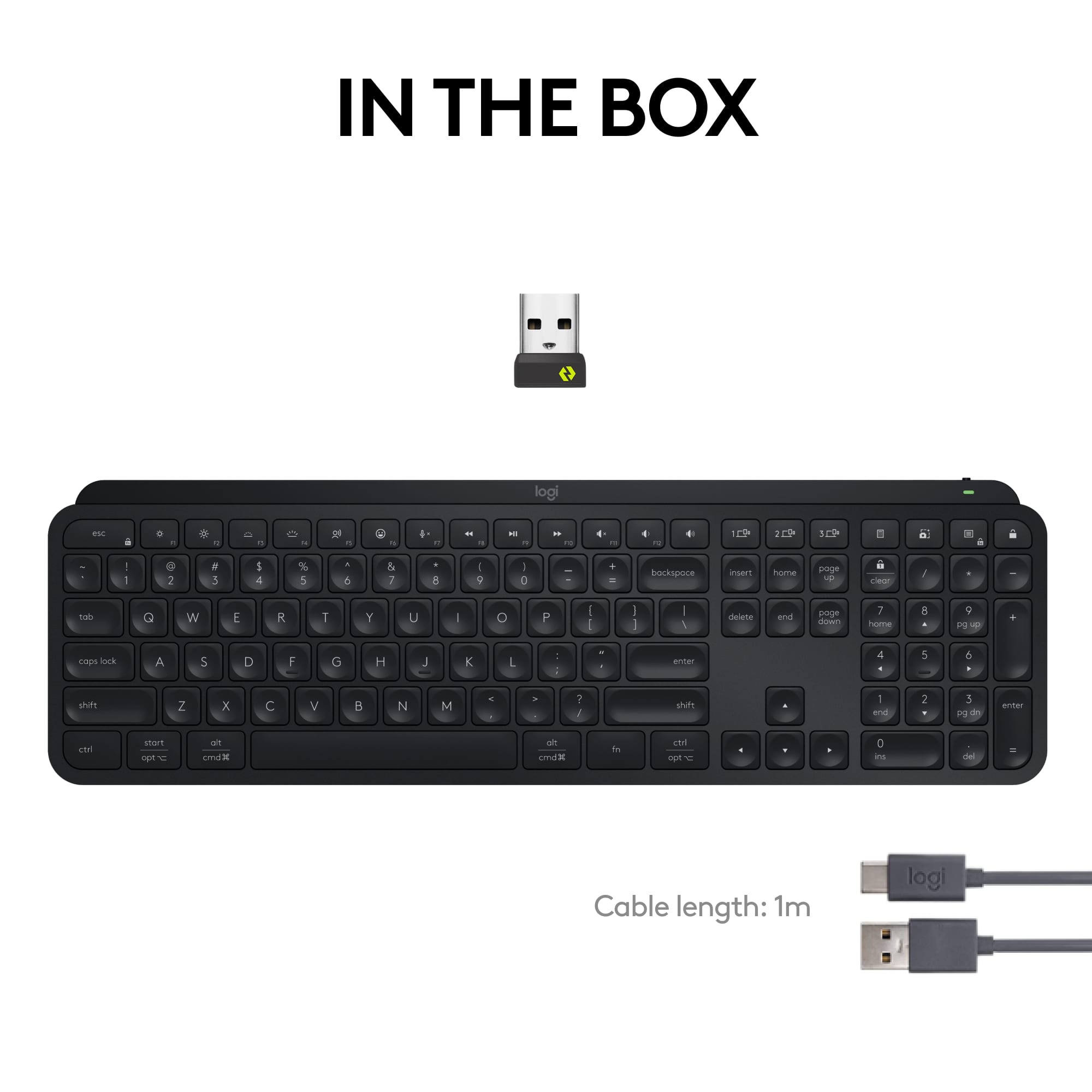
![esc ~ ! 1 tab caps lock shift ctrl F2 Fl # 2 3 Q W A S Z start opt L F3 $ 4 E D X alt cmd3 ) FS F4 A % 5 6 R T F G V C logi 44 HI & F9 FID FB F7 F6 * ) - - & 0 8 9 7 O P U I Y K L H J > < N M 1 B PM + = { [ : I ; ? I alt cmd D 2 4 300 3 1 F12 . * page I insert home up clear backspace 8 9 + 7 page A pg up end down home } I delete ] / 6 4 5 4 enter 2 3 enter 1 dn Pg end shift = 0 del ins etrl fn opt](https://pisces.bbystatic.com/image2/BestBuy_US/images/products/6539/6539505_sd.jpg)






- Model:
- 920-011406
- SKU:
- 10841033
Rating by feature
- Value
Rating 4.5 out of 5 stars
- Quality
Rating 4.8 out of 5 stars
- Ease of Use
Rating 4.7 out of 5 stars
Customers are saying
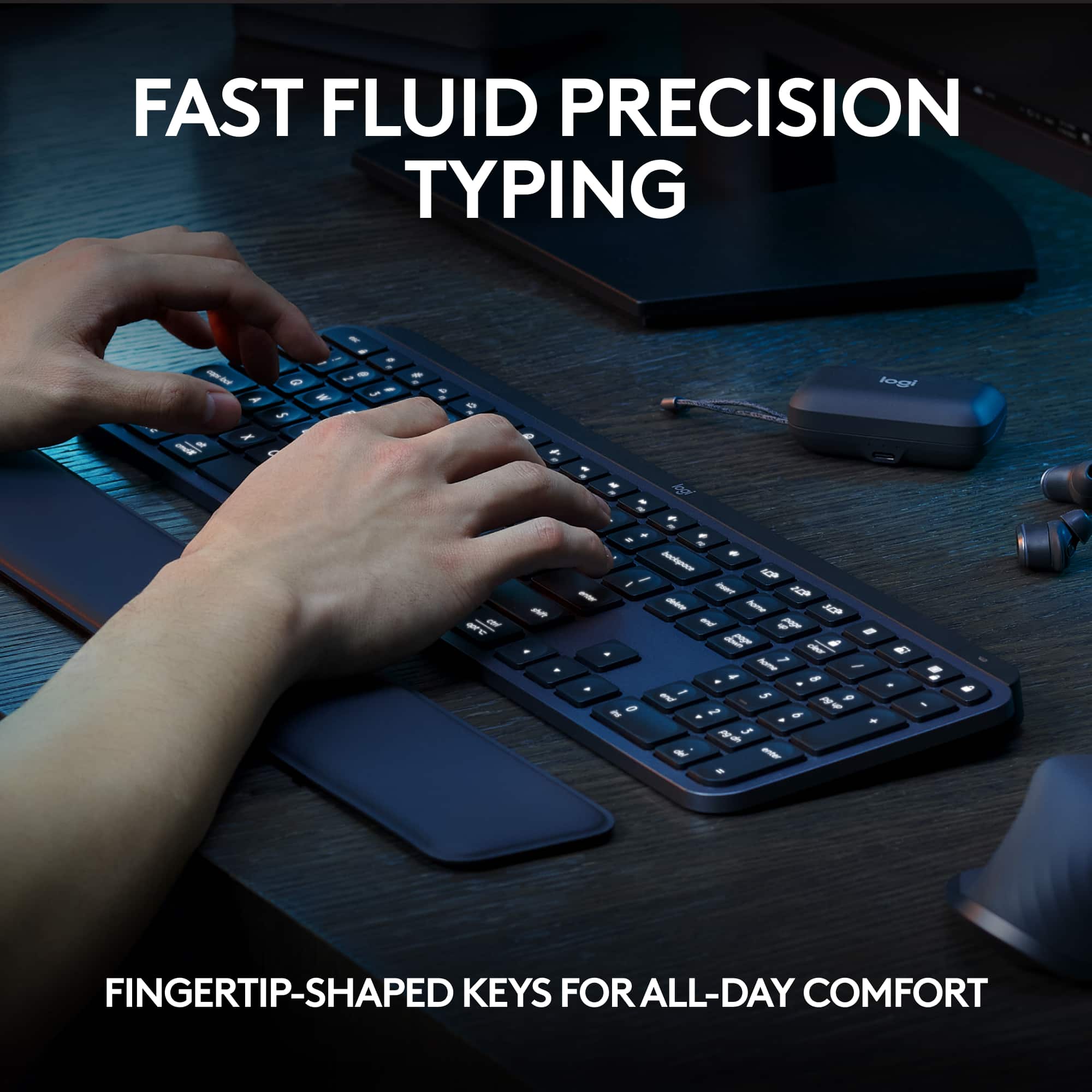
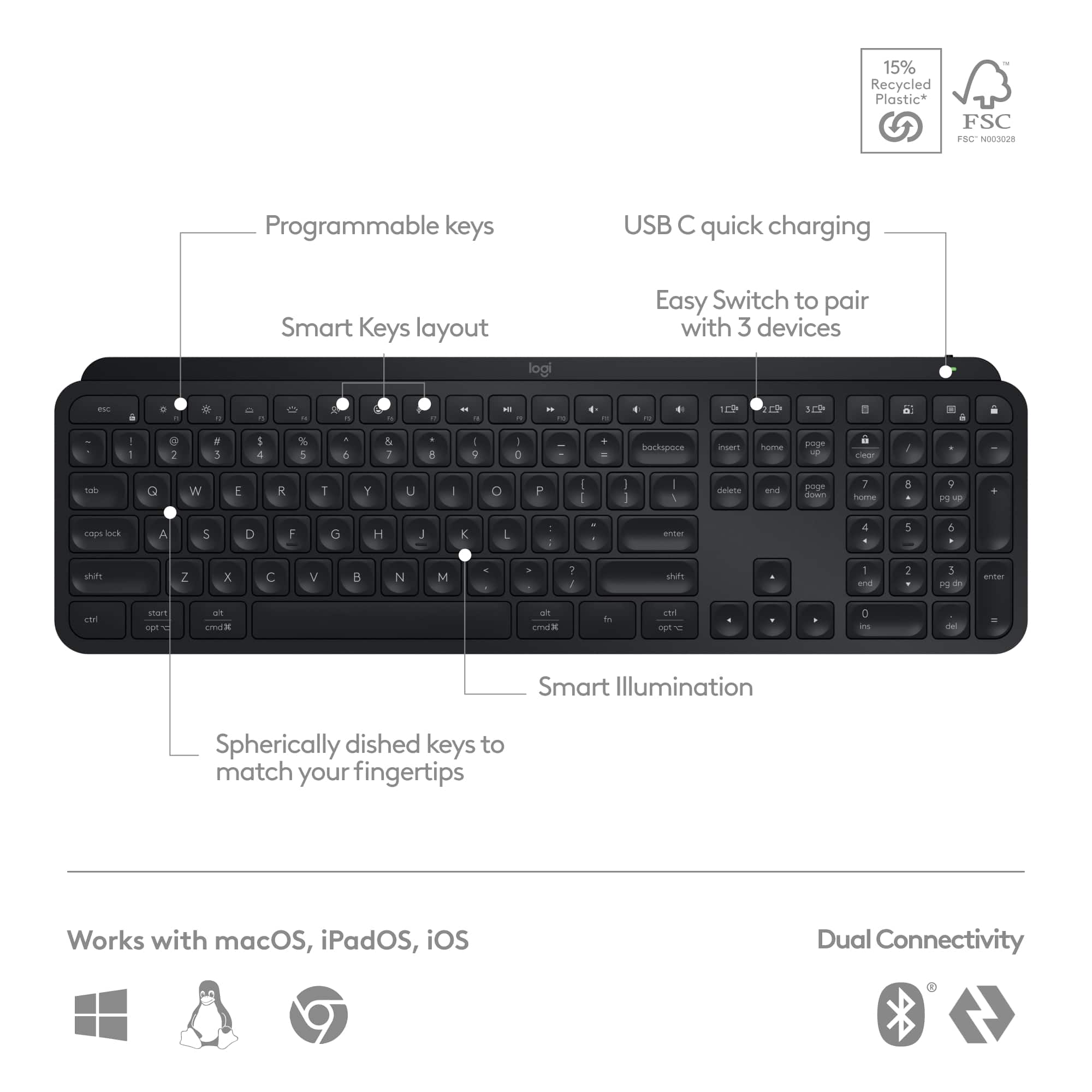
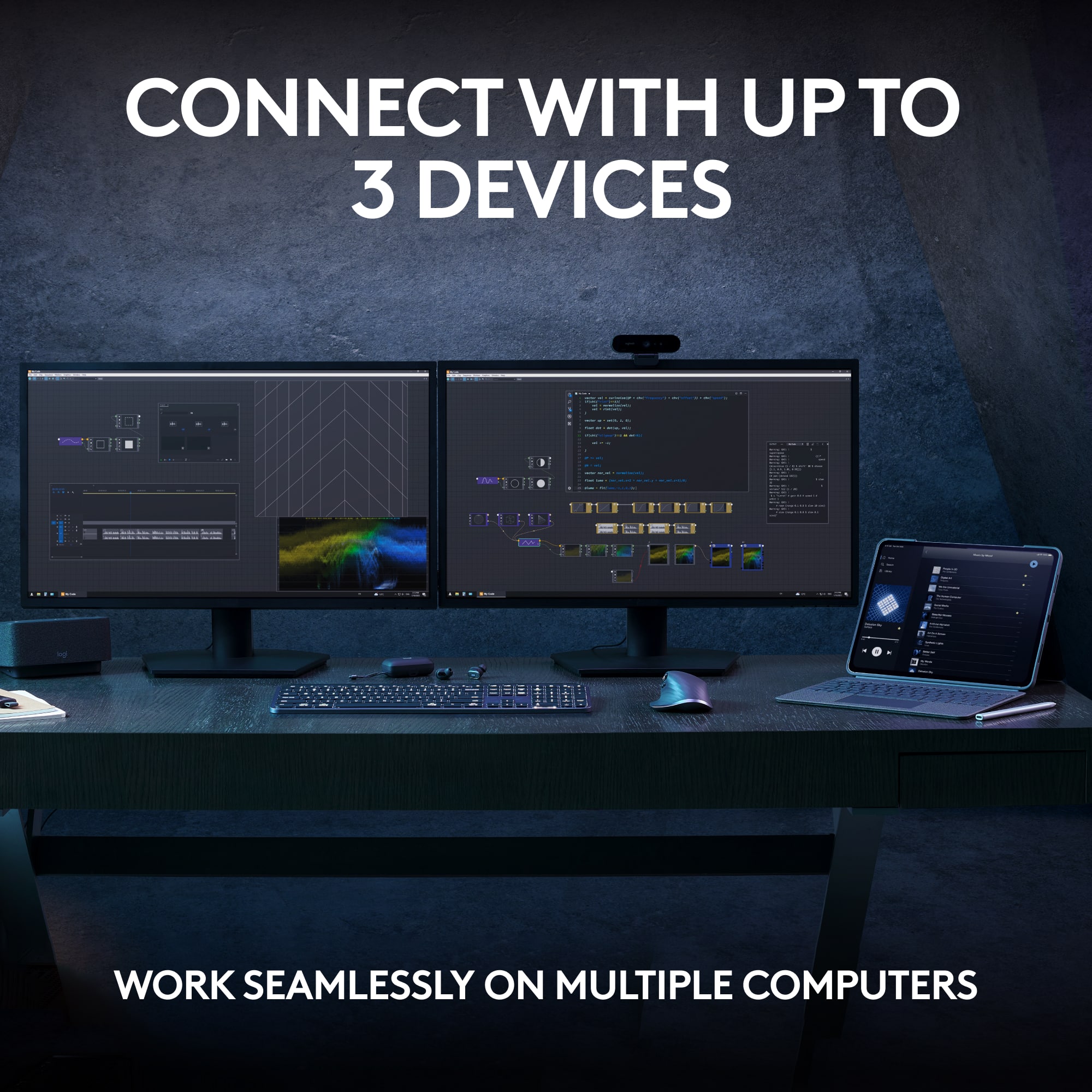
Customers praise the MX Keys S keyboard for its quality, backlighting, battery life, and comfortable key feel. Users appreciate its ease of use, seamless connectivity across multiple devices, and quiet operation. Some find the keyboard pricey compared to alternatives, while others mention its size as a potential drawback. Overall, the keyboard's positive attributes appear to outweigh the concerns raised.
This summary was generated by AI based on customer reviews.
Nice keyboard
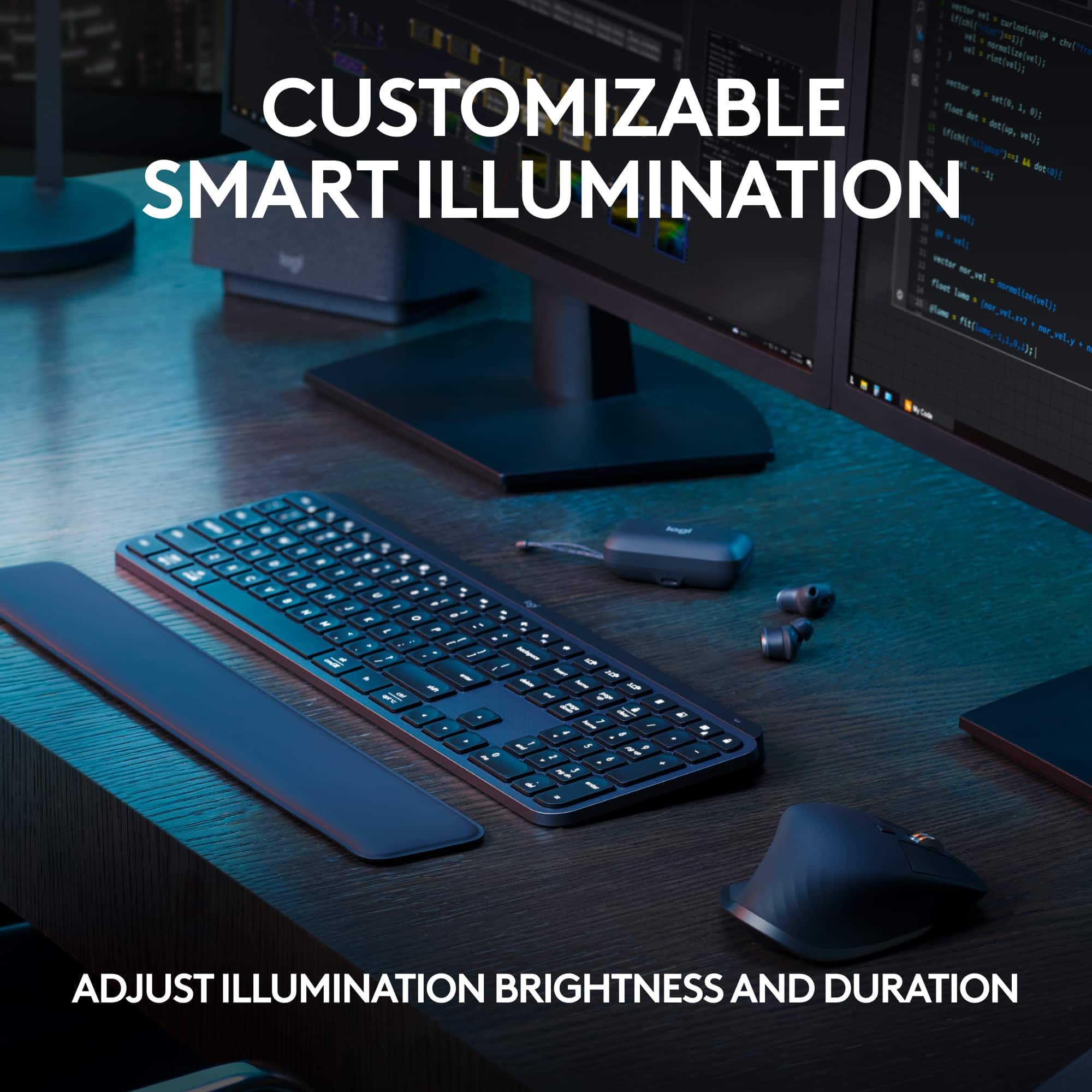
||Posted . Owned for 1 month when reviewed.This reviewer received promo considerations or sweepstakes entry for writing a review.Great keyboard but the backlit feature should have an option to brighten and dim. The weight and balance of the keyboard is perfect.
I would recommend this to a friendBrand response from Logitech
Posted .We appreciate your feedback on the Logitech MX Keys S. It's great to hear that you enjoy the keyboard's comfort and weight. We'll take your suggestion about adding brightness and dimming options for the backlit feature into consideration for future improvements.
Ergonomic Keyboard Saved my day
||Posted . Owned for 7 months when reviewed.This reviewer received promo considerations or sweepstakes entry for writing a review.This is excellent ergonomic keyboard for folks with articulate issues around wrists like arthritis or . It connects easly via bluetooth to your computer/laptop. Please be wary of the charging USB C cable that is tucked under the keyboard that is not easily visible and you may discard it.
I would recommend this to a friendBrand response from Logitech
Posted .We're thrilled to hear that the Logitech MX Keys S has been a helpful tool for managing your wrist discomfort. Its ergonomic design and multi-device capabilities are designed to enhance your computing experience. We appreciate your feedback about the USB-C charging cable. We'll continue to improve our product design and packaging to ensure a seamless user experience.
- Pros mentioned:Keyboard quality
Great!
||Posted .This reviewer received promo considerations or sweepstakes entry for writing a review.Great keyboard. Feels well built. Love the backlitkeys.
I would recommend this to a friendBrand response from Logitech
Posted .We're thrilled to hear that you love the Logitech MX Keys S! Your positive feedback about its build quality and backlit keys is much appreciated. Thank you for sharing your experience.
- Pros mentioned:Keyboard quality
Amazing Keyboard
||Posted . Owned for 6 months when reviewed.This reviewer received promo considerations or sweepstakes entry for writing a review.Amazing Keyboard. One of the best keyboards by Logitech. I absolutely recommend it.
I would recommend this to a friendBrand response from Logitech
Posted .Hello there, We appreciate you letting us know how much you love the Logitech MX Keys S! It's always rewarding to hear that our products meet and exceed expectations. Thanks for taking the time to share your positive experience and recommend it to others!
- Pros mentioned:Keyboard quality
Pricey but solid
||Posted . Owned for 3 weeks when reviewed.This reviewer received promo considerations or sweepstakes entry for writing a review.Excellent keyboard. Love the feel a lot as someone who does not like mechanical keyboards.
I would recommend this to a friendBrand response from Logitech
Posted .Thank you for your feedback on the MX Keys S Advanced Full-size Wireless Scissor Keyboard. We're glad to hear that you appreciate the feel and enjoy using it as a non-mechanical keyboard user.
- Pros mentioned:Battery life
Hugh quality keyboard
||Posted . Owned for 1 month when reviewed.This reviewer received promo considerations or sweepstakes entry for writing a review.Keyboard has a long battery life and is quiet to use. I’m very happy with it as a daily work keyboard.
I would recommend this to a friend - Pros mentioned:Keyboard quality
Great keyboard
||Posted . Owned for 3 weeks when reviewed.This reviewer received promo considerations or sweepstakes entry for writing a review.My husband uses this keyboard every day and it has been quite good, comfortable and not noisy.
I would recommend this to a friendBrand response from Logitech
Posted .Your husband likes his Logitech MX Keys S keyboard. It's quiet and comfy. Lights adjust or turn on when he types.
Fantastic keyboard
||Posted . Owned for 1 week when reviewed.This reviewer received promo considerations or sweepstakes entry for writing a review.I picked up the new MX Keys S to replace a K780 and love the additional functionality it gives. I appreciate that the MX Keys S is a true full size keyboard and I keep convenient access to all the function keys, unlike the K780 where the F1-F3 are split between the pairing of 3 devices and the functoon keys and which did feel a little cramped at times for my hands. The backlit keys are a welcome addition over the K780 and are implemented very nicely. Overall, I extremely pleased with how the MX Keys S performs.
I would recommend this to a friend- Pros mentioned:Keyboard quality
Great
||Posted . Owned for 4 months when reviewed.This reviewer received promo considerations or sweepstakes entry for writing a review.Love this keyboard, totally worth the price. The keys were soft and that was a big selling point for me
I would recommend this to a friend - Pros mentioned:Keyboard quality
Interesting keyboard
||Posted . Owned for 4 months when reviewed.This reviewer received promo considerations or sweepstakes entry for writing a review.Interesting design. Like the tactile feedback of the key board. Improvement of Apple keyboard
I would recommend this to a friendBrand response from Logitech
Posted .Thank you for your thoughtful review of the MX Keys S. We are thrilled you appreciate the unique design and the improved tactile feel over the Apple keyboard. The MX Keys S was crafted to provide a superior typing experience, and we're glad it meets your expectations.
- Pros mentioned:Keyboard quality
Great keyboard
||Posted . Owned for 3 weeks when reviewed.This reviewer received promo considerations or sweepstakes entry for writing a review.Great keyboard. Quiet typing and the lighting on the keyboard is great.
I would recommend this to a friendBrand response from Logitech
Posted .I hear you! The Logitech MX Keys S definitely gets a lot of praise for its quiet typing experience and excellent backlit keys. It sounds like a great fit for you if those are important features in a keyboard.
- Pros mentioned:Keyboard quality
MX Keys
||Posted . Owned for 1 week when reviewed.This reviewer received promo considerations or sweepstakes entry for writing a review.I only buy logitech keyboards mice and webcams. This is my 2nd mx keys keyboard, they are great keyboards and would highly recomend
I would recommend this to a friend - Pros mentioned:Keyboard quality
Nice Keyboard for Business
||Posted . Owned for 3 weeks when reviewed.This reviewer received promo considerations or sweepstakes entry for writing a review.Love this keyboard. Very quit keys which is what I need because clacking keys drive me crazy. Very nice for business purposes.
I would recommend this to a friend - Pros mentioned:Keyboard quality
Good keyboard for office use
||Posted . Owned for 1 week when reviewed.This reviewer received promo considerations or sweepstakes entry for writing a review.Good keyboard, but the key you use to wake your computes command gets discarded. But turning off and on the keyboard fixes it
I would recommend this to a friend Best Keyboard Ever !!!
||Posted .This reviewer received promo considerations or sweepstakes entry for writing a review.Great keyboard, I highly recommend this item. Smoothe keys , solid backlit lights.
I would recommend this to a friendBrand response from Logitech
Posted .Thanks for the review! We're glad you love the keyboard's smooth keys and backlit feature. Appreciate your recommendation!

Great Keyboard
||Posted . Owned for less than 1 week when reviewed.This reviewer received promo considerations or sweepstakes entry for writing a review.Bought this for my wife and she is loving it!! No longer having wrist pain as the keys are smooth.
I would recommend this to a friendBrand response from Logitech
Posted .Thanks for the thoughtful review! It’s wonderful to hear the MX Keys S is making a real difference—smooth keys and ergonomic design can be game-changers for comfort. Sounds like a win for both productivity and wellness!
Functional and stylish.
||Posted . Owned for 2 weeks when reviewed.This reviewer received promo considerations or sweepstakes entry for writing a review.Stylish, functional and implement for Mac operations.
I would recommend this to a friendBrand response from Logitech
Posted .We’re so pleased to hear you’re satisfied. Your input helps us continue to build products that people love. Thanks for being part of our journey.
- Pros mentioned:Keyboard quality
Keyboard
||Posted . Owned for 3 weeks when reviewed.This reviewer received promo considerations or sweepstakes entry for writing a review.Keyboard touch and slim design along with the backlit keys are just what I wanted
I would recommend this to a friendBrand response from Logitech
Posted .Hi there! Thanks for your feedback on the Logitech MX Keys S Wireless Keyboard! We're happy to hear you love the key feel, slim design, and backlit keys - that's exactly what we designed it for!
- Pros mentioned:Keyboard quality
Logitech - MX Keys S Advanced Full-size Wireless
||Posted . Owned for 3 weeks when reviewed.This reviewer received promo considerations or sweepstakes entry for writing a review.Just love this item - Has a great feel and touch to it! No fooling around with cords because it is wireless!
I would recommend this to a friend - Pros mentioned:Keyboard quality
Great universal keyboard
||Posted . Owned for 1 month when reviewed.This reviewer received promo considerations or sweepstakes entry for writing a review.Great keyboard, feels similar to the Apple Keyboards, but supports multiple devices with easy switching.
I would recommend this to a friend