Customer Ratings & Reviews
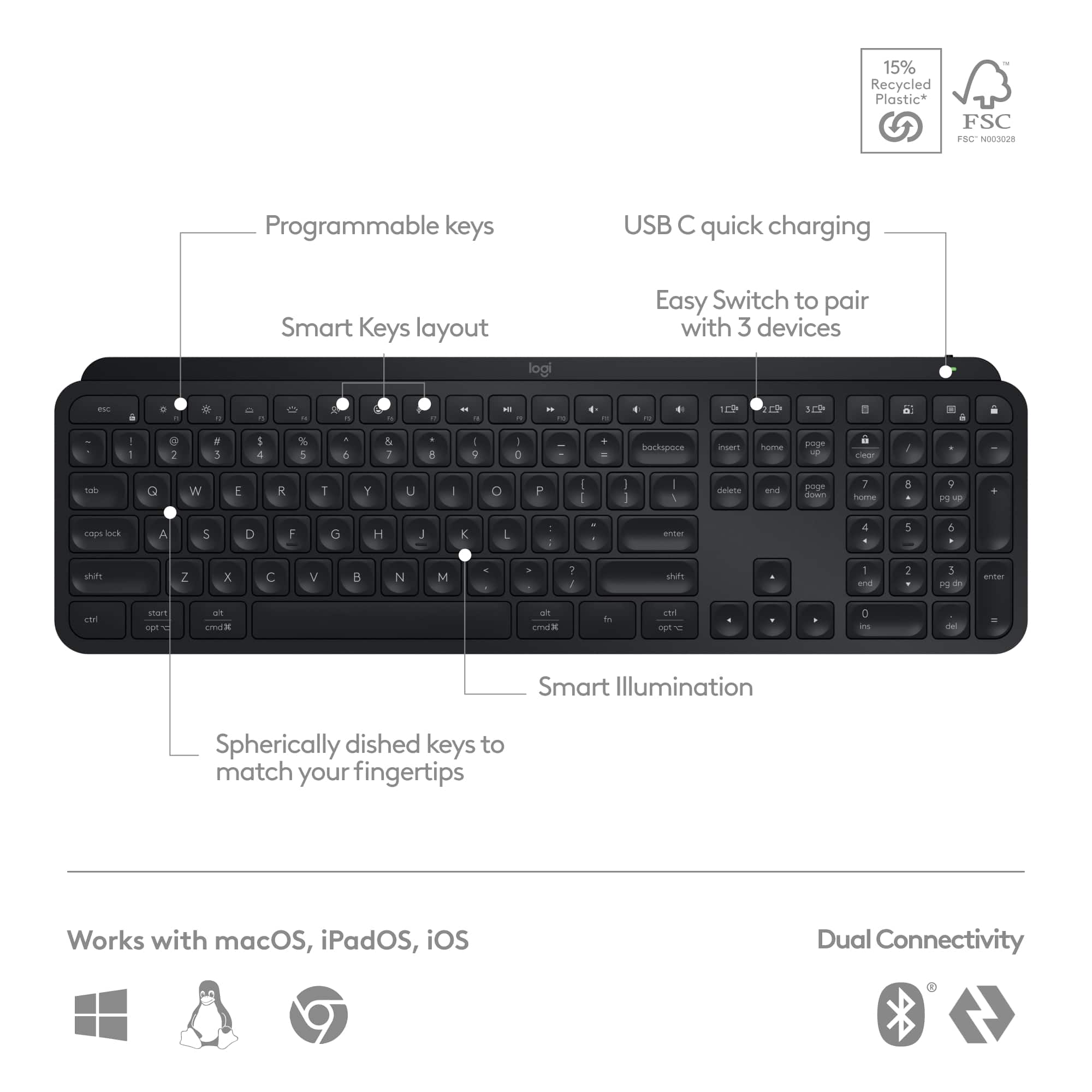
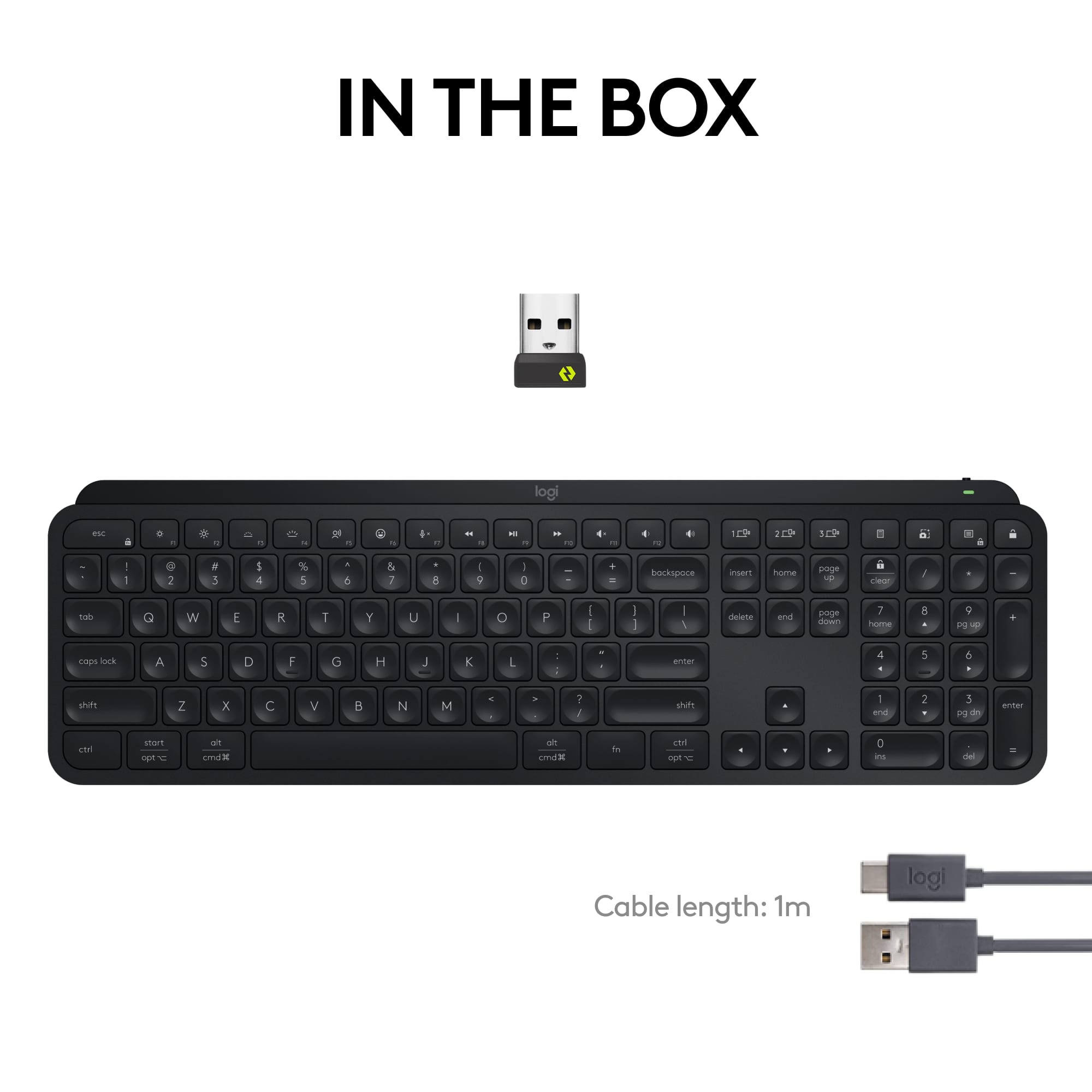
![esc ~ ! 1 tab caps lock shift ctrl F2 Fl # 2 3 Q W A S Z start opt L F3 $ 4 E D X alt cmd3 ) FS F4 A % 5 6 R T F G V C logi 44 HI & F9 FID FB F7 F6 * ) - - & 0 8 9 7 O P U I Y K L H J > < N M 1 B PM + = { [ : I ; ? I alt cmd D 2 4 300 3 1 F12 . * page I insert home up clear backspace 8 9 + 7 page A pg up end down home } I delete ] / 6 4 5 4 enter 2 3 enter 1 dn Pg end shift = 0 del ins etrl fn opt](https://pisces.bbystatic.com/image2/BestBuy_US/images/products/6539/6539505_sd.jpg)






- Model:
- 920-011406
- SKU:
- 10841033
Rating by feature
- Value
Rating 4.5 out of 5 stars
- Quality
Rating 4.8 out of 5 stars
- Ease of Use
Rating 4.7 out of 5 stars
Customers are saying
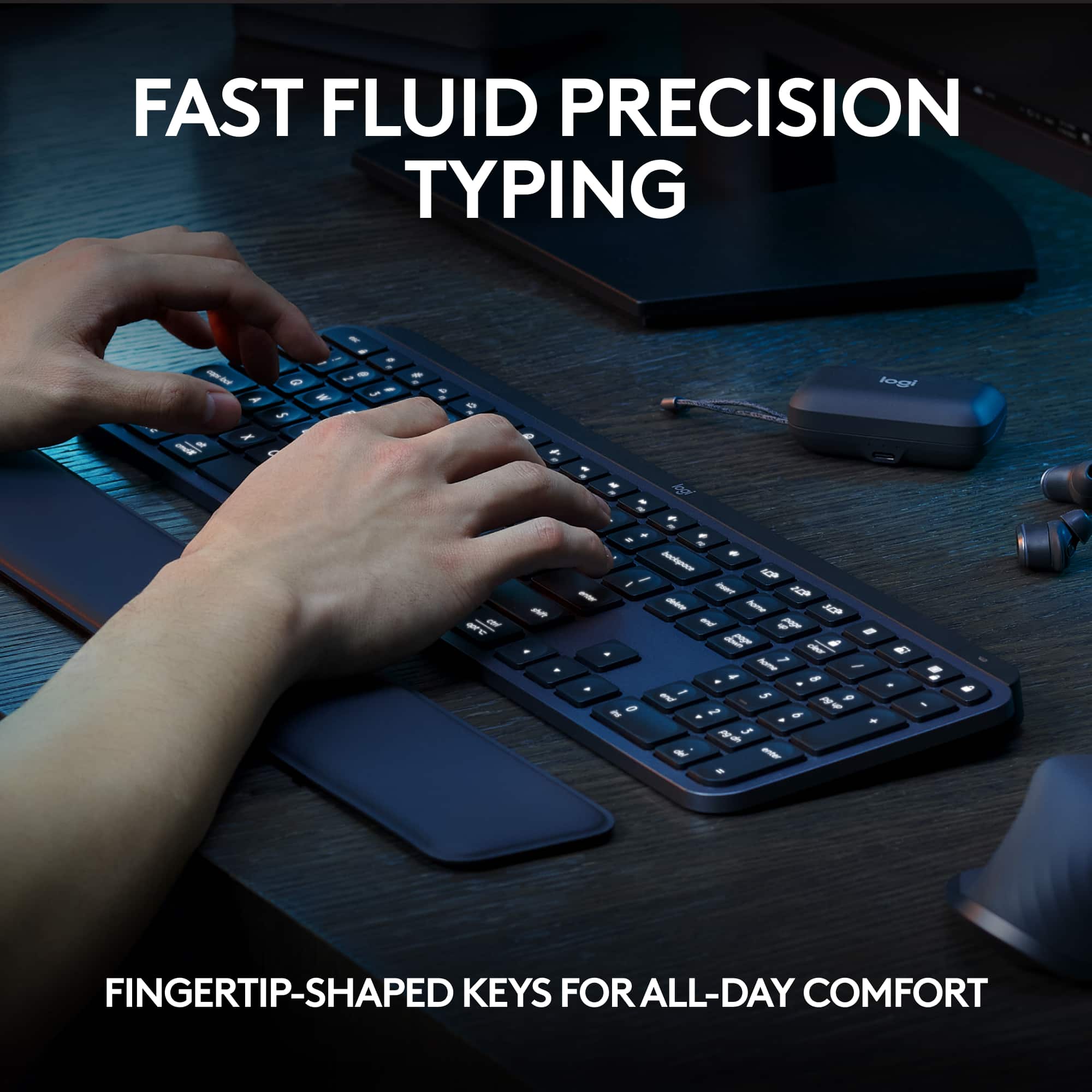
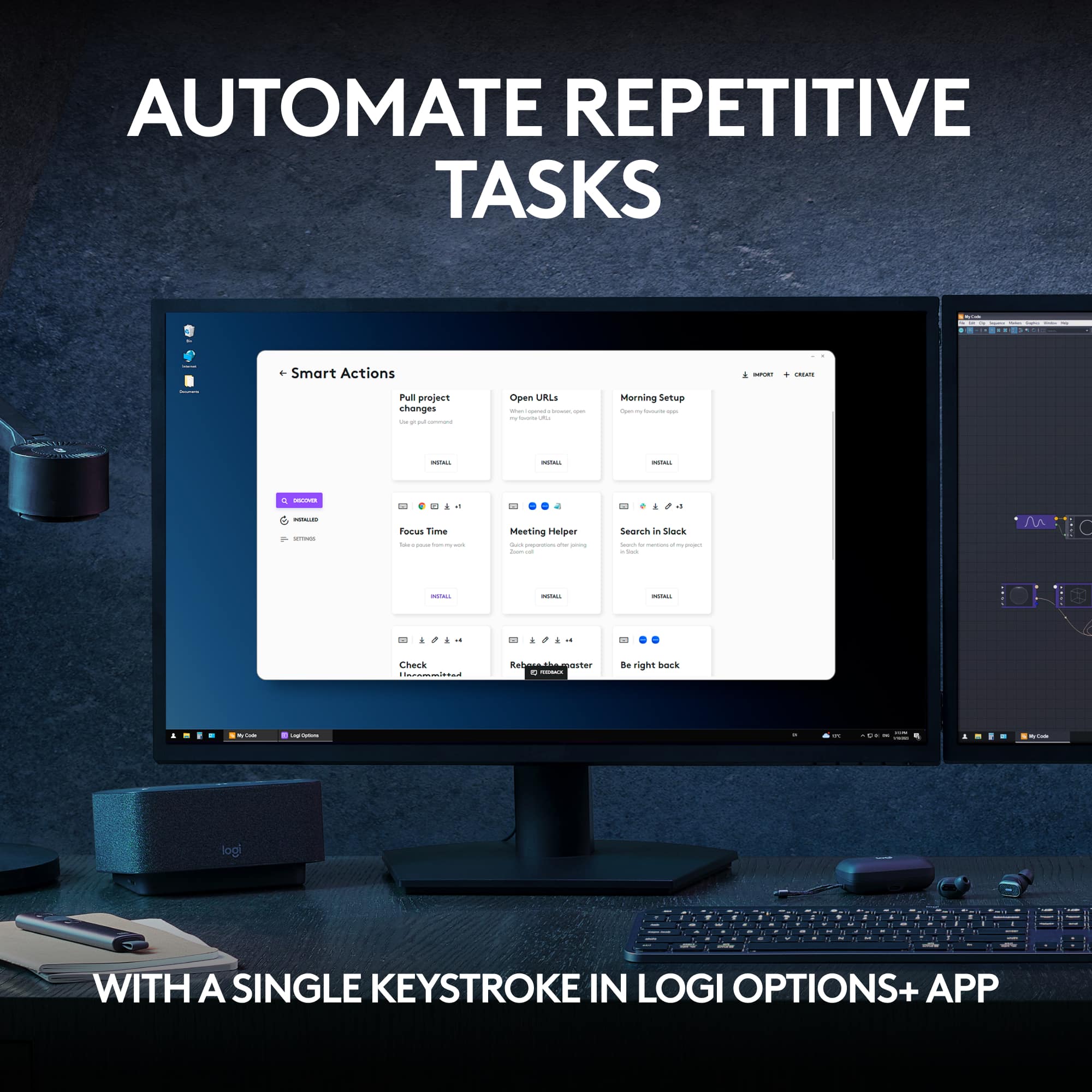
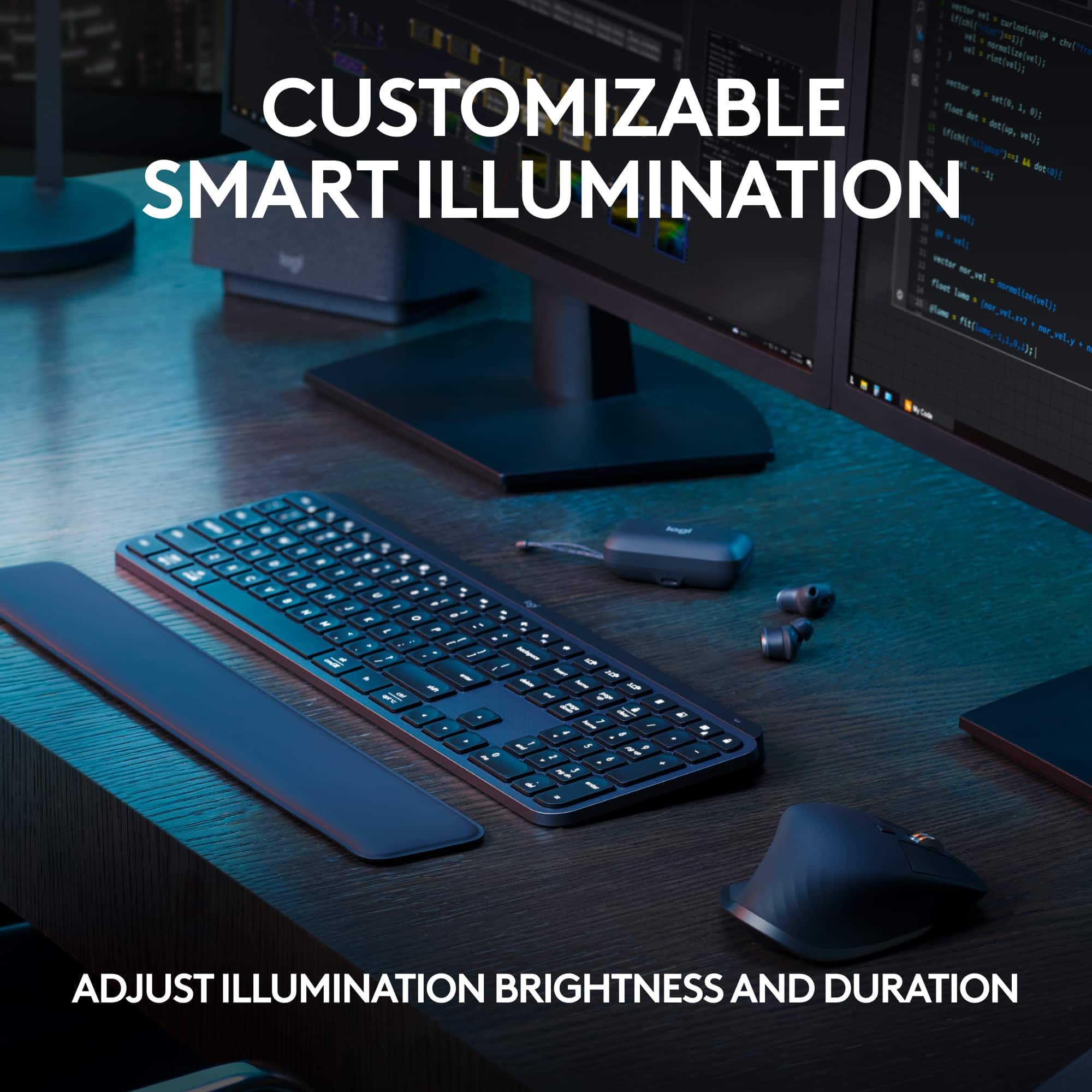
Customers praise the MX Keys S keyboard for its quality, backlighting, battery life, and comfortable key feel. Users appreciate its ease of use, seamless connectivity across multiple devices, and quiet operation. Some find the keyboard pricey compared to alternatives, while others mention its size as a potential drawback. Overall, the keyboard's positive attributes appear to outweigh the concerns raised.
This summary was generated by AI based on customer reviews.
- Pros mentioned:Ease of use
owner
||Posted . Owned for 1 month when reviewed.This reviewer received promo considerations or sweepstakes entry for writing a review.works great, eazy to set up and use, just ;ike my last one.
I would recommend this to a friendBrand response from Logitech
Posted .We're delighted to hear that you've found the MX Keys S easy to set up and use, just like your previous Logitech keyboard. Your positive feedback is much appreciated. Thank you for sharing your experience.
- Pros mentioned:Keyboard quality
Great Keyboard!
||Posted . Owned for 2 months when reviewed.This reviewer received promo considerations or sweepstakes entry for writing a review.The MX Keyboards are amazing and feel great! I have purchased 3 total and highly recommend!
I would recommend this to a friend - Pros mentioned:Keyboard quality
Worth the price.
||Posted . Owned for 1 week when reviewed.This reviewer received promo considerations or sweepstakes entry for writing a review.Great keyboard! The quality feels amazing and typing is comfy and quiet.
I would recommend this to a friendBrand response from Logitech
Posted .That's fantastic to hear! The MX Keys S is renowned for its comfortable typing experience and stylish design. We're glad it's meeting your expectations.
- Pros mentioned:Keyboard quality
Best keyboard
||Posted . Owned for less than 1 week when reviewed.This reviewer received promo considerations or sweepstakes entry for writing a review.Best keyboard I ever had. Good connection and quality everything is perfect
I would recommend this to a friendBrand response from Logitech
Posted .We're absolutely thrilled to hear that the Logitech MX Keys S Keyboard is the best keyboard you've ever owned! It's fantastic to know that the connection, quality, and overall experience have met your expectations.
Thank you for your amazing review. We're so glad you're enjoying your new keyboard.

Solid Keyboard
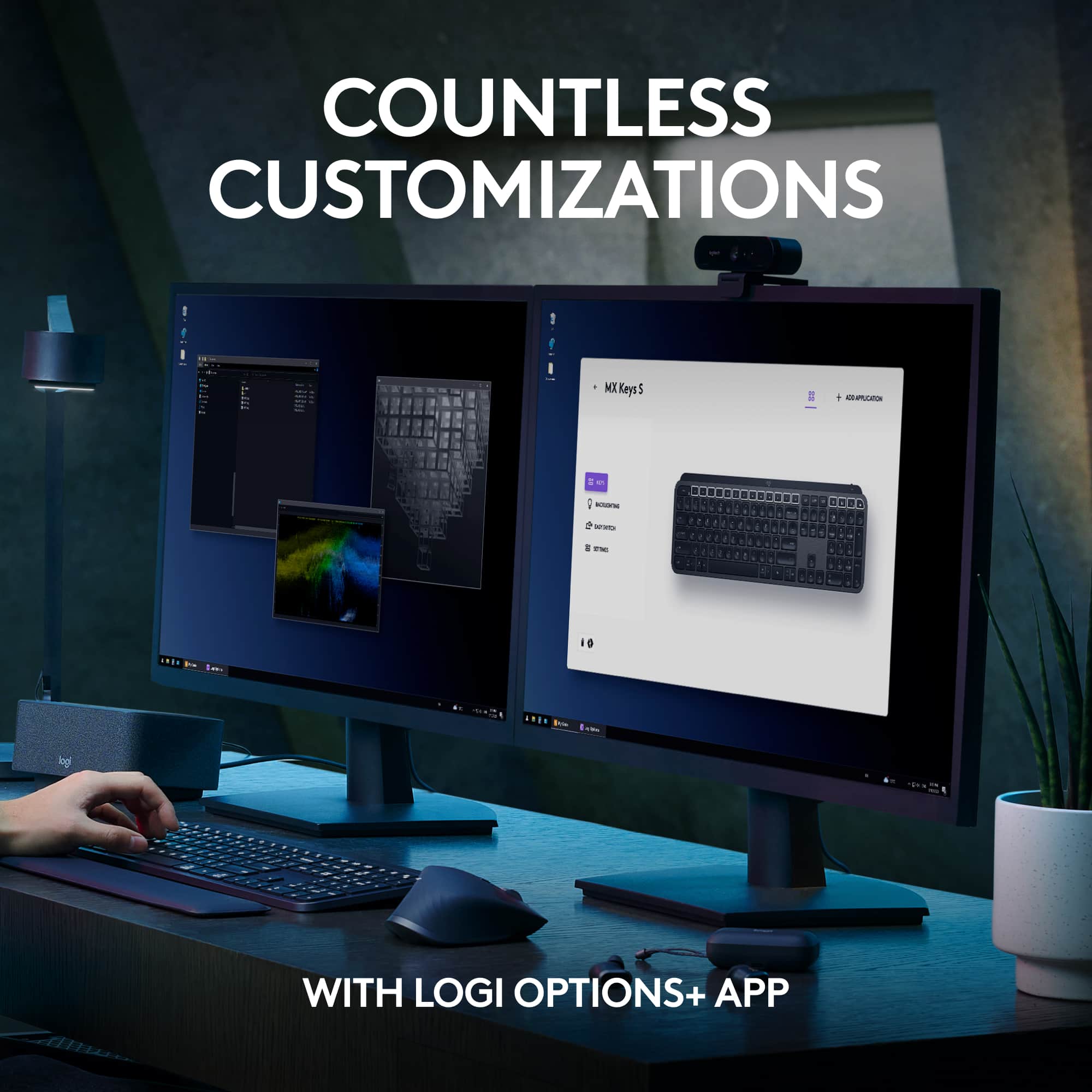
|Posted . Owned for 1 month when reviewed.This reviewer received promo considerations or sweepstakes entry for writing a review.[Employee of bestbuy] Plenty of options for customization with keys. Good touch and feel.
I would recommend this to a friendBrand response from Logitech
Posted .Thanks for the feedback. We're glad to hear you're enjoying the customization options and tactile feel of the MX Keys S keyboard. It's designed to deliver a smooth, responsive typing experience with smart features to match your workflow.

- Pros mentioned:Keyboard quality
Logitech keyboard review
||Posted . Owned for 3 weeks when reviewed.This reviewer received promo considerations or sweepstakes entry for writing a review.It has a nice soft touch. It is more sensitive than my old wired keyboard. Very nice.
I would recommend this to a friend - Pros mentioned:Keyboard quality
Great Keyboard!
|Posted . Owned for 3 weeks when reviewed.This reviewer received promo considerations or sweepstakes entry for writing a review.[Employee of bestbuy] Quiet and very responsive. I do not like colicky keyboards for work and this was perfect!
I would recommend this to a friend - Pros mentioned:Keyboard quality
Review
||Posted . Owned for 3 weeks when reviewed.This reviewer received promo considerations or sweepstakes entry for writing a review.Third one I've tried and this one works. Would recommend to a friend
I would recommend this to a friendBrand response from Logitech
Posted .Glad you found a winner! "We're thrilled the MX Keys S is the one! It sounds like you found the perfect fit after trying a few different keyboards. We bet your friends will appreciate the recommendation too.
- Pros mentioned:Key feel
Excellent!!
||Posted . Owned for 1 month when reviewed.This reviewer received promo considerations or sweepstakes entry for writing a review.Love how smooth the keys are how easily my fingers glide on the keyboard.
I would recommend this to a friendBrand response from Logitech
Posted .That's great to hear! The Logitech MX Keys S is known for its smooth and comfortable typing experience. The low-profile keys and contoured design are definitely factors in that.
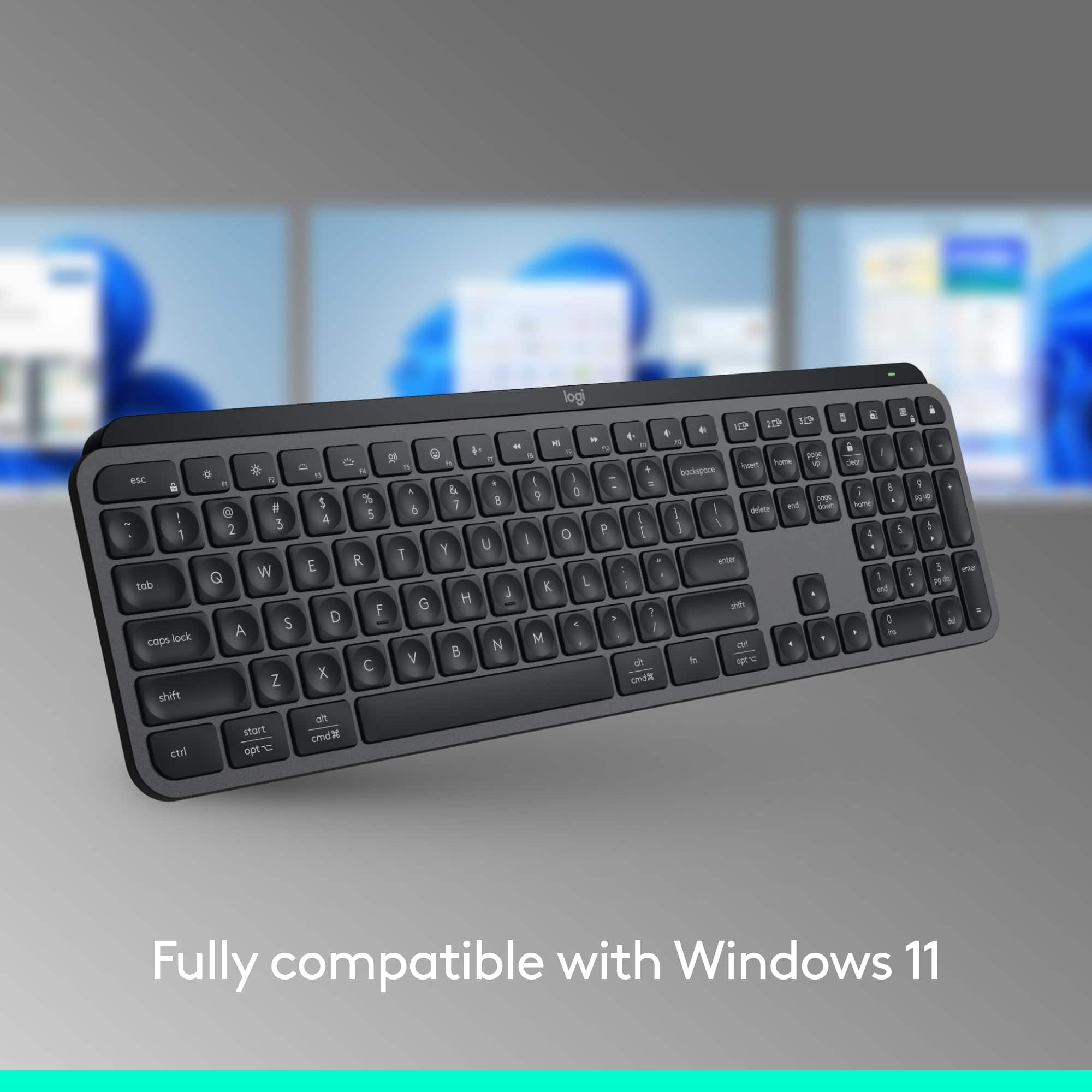
Support both Windows and Mac layouts
||Posted . Owned for 2 weeks when reviewed.This reviewer received promo considerations or sweepstakes entry for writing a review.I have been looking for a keyboard that can switch between Windows and Mac layouts, and this does exactly the job. The type feeling is just Ok, and I would prefer the flat key top rather than curved.
I would recommend this to a friend- Pros mentioned:Keyboard quality
amazing keyboard
||Posted .This reviewer received promo considerations or sweepstakes entry for writing a review.i have purchased several of these keyboards for different work locations and they are by far my favorite to use
I would recommend this to a friend - Pros mentioned:Battery life
Good deal !
||Posted . Owned for 3 weeks when reviewed.This reviewer received promo considerations or sweepstakes entry for writing a review.Extraordinay product !! Fancy and confortable! And the battery last for long time
I would recommend this to a friend - Pros mentioned:Key feel
Keyboard
||Posted . Owned for 1 month when reviewed.This reviewer received promo considerations or sweepstakes entry for writing a review.Very easy to use and responsive. I personally like the soft click keys
I would recommend this to a friendBrand response from Logitech
Posted .Thank you for your positive feedback on the MX Keys S Advanced Full-size Wireless Scissor Keyboard! We're glad to hear that you appreciate its ease of use, responsiveness, and soft click keys.
- Pros mentioned:Keyboard quality
Keyboard
||Posted . Owned for 3 weeks when reviewed.This reviewer received promo considerations or sweepstakes entry for writing a review.This is a very good keyboard. I wanted one that lights up. It does just what I want it to do.
I would recommend this to a friend Smooth
||Posted . Owned for 2 weeks when reviewed.This reviewer received promo considerations or sweepstakes entry for writing a review.My typing feels so much more streamlined. I love the feel and sound of the keys when I type.
I would recommend this to a friendBrand response from Logitech
Posted .Thank you for your feedback on the MX Keys S keyboard. We're thrilled to hear that you love the feel and sound of the keys, and that it's making your typing experience so much more streamlined! We appreciate you sharing your positive experience with us.
- Pros mentioned:Keyboard quality
solid, high quality
||Posted . Owned for 3 weeks when reviewed.This reviewer received promo considerations or sweepstakes entry for writing a review.solid keyboard, high quality. easy connection, great packaging
I would recommend this to a friendBrand response from Logitech
Posted .MX Keys S: A Winning Combination! We love that you find the MX Keys S solidly built, high-quality, easy to connect, and well-packaged. That sounds like a keyboard that delivers both in function and form. Happy typing!
- Pros mentioned:Key feel
Nice keyboard feel, works poorly with Macs
||Posted . Owned for 1.5 years when reviewed.This reviewer received promo considerations or sweepstakes entry for writing a review.Love the keyboard feel but it works horribly on new Macs (Apple Silicon). It will kind of work, but any tweaks or adjustments will not work. It pairs fine over bluetooth with the Mac, but the Logi app won't even find it, and the Logi Web connect app doesn't work with Safari. So if you have a modern Mac, look elsewhere. No more logitech anything for me.
No, I would not recommend this to a friendBrand response from Logitech
Posted .We are very sorry to hear about the issues you've experienced with the Logitech MX Keys S keyboard on your Mac. We understand your frustration with the compatibility and functionality problems.
Replacing K800
||Posted .This reviewer received promo considerations or sweepstakes entry for writing a review.love this keyboard Only thing missing is a wrist rest Other than a great subsitute for my K800
I would recommend this to a friendBrand response from Logitech
Posted .Thanks for your feedback! We’re glad you like the Logitech - MX Keys S Universal Full-size Wireless Scissor Keyboard, and we appreciate your input to help us get even better.
- Pros mentioned:Keyboard quality
5 star
||Posted . Owned for 3 weeks when reviewed.This reviewer received promo considerations or sweepstakes entry for writing a review.Very well made. This is a top of the line keyboard. Excellent quality.
I would recommend this to a friendBrand response from Logitech
Posted .Thank you for sharing your feedback on the Logitech - MX Keys S. We strive to create top-of-the-line peripherals, and your positive comments about the build quality are appreciated. We hope the MX Keys S continues to be a valuable tool for your productivity.
- Pros mentioned:Keyboard quality
Good keyboard for the money
||Posted . Owned for 1 month when reviewed.This reviewer received promo considerations or sweepstakes entry for writing a review.Works as advertised. Only white light, no colors. But very stable. And responsive.
No, I would not recommend this to a friend