Customer Ratings & Reviews
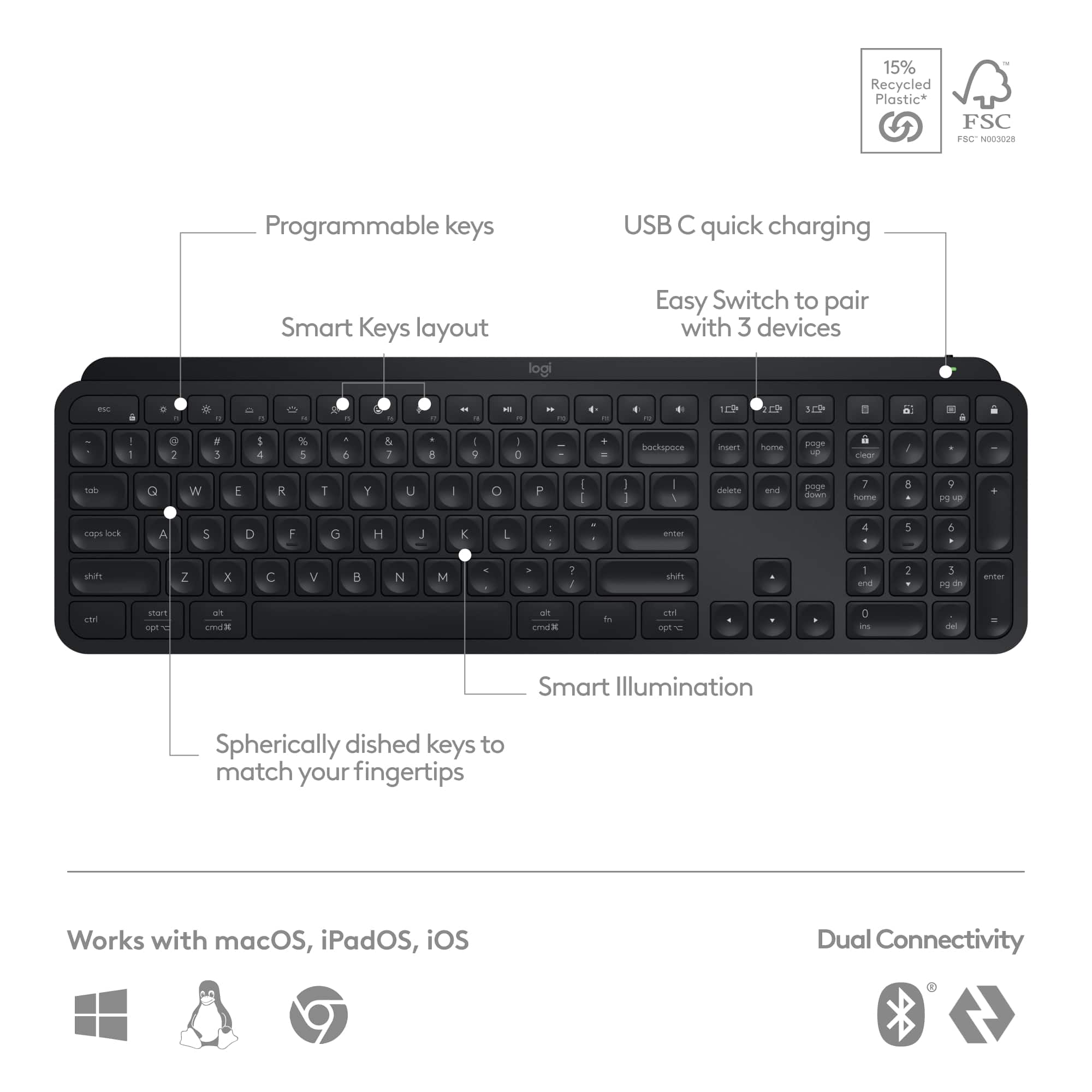
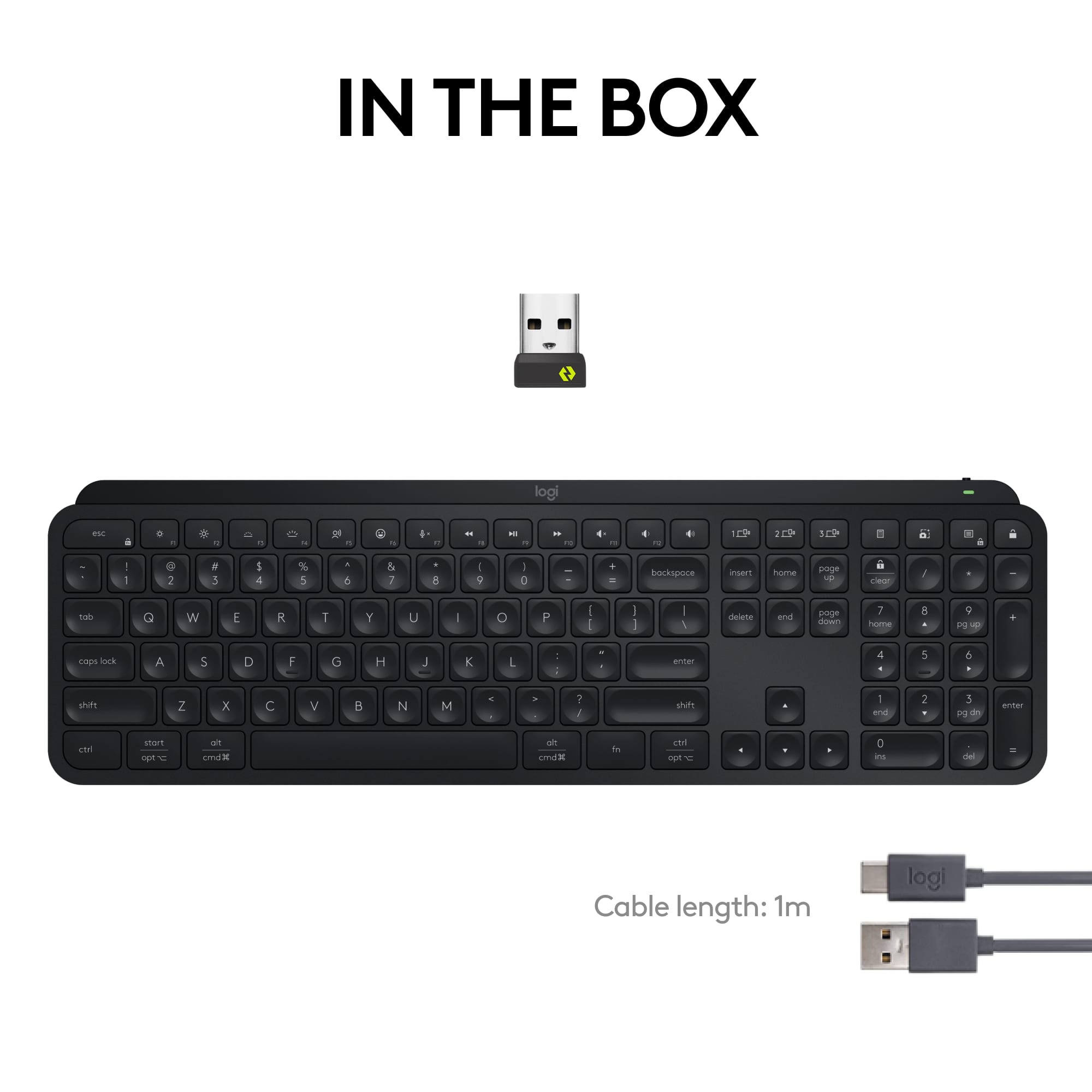
![esc ~ ! 1 tab caps lock shift ctrl F2 Fl # 2 3 Q W A S Z start opt L F3 $ 4 E D X alt cmd3 ) FS F4 A % 5 6 R T F G V C logi 44 HI & F9 FID FB F7 F6 * ) - - & 0 8 9 7 O P U I Y K L H J > < N M 1 B PM + = { [ : I ; ? I alt cmd D 2 4 300 3 1 F12 . * page I insert home up clear backspace 8 9 + 7 page A pg up end down home } I delete ] / 6 4 5 4 enter 2 3 enter 1 dn Pg end shift = 0 del ins etrl fn opt](https://pisces.bbystatic.com/image2/BestBuy_US/images/products/6539/6539505_sd.jpg)





- Model:
- 920-011406
- SKU:
- 6539505
Rating by feature
- Value
Rating 4.5 out of 5 stars
- Quality
Rating 4.8 out of 5 stars
- Ease of Use
Rating 4.7 out of 5 stars
Customers are saying
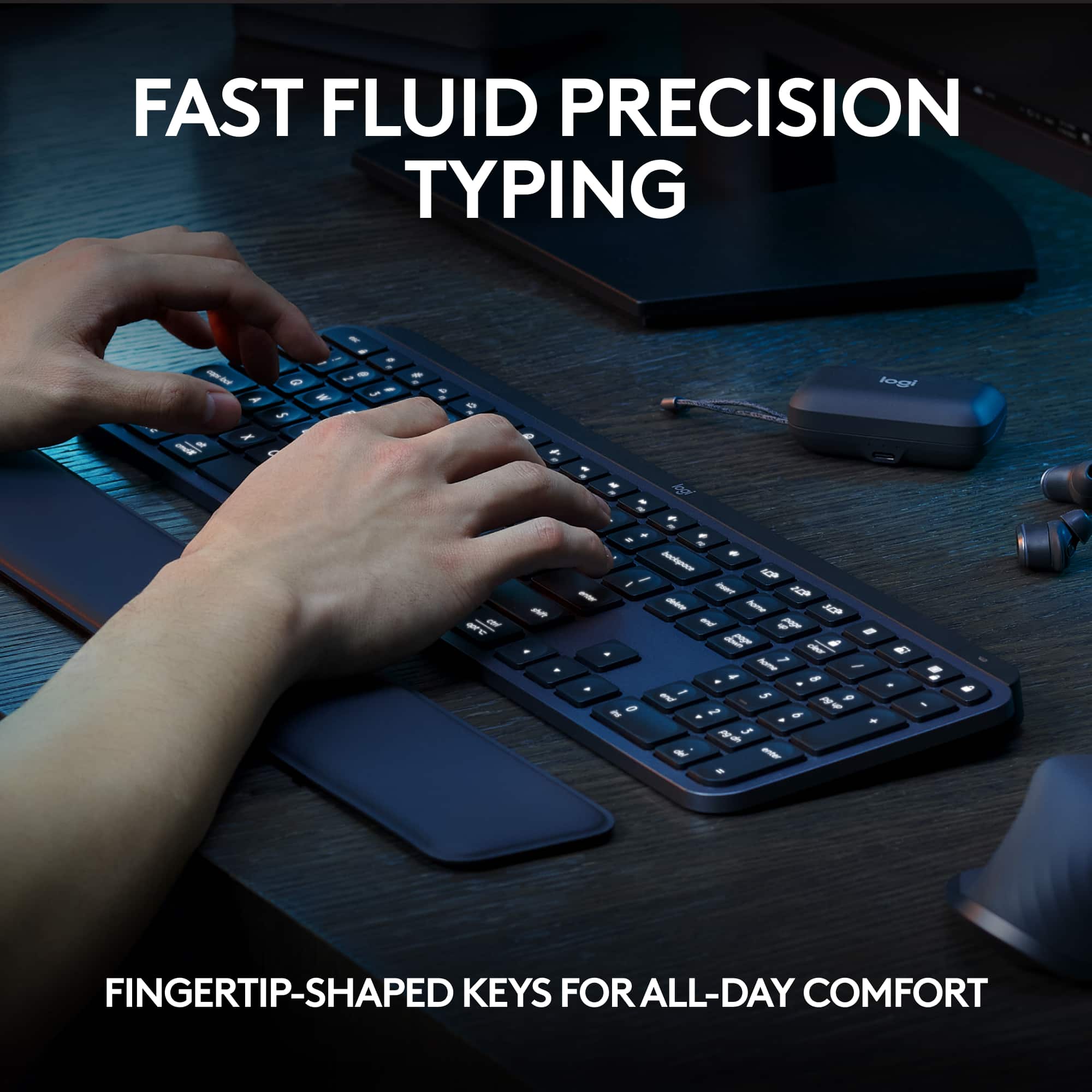
Customers admire the MX Keys S keyboard for its quality, comfortable key feel, and ease of use with both PC and Mac. The long battery life and wireless connectivity are also appreciated. Some find the keyboard to be expensive compared to alternatives, while others feel the size is smaller than expected for the price. Overall, the keyboard's positive attributes seem to outweigh the concerns.
This summary was generated by AI based on customer reviews.
Squeaky backspace key.
||Posted . Owned for 1 month when reviewed.This reviewer received promo considerations or sweepstakes entry for writing a review.Everything is pretty good about this keyboard so far except the backspace key squeaks. I've never had a keyboard squeak before.
No, I would not recommend this to a friendBrand response from Logitech
Posted .Thank you for your feedback about the Logitech MX Keys S keyboard. We're glad to hear that you're generally satisfied with it, but we apologize for the squeaking backspace key. Please contact our customer support team for assistance with troubleshooting or a replacement if needed.
Short battery life. Not good for Mac.
||Posted . Owned for 11 months when reviewed.This reviewer received promo considerations or sweepstakes entry for writing a review.I've owned Logitech keyboards in the past and have decent experience with them so I bought this MX Keys S. It's not good. Only a year old and the battery life is already depleted. Only lasts a couple days on a full charge. It's not good with a Mac. I bought it because I have both Mac and Windows computers and it has the 3 different connections you can quickly choose from just like the Logitech Mouse that I own. Big mistake. This keyboard is not good with a Mac. Takes a lot time to connect to the Mac when first starting up and even when you put it in Mac mode the key commands don't match up. There is no delete button for the Mac to delete files when in Mac layout mode? This is bad. I do not recommend it. Now I have to see if the warranty covers the bad battery. Waste of money and time.
No, I would not recommend this to a friendBrand response from Logitech
Posted .Thank you for your detailed feedback on the Logitech MX Keys S. We're sorry to hear about your experience with the short battery life, Mac compatibility issues, and key command problems. To address this issue, we recommend reaching out to our social care team via email at socialcare@logitech.com with your
- Name:
- Email Address:
- Country:
- Product Name:
- Brief description of issue:
Faulty #2 key and right arrow key
||Posted .This reviewer received promo considerations or sweepstakes entry for writing a review.I purchased this keyboard on September 19 on-line, received on September 20, after a couple of weeks the #2 key started to become faulty, when I hit the #2 key, it also adds a 1, i.e. 21. I tried to start an exchange with Best Buy but was unable to because it was past 15 days. So now I'm working with Logitech
No, I would not recommend this to a friendBrand response from Logitech
Posted .We are very sorry to hear that you're experiencing issues with your Logitech MX Keys S keyboard, specifically with the #2 and right arrow keys. We understand this is very frustrating. To help resolve this, we recommend contacting our social care team at socialcare@logitech.com. Please include the following information in your email:
- Name:
- Email Address:
- Country:
- Product Name:
- Brief description of issue:
Good product
||Posted . Owned for 1 month when reviewed.This reviewer received promo considerations or sweepstakes entry for writing a review.I returned this item because I went to a pro series
I would recommend this to a friendBrand response from Logitech
Posted .We appreciate you taking the time to share your feedback, and we understand why you chose to return the product in favor of a pro series model.
Backlight needs help
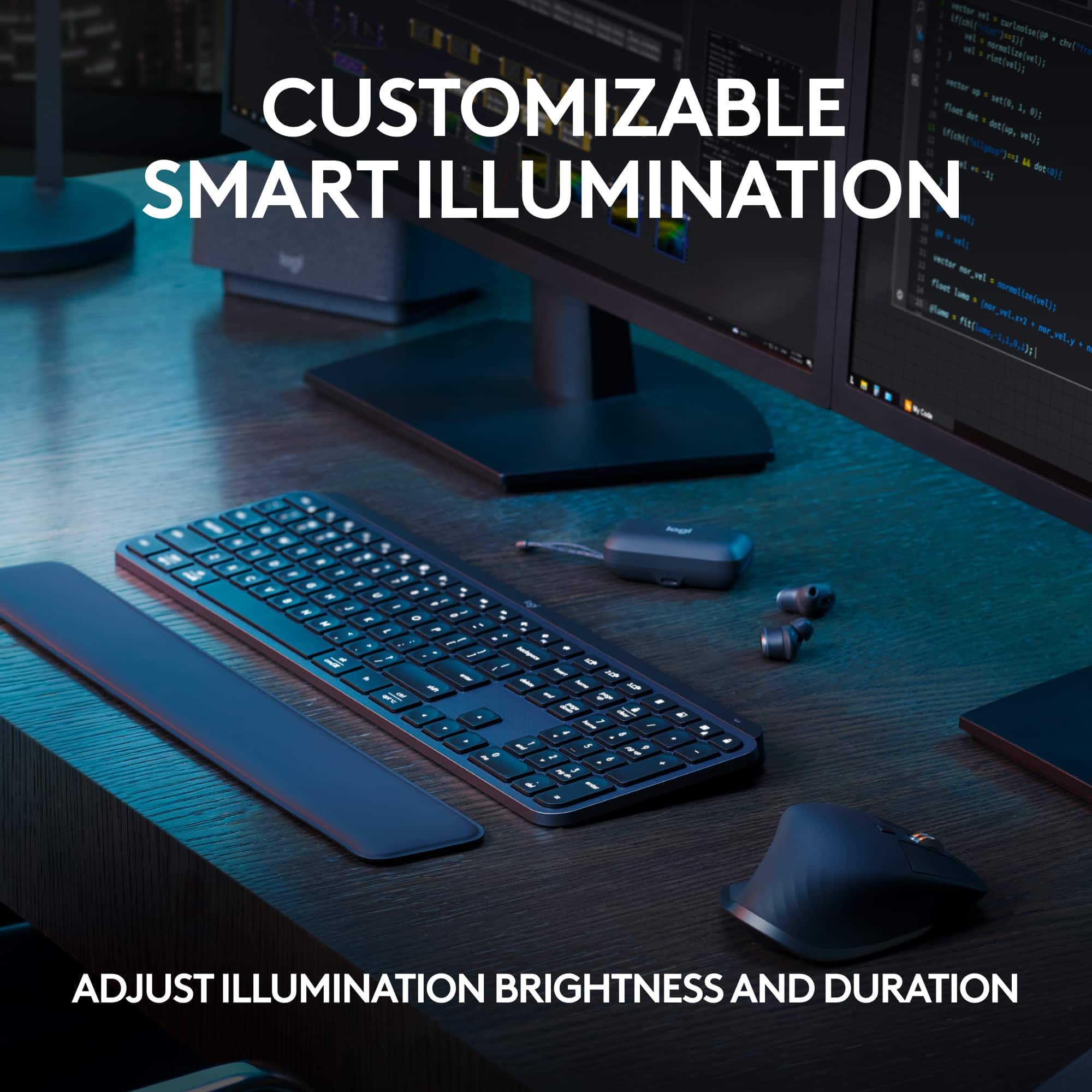
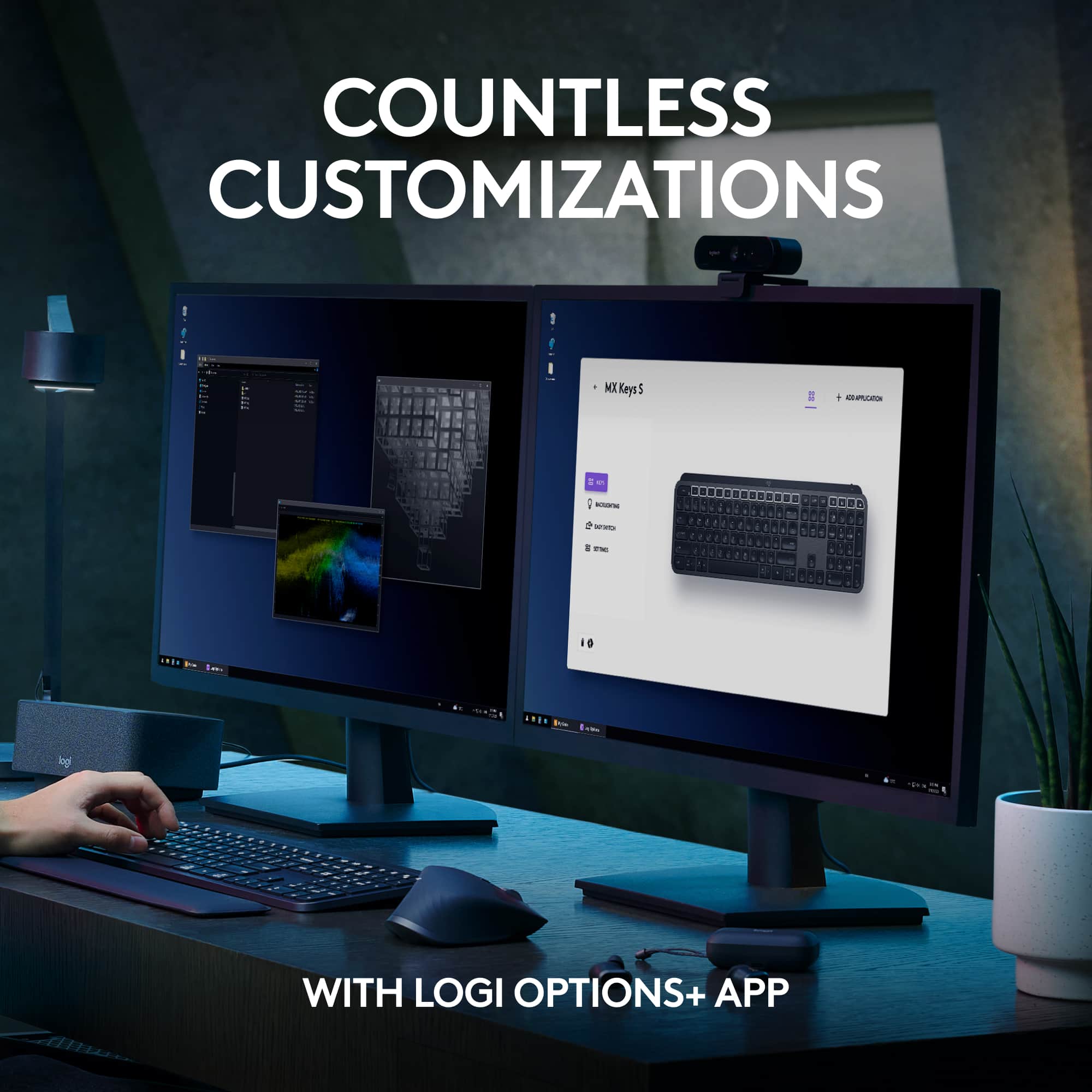
||Posted . Owned for 1 month when reviewed.This reviewer received promo considerations or sweepstakes entry for writing a review.The keyboard is of very solid construction, typing is quiet and smooth. However it is lacking a lot in overall functionality. I purchased this keyboard because of the backlight option. It does not have an "always on" setting. The keyboard is supposed to turn on and illuminate the keys when it detects your hand in close proximity. It did, for about a week then it stopped. No settings available to adjust in the options+ software. A little google search and it sounds like it is a common problem. Nice ideas for the features, however they dont work.
No, I would not recommend this to a friendBrand response from Logitech
Posted .Thanks for you feedback. Your feedback is important to us, and we'll make sure to share it with the right team.
All you need if you’re not moving it around.
||Posted . Owned for 1 week when reviewed.This reviewer received promo considerations or sweepstakes entry for writing a review.One of the best keyboard in the market, but no to think is a device tha is easy to carry around. Too heavy.
No, I would not recommend this to a friendMeh.... Underwhelmed Unfortunately
||Posted . Owned for 2 months when reviewed.This reviewer received promo considerations or sweepstakes entry for writing a review.Everything is great except for backlighting sensor and the removal of the backlighting sensor adjustment option in settings that the previous firmware version had.
I would recommend this to a friendBrand response from Logitech
Posted .We appreciate your feedback on the MX Keys S. We understand your disappointment regarding the backlighting sensor and the removal of the adjustment option from the previous firmware. We apologize for any inconvenience this has caused. We value your input and will take it into consideration as we continue to improve our products.
It's ok
||Posted . Owned for 3 weeks when reviewed.This reviewer received promo considerations or sweepstakes entry for writing a review.Easy connectivity, backlighting is nice. Heavy for a keyboard probably not one I will totally around often
No, I would not recommend this to a friendKeyboard
||Posted . Owned for 3 weeks when reviewed.This reviewer received promo considerations or sweepstakes entry for writing a review.Lettering hard to read on the keyboard with or without the light
No, I would not recommend this to a friendBrand response from Logitech
Posted .We apologize for the difficulty you're experiencing with the lettering on the MX Keys S Advanced Keyboard. We'll investigate this issue and consider design improvements for future models.
Difficult to read white keys in some lighting
||Posted . Owned for 1 month when reviewed.This reviewer received promo considerations or sweepstakes entry for writing a review.Super solid and well designed, BUT...I've never learned to type correctly, and so I have to glance at the keys occassionally when I type. Years ago I had an IBM keyboard with white keys and black letters, and I loved it. Thus, I was delighted to find this keyboard. It turns out there is very little contrast between the white background and the lettering on the keys, and I can't read them! I wish I'd purchased the keyboard with black keys. I thought I had a month to return this, but the window passed after two weeks. Now I am stuck with a keyboard I cannot read.
No, I would not recommend this to a friendBrand response from Logitech
Posted .That's disappointing and we are sorry to hear that. We'd recommend you to get in touch with the Logi support team and they will see what best can be done.
delay to wake up at login and no keys reponsed
||Posted . Owned for 3 weeks when reviewed.This reviewer received promo considerations or sweepstakes entry for writing a review.It is one of the best design keyboard from Logitech. The materials used to make it and very so good felt. However, I noticed the keyboard seems to be delay to connnect the computer after few minuties at the Windows login. I believe it the software bug that Logitech should consider a new firmware upgrade it. I is happening two of office keyboards.
I would recommend this to a friendBrand response from Logitech
Posted .Thanks for your feedback and apologies for any inconvenience caused. Your feedback is important to us, and we'll make sure to share it with the right team.
They are better product for less money
||Posted . Owned for 3 weeks when reviewed.This reviewer received promo considerations or sweepstakes entry for writing a review.It should have come with a mouse for that much of money
I would recommend this to a friendSlow, unresponsive - returning
||Posted . Owned for less than 1 week when reviewed.This reviewer received promo considerations or sweepstakes entry for writing a review.I have been using wireless keyboards since it was a thing and I have never had a problem like this... The keyboard is unresponsive & has a major key stroke delay, plus it randomly produces multiple key strokes (eg: ppppppppp, or he llo) maybe I got a bad one, but for the price, it's going back to the store. Google it thought, I am not the only one. I tried it with and without the usb adaptor...
No, I would not recommend this to a friendBrand response from Logitech
Posted .We apologize for the issues you're experiencing with the Logitech MX Keys S. To get that issue resolved, we recommend reaching out to our social care team via email at socialcare@logitech.com with your
- Name:
- Email Address:
- Country:
- Product Name:
- Brief description of issue:
Meh
||Posted . Owned for 1 month when reviewed.This reviewer received promo considerations or sweepstakes entry for writing a review.2nd PC programmed will not connect part of the time
No, I would not recommend this to a friendGoodbye shortcuts
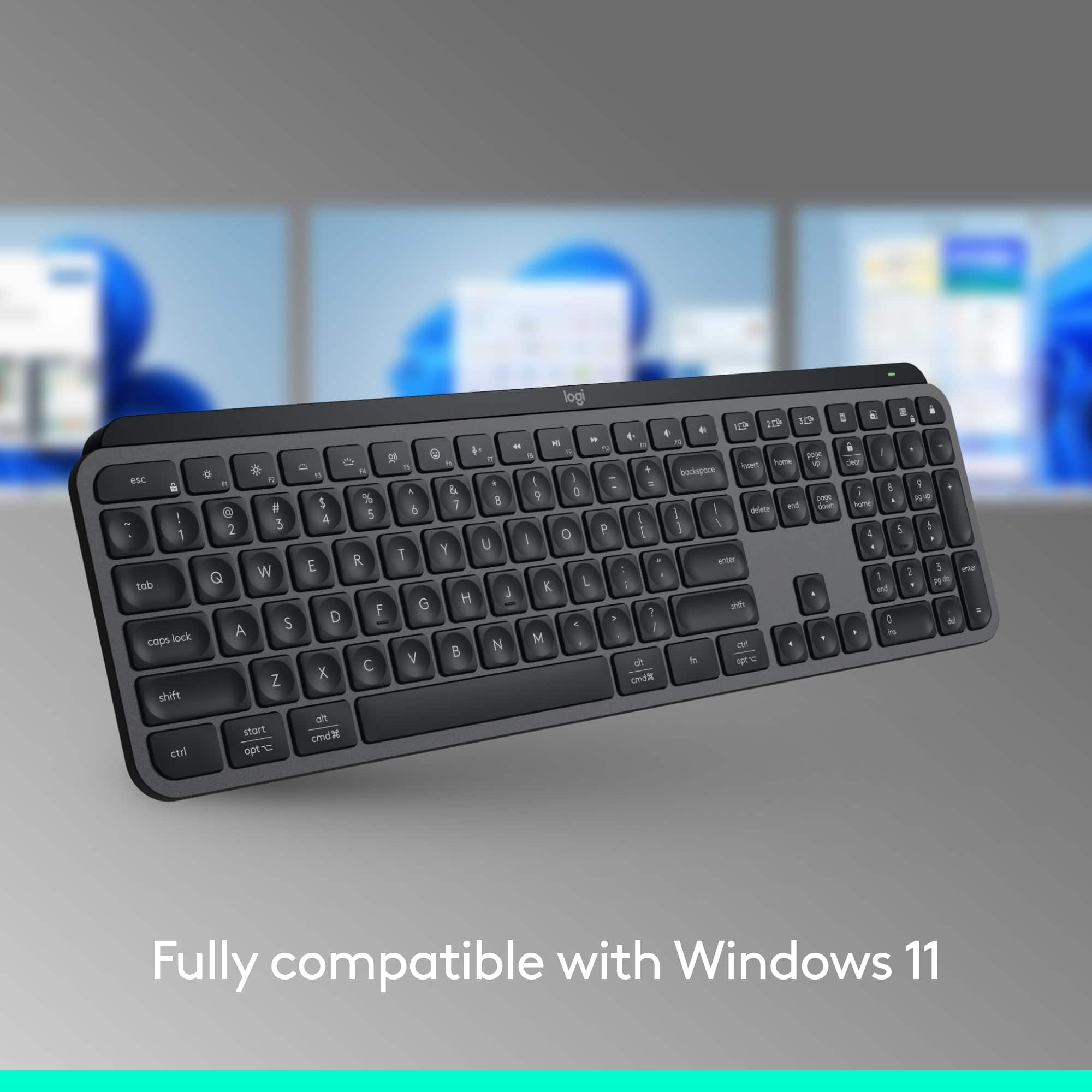
||Posted .This reviewer received promo considerations or sweepstakes entry for writing a review.There is no Windows button and there is no PRT SCRN button. There is no way to take a screen shot in Windows. The lack of the Windows button reduces the shortcuts for other things, as well. I wish I noticed this before putchasing.
No, I would not recommend this to a friendBrand response from Logitech
Posted .We're sorry to hear that the absence of a dedicated Windows key and Print Screen button on the MX Keys S is causing you inconvenience with Windows shortcuts and taking screenshots. We understand your frustration, especially since you wish you had noticed this before purchasing. Your feedback regarding these missing keys is important to us.
Don't buy it!
||Posted . Owned for 1 week when reviewed.This reviewer received promo considerations or sweepstakes entry for writing a review.I don't like it because the backlit is dim, even at its highest setting. You also have to touch a key in order for the backlight to come on. With my old keyboard, all you had to do is hoover your hand over the keyboard and the backlight would come on.
No, I would not recommend this to a friendBrand response from Logitech
Posted .Truly sorry about any inconvenience caused and thanks for bringing it to our notice. We'd recommend to get in touch with the Logi Support Team in this case and the team will definitely walk you through all the available options, next steps, and best possible solution.
- Pros mentioned:Battery life, Keyboard quality

Another Winner from Logitech
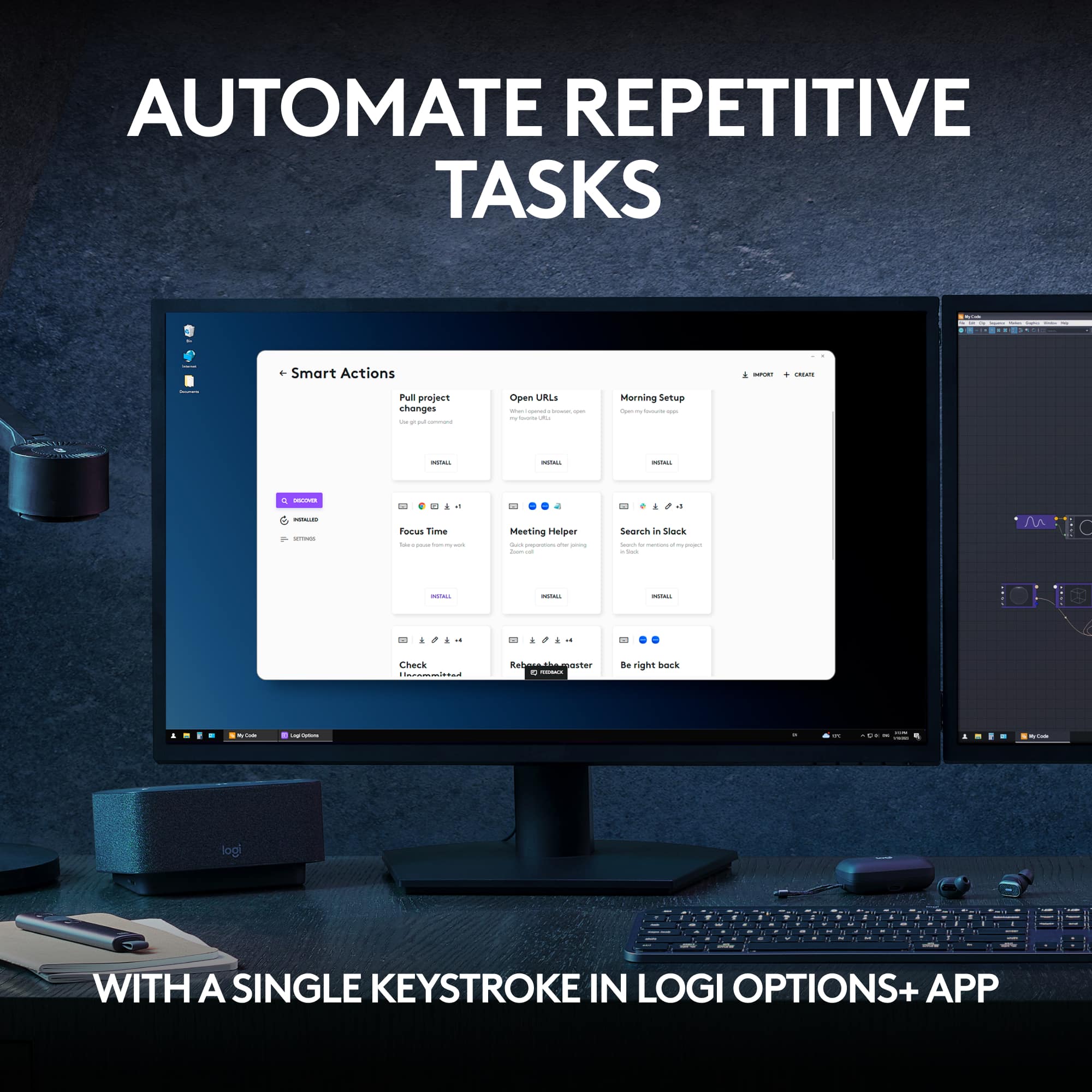
|Posted .This reviewer received promo considerations or sweepstakes entry for writing a review.Between work & home I’ve had over a dozen different keyboards from different manufacturers, but I always come back to Logitech. The MX Keys S is by far the best yet. 2nd place goes to the prior version, MX Keys that I used for a few years. I have only good things to say about this MX Keys S: -Weight: Logitech added just the right amount of weight so that the board doesn’t slide around on slick surfaces. -Backlighting: My office overhead lighting is a little dim, so the backlighting is an absolute must. The ‘Smart Illumination’ activates as soon as your hands approach the keyboard. Then additional censors adjust the brightness according to ambient room light. This feature alone sets it apart from every other board I’ve used. -Quiet keys: No loud, cheap, & plasticky clickety-clacking. This MX Keys S is virtually silent. -Key Shapes: The keys are slightly rounded and concave. It’s noticeably more comfortable than any keyboard I’ve ever tried, & it gives a sure feel. -USB-C Charging: No more eating batteries! Logitech claims 10 days of power from one charge (with backlighting on). My prior MX Keys board averaged 12 days, so I expect the same or better with this new S version. Overall: This MX Keys S gets 5 stars! It’s by far the best keyboard I’ve ever tried. Logitech keeps thinking creatively & upping their game.
I would recommend this to a friend Loses connection intermittently
||Posted . Owned for 1 week when reviewed.This reviewer received promo considerations or sweepstakes entry for writing a review.Loses connection intermittently if connected via Bluetooth to a Windows 10 device while my older version of this keyboard (MX Keys without the "S") works perfectly fine. Ended up returning it.
No, I would not recommend this to a friendBrand response from Logitech
Posted .Truly sorry to hear about your troublesome experience with the product. Your feedback is important to us, and we'll make sure to share it with the right team.
- Cons mentioned:Price
not worth purchasing
||Posted . Owned for 3 weeks when reviewed.This reviewer received promo considerations or sweepstakes entry for writing a review.terrible expensive, not ergonomic, after about 10 minutes using the keyboard I began to feel pain in my wrist, I returned it
No, I would not recommend this to a friendBrand response from Logitech
Posted .We regret to hear that you'll have to return the product and we apologize for the inconvenience caused. We'll surely take this feedback and make sure to share it with the right team. Thanks for bringing it to our notice.
MX Keys S
||Posted . Owned for 1 week when reviewed.This reviewer received promo considerations or sweepstakes entry for writing a review.What a downgrade from K740 I still have my K740 and bought this new keyboard MX Keys. If you still have K740, MX Keys will disappoint you.
No, I would not recommend this to a friendBrand response from Logitech
Posted .We're sorry to hear that you've had an unpleasant experience with our product. We'll surely take this feedback and make sure to share it with the right team.