Customer Ratings & Reviews







- Model:
- 920-011559
- SKU:
- 11132964
Rating by feature
- Value
Rating 4.5 out of 5 stars
- Quality
Rating 4.8 out of 5 stars
- Ease of Use
Rating 4.7 out of 5 stars
Keyboard
||Posted . Owned for 3 weeks when reviewed.This reviewer received promo considerations or sweepstakes entry for writing a review.It works well but not the best keyboard I worked with.
I would recommend this to a friendBrand response from Logitech
Posted .Thank you for your feedback on the MX Keys S Advanced Full-size Wireless Scissor Keyboard. Your insights will help us enhance our offerings to better meet the needs of our customers.
Useless keyboard
||Posted . Owned for 2 months when reviewed.This reviewer received promo considerations or sweepstakes entry for writing a review.Very high price for what yiu get. Very smooth typing but there is no number lock button, so you cant even use the numeric keypad that comes on it....which is why i bought it.
No, I would not recommend this to a friendBrand response from Logitech
Posted .Hey! Thanks for your feedback! We’re glad to hear you enjoyed the smooth typing experience. To address this issue, we recommend reaching out to our social care team via email at socialcare@logitech.com with your:
Name:
Email Address:
Country:
Product Name:
Brief description of issue:
Feeling isn't Great.
||Posted .This reviewer received promo considerations or sweepstakes entry for writing a review.Function is great, easily switch between ipad and mac. The feeling is subpar as in the keys are not very pleasant. There's also a considerable lag. Surely there are better options at this price point.
No, I would not recommend this to a friendBrand response from Logitech
Posted .Thanks for sharing your experience. We're glad the multi-device switching is working well for you, but we understand how important key feel and responsiveness are for a satisfying typing experience. If you'd like help troubleshooting the lag or exploring ways to improve performance, feel free to reach out to our social care team at **socialcare@logitech.com** with the following details:
- Name
- Email Address
- Country
- Product Name
- Brief description of the issue
We’d love to help make your setup feel smoother and more enjoyable.
This compact full keyboard fills the bill
||Posted . Owned for 1 month when reviewed.This reviewer received promo considerations or sweepstakes entry for writing a review.Quiet and allows quick typing once you become accustomed to it. Bolt USB receiver.
I would recommend this to a friendKeyboard
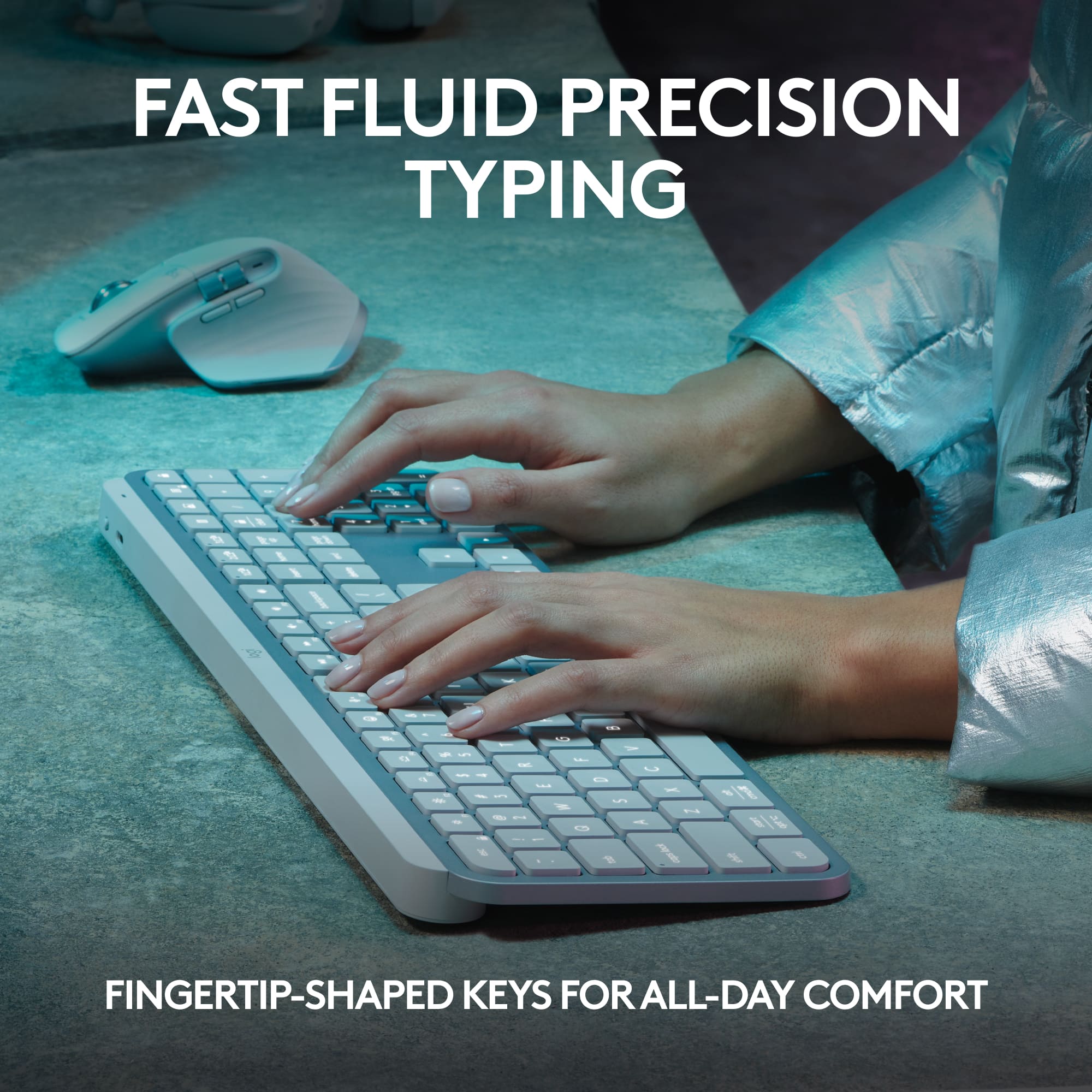
||Posted . Owned for 1 month when reviewed.This reviewer received promo considerations or sweepstakes entry for writing a review.Not the most comfortable to use. Might have to get another option
No, I would not recommend this to a friendKeepwe
||Posted . Owned for 3 weeks when reviewed.This reviewer received promo considerations or sweepstakes entry for writing a review.Nice color. Fast response portable definitely needed
I would recommend this to a friendgood
||Posted . Owned for 1 month when reviewed.This reviewer received promo considerations or sweepstakes entry for writing a review.pretty quiet.............................................
I would recommend this to a friendMX Keys S is a piece of garbage
||Posted . Owned for 7 months when reviewed.This reviewer received promo considerations or sweepstakes entry for writing a review.Stay far far away from this thing. Biggest regret is not getting it returned before the return period expired. Frequently randomly disconnects (found MANY people have this issue after I started searching about it). Can't use it to write documents. Will randomly miss entire words. Can't use it to play games. Hold down a button to move and you can see exactly when it disconnects. Can't use it to log into websites. Randomly leaves characters out of your username or password. It's a shame that the vast improvements in quality between the ergo trackball and the MX ergo trackball don't mean anything when it comes to this keyboard. Don't know why they didn't keep using the reliable unifying receiver with this keyboard. I suspect the bolt receiver is probably the source of it's uselessness. Along with requiring another usb port instead of pairing to the same receiver with my other logitech devices. I recently pulled it out to give it a second chance. Made sure it had latest firmware. Tried a factory reset. And the same issues persisting led me to posting a review, which I almost never do, to try to warn others.
No, I would not recommend this to a friendBrand response from Logitech
Posted .We sincerely regret if our product provided you with a inferior experience. We understand your displeasure and apologize for any issues that arise. We value your input, therefore we will forward it along to the appropriate team so they can look into it.
Great value
||Posted . Owned for 1 week when reviewed.This reviewer received promo considerations or sweepstakes entry for writing a review.Great value, Best Buy sales associate was very helpful.
I would recommend this to a friendSqueaky backspace key.
||Posted . Owned for 1 month when reviewed.This reviewer received promo considerations or sweepstakes entry for writing a review.Everything is pretty good about this keyboard so far except the backspace key squeaks. I've never had a keyboard squeak before.
No, I would not recommend this to a friendBrand response from Logitech
Posted .Thank you for your feedback about the Logitech MX Keys S keyboard. We're glad to hear that you're generally satisfied with it, but we apologize for the squeaking backspace key. Please contact our customer support team for assistance with troubleshooting or a replacement if needed.
Short battery life. Not good for Mac.
||Posted . Owned for 11 months when reviewed.This reviewer received promo considerations or sweepstakes entry for writing a review.I've owned Logitech keyboards in the past and have decent experience with them so I bought this MX Keys S. It's not good. Only a year old and the battery life is already depleted. Only lasts a couple days on a full charge. It's not good with a Mac. I bought it because I have both Mac and Windows computers and it has the 3 different connections you can quickly choose from just like the Logitech Mouse that I own. Big mistake. This keyboard is not good with a Mac. Takes a lot time to connect to the Mac when first starting up and even when you put it in Mac mode the key commands don't match up. There is no delete button for the Mac to delete files when in Mac layout mode? This is bad. I do not recommend it. Now I have to see if the warranty covers the bad battery. Waste of money and time.
No, I would not recommend this to a friendBrand response from Logitech
Posted .Thank you for your detailed feedback on the Logitech MX Keys S. We're sorry to hear about your experience with the short battery life, Mac compatibility issues, and key command problems. To address this issue, we recommend reaching out to our social care team via email at socialcare@logitech.com with your
- Name:
- Email Address:
- Country:
- Product Name:
- Brief description of issue:
Faulty #2 key and right arrow key
||Posted .This reviewer received promo considerations or sweepstakes entry for writing a review.I purchased this keyboard on September 19 on-line, received on September 20, after a couple of weeks the #2 key started to become faulty, when I hit the #2 key, it also adds a 1, i.e. 21. I tried to start an exchange with Best Buy but was unable to because it was past 15 days. So now I'm working with Logitech
No, I would not recommend this to a friendBrand response from Logitech
Posted .We are very sorry to hear that you're experiencing issues with your Logitech MX Keys S keyboard, specifically with the #2 and right arrow keys. We understand this is very frustrating. To help resolve this, we recommend contacting our social care team at socialcare@logitech.com. Please include the following information in your email:
- Name:
- Email Address:
- Country:
- Product Name:
- Brief description of issue:
Good product
||Posted . Owned for 1 month when reviewed.This reviewer received promo considerations or sweepstakes entry for writing a review.I returned this item because I went to a pro series
I would recommend this to a friendBrand response from Logitech
Posted .We appreciate you taking the time to share your feedback, and we understand why you chose to return the product in favor of a pro series model.
Meh.... Underwhelmed Unfortunately
||Posted . Owned for 2 months when reviewed.This reviewer received promo considerations or sweepstakes entry for writing a review.Everything is great except for backlighting sensor and the removal of the backlighting sensor adjustment option in settings that the previous firmware version had.
I would recommend this to a friendBrand response from Logitech
Posted .We appreciate your feedback on the MX Keys S. We understand your disappointment regarding the backlighting sensor and the removal of the adjustment option from the previous firmware. We apologize for any inconvenience this has caused. We value your input and will take it into consideration as we continue to improve our products.
Keyboard
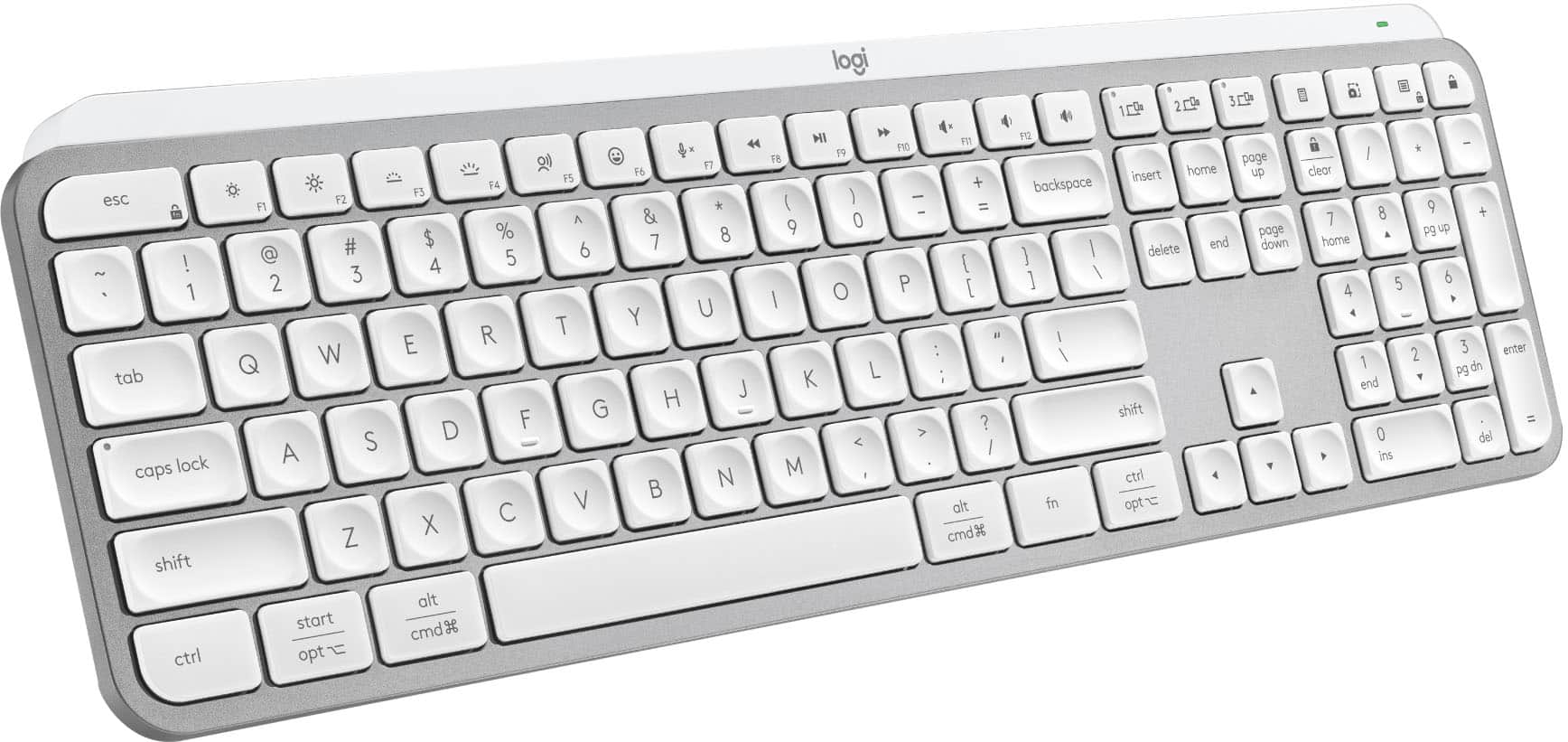
||Posted . Owned for 3 weeks when reviewed.This reviewer received promo considerations or sweepstakes entry for writing a review.Lettering hard to read on the keyboard with or without the light
No, I would not recommend this to a friendBrand response from Logitech
Posted .We apologize for the difficulty you're experiencing with the lettering on the MX Keys S Advanced Keyboard. We'll investigate this issue and consider design improvements for future models.
- Pros mentioned:Battery life, Keyboard quality

Nominal update
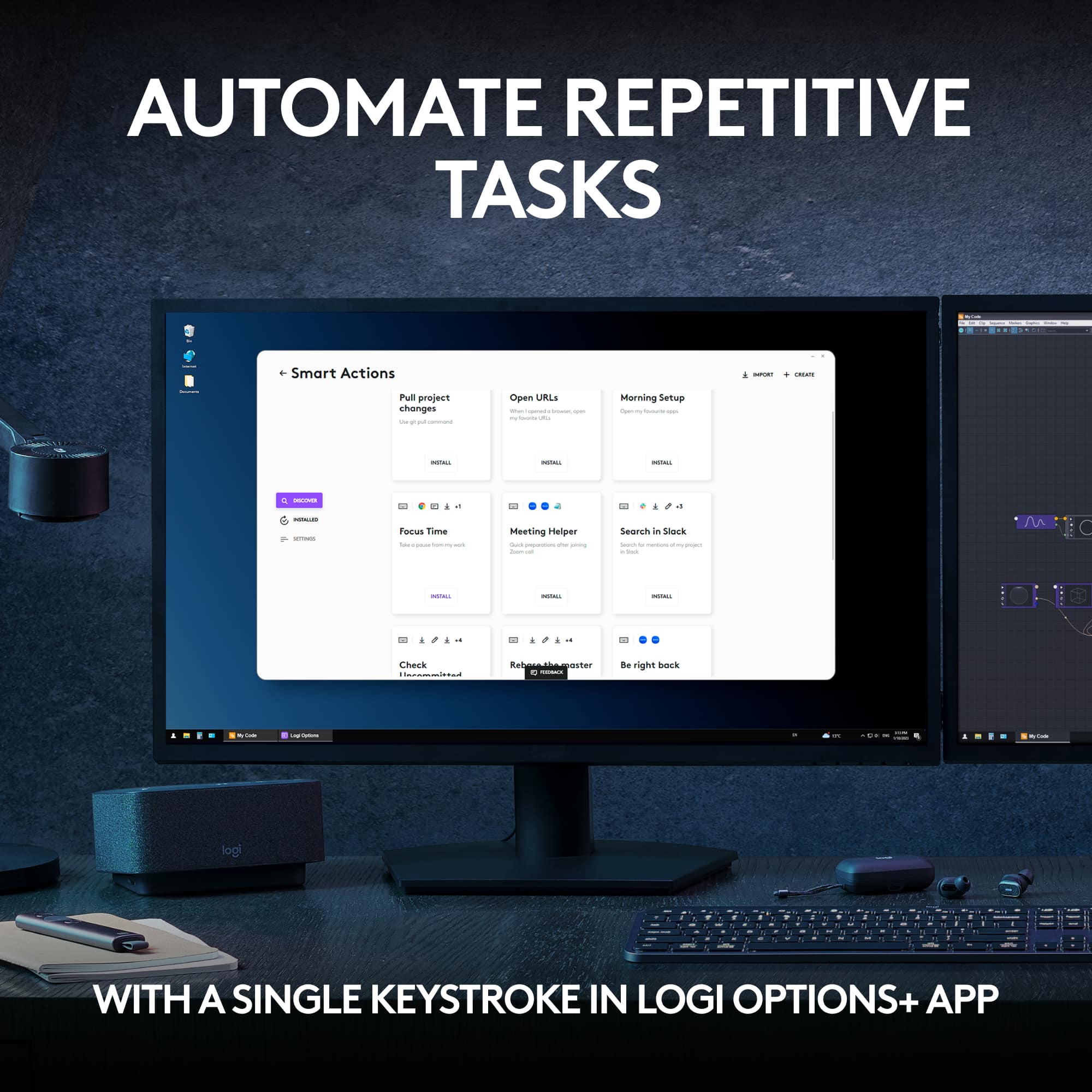
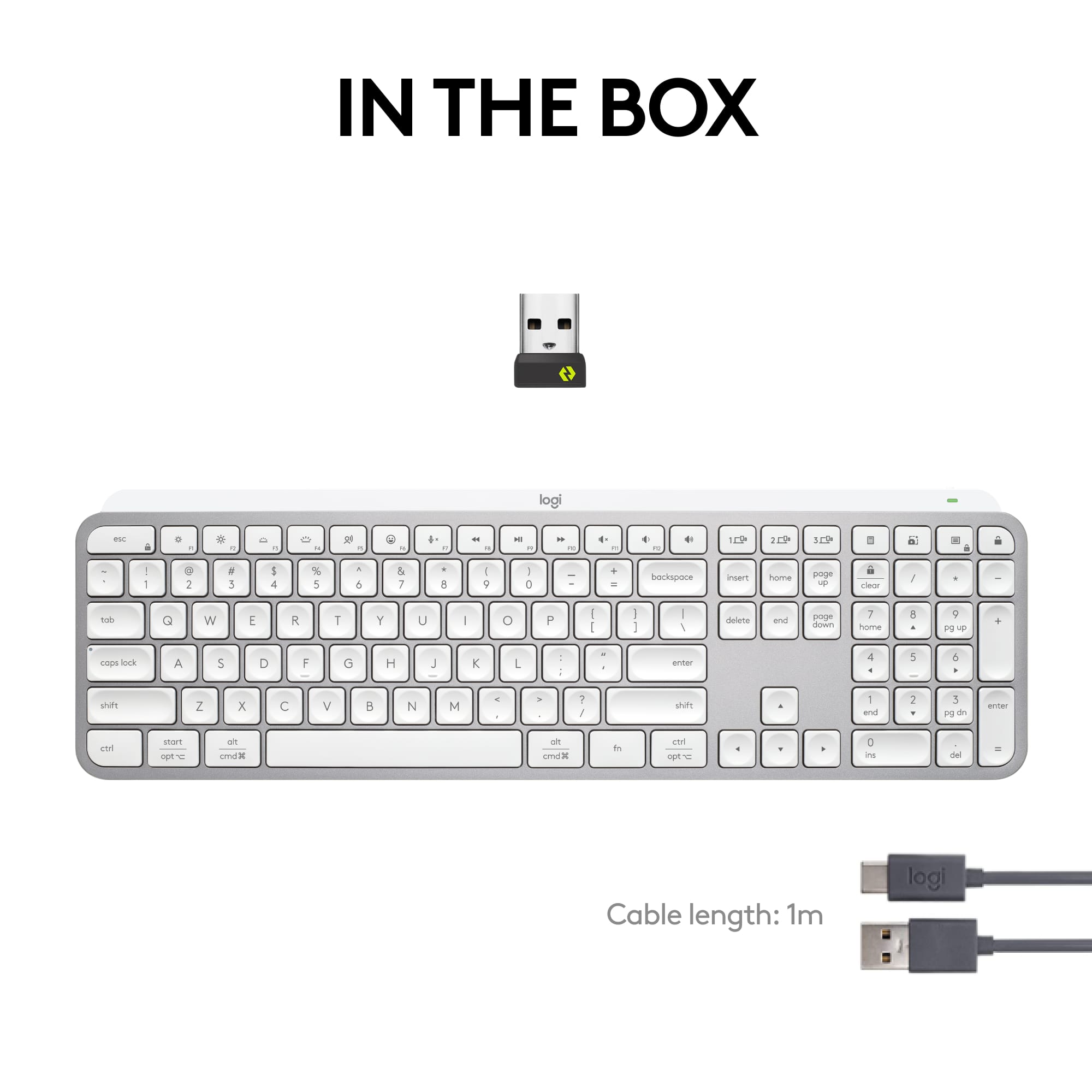
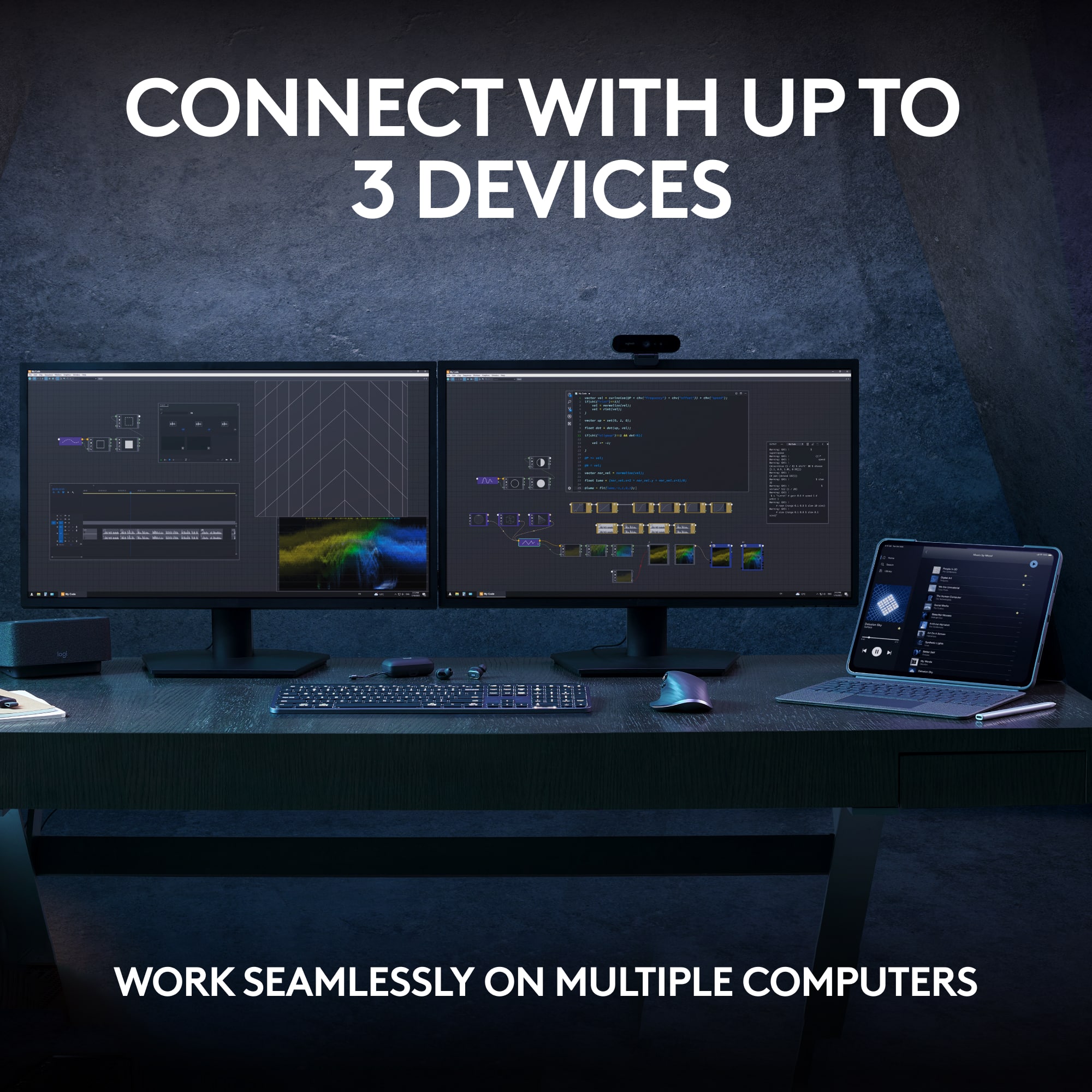
|Posted .This reviewer received promo considerations or sweepstakes entry for writing a review.Nominal Updates I've been a long time fan of Logitech's products, especially since the "Master-esque" line of products started being released with the original MX Master Mouse. I've acquired nearly every recent generation of product between the MX Master and MX Keys line (and considering for the purpose of this review the Logitech Craft keyboard to be the "first" of the MX Keys keyboards, although not by name) and am continually impressed with the consistent experience that Logitech provides in its flagship products. "Consistent experience" seems to be the name of the game now for the top-of-the-line Logitech MX Keys S, the renewed version of the original MX Keys released back in 2019. There are definitely some changes over the Logitech Keys (I use the Keys for Mac version of the first-generation keyboard), but it to some degree has reached "Ford F-150 status" in that a front-running, well-selling keyboard needs to change very little from generation to generation in order to retain its spot at the front of the pack. One notable difference in only a few years is Logitech's commitment to more responsible packaging, providing a slightly less premium, but still enjoyable unboxing experience. There was a nice piece of canvas/fabric folded around the Keys S, along with a USB Type-A to Type-C charging cable and the Logi Bolt USB receiver. Logitech claims a battery life of 10 days with backlighting, and up to 5 months without. The Craft Keyboard from Logitech always irritated me because the battery life seemed painfully short, but I've seen improvements in battery life across all their products generation-over-generation. Your use case will obviously be different than mine (or anyone else's). Not long ago I reviewed the MX Master 3S, titling the review "so much difference in only a click." That again seems to be the sentiment with the Keys S, wherein the only noticeable difference in experience is the sound of the keys...but that difference is not significant or substantially noticeable. That doesn't mean, however, that I don't love it. The original Keys keyboard has a sharper, slightly higher frequency "click" to its keypresses, versus a slightly more muted, less bright sounding click on the Keys S. Alongside the Logitech MX 3S, this creates a very muted--but still intentional and specific--set of noises around keypresses and mouse clicks. There are two other components to the Logitech accessory experience that have to be mentioned in EVERY review are the Logi Options app, and the Flow functionality within that app. Logi Options (or Logi Options+ depending on the product) is the companion app that really deserves to be installed on your computer. This app provides customization options around keymapping, which can be changed based on the type of device the keyboard is connected to (the Keys S can be paired to up to 3 different devices like its older sibling). And finally, there's Flow...the cross-device, cross-platform software KVM for sharing your mouse and keyboard across multiple devices. Flow just keeps getting better and smoother, and given a lack of significant competition for Mac's universal control, something that offers similar functionality across multiple platforms is a welcome alternative. And then there's price. Look, $120 is no small amount of money to pay for a somewhat un-exciting, well-built, quieter chiclet-style keyboard...but I have before and will continue to endorse opening your wallet for Logitech's premium products. I've used them for years, and I'm always pleased with performance, durability and experience--and when your mouse and your keyboard are you primary methods of interacting with your computer day-to-day, you deserve to spend a little extra to get the thing that you want.
I would recommend this to a friend They are better product for less money
||Posted . Owned for 3 weeks when reviewed.This reviewer received promo considerations or sweepstakes entry for writing a review.It should have come with a mouse for that much of money
I would recommend this to a friendSlow, unresponsive - returning
||Posted . Owned for less than 1 week when reviewed.This reviewer received promo considerations or sweepstakes entry for writing a review.I have been using wireless keyboards since it was a thing and I have never had a problem like this... The keyboard is unresponsive & has a major key stroke delay, plus it randomly produces multiple key strokes (eg: ppppppppp, or he llo) maybe I got a bad one, but for the price, it's going back to the store. Google it thought, I am not the only one. I tried it with and without the usb adaptor...
No, I would not recommend this to a friendBrand response from Logitech
Posted .We apologize for the issues you're experiencing with the Logitech MX Keys S. To get that issue resolved, we recommend reaching out to our social care team via email at socialcare@logitech.com with your
- Name:
- Email Address:
- Country:
- Product Name:
- Brief description of issue:
Meh
||Posted . Owned for 1 month when reviewed.This reviewer received promo considerations or sweepstakes entry for writing a review.2nd PC programmed will not connect part of the time
No, I would not recommend this to a friendDon't buy it!
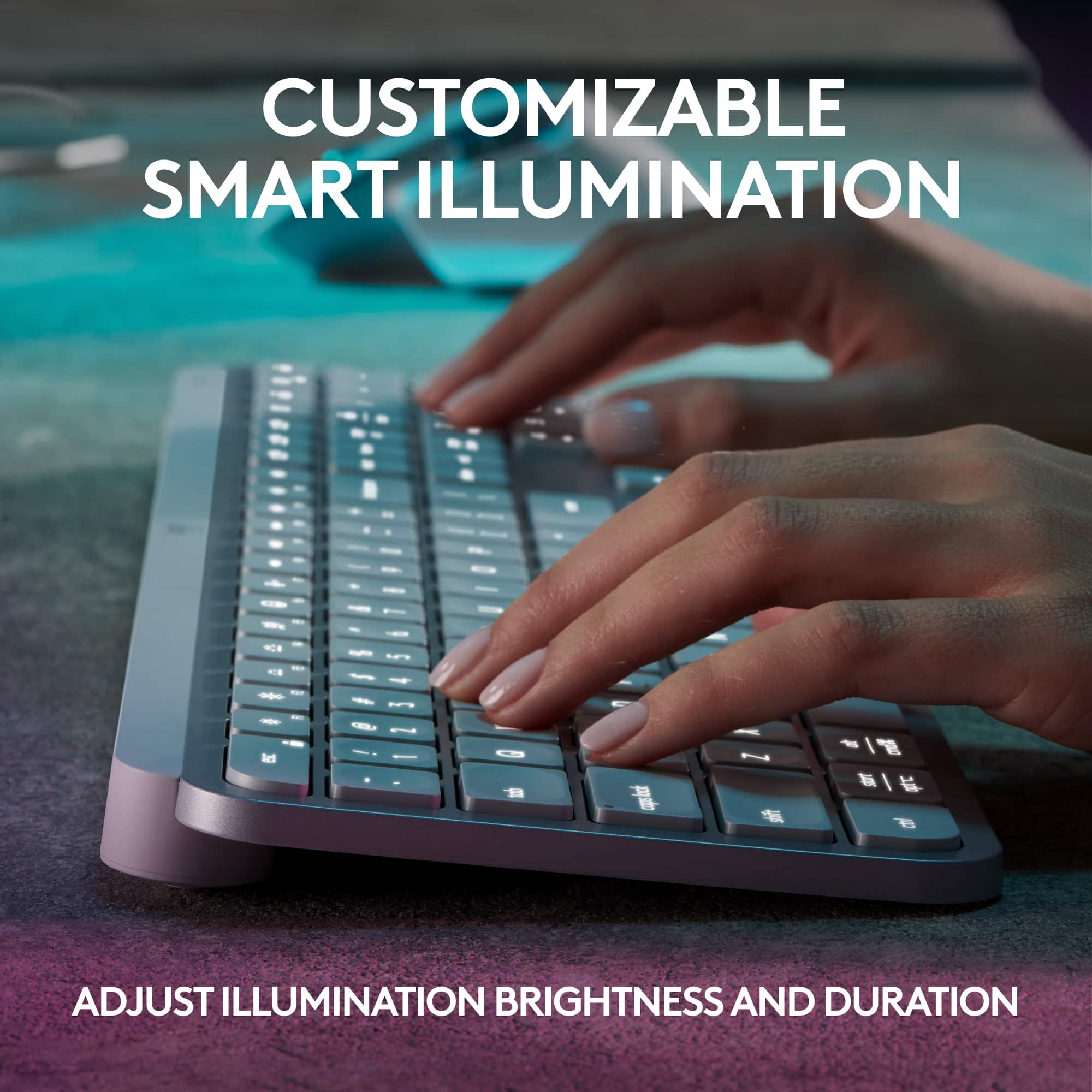
||Posted . Owned for 1 week when reviewed.This reviewer received promo considerations or sweepstakes entry for writing a review.I don't like it because the backlit is dim, even at its highest setting. You also have to touch a key in order for the backlight to come on. With my old keyboard, all you had to do is hoover your hand over the keyboard and the backlight would come on.
No, I would not recommend this to a friendBrand response from Logitech
Posted .Truly sorry about any inconvenience caused and thanks for bringing it to our notice. We'd recommend to get in touch with the Logi Support Team in this case and the team will definitely walk you through all the available options, next steps, and best possible solution.