Customer Ratings & Reviews




- Model:
- 910-005693
- SKU:
- 6404201
Rating by feature
- Value
Rating 4.5 out of 5 stars
- Quality
Rating 4.8 out of 5 stars
- Ease of Use
Rating 4.7 out of 5 stars
Customers are saying
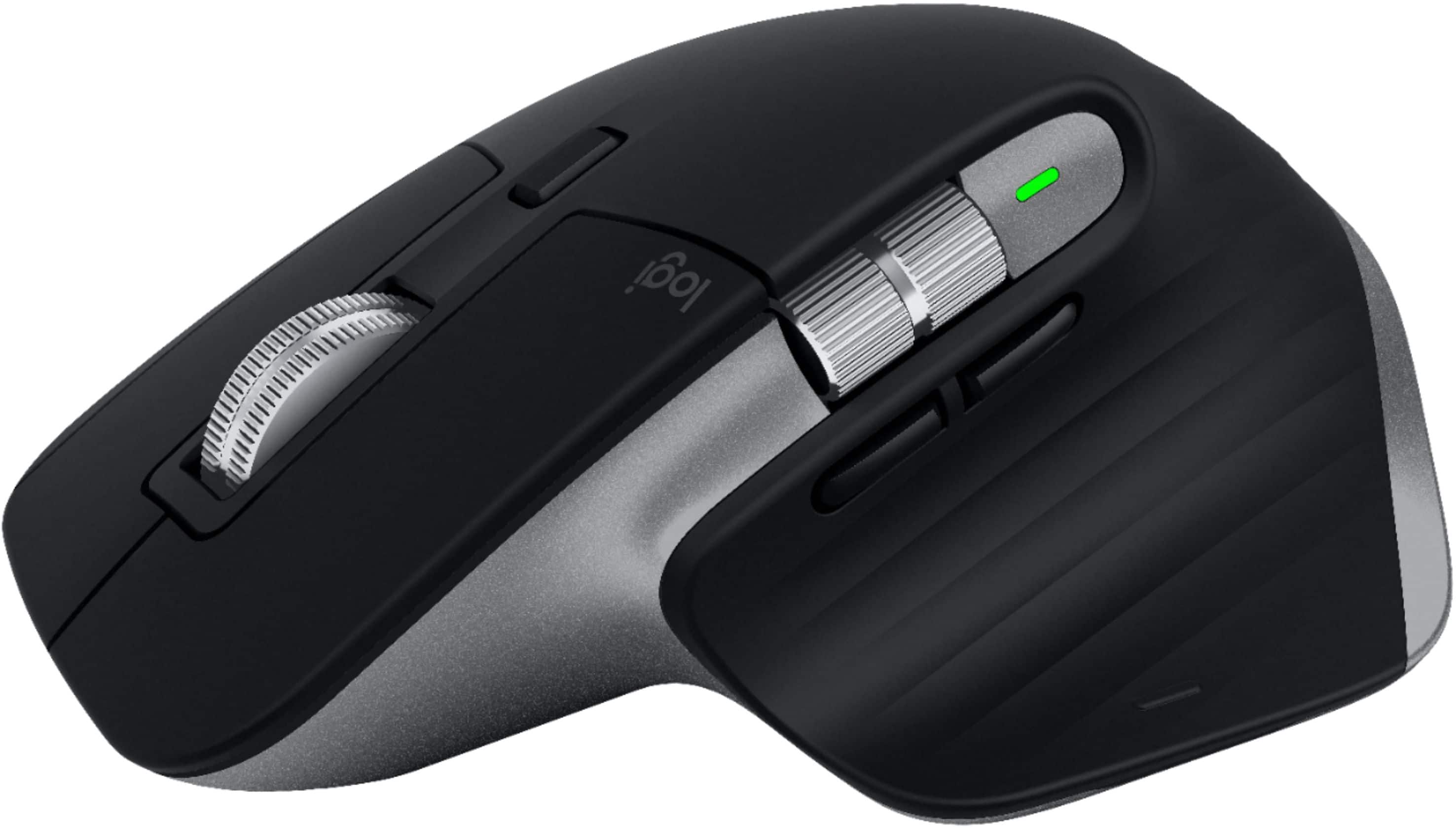
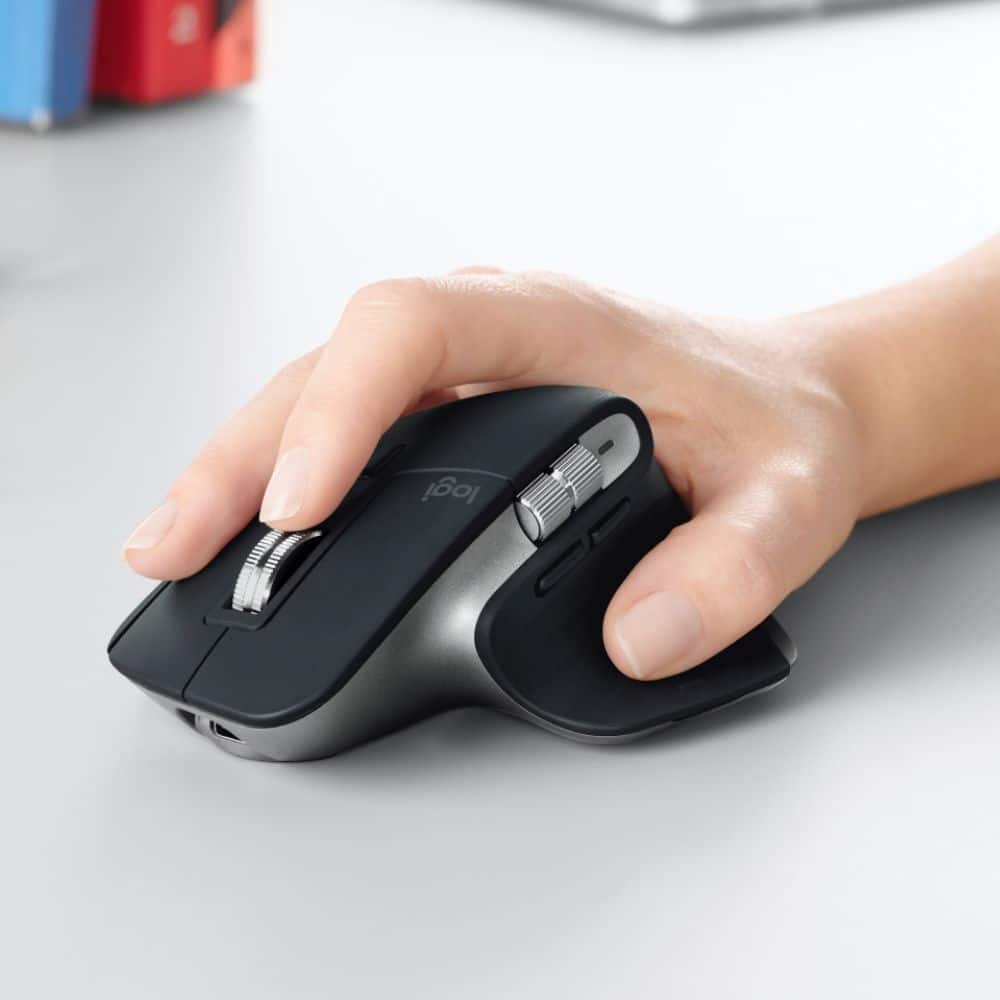
Customers enjoy the ergonomic design, ease of use, and impressive battery life of the MX Master 3 mouse. The scroll wheel and customization options also receive high praise, with many appreciating the precision and responsiveness. However, some find the mouse too large and heavy for their preference, and a few have noted concerns about the software's performance. The price point is also a factor for some customers.
This summary was generated by AI based on customer reviews.
- Pros mentioned:Battery life, Customization, Ergonomic

Excellent mouse for comfort and customization
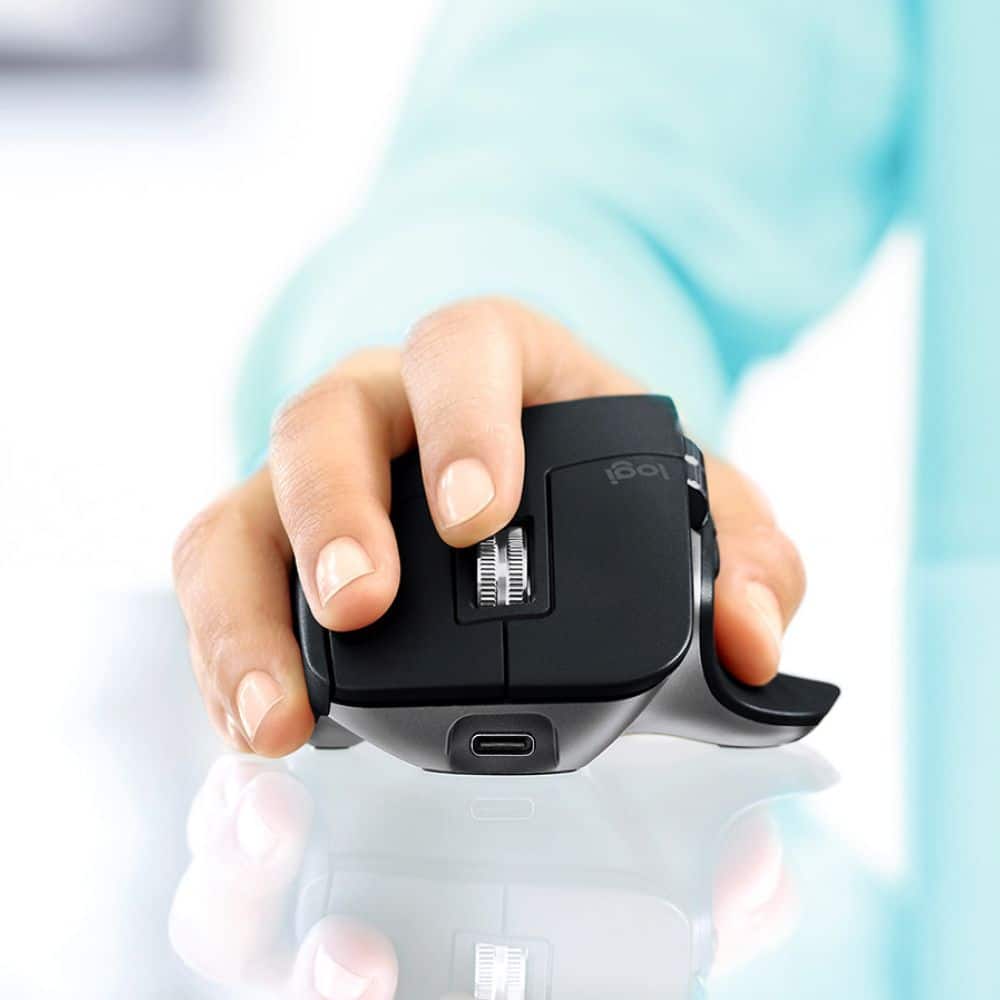
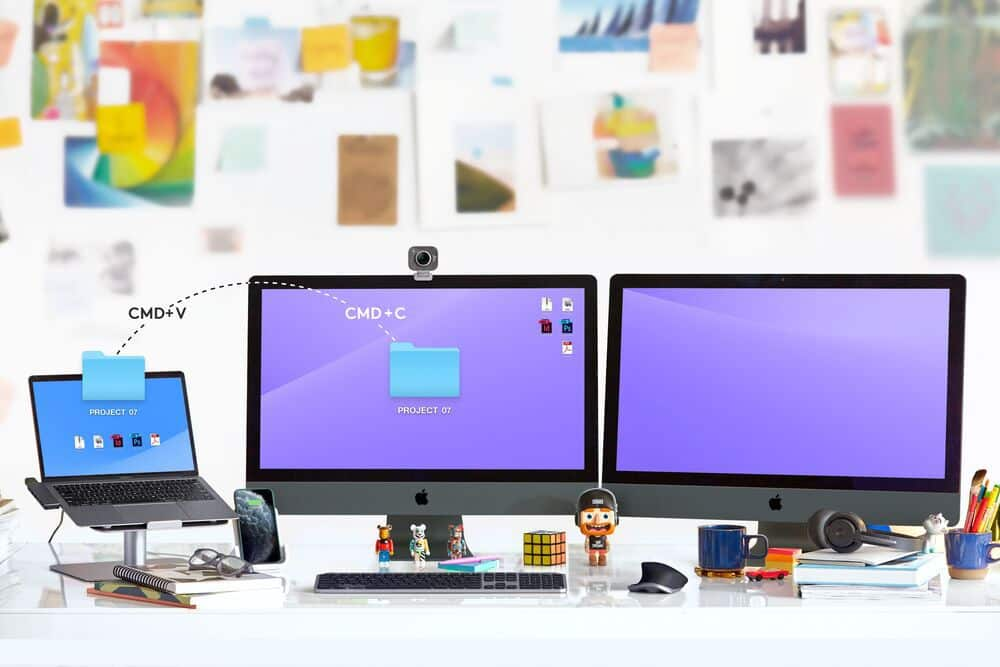
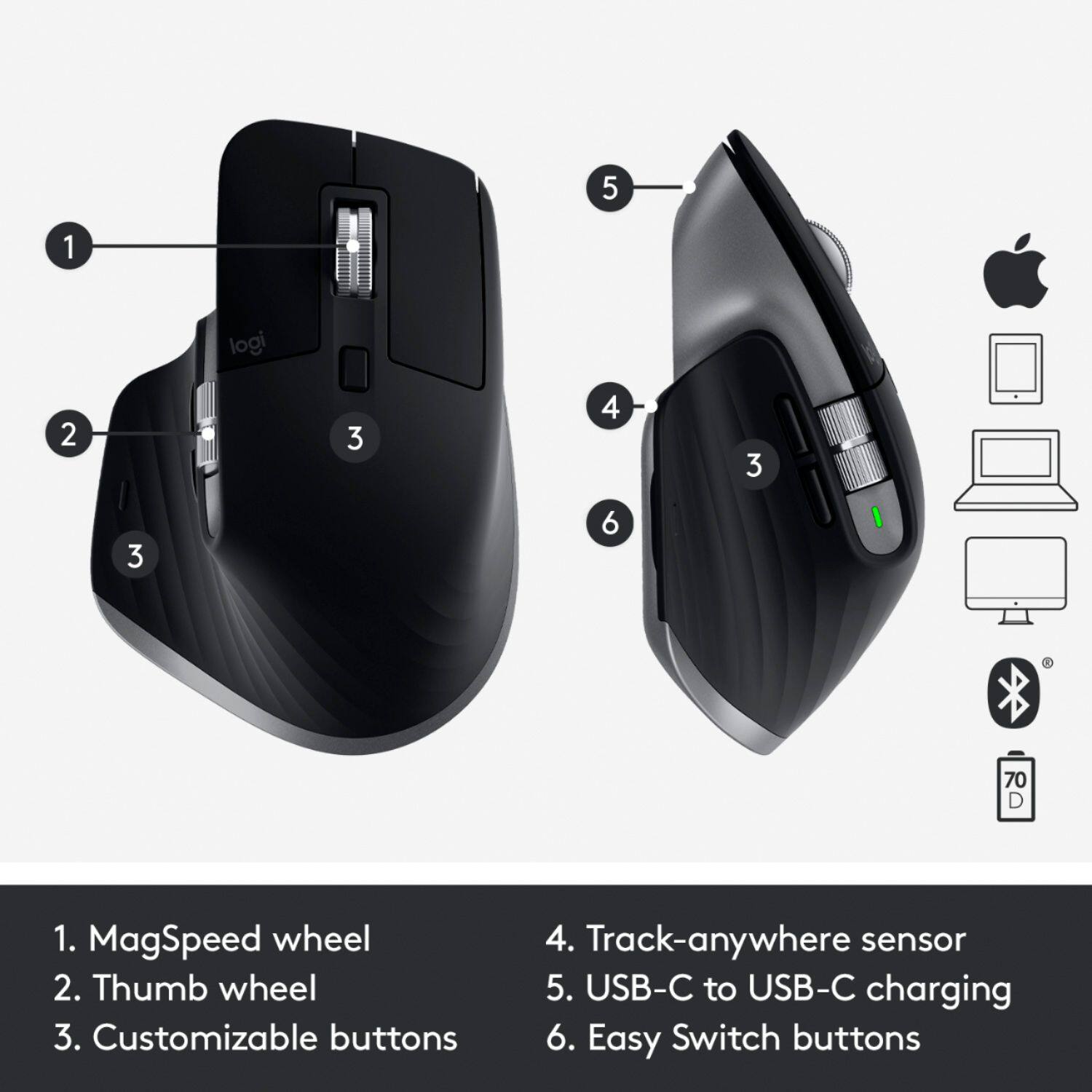
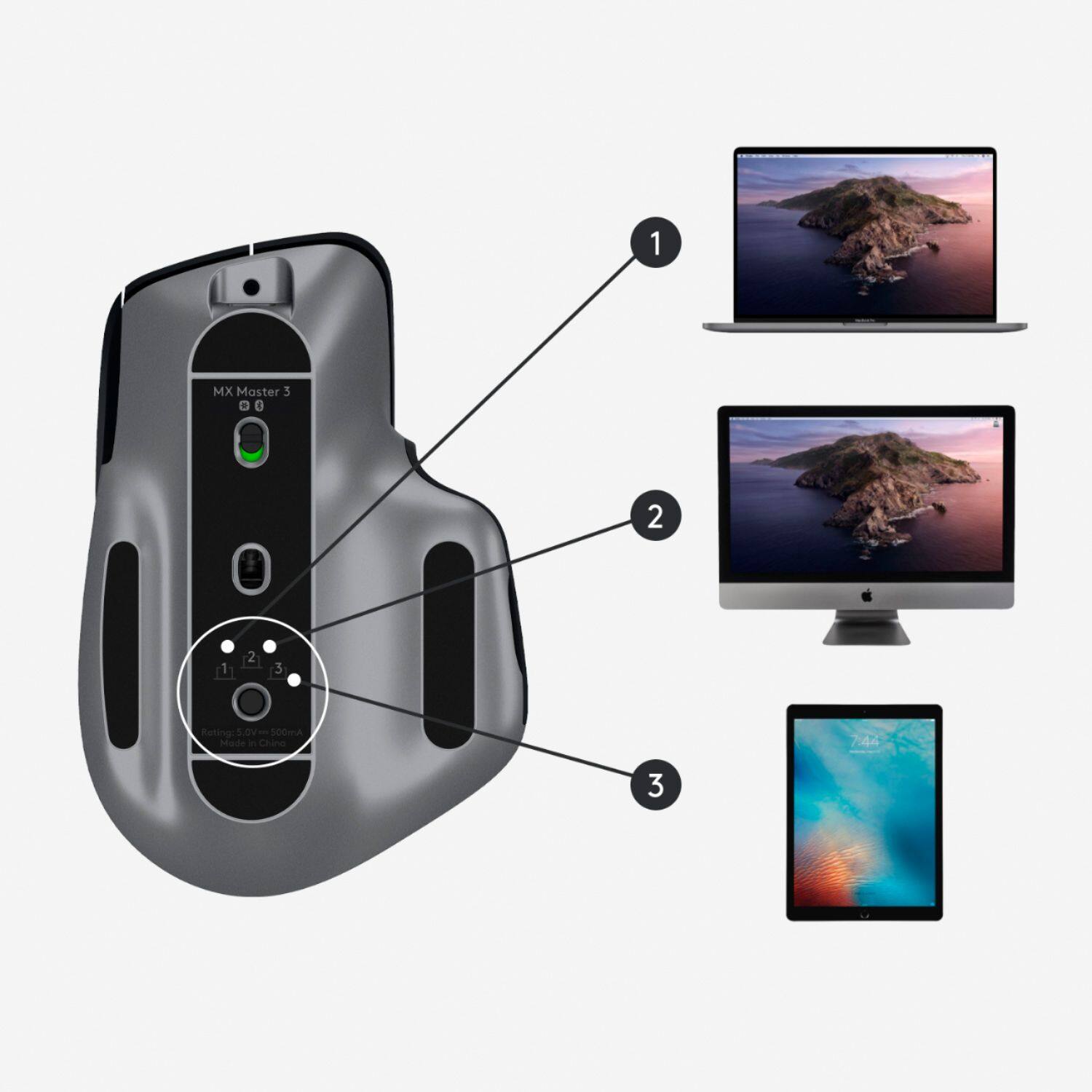
|Posted .This reviewer received promo considerations or sweepstakes entry for writing a review.The MX Master 3 for Mac is everything you need in a computer mouse. Right out of the box, you can see it is well-built will purposeful contours and colors in neutral black and gray. It is packaged with simply a USB-C quick charge cable with no charging brick. I tested the device mainly on a MacBook Pro laptop and a Windows laptop virtually simultaneously, though I was also able to connect to an iPad without issue. The mouse paired seamlessly to each via Bluetooth wireless (no USB dongle needed) and was immediately responsive. It works flawlessly on all surfaces I tested it on - wood, cardboard, plastic, metal, my wall, and cork surfaces all posed no issues. It can switch through devices at the push of a preset button or customized to do so, and I was even able to drag-and-drop files from one computer desktop to another. Out of the box, the battery was charged up, and after three days of heavy usage, I've still not needed a recharge. I appreciate the comfortable feel as well as the large buttons and MagSpeed wheel on the top. It took a little getting used to, but the wheel's auto-transition between line-by-line scrolling to free scrolling has definitely grown on me. Very cool feature. The somewhat inconspicuous gesture button positioned near the thumbrest can be ignored or customized to a variety of settings via pressing or gestures. Swiping right can open a specific app; swiping up can allow you to search your computer for a file; simply pressing it can offer display changes. The options are endless and can be customized to your preferences. Without a doubt, the main selling point for this device is its robust customization. Once installed, the Logitech Options app guides you through the detailed customization tree, which is admittedly a bit exhaustive in its thoroughness. By default, the MX Master 3 does utilize common features for its buttons and scroll wheels. A little setup here and there and you will be moving and shaking through multiple screens and devices at your workstation in no time. This mouse can become into the focal point of your computing experience. The MX Master 3 is an excellent device and an easy recommendation for any workstation, especially those with multiple screens. The broad customization options are a treat for meticulous users looking for full control of their devices. Full disclosure, I received this product for my honest, unbiased review.
I would recommend this to a friend - Pros mentioned:Ergonomic
Great!!
||Posted . Owned for 4 months when reviewed.This reviewer received promo considerations or sweepstakes entry for writing a review.Great size and perfect fit for extended use. It is a bit bulky in my bag but I don’t mind since it saves my hands from carpal tunnel.
I would recommend this to a friend Great BIG Mouse
||Posted . Owned for 2 weeks when reviewed.This reviewer received promo considerations or sweepstakes entry for writing a review.I bought this to use with my M1 MBA. It connected right away and works great. Interestingly, the mouse (Logitech M510) for my Windows desktop PC has been acting up, and it turns out I can easily use the MX Master 3 "for Mac" with it too. I love the side buttons and scroller of the MX. My only gripe is that, as a female with what I thought were average-sized female hands, the mouse is a bit too big for my hand. I considered returning it, but I valued the performance and buttons a lot and grew accustomed enough to the size to keep it. I still wish it was about 20% smaller, which is why I'm rating this as "good" instead of "excellent." If you have man-hands, then this is definitely an excellent mouse.
I would recommend this to a friend- Pros mentioned:Compatibility
Actually works w/o grief & comfortable
||Posted . Owned for 1 month when reviewed.This reviewer received promo considerations or sweepstakes entry for writing a review.Most wireless mice are horrendous in regards to compatibility to use with Macs. This one is seamless. It's comfortable and worth every penny.
I would recommend this to a friend - Pros mentioned:Ergonomic
Logictec god
||Posted . Owned for 8 months when reviewed.This reviewer received promo considerations or sweepstakes entry for writing a review.This has to be my most favorite wireless mouse I have ever bought. I loved it so much I had to buy a second on for my work.
I would recommend this to a friend - Pros mentioned:Customization
Best mouse I’ve ever had
||Posted . Owned for 1 week when reviewed.This reviewer received promo considerations or sweepstakes entry for writing a review.This mouse replaced a cheap gaming mouse I had. It’s so much more comfortable and there is a ton of customization with the buttons! It’s great
I would recommend this to a friend - Pros mentioned:Customization
Great mouse
||Posted . Owned for 2 months when reviewed.This reviewer received promo considerations or sweepstakes entry for writing a review.Great mouse for your Mac. Very comfortable in the hand. Would be 5 stars if the scrolling was a smooth as the Magic Mouse. Smooth scrolling setting help a little. Very customizable with the Logitech software.
I would recommend this to a friend - Pros mentioned:Customization
Great on its own, amazing with MX Keys
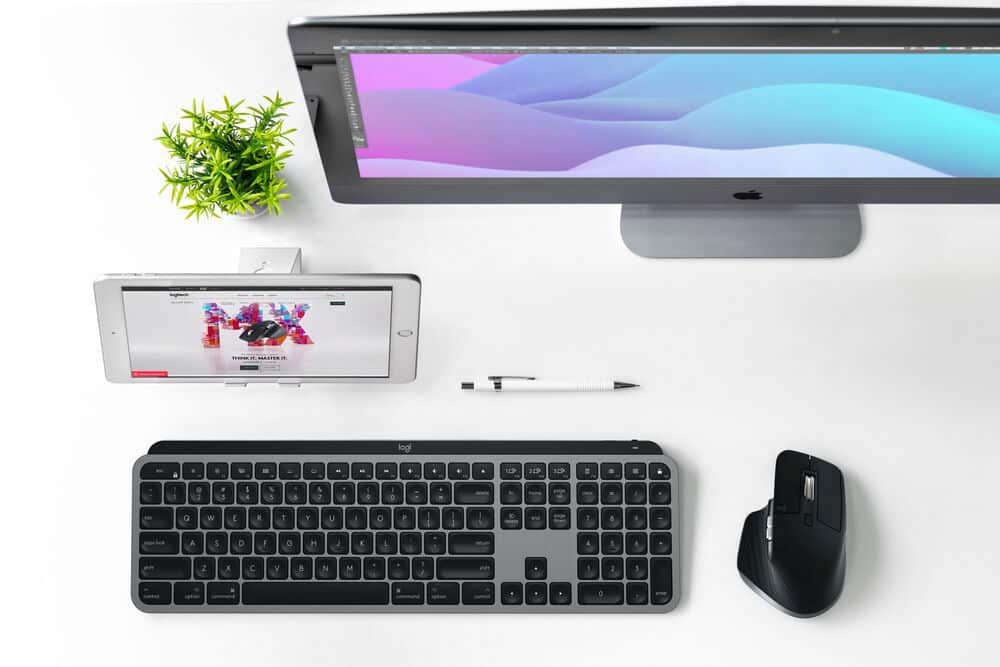
||Posted . Owned for 3 weeks when reviewed.This reviewer received promo considerations or sweepstakes entry for writing a review.Excellent product that feels incredibly well made. Extremely customizable and has helped streamline my workflow across multiple devices.
I would recommend this to a friend - Pros mentioned:Ergonomic
Great Mouse
||Posted . Owned for 1 month when reviewed.This reviewer received promo considerations or sweepstakes entry for writing a review.I love that fits my hand. Love the options that come with it. I would definitely recommend this product to everyone. Very ergo fit!
I would recommend this to a friend - Pros mentioned:Ergonomic
MX Master 3
||Posted . Owned for 6 months when reviewed.This reviewer received promo considerations or sweepstakes entry for writing a review.Really good mouse, nothing else needed to say, YT pretty much sums everything up about how good this mouse is.
I would recommend this to a friend - Pros mentioned:Ergonomic
Helped manage navigation with less wrist pain.
||Posted . Owned for 1 week when reviewed.This reviewer received promo considerations or sweepstakes entry for writing a review.My experience with this wireless mouse was great! I have issues with carpal tunnel syndrome and definitely had less pain using this mouse.
I would recommend this to a friend So smooth
||Posted .This reviewer received promo considerations or sweepstakes entry for writing a review.Upgraded from the original master. This feels so refined and smooth. Can’t explain how much better the stil wheel is. Love this mouse.
I would recommend this to a friendGreat Productivity Mouse
||Posted . Owned for 4 months when reviewed.This reviewer received promo considerations or sweepstakes entry for writing a review.My new go-to mouse for productivity. I previously used the MX Master 2. I can't go back to that mouse. This mouse has a slightly slimmer profile which I like as well not having rubber on the scroll wheel. Been using daily for a few months and shows no wear of use. This may change in time though. This paired with the MX Master Keys w/Logi Options is a great combo. I am macOS and have always hated their Magic Mouse and keyboard so this is a great alternative.
I would recommend this to a friendVery nice mouse
||Posted . Owned for 1 week when reviewed.This reviewer received promo considerations or sweepstakes entry for writing a review.I really like this mouse it. I have been eyeing the Mx 3 and when the one for Mac came out I was right one it . The build quality is great the ease of use to set up and it has differently improved my work flow.
I would recommend this to a friend- Cons mentioned:Pricey
So far so good
||Posted . Owned for 1 week when reviewed.This reviewer received promo considerations or sweepstakes entry for writing a review.I recently picked this mouse up after seeing some great reviews about it so far it works great with my Mac and it does work on any surface but it expensive if you can get it cheaper than $99 bucks go for it.
I would recommend this to a friend Best mouse for productivity
||Posted . Owned for 1 month when reviewed.This reviewer received promo considerations or sweepstakes entry for writing a review.I'm not a gamer so I don't really know how good it is for that, but in terms of build quality and feel its the best mouse for its price
I would recommend this to a friend- Pros mentioned:Customization
Best Mouse for Mac
||Posted . Owned for 3 weeks when reviewed.This reviewer received promo considerations or sweepstakes entry for writing a review.Best Mouse I have ever had! This thing does everything so smoothly on my Mac and the customizable controls are the best.
I would recommend this to a friend - Pros mentioned:Ergonomic
Wireless
||Posted . Owned for 3 weeks when reviewed.This reviewer received promo considerations or sweepstakes entry for writing a review.Reliable and nice mouse used to work more with it than touchpad so I ak happy with it and connects wireless very nice !!
I would recommend this to a friend - Pros mentioned:Compatibility
Great mouse for MacBook
||Posted . Owned for 3 weeks when reviewed.This reviewer received promo considerations or sweepstakes entry for writing a review.This mouse works so good with my MacBook when editing on Final Cut Pro . Highly recommend
I would recommend this to a friend Not an Anker killer
||Posted . Owned for 3 months when reviewed.This reviewer received promo considerations or sweepstakes entry for writing a review.I bought this as an upgrade to an Anker Vertical Ergonomic mouse and ended up using the Anker more often. I feel like the angle of this mouse still isn’t enough to help my wrist strain. I don’t really notice much of a difference between using this and a regular mouse. I will say that it does feel very good in your hand and seems to be better quality than the Anker, however the price reflects that. If you’re going for ergonomics go with the Anker.
No, I would not recommend this to a friend