Customer Ratings & Reviews




- Model:
- 910-005693
- SKU:
- 6404201
Rating by feature
- Value
Rating 4.5 out of 5 stars
- Quality
Rating 4.8 out of 5 stars
- Ease of Use
Rating 4.7 out of 5 stars
Customers are saying
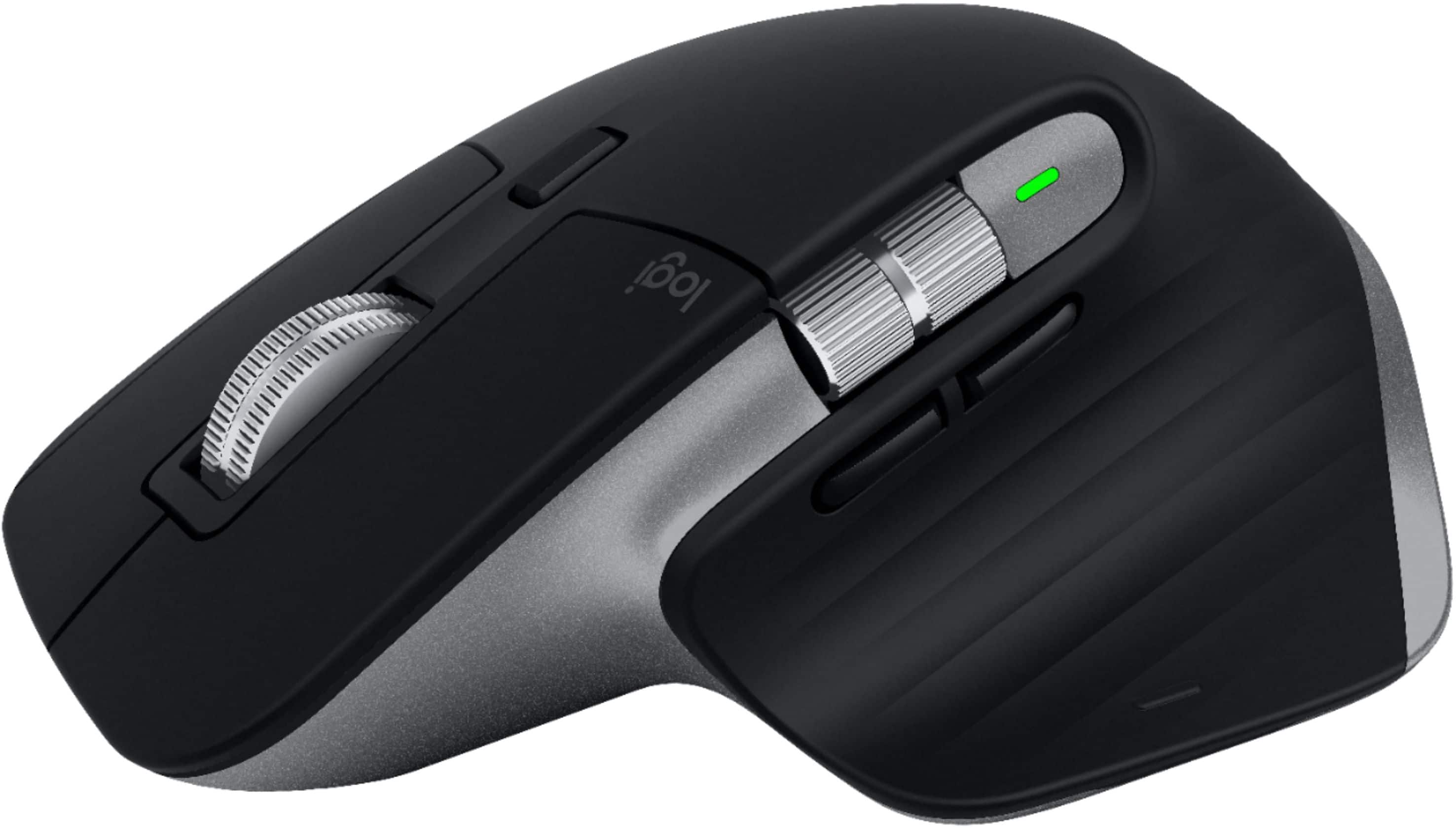
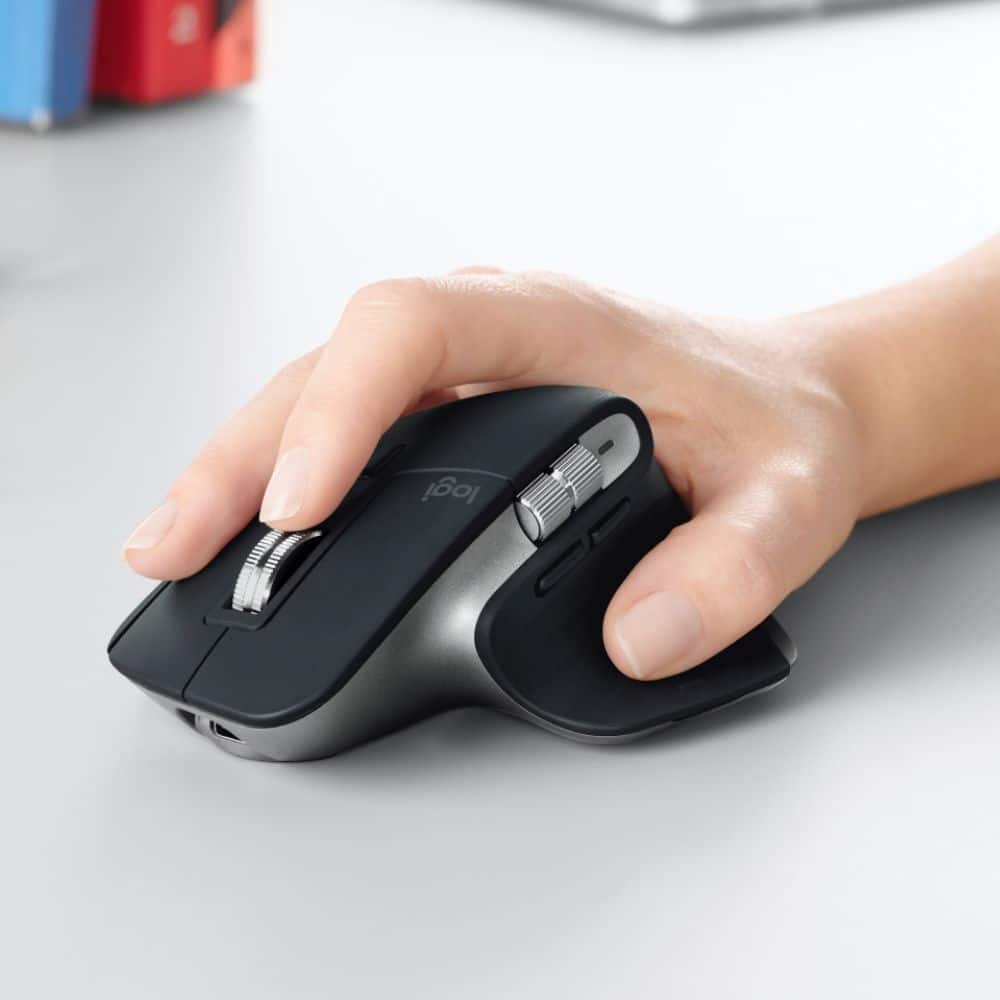
Customers enjoy the ergonomic design, ease of use, and impressive battery life of the MX Master 3 mouse. The scroll wheel and customization options also receive high praise, with many appreciating the precision and responsiveness. However, some find the mouse too large and heavy for their preference, and a few have noted concerns about the software's performance. The price point is also a factor for some customers.
This summary was generated by AI based on customer reviews.
Great mouse!
||Posted . Owned for 3 weeks when reviewed.This reviewer received promo considerations or sweepstakes entry for writing a review.Absolutely stellar mouse. MX Master series for the win. I own the Mac compatible mouse as well as the Windows compatible mouse love them both.
I would recommend this to a friendGreat Mouse, wish it was cheaper
||Posted . Owned for 1 month when reviewed.This reviewer received promo considerations or sweepstakes entry for writing a review.Isn’t much to say besides that this is a really solid mouse. Is it a bit overprice, you could argue that. If you want the best that’s our there for an office setting this is where you’ll find it and you’ll have to pay the price for it.
I would recommend this to a friendBest Wireless Mouse
||Posted .This reviewer received promo considerations or sweepstakes entry for writing a review.Best wireless mouse available - unified receiver pairs with keyboard and mouse and does not rely on Bluetooth. Good Battery life and can be recharged while using
I would recommend this to a friendGreat Mouse for Mac
||Posted . Owned for 1 month when reviewed.This reviewer received promo considerations or sweepstakes entry for writing a review.Very Happy with this mouse. Comfortable, responsive, and love the horizontal scroll. I don't use the gestures much, but cool feature to have. Very much prefer this to the Magic Mouse.
I would recommend this to a friendScroll for days
||Posted . Owned for 2 months when reviewed.This reviewer received promo considerations or sweepstakes entry for writing a review.Good mouse. Feels good in the hand and I like the materials used. Super smooth scrolling. Wish I had more use for the side scroll button though
I would recommend this to a friendBeautifully built, but rarely stays connected.
||Posted . Owned for 1 month when reviewed.This reviewer received promo considerations or sweepstakes entry for writing a review.I love the look, feel, and build quality of this mouse, but both it and the Logitech MX Keys constantly disconnect from a Bluetooth connection with my new Mac mini. When connected via a unifying receiver instead, the mouse is exceeding jerky to the point of being unusable for any task. Using the Logi Options software is no help. My advice to you is to buy this mouse, but definitely save your packaging and be aware of the 14-day return policy. My mistake was continuing to try to troubleshoot it beyond that date. If it isn't consistently working for you on day 13, box that trash up and send it back.
No, I would not recommend this to a friendBrand response from Logitech
Posted .Hello customer, I'm sorry to hear that you're having issues with both your MX keys and your MX Master 3 for Mac. My advice would be to use the usb receiver over Bluetooth if possible, as Bluetooth connections can be interfered with quite easily. Since the mouse is jerky when using the receiver, I would suggest trying a different USB port for the receiver, perhaps one that is closer to the mouse or with less objects in the way, such as speakers and monitors. Again I'm sorry to hear that you've been having issues with the device.
Great
||Posted . Owned for 1 week when reviewed.This reviewer received promo considerations or sweepstakes entry for writing a review.This is a great wireless mouse. It'll work with any bluetooth computer, if you need to plug it in don't get the one for Mac, it doesn't come with the dongle. Awesome mouse.
I would recommend this to a friendThe best wireless mouse for the MacBook Pro
||Posted . Owned for 2 weeks when reviewed.This reviewer received promo considerations or sweepstakes entry for writing a review.This has got to be the best wireless mouse for my MacBook Pro. The functionality and features far exceed anything out there made by Apple or any other brand!
I would recommend this to a friendThe best mouse I've ever owned.
||Posted . Owned for 3 weeks when reviewed.This reviewer received promo considerations or sweepstakes entry for writing a review.The best mouse I've ever owned. I use 2 computers and this mouse and the Logitech keyboard switches seamlessly between the 2 when needed.
I would recommend this to a friendAwesome mouse, love the usb c charging.
||Posted . Owned for 1 month when reviewed.This reviewer received promo considerations or sweepstakes entry for writing a review.This mouse is spectacular. Using the Logitech options software allows to to remap all the buttons and do some really cool things. I also LOVE that it charges via usb-c.
I would recommend this to a friendExcellent mouse for productivity
||Posted . Owned for 1 week when reviewed.This reviewer received promo considerations or sweepstakes entry for writing a review.The specs say mac only but it works perfectly on with Microsoft based PC systems. Great to be able to switch back and forth from PC and Mac with this mouse by the press of a button.
I would recommend this to a friendDecent mouse
||Posted . Owned for 1 month when reviewed.This reviewer received promo considerations or sweepstakes entry for writing a review.Works well, easy to pair with the Bluetooth. Only bad thing is that the pointer moves way fast or way slow even after adjusting the speed setting.
I would recommend this to a friend- Pros mentioned:Customization, Ergonomic, Multi-device

The Best of the Best in Tracking
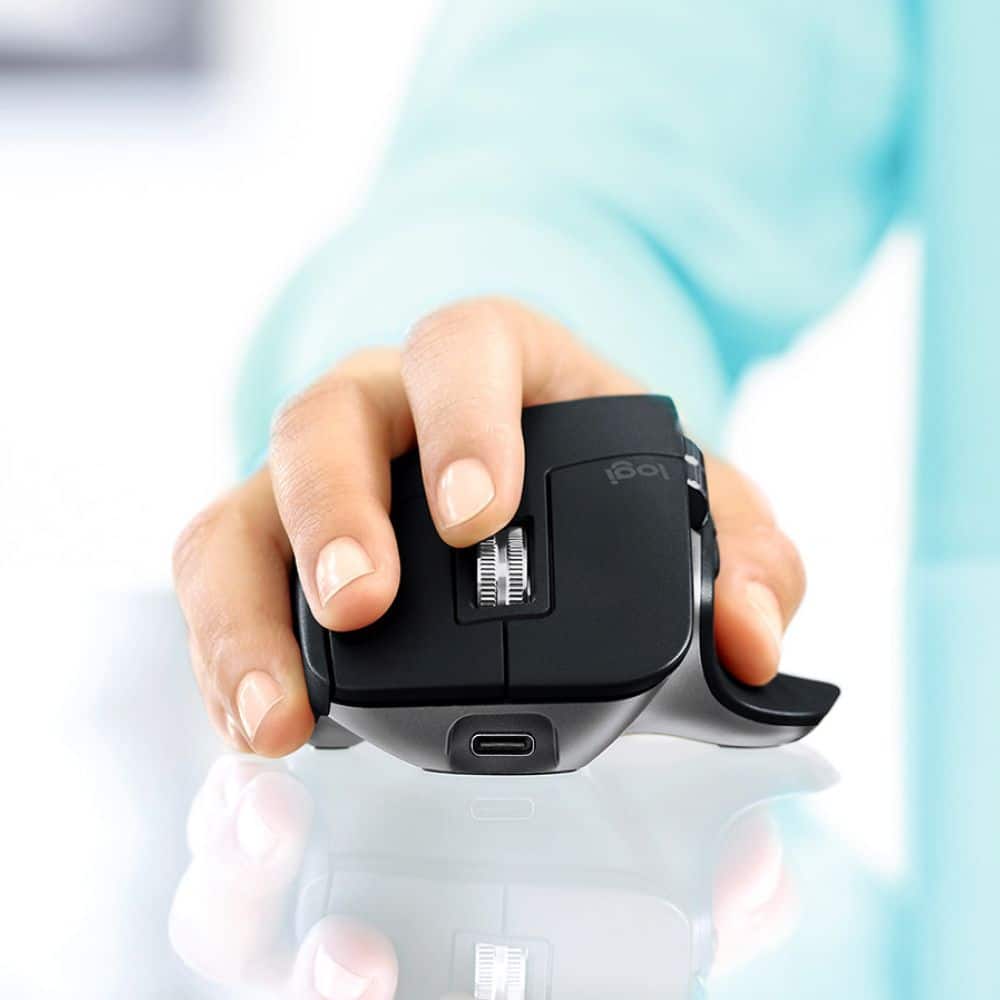
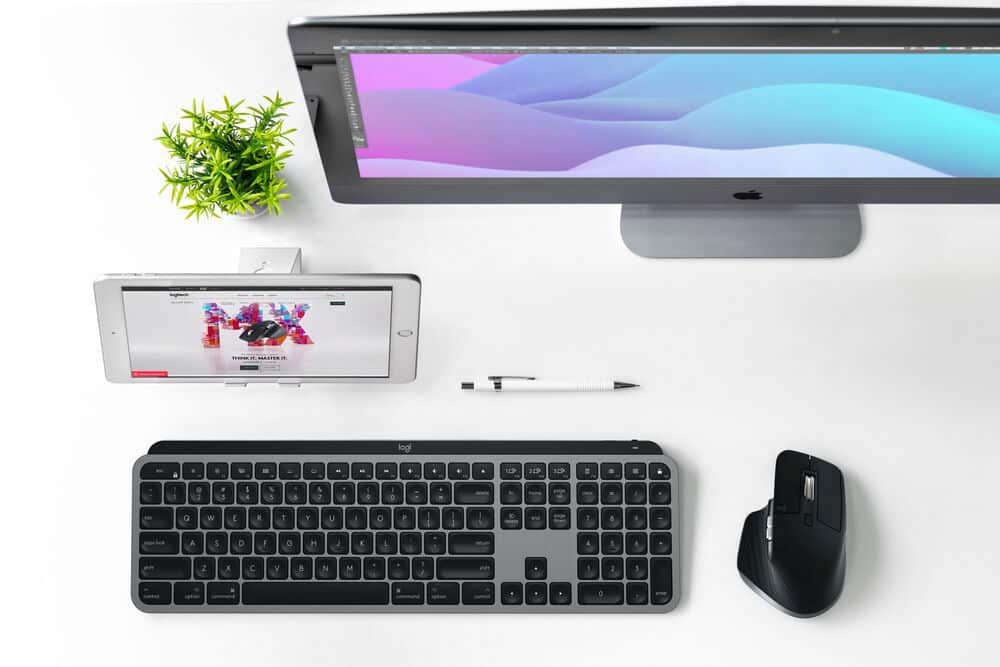
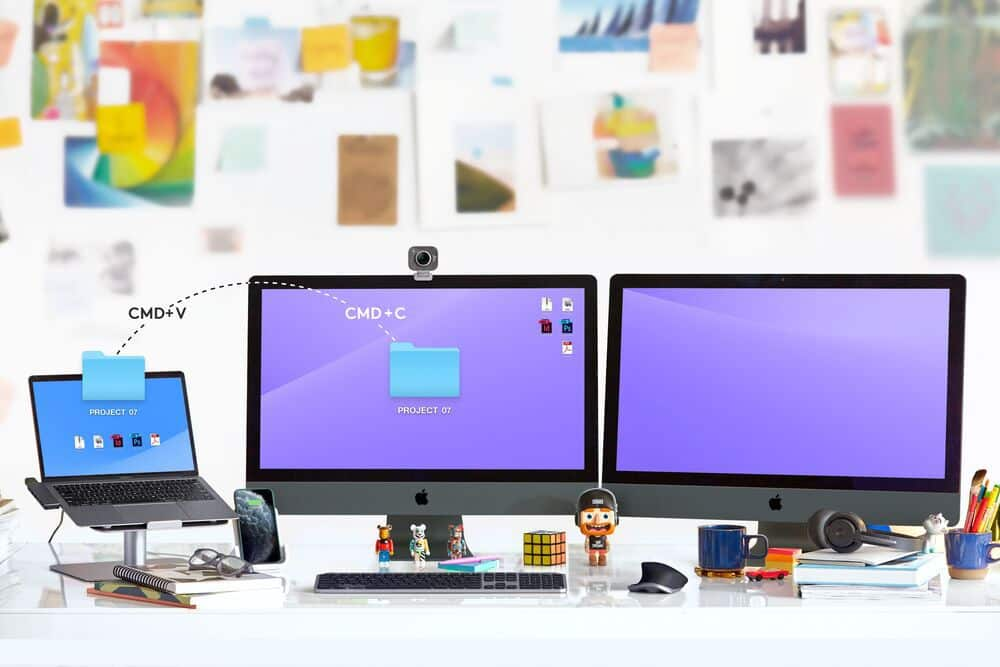
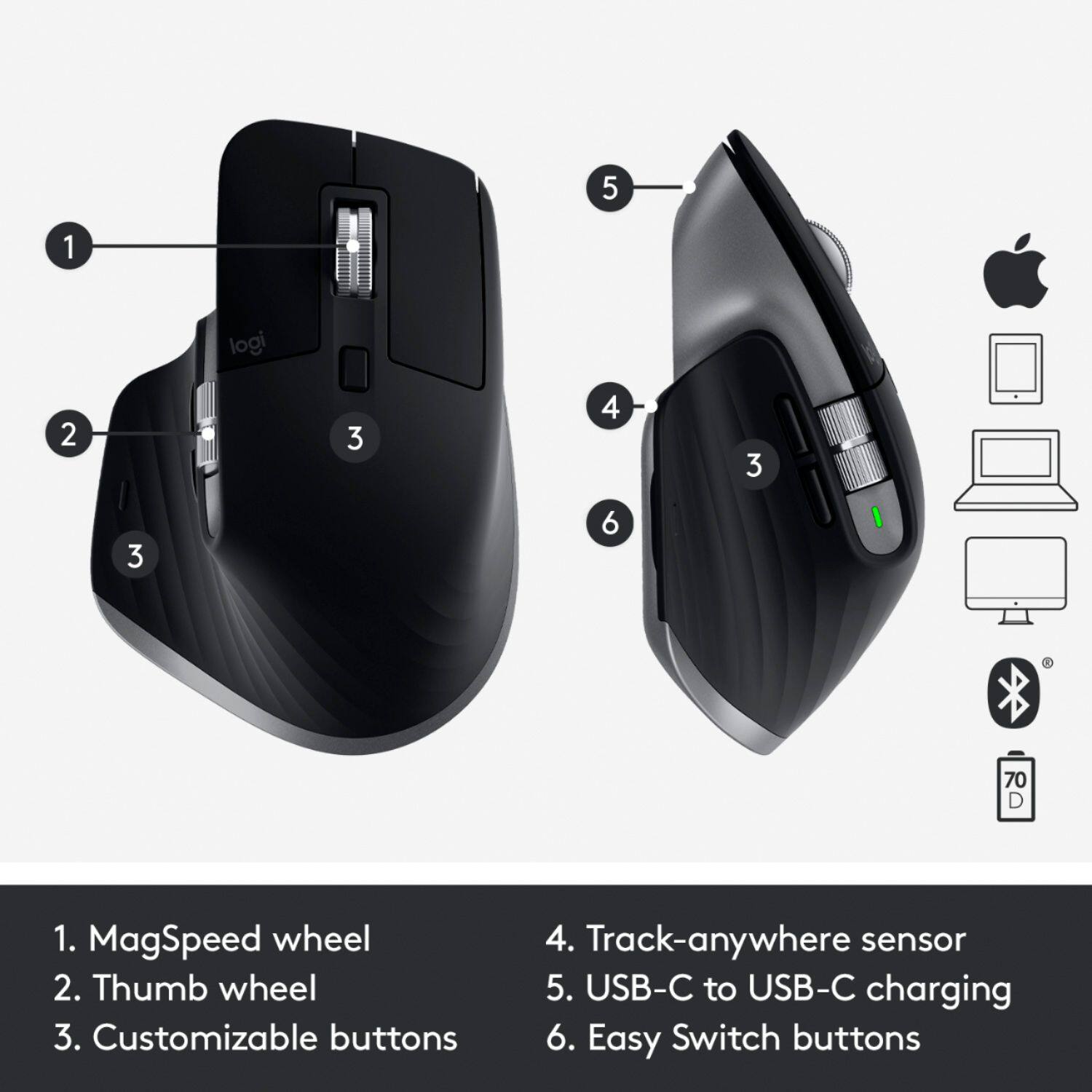
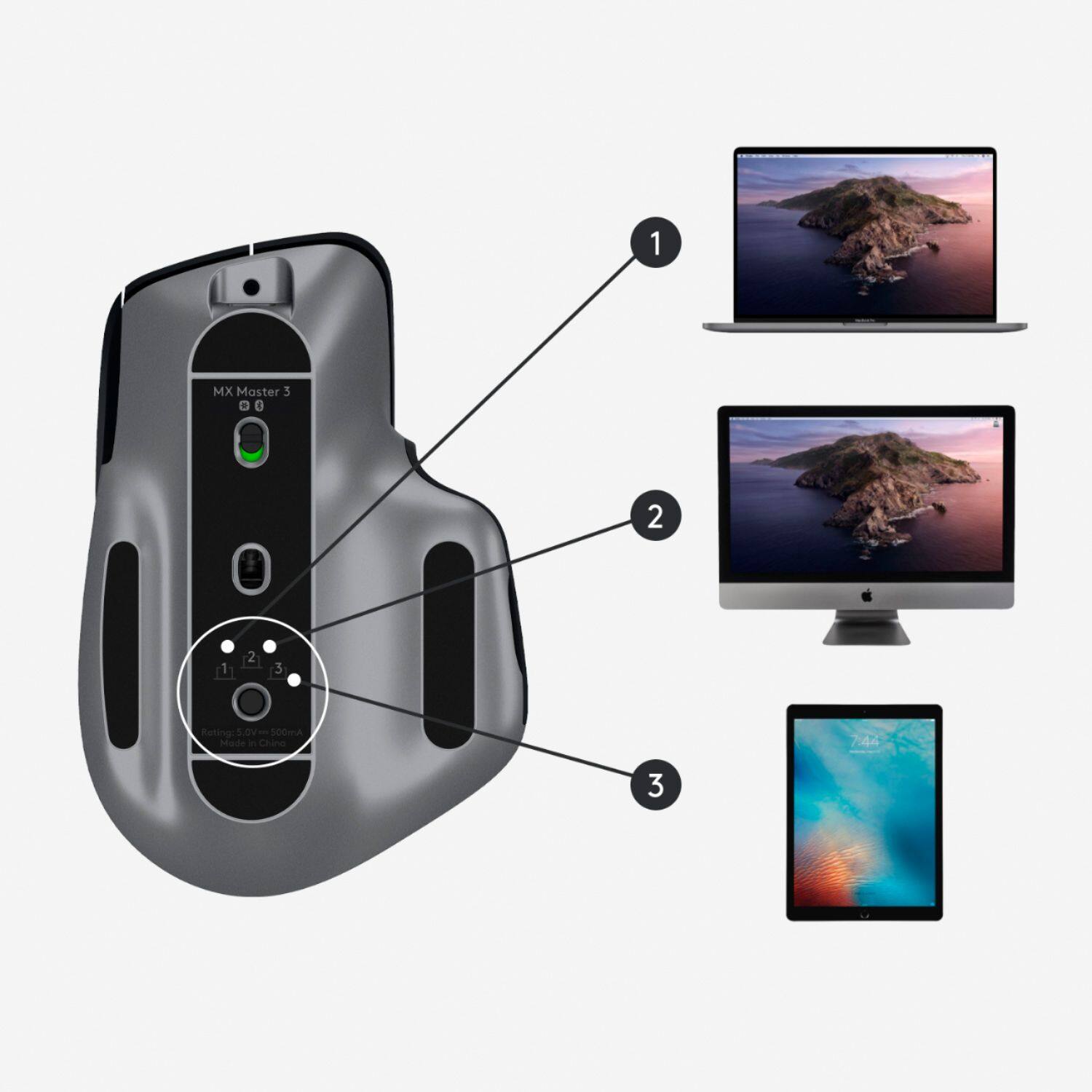
|Posted .This reviewer received promo considerations or sweepstakes entry for writing a review.How often have you been working on a project on multiple computer devices and you try to copy paste from your iPad to take it to your desktop as you realize, “I can’t do it that way”! Well now you can. With the new MX Master3 for Mac, you can connect via Bluetooth up to three devices, and move seamlessly across them all. The MX Master3 fits perfectly in your palm. Ergonomics have been considered with the shape and every button, wheel, etc. that is part of the design. The mouse is fully customizable in MacOS and with all apps I regularly use. This includes Adobe products, i.e., Photoshop and Premiere Pro, as well as Google Chrome, Safari, Power Point, and Microsoft Word. Designed for precision, the Logitech Darkfield Tracking allows the mouse to work on a variety of surfaces at 4000 DPI precision, 5X more precise than previous versions. It even works on glass surfaces. Another significant design feature is created by the Logitech’s “MagSpeed” Electromagnetic scrolling. This technology allows the wheel to scroll 1,000 lines in a second, but it also enables the perfect precision to address the right details every time. The speed, ability to customize the buttons, and mouse’s precision make this the best, or one of the best tracking devices that you will ever find. Top these features off with the “Flow-enabled” aspect of the MX Master 3 for Mac, and hands-down, this is the best mouse you can buy. By moving the cursor to the edge of the screen, the flow feature of the MX Master 3 for Mac, allows your design processes to flow with you across your devices. Not only does the mouse enable movement across MacOS systems, but the mouse can create flow between Windows and MacOS operating systems. The “Flow-Enabled” technology allows for transfer of text, images, and files between computers by providing the means of copying off one computer device and pasting the copy to another! The mouse can even work at a wireless distance of over 32’. The MX Master 3 for Mac is 2.01” in height, 3.32” wide, and 4.92” deep. It weighs 4.97 oz. and is charged using a USB-C to USB-C charging cable which connects directly to your Mac. The literature states that for every 1 minute of charge to the Rechargeable Li-Po (500 mAh) battery, one can expect up to 3 hours of use and that the mouse will operate 70 days on a full charge. I have not had the mouse long enough to have tested this, but it did fully charge in a matter of minutes. By connecting with Bluetooth, the mouse requires little energy, so it probably does last well over 2 months. Other requirements needed besides the Bluetooth for the MX Master 3 for Mac to operate successfully is that the systems being used on the Mac and the iPad need to be a minimum of 10.15 and 13.4 or later, respectively. With the optional software for Logitech Options and Logitech Flow, the 7 buttons (Left/Right-click, Back/Forward, App-Switch, Wheel mode-shift, Middle click) and the Scroll Wheel, Thumbwheel and Gesture Button can all be customized to enhance your work skills and speed.. Purchase one. You will not be sorry, but instead will probably find yourself carrying it between the office and home. The mouse comes with a 1-Year Limited Hardware Warranty.
I would recommend this to a friend Upgrade over mx master 2S
||Posted . Owned for 3 weeks when reviewed.This reviewer received promo considerations or sweepstakes entry for writing a review.This mouse is definitely an upgrade from my MX master 2S. It feels premium and I love the feel of the metal scroll wheels. Lots of programmability with Logitech software.
I would recommend this to a friendBetter then apple
||Posted . Owned for less than 1 week when reviewed.This reviewer received promo considerations or sweepstakes entry for writing a review.Yes the price is higher then other options but in a direct comparison to apples only options this is far better for you at the price.
I would recommend this to a friendExcellent
||Posted . Owned for 1 month when reviewed.This reviewer received promo considerations or sweepstakes entry for writing a review.Lots of great functions and good feeling. Surprised to feel like it’s worthwhile to get a nice mouse, but now I get it!
I would recommend this to a friendFantastic keyboard for Mac!
||Posted . Owned for 2 weeks when reviewed.This reviewer received promo considerations or sweepstakes entry for writing a review.Great mouse, easy connection with fantastic user experience with my mac mini! Don't let the price scare you away - you get what you pay for and this was well worth it!
I would recommend this to a friendGreat mouse!
||Posted . Owned for 1 month when reviewed.This reviewer received promo considerations or sweepstakes entry for writing a review.Bought this for a friend, got it all setup for them and I really liked how it felt. The weight is awesome and feels really comfortable in the hand.
I would recommend this to a friendBattery life declines rapidly through time.
||Posted . Owned for 1 year when reviewed.This reviewer received promo considerations or sweepstakes entry for writing a review.I purchased this mouse a little less than a year and a half ago. The thought of a rechargeable battery sounded promising. I only use my computer 2-3 hours a day. And now I have to charge the mouse every 2-3 weeks. If I used this for work or 8 hours a day, then this mouse wouldn't be very useful. I would prefer replacing batteries as it is getting fustrating to have to recharge this that much.
No, I would not recommend this to a friendBrand response from Logitech
Posted .Hello Joseph,
I am sorry that the MX Master 3 is not meeting your expectations. I will record and pass on this issue. Also, remember that lithium battery devices can be overcharged; if they stay connected too long, the battery cell will burn. And, using the wrong power adapter can cause the same issue. Please, contact the Logitech support team for a replacement device. Your MX Master 3 comes with a 1-Year Limited Hardware Warranty. Logitech appreciates your product review. - Leo from Logitech
Best of the best
||Posted . Owned for 5 months when reviewed.This reviewer received promo considerations or sweepstakes entry for writing a review.Outstanding mouse for a Mac. Using with virtual machines and remote desktops, the “thumb” button and swipe gesture allows you to easily switch between them. Excellent.
I would recommend this to a friend