Customer Ratings & Reviews




- Model:
- 910-005693
- SKU:
- 6404201
Rating by feature
- Value
Rating 4.5 out of 5 stars
- Quality
Rating 4.8 out of 5 stars
- Ease of Use
Rating 4.7 out of 5 stars
Customers are saying
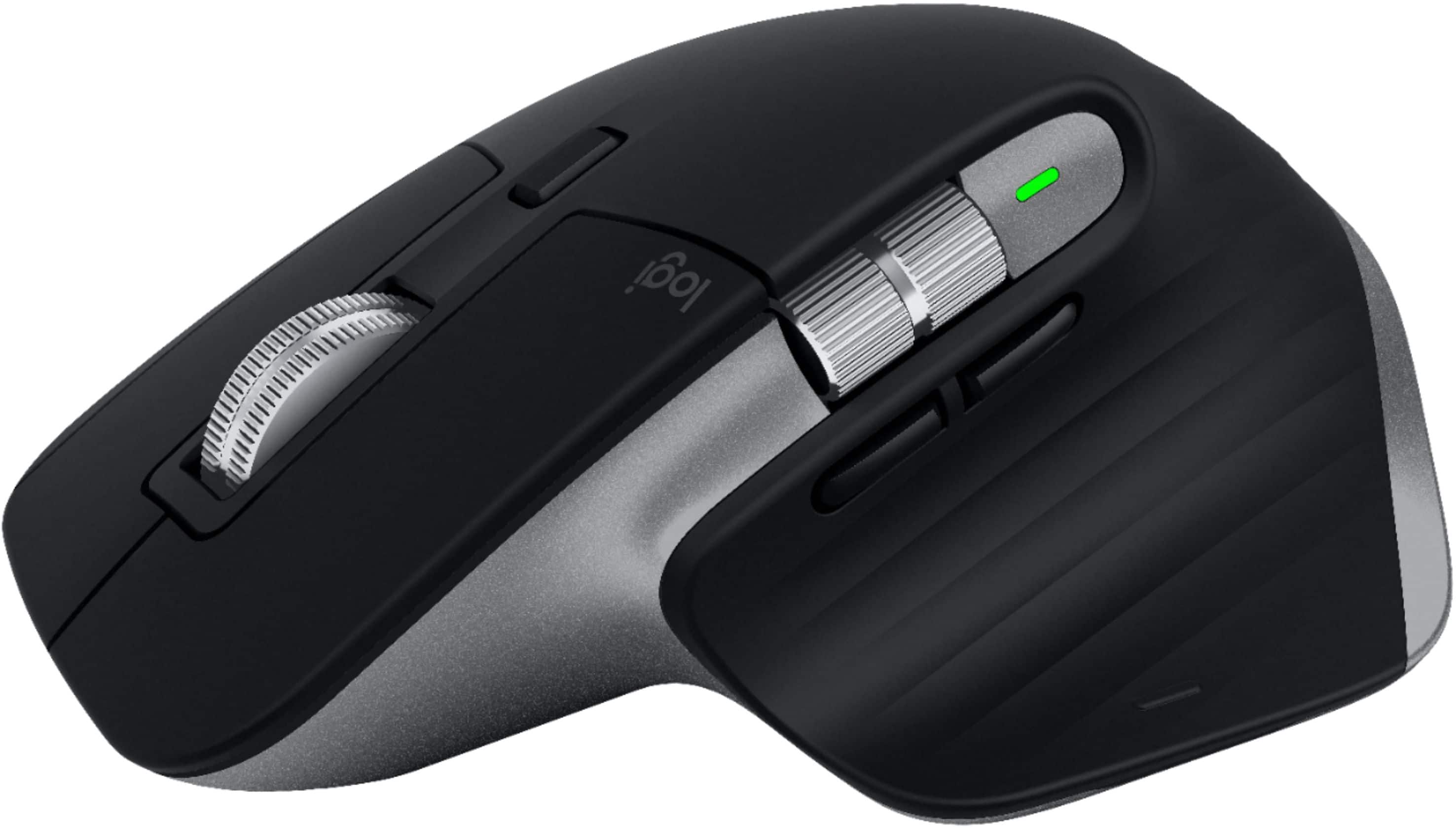
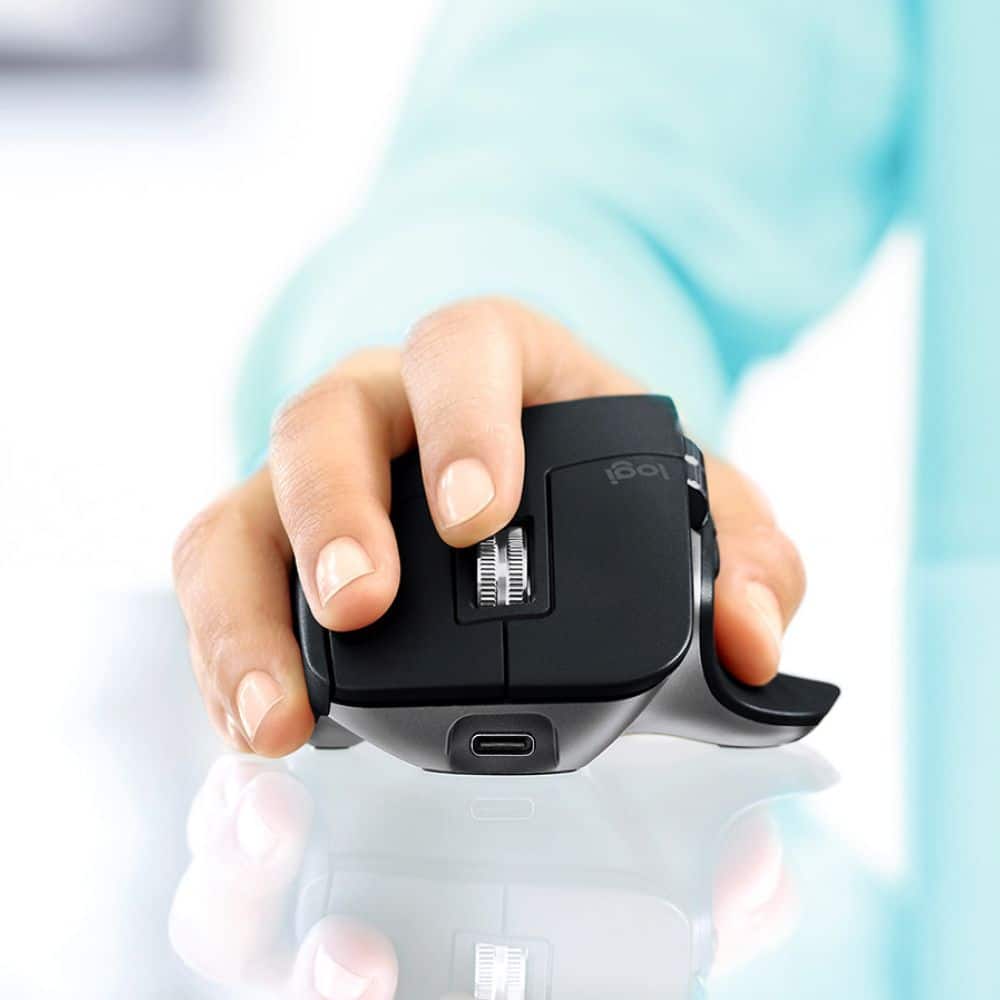
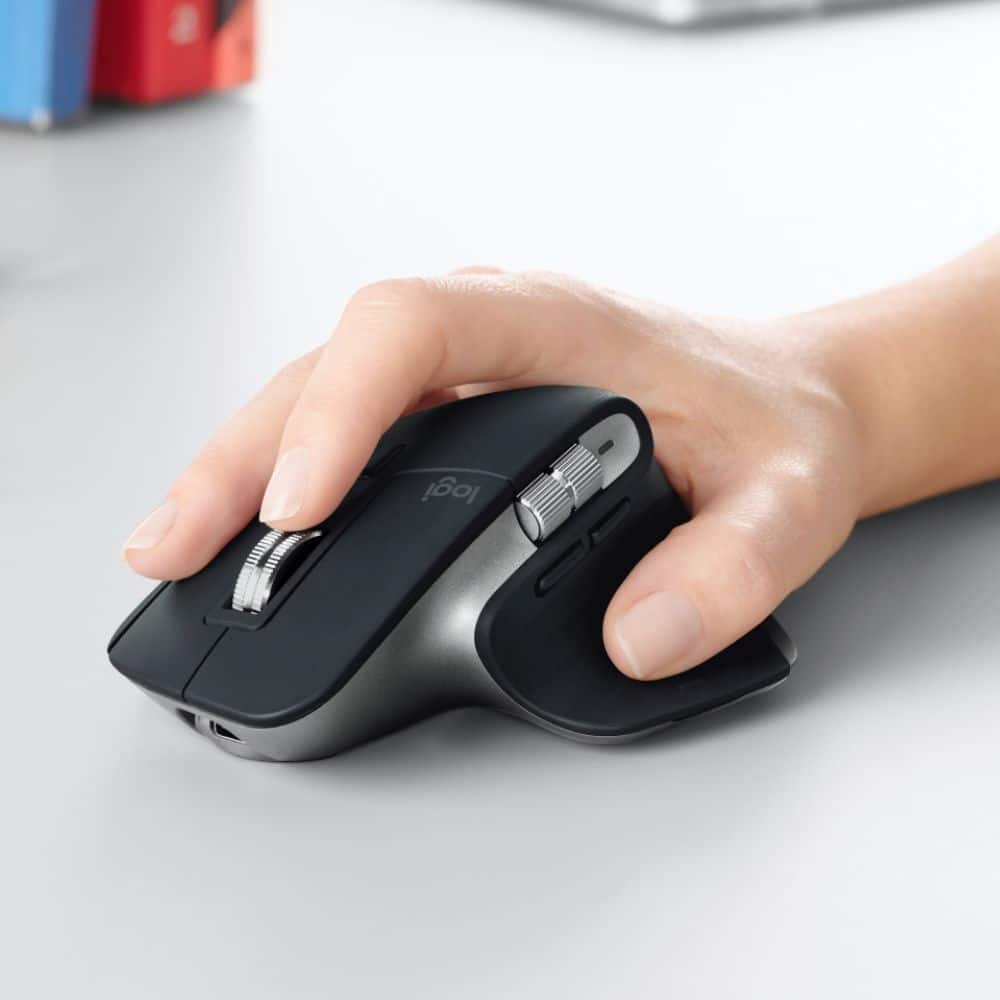
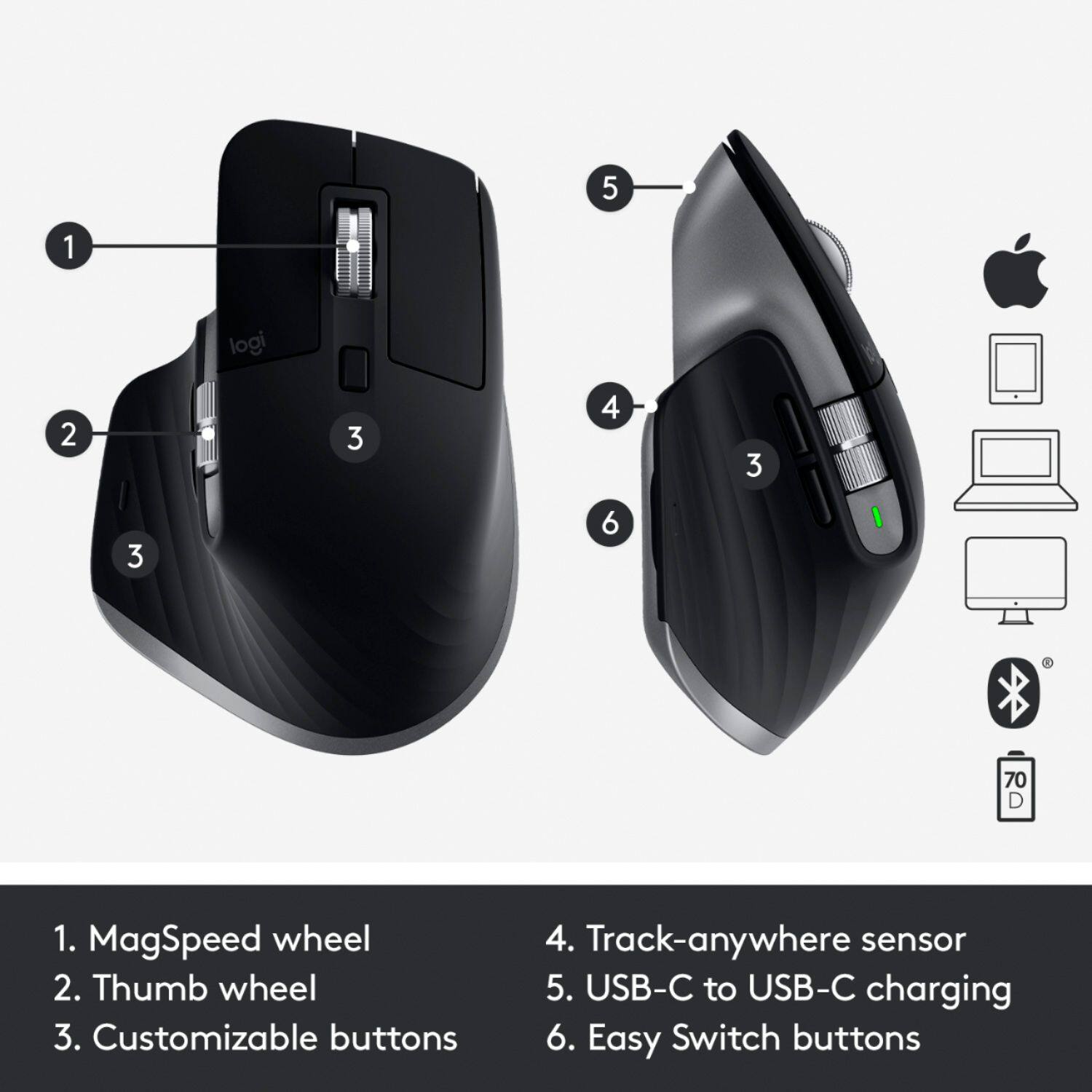
Customers enjoy the ergonomic design, ease of use, and impressive battery life of the MX Master 3 mouse. The scroll wheel and customization options also receive high praise, with many appreciating the precision and responsiveness. However, some find the mouse too large and heavy for their preference, and a few have noted concerns about the software's performance. The price point is also a factor for some customers.
This summary was generated by AI based on customer reviews.

Improvements on an already great design
|Posted .This reviewer received promo considerations or sweepstakes entry for writing a review.The MX Master 3 makes several improvements on the previous Master 2 and the MX Master 3 for Mac offers Mac and iPad specific functionality not previously available. The USB C to C cable makes charging quick and easy without needing any dongles for your Mac, and the new scroll wheel and the new location of the back and forward buttons make the mouse work and feel better than ever. If you've liked the previous Logitech MX Master mouse series you will love the Master 3's new features and improved design.
I would recommend this to a friendGreat Mouse, Mediocre Software
Posted .This reviewer received promo considerations or sweepstakes entry for writing a review.Can't say that I was pleased with the price, but I am very happy with my new MX Master 3. It fits my medium sized hands perfectly. So far, it tracks fine on my glass desk as well as the mouse pads. Wake-Up is instant, go giggling it. It's going to be great for my newsletter work. So what's not to like? The Logitech Options software is a little gimpy. It sometimes creates ghosting on my monitors, and I have to log out of Windows to clear it up. One one occasion, Options broke my right click, but right-click came back after I log out. All that said, the software is generally well behaved. Logitech removed the ability to side-tilt the wheel, which for me eliminated a very useful button type function. On my other Logitech mouses (mice, meeses, er, whatever), I can tilt the wheel from side-to-side to horizontally scroll. If they had kept the tilt function, I could use the side wheel for something else. Now, I have to remember to horizontally scroll one way on the Master 3 and another way on my several other Logitech mice. Speaking of other mice, since the old mice use Logitech Set-Point, I need two Logitech software packages to customize my multiple mice. See, I have four monitors that span about 60 inches at the home Office, so I use two mice. It would have helped the consumer if Logitech had made Options backwards compatible. hmmm, do you think they are trying to make me upgrade? Preset configurations for certain apps are downloadable. The presets weren't that helpful to because I would have to remember different setups for different apps. I set mine up so that the mouse acts fairly consistently across applications. So far, I have only been able to get the wheel button to do a middle click. The Options Zoom function for PowerPoint is so much better than the Zoom in other applications. In PowerPoint, Options Zooms in one increment increments, not 15 % like in Excel. The latter isn't helpful to me at all. Finally, on software, I can't seem to get Options to log me in so that I can save my settings. Okay, my pattern here is obvious. Great, smooth, well-tracking mouse loses on star because of mediocre software. Oh, and the mouse is pretty.
I would recommend this to a friendFantastic mouse!
|Posted .This reviewer received promo considerations or sweepstakes entry for writing a review.This mouse is comfortable and works great. I am at a computer all day long and this mouse is responsive and easy to use. It also works great on many surfaces.
I would recommend this to a friendNot good for small hands
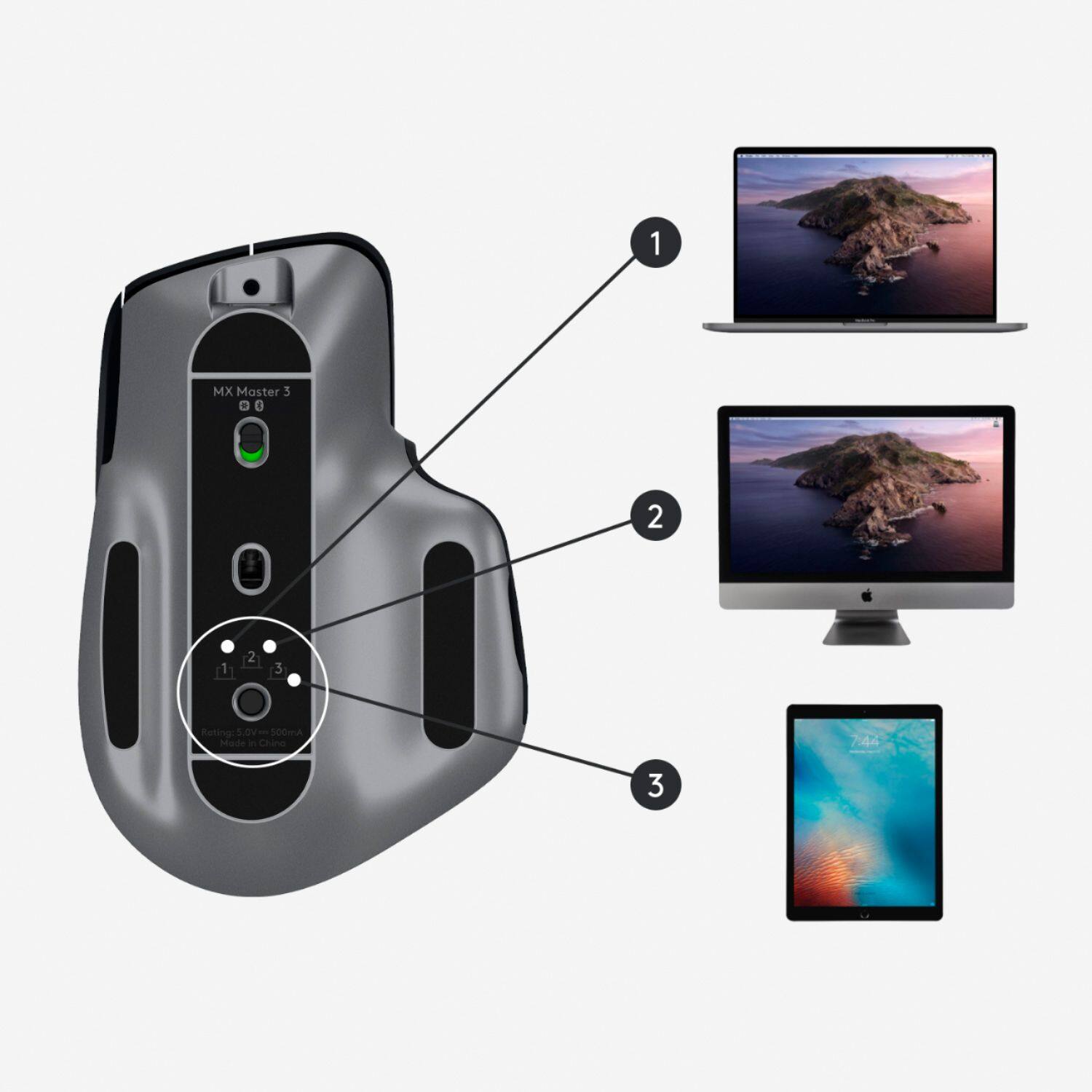
|Posted .This reviewer received promo considerations or sweepstakes entry for writing a review.I thought the concept of this was great, that I’d be able to transfer pictures from one device to another flawlessly & it seemed to have a a lot of features, fast scrolling, ergonomic design. Well I was wrong, my hands are small & this is a large, strangely shaped mouse. I can only use it for about 5 minutes & my wrist hurts terribly, the angle bends my wrist with this mouse instead of It being flat. The battery is suppose to charge quickly but I could never use it long enough to find out. It is Space Gray in color which matches my iPad but the features are limited that it can do with the iPad, I couldn’t find an app to download to use any features. Also with the iPad you need to have a keyboard otherwise you can’t type while you’re using the mouse. It paired quickly with the iPad and my MacBook Air. My Mac desktop was a different story, it would pair then lose the connection & after trying 6 times to get it connected I finally gave up, so I could never try the flow feature to transfer images from one computer to the other . All my devices have the latest software so this shouldn’t have happened. The scrolling was not fast, it seemed to get hung up a lot & wasn’t near as fast as described. The side to side buttons did little to nothing. Software has to be downloaded to use the features & program the mouse. You can program each device & switch between them provided it connects with all of them. Way overpriced mouse, I’ll stick with my Logi pebble , way better mouse at a much lower price.
No, I would not recommend this to a friendBrand response from Logitech
Posted .Hello, I am sorry to hear you are not satisfied with the product. Thank you for taking the time to write this review, we appreciate the feedback.
- Pros mentioned:Ergonomic
Great Mouse!
Posted .This reviewer received promo considerations or sweepstakes entry for writing a review.Love it. I have an Mac Book Air Computer and I have had the Mac mouse which doesn't compare to the quality of this mouse. Much easier to control and feels better in your hand.
I would recommend this to a friend Most comfortable of 3 mice tried
Posted .This reviewer received promo considerations or sweepstakes entry for writing a review.I wore a hole in the rubber of my old mouse so it was time for a new one. I went through 2 other new mice before getting this one because neither of the other mice were as comfortable as my old, worn out one. Since I use this all day, I just didn't want to settle. This was the third one, but I could tell right away when using it, this is at least twice as comfortable as either of the others I've tried. I'm glad I went through the trouble of all the trips to Best Buy and returns, no way is there a better mouse than this. Didn't have any issues with the driver either.
I would recommend this to a friendIt's worth the price tag
Posted .This reviewer received promo considerations or sweepstakes entry for writing a review.When I first got this I was a little disappointed, after all the awesome reviews I didn't like how it actually felt in my hand, comfortable but very awkward and I felt that I was not as fast using it. But after about a week of use I started loving it. Works great for any application, games and stock trading on Webull. The horizontal scroll definitely comes in handy too and the smooth scroll wheel is just unbeatable. Best clicking buttons I've felt in a mouse ever. I recommend this mouse to anyone, it's definitely worth the price tag.
I would recommend this to a friend- Pros mentioned:Ergonomic
Must buy for business and coding
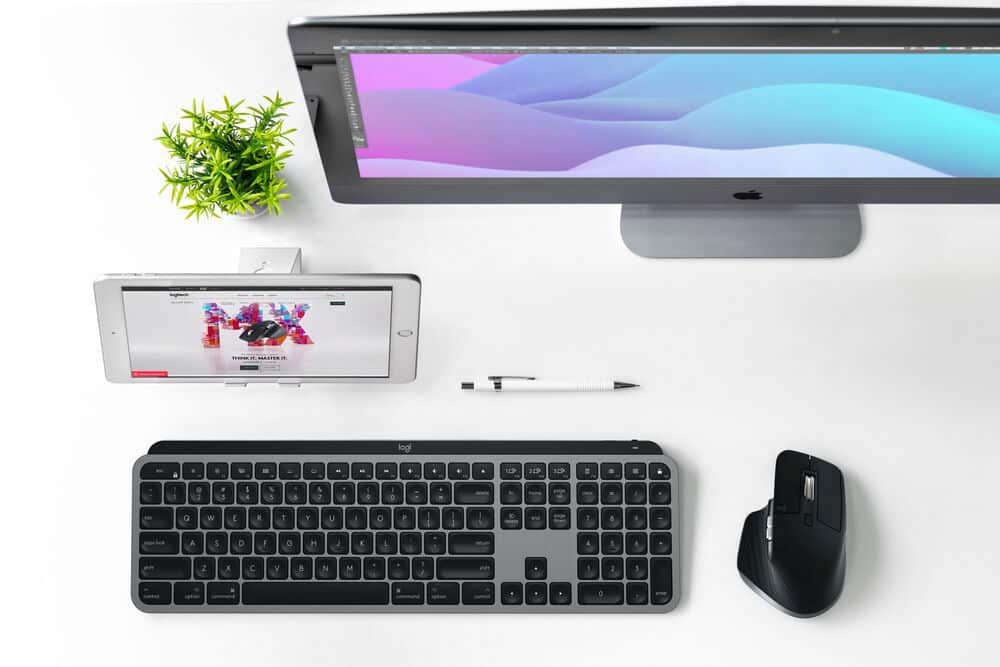
Posted .This reviewer received promo considerations or sweepstakes entry for writing a review.Best mouse I’ve had so far and combined with the MX keys are incredible
I would recommend this to a friend Productivity Improvement
Posted .This reviewer received promo considerations or sweepstakes entry for writing a review.Easy set-up on iMac and improved functionality over the Magic Mouse. Also, very much looking forward to not having to flip the mouse over and take it out of commission to charge.
I would recommend this to a friend- Pros mentioned:Ergonomic
Poor performance and excellent design.
Posted .This reviewer received promo considerations or sweepstakes entry for writing a review.Incredible ergonomic design. Lots of functions that seamlessly integrate with common products such as browsers, photoshop and more. I bought this mouse to use it with a Mac mini and the M1 chip running macOS BigSur. The mouse works as long as you're using the USB dongle, but it will not connect via Bluetooth. It randomly drops connection, or worse, it has a hard time finding the mouse. This is a significant inconvenience when you consider that the Mac mini has only 2 USB slots. Overall I'd advise to skip this mouse and look for something cheaper.
No, I would not recommend this to a friendBrand response from Logitech
Posted .Hello JorgeLlorens! I'm sorry to hear you're running into issues with the MX Master 3 on your new Mac Mini! I would recommend reaching out to our support team here https://support.logi.com/hc/en-us/requests/new?ticket_form_id=360000621393 to file a warranty claim so that one of our techs can run through any troubleshooting and, hopefully, resolve the problem. Thank you for this feedback! I will definitely be passing this along. - Maggie from Logitech
Great Mouse!
Posted .This reviewer received promo considerations or sweepstakes entry for writing a review.Great mouse option for mac/ipad. Seamless bluetooth pairing and controls are very intuitive!
I would recommend this to a friendEven works on glass
Posted .This reviewer received promo considerations or sweepstakes entry for writing a review.Very comfortable and customizable best part is that it works on a glass desk.
I would recommend this to a friendHappy
Posted .This reviewer received promo considerations or sweepstakes entry for writing a review.Great mouse! Using with both my macbook pro at home and my thinkbook at work. Works great on both.
I would recommend this to a friendExelent for work.
Posted .This reviewer received promo considerations or sweepstakes entry for writing a review.This is a excellent mouse, I am work 9h with and it is the best.
I would recommend this to a friendNo battery level indicator
Posted .This reviewer received promo considerations or sweepstakes entry for writing a review.Feels good in the hand. Doesn't provide battery level on screen like an apple device.
No, I would not recommend this to a friendrefresh rate issues
Posted .This reviewer received promo considerations or sweepstakes entry for writing a review.The mouse is great and the software it uses it decent, but for some reason the mouse does not refresh at 120hz on the new MacBook Pros, neither the pointer nor the scrolling refresh properly. Hoping they update the software so it runs properly, since it works fine on my iPad Pro at 120hz.
I would recommend this to a friend