Customer Ratings & Reviews


- Model:
- 910-005647
- SKU:
- 6366554
Rating by feature
- Value
Rating 4.5 out of 5 stars
- Quality
Rating 4.9 out of 5 stars
- Ease of Use
Rating 4.8 out of 5 stars
Customers are saying
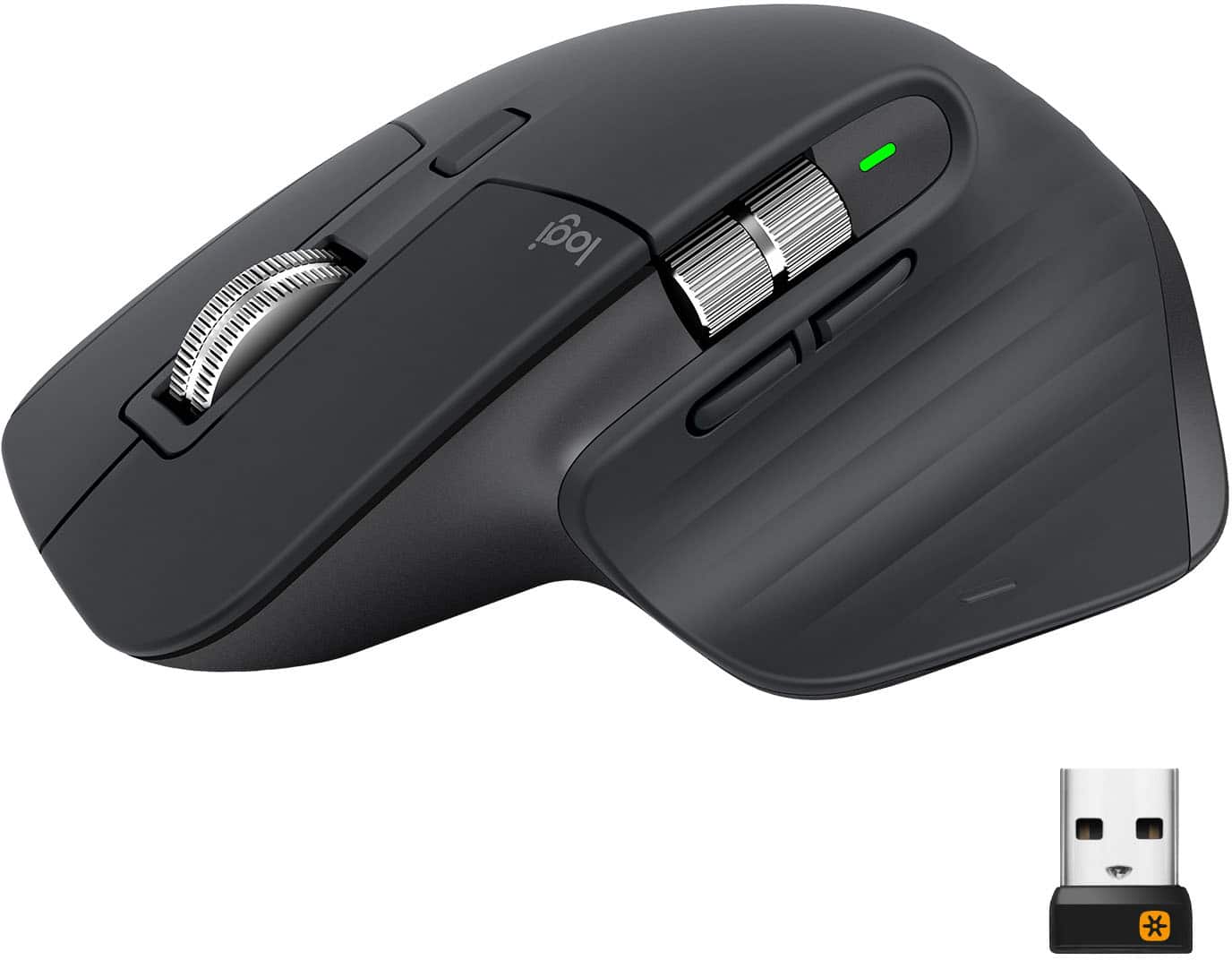
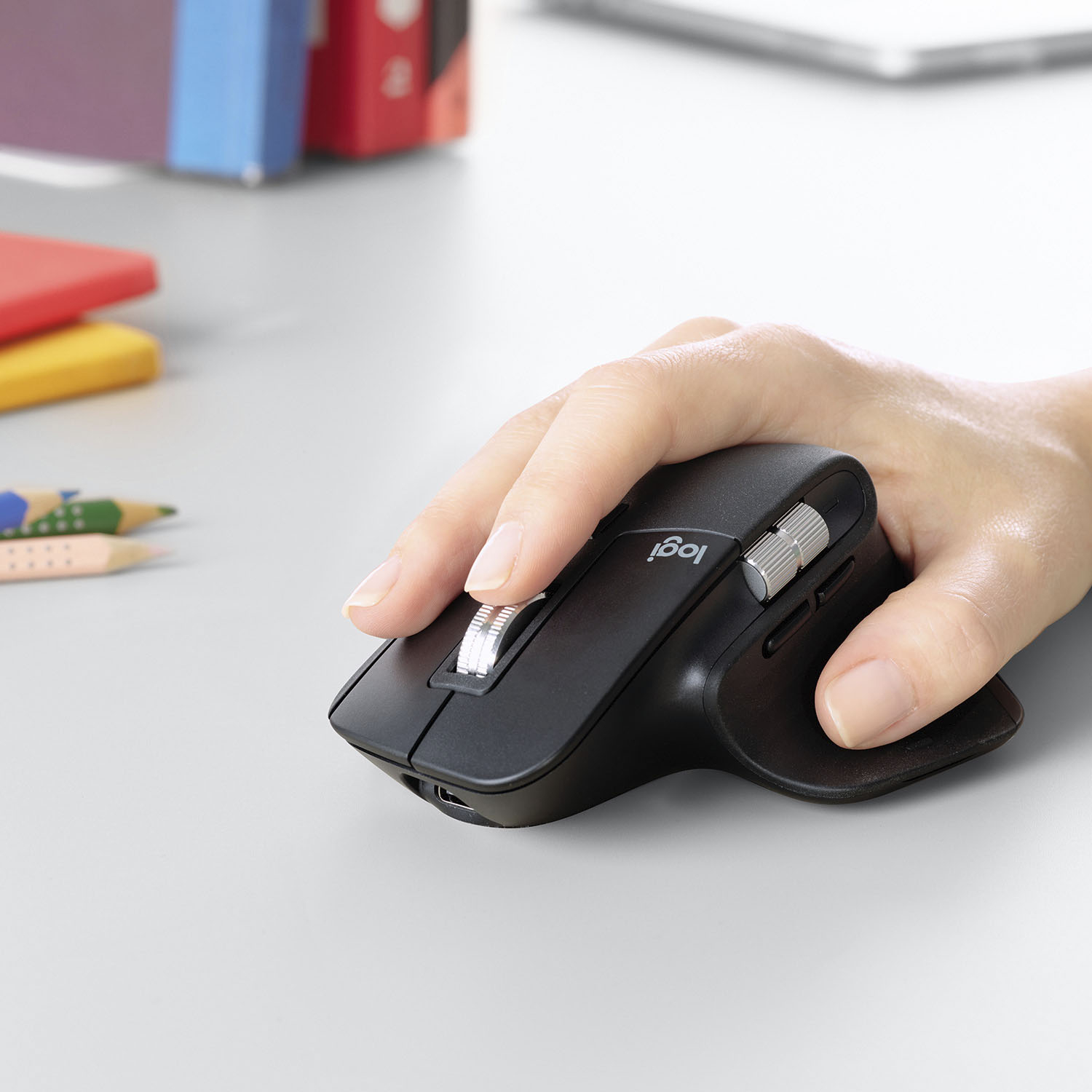
Customers enjoy the ergonomic design, smooth scroll wheel, and excellent battery life of the MX Master 3 mouse. Many appreciate the high-quality build and the extensive customization options, along with its Bluetooth connectivity and multi-device capabilities. However, some find the mouse to be large and heavy. A few users have also reported issues with software consistency and occasional lag.
This summary was generated by AI based on customer reviews.
Random disconnects
||Posted . Owned for 4 months when reviewed.This reviewer received promo considerations or sweepstakes entry for writing a review.Worst mouse I've ever owned! Randomly disconnects for minutes at a time. Finally chucked it into the trash after failing when I was presenting during a Zoom meeting.
No, I would not recommend this to a friendBrand response from Logitech
Posted .Hello BigDaddyKool, Very sorry to hear about the connection issues you were having with the MX Master 3 mouse. There are several reasons why this happens with very easy solutions. The easiest is connecting via Bluetooth if that was possible with your computer. If you're using the Unifying receiver, please do the following:
1. Make sure the device is found in Devices and Printers. If the device is not there, follow these next steps.
2. If connected to a USB HUB, USB Extender or to the PC case, try connecting to a port directly on the computer motherboard.
3. Try a different USB port; if a USB 3.0 port was used previously, try a USB 2.0 port instead.
Hope that you found this helpful and that it wasn't too late. Thank you for being a Logitech customer. - Richard from Logitech
- Cons mentioned:Durability

Another excellent mouse from Logitech
|Posted .This reviewer received promo considerations or sweepstakes entry for writing a review.Logitech has another winner with the MX Master 3. I've used the original MX Mouse, the MX Master and now the MX 3, and this is the best of all of them. It's an iterative update to the MX Master 2S, so if you already have that mouse, this is probably not a worthwhile upgrade, unless the ergonomics of the back and forward buttons really bother you (which was my main complaint with the MX Master). Otherwise, the addition of USB-C charging is a nice upgrade. All of the other improvements are software related via Logitech's Options program, and thus backwards compatible with the MX Master 2S. The new scroll wheel functionality is nice, but not worth upgrading for. Overall, this is a great mouse and definitely worth it, unless you already have an MX.
I would recommend this to a friend Defective unit
||Posted . Owned for 2 months when reviewed.This reviewer received promo considerations or sweepstakes entry for writing a review.WOrked for about a month, then wouldnt take a charge. Didnt think i'd need to get. warranty on a mouse. never had one die on me. But this was a big dub. Stay away
No, I would not recommend this to a friendBrand response from Logitech
Posted .Hi yupyup1, Very sorry to hear about the issue you had with the MX Master 3 Wireless Mouse no longer taking a charge after just a month of use. Fortunately, the MX Master 3 does have a 1-year limited hardware warranty. You can File A Claim using this link: https://support.logi.com/hc/en-us/articles/360035969313-Warranty-MX-Master-3-Wireless-Mouse. Hope that you found this helpful and that all is going well. Thank you for choosing Logitech. - Richard from Logitech
Online picture does not show true color
||Posted .This reviewer received promo considerations or sweepstakes entry for writing a review.Actual color much darker than appears online. Returned because I was looking for something more on the light silver/ white spectrum….
No, I would not recommend this to a friendBrand response from Logitech
Posted .Hi TStepnik,
I am sorry to hear that the product does not look as expected. This type of color discrepancy may happen because a monitor's color depends on the monitor's bit depth and resolution. I hope you find this information helpful. Also, feel free to check out the other colors that we offer for the MX Master 3.
- Leo from Logitech
Near perfection
Posted .This reviewer received promo considerations or sweepstakes entry for writing a review.I've been on a hunt for a decent mouse for well over a decade. Logitech seems to have decent products, but all have an Achilles heel of some sort (ie, inaccurate scrolling, double clicking over time, ineffective solar charging, etc). This is the first mouse I've found that has performed flawlessly for over 2 years now. I'm a Salesforce Developer and frequently scroll through pages of csv files or lengthy code blocks. In nearly every task, this mouse is precisely what I need. I keep hunting for anything that could be remotely better, but honestly, I don't know if that's possible (maybe improved thumb clicking?) It's expensive, but buy it used or on sale and it will be the last mouse you'll ever need.
I would recommend this to a friendNot worth it
||Posted . Owned for 1 month when reviewed.This reviewer received promo considerations or sweepstakes entry for writing a review.I have a previous model of this mouse that is light years away from a new design. Mouse is made with cheap parts and much lighter than previous model.
No, I would not recommend this to a friendBrand response from Logitech
Posted .Hi Schoofter,
Thank you for your feedback. Sorry for any inconvenience. If you ever need assistance, please contact Logitech Support on the website. LaShonda from Logitech
Does not work with Apple
||Posted . Owned for 3 weeks when reviewed.This reviewer received promo considerations or sweepstakes entry for writing a review.Does not work will with my iMac When you shut the computer down the keypad Does not work with Appledoes not automatically think Bluetooth
No, I would not recommend this to a friendBrand response from Logitech
Posted .Hi Irish, thank you for your feedback! The MX Master 3 is compatible with macOS 10.13 or later. For support, please refer to: https://support.logi.com/hc/en-us/articles/360035271133 - Will, Logitech.
Missing charging cable
||Posted .This reviewer received promo considerations or sweepstakes entry for writing a review.The mouse is working great but I just realized it did not come with a charging cable. My mouse is running low on battery. Please send a charging cable.
I would recommend this to a friendBrand response from Logitech
Posted .Hello, I am so sorry to hear about the missing charging cable. Lets get that fixed for you! Please visit the support page for this item on Logitech.com and file a claim for the missing cable. I hope this was helpful! Thank you for taking the time to write this review, we appreciate the feedback.
The Next Generation of MX Greatness!
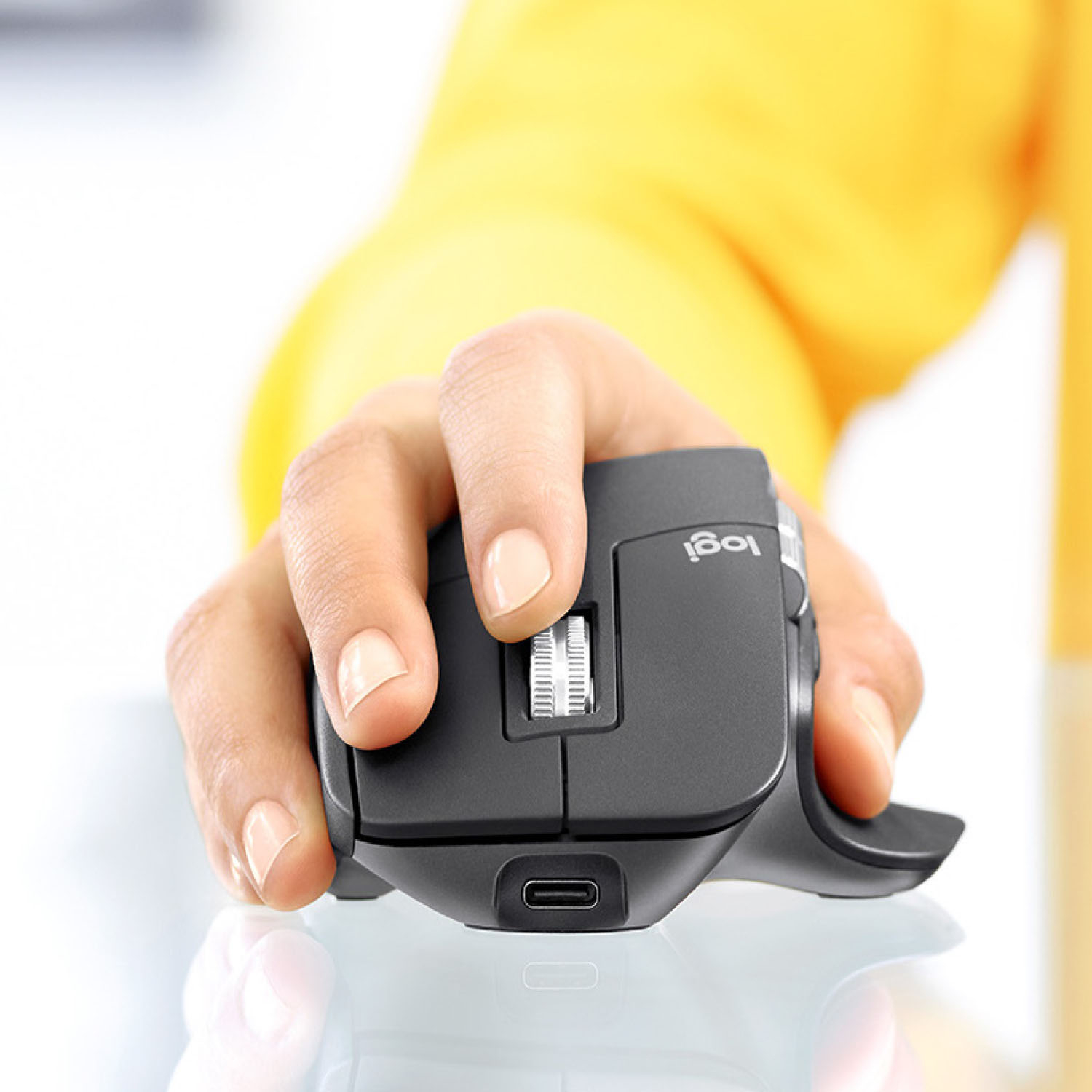
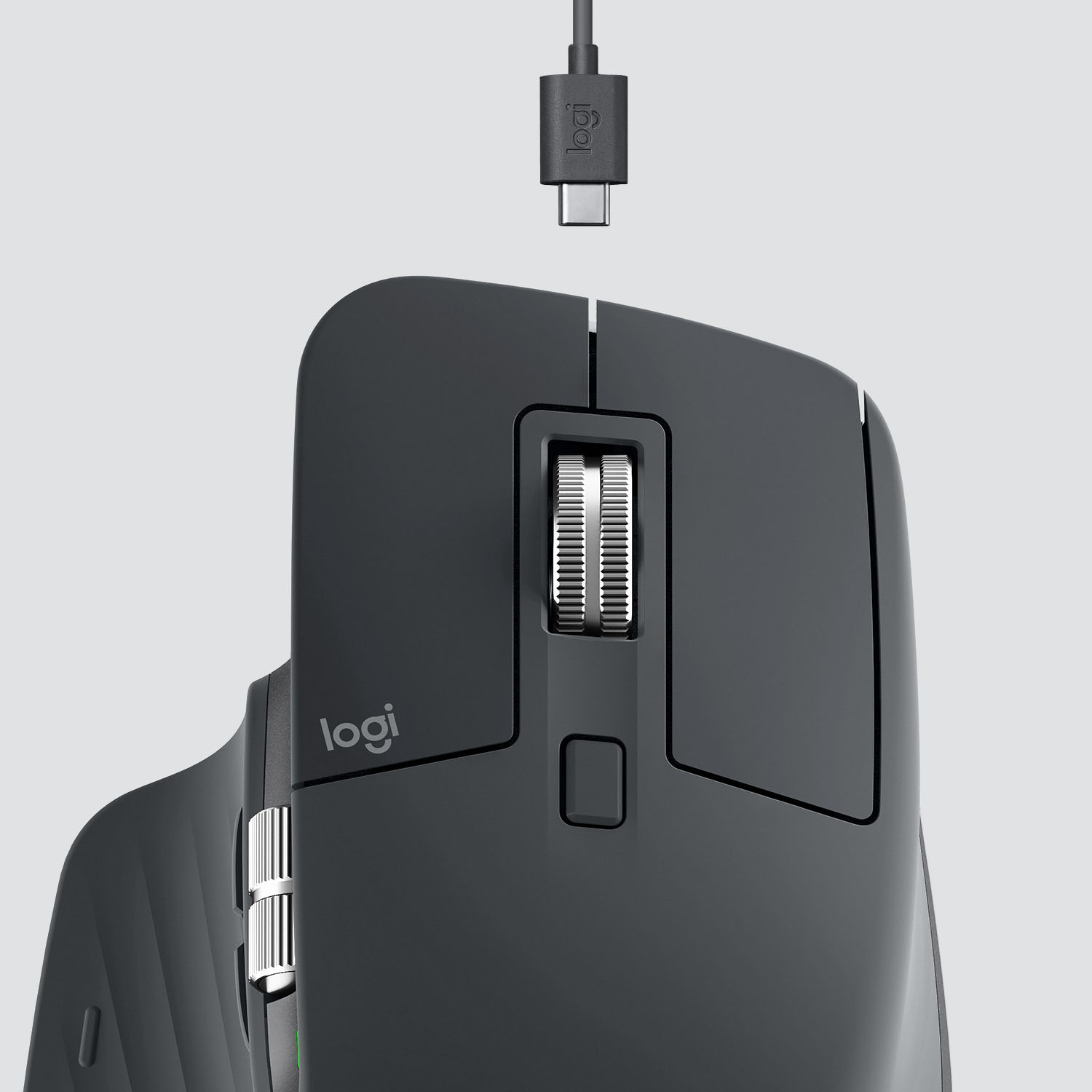
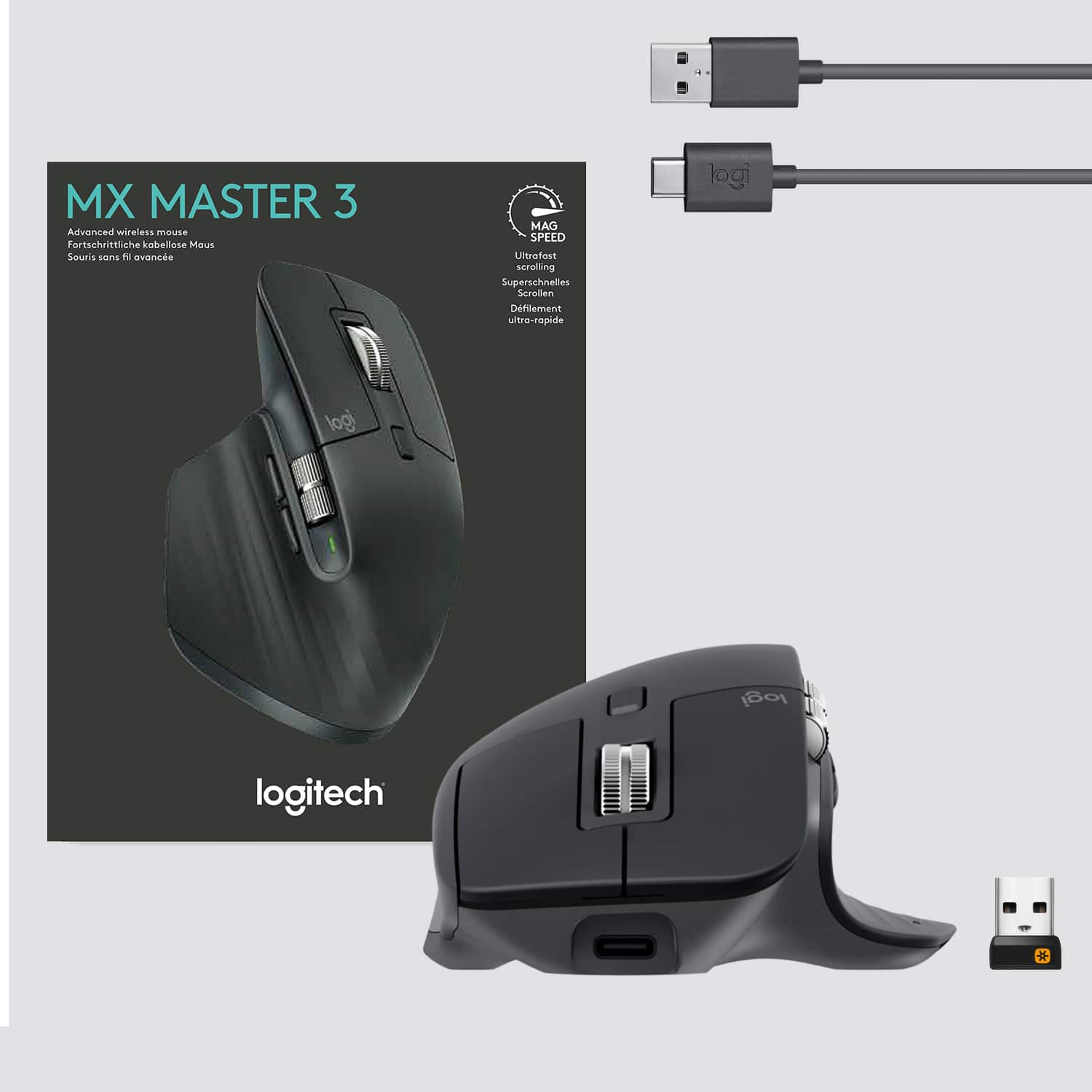
|Posted .This reviewer received promo considerations or sweepstakes entry for writing a review.I’ve mentioned in other reviews that I like Logi’s computer input devices. As proof, I now have three generations of the MX Master mice. Between the first and second, there were minor improvements - not really enough to notice. This new version is in though, and it has a few notable changes that need talking about. Out of the box, you’re getting the mouse, a universal dongle for Logi devices, and a USB C charging cable. The mouse itself is slightly bigger than a standard “PC style” mouse - you’re getting all the same right-handed ergonomics that can be expected from the shape and previous generations. Previous generation users, note that it is _slightly_ smaller than the previous Master 2S, but not in a bad way. I’d also like to call out that the device charges with USB C - this is a fantastic touch and I’m glad that my phone charger once again can pull double duty as a charger for my desk peripherals. The layout of the buttons has slightly changed - the vertical scroll wheel has moved up and become a little freer to scroll, while the back/forward buttons are now below the wheel and slightly larger. Personally, I’m not a fan of the new placement as you now need to move your thumb a bit more to pick which function you would like to do. This is 100% personal preference - I can see how the new design could be considered more ergonomic. The biggest change though is the primary scroll wheel. Previous generations had the feature called SmartShift, which would switch the wheel from clicky step-based scrolling to free-wheeling after scrolling a certain number of lines in a certain time window. The wheel was audibly clicky when in the former mode, and even louder when re-enabling the clicky mode - to the point that it might have become a nuisance to others in an office situation. Not so with the Master 3. Logi has introduced the new MagSpeed feature which performs the same task as above, only using electromagnets. The effect? You can’t hear the clicks unless you are really listening for them - they are only felt by the user on the wheel. I can’t say enough about how cool this effect is and how much I love just how silent this device has become. No longer do I wonder if I’m annoying coworkers from my mouse making too much noise. Finally, Logi has improved tracking quite a bit - at work, I’ve got a shiny white desk which previous generations had an issue tracking on. That problem is completely eliminated with the Master 3; I’m able to use the mouse on the desktop just as easily as on a mousepad. Think I’ll keep the mousepad, but Logi states the Darkfield technology that runs tracking should allow me to track even on glass. Overall, aside from the positional changes of the vertical scroll/navigation buttons, Logi has taken a ton to heart and has improved the mouse by leaps and bounds. I’m quite happy using this product daily - and I think my coworkers are quite pleased with the silence.
I would recommend this to a friendRandomly loses connection
||Posted . Owned for 1 month when reviewed.This reviewer received promo considerations or sweepstakes entry for writing a review.Frequently, randomly disconnects, rendering this mouse basically useless. I opened a support ticket with Logitech and never heard back.
No, I would not recommend this to a friendBrand response from Logitech
Posted .Hello ckingbailey! We're sorry to hear you're having connection issues with your MX Master 3 mouse. If you haven't already, I would recommend making sure everything is up to date. If you would like to check to make sure the firmware on the mouse is up to date, download our Logitech Options software here https://support.logi.com/hc/en-us/articles/360025297893 . Since you've already created a ticket, we do have a new feature on our support site that will open a live chat that will help you get in contact with someone. It will pop up in the bottom right hand corner after being on the site here https://support.logi.com/hc/en-us/requests/new?ticket_form_id=360000621393 for a few minutes. Unfortunately, due to the pandemic, our support team has been very busy and are trying to answer as fast as possible. The other option would be to give them a call at 866-632-5644. Any of these options should be able to help you get a warranty claim going, as it sounds like you have a defective mouse. We greatly appreciate the feedback and will be noting this issue. Thank you for choosing Logitech! - Maggie from Logitech
Great for office!
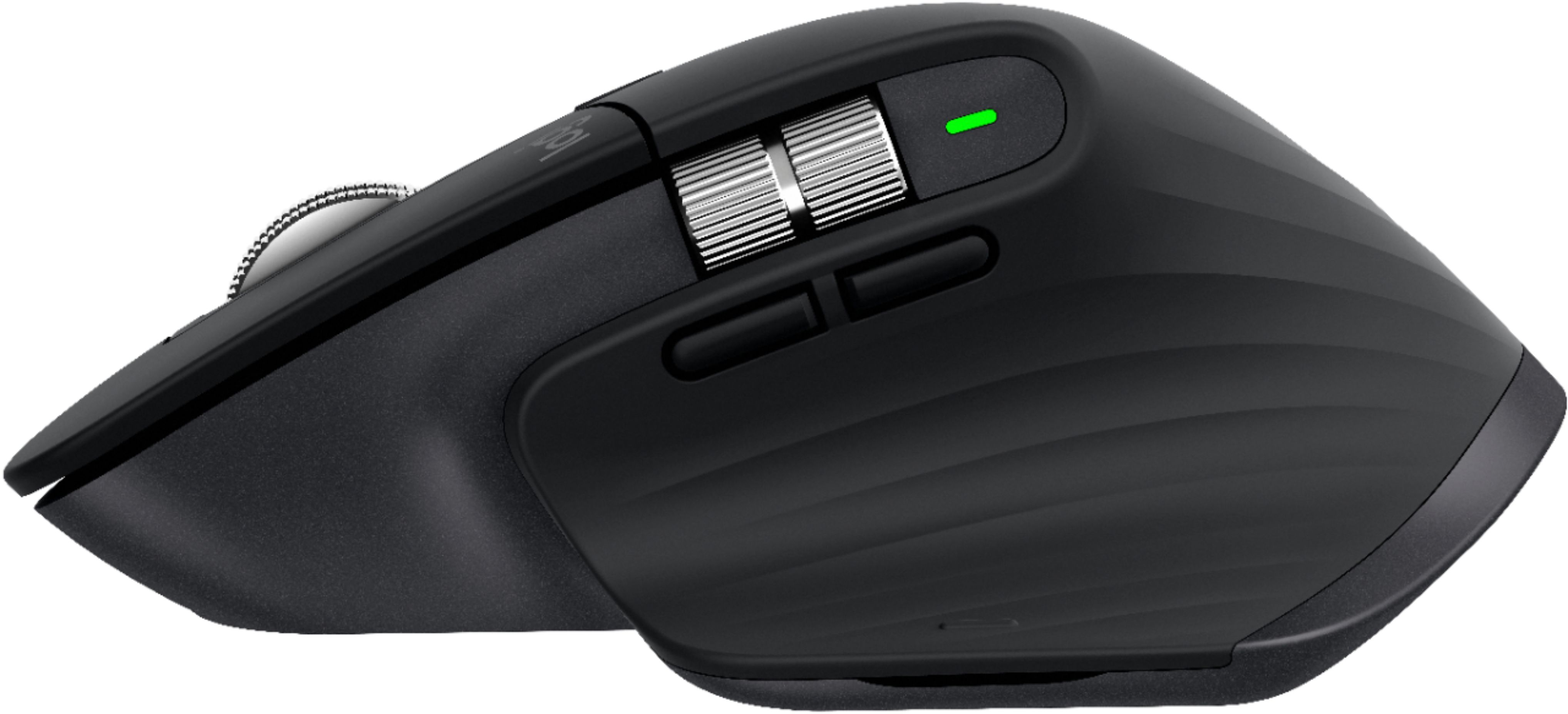
|Posted .This reviewer received promo considerations or sweepstakes entry for writing a review.I got the new Logitech MX Master 3 mouse along with their new MX keyboard and use them in tandem at the office. The MX mouse shares some of the same features as the keyboard so it’s a logical tech upgrade (see what I did there?). What a great productivity combo. I love the ergonomic styling of this mouse. It fits in the right hand very comfortably assuming you are right handed. Button placement is perfect with 5 functioning buttons, 1 middle button scroll wheel and a 2nd side scroll wheel. There is yet another button next to the middle scroll wheel that toggles the wheel between a free scroll or a tactile scroll (I prefer the tactile scroll). The breakdown on the but… • You have the typical right and left mouse buttons • You have the somewhat typical middle scroll wheel/button • On the left side you have another scroll wheel which will scroll between open browser tabs (why hasn’t anyone thought of that before?). Love this feature.. Love this feature.. Love this feature. • The two side buttons (below the side scroll wheel) allows you to go forward and back in your current browser tab history. • Lastly the thumb rest button (stealth gesture button… I pressed this by accident and was pleasantly surprised) switches to task view making it extremely easy to switch between apps without having to dive down to the taskbar with your cursor. Also if you hold this button it acts like gesture control. I love this feature too! Depending on what applications you are using the buttons and scroll wheels provide intuitive controls such as undo, redo, horizontal scrolling (great on Excel spreadsheets). Fully programmable with optional Logitech software as well. It’s extremely fast and accurate with 4000 DPI sensor resolution. In tandem with the MX keyboard which allows you to connect to 3 different devices and easily switch between them so does the MX mouse. So, you can be connected to multiple computers and switch easily between them like a virtual KVM switch. It also allows you to seamlessly copy or move things from one computer to the next regardless of which compatible operating system you are using (example… Windows desktop to a Macbook). It comes with a USB-C cable for charging. Logitech claims 70 days of use on a full charge. I haven’t had it long enough to determine what my actual usage is so mileage may vary. This mouse is fully compatible with Windows, Mac and Linux operating systems and easily switches between them allowing you to share work between up to 3 devices. Along with the MX Keys keyboard these two new devices from Logitech are my new daily drivers for the office. Highly recommended!!!!
I would recommend this to a friendOver priced!
||Posted . Owned for 1 month when reviewed.This reviewer received promo considerations or sweepstakes entry for writing a review.Over priced piece of junk. Logitech has fallen off, terribly. Expected a lot more! MX keys is the same.
No, I would not recommend this to a friendBrand response from Logitech
Posted .Hi Josh, thank you for your feedback! Logitech MX series is built to be the best in quality, performance, and ergonomics with Multi-Device ability, re-chargeable internal battery, and Logitech Options software to make adjustments. Logitech makes a wide variety of computer mice, I am sure we have something else you may prefer. You may prefer Logitech G: https://www.bestbuy.com/site/logitech/logitech-g-series-gaming-accessories/pcmcat1532356179003.c?id=pcmcat1532356179003 - Will, Logitech.
DO NOT PURCHASE
||Posted . Owned for 3 months when reviewed.This reviewer received promo considerations or sweepstakes entry for writing a review.IT IS DEFECT. DO NOT PURCHASE THIS MOUSE> THE SCROLL IS COMPLETELY BROKEN. AND JUST KEEPS SPINNING.
No, I would not recommend this to a friendBrand response from Logitech
Posted .Hello ASCEND,
Thank you for choosing Logitech and for taking the time to share your experience. I apologizew for the difficulties that you have experienced with your MX Master 3 Advanced Wireless USB/Bluetooth Laser Mouse with Ultrafast Scrolling; I would like to help. I have attached a link to the MX Master 3's "Getting Started" support page where you will find product guides, software downloads and further support. If you have not already done so, please download the Logitech "Options" software for customization and updates. There are application specific options through the software, and the settings for the wheel can be adjusted. On the "Getting Started" page there is a visual reference for the functions on your MX Master 3 mouse. The button below the scroll wheel is the "Mode shift button" for the scroll wheel. You can toggle between Line-by-line (ratchet) mode (ideal for precise navigation of items and lists), and Hyper-fast (free-spin) mode (near-frictionless spinning, letting you fly through long documents and web pages). For further assistance, please visit the Logitech support page. I hope you will enjoy your MX Master 3 mouse.
Best regards,
John at Logitech
https://support.logi.com/hc/en-us/articles/360035271133-Getting-Started-MX-Master-3
One of the best mice
|Posted .This reviewer received promo considerations or sweepstakes entry for writing a review.I previously had the first generation of the MX Master mouse. This mouse makes a few changes and upgrades from that original, but it is largely the same. The form-factor is essentially the same, which in my opinion, is a case of don't fix what isn't broken. I find the MX mouse to be very comfortable and ergonomic to use, and fits very comfortably in my hand. Many computer mice seem to put comfort and ergonomics somewhere near the bottom of the list of priorities. This mouse seems to make that first, and then Logi built around that. One of the key differences between this and the original MX mouse is the placement of the side scroll and forward/back button controls. The forward/back buttons are much easier to reach and hit on this mouse, and situated in a much more natural position. This makes it effortless to navigate webpages or other applications with just my thumb. The side scroll is also much larger and has a nice smooth scroll action. Though personally, I would prefer if it had a click action, and that was one of my wishes of the original MX mouse too. The default action of this side scroll in a web browser is to switch tabs, but without clicking, you don't know if you scrolled too much or too little, and sometimes you don't switch tabs, but sometimes you switch too many. It's a bit frustrating and makes me not use it as much as I would otherwise. The gesture button, which sits in a sort of hidden way under the thumb is nice, and is largely the same as the original MX mouse. I don't particularly like the default gesture actions because I feel like it requires too much mouse movement to activate the gesture, but fortunately, like all logitech products, this button is fully programmable to do whatever you want. The scroll wheel has also has been updated and uses a new "MagSpeed" technology, which I assume means it has some sort of magnetic control instead of mechanical for the click/free-wheel action. You can feel this difference when using the wheel, and it makes for nice scrolling. The only minor complaint I'd have is it can be a little loud... not with scrolling, but when you stop, it kind of "bounces" forward and back a bit and it makes noise. I found it a little worrysome at first, but I got used to it and don't really notice it much anymore.
I would recommend this to a friendPerfect for work
||Posted . Owned for 3 weeks when reviewed.This reviewer received promo considerations or sweepstakes entry for writing a review.The mouse you want for work the only thing that I don’t like is it doesn’t have onboard memory.
I would recommend this to a friendBrand response from Logitech
Posted .Hi Eric, we're glad to see you're enjoying the advanced technology of the MX Master 3 Wireless mouse! This mouse has the ability to program the buttons with actions that you use often via the Logitech Options app! Continue to enjoy!
Do not recommend
||Posted . Owned for 2 months when reviewed.This reviewer received promo considerations or sweepstakes entry for writing a review.This was almost unusable on my Mac, it kept slipping randomly both hardwired and Bluetooth.
No, I would not recommend this to a friendBrand response from Logitech
Posted .Hi SleeperAgent, thank you for your feedback! For support with the MX Master 3, please refer to: https://support.logi.com/hc/en-us/articles/360035271133 - Will, Logitech.
Good for 1 year
||Posted . Owned for 1.5 years when reviewed.This reviewer received promo considerations or sweepstakes entry for writing a review.Only good for 1st year. Performance degraded after 1 year.
No, I would not recommend this to a friendHate this
||Posted . Owned for 1 month when reviewed.This reviewer received promo considerations or sweepstakes entry for writing a review.Randomly stops working for about 2 days then works again...disappointing and frustrating!
No, I would not recommend this to a friendBrand response from Logitech
Posted .Hi Smdh, Thank you for your feedback. Sorry for any inconvenience. Be sure to download the latest software for your device which can help fix minor issues of bugs. Also if your mouse is not working, the problem is likely to be a lost connection. The connection between the mouse and Unifying USB receiver can be lost for several reasons. Make sure you have fresh batteries in your mouse and is turned on. Make sure the Unifying USB receiver is securely plugged directly into a working USB port on your computer. Turn your computer on. Finally, download the correct version of Logitech SetPoint mouse and keyboard software If you ever need assistance, please contact Logitech Support on the website. LaShonda from Logitech
- Pros mentioned:Customizable
Excellent mouse
Posted .This reviewer received promo considerations or sweepstakes entry for writing a review.I bought this mouse 3 years ago and it's still running flawlessly. The best thing about this mouse is the configurable button on the side that can be configured to do various things (per app too). Another cool thing is free scrolling feature that makes going over super long documents a breeze.
I would recommend this to a friend Best Ever!
|Posted .This reviewer received promo considerations or sweepstakes entry for writing a review.I’ve been using the MX Master 2 for home & business for several years. Every time the mouse died (usually because the left-click mechanism eventually failed), I’d search the market, only to find that Logitech’s MX 2 was still the best mouse available. So, I’m really excited that Logitech upped their game again with the MX Master 3. I expected only a few tweaks, but was pleasantly surprised with the upgraded form & feel. The Good -Fatigue: I’m a heavy user (~10 hours/day). So, when I replaced my standard employer-issued HP mouse with the MX 3, I immediately noticed a major reduction in hand fatigue, in just 1 day, after switching to the MX 3. And the physical stress relief wasn’t just in my hand, but all the way up to elbow & shoulder. -Feel: It’s a bit weightier than the MX2. The mold feels a little larger & better suited to my hand. The surface is also much smoother than the MX 2. -Smooth Glide: For the 1st time ever, I ditched my annoying mouse pad. The mouse works perfectly on my desk. No more need to lift and re-center the mouse on the pad all the time. -Scrolling: Smooth & fast! They also fixed that awkward click when toggling from ‘ratchet’ to ‘free-spin’ mode; so, I toggle between modes often now. -Logitech Options App: I definitely recommend downloading the App to your PC. I had several questions re: buttons I rarely use, and the Intro Tour addressed them all. You can create different settings for each App that you use (Word, Excel, etc.). -Receiver: One receiver can pair up to 6 devices, preserving USB ports The Bad -None. However, only time will tell if the internal parts are of better quality. It’s a shame to lose an expensive mouse because one small internal piece (left-click) fails. Overall: 5 big stars! Logitech really thought of everything with the MX 3. I keep discovering new features I like, the longer I use it.
I would recommend this to a friend