Customer Ratings & Reviews



- Model:
- 910-005647
- |
- SKU:
- 6366554
Customer reviews
Rating 4.8 out of 5 stars with 3344 reviews
(3,344 customer reviews)Rating by feature
- Value4.5
Rating 4.5 out of 5 stars
- Quality4.9
Rating 4.9 out of 5 stars
- Ease of Use4.8
Rating 4.8 out of 5 stars
Customers are saying
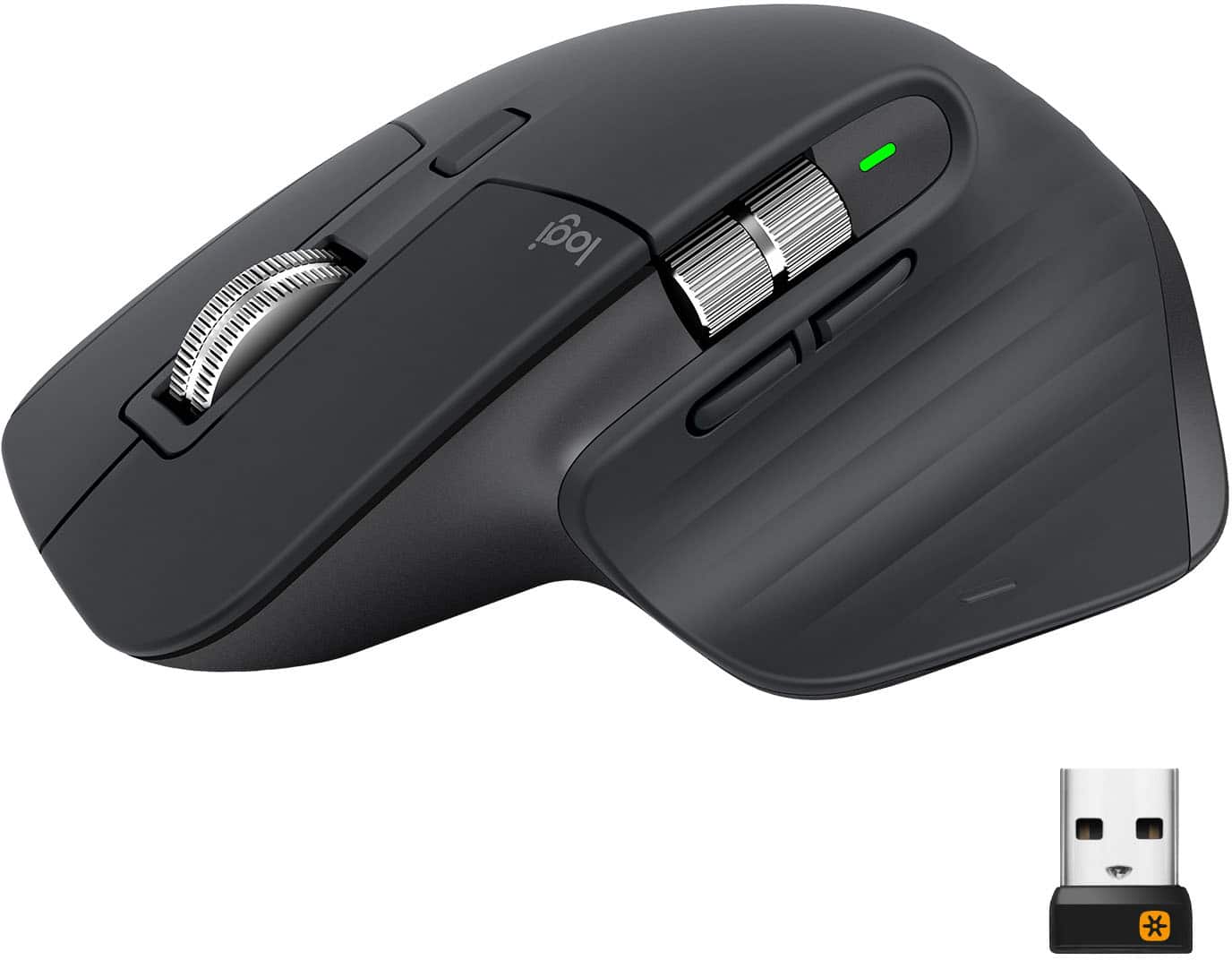
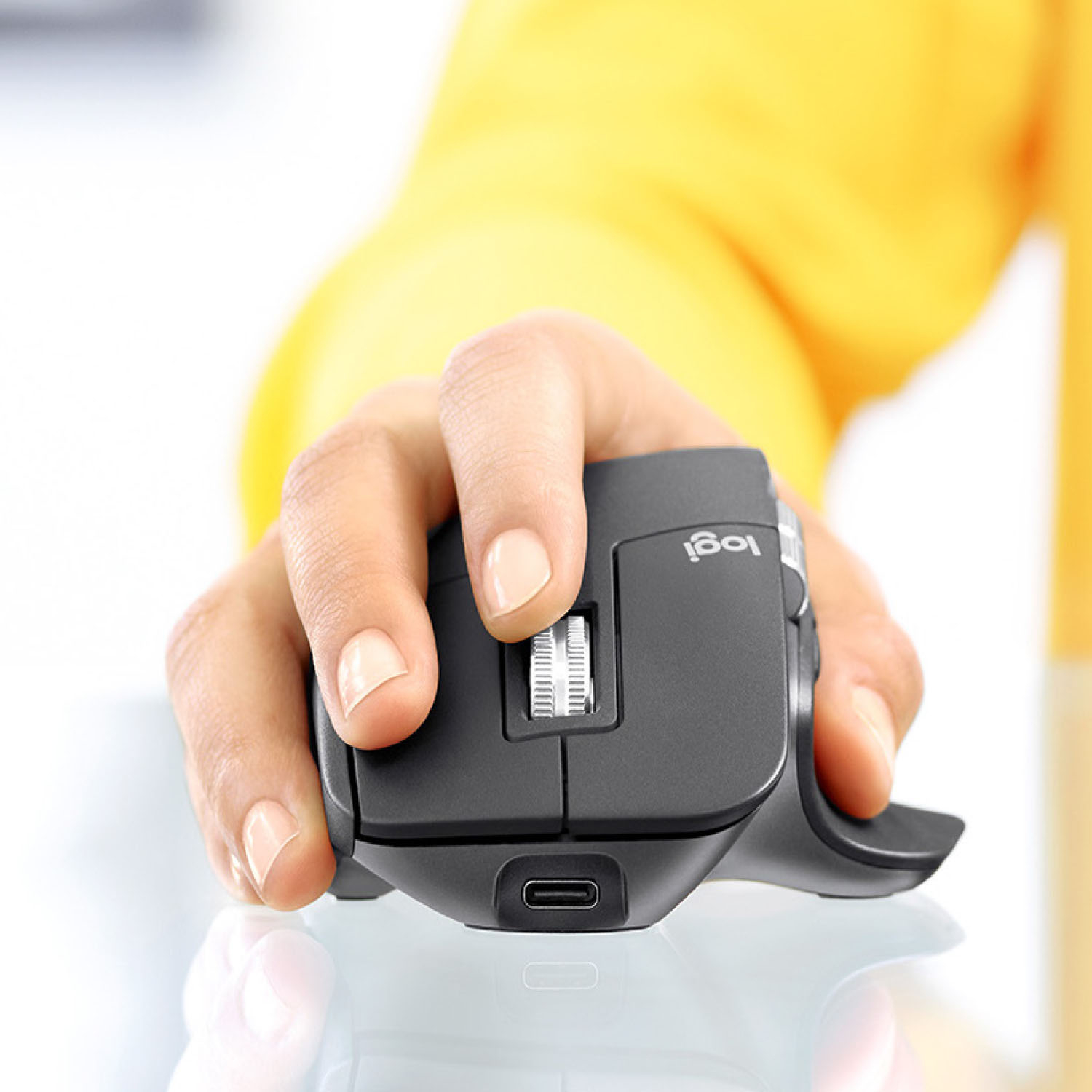
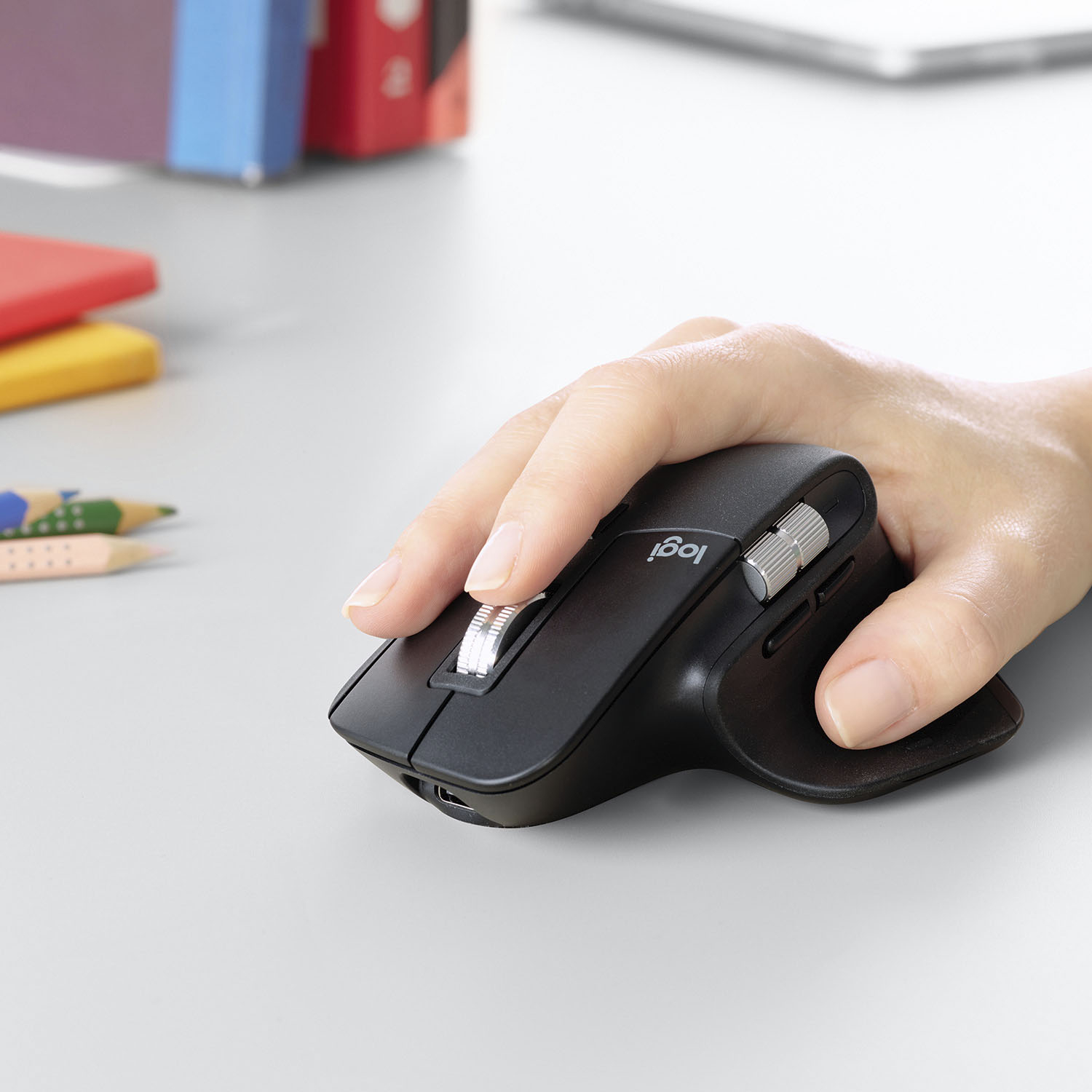
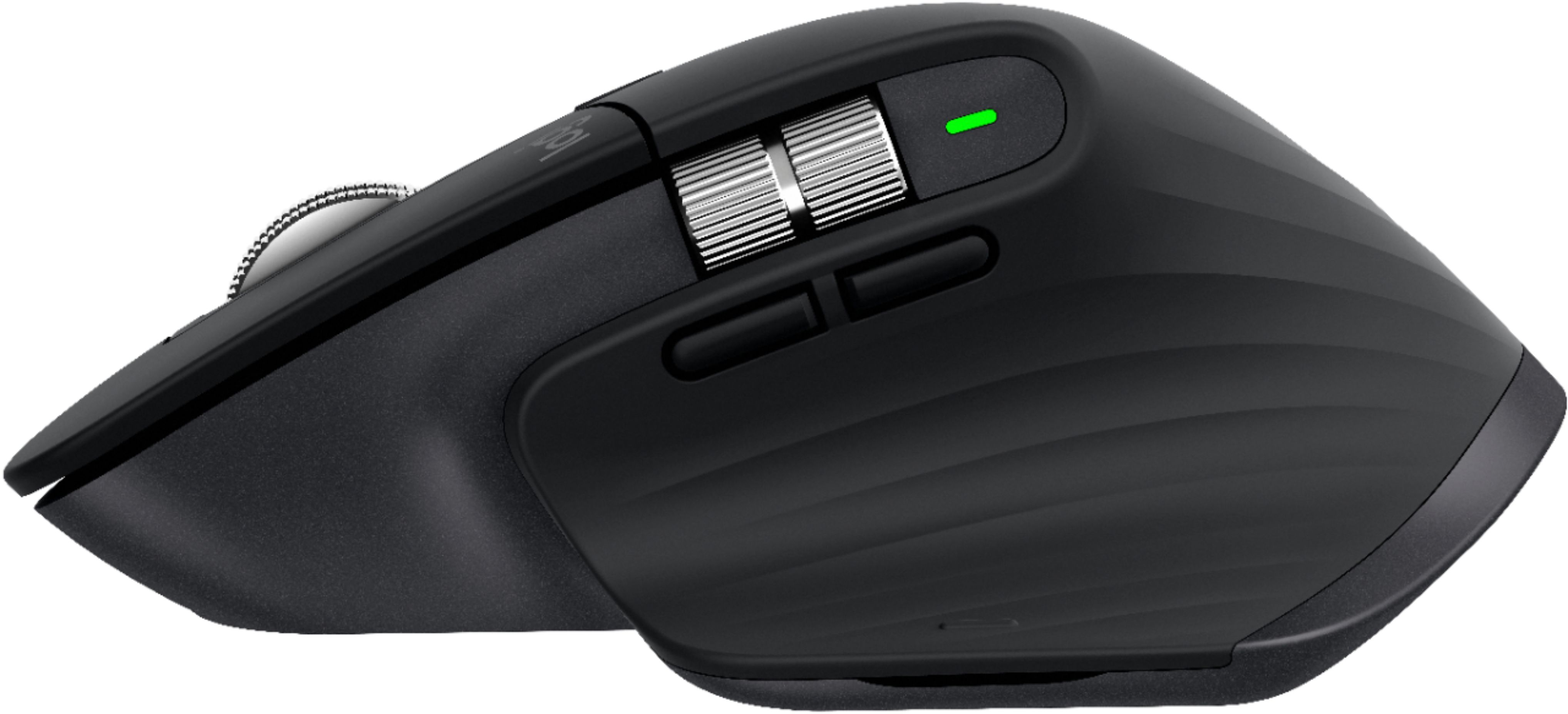
Customers enjoy the ergonomic design, smooth scroll wheel, and excellent battery life of the MX Master 3 mouse. Many appreciate the high-quality build and the extensive customization options, along with its Bluetooth connectivity and multi-device capabilities. However, some find the mouse to be large and heavy. A few users have also reported issues with software consistency and occasional lag.
This summary was generated by AI based on customer reviews.
- Pros mentioned:Multi-device
Rated 5 out of 5 stars
Love this mouse. Good for switching between iPad.
||Posted . Owned for 8 months when reviewed.This reviewer received promo considerations or sweepstakes entry for writing a review.This mouse is great. It connects easily with my MacBook Pro, iPad Pro, and Windows HP computer. I have it program with all 3 and switches to each one easily. All the buttons are very useful, especially for the Macbook. I've recommended to a few friends and all have loved it.
I would recommend this to a friendBrand response from Logitech
Posted .Hi, we're glad to see you're loving the easy switch technology of the MX Master 3 mouse! This mouse also has the crazy fast Mag Scroll Wheel which lets you scrolls 1000 lines in seconds! Continue to enjoy!
- Pros mentioned:Long battery life, Multi-device
Rated 3 out of 5 stars
MX3
||Posted . Owned for 8 months when reviewed.This reviewer received promo considerations or sweepstakes entry for writing a review.heavy mouse, not as good as other 100$ mouse but have 3 slots for 3 different devices. battery last long for one charge
I would recommend this to a friend - Pros mentioned:Comfortable
Rated 5 out of 5 stars
best wireless mouse you can buy for the office
||Posted . Owned for 3 months when reviewed.This reviewer received promo considerations or sweepstakes entry for writing a review.the mx master 3 is the best wireless mouse for an office setting, works amazing, connects really well to the keyboard they sell as well. Only real bad issue is that it collects finger oil, and certain things so be careful, the rubber on the sides rubs a bit off but not alot to matter
I would recommend this to a friend - Pros mentioned:Comfortable
Rated 5 out of 5 stars
Productivity mighty mouse!
||Posted . Owned for 4 months when reviewed.This reviewer received promo considerations or sweepstakes entry for writing a review.My favorite mouse ever! Not only does it look great but I didn't realize how comfortable and functional all of the buttons would be...and that scroll wheel is something special! I wouldn't recommend this for gamers who rely on light weight and low latency, but for productivity and multitasking, this is the best mouse on the market.
I would recommend this to a friend - Cons mentioned:Expensive
Rated 5 out of 5 stars
Pricey but totally worth it
||Posted . Owned for 1 month when reviewed.This reviewer received promo considerations or sweepstakes entry for writing a review.I bought this Logitech MX Master 3 Mouse in a bundle with my Logitech MX Keyboard. I saved $10. Pricey but totally worth it. The feel of the keyboard and mouse feel substantial and are incredibly efficient. Plus I got the insurance just in case I spill my big gulp on it or my dog chews on one of them.
I would recommend this to a friend - Cons mentioned:Price
Rated 5 out of 5 stars
Great product
||Posted . Owned for 1 month when reviewed.This reviewer received promo considerations or sweepstakes entry for writing a review.Best productive mouse in the business. Great company. Pricey but worth it.
I would recommend this to a friend - Pros mentioned:Long battery life
Rated 5 out of 5 stars
Excellent mouse for large hands!
||Posted . Owned for 3 weeks when reviewed.This reviewer received promo considerations or sweepstakes entry for writing a review.Excellent mouse for: Fitting large hands Precise and responsive cursor control Performing takeoffs from construction drawings Synching with multiple devices via Blue Tooth Extended battery life and being rechargeable Would definitely buy again (but hope that I never have to!) Mike M in Texas
I would recommend this to a friend Rated 5 out of 5 stars
Mxmaster
||Posted . Owned for 1.5 years when reviewed.This reviewer received promo considerations or sweepstakes entry for writing a review.Love it so much! It’s easy to charge and I run 4 computers off it.
I would recommend this to a friend- Pros mentioned:Long battery life
Rated 5 out of 5 stars
Architectural and Engineering Draftsman
||Posted . Owned for 1 month when reviewed.This reviewer received promo considerations or sweepstakes entry for writing a review.Best Mouse I have. I use it in various applications. It is accurate when selecting. Pairing it is easy. Even in some applications I have to use the Function Keys, several times. How easy it is to press a single mouse button. And I'm still improving it. The battery is excellent too. It's excellent for Cad Applications. I am happy with it.
I would recommend this to a friend - Pros mentioned:Customizable
Rated 3 out of 5 stars
Stopped working after 6 months
||Posted . Owned for 6 months when reviewed.This reviewer received promo considerations or sweepstakes entry for writing a review.When it worked, it worked great. The setup was easy, the software allows a lot of customization and I got used to the bigger mouse (for my hands, anyway). It felt a bit heavy initially but moved very smoothly over my mousepad. I also used it to switch between 2 laptops which was a bit more fussy. Sometimes it flowed smoothly while, at other times, there was either a noticeable lag or the cursor wouldn't move to the second device. Irritating for a $100 mouse but I don't use 2 laptops often so I ignored it. Most of the customizable buttons worked fine for me but the thumb scroll was a bit more difficult - too sensitive and not easily adjustable. Also found it difficult to clean the thumb area and underside - the dust just clings to it. The rechargeable feature is great. I got tired of changing batteries with my previous wireless mouse and I hate disposing batteries. The MX3 recharged fully within and hour and I never really ran out of charge - I used it for roughly 10 hours/day for work and recharged once every alternate week. Here's the thing: after 6 months of working with no issues (except the flow conking out randomly), I set it to charge with the USB-C on my desktop with the power button at 'Off'. The green light flashed like it does when you set it to charge. An hour later, nothing would induce it to power back on. Turns out, this is an issue with their battery and has happened to others too - not very common but not that rare either. Since it's been 6 months, Logitech has replaced mine (hardware limited warranty is 1 year). BB cannot after 6 months of use although I did take it to them. Here's the gem I got from the Geek Squad guy: "Buy a new mouse." Overall, when this mouse works, it works great. Still not worth its price because the extra $50 you pay for the extra features (like flow) don't work too well.
No, I would not recommend this to a friend - Pros mentioned:Comfortable, Long battery life
Rated 5 out of 5 stars
Great wireless mousd
||Posted . Owned for 11 months when reviewed.This reviewer received promo considerations or sweepstakes entry for writing a review.Very comfortable with a long lasting charge and great response.
I would recommend this to a friend - Pros mentioned:Comfortable
Rated 5 out of 5 stars
Get this one
||Posted . Owned for 9 months when reviewed.This reviewer received promo considerations or sweepstakes entry for writing a review.I used to not think much of external mice, but wow this has changed my opinion. The quality and features you get in a higher qualiry device is game changing. Can work so much more efficiently and comfortably, with no connection issues, and no tracking issues. Great purchase, have already purchased 2 more.
I would recommend this to a friend - Pros mentioned:Multi-device
Rated 5 out of 5 stars
MX Master 3 is awesome!!
||Posted . Owned for 1 year when reviewed.This reviewer received promo considerations or sweepstakes entry for writing a review.I absolutely love the MX Master 3. The best feature is the Flow - which lets you just move the mouse and keyboard between devices easily - including copy and paste of files. I have a Mac and windows and it works fine on both. The included dongle makes connecting easier, in case one decides they don't want to use bluetooth
This review is from Logitech - MX Master 3 Advanced Wireless USB/Bluetooth Laser Mouse with Ultrafast Scrolling - Wireless - Mid Gray
I would recommend this to a friend - Pros mentioned:Scroll wheelCons mentioned:Expensive
Rated 4 out of 5 stars
Expensive but good
||Posted . Owned for 5 months when reviewed.This reviewer received promo considerations or sweepstakes entry for writing a review.It's expensive and kinda have cheap feeling to it, but the features and the scroll wheel makes up for it. I LOVE IT!!
This review is from Logitech - MX Master 3 Advanced Wireless USB/Bluetooth Laser Mouse with Ultrafast Scrolling - Wireless - Mid Gray
I would recommend this to a friend - Pros mentioned:Scroll wheel
Rated 5 out of 5 stars
GREAT Mouse
||Posted . Owned for 1 month when reviewed.This reviewer received promo considerations or sweepstakes entry for writing a review.Its fairly ergonomic as my hand doesn't hurt as it did with Logitech Marathon mouse. Both scroll wheels are awesome and I love how it goes from clicking to fast free-scrolling on its own without selecting it. The material is nice too. The only issue is I am not used to the back button location but maybe because I have used the Marathon mouse for a long time.
I would recommend this to a friend - Pros mentioned:Comfortable, Customizable
Rated 5 out of 5 stars
Great Mouse
||Posted . Owned for 1 week when reviewed.This reviewer received promo considerations or sweepstakes entry for writing a review.Super comfortable and a ton of customizable features/buttons.
I would recommend this to a friend - Pros mentioned:Multi-device
Rated 5 out of 5 stars
Ergonomic and versatile.
||Posted . Owned for 3 weeks when reviewed.This reviewer received promo considerations or sweepstakes entry for writing a review.Great mouse. Had a case of trigger thumb (tendonitis of my thumb). This mouse fits better and is more ergonomic, which helped me recover. We also use these on a mixed environment with a PC and Mac side by side. This one mouse can jump from one system to the other so you only need 1 mouse for the 2 systems.
I would recommend this to a friend - Pros mentioned:Long battery life
Rated 5 out of 5 stars
Best work/gaming wireless mouse combo!
||Posted . Owned for 2 months when reviewed.This reviewer received promo considerations or sweepstakes entry for writing a review.Excellent mouse with great long battery life! My use is for both work and light gaming and it is perfect. I used the MX Master 2s before and this one feels very similar. Thumb buttons are easier to navigate and USB3 charging makes it a bit easier to just plug and charge.
I would recommend this to a friendBrand response from Logitech
Posted .Hi TheDim, glad to see you're enjoying the versatile MX Master 3 mouse! If you want to customize some of the functions of the mouse, download the free Logitech Options app! If you starting to need a mouse dedicated for gaming, check out the G604 or the G502 Lightspeed mice on the Logitech G website. But if you have any questions, head over to the Logitech support page at https://support.logi.com/hc/en-us/articles/360035271133. Continue to enjoy!
- Pros mentioned:Comfortable, Long battery life
Rated 5 out of 5 stars
Great Wireless Mouse
||Posted . Owned for 1 month when reviewed.This reviewer received promo considerations or sweepstakes entry for writing a review.Comfortable, easy to use, charge last a while. Overall, great mouse.
I would recommend this to a friend - Pros mentioned:Long battery life
Rated 5 out of 5 stars
Best ergonomic wireless erchargeable mouse
||Posted . Owned for 2 months when reviewed.This reviewer received promo considerations or sweepstakes entry for writing a review.Logitech's MX Master 3 is best ergonomic wireless mouse I've found. Stays charged for about 1 month after daily full-time use. Solid tracking, clicking, and scroll-wheel design and functionality. Works well in both Windows and Mac OS X environments. Second one purchased in two years and would buy again.
I would recommend this to a friend