Customer Ratings & Reviews
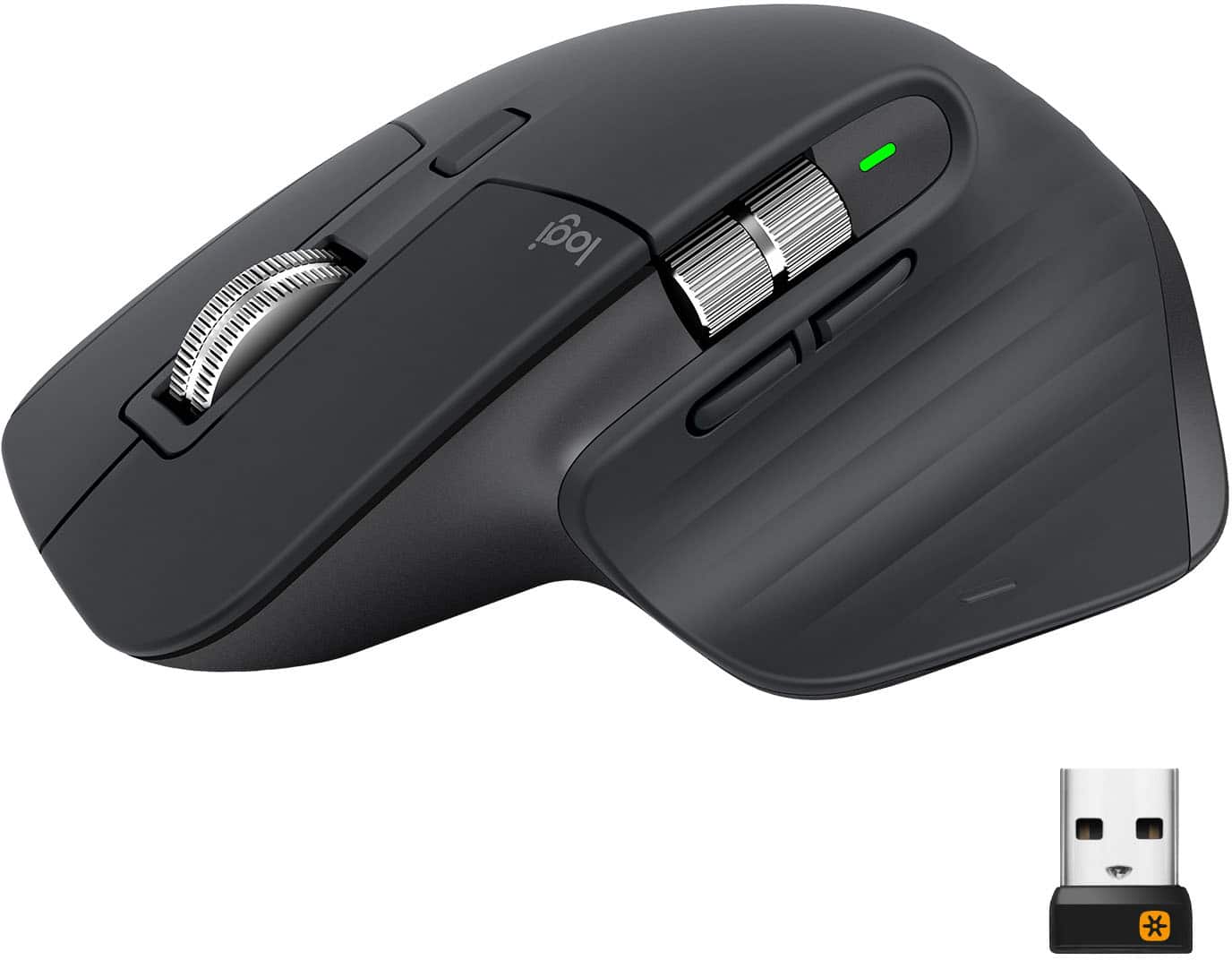
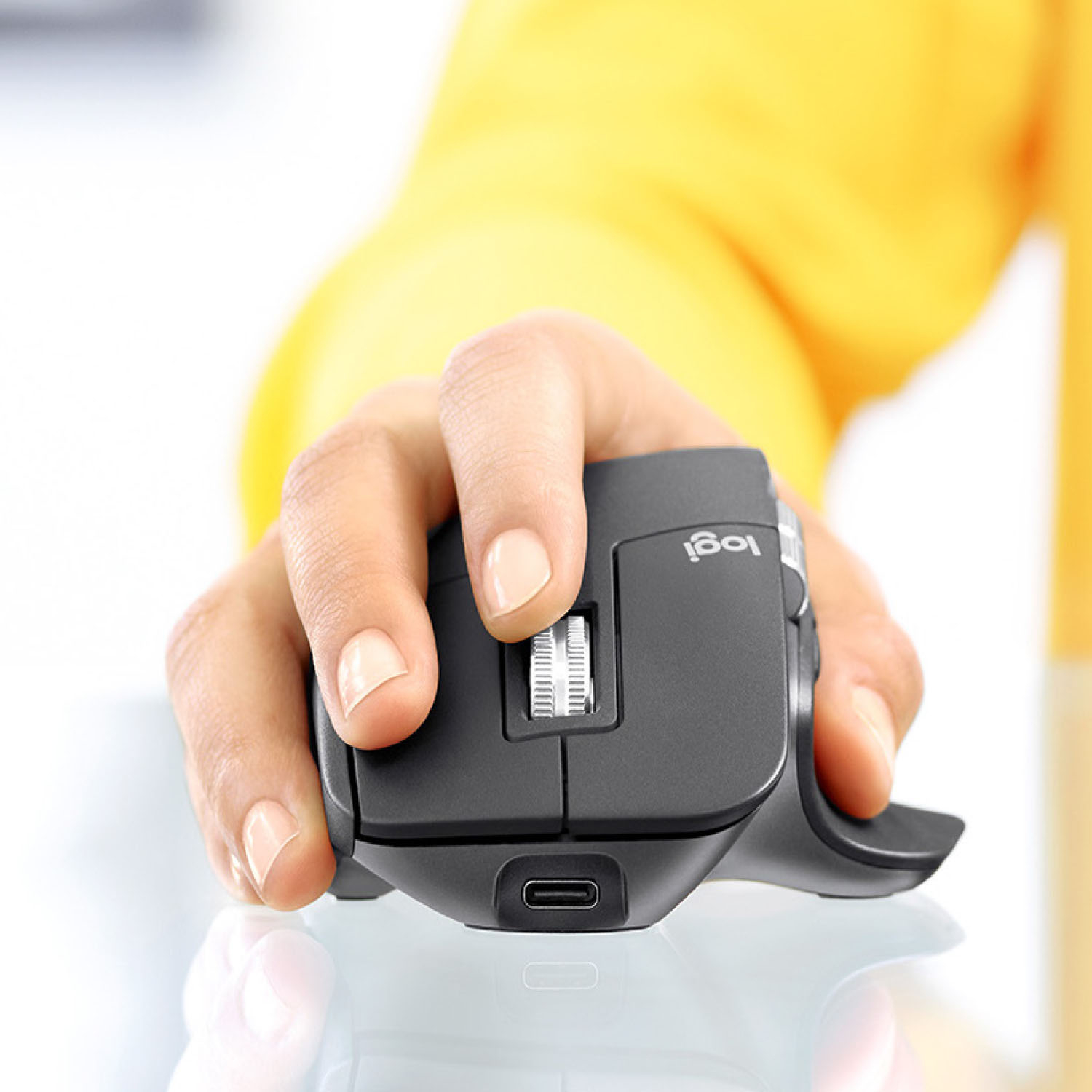
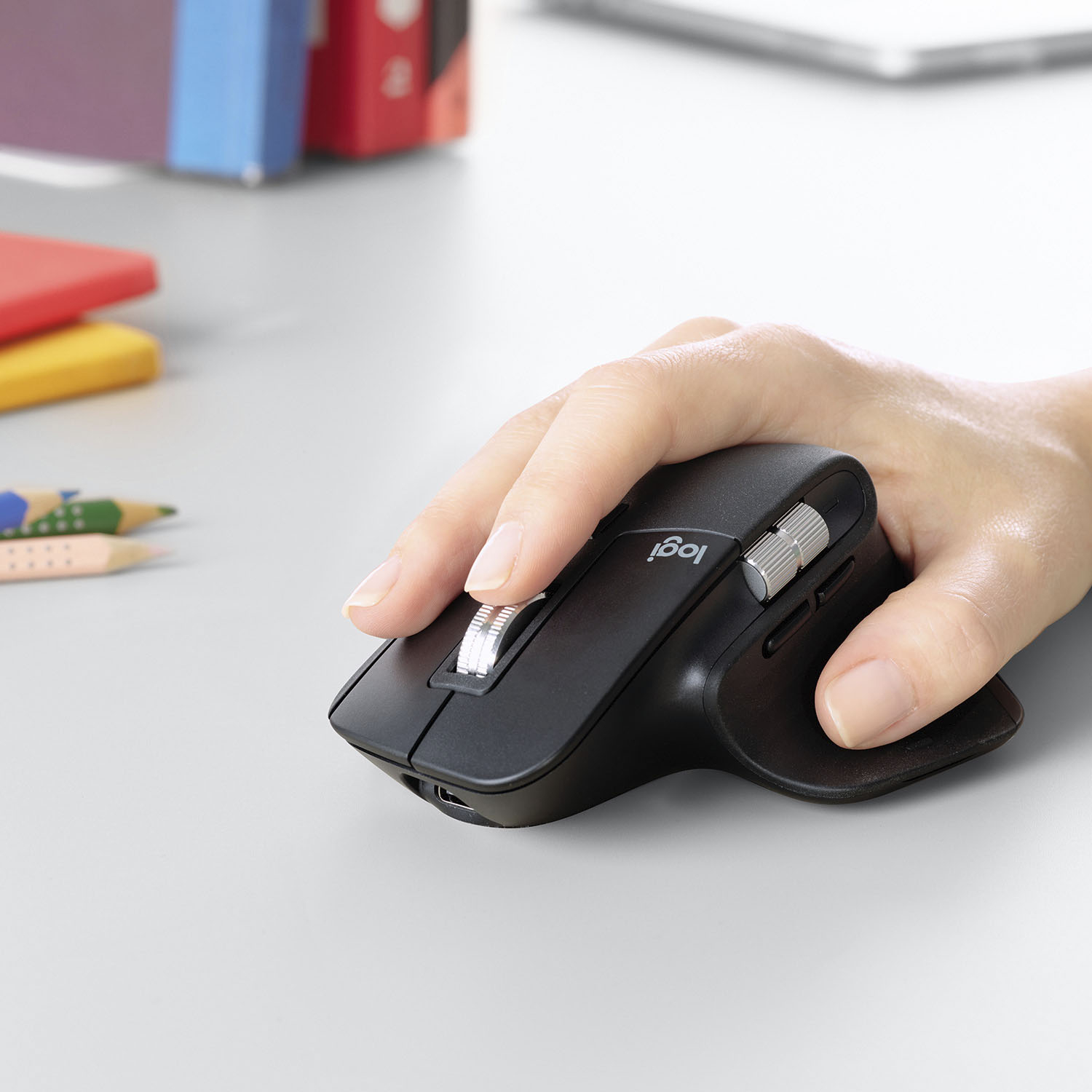

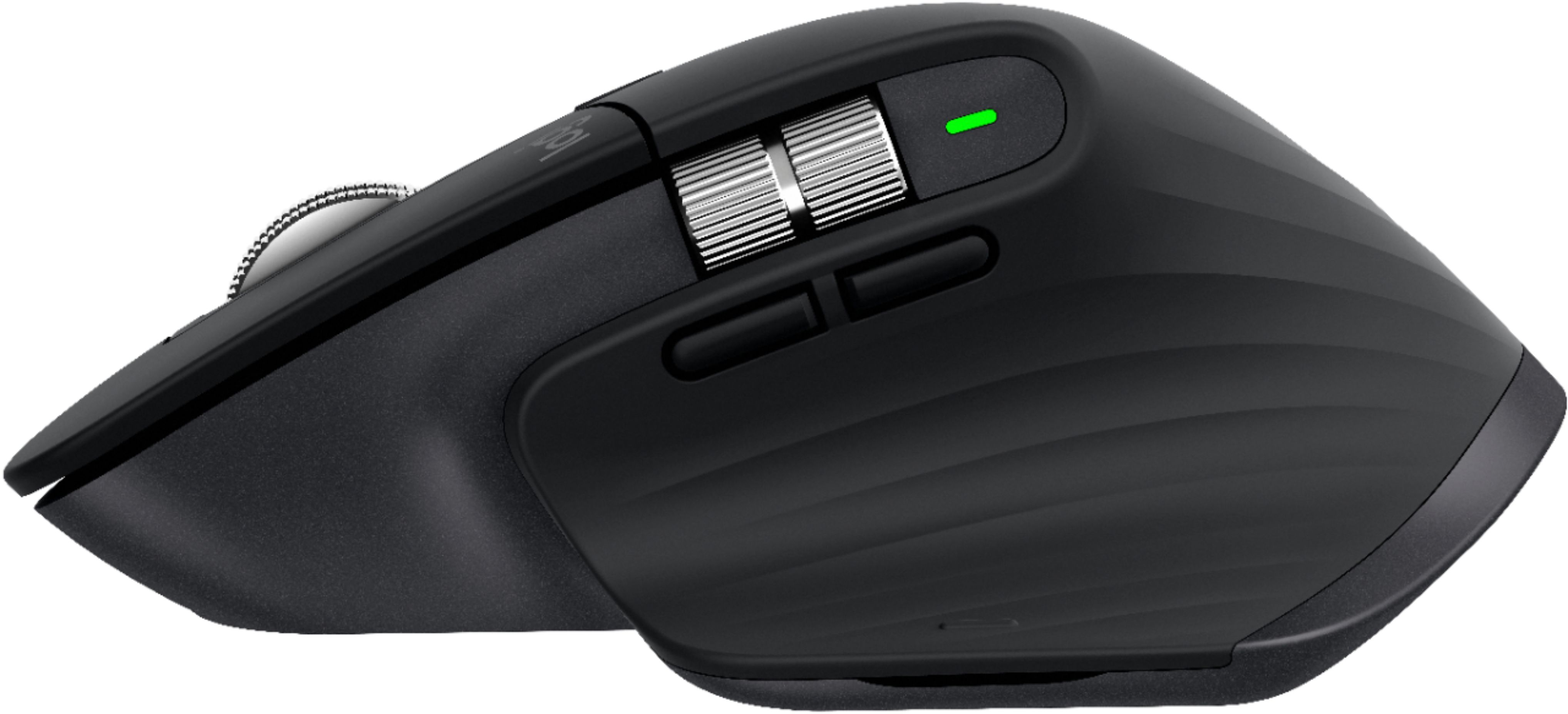


- Model:
- 910-005647
- |
- SKU:
- 6366554
Customer reviews
Rating 4.8 out of 5 stars with 3344 reviews
(3,344 customer reviews)Rating by feature
- Value4.5
Rating 4.5 out of 5 stars
- Quality4.9
Rating 4.9 out of 5 stars
- Ease of Use4.8
Rating 4.8 out of 5 stars
Customers are saying
Customers enjoy the ergonomic design, smooth scroll wheel, and excellent battery life of the MX Master 3 mouse. Many appreciate the high-quality build and the extensive customization options, along with its Bluetooth connectivity and multi-device capabilities. However, some find the mouse to be large and heavy. A few users have also reported issues with software consistency and occasional lag.
This summary was generated by AI based on customer reviews.
- Pros mentioned:Customizable
Rated 5 out of 5 stars
Productivity 3.0
||Posted . Owned for 3 months when reviewed.This reviewer received promo considerations or sweepstakes entry for writing a review.I have been using this mouse every day, and it is the best purchase in this segment. Logi options app gives you customizability for all buttons, and you can have app-specific controls. I would highly recommend it to someone looking to be more productive and get rid of wires and batteries.
I would recommend this to a friend - Cons mentioned:Expensive
Rated 5 out of 5 stars
One of the best wireless mice you will ever own
||Posted .This reviewer received promo considerations or sweepstakes entry for writing a review.Nice, solid wireless mouse. You can feel the difference in weight, material and build from other cheaper wireless mice. The scroll wheel is metal and has a nice feel. It is pricey for a mouse, but it seems like you will not change this one out very often or at all.
I would recommend this to a friend - Pros mentioned:Comfortable
Rated 5 out of 5 stars
Nice Feel
||Posted . Owned for 2 weeks when reviewed.This reviewer received promo considerations or sweepstakes entry for writing a review.Works great with my Samsung laptop. Very comfortable to use. Like the fact that it can be used while charging. I didn't think I would need the extra features; however, they turned out to be handy. Did not like the cost, but it seems to be worth it
This review is from Logitech - MX Master 3 Advanced Wireless USB/Bluetooth Laser Mouse with Ultrafast Scrolling - Wireless - Mid Gray
I would recommend this to a friend - Pros mentioned:Comfortable
Rated 5 out of 5 stars
So far so Good!
||Posted . Owned for less than 1 week when reviewed.This reviewer received promo considerations or sweepstakes entry for writing a review.I have been using this mouse for a few days now. So far I really like it and have not noticed any bugs. I have somewhat larger hands for a man and it's very form fitting. the placements of the buttons is spot on for myself. I tried the Microsoft Arch and it wasn't a good fit for my hand.
I would recommend this to a friend - Pros mentioned:Comfortable
Rated 5 out of 5 stars
PERFECT Mouse!
||Posted . Owned for 2 months when reviewed.This reviewer received promo considerations or sweepstakes entry for writing a review.This is my first Master series mouse from Logitech, and I'm not sure I'll ever leave it now. The comfort level is the best of any higher-end mouse I've experienced, the buttons are perfectly placed, and the multi-device switching has personally been my most useful feature. Well worth the price!
I would recommend this to a friend Rated 5 out of 5 stars
Awesome mouse!
||Posted . Owned for 1 week when reviewed.This reviewer received promo considerations or sweepstakes entry for writing a review.Hands down the best mouse you can get for productivity. The ease of use combined with the killer features makes it so worth it. You have to download the free software to really make the most of it but it’s simple to install. I upgraded from an old 2010 MX mouse and I’m blown away by the value.
I would recommend this to a friend- Pros mentioned:Long battery life
Rated 5 out of 5 stars
Best mouse for designers
||Posted . Owned for 3 weeks when reviewed.This reviewer received promo considerations or sweepstakes entry for writing a review.Very few mouses offer great accessibility features while having a long battery life. MX Master 3 solves most of the problems which all mouse owners have, from battery life to sensitivity and usability. Not only that, with flow control the file transfer between two systems has never easier.
I would recommend this to a friend - Pros mentioned:Comfortable
Rated 5 out of 5 stars
Don't hesitate!
||Posted . Owned for 3 weeks when reviewed.This reviewer received promo considerations or sweepstakes entry for writing a review.I love this mouse for long computer usage, it is very comfortable in the hand and doesn't add any extra strain. For that reason alone I would recommend to anyone! The added additional buttons and scroll wheel are an icing on the cake!
I would recommend this to a friend - Pros mentioned:Comfortable
Rated 5 out of 5 stars
Best Mouse I have ever used.
||Posted . Owned for 1 month when reviewed.This reviewer received promo considerations or sweepstakes entry for writing a review.Very nice solid built mouse. Quick response. Especially like the thumb rest. Back button could be a little more disguisable, I have a tendency to slip off the button. Back button really is a minor issue. Solid weight. It is one of the best mouse controls I have ever used.
I would recommend this to a friend Rated 3 out of 5 stars
Decent option, but a bit dated.
||Posted . Owned for 1.5 years when reviewed.This reviewer received promo considerations or sweepstakes entry for writing a review.A decent productivity option. A bit dated when compared to Logitech's newer offerings.
I would recommend this to a friend- Pros mentioned:Comfortable
Rated 5 out of 5 stars
Very comfortable
||Posted . Owned for 2 months when reviewed.This reviewer received promo considerations or sweepstakes entry for writing a review.I use it for my desktop mac computer it's the best mouse i ever had. The mouse from mac sucks i bought it again because i wanted to have the original mouse but for some reason it stop working but this mouse is smooth fast and comfortable .
This review is from Logitech - MX Master 3 Advanced Wireless USB/Bluetooth Laser Mouse with Ultrafast Scrolling - Wireless - Mid Gray
I would recommend this to a friend - Pros mentioned:Multi-device
Rated 5 out of 5 stars
What I've been missing
||Posted . Owned for 3 weeks when reviewed.This reviewer received promo considerations or sweepstakes entry for writing a review.I didn't realize how bad my mouse was, until I got this. I use it for both work and personal use. It easily connects and switches between both. Highly recommended unless you want something compact or very portable. This is neither, but it's a beast.
This review is from Logitech - MX Master 3 Advanced Wireless USB/Bluetooth Laser Mouse with Ultrafast Scrolling - Wireless - Mid Gray
I would recommend this to a friend - Pros mentioned:Long battery life
Rated 5 out of 5 stars
Awesome Mouse
||Posted . Owned for 1 month when reviewed.This reviewer received promo considerations or sweepstakes entry for writing a review.I had an older version of this mouse that I use at work, it has always been great, I got this new model for home and it is just as good as the previous versions, but better, smoother and more comfortable. The battery life is awesome, it last for several days, sometimes over a week.
I would recommend this to a friend - Pros mentioned:Comfortable
Rated 5 out of 5 stars
comfortable mouse
||Posted .This reviewer received promo considerations or sweepstakes entry for writing a review.I have both the MX everywhere and the MX Master. I definitely recommend both of them! I think the MX Master feels more heavy and comfortable to have at home. For on the go, I think the MX anywhere is also good because it is light and you can also scroll through pages fast.
I would recommend this to a friend - Pros mentioned:Customizable
Rated 5 out of 5 stars
Best you can get for productivity
||Posted . Owned for 1 month when reviewed.This reviewer received promo considerations or sweepstakes entry for writing a review.Love the MX Series! I've used the MX Master 2 for years and recently purchased this one for another workstation. The Logi Options make it customizable and the ability to switch between three different devices is extremely useful.
I would recommend this to a friend - Pros mentioned:Comfortable
Rated 5 out of 5 stars
Best MOUSE
||Posted . Owned for 1 month when reviewed.This reviewer received promo considerations or sweepstakes entry for writing a review.It took a few days to get used to the angle but after that, it’s perfect. It’s comfortable and that hyper scroll really helps with productivity. I have it pairs with the MX KEYS and have gestures and buttons programmed the way I want. I love it. Would definitely buy again.
I would recommend this to a friend Rated 5 out of 5 stars
Amazing All-Around Mouse
||Posted . Owned for 1 month when reviewed.This reviewer received promo considerations or sweepstakes entry for writing a review.I use my PC for both photo editing and gaming. The thing I hate about all gaming mice, is they feel cheap and gimmicky. I love this mouse! It feels solid, forms to my hand, keeps my thumb off the pad, and has a nice and crisp click. No creeking or plasticy feel that gaming mice have. Then I realized what the hype was with the magnetic wheel. It’s a hybrid feeling of a tactile scroll wheel at low speed, and an almost never ending high speed scroll when you flick it! The side scroll is a nice feature for productivity, and is in the right place. With the push of a button, I can switch between computers, and even my iPhone or iPad. Everything is customizable through software. Even the point at which the scroll behavior changes. The ONLY thing I don’t like is the gesture control. It’s hidden under your thumb, really mushy, and I accidentally trigger gestures while gaming. I ended up turning it off. Overall, I feel like it’s the perfect mouse at the right price point.
I would recommend this to a friend- Pros mentioned:Long battery life
Rated 5 out of 5 stars
Best mouse ever
||Posted . Owned for 3 weeks when reviewed.This reviewer received promo considerations or sweepstakes entry for writing a review.I have all of the MX Master series on one computer or another. They are all good laser mouses, but the MX Master 3 is just a notch above the rest. It has the best feel for my hand and it works flawlessly. I have not had to recharge it since I purchased it in mid-September.
I would recommend this to a friend - Pros mentioned:Multi-device
Rated 5 out of 5 stars
awesome precision! look no further!
||Posted . Owned for 10 months when reviewed.This reviewer received promo considerations or sweepstakes entry for writing a review.i have always had several mouses! one for my laptop; one for my desktop; one i traveled with; one for mac; one for windows; etc. but once you get a feel for this one, it’s like driving a porsche!! easily works with all! whew! where have you been all my technological life!??
I would recommend this to a friend - Pros mentioned:Customizable
Rated 5 out of 5 stars
My favorite mouse yet.
||Posted . Owned for 3 weeks when reviewed.This reviewer received promo considerations or sweepstakes entry for writing a review.I've owned a LOT of computer mice over the years, and the MX Master 3 is my favorite: smooth operation, highly customizable, but also great just using the default setting. So I can nerd out if I want to, or let my 80yo mother use it without any problem.
I would recommend this to a friend