Customer Ratings & Reviews
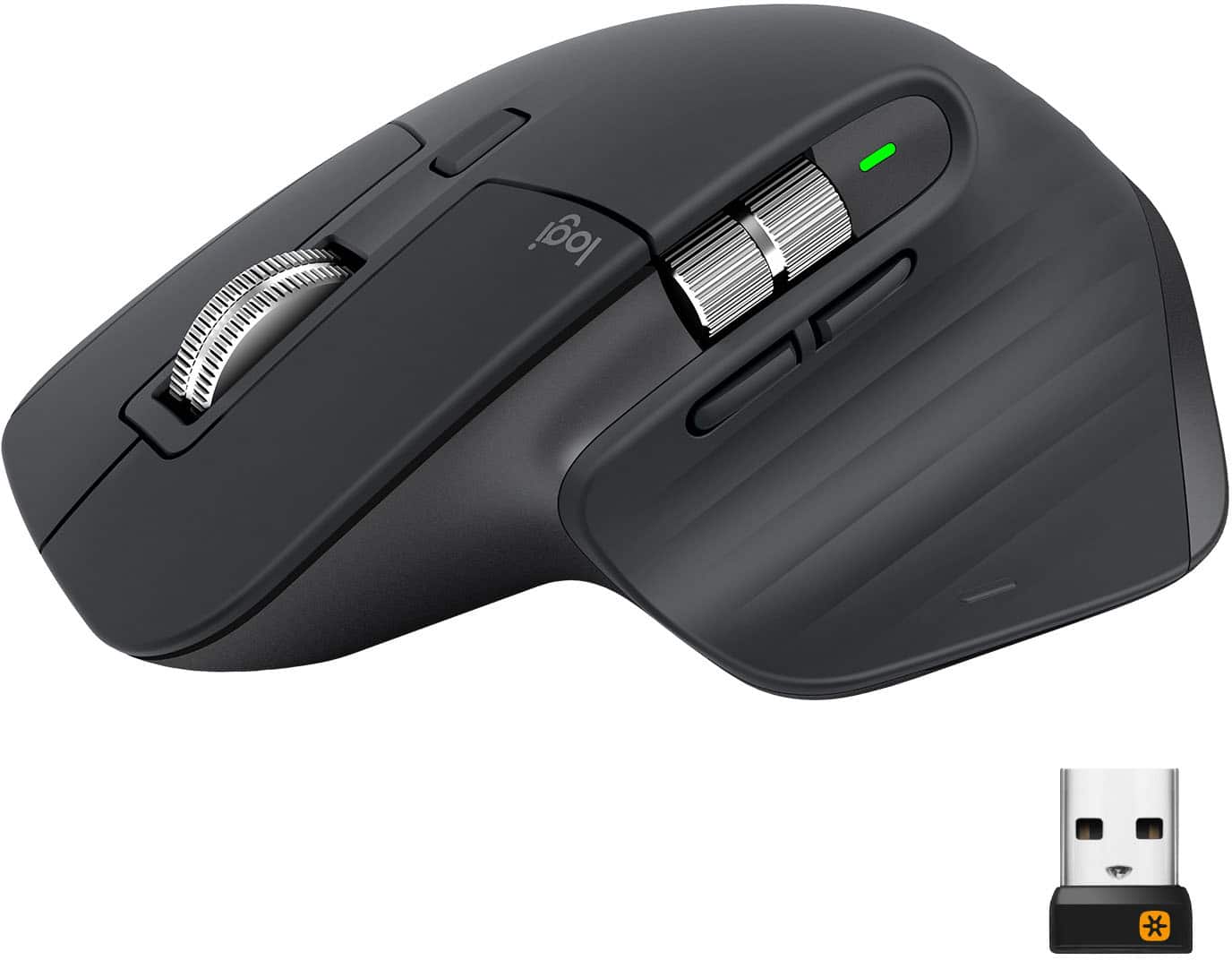
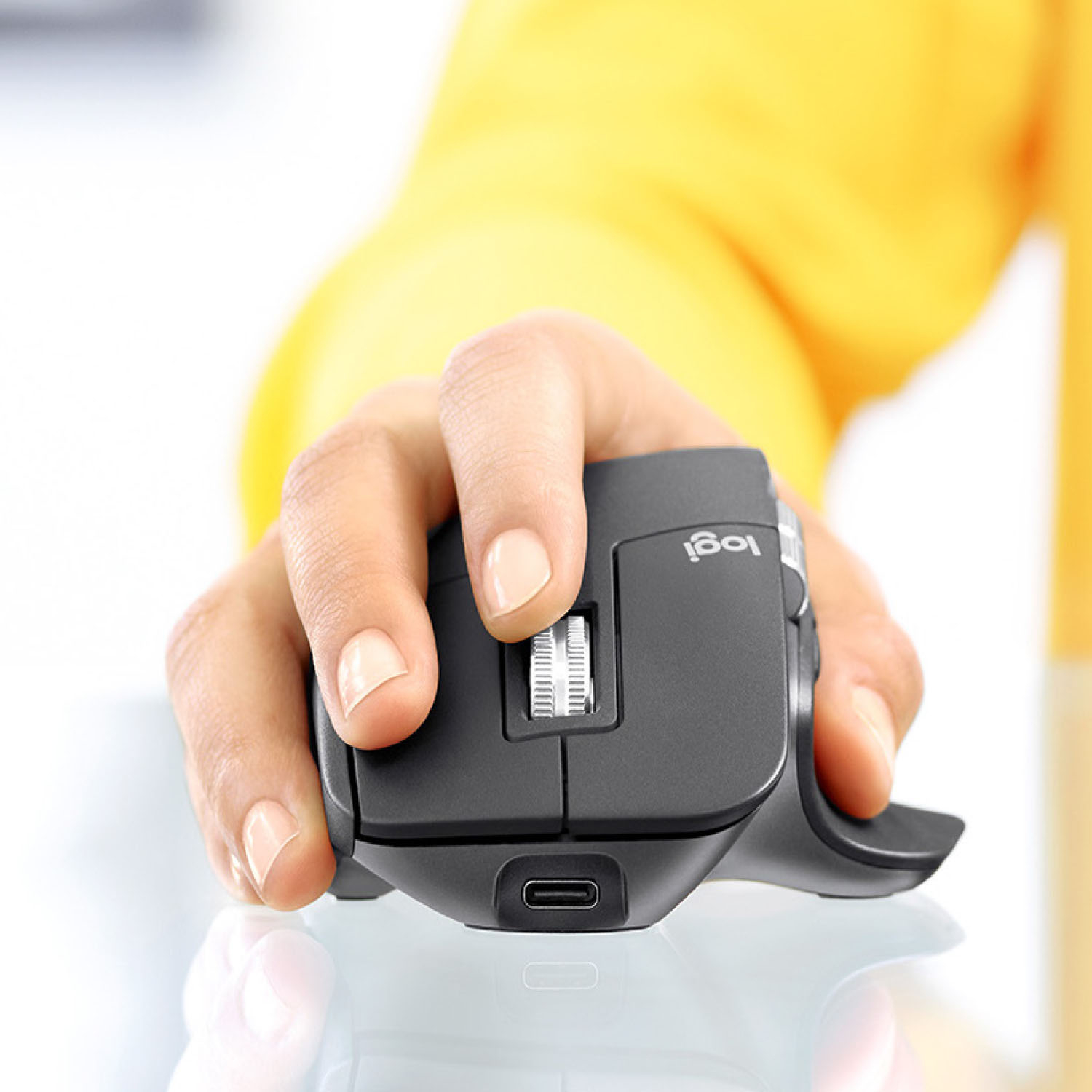
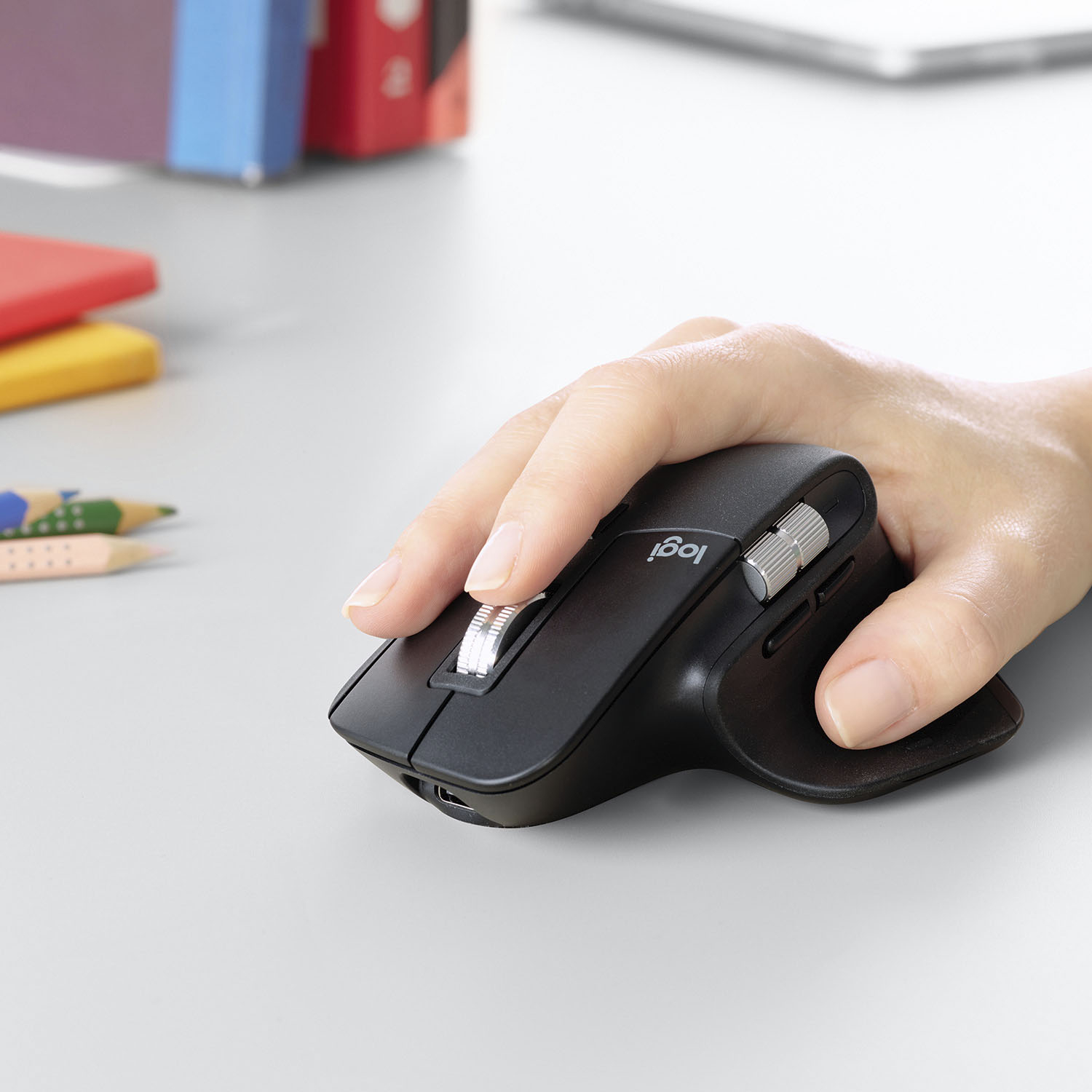

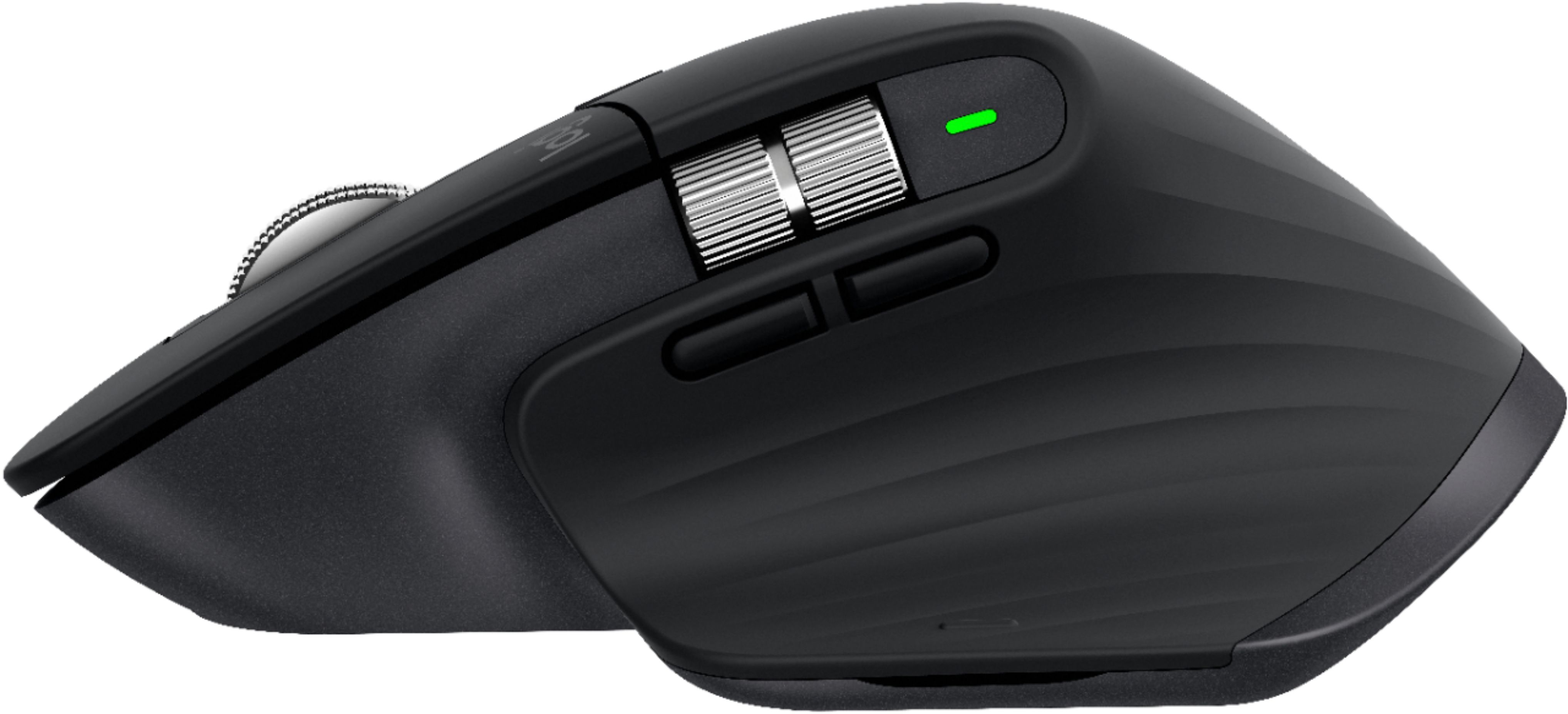


- Model:
- 910-005647
- |
- SKU:
- 6366554
Customer reviews
Rating 4.8 out of 5 stars with 3344 reviews
(3,344 customer reviews)Rating by feature
- Value4.5
Rating 4.5 out of 5 stars
- Quality4.9
Rating 4.9 out of 5 stars
- Ease of Use4.8
Rating 4.8 out of 5 stars
Customers are saying
Customers enjoy the ergonomic design, smooth scroll wheel, and excellent battery life of the MX Master 3 mouse. Many appreciate the high-quality build and the extensive customization options, along with its Bluetooth connectivity and multi-device capabilities. However, some find the mouse to be large and heavy. A few users have also reported issues with software consistency and occasional lag.
This summary was generated by AI based on customer reviews.
Rated 5 out of 5 stars
worth the $$$
||Posted . Owned for 1.5 years when reviewed.This reviewer received promo considerations or sweepstakes entry for writing a review.using it now to write this. Had it for a few years now and was reviewing my fridge when asked to review this. I usually get a standard mouse with my work computer, so I just used that, but one company gave me a stipend for office supplies so I bought a mechanical keyboard and this higher-end mouse. Totally worth it. The functionality and extra features are worth it, esp the horizontal scrolling and ergonomic design. can't recommend more.
This review is from Logitech - MX Master 3 Advanced Wireless USB/Bluetooth Laser Mouse with Ultrafast Scrolling - Wireless - Mid Gray
I would recommend this to a friend- Pros mentioned:Comfortable
Rated 5 out of 5 stars
Mouse
||Posted . Owned for 1.5 years when reviewed.This reviewer received promo considerations or sweepstakes entry for writing a review.It is very fast and comfortable to use. Everyone in my family fights over this one.
I would recommend this to a friend - Pros mentioned:Customizable, Long battery life
Rated 5 out of 5 stars
Very Handy
||Posted . Owned for 1 month when reviewed.This reviewer received promo considerations or sweepstakes entry for writing a review.I love that I can pair this with 3 machines and easily switch between them. Battery life is more than a week, as I use it for work. The side scroll wheel is something I never knew I needed. The main scroll wheel can be spun and it will continuously scroll until stopped. It’s easy to use the app to customize how the extra function buttons work on a per-app basis.
I would recommend this to a friend - Pros mentioned:Scroll wheel
Rated 5 out of 5 stars
New Favorite Mouse
||Posted . Owned for 1 year when reviewed.This reviewer received promo considerations or sweepstakes entry for writing a review.My new Favorite Mouse for Work and Casual Gaming, the scroll wheel on this will spoil you
This review is from Logitech - MX Master 3 Advanced Wireless USB/Bluetooth Laser Mouse with Ultrafast Scrolling - Wireless - Mid Gray
I would recommend this to a friend - Pros mentioned:Multi-device
Rated 5 out of 5 stars
Love this multi use mouse!
||Posted . Owned for 1 year when reviewed.This reviewer received promo considerations or sweepstakes entry for writing a review.Excellent build quality. Love the recharge feature. Perfect fit for the hand, love the 3 separate device connections.
I would recommend this to a friend - Pros mentioned:Comfortable, Long battery life
Rated 5 out of 5 stars
Amazing Mouse.
||Posted . Owned for 3 weeks when reviewed.This reviewer received promo considerations or sweepstakes entry for writing a review.This is by far the best mouse I have ever owned. I cannot say enough good about it. It was easy to setup, switches flawlessly between the two computers that I have it connected to (it can switch between 3...but I only have 2). It is extremely comfortable in my hand, the buttons have the perfect feel and the tracking is spot on and very precise. This is a flawless mouse. (and the battery has lasted for weeks!)
I would recommend this to a friend - Pros mentioned:Comfortable, Multi-device
Rated 5 out of 5 stars
Worth it!
||Posted . Owned for 1 month when reviewed.This reviewer received promo considerations or sweepstakes entry for writing a review.This is a good mouse for both Mac and Windows. I love the feature where you can connect both of them and go back and forth between two different computers even with different OS. It is also very comfortable and you can easily customize the buttons to suit your preferences. Works better than the apple magic mouse imo. Love that it has a gesture control button on the mouse as well! Def recommend over all the other mouses!
I would recommend this to a friend - Pros mentioned:Long battery life, Scroll wheel
Rated 4 out of 5 stars
Very good, but a little heavy
||Posted . Owned for 7 months when reviewed.This reviewer received promo considerations or sweepstakes entry for writing a review.Love the scroll wheel, battery life and the Button customization. I find it a touch heavy though, presumably due to a relatively large battery. I know it’s not a gaming mouse, but I find it a little slow for CAD work.
I would recommend this to a friend - Pros mentioned:Customizable, Multi-device
Rated 5 out of 5 stars
Multi tasker
||Posted . Owned for 3 weeks when reviewed.This reviewer received promo considerations or sweepstakes entry for writing a review.Using two laptops on my desk can sometimes get frustrating. The MX Master has the ability to be one mouse for up to three devices. Just push a small button on the bottom to select which device it needs to work for and it performs flawlessly. With Logitech's software you can control the speed of the curser, the smoothness of the wheel and assign buttons to do what YOU want them to do. Very nice desktop accessory to rely on.
I would recommend this to a friend - Pros mentioned:Comfortable, Long battery life
Rated 5 out of 5 stars
High quality mouse
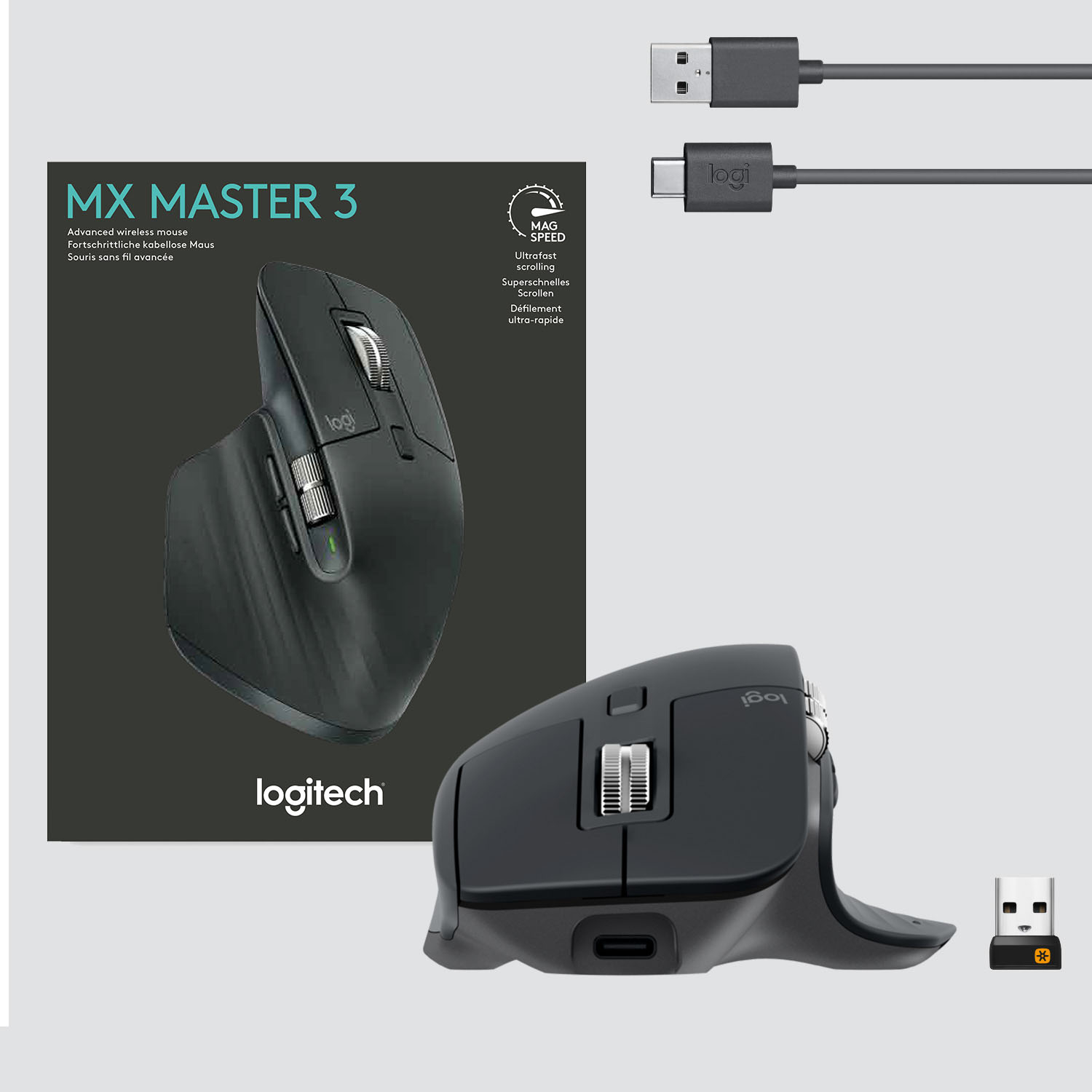
||Posted . Owned for 7 months when reviewed.This reviewer received promo considerations or sweepstakes entry for writing a review.Very nice quality mouse. It is very easy to set up and begin using immediately. The packaging was quite attractive as well. The mouse stays charged for a long time. It includes the charger cable. If you game or design via a mouse, this provides a comfortable grip for you to work several hours on the computer throughout your day.
I would recommend this to a friend - Pros mentioned:Comfortable, Multi-device
Rated 5 out of 5 stars
Best Office Mouse you can Buy
||Posted . Owned for 1 year when reviewed.This reviewer received promo considerations or sweepstakes entry for writing a review.I love this mouse! Easily the best office mouse available. My hand fits on it so naturally. I love all the scroll options. It's accurate. And the best part, you can pair it with three devices. You'll just have to choose which one you're directly connected to. I didn't even know it could do that Until I had it for like a month or two. When I found out, I of course loved it more. Great great mouse!
I would recommend this to a friend - Pros mentioned:Customizable, Long battery life
Rated 5 out of 5 stars
An excellent mouse, but is it worth the price?
||Posted . Owned for 1 month when reviewed.This reviewer received promo considerations or sweepstakes entry for writing a review.The design is very comfortable, it has a couple of extra buttons, and pretty much everything is customizable. It’s very easy to switch between 3 different computers using the button on the bottom. The charge also lasts quite a long time. Paired with the Logitech MX Keys, working and playing are great experiences. For $100, it’s definitely a consideration, but I think it’s worth it.
I would recommend this to a friend - Pros mentioned:Multi-device, Scroll wheel
Rated 5 out of 5 stars
Love this mouse!!!
||Posted . Owned for 9 months when reviewed.This reviewer received promo considerations or sweepstakes entry for writing a review.I have been using this mouse for about 10 months now and I absolutely love it. I can use it (along with a compatible Logitech keyboard) to seamlessly transition between my PC and my Mac, which is awesome. The scroll wheel is also great. I have it set to ratchet/tick with each push, but if you scroll it fast enough, it goes into hyper-fast mode so that you can get through long documents super quick.
I would recommend this to a friend - Pros mentioned:Long battery life, Multi-device
Rated 5 out of 5 stars
Excellent combination with MX keyboard
||Posted . Owned for 6 months when reviewed.This reviewer received promo considerations or sweepstakes entry for writing a review.I got both the MX Master mouse and keyboard when it first released. I have it connected to a minimum of two devices at the same time. I like the Logitech flow feature to switch between devices. It is comfortable to use, quick to connect after devices are powered on/wake up. Battery life is great too. I like the new mouse wheel. It is smooth and works really well. Overall, it's a great addition to my homeoffice.
I would recommend this to a friend - Pros mentioned:Long battery life, Scroll wheel
Rated 5 out of 5 stars
Best mouse I've ever used
||Posted . Owned for 6 months when reviewed.This reviewer received promo considerations or sweepstakes entry for writing a review.Best physical fit for my hand ever. This mouse has really cut down on hand fatigue, and the controls have a satisfying, high-quality feel. The scroll wheel has enough mass that it can be "spun" easily, and the spinning inertia keeps it moving up or down on the page as appropriate. Very useful for large / long documents. Battery (rechargeable) life also excellent.
I would recommend this to a friend - Pros mentioned:Comfortable, Multi-device
Rated 5 out of 5 stars
Worth the little extra $ for the MX Master 3
||Posted . Owned for 1 month when reviewed.This reviewer received promo considerations or sweepstakes entry for writing a review.Solid quality what I expected from Logitech. Like the feel, very comfortable position for my hand and the right size. It supports the arch of my palm much better than some of the other ones even from Logitech. I primarily bought it for the multi-device operation which works seamlessly among my my home, work and travel computer. Highly recommend it.
I would recommend this to a friend - Pros mentioned:Long battery life, Multi-device
Rated 5 out of 5 stars
Great Mouse, 3 Bluetooth Connections!
||Posted . Owned for 1 year when reviewed.This reviewer received promo considerations or sweepstakes entry for writing a review.I use this mouse to move between an iMac, MacBook Pro, and a pc from day to day which I use as part of my work and personal. This mouse never lags, handles the three independent connections well with the button to switch. Battery life is terrific. I haven’t had to use the usb manual wireless it came with but its nice to know that’s available.
I would recommend this to a friend - Pros mentioned:Comfortable, Customizable
Rated 5 out of 5 stars
Very popular mouse
||Posted . Owned for 1 month when reviewed.This reviewer received promo considerations or sweepstakes entry for writing a review.This is a very popular mouse you can buy, especially for those who are working from home because of COVID-19. My hands fits like a "glove" with using this mouse which eliminate my fatigueness and soreness when I was using my old generic mouse. When connected to bluetooth you can customize each button on this mouse to function on different software (i.e. Chrome, MS Office, etc.).
I would recommend this to a friend - Pros mentioned:Long battery life, Multi-device
Rated 5 out of 5 stars
Works great, amazing ergonomics
||Posted .This reviewer received promo considerations or sweepstakes entry for writing a review.I use this mouse with 3 computers. The button on the bottom allows you to do this. Works great with Mac and using with a PC moments later. Great upgrade over the apple magic mouse 2 and official Microsoft surface mouses. Fast charges with USB C and you can use while charging it as well. Charge lasts around 2-3 months, and quickly recharges while working too.
I would recommend this to a friend - Pros mentioned:Comfortable
Rated 5 out of 5 stars
Logitech Does It Again! (Upgraded from MX2)
||Posted . Owned for 7 months when reviewed.This reviewer received promo considerations or sweepstakes entry for writing a review.I used the MX2 so much I actually wore it out. The MX3 is all the MX2 was and more: (1) BT+3 Connection Memory You can use any combination of BT and Unifying connections for a total of 3 devices. The feature is AMAZING and requires no software to function. (2) Do yourself a favor: Set the silver right-left scroll wheel to "None" in the software. I've bumped it more times than I can count while in OneNote, and I end of way to the right of the page on a blank section...It's Sooo Sensitive. (3) Suggestion: Disable the thumb button, I can' t think of a time where I was using a mouse and said, "Hey, I should left-thumb click" for any reason. It's a neat and subtle button with no purpose. (4) The scroll wheel auto-switches from bumps to smooth scrolls, so just change that top button (behind the scroll wheel) to something like toggle mouse pointer speed (from very slow to very fast and back) (5) The laser tracking is top notch. I've never found a better mouse... and I've tried a lot... even gaming mice. The tracking and response is so good that I use this _wireless_ mouse with the unifying receiver for FPS gaming. I'm no Pro, but I can't tell the difference between this mouse and a wired gaming mouse. (6) It just feels good in my hand. The materials feel soft and sturdy at the same time. I don't know how they did it, but keep up the good work!
I would recommend this to a friend