Customer Ratings & Reviews



- Model:
- 910-005647
- SKU:
- 6366554
Rating by feature
- Value
Rating 4.5 out of 5 stars
- Quality
Rating 4.9 out of 5 stars
- Ease of Use
Rating 4.8 out of 5 stars
Customers are saying
Customers enjoy the ergonomic design, smooth scroll wheel, and excellent battery life of the MX Master 3 mouse. Many appreciate the high-quality build and the extensive customization options, along with its Bluetooth connectivity and multi-device capabilities. However, some find the mouse to be large and heavy. A few users have also reported issues with software consistency and occasional lag.
This summary was generated by AI based on customer reviews.
Perfect mouse.
||Posted . Owned for 6 months when reviewed.This reviewer received promo considerations or sweepstakes entry for writing a review.This mouse is the best mouse I ever had. It can easily switching desktop on MAC and scrolling like no resist. And I would highly recommend anyone to buy it.
I would recommend this to a friendFantastic
||Posted . Owned for 1 month when reviewed.This reviewer received promo considerations or sweepstakes entry for writing a review.The mouse is very accurate and comfortable to use. It moves very fluidly, with very little drag. I love the Automatic Scroll Wheel Feature.
I would recommend this to a friendComfortable Mouse
||Posted . Owned for 3 weeks when reviewed.This reviewer received promo considerations or sweepstakes entry for writing a review.Still getting used to it but I feel it will help my hand when a lot of hours are on the computer glad I found it.
I would recommend this to a friendPremium
||Posted . Owned for less than 1 week when reviewed.This reviewer received promo considerations or sweepstakes entry for writing a review.This is the absolute best mouse I have ever had, everything about it is 100% premium, I can’t believe I even considered buying a cheaper mouse just to save 40 bucks.
I would recommend this to a friendMighty Mouse
||Posted . Owned for 3 weeks when reviewed.This reviewer received promo considerations or sweepstakes entry for writing a review.The Logitech MX Master 3 has the feel of quality and fits my hand very well and the controls are placed perfectly. This is the tool to conquer the cursor.
I would recommend this to a friendPerfect Mouse
||Posted . Owned for 5 months when reviewed.This reviewer received promo considerations or sweepstakes entry for writing a review.Amazing mouse that feels great in the hand and works on any surface. I had issues with my other mouse working on a glass top desk but this works great.
I would recommend this to a friendLogitech MX Master 3
||Posted . Owned for less than 1 week when reviewed.This reviewer received promo considerations or sweepstakes entry for writing a review.Excellent Mouse and i love the feature where i am able to switch between one computer and another. Perfect for IT professionals like myself.
I would recommend this to a friendWorth the price
||Posted .This reviewer received promo considerations or sweepstakes entry for writing a review.Feels great and comfortable on the hand, I use it for photoshop and illustrator. Perform good and it connects to my laptop in less than a second every time.
I would recommend this to a friendFits my hand very well
||Posted . Owned for 3 weeks when reviewed.This reviewer received promo considerations or sweepstakes entry for writing a review.Initial use worked great however we had a power failure and when power was restored the unit's wireless transmitter had stopped working! It took quite a while to get Logitech to buy into my problem and am still waiting for a replacement (about 3 weeks now). Nice mouse but customer service is not impressive.
I would recommend this to a friendGreat mouse for every crowd
||Posted . Owned for 1 month when reviewed.This reviewer received promo considerations or sweepstakes entry for writing a review.The mouse is reliable, durable, and just feels premium. It is great, and I especially like the horizontal scroll wheel to scrub through footage in adobe premier
I would recommend this to a friendGreat mouse
||Posted . Owned for 3 months when reviewed.This reviewer received promo considerations or sweepstakes entry for writing a review.Works great for work, fast scrolling, left right scroll, can use with multipule computers using logitech unifier
I would recommend this to a friendSeveral ways to connect!
||Posted . Owned for 3 weeks when reviewed.This reviewer received promo considerations or sweepstakes entry for writing a review.I like how you can either use the usb reciever or just use bluetooth to connect. I had a MX1 and this is 2 generations later and I love the improved features.
I would recommend this to a friendawesome mouse
||Posted . Owned for 1 month when reviewed.This reviewer received promo considerations or sweepstakes entry for writing a review.Great Mouse. Love it. Works well with video editing and I can customize the buttons for different editing tools.
I would recommend this to a friendAwesome Buy!
||Posted . Owned for 5 months when reviewed.This reviewer received promo considerations or sweepstakes entry for writing a review.This Logitech product is worth the money! Yea it may not have as many buttons as others, but it does the job for my Apple MacBook Air.
I would recommend this to a friendLove It
||Posted . Owned for less than 1 week when reviewed.This reviewer received promo considerations or sweepstakes entry for writing a review.Great mouse and works well with my mac devices. I saved up to get a wireless one. The only thing I wish it had was a storage for the sensor plug, but no biggy
I would recommend this to a friendVery nice mouse!
||Posted . Owned for 3 weeks when reviewed.This reviewer received promo considerations or sweepstakes entry for writing a review.I looked at a lot of reviews before I bought this mouse. As many people mentioned, it is a very amazing mouse. I am very satisfied with this purchase.
I would recommend this to a friend- Pros mentioned:Customizable, Long battery life, Multi-device

Super Mouse!
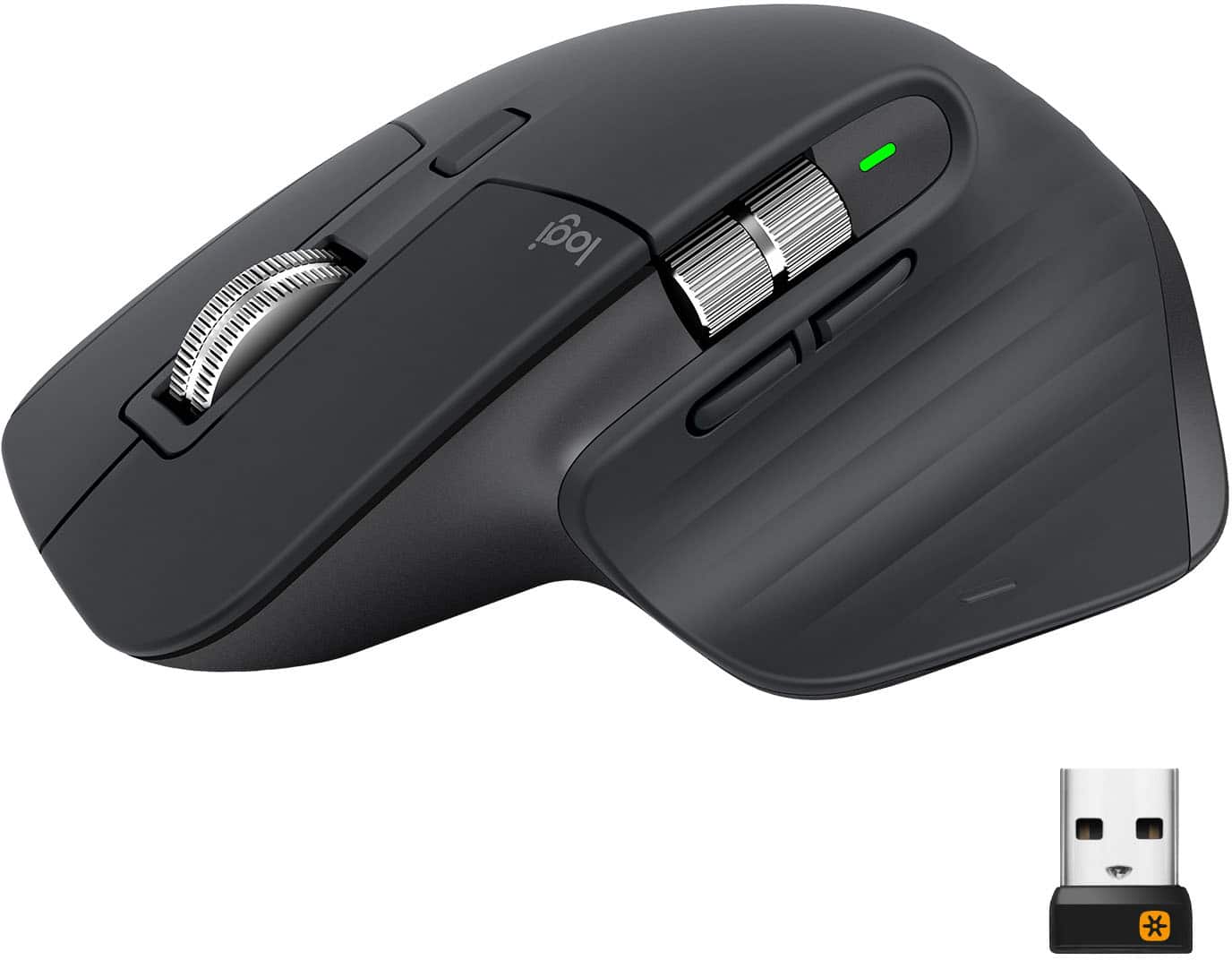
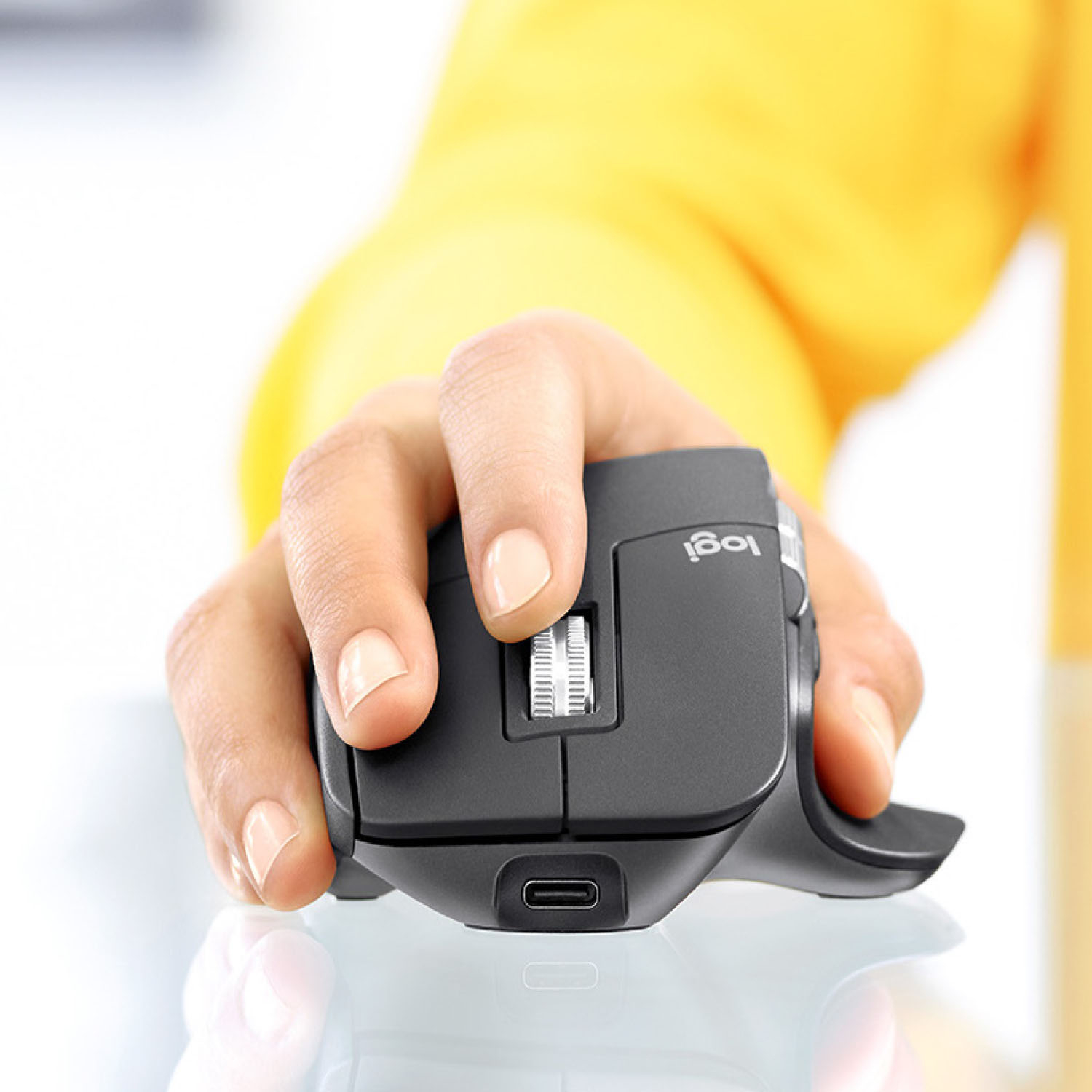
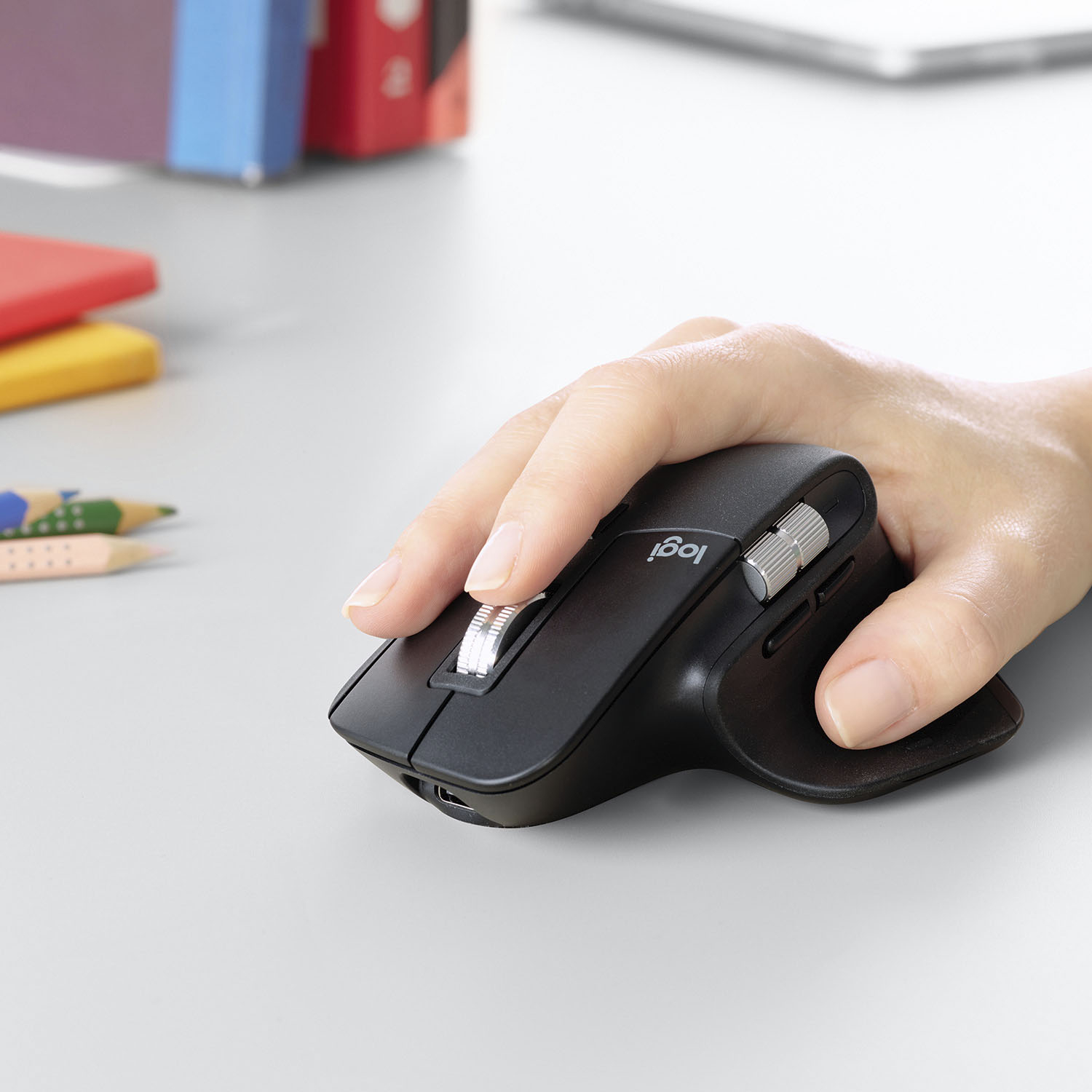
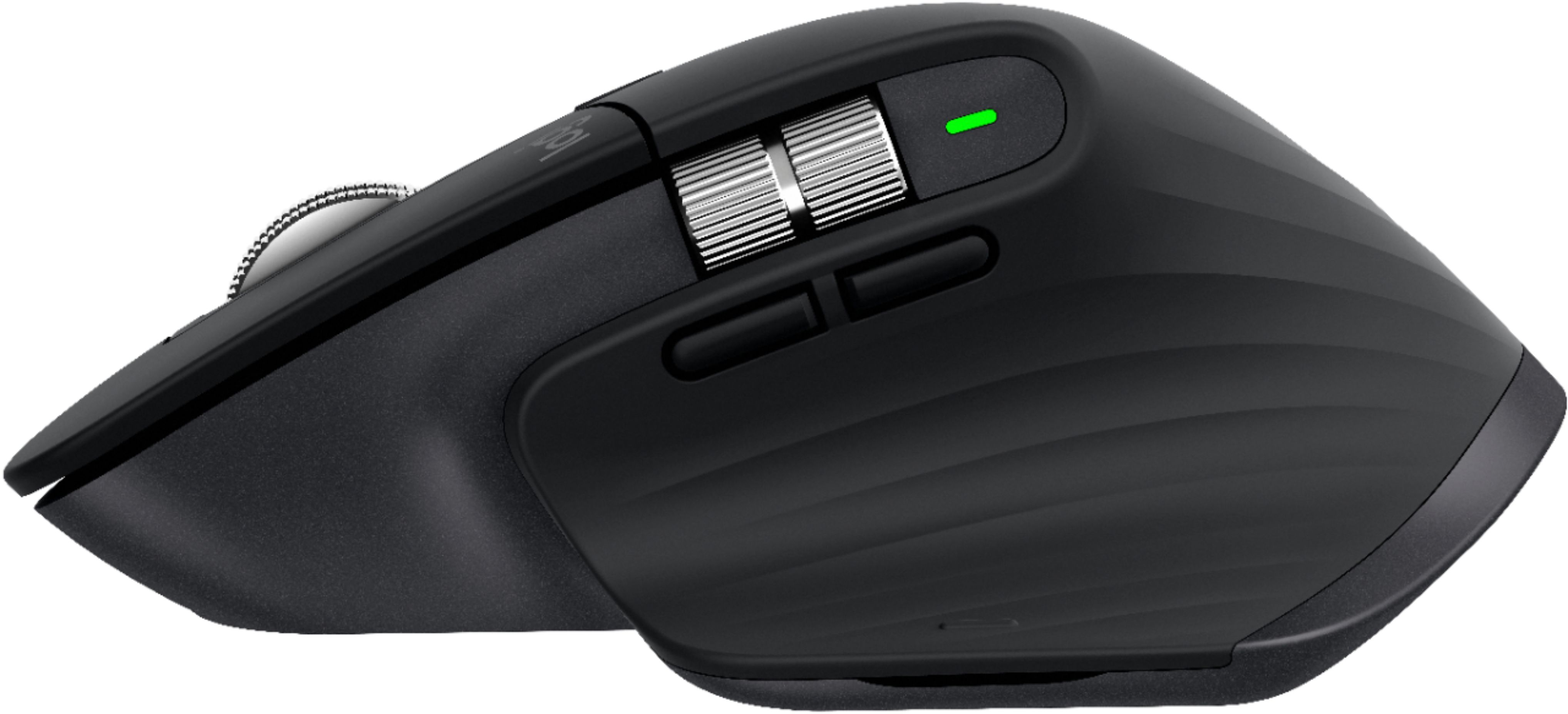
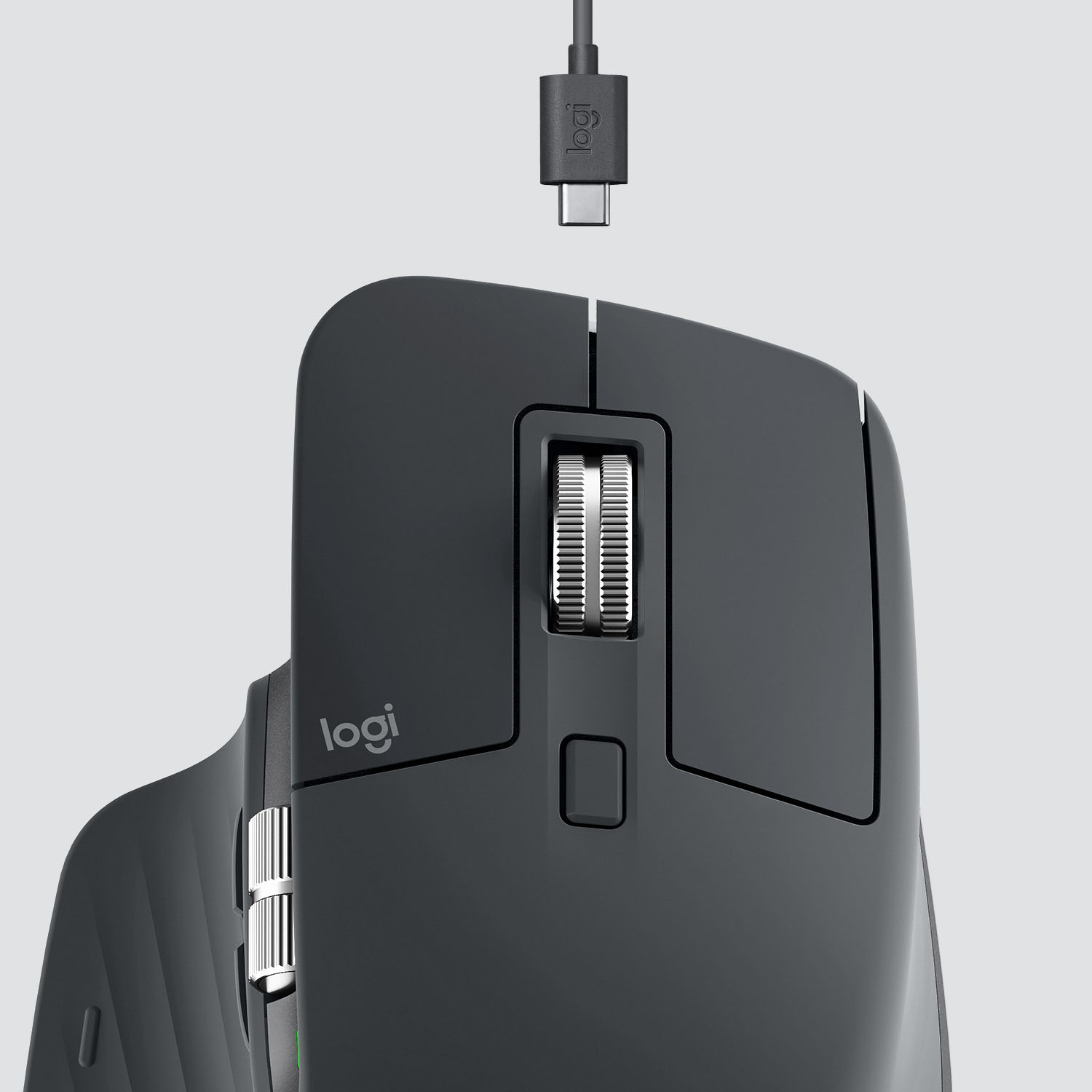
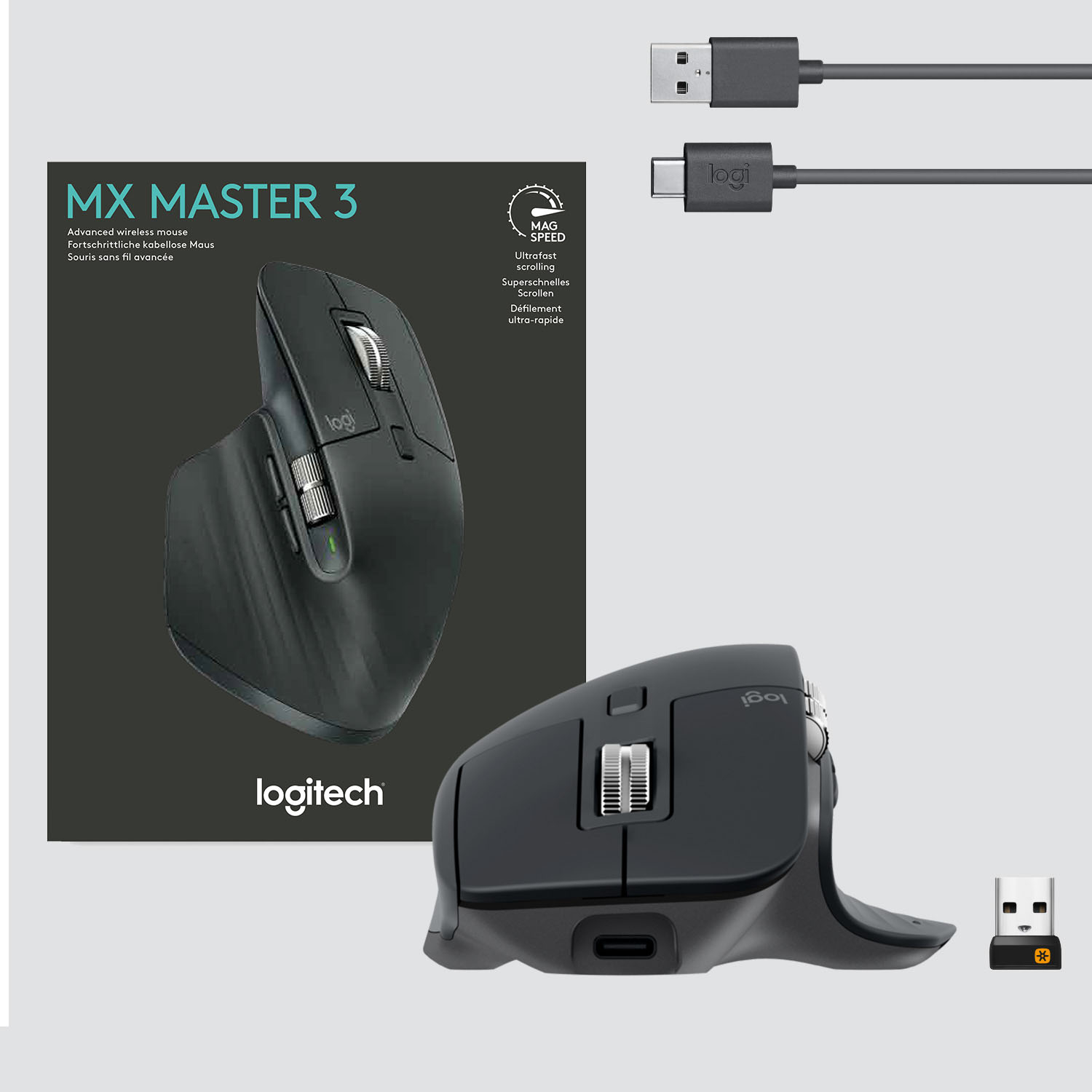
|Posted .This reviewer received promo considerations or sweepstakes entry for writing a review.Logitech MX Master 3 Mouse review! The new logitech wireless mouse is a great mouse. It's main feature is the ability to switch between 3 devices at the touch of a button. However, it gets better! Unbox this mouse and you are greeted by an ergonomic hand placement. This is a feature I really like and if you are using a mouse pad with a wrist rest, it is very comfortable. I can see using this mouse all day for work without any ill effects. The MX Master 3 is a mouse with nice weight to it. Start using it and you will enjoy the precise speed and accuaracy this unit provides. All the buttons and scroll wheels move silent and smooth. The magnetic wheel is amazing, unlike any other I have tried. And it has the ability to scroll at amazing speed. You also have a small scroll wheel on the thumb side of the mouse. Another nice detail added to the thumb side are a page forward and backward button. As mentioned before the MX Master3 is capable of moving from one computer to another with just a push of a button on the underside of the mouse. Thats not the only trick up its sleeve, you can also customize every button on the mouse to your personal tastes. By downloading the free software from Logitech, in minutes you can change the buttons to do whatever you like. Also this can be done on a per app basis. Logitech has several apps such as word preloaded for customization. However, you can import other apps into the Logitech app and then have the mouse perform how you like only in that platform. When you leave that app it will switch back to standard operation. The materials this mouse is made of are high quality. The plastic does not take fingerprints. It is a nice feeling texture under your fingers. The buttons as mentioned before are smooth operating. This mouse has 8 buttons total including two on the bottom. The 2 on the bottom are power and the switch to transfer betweem 3 different devices. Logitech claims this wireless mouse can be charged for five minutes and you will get three hours of use from it. I have been using it for days right out of the box, and have yet to charge it. It appears as though it was fully charged when I received it. The mouse includes a usb c charging cable. This mouse is a bluetooth unit, it also includes a usb unifying plug. A nice little side note is that you can use the MX Master 3 and the Logitech MX Keys Keyboard on the same unifying usb plug. This will free up another usb port for you. That is unless your are using it bluetooth style. The logitech MX Master 3 is a top notch unit! So far my impressions are great ergonomics, smooth sliding on any surface and fantastic customization. If you are in market for a mouse that can do anything, look no further. Logitech has made good quality products for many years. And I have personally used five different models. In my opinion this mouse is the best yet from them. Logitech does it again. 5 STARS!
I would recommend this to a friend Decent mouse, high price
||Posted . Owned for 1 month when reviewed.This reviewer received promo considerations or sweepstakes entry for writing a review.+the software flow works between mac pc, screen transition +premium feel for the most part and lots of customizations, even per app situations cons - slight lag in transition from computer - havent used it that long but the scroll wheel doesn't feel as strong as when I first used it
I would recommend this to a friendThis is it!
||Posted . Owned for 8 months when reviewed.This reviewer received promo considerations or sweepstakes entry for writing a review.This is the best mouse I’ve ever owned. The ergonomics are great, and I don’t get nearly as much tension in the hand from long editing session.
I would recommend this to a friendBest mouse I have ever used!
||Posted . Owned for 3 weeks when reviewed.This reviewer received promo considerations or sweepstakes entry for writing a review.This is the best mouse I have ever used. Feels great in the hand. Just the right size for larger hands. Very ergonomic. Love the "free wheel" feature.
I would recommend this to a friend