Customer Ratings & Reviews



- Model:
- 910-005647
- |
- SKU:
- 6366554
Customer reviews
Rating 4.8 out of 5 stars with 3344 reviews
(3,344 customer reviews)Rating by feature
- Value4.5
Rating 4.5 out of 5 stars
- Quality4.9
Rating 4.9 out of 5 stars
- Ease of Use4.8
Rating 4.8 out of 5 stars
Customers are saying
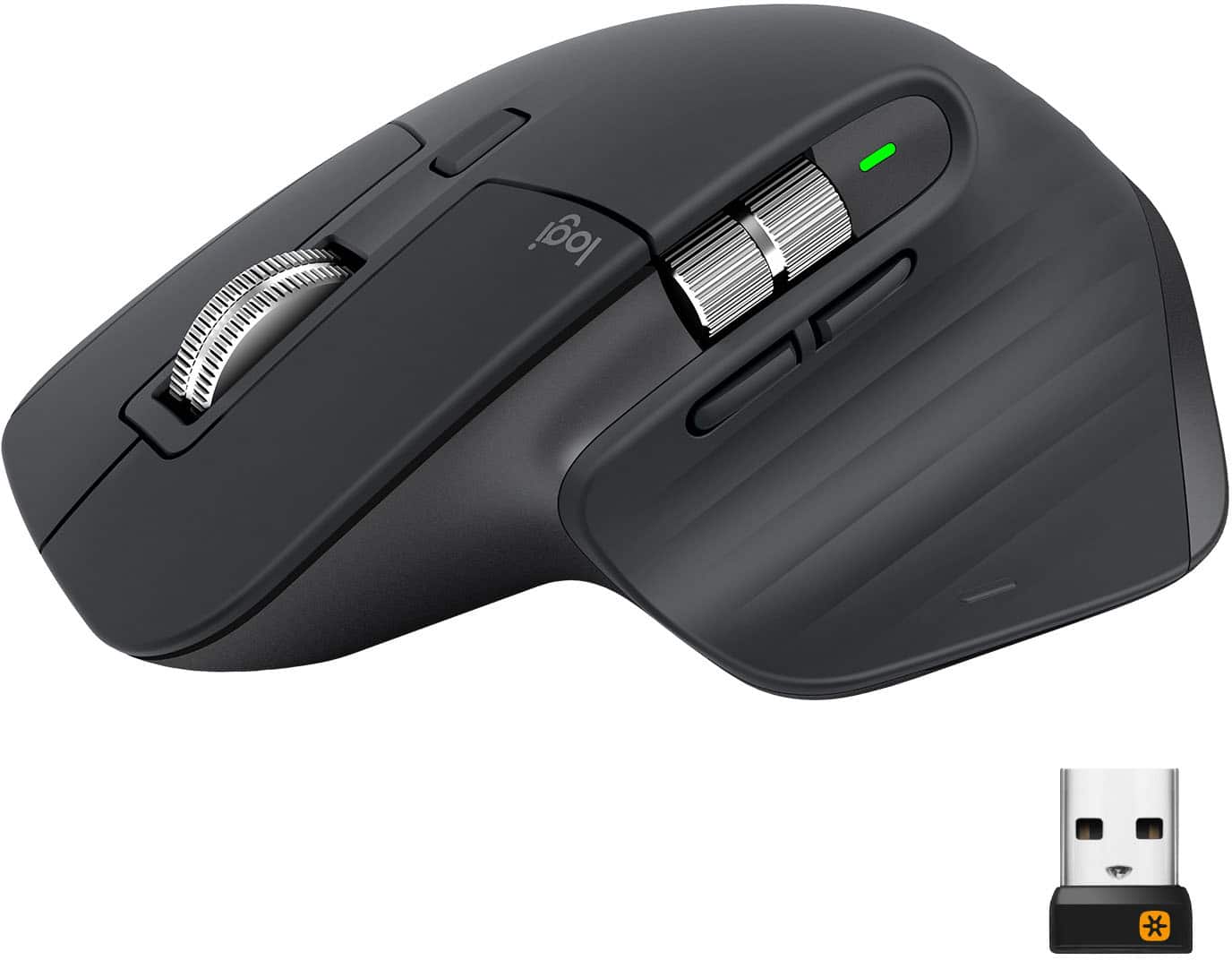
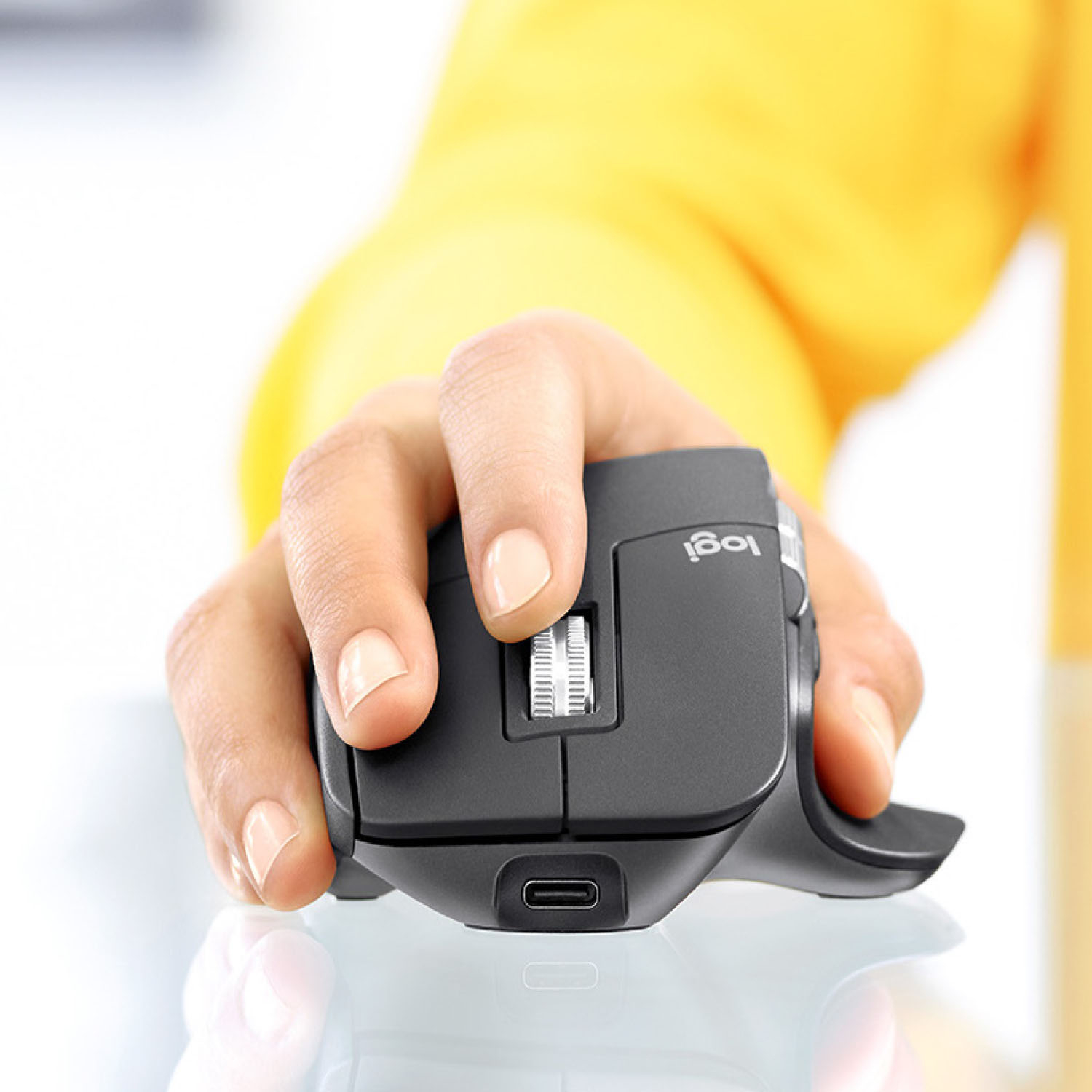
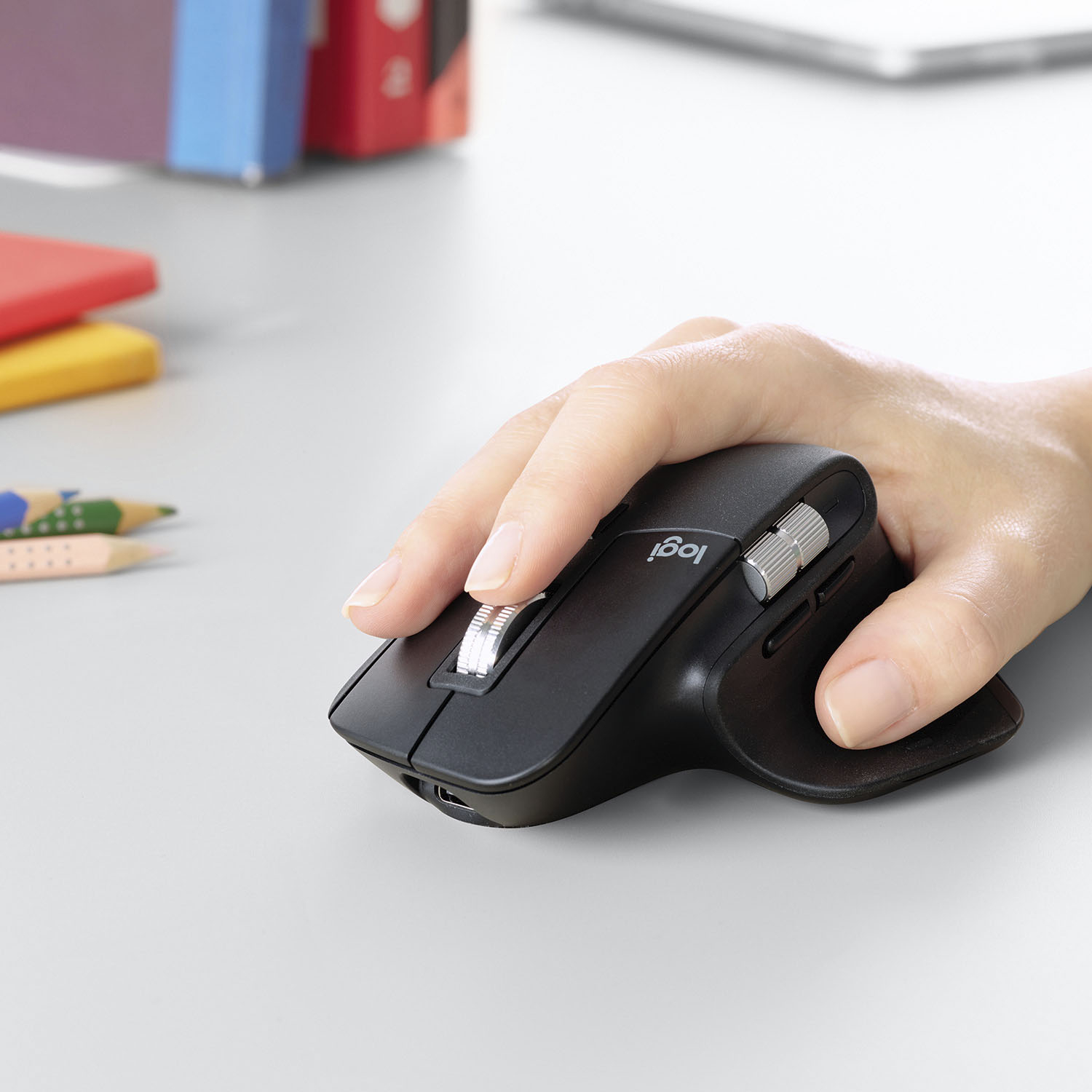
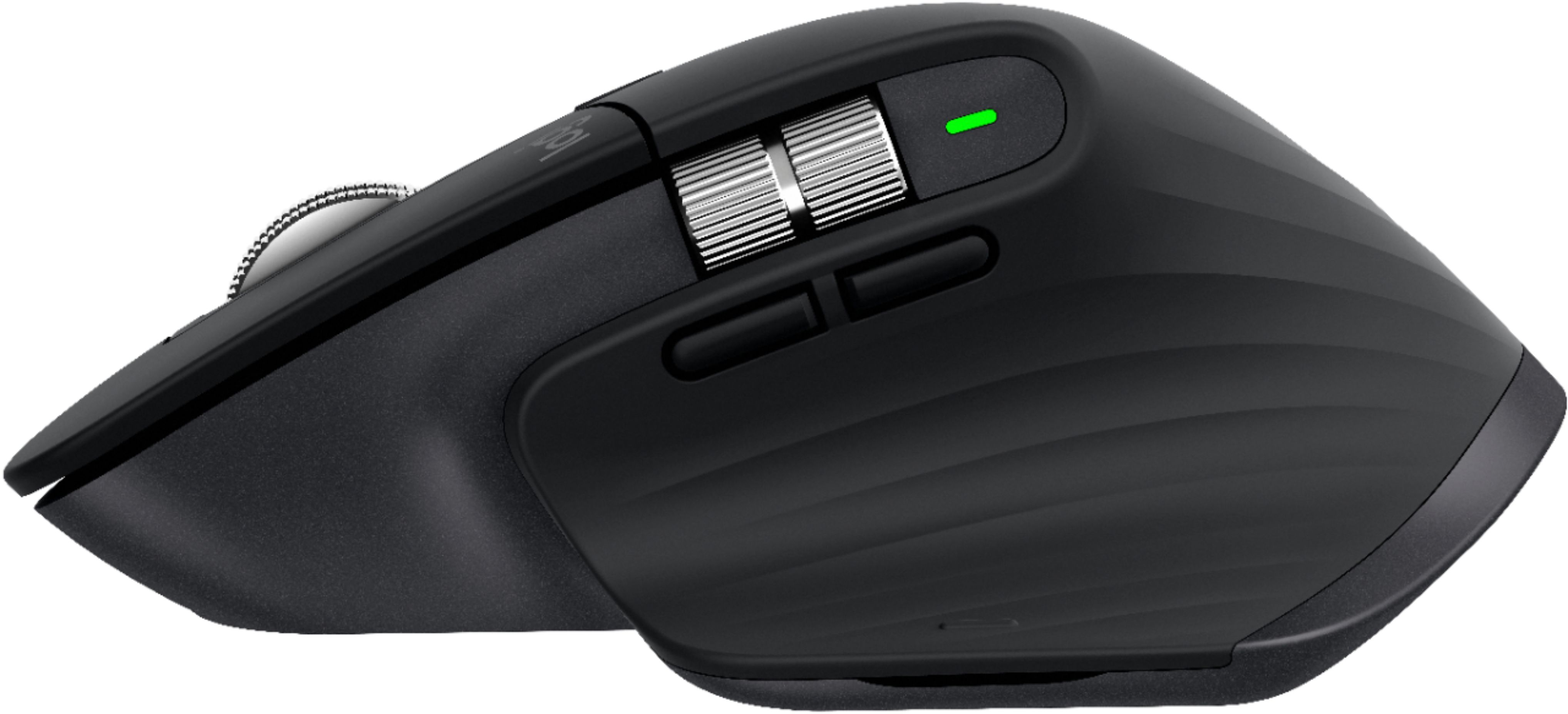
Customers enjoy the ergonomic design, smooth scroll wheel, and excellent battery life of the MX Master 3 mouse. Many appreciate the high-quality build and the extensive customization options, along with its Bluetooth connectivity and multi-device capabilities. However, some find the mouse to be large and heavy. A few users have also reported issues with software consistency and occasional lag.
This summary was generated by AI based on customer reviews.
- Pros mentioned:Comfortable
Rated 5 out of 5 stars
Love this mouse!
||Posted . Owned for 3 weeks when reviewed.This reviewer received promo considerations or sweepstakes entry for writing a review.I spend a lot more time on the computer since the pandemic started and I’ve found this mouse to be extremely useful and comfortable. I highly recommend.
I would recommend this to a friend - Pros mentioned:Comfortable
Rated 5 out of 5 stars
Love My Mouse
||Posted . Owned for 1 month when reviewed.This reviewer received promo considerations or sweepstakes entry for writing a review.I really enjoy the feel of this mouse, it fits in my whole hand. All of the buttons are easily reached. Love that I do not need batters.
I would recommend this to a friend - Pros mentioned:Comfortable
Rated 5 out of 5 stars
Best Mouse on the market!!
||Posted . Owned for 1 month when reviewed.This reviewer received promo considerations or sweepstakes entry for writing a review.Bought to use with my MacBook Pro 16. Have always used a Magic Mouse, but I love this mouse much more. Lots of customization. Its also very comfortable to use.
I would recommend this to a friend Rated 5 out of 5 stars
Productivity booster!
||Posted . Owned for 3 weeks when reviewed.This reviewer received promo considerations or sweepstakes entry for writing a review.This product has done wonders in my productivity especially in being able to manipulate my screen space and switch between tabs/screens efficiently
I would recommend this to a friend- Pros mentioned:Multi-device
Rated 5 out of 5 stars
Worth the price!
||Posted . Owned for 2 months when reviewed.This reviewer received promo considerations or sweepstakes entry for writing a review.I love this mouse! The feature that allows you to change computers simply by dragging the mouse off the screen is extremely convenient.
I would recommend this to a friend Rated 5 out of 5 stars
Best Mouse I've Ever Used
||Posted . Owned for 1 month when reviewed.This reviewer received promo considerations or sweepstakes entry for writing a review.It is the best mouse I've ever used. If you work 8 hours a day on a computer and want a mouse that is ergonomic and productivity focused this is the mouse to get.
I would recommend this to a friendRated 5 out of 5 stars
Great Macbook Pro Mouse
||Posted . Owned for 1 week when reviewed.This reviewer received promo considerations or sweepstakes entry for writing a review.Just purchased a Macbook Pro and I was looking for a great mouse to go with the Mac. I am not a fan of the magic mouse. It just feels weird to me. I wanted a traditional mouse. This was easy to set up. I do recommend that you download the software for this mouse. I loved the feel of the mouse itself as I have big hands. The battery life is solid I have used it for about a week and it is still going strong. Love the color as it matches my space gray color.
This review is from Logitech - MX Master 3 Advanced Wireless USB/Bluetooth Laser Mouse with Ultrafast Scrolling - Wireless - Mid Gray
I would recommend this to a friend- Pros mentioned:ComfortableCons mentioned:Price
Rated 3 out of 5 stars
Feels good in hand, but scroll button junk
||Posted .This reviewer received promo considerations or sweepstakes entry for writing a review.Mouse works generally good, feels good in hand. But, rolling scroll button on top is glitchy. I would not recommend, plus is very pricey. I have a $10 mouse that out performs this mouse.
No, I would not recommend this to a friend - Pros mentioned:Customizable
Rated 5 out of 5 stars
Best mouse in terms of value for money
||Posted .This reviewer received promo considerations or sweepstakes entry for writing a review.The Logitech MX Master is easily the best mouse jn terms of value for money. The design is so comfortable and the customizability provided is unparalleled.
I would recommend this to a friend Rated 5 out of 5 stars
Magic Muggle Mouse
||Posted . Owned for less than 1 week when reviewed.This reviewer received promo considerations or sweepstakes entry for writing a review.I replaced my Apple Magic Mouse (Gen 1) with this the other day, and I am happy with my decision to purchase this, over the current generation magic mouse for use with my 16 inch macbook pro. I find all functions of this mouse to be as expected. The one thing that stood out to me when compared to my time with the magic mouse is that even taking into account how nice of a job Logitech did with this mouse design, the clicking feeling and sound does still feel "cheap" when compared to the click feel of the magic mouse. All in all - still buy it. It's a markedly better feeling mouse in-hand.
I would recommend this to a friend- Pros mentioned:Multi-device
Rated 5 out of 5 stars
Excellent mouse
||Posted . Owned for 1 month when reviewed.This reviewer received promo considerations or sweepstakes entry for writing a review.This is the mouse I didn’t know I needed. Absolutely love it. Using it with two MacBook Pros and switching between them is easy.
This review is from Logitech - MX Master 3 Advanced Wireless USB/Bluetooth Laser Mouse with Ultrafast Scrolling - Wireless - Mid Gray
I would recommend this to a friend - Pros mentioned:Comfortable
Rated 5 out of 5 stars
Amazing mouse
||Posted . Owned for 1 month when reviewed.This reviewer received promo considerations or sweepstakes entry for writing a review.Great mouse! Super comfortable and works like it should. Really easy to switch between my home and work computer with the touch of a button.
I would recommend this to a friend Rated 4 out of 5 stars
Superb product but still lacking
||Posted . Owned for 2 weeks when reviewed.This reviewer received promo considerations or sweepstakes entry for writing a review.I previously had an MX Master 2, but it did not have the Logitech Flow feature so I had to make the upgrade. I currently switched my job to one that requires me to be at the desk for 40 hours a week. The only notable upgrade from my previous mouse to this was that the scroll felt more elegant and effortless. But where it lacks is the ergonomics of the thumb button. People keep it as switch applications, but I browse the web a lot and I tend to use the keystroke combination CTRL + W. So I found it very useful to change or assign this button to that keystroke assignment. On the MX Master 3, using that thumb button requires more force/effort. For someone that tends to feel some pain on their fingers/hands after a long day of typing and mouse usage, I do not think Logitech moved in the right direction with that one when it comes to ergonomics. I would still prefer to have the thumb button of my MX Master 2.
I would recommend this to a friend- Pros mentioned:Comfortable
Rated 5 out of 5 stars
Great mouse
||Posted . Owned for 3 weeks when reviewed.This reviewer received promo considerations or sweepstakes entry for writing a review.Most importantly this mouse is comfortable to use, and is quick, fast, and accurately responsive. I bought one for the office and one for home.
I would recommend this to a friend - Pros mentioned:Customizable
Rated 5 out of 5 stars
Awesome mouse
||Posted .This reviewer received promo considerations or sweepstakes entry for writing a review.Love the customizable/mappable buttons. A lot of what I do involves pasting- I programmed one of the buttons as a paste command; makes things so much easier
I would recommend this to a friend Rated 5 out of 5 stars
Great mouse overall
||Posted . Owned for 1 month when reviewed.This reviewer received promo considerations or sweepstakes entry for writing a review.IMO, the MX masters are the best mice around. I used the 1st version until it died. Which was quite a long time. I have the second version at work. My only complaint about those is that the shape and locations of the two thumb buttons make them nearly unusable. When I saw that the 3rd version fixed that issue I ordered one for home. Unfortunately they managed to move the thumb wheel to a position where it is more difficult to reach compared to the perfect location on the 1 and 2. Oh well, maybe version 4. But really, those are nit-picks. I would not use another mouse.
I would recommend this to a friend- Pros mentioned:Comfortable
Rated 5 out of 5 stars
this truly the max when it comes to mouses
||Posted . Owned for 2 months when reviewed.This reviewer received promo considerations or sweepstakes entry for writing a review.its the only mouse to get and the only you will need .. up to 3 devices .. nice hand comfortability and smoothness of use..
This review is from Logitech - MX Master 3 Advanced Wireless USB/Bluetooth Laser Mouse with Ultrafast Scrolling - Wireless - Mid Gray
I would recommend this to a friend - Pros mentioned:Comfortable
Rated 5 out of 5 stars
Great mouse for macOS user with horizontal scroll.
||Posted . Owned for 3 weeks when reviewed.This reviewer received promo considerations or sweepstakes entry for writing a review.Overall I get used to the feeling which is comfortable to use for a whole day. It may feel a bit heavy at first but you will get used to it through times.
I would recommend this to a friend - Pros mentioned:Comfortable
Rated 5 out of 5 stars
Comfortable Mouse
||Posted . Owned for 2 weeks when reviewed.This reviewer received promo considerations or sweepstakes entry for writing a review.This mouse is great. Very comfortable. Next great thing is the gray color match my new laptop. The Logitech - MX. If you need a new mouse then get the MX.
This review is from Logitech - MX Master 3 Advanced Wireless USB/Bluetooth Laser Mouse with Ultrafast Scrolling - Wireless - Mid Gray
I would recommend this to a friend - Pros mentioned:Multi-device
Rated 5 out of 5 stars
love this mouse
||Posted . Owned for 1 month when reviewed.This reviewer received promo considerations or sweepstakes entry for writing a review.what I love about this mouse is it is both bluetooth or the doungle. use what you want. Great that you can pair with multiple devices
I would recommend this to a friend