Customer Ratings & Reviews
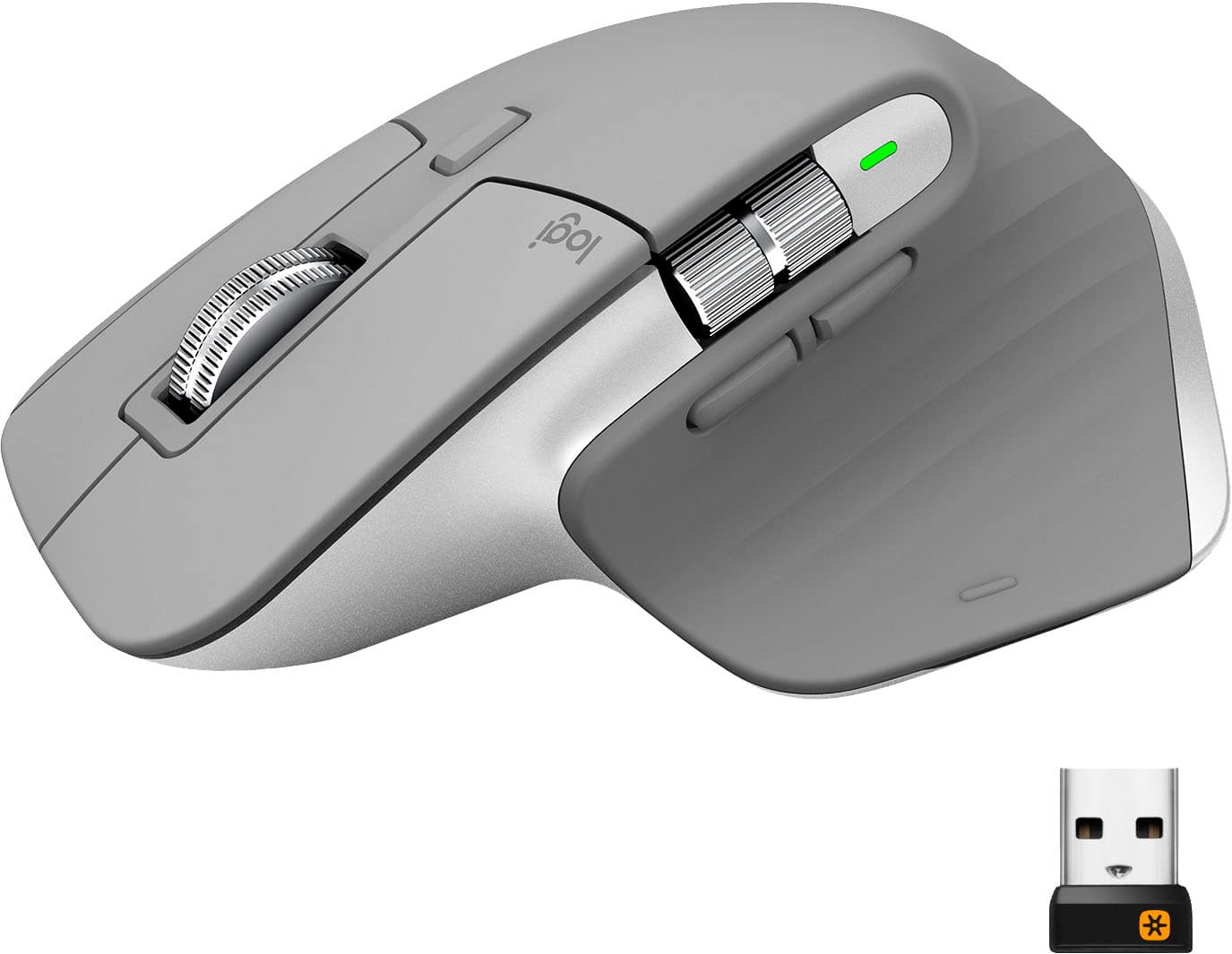
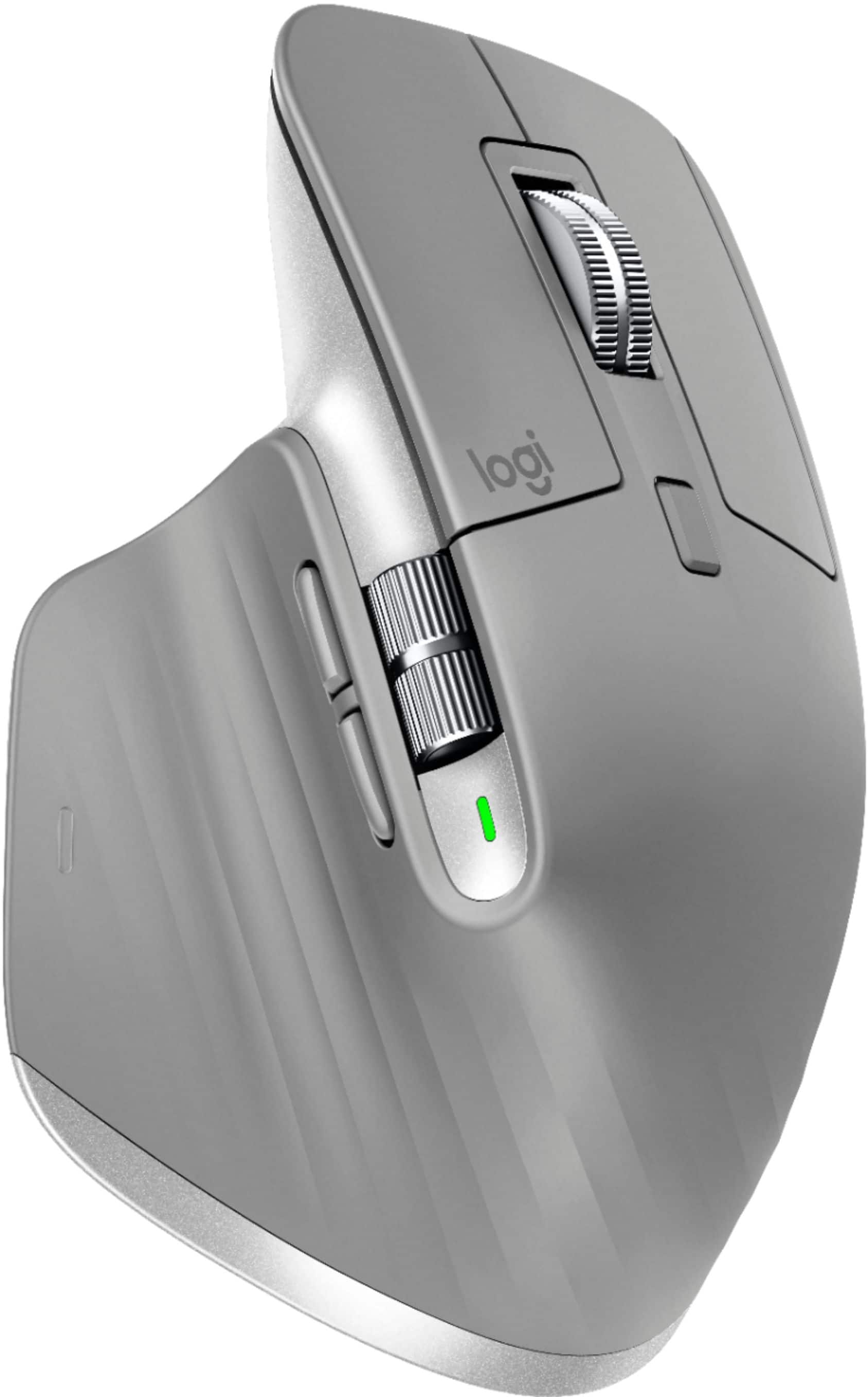
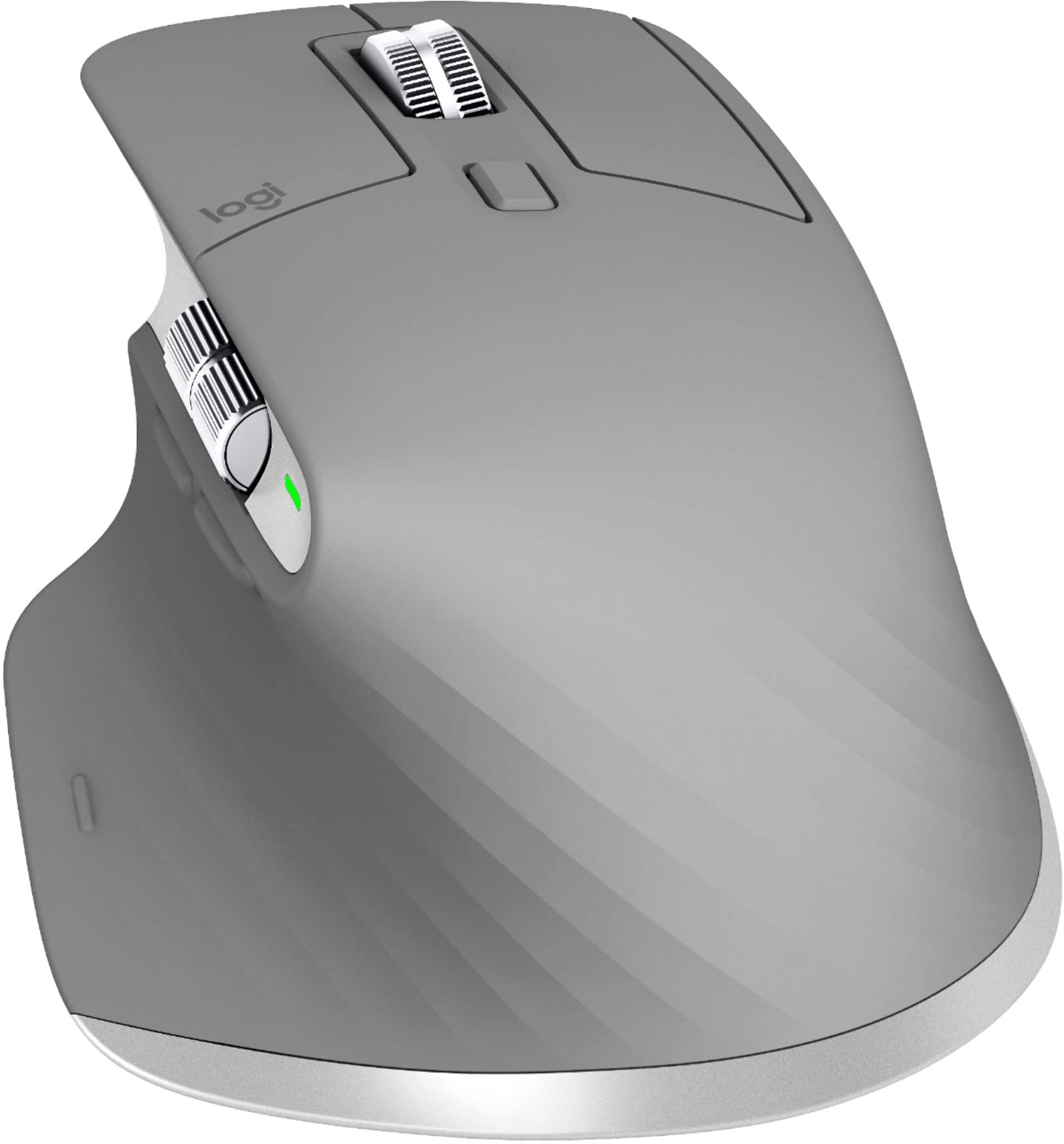

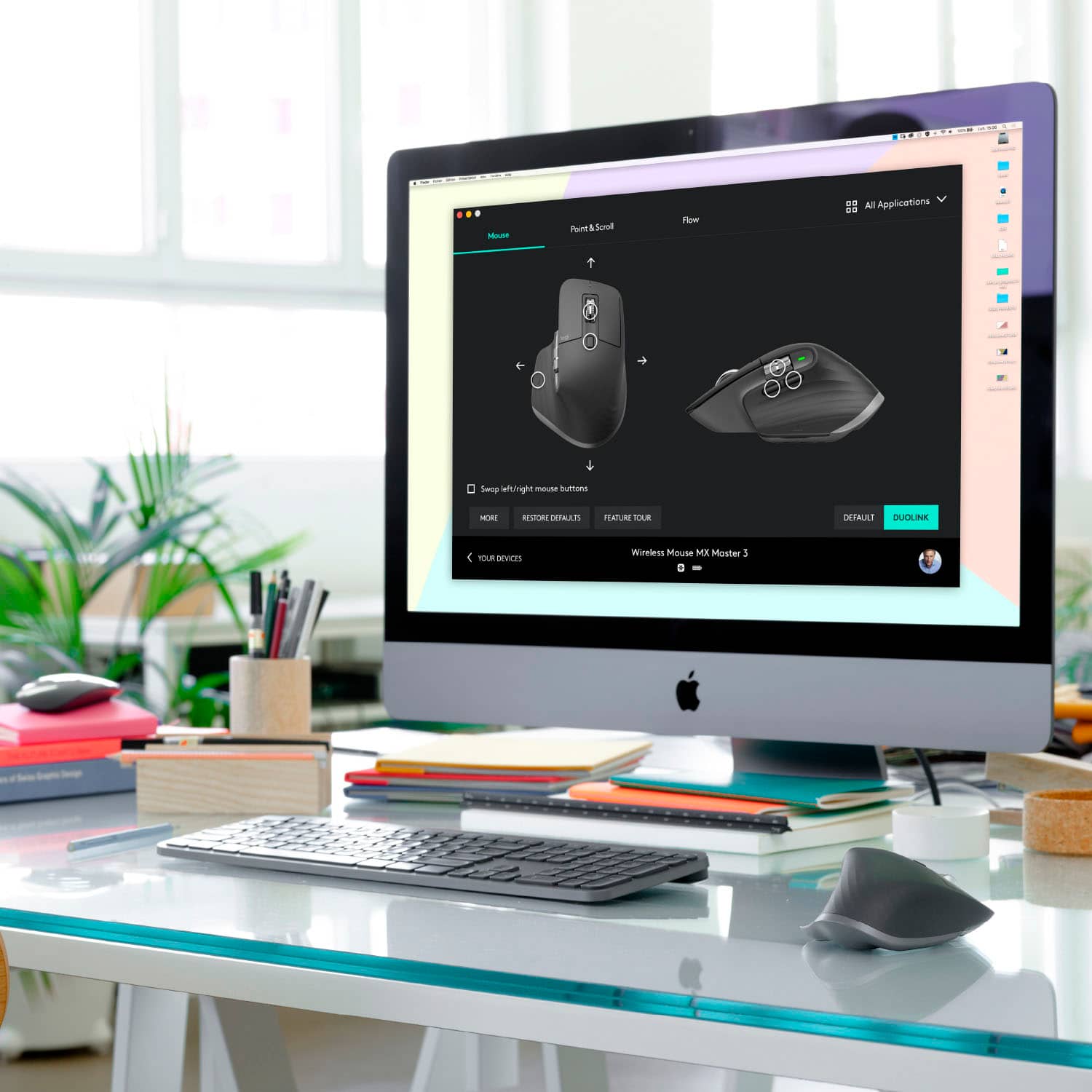


- Model:
- 910-005692
- |
- SKU:
- 6404089
Customer reviews
Rating 4.8 out of 5 stars with 3344 reviews
(3,344 customer reviews)Rating by feature
- Value4.5
Rating 4.5 out of 5 stars
- Quality4.9
Rating 4.9 out of 5 stars
- Ease of Use4.8
Rating 4.8 out of 5 stars
Customers are saying
Customers enjoy the ergonomic design, smooth scroll wheel, and excellent battery life of the MX Master 3 mouse. Many appreciate the high-quality build and the extensive customization options, along with its Bluetooth connectivity and multi-device capabilities. However, some find the mouse to be large and heavy. A few users have also reported issues with software consistency and occasional lag.
This summary was generated by AI based on customer reviews.
Rated 5 out of 5 stars
Logitech MX Mouse
||Posted . Owned for 2 weeks when reviewed.This reviewer received promo considerations or sweepstakes entry for writing a review.Feels good and works good so far. Pairs pretty well with the keyboard.
This review is from Logitech - MX Master 3 Advanced Wireless USB/Bluetooth Laser Mouse with Ultrafast Scrolling - Black
I would recommend this to a friendRated 5 out of 5 stars
MX Master 3
||Posted .This reviewer received promo considerations or sweepstakes entry for writing a review.Two thumbs up. Ergonomic & comfortable. Easy to use software. Decent battery life. Highly recommended.
This review is from Logitech - MX Master 3 Advanced Wireless USB/Bluetooth Laser Mouse with Ultrafast Scrolling - Black
I would recommend this to a friendRated 5 out of 5 stars
Great mouse
||Posted . Owned for 3 weeks when reviewed.This reviewer received promo considerations or sweepstakes entry for writing a review.Great mouse. I use this when working from home and it does everything I need.
I would recommend this to a friendRated 5 out of 5 stars
Can’t live without it!
||Posted . Owned for 1 week when reviewed.This reviewer received promo considerations or sweepstakes entry for writing a review.Superb ergonomic grip, Multitasking beast! Productivity levels are off the charts using this thing!
I would recommend this to a friendRated 5 out of 5 stars
mouse with usb c
||Posted . Owned for 1 week when reviewed.This reviewer received promo considerations or sweepstakes entry for writing a review.best mouse there is. hands down. if you need something with USB c and works on any surface this is it.
This review is from Logitech - MX Master 3 Advanced Wireless USB/Bluetooth Laser Mouse with Ultrafast Scrolling - Black
I would recommend this to a friendRated 5 out of 5 stars
Logitech Mouse
||Posted . Owned for 11 months when reviewed.This reviewer received promo considerations or sweepstakes entry for writing a review.This mouse is perfect and very easy to use. I would highly recommend it.
This review is from Logitech - MX Master 3 Advanced Wireless USB/Bluetooth Laser Mouse with Ultrafast Scrolling - Black
I would recommend this to a friendRated 5 out of 5 stars
Worth the price
||Posted . Owned for 3 weeks when reviewed.This reviewer received promo considerations or sweepstakes entry for writing a review.I have fibromyalgia and my hands while working on my computer. This mouse is amazing to my hands.
I would recommend this to a friendRated 5 out of 5 stars
Dope mouse
||Posted . Owned for 2 months when reviewed.This reviewer received promo considerations or sweepstakes entry for writing a review.I use this mouse for video editing it had about 5 buttons on it for editing don’t have to touch keyboard.
This review is from Logitech - MX Master 3 Advanced Wireless USB/Bluetooth Laser Mouse with Ultrafast Scrolling - Black
I would recommend this to a friendRated 5 out of 5 stars
So nice!
||Posted . Owned for 1 month when reviewed.This reviewer received promo considerations or sweepstakes entry for writing a review.Love it!!! So sleek, so nice, connects perfectly, what more could I ask for?
This review is from Logitech - MX Master 3 Advanced Wireless USB/Bluetooth Laser Mouse with Ultrafast Scrolling - Black
I would recommend this to a friendRated 5 out of 5 stars
Great mouse
||Posted . Owned for 3 weeks when reviewed.This reviewer received promo considerations or sweepstakes entry for writing a review.I suffer a lot of pain on my wrist due to year of misused computer task. This mouse has reduced dramatically the pain
This review is from Logitech - MX Master 3 Advanced Wireless USB/Bluetooth Laser Mouse with Ultrafast Scrolling - Black
I would recommend this to a friendRated 5 out of 5 stars
Amazing mouse
||Posted .This reviewer received promo considerations or sweepstakes entry for writing a review.I love this mouse. Love all features and the color is cool. Feels amazing when I’m at work.
No, I would not recommend this to a friendRated 5 out of 5 stars
the best mouse
||Posted . Owned for 3 weeks when reviewed.This reviewer received promo considerations or sweepstakes entry for writing a review.Rapidiously synthesize enterprise platforms rather than end-to-end potentialities. Globally negotiate an expanded.
This review is from Logitech - MX Master 3 Advanced Wireless USB/Bluetooth Laser Mouse with Ultrafast Scrolling - Black
I would recommend this to a friendRated 5 out of 5 stars
Logitech MX M 3 wireless laser mouse review
||Posted . Owned for 11 months when reviewed.This reviewer received promo considerations or sweepstakes entry for writing a review.Easy for browsing multiple web browser pages with nice options
I would recommend this to a friendRated 5 out of 5 stars
Nice mouse
||Posted . Owned for 2 weeks when reviewed.This reviewer received promo considerations or sweepstakes entry for writing a review.Great mouse..the top of its line...breaking down boundaries of where and what a mouse can do.
This review is from Logitech - MX Master 3 Advanced Wireless USB/Bluetooth Laser Mouse with Ultrafast Scrolling - Black
I would recommend this to a friendRated 5 out of 5 stars
Great for gaming and productivity
||Posted .This reviewer received promo considerations or sweepstakes entry for writing a review.Excellent and accurate wireless mouse. Logitech generally makes solid products and this is no exception.
This review is from Logitech - MX Master 3 Advanced Wireless USB/Bluetooth Laser Mouse with Ultrafast Scrolling - Black
I would recommend this to a friendRated 5 out of 5 stars
great mouse
||Posted . Owned for 3 weeks when reviewed.This reviewer received promo considerations or sweepstakes entry for writing a review.very nice does what it says. would definetly buy again, would reccomend to friends and familyu.
This review is from Logitech - MX Master 3 Advanced Wireless USB/Bluetooth Laser Mouse with Ultrafast Scrolling - Black
I would recommend this to a friendRated 5 out of 5 stars
Great Device
||Posted . Owned for 4 months when reviewed.This reviewer received promo considerations or sweepstakes entry for writing a review.Best mouse i have ever purchased. Wish they made a keyboard with the same switch function.
This review is from Logitech - MX Master 3 Advanced Wireless USB/Bluetooth Laser Mouse with Ultrafast Scrolling - Black
I would recommend this to a friendRated 5 out of 5 stars
Very ergonomic
||Posted .This reviewer received promo considerations or sweepstakes entry for writing a review.Fixed my ganglion cyst. Very easy to set up and use.
This review is from Logitech - MX Master 3 Advanced Wireless USB/Bluetooth Laser Mouse with Ultrafast Scrolling - Black
I would recommend this to a friendRated 5 out of 5 stars
Fantastic mouse!
||Posted . Owned for 1 month when reviewed.This reviewer received promo considerations or sweepstakes entry for writing a review.Great mouse! Both hand positioning and responsiveness on this mouse is great!
This review is from Logitech - MX Master 3 Advanced Wireless USB/Bluetooth Laser Mouse with Ultrafast Scrolling - Black
I would recommend this to a friendRated 5 out of 5 stars
Great Mouse Option
||Posted . Owned for 1 month when reviewed.This reviewer received promo considerations or sweepstakes entry for writing a review.Great mouse if you do heavy spreadsheet work. The ergo design also helps avoid carpel tunnel issues.
This review is from Logitech - MX Master 3 Advanced Wireless USB/Bluetooth Laser Mouse with Ultrafast Scrolling - Black
I would recommend this to a friend