Customer Ratings & Reviews
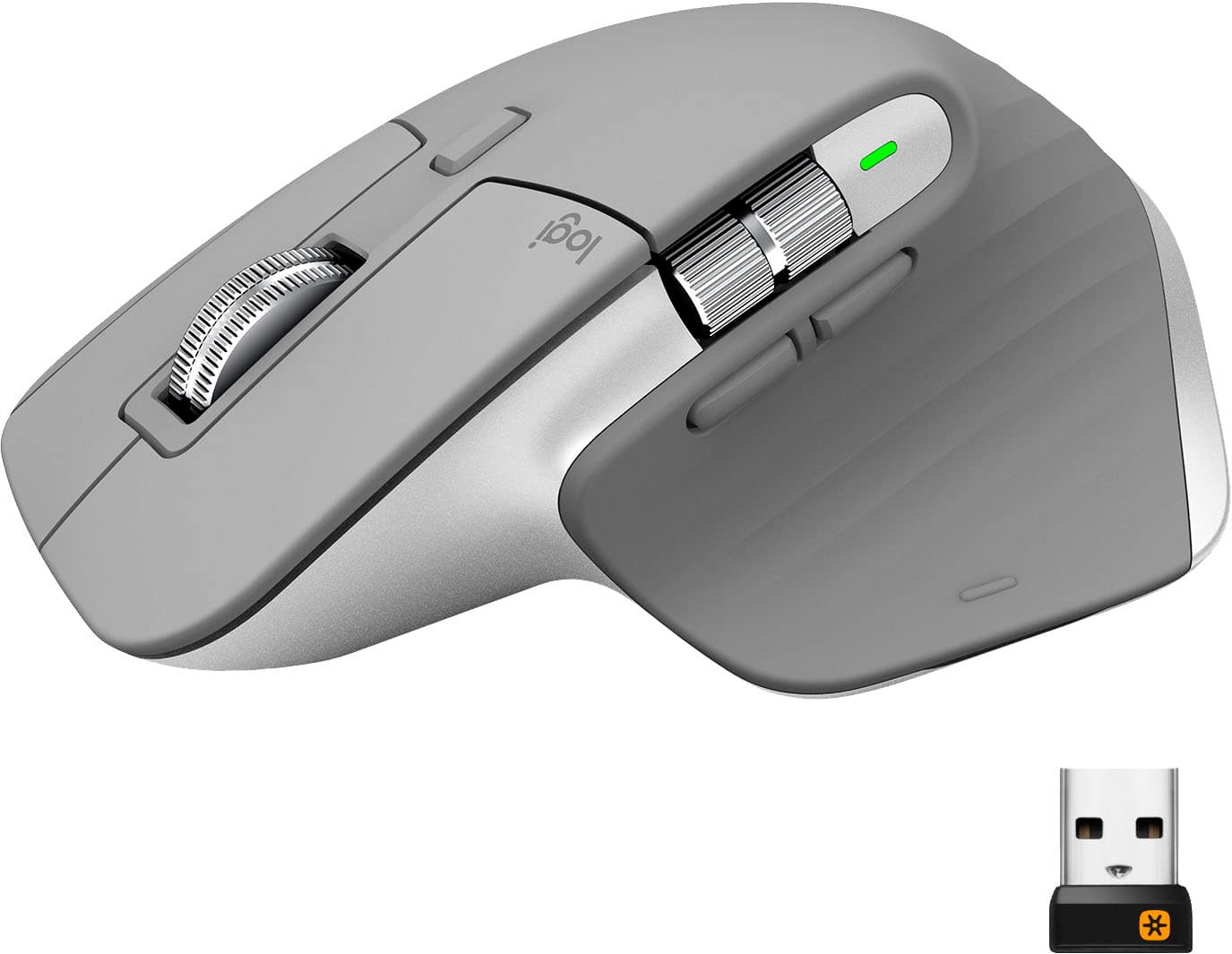
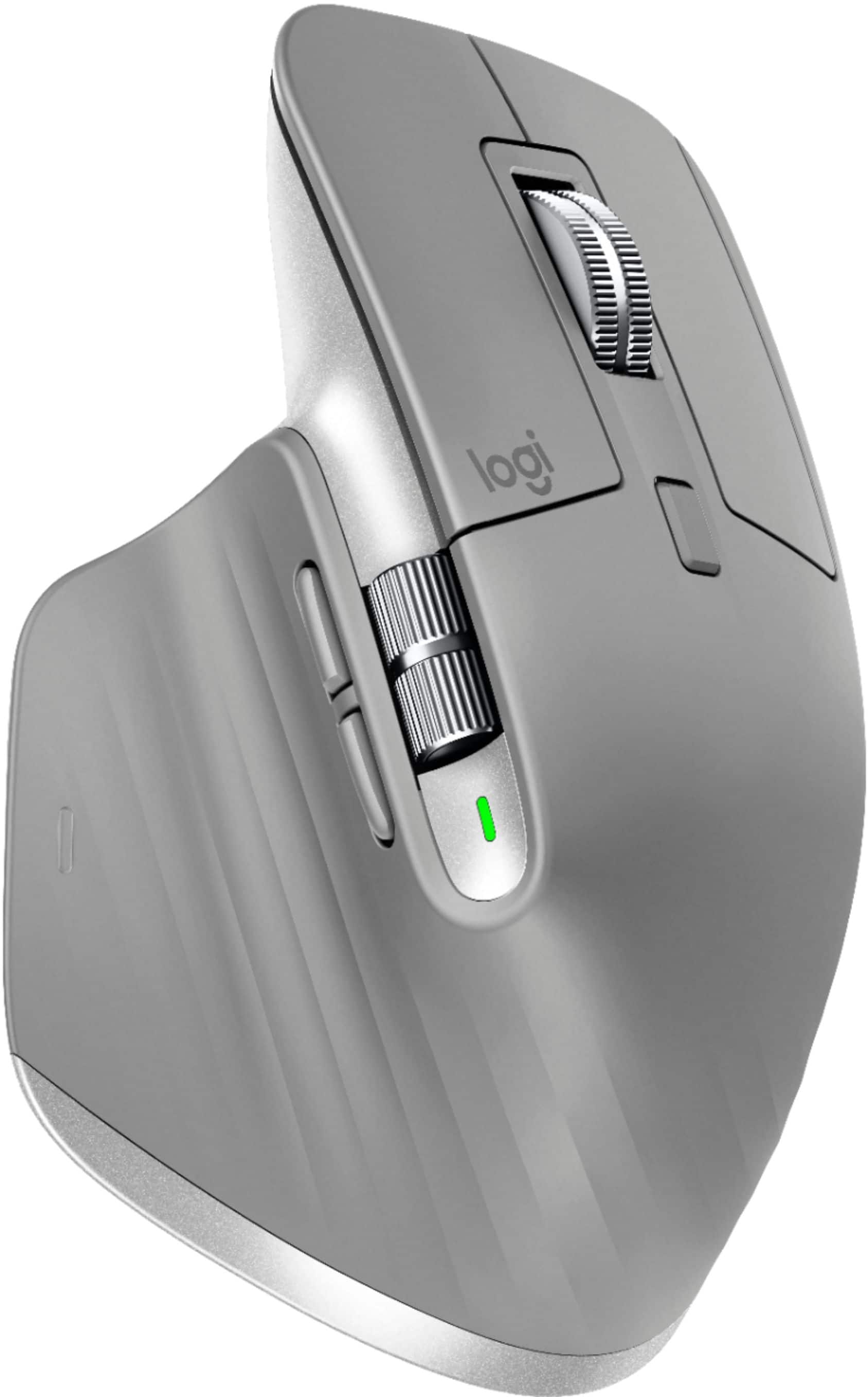
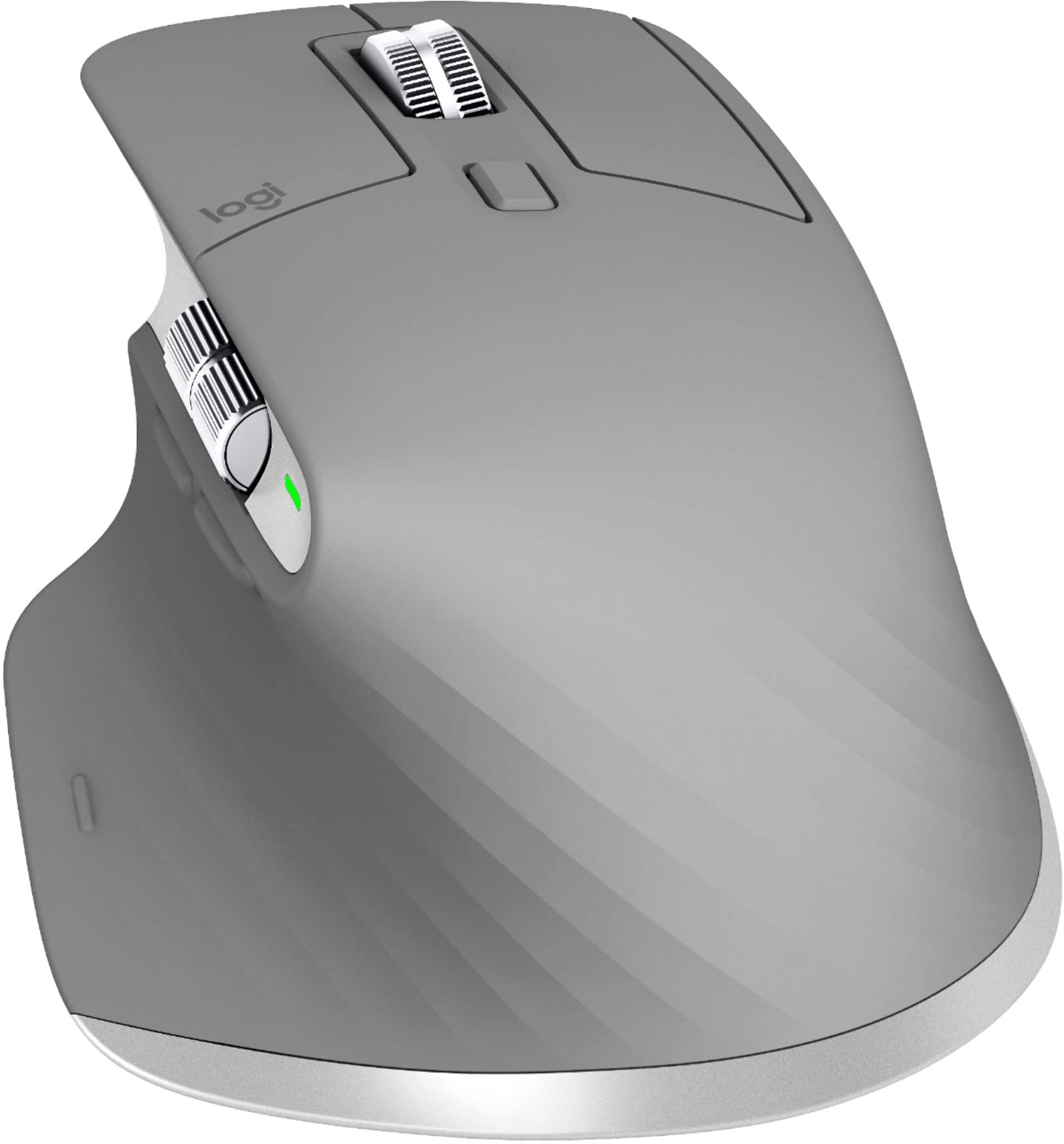

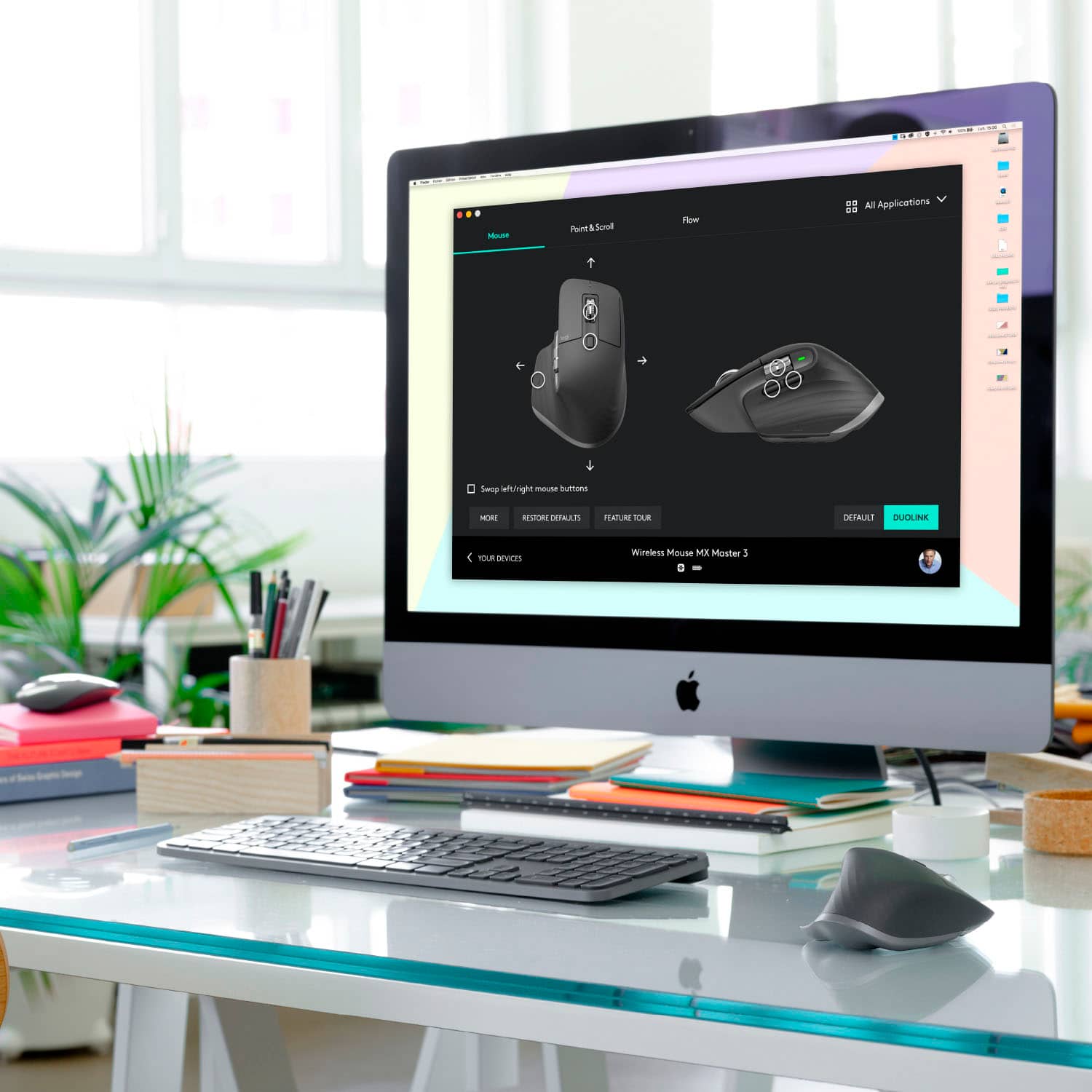


- Model:
- 910-005692
- |
- SKU:
- 6404089
Customer reviews
Rating 4.8 out of 5 stars with 3344 reviews
(3,344 customer reviews)Rating by feature
- Value4.5
Rating 4.5 out of 5 stars
- Quality4.9
Rating 4.9 out of 5 stars
- Ease of Use4.8
Rating 4.8 out of 5 stars
Customers are saying
Customers enjoy the ergonomic design, smooth scroll wheel, and excellent battery life of the MX Master 3 mouse. Many appreciate the high-quality build and the extensive customization options, along with its Bluetooth connectivity and multi-device capabilities. However, some find the mouse to be large and heavy. A few users have also reported issues with software consistency and occasional lag.
This summary was generated by AI based on customer reviews.
- Pros mentioned:Comfortable, Long battery life
Rated 5 out of 5 stars
Great mouse
||Posted .This reviewer received promo considerations or sweepstakes entry for writing a review.Mouse is good. Feels good in the hand. Laser works on glass, wood, stone, marble, and plastic. Battery says it lasts 70 hours of use. I have used it for three weeks and have not had to recharge it yet. Plugs into power with a USB for recharging.
I would recommend this to a friend - Pros mentioned:Customizable
Rated 4 out of 5 stars
Great mouse! But room for a couple improvements
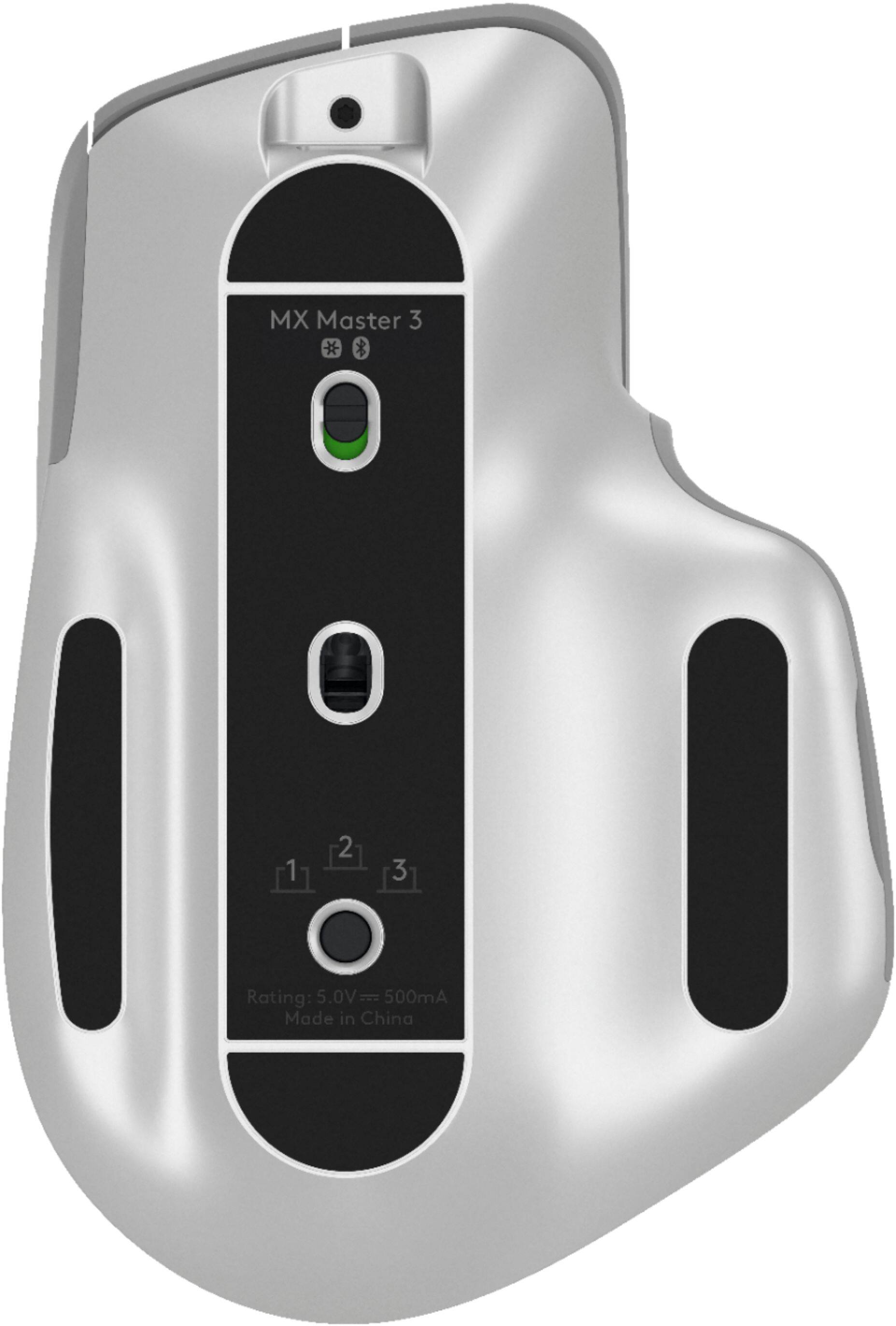
||Posted . Owned for 3 weeks when reviewed.This reviewer received promo considerations or sweepstakes entry for writing a review.I wrote a pretty comprehensive review re: the Logitech MX Keys - and provides more context around my use case (needing compatibility and flexibility across both Mac and Windows platforms), so I won’t get into build quality, reliability and battery life (all great - and all discussed in the other review). In addition, the overall value prospect is great when compared to native Apple options. Here, I will make a few callouts specific to the MX Master 3. Ergonomically, the mouse feels great in-hand, and the button placement (for the most part) is very well placed and intuitive. I have only a few areas of potential improvement: 1. The button to swap across the mapped/paired machines is on the bottom. This forces you to pick up and flip over the mouse each time you want to change across machines. On some level, I can understand that that may have happened to avoid inadvertently pressing the “swap” button on top of the mouse - however, a personal preference would be to be able to swap without having to flip it over 2. The primary scroll wheel works great on my work PC laptop. However, it reacts a bit “sticky” on my iPad Pro (even if I try to change the sensitivity). I am not sure if this is potentially more so iPadOS rather than the mouse - but want to make it known that it does not work “as perfectly” on iPad as it does on a Windows machine 3. Lastly, the customizability of the buttons is fantastic. However, out-of-the-box, this mouse was supposed to have pre-mapped specific actions for select programs (e.g. Adobe Creative Suite), but I am finding that it is not working exactly as I expected (though, in fairness - I am using the mobile versions of the software on my iPad Pro, e.g. Lightroom CC Mobile). I will have to do another test in the full-software on my wife’s MacBook Pro.
This review is from Logitech - MX Master 3 Advanced Wireless USB/Bluetooth Laser Mouse with Ultrafast Scrolling - Black
I would recommend this to a friend Rated 5 out of 5 stars
Keep on clicking.
||Posted . Owned for 1.5 years when reviewed.This reviewer received promo considerations or sweepstakes entry for writing a review.I play games. I browse the internet. I click a LOT. This mouse by Logitech is the more expensive MX Master and is my second one. I have 2 and can say the extra price is worth a well made piece of equipment.
This review is from Logitech - MX Master 3 Advanced Wireless USB/Bluetooth Laser Mouse with Ultrafast Scrolling - Black
I would recommend this to a friend- Pros mentioned:Comfortable
Rated 5 out of 5 stars
Fantastic mouse with only ONE minor hiccup
||Posted . Owned for 3 weeks when reviewed.This reviewer received promo considerations or sweepstakes entry for writing a review.Pros: Comfortable and ergonomic Easy to set up and use Connects instantly Highly functional Profiles for different applications It has a GESTURE button which is great Cons: It only happened one or two times around the time I got it and then never again, but the mouse would lag HEAVILY and my computer wouldn’t recognize that it was connected even though I was using it. Fortunately it was a quick fix. I just had to restart my computer so I’m not sure if there was even an issue with the mouse, but I felt this was worth mentioning. Conclusion: it’s a FANTASTIC mouse that’s easy to use and if you do a lot of work on your computer, there’s absolutely NO reason not to buy this mouse. Notes: this is NOT a gaming mouse, but it will work well enough for any casual gamer. I wouldn’t exactly recommend it for competitive gaming where you need high DPI and a ridiculous amount of precision.
This review is from Logitech - MX Master 3 Advanced Wireless USB/Bluetooth Laser Mouse with Ultrafast Scrolling - Black
I would recommend this to a friend - Pros mentioned:Customizable
Rated 5 out of 5 stars
Best mouse for productivity
||Posted . Owned for 2 months when reviewed.This reviewer received promo considerations or sweepstakes entry for writing a review.Best mouse for productivity purpose. I brought this along with MX keys and both complement really well with Logitech flow. Flow is awesome if you use two laptops at same time. You can configuration buttons specific to applications and customizations are endless.
This review is from Logitech - MX Master 3 Advanced Wireless USB/Bluetooth Laser Mouse with Ultrafast Scrolling - Black
I would recommend this to a friend - Pros mentioned:Multi-deviceCons mentioned:Bluetooth connectivity
Rated 4 out of 5 stars
Excellent for Bouncing Between Systems
||Posted . Owned for 2 months when reviewed.This reviewer received promo considerations or sweepstakes entry for writing a review.With everything going on, I've been lucky enough to work from home. I have my gaming PC, and my work laptop (a Macbook Pro 16") Pros: * The ability to switch between systems with one key press is amazing. * Bluetooth has very little latency * Really clean, wireless look. * Great side scrolling action and extra buttons. * Really good management software package Cons: * Intermittent connectivity issues when using the USB receiver (and it's within 3 feet of the mouse)
This review is from Logitech - MX Master 3 Advanced Wireless USB/Bluetooth Laser Mouse with Ultrafast Scrolling - Black
I would recommend this to a friend - Pros mentioned:Scroll wheel
Rated 5 out of 5 stars
Very precise, a fantastic feel, small in the hand.
||Posted . Owned for less than 1 week when reviewed.This reviewer received promo considerations or sweepstakes entry for writing a review.This is a quantum leap for me as I’ve been using the Logitech trackball variants for 20 years. The transition so far is very easy, although you always want more mouse space for repositioning to continue long cursor travel (the nature of the optical mouse, and even original mice with the ball on the bottom. I’ve not incorporated the thumb scroll wheel yet, as I’m still getting used to the other functions. The grip is fantastic. Prior to this I bought the MX ergo trackball in an attempt to upgrade from my old trackball, but using it at any angle increase caused my hand to slide off, and the entire right side of my palm rested on the desk. This one has a very tacky feel, and my tacky I mean your hand makes great contact, with no residual leavings on the mouse surface. It is smaller than my trackball mice, but my hand fits it well (with my right and left click fingers being somewhat bent while using it).
This review is from Logitech - MX Master 3 Advanced Wireless USB/Bluetooth Laser Mouse with Ultrafast Scrolling - Black
I would recommend this to a friend - Pros mentioned:Long battery life, Scroll wheel
Rated 5 out of 5 stars
Perfect Ergonomic Mouse
||Posted . Owned for 8 months when reviewed.This reviewer received promo considerations or sweepstakes entry for writing a review.Great mouse that works with all my devices. Long battery life and recharges quickly. The scroll wheel was the selling feature and I use the side scrolling wheel all the time. Wonderful fit to my hand.
I would recommend this to a friend - Pros mentioned:ComfortableCons mentioned:Expensive
Rated 5 out of 5 stars
Easy switch...
||Posted .This reviewer received promo considerations or sweepstakes entry for writing a review.Most is very economically built with the comfort of use. Easily switch between computers is one of the things I enjoy the most when multitasking work and\or play. Pricey but well worth the money spent on this mouse. You're really paying for quality and comfort.
This review is from Logitech - MX Master 3 Advanced Wireless USB/Bluetooth Laser Mouse with Ultrafast Scrolling - Black
I would recommend this to a friend - Pros mentioned:Comfortable
Rated 5 out of 5 stars
Great Ergonomic Mouse
||Posted . Owned for less than 1 week when reviewed.This reviewer received promo considerations or sweepstakes entry for writing a review.I had the original MX Master mouse and finally decided to upgrade. The new design of the scroll wheel is what helped me make the decision. It's super quiet and fast. I also like that this is 4000 dpi where my old MX Master was only 1600 dpi. I have it set up where I barely have to move the mouse to get around my 4K screen. The mouse is very comfortable. My thumb actually rests on the side of the mouse so my whole had is off of the mousepad. There are just enough buttons for what I need and with the Logitech Options software the side scroll wheel does something different for each application. For Excel it scrolls left and right, but for Word it zooms the screen. I'm using the USB receiver with this, but it will also connect with bluetooth. You an connect it to three devices and use a button at the bottom to switch between the two.
I would recommend this to a friend Rated 5 out of 5 stars
Beautiful Design
||Posted . Owned for 1.5 years when reviewed.This reviewer received promo considerations or sweepstakes entry for writing a review.I purchase this item for my macbook pro. I loved the design, the thing is that I purchase it to eliminate the jumping cursor problem that is happening on my mac, but didn't work well for that. If the computer didn't had that problem it would work great.
I would recommend this to a friend- Pros mentioned:Multi-device
Rated 5 out of 5 stars
Amazing mouse!
||Posted . Owned for 1 week when reviewed.This reviewer received promo considerations or sweepstakes entry for writing a review.My bf and I recently purchased this mouse. I don't know how we lasted so long without one to be honest. We spend hours editing photo and video on our laptops, and that is honestly so hard on our hands with just a track pad and keyboard shortcuts. We are only in our early twenties, and we're not trying to get carpal tunnel or early onset arthritis. After buying this mouse, it is sooo smooth and gentle to use! Our hands feel like they're just gently resting on it and it feels like we are just gliding through our editing process. We love the fact that we can use it on our macs, and even our Ipad pro. It is so helpful when we are constantly switching between everything and different programs. It also feels like we are editing faster, because we have all our shortcuts right at our fingers. I would highly recommend this mouse, I can only speak for photographers and videographers, but I have found it is so useful for these things!
This review is from Logitech - MX Master 3 Advanced Wireless USB/Bluetooth Laser Mouse with Ultrafast Scrolling - Black
I would recommend this to a friend - Pros mentioned:Multi-device, Scroll wheel
Rated 5 out of 5 stars
Game changer
||Posted . Owned for 2 weeks when reviewed.This reviewer received promo considerations or sweepstakes entry for writing a review.This mouse is amazing! The scroll wheel on the side is a game changer for editing videos and the ability to switch between 3 different devices with just the press of a button makes this my new favorite mouse.
This review is from Logitech - MX Master 3 Advanced Wireless USB/Bluetooth Laser Mouse with Ultrafast Scrolling - Black
I would recommend this to a friend - Pros mentioned:Comfortable, Scroll wheel
Rated 5 out of 5 stars
Amazing- Coming From 2S
||Posted . Owned for 3 weeks when reviewed.This reviewer received promo considerations or sweepstakes entry for writing a review.I had the original MX Master, then the 2S, and now this. It definitely is the best and the best keeps getting better. I love this one the most because of its comfort ability & smooth operation. It has the best scroll wheel of the bunch as well
This review is from Logitech - MX Master 3 Advanced Wireless USB/Bluetooth Laser Mouse with Ultrafast Scrolling - Black
I would recommend this to a friend - Pros mentioned:Comfortable, Long battery life
Rated 5 out of 5 stars
Best Mouse I've Ever Had
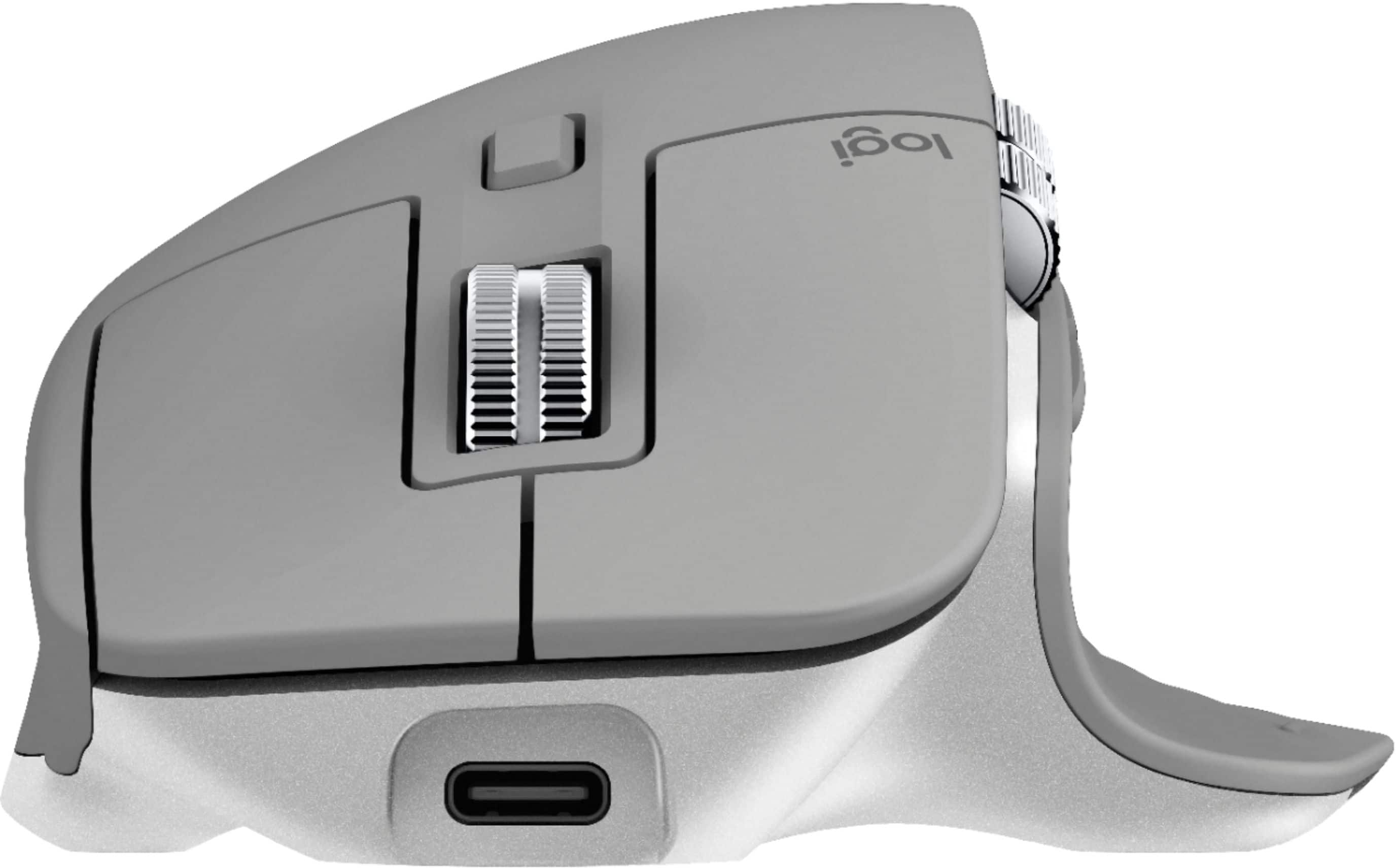
||Posted . Owned for 1 year when reviewed.This reviewer received promo considerations or sweepstakes entry for writing a review.The Logitech MX Master 3 is the best mouse I've ever had. It is well balanced and has great battery life. I'm thankfuly they've gone to USB-C for the charging cable - just like thier MX keyboards.
This review is from Logitech - MX Master 3 Advanced Wireless USB/Bluetooth Laser Mouse with Ultrafast Scrolling - Black
I would recommend this to a friend - Pros mentioned:Customizable
Rated 5 out of 5 stars
Great for productivity
||Posted . Owned for 11 months when reviewed.This reviewer received promo considerations or sweepstakes entry for writing a review.I can't go back to a regular mouse now. This mouse has improved my productivity, allowing me to side scroll and vertical scroll very smoothly and very quickly. The customizable buttons and program specific functions are awesome as well.
This review is from Logitech - MX Master 3 Advanced Wireless USB/Bluetooth Laser Mouse with Ultrafast Scrolling - Black
I would recommend this to a friend - Pros mentioned:Comfortable
Rated 5 out of 5 stars
Best mouse around
||Posted . Owned for 6 months when reviewed.This reviewer received promo considerations or sweepstakes entry for writing a review.I have 2 one for work one for home. Best Logitech mouse to date Now if they would only create a left hand version...darn. that is only thing wrong with it. Lefties just have to deal I guess. The Logitech options is a little clunky but the middle mouse button is awesome has 2 settings clicky or smooth. Have to disable the advanced features in excel or word as the Logitech option messes with ability to select text (word) and most importantly row/cols in excel...why I have no idea was driving me nuts until I figured out it was the Logitech options app. Plus most of that stuff in nonsense anyway. It does work fine without the Logitech options if you go that way, out of the box your font even need to install it (Windows 10), but I still wanted to be able map some of the mouse functions to other things and that you need the app.
This review is from Logitech - MX Master 3 Advanced Wireless USB/Bluetooth Laser Mouse with Ultrafast Scrolling - Black
I would recommend this to a friend - Pros mentioned:Long battery life, Multi-device
Rated 5 out of 5 stars
Nice product bluetooth mouse
||Posted . Owned for 1 month when reviewed.This reviewer received promo considerations or sweepstakes entry for writing a review.I’ve been using this mouse about a month. No issue and nice work. It works on iPad or laptop. Easy to switch with devices. Battery life is longer than I expect. I use this everyday more than 2 hour and don’t need charging. It is not good for gaming.
This review is from Logitech - MX Master 3 Advanced Wireless USB/Bluetooth Laser Mouse with Ultrafast Scrolling - Black
I would recommend this to a friend - Pros mentioned:Multi-deviceCons mentioned:Price
Rated 5 out of 5 stars
Absolutely the best mouse I have ever used
||Posted . Owned for 2 weeks when reviewed.This reviewer received promo considerations or sweepstakes entry for writing a review.I cant believe I paid this much for a mouse. But its exceptional, silky smooth, and being able to connect to 3 devices is really a great feature. Its hard to use other mouses after using this one....
This review is from Logitech - MX Master 3 Advanced Wireless USB/Bluetooth Laser Mouse with Ultrafast Scrolling - Black
I would recommend this to a friend - Pros mentioned:Comfortable, Customizable
Rated 5 out of 5 stars
The top < $100 mouse
||Posted .This reviewer received promo considerations or sweepstakes entry for writing a review.Great mouse - comfortable for palm grip. The additional software allows enough customization of buttons and features to be worth the install. Rated value as average as it's not too much different than the competitors at this price point.
I would recommend this to a friend