Customer Ratings & Reviews
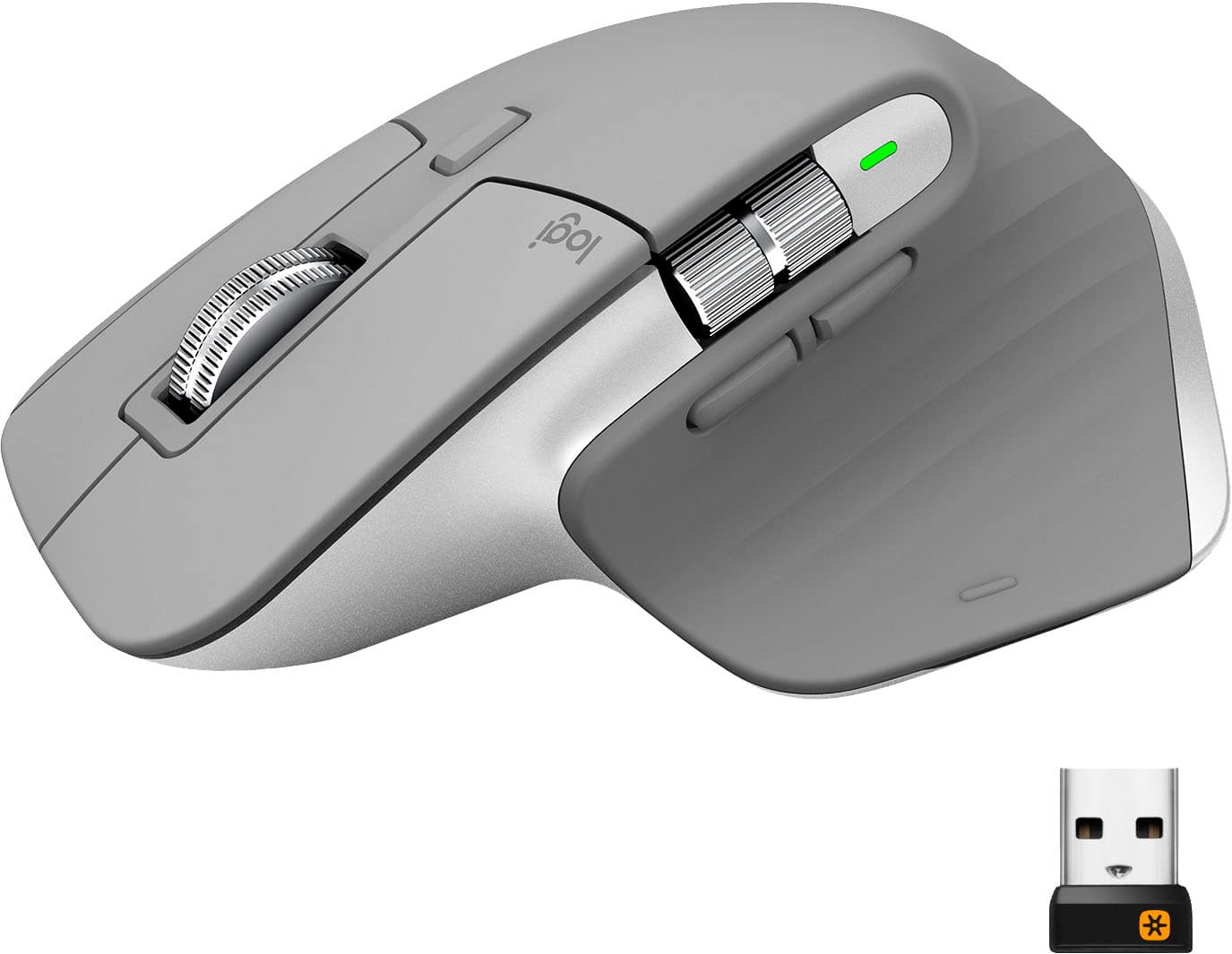
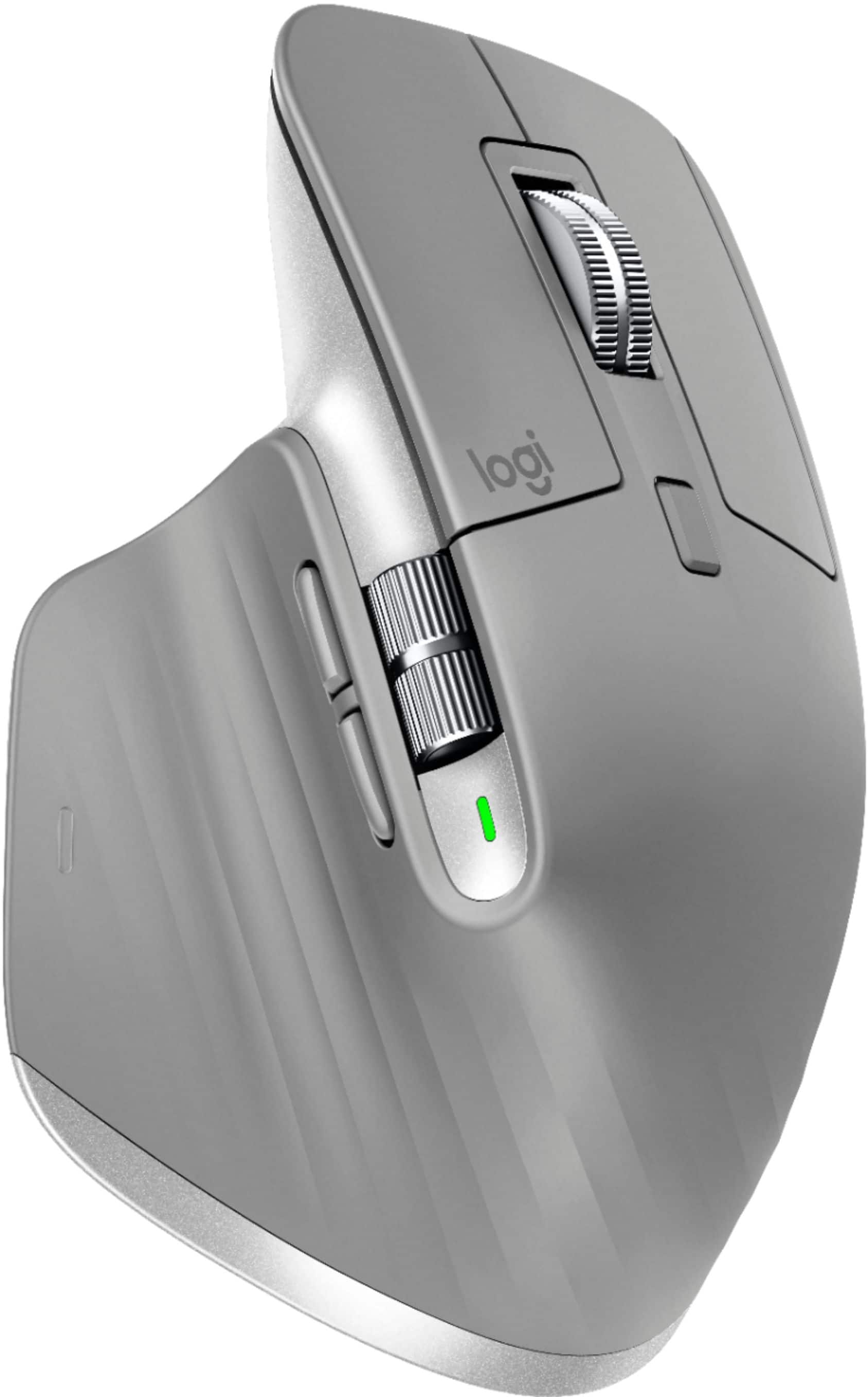
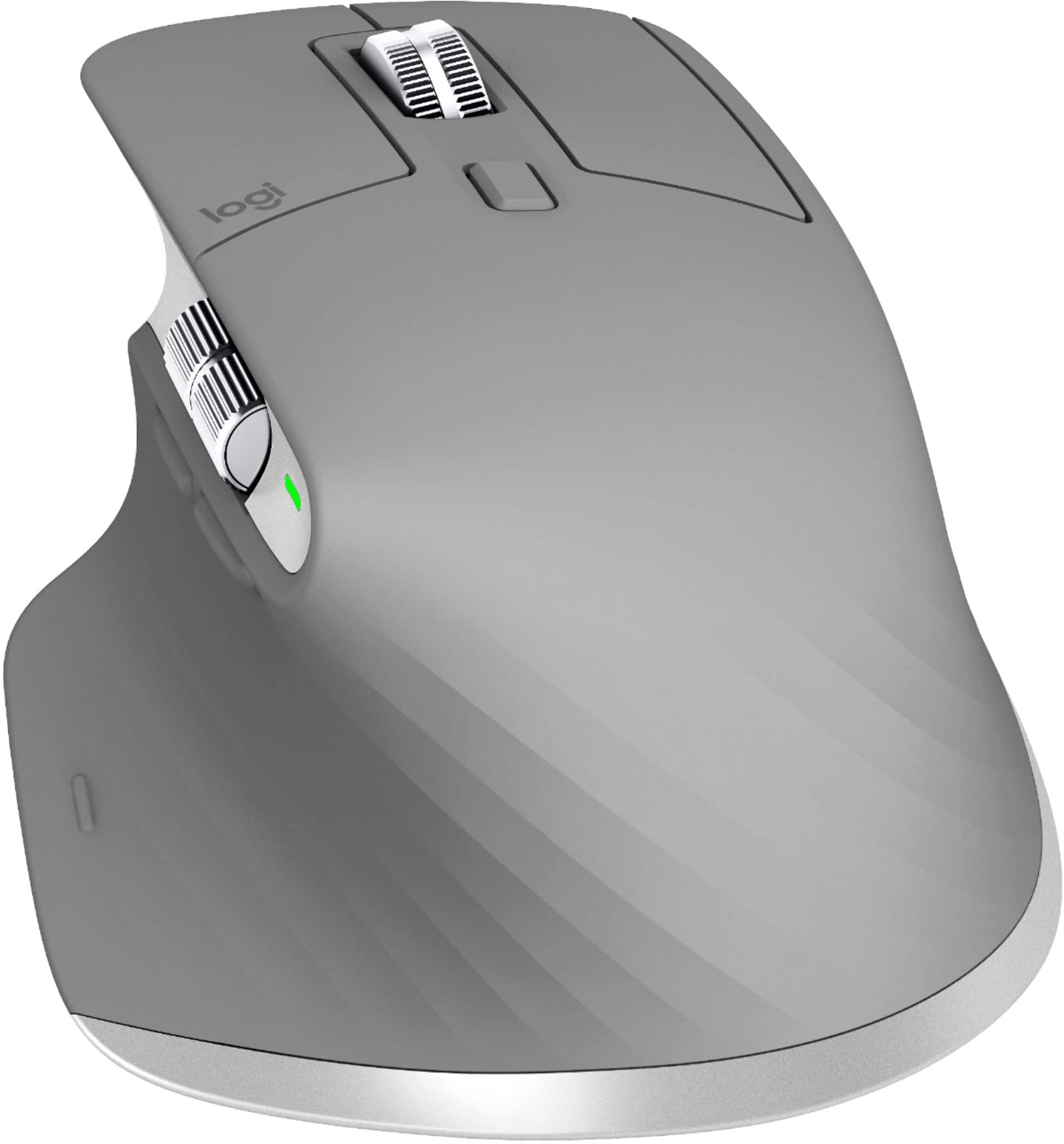

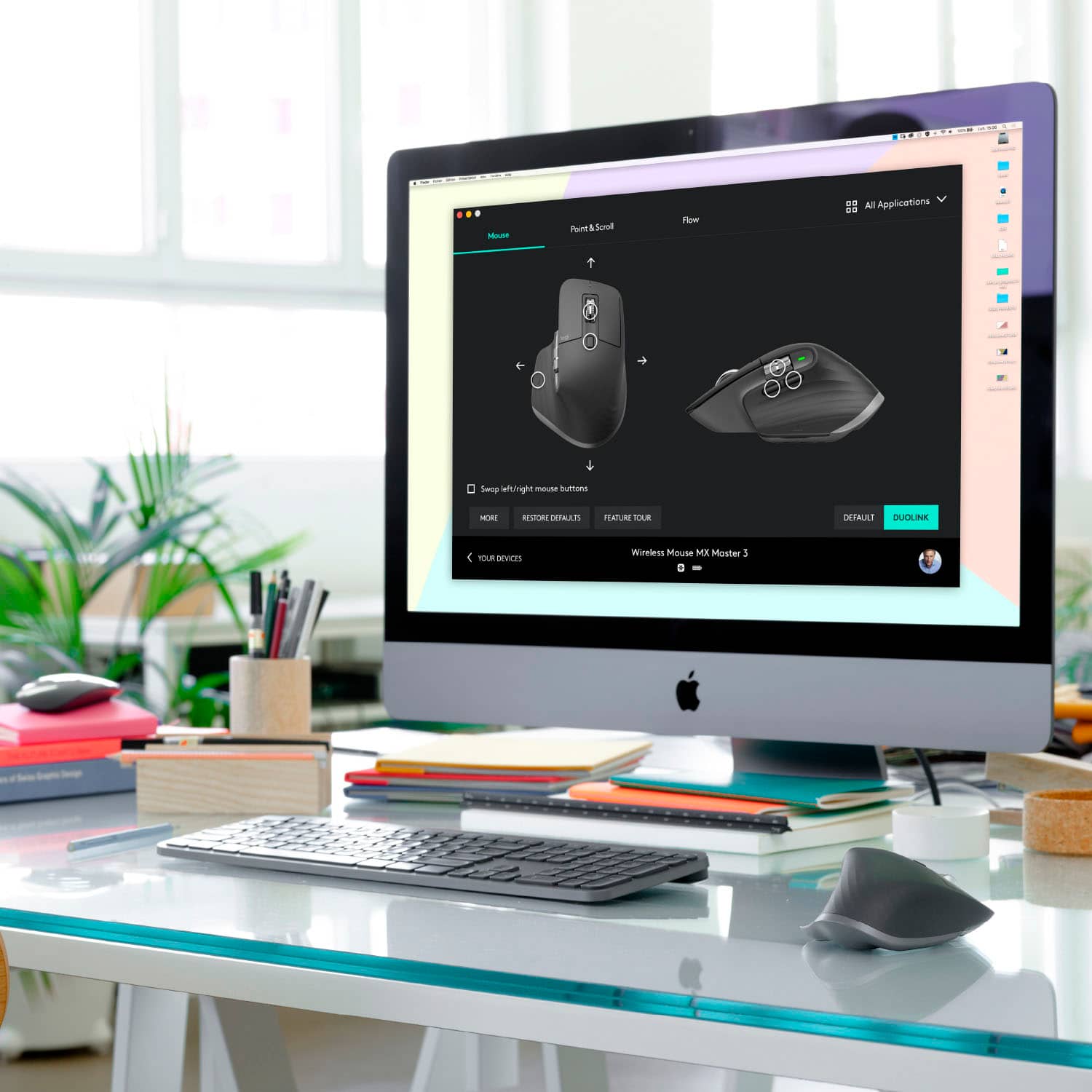


- Model:
- 910-005692
- |
- SKU:
- 6404089
Customer reviews
Rating 4.8 out of 5 stars with 3344 reviews
(3,344 customer reviews)Rating by feature
- Value4.5
Rating 4.5 out of 5 stars
- Quality4.9
Rating 4.9 out of 5 stars
- Ease of Use4.8
Rating 4.8 out of 5 stars
Customers are saying
Customers enjoy the ergonomic design, smooth scroll wheel, and excellent battery life of the MX Master 3 mouse. Many appreciate the high-quality build and the extensive customization options, along with its Bluetooth connectivity and multi-device capabilities. However, some find the mouse to be large and heavy. A few users have also reported issues with software consistency and occasional lag.
This summary was generated by AI based on customer reviews.
Rated 4 out of 5 stars
Good so far
||Posted . Owned for 1 month when reviewed.This reviewer received promo considerations or sweepstakes entry for writing a review.I'm still deciding but I like the feel, I do believe there is less stress on my hand.
This review is from Logitech - MX Master 3 Advanced Wireless USB/Bluetooth Laser Mouse with Ultrafast Scrolling - Black
I would recommend this to a friendRated 4 out of 5 stars
Good
||Posted .This reviewer received promo considerations or sweepstakes entry for writing a review.Great precision and use of scrolling. May cause wrist and arm strain due to its angle.
This review is from Logitech - MX Master 3 Advanced Wireless USB/Bluetooth Laser Mouse with Ultrafast Scrolling - Black
I would recommend this to a friendRated 4 out of 5 stars
Great
||Posted . Owned for more than 2 years when reviewed.This reviewer received promo considerations or sweepstakes entry for writing a review.Ok and good not better not worse but I need and love it
This review is from Logitech - MX Master 3 Advanced Wireless USB/Bluetooth Laser Mouse with Ultrafast Scrolling - Black
I would recommend this to a friendRated 4 out of 5 stars
Love them
||Posted . Owned for 3 weeks when reviewed.This reviewer received promo considerations or sweepstakes entry for writing a review.Second Series 3 I’ve purchased, I also have a MX master and two MX Master 2. Love them
I would recommend this to a friendRated 4 out of 5 stars
Mx3
||Posted . Owned for 1 month when reviewed.This reviewer received promo considerations or sweepstakes entry for writing a review.Great addition to the Apple trackpad. It would be nice to be able to view battery life.
I would recommend this to a friend- Pros mentioned:Comfortable
Rated 2 out of 5 stars
Scrolling issues
||Posted . Owned for 1 week when reviewed.This reviewer received promo considerations or sweepstakes entry for writing a review.Mouse is very comfortable. Unfortunately the electromagnetic scroll wheel consistently tracks inaccurately when I scroll up in a brisk but not free scrolling fashion. Bluetooth stutters when connected to an MBP16. I've reproduced these issue consistently across 3 MX Master 3's.
This review is from Logitech - MX Master 3 Advanced Wireless USB/Bluetooth Laser Mouse with Ultrafast Scrolling - Black
No, I would not recommend this to a friendBrand response from Logitech
Posted .Hi catlover62, thank you for your feedback! Be sure to check out Logitech Options software for updates and advanced features: https://www.logitech.com/en-us/product/options - Will, Logitech.
Rated 4 out of 5 stars
.
||Posted . Owned for 3 weeks when reviewed.This reviewer received promo considerations or sweepstakes entry for writing a review.It works great and easy to pair with computer. It does feel weird in your hand at first.
This review is from Logitech - MX Master 3 Advanced Wireless USB/Bluetooth Laser Mouse with Ultrafast Scrolling - Black
I would recommend this to a friendRated 4 out of 5 stars
Best Non-SILENT mouse
||Posted . Owned for 1.5 years when reviewed.This reviewer received promo considerations or sweepstakes entry for writing a review.Best Mouse before I got the S mouse that is SILENT!
This review is from Logitech - MX Master 3 Advanced Wireless USB/Bluetooth Laser Mouse with Ultrafast Scrolling - Black
I would recommend this to a friend- Cons mentioned:Durability
Rated 1 out of 5 stars
Quality & Function
||Posted . Owned for 2 months when reviewed.This reviewer received promo considerations or sweepstakes entry for writing a review.Although this mouse has been perfect for 3 months, it STOPPED working all of a sudden. I’m trying to find Logitech support now.... really annoying. P.S. I have severe carpal tunnel and if they’d step up quality, this product would be the best on the market. Of course, Best Buy states it’s too late to return although I bought it in 12/10/20 and it’s now FEBRUARY 8, 2021 - just over 2 months later. When you pay $100 bucks for something, it should have at least a 90 day return policy. PPS. Someone said I need to remove the screws, take off the back and adjust the plate that controls one of the functions. My model does not have screws on the bottom. Instructions diagram indicates there are screws but there are no screws on my model.
This review is from Logitech - MX Master 3 Advanced Wireless USB/Bluetooth Laser Mouse with Ultrafast Scrolling - Black
No, I would not recommend this to a friendBrand response from Logitech
Posted .Hello,
Thank you for choosing Logitech and for taking the time to share your experience. I am sorry that in your experience, the MX Master 3 " his mouse has been perfect for 3 months, it STOPPED working all of a sudden". I apologize this inconvenience; I would like to help. I have attached a link to the "Getting Started" support page for the MX Master 3, here you will find supporting software, product guides and further support. If you have not already done so, please check your computer for system updates. I recommend downloading the Logitech "Options" software for customization and best performance. The MX Master 3 can connect to up to 3 devices via USB or Bluetooth. Please check the selected input. If you are connected via USB, I recommend running the "Firmware Update Tool" to ensure your USB receiver has the latest updates. You may also want to try reestablishing the connection, if the issue still remains. I hope these suggestions are helpful. If the issue remains after restarting your computer, please visit the Logitech website for further support.
Best regards,
John at Logitech
https://support.logi.com/hc/en-us/articles/360035271133-Getting-Started-MX-Master-3
Rated 4 out of 5 stars
Dope mouse
||Posted .This reviewer received promo considerations or sweepstakes entry for writing a review.Nice mouse.. super sleek and comfortable! Love the customization
This review is from Logitech - MX Master 3 Advanced Wireless USB/Bluetooth Laser Mouse with Ultrafast Scrolling - Black
I would recommend this to a friendRated 3 out of 5 stars
Good for work from home, swaps computers fast
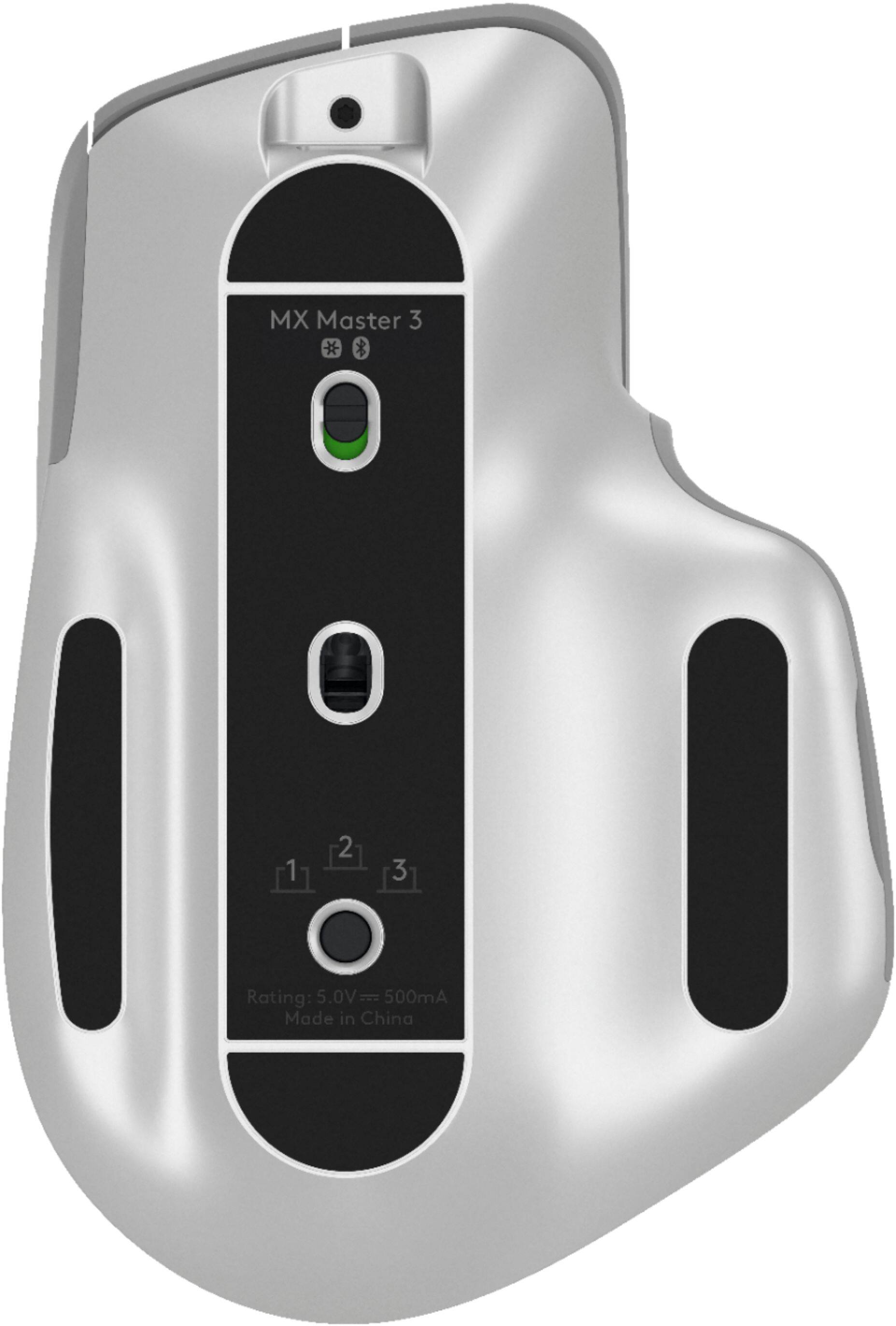
||Posted . Owned for 4 months when reviewed.This reviewer received promo considerations or sweepstakes entry for writing a review.Only really big issue is that you are unable to control sensitivity in a normal way. This mouse uses a slider instead of DPI numbers. Pretty insane. Other than that, works fine. For work from home its nice to be able to swap between computers pretty easily with the 3 Bluetooth devices you can save with the underside button.
This review is from Logitech - MX Master 3 Advanced Wireless USB/Bluetooth Laser Mouse with Ultrafast Scrolling - Black
I would recommend this to a friendRated 4 out of 5 stars
Definitely worth it
||Posted . Owned for less than 1 week when reviewed.This reviewer received promo considerations or sweepstakes entry for writing a review.Such a great mouse! Super easy to use and program. Definitely worth it.
This review is from Logitech - MX Master 3 Advanced Wireless USB/Bluetooth Laser Mouse with Ultrafast Scrolling - Black
I would recommend this to a friendRated 4 out of 5 stars
Fast and precise tracking
||Posted . Owned for 9 months when reviewed.This reviewer received promo considerations or sweepstakes entry for writing a review.Love this mouse. Its fast and accurate. I have been using for a year.
This review is from Logitech - MX Master 3 Advanced Wireless USB/Bluetooth Laser Mouse with Ultrafast Scrolling - Black
I would recommend this to a friendRated 4 out of 5 stars
MX Master - Great Mouse for work.
||Posted . Owned for 1 month when reviewed.This reviewer received promo considerations or sweepstakes entry for writing a review.The mouse is great. It has a nice feel to it and links up to the computer quickly.
This review is from Logitech - MX Master 3 Advanced Wireless USB/Bluetooth Laser Mouse with Ultrafast Scrolling - Black
I would recommend this to a friendRated 4 out of 5 stars
Artist’s assistant
||Posted . Owned for 1 week when reviewed.This reviewer received promo considerations or sweepstakes entry for writing a review.Super precise device! Awesome to use for blander and photoshop
This review is from Logitech - MX Master 3 Advanced Wireless USB/Bluetooth Laser Mouse with Ultrafast Scrolling - Black
I would recommend this to a friendRated 3 out of 5 stars
Has a mortal flaw
||Posted . Owned for 1 week when reviewed.This reviewer received promo considerations or sweepstakes entry for writing a review.Bought into the hype of this mouse, but the pointer just feels wrong, as if there's an input lag. The same thing happens when you scroll. Could be a great mouse if it wasn't for these issues. Also wish they would made a place to insert the dongle as it's very easy to lose.
This review is from Logitech - MX Master 3 Advanced Wireless USB/Bluetooth Laser Mouse with Ultrafast Scrolling - Black
No, I would not recommend this to a friendRated 2 out of 5 stars
Great mouse... with a major flaw
||Posted . Owned for less than 1 week when reviewed.This reviewer received promo considerations or sweepstakes entry for writing a review.I bought this mouse when my 10+ year old V470 finally bit the dust. Being an avid Final Cut, Logic, and Photoshop user, I figured this would be the best option for me... until I found a major flaw. My job recently started having us do some training from home and the training site has scrollable fields within the webpage. The MX Master 3 scroll wheel will not scroll in those fields. I have to click on the bar at the right of the field and drag it to scroll. I called Logitech and the support rep told me that they've had multiple complaints about the same problem, but haven't said if they're going to do anything about it. She mentioned only that it might happen in a software update if they decide to make that change. I'd love to give this device 5 stars as I love everything else about it, but I can't even give it 3. It's a mouse focused on efficiency and workflows, but can't even scroll within a field in a website. Such a shame.
This review is from Logitech - MX Master 3 Advanced Wireless USB/Bluetooth Laser Mouse with Ultrafast Scrolling - Black
No, I would not recommend this to a friendBrand response from Logitech
Posted .Hello, I am sorry to hear you are not satisfied with the product. Thank you for taking the time to write this review, we appreciate the feedback.
Rated 4 out of 5 stars
I like
||Posted . Owned for 1 month when reviewed.This reviewer received promo considerations or sweepstakes entry for writing a review.I bought to use on a PC and a Mac and it is a nice mouse for multiple computers.
This review is from Logitech - MX Master 3 Advanced Wireless USB/Bluetooth Laser Mouse with Ultrafast Scrolling - Black
I would recommend this to a friendRated 3 out of 5 stars
I prefer the black model
||Posted . Owned for 3 months when reviewed.This reviewer received promo considerations or sweepstakes entry for writing a review.I returned this mouse and got the black one because I feel like the grey is not very realistic and looks like cheap plastic. Mine had an irregular gap between the top and bottom that was especially noticeable with the grey color. The other thing is the grey will look dirty easily.
No, I would not recommend this to a friendRated 4 out of 5 stars
Good look and feel
||Posted . Owned for 1 month when reviewed.This reviewer received promo considerations or sweepstakes entry for writing a review.Mouse feels good , nice design, only issue is there is no place to store the bluetooth adapter.
This review is from Logitech - MX Master 3 Advanced Wireless USB/Bluetooth Laser Mouse with Ultrafast Scrolling - Black
I would recommend this to a friend