Customer Ratings & Reviews


- Model:
- 910-005692
- SKU:
- 6404089
Rating by feature
- Value
Rating 4.5 out of 5 stars
- Quality
Rating 4.9 out of 5 stars
- Ease of Use
Rating 4.8 out of 5 stars
Customers are saying
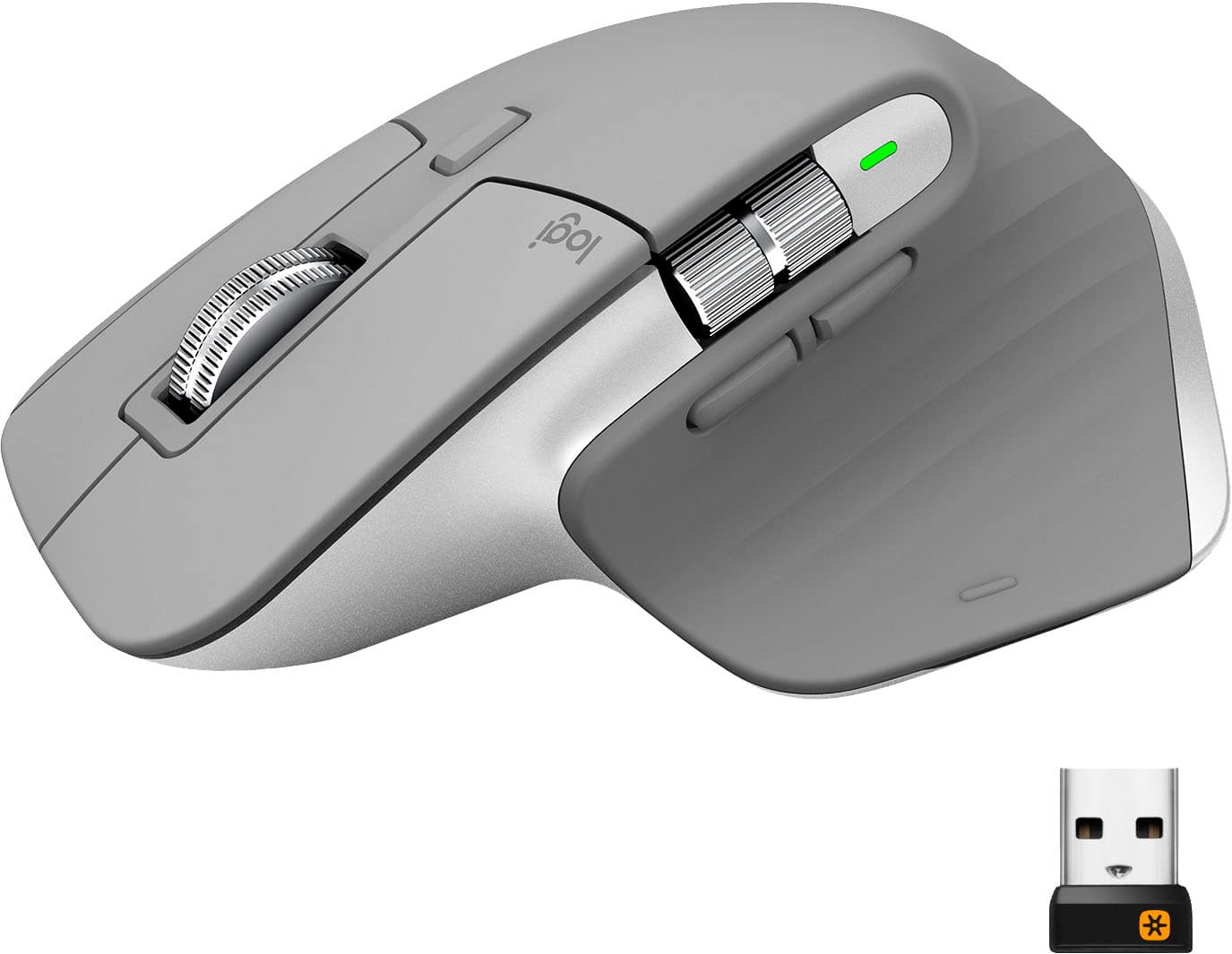
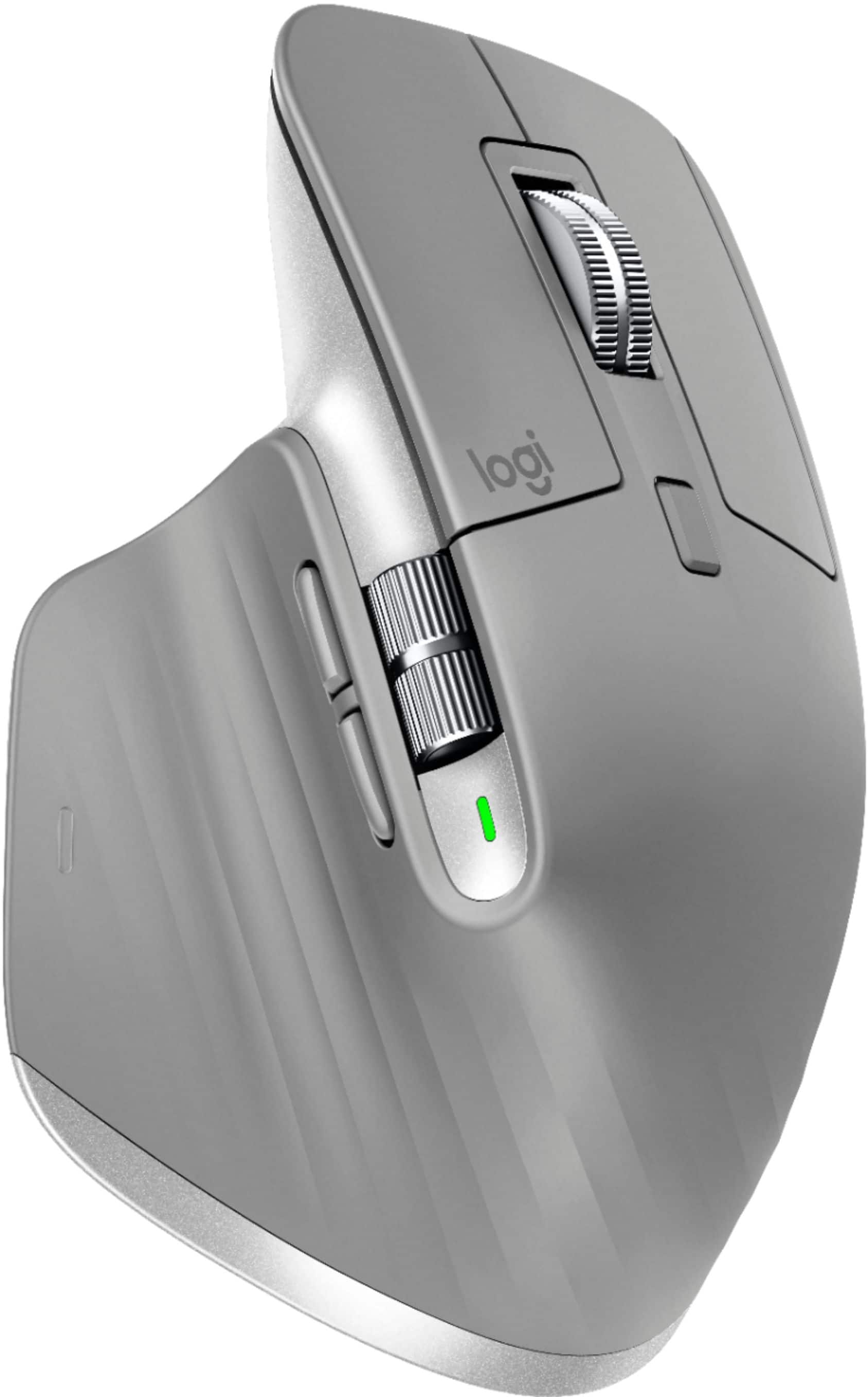
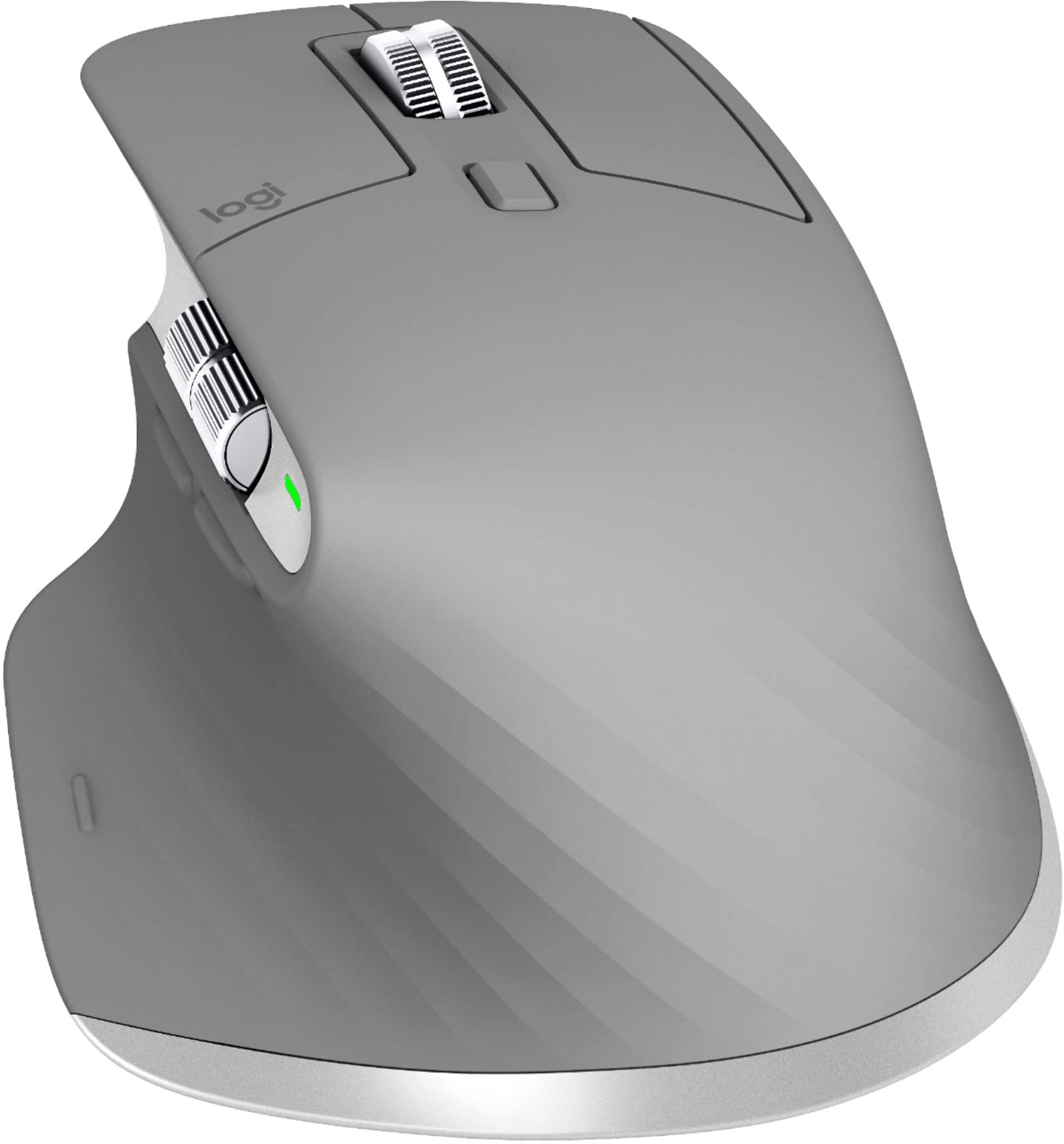
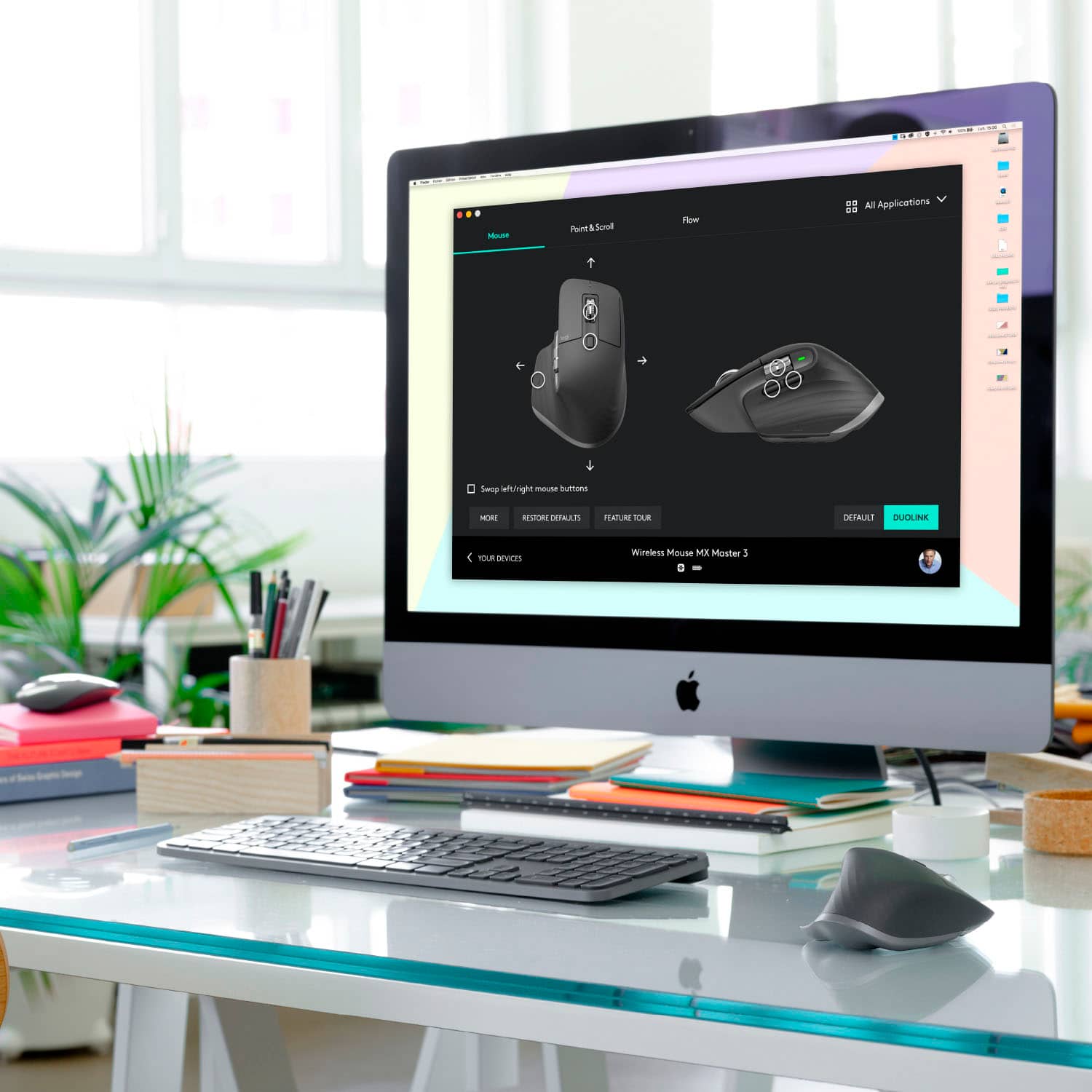
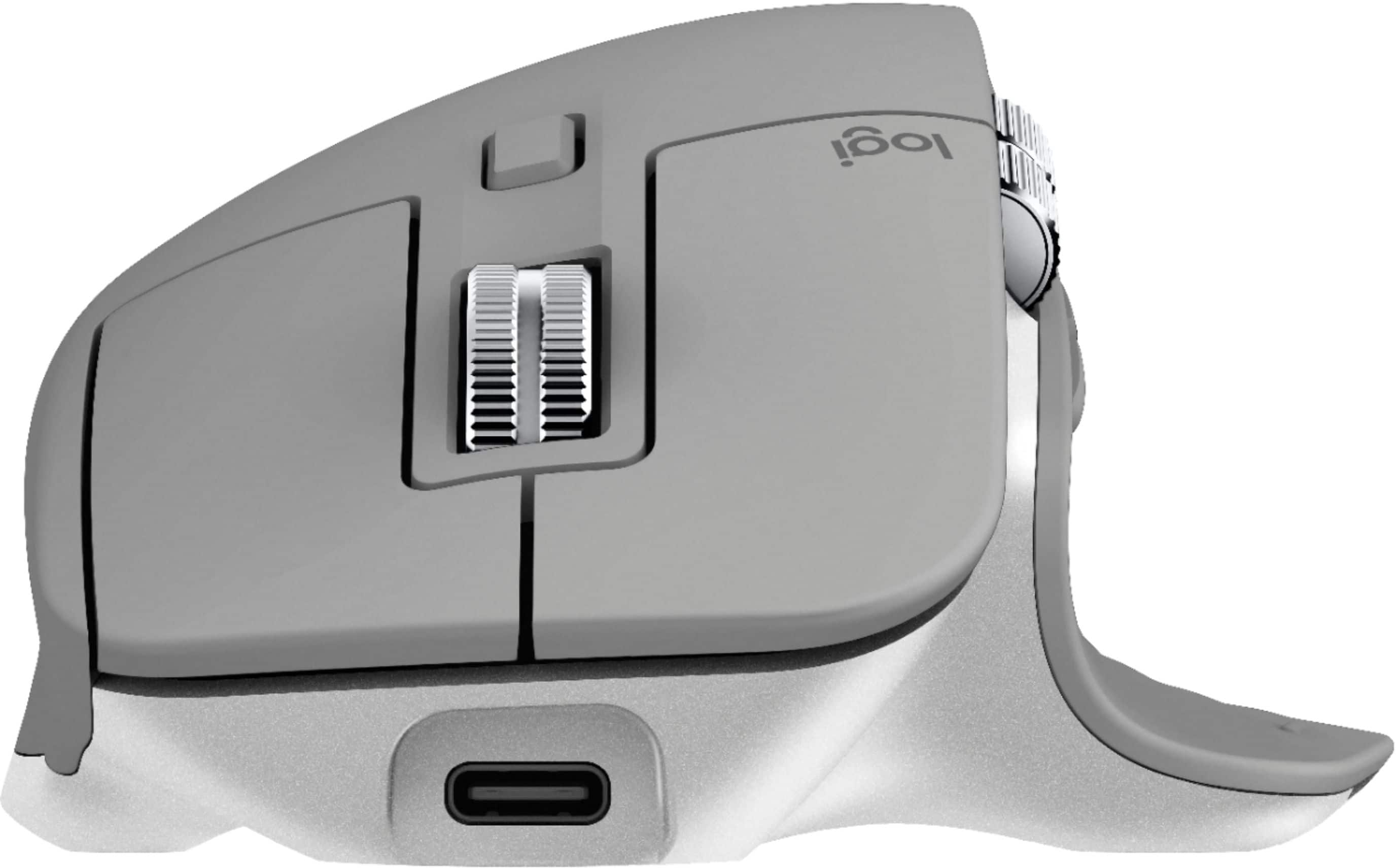
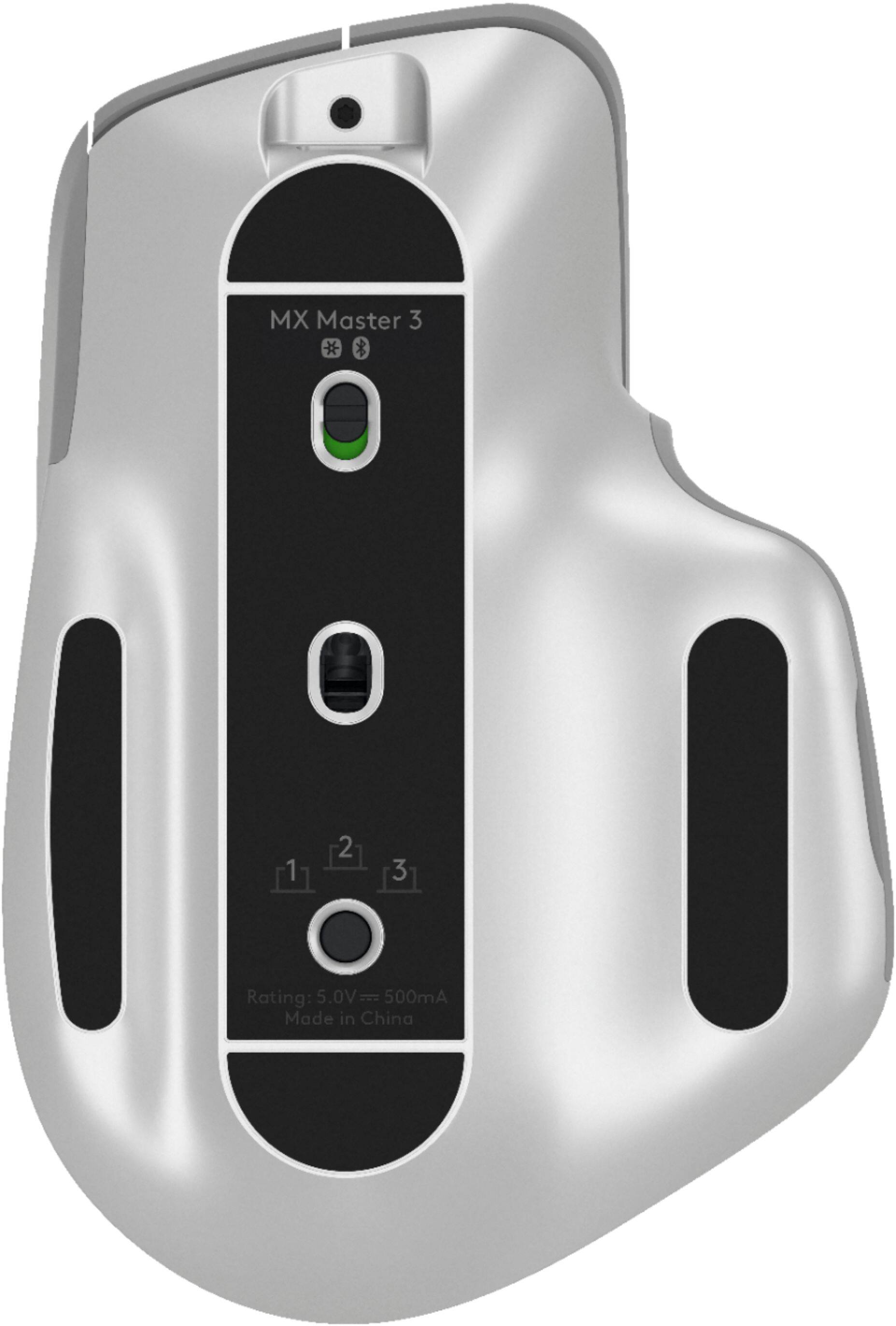
Customers enjoy the ergonomic design, smooth scroll wheel, and excellent battery life of the MX Master 3 mouse. Many appreciate the high-quality build and the extensive customization options, along with its Bluetooth connectivity and multi-device capabilities. However, some find the mouse to be large and heavy. A few users have also reported issues with software consistency and occasional lag.
This summary was generated by AI based on customer reviews.
Good for minimal usage
||Posted . Owned for 2 months when reviewed.This reviewer received promo considerations or sweepstakes entry for writing a review.Good for everyday use but wouldn't use it for work...
I would recommend this to a friendGood Mouse
||Posted . Owned for 1 month when reviewed.This reviewer received promo considerations or sweepstakes entry for writing a review.Very nice quality but the connection sometimes drops and has to reconnect after a second or two. Not very often this happens but annoying when it does, especially for a more expensive mouse. Scrolling is really smooth. Great ergonomics.
I would recommend this to a friendAwesome mouse!
||Posted . Owned for 2 weeks when reviewed.This reviewer received promo considerations or sweepstakes entry for writing a review.Very good the scroll is amazing and ergonomics are pretty good.
I would recommend this to a friendBetter than previous gen
||Posted . Owned for 3 weeks when reviewed.This reviewer received promo considerations or sweepstakes entry for writing a review.Great mouse overall, much better than previous gen.
I would recommend this to a friendGood mouse
||Posted . Owned for 3 weeks when reviewed.This reviewer received promo considerations or sweepstakes entry for writing a review.Great mouse! I use it as my daily work mouse! High quality!
I would recommend this to a friendNot for small/medium sized hands
||Posted . Owned for 2 months when reviewed.This reviewer received promo considerations or sweepstakes entry for writing a review.This mouse has great build quality and functionalities configurable through app. However, the shape of the mouse is odd. The back of it is very high that I need to wrap my entire palm around it to be able to reach the keys (I am 5'9'' male). However with that gesture, I can only move the mouse with my wrist (side ways) and arm (back and forth). Compared to most other mice that I have used where I can rest my wrist on the desk and only need to use my fingers to move the mouse, this mouse is just not usable for me. So I wouldn't recommend it to anyone with small/medium hands.
No, I would not recommend this to a friendBrand response from Logitech
Posted .Hello, I am sorry if there was any confusion about the size of the mouse. I am sorry to hear it did not work out for you. The mx anywhere 2s mouse is a great mouse for smaller hands. Thank you for taking the time to write this review, we appreciate the feedback.
Great
||Posted . Owned for 1 month when reviewed.This reviewer received promo considerations or sweepstakes entry for writing a review.Good for everything.......................................
I would recommend this to a friendAwesome mouse! Worth the price? Time will tell
||Posted . Owned for 2 weeks when reviewed.This reviewer received promo considerations or sweepstakes entry for writing a review.Awesome features mouse, issues with speed. I wish this mouse had a dpi button to change the speeds of the movement on screen instead of messing with the slider that either does too much or too little
I would recommend this to a friendExcellent choice.
||Posted . Owned for 2 weeks when reviewed.This reviewer received promo considerations or sweepstakes entry for writing a review.Excellent choice. Recommended for all applications.
I would recommend this to a friendInnovative Ideas - Poor Execution
||Posted . Owned for less than 1 week when reviewed.This reviewer received promo considerations or sweepstakes entry for writing a review.Unfortunately this mouse was not a good ergonomic design for me. It felt like an unnatural stretch on my thumb compared to the Logitech Performance MX that this was replacing because it died after a little over 6 years. The Logitech MX Master 3 also is very loud when clicking compared to my previous model, and the Logitech Options software did not seem to work smoothly on my Mac. Left/Right scrolling with the thumb wheel worked intermittently. The features were big positives which I was willing to spend good money to receive, but the execution was lacking and not up to the quality standards that I've come to expect from Logitech over the years.
No, I would not recommend this to a friendBrand response from Logitech
Posted .Hello Ordoinc,
Thank you for choosing Logitech and for taking the time to share your experience. I am sorry that you have experienced issues with the MX Master 3; I would like to help. In the Logitech “Options” software, you can adjust your customizations for the specific applications that you use. If you have not already done so, please check the settings on your Mac. I have attached a link to “Logitech Options permission prompts on macOS Big Sur, macOS Catalina, and macOS Mojave” guide on the Logitech support website. For further assistance, please visit the Logitech support website.
Best regards,
John at Logitech
https://support.logi.com/hc/en-us/articles/360023203954-Logitech-Options-permission-prompts-on-macOS-Big-Sur-macOS-Catalina-and-macOS-Mojave
Not good
||Posted .This reviewer received promo considerations or sweepstakes entry for writing a review.I love all the intended cool features but they just don't work or aren't good enough. I don't think I got a defected product though. - The mouse is notably laggy. - The scrolling is far from precise and consistent. - I got a PC and a Mac. Flow only works in one direction (Windows to Mac). Logitech products are feature rich but they often don't get things right. This mouse is simply not worth $100 and so I'm returning it.
No, I would not recommend this to a friendBrand response from Logitech
Posted .Hello Michael! I'm sorry to hear about your experience with the MX Master 3 mouse. As far as getting the mouse to work both ways, I would recommend uninstalling Logitech Options and un-pairing and deleting the mouse from both computers. Then, completely shut off and restart both devices and reinstall Logitech Options. Before pairing or plugging in the USB, make sure to give Logitech Options accessibility permissions on your Mac. Click the Apple logo in the upper left hand corner - System Preferences - Security & Privacy - Privacy - Accessibility - Select Logitech Options. If you have a firewall on your Windows computer you will need to do something similar. Click on the Windows icon in the bottom left corner - Update and Security - Windows Security - Firewall & network protection - scroll down to see "allow an app through firewall" - look for logioptionsmgr.exe or logioptionsmgr.EXE (UNICODE) and enable both private and public. Then you'll want to fully restart both computers and pair the mouse to both devices again. I apologize that you would have to go through all of this just to get Flow to work. For whatever reason, if one of them is work computer especially, Logitech Options and other software don't get along and this is the only thing that I have found that works. Thank you so much for this feedback, though! I will definitely be passing these issues along. - Maggie from Logitech
- Pros mentioned:Comfortable, Long battery life

My Favorite Desktop Keyboard
|Posted .This reviewer received promo considerations or sweepstakes entry for writing a review.PROS: - Extremely comfortable to type on for long periods of time - Non-bulky design to save desktop space - Backlit keys with proximity sensor - Quick toggle between three devices - Numeric keypad - Long battery life - USB-C charging (can use keyboard while charging) CONS: - No keyboard angle adjustment - Palm rest is extra from Logitech This is by far the best desktop keyboard that I have ever used. The keys have a great tactile feel, without being loud. There is virtually no key wobble, which helps make typing much more precise. The grooved center of each key also makes typing more comfortable for long periods of time. -- Set Up -- Setting up the MX Keys is incredibly easy. Just power on the keyboard, press and hold the device number you want (you can pair up to 3 devices), and find the keyboard in your laptop/desktop/tablet bluetooth settings to pair. I would recommend downloading Logitech's "Logitech Options" software from their website. Using "Options", you can track the battery level of the MX Keys and change the keyboard shortcuts. -- Battery Life -- Logitech's website claims that you can get up to 10 months without the backlighting on, so I can't say how accurate that is (yet). I don't usually use the backlighting on my keyboard, since my home office is pretty well-lit. However, if you do plan on keeping the backlighting on at all times, you don't need to stop working just to charge the keyboard. The MX Keys continues to work normally when you plug it in to charge. -- Features -- One cool feature Logitech included with the MX Keys was the keyboard proximity sensors for the backlighting. When you have the backlighting enabled and move your hands towards the keyboard, the backlighting will automatically turn on (and turn off when you move your hands away to save battery life). Another feature that Logitech added was the ability to transfer files between the computers that you have paired to the MX Keys (called "Logitech Flow"). It's a handy little option if you need to move files between your laptop and desktop. Unfortunately most of my work is in the cloud, so I don't see myself using too often, but it's still pretty cool. If you have Logitech Options installed on your computer, you can change the application buttons above the number pad. If you want to use the calculator button to open up your browser (or just set a macro), you can do it right from the app. The included items to map to the buttons is limited, but it's nice to have options. -- Bottom Line -- I LOVE this keyboard. It's quiet (for a desktop keyboard) and comfortable, which is great for when you need to spend all day/night working in your preferred IDE or MS Office. My only real complaints are that the keyboard angle isn't adjustable and Logitech does offer a palm rest for the MX Keys, you have to buy it seperately from their website.
I would recommend this to a friend Great mouse, but experienced connection issues.
||Posted . Owned for 2 months when reviewed.This reviewer received promo considerations or sweepstakes entry for writing a review.I may have been unlucky, but I experienced laggy connections over bluetooth and the USB receiver. I installed Logi Options hoping it would fix it, but nothing worked. Had to return it, but I loved the ergonomic feel the mouse had!
No, I would not recommend this to a friendShame on you Logi.
||Posted . Owned for 1 month when reviewed.This reviewer received promo considerations or sweepstakes entry for writing a review.complete junk. look up reviews online before buying. This mouse works flawlessly for windows pc but have been a complete nightmare for MAC OS. Specifically m1 Macs. No useable at all~cursor jitters. According to their "troubleshooting" guide is the Unified usb have to be directly plugged into the Mac. Well Logi....its 2021 most laptops don't have usb A, especially Macs. So 99.9% of apple owners are screwed from the get go.
No, I would not recommend this to a friendBrand response from Logitech
Posted .Hello Strix09, Very sorry to hear about the connection issues you're experiencing with the USB receiver for your MX Master 3 mouse. Fortunately, the MX Master 3 can also connect to your Mac using Bluetooth. Here's a link to the Getting Started guide that will walk you through the setup: https://support.logi.com/hc/en-us/articles/360035271133-Getting-Started-MX-Master-3. Hope that you found this helpful and that all is going much better. Thank you for choosing Logitech. - Richard from Logitech
Logitech MX Master Mouse
||Posted . Owned for 1 month when reviewed.This reviewer received promo considerations or sweepstakes entry for writing a review.For the amount of money this mouse costs, I did not get my money’s worth. This mouse gives only average performance matched be other offerings at a third of the cost. I can not recommend it.
No, I would not recommend this to a friendLogitech MX let down
||Posted . Owned for 2 weeks when reviewed.This reviewer received promo considerations or sweepstakes entry for writing a review.Its a mouse, but it doesn’t work very well in my opinion. I it it on the shelf and went back to my Magic Mouse from Apple. Really disappointed.
No, I would not recommend this to a friend- Pros mentioned:Comfortable, Scroll wheel
The End-game Mouse!
|Posted .This reviewer received promo considerations or sweepstakes entry for writing a review.I have installed this mouse along with the Logitech MX Keys, however I am going to focus on the MX Master 3 in this review. Spoiler alert, the set up in using both is an amazing experience! I initially installed the previously mentioned MX Keys first. Because of this, the keyboard connected with ease with the unified USB however I needed to download the software from the website in order to use the software to direct the unified USB to pair with this MX Master 3 mouse. Once the lights stopped blinking, I was ready to go. The software also gave the option to install some software to utilize the features, I chose to install the recommended software in my case. Also a good mention is that this software does not need to be in the task manager like past software I have on my other older machines. In using the MX Master 3 mouse, from my previous one, I have to say is a dream to use. I want to say 80 percent of the buttons/scroll wheels I am using so far and it’s intuitive. There is no real learning curve for me anyways. And I was not using a Logitech mouse on my machine that it replaced. Very well thought out. Of course, this will not be for some people out there. Everyone is different, and your experience may vary. The scroll wheel is the star of the show here. It’s a real joy to use and almost falls into the realm of a fidget spinner of sorts when you use it. Well, when I use it, I use it a lot in my case. In browsing in Chrome and MS Edge I can use the horizontal scroll wheel to navigate through the multiple tabs open in each browser. Pretty neat way to navigate. The feel of the MX Master 3 is nice and grippy. It’s not too big and I have small hands and this is not an issue. Every button and wheel is easy to access and use. No stretching to get to something in this case. In pairing this MX Master 3 mouse to the MX Keys, it’s been a great user experience so far! I recommend this mouse and more so, the set up to pair it with the MX Keys.
I would recommend this to a friend - Pros mentioned:Long battery life, Scroll wheel
Best mouse I have owned
|Posted .This reviewer received promo considerations or sweepstakes entry for writing a review.I have had multiple Logitech devices over the years. They have always been good performers for me. This MX Master 3 laser mouse is a step into the premium mouse category. This is the most expensive mouse I have ever owned. After opening up the package, I charged the mouse (Type C BTW) and downloaded the Logitech Options program on my Windows 10 PC. I then changed the setting to use one unified receiver for both the MX Mouse and the MX Keyboard. I have been using this for almost exactly a month. Looks: I doubt anyone would argue that this looks really cool! The double scroll wheel. The flared base. The thumb scroll wheel. There is no doubt this is one really good looking mouse. All the other mice are envious. Usage: After using this for a little less than a month, I can honestly say this is my favorite mouse. The scroll is extremely accurate and much more accurate than other mice I have used. I have the scroll selected for the “notched” feel. I like this much better. Also, with one flick of the wheel, you will scroll to the bottom of a document or page. It is the best of both worlds. There is also a thumb scroll button that is useful on many different apps. For Excel you can scroll left or right in a large workbook. For Word you can zoom in and out. There are two buttons below the thumb scroll wheels as well. These can operate as undo and redo for example. You can pair it to up to 3 devices. I have only tested pairing it to one so far. Battery: When I received the mouse, I plugged it in for a full charge. After almost a month, the mouse is still fully charged. And it is used a lot! The website states up to 70 days on a full charge. I believe it. Conclusion: With a long battery life and the impressive response after using it for a month, I rate the Logitech MX Master 3 Laser Mouse 5 stars. I cannot think of one thing that could be done to improve this device.
I would recommend this to a friend Mouse
||Posted . Owned for 3 weeks when reviewed.This reviewer received promo considerations or sweepstakes entry for writing a review.I have to move the mouse more than I thought I would. I was really looking for a more stationary mouse. Other than that it is good value for the money spent.
I would recommend this to a friendToo bad it's wireless
||Posted . Owned for 1 week when reviewed.This reviewer received promo considerations or sweepstakes entry for writing a review.First off I was using this mouse on a Windows 10 PC with bluetooth. I tried using the bluetooth and I tried using the wifi option. I tried using the wifi dongle on the back of my pc, the front of my pc, on my monitor - same issue. Unresponsive and unreliable. Returning it today, using my wired 502SE for now. Too bad because the mouse has a nice feel to it, it's a shame that if they are going to force you to use wireless that they made it so unreliable.
No, I would not recommend this to a friendBrand response from Logitech
Posted .Hi DanM, we're sorry to see you're unsatisfied with the MX Master 3 Wireless mouse. Often times if the mouse is not working, try restarting your computer. That usually will fix the connectivity issues you may be experiencing. If not, you do have a 1 year limited warranty that can be used to have a replacement sent out to you. You can do that here: https://support.logi.com/hc/en-us/articles/360035969313-Warranty-MX-Master-3-Wireless-Mouse-with-Hyper-fast-Scroll-Wheel. Hope that helps.