Customer Ratings & Reviews




- Model:
- 910-005692
- SKU:
- 6404089
Rating by feature
- Value
Rating 4.5 out of 5 stars
- Quality
Rating 4.9 out of 5 stars
- Ease of Use
Rating 4.8 out of 5 stars
Customers are saying
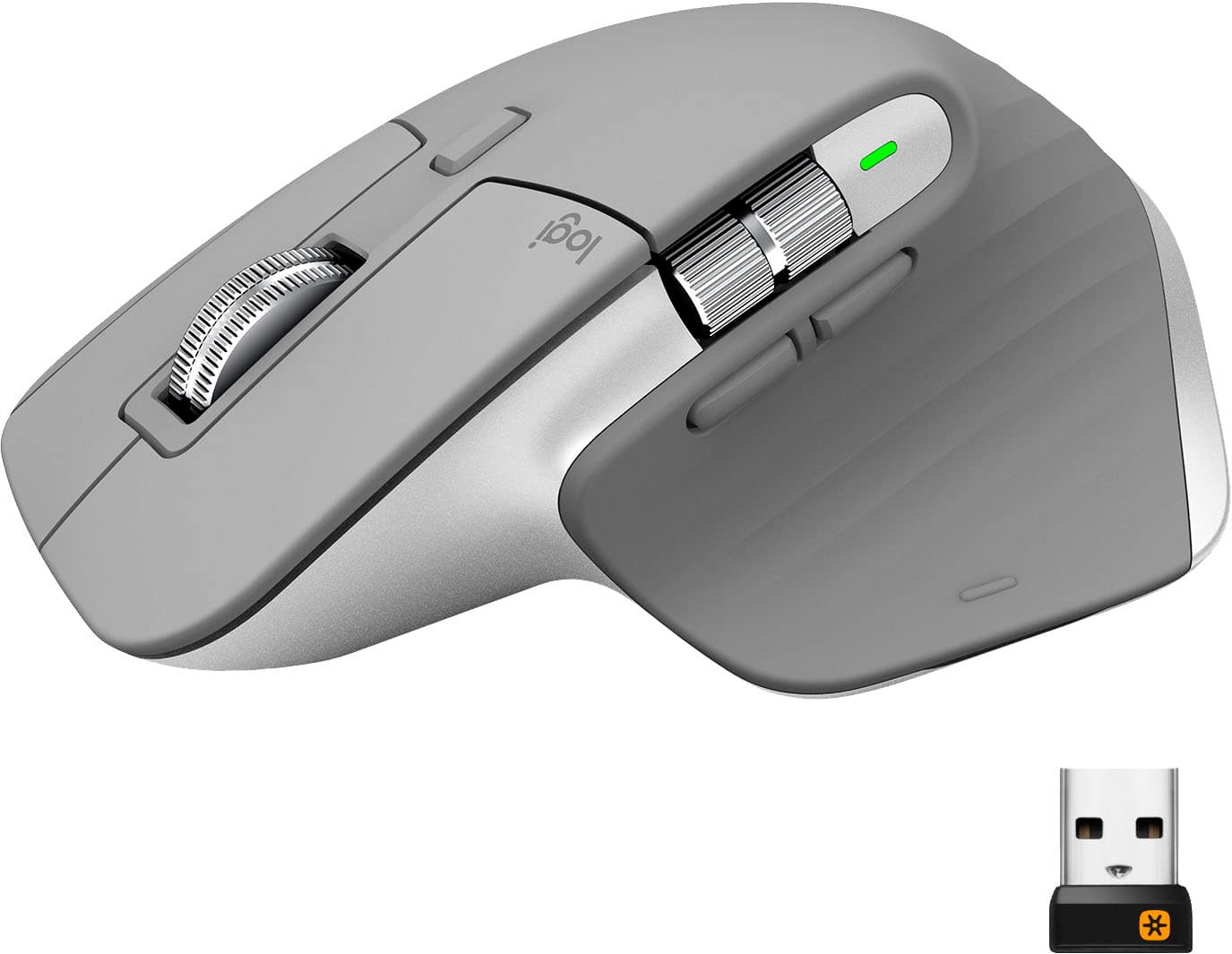
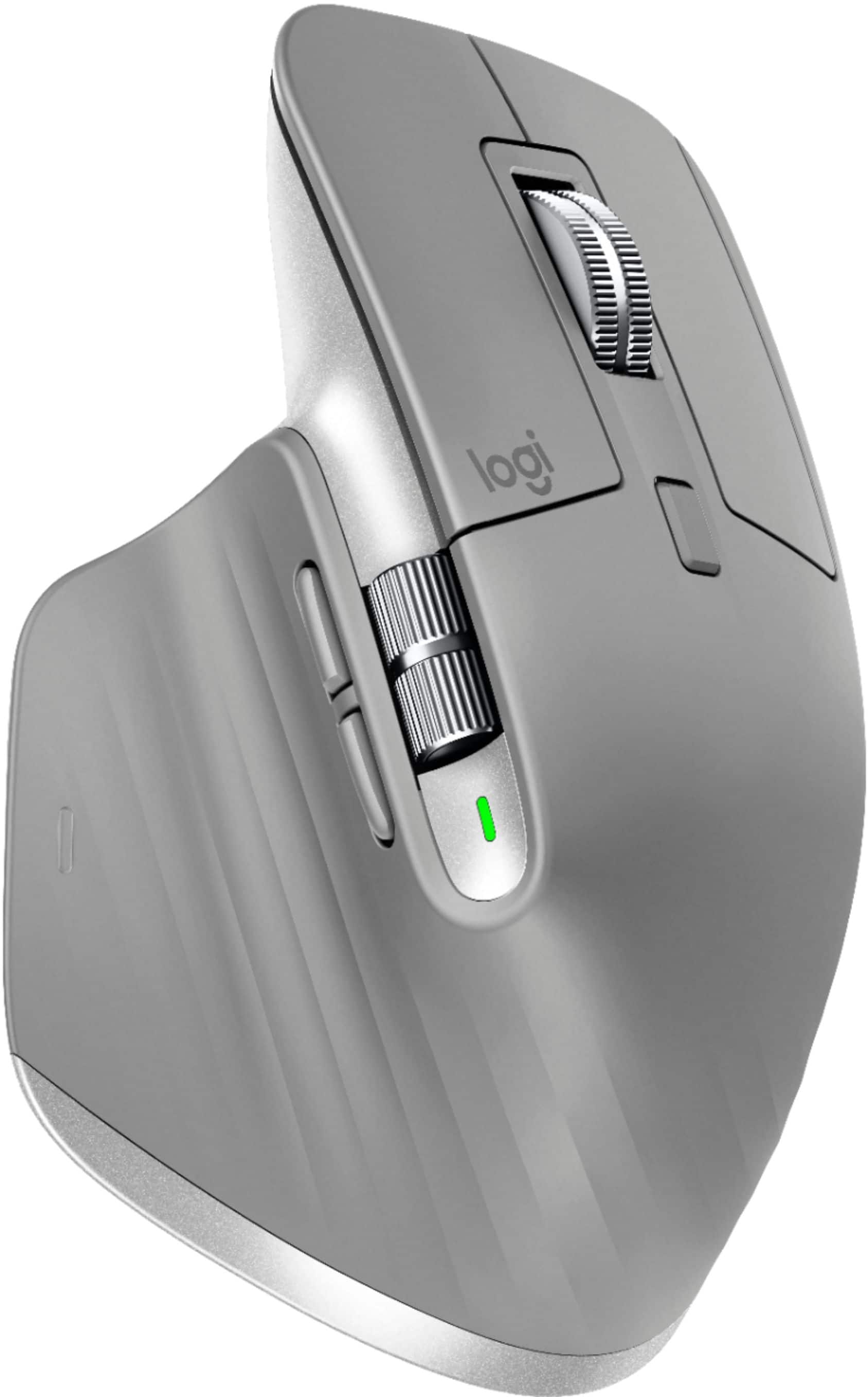
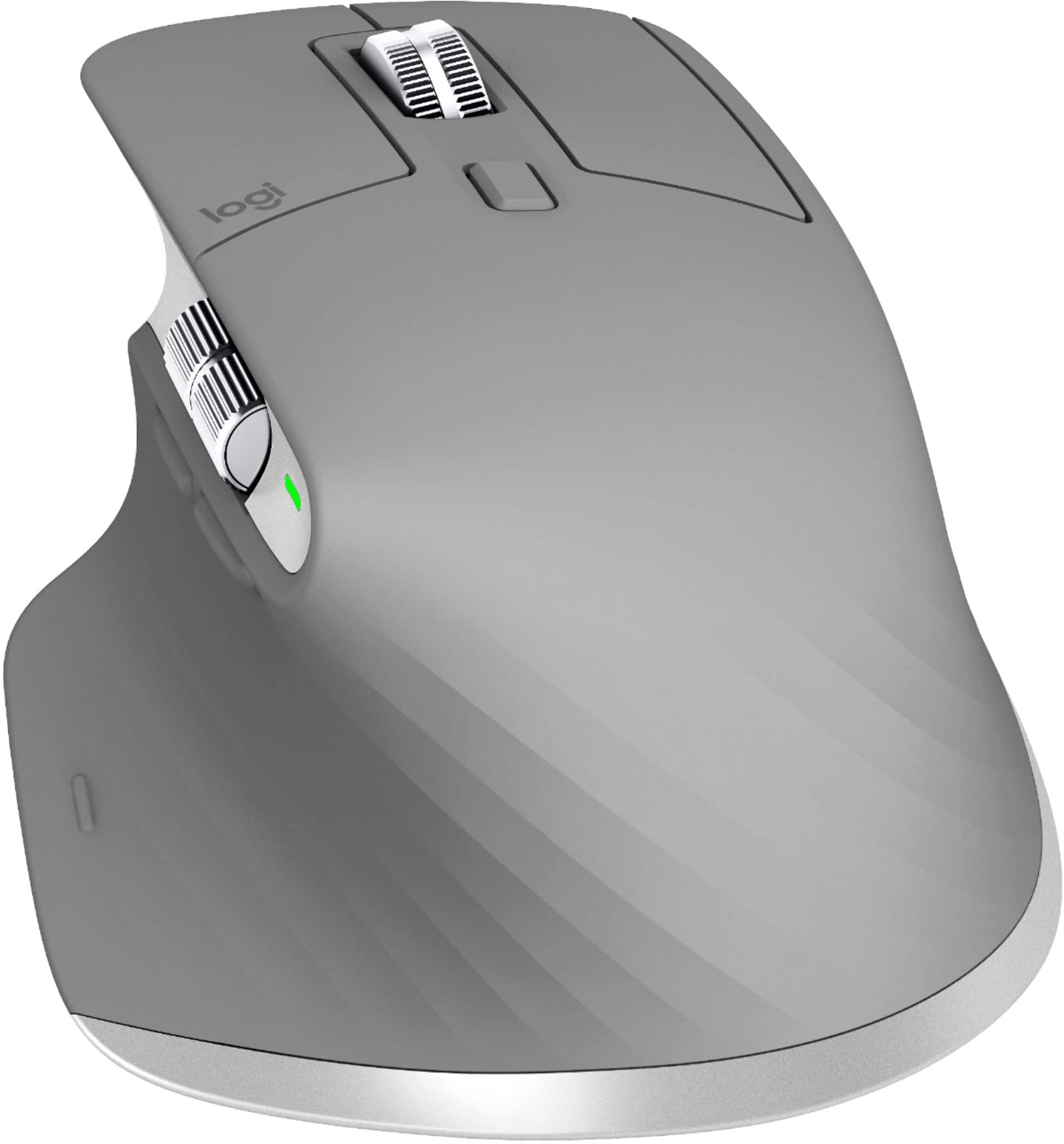
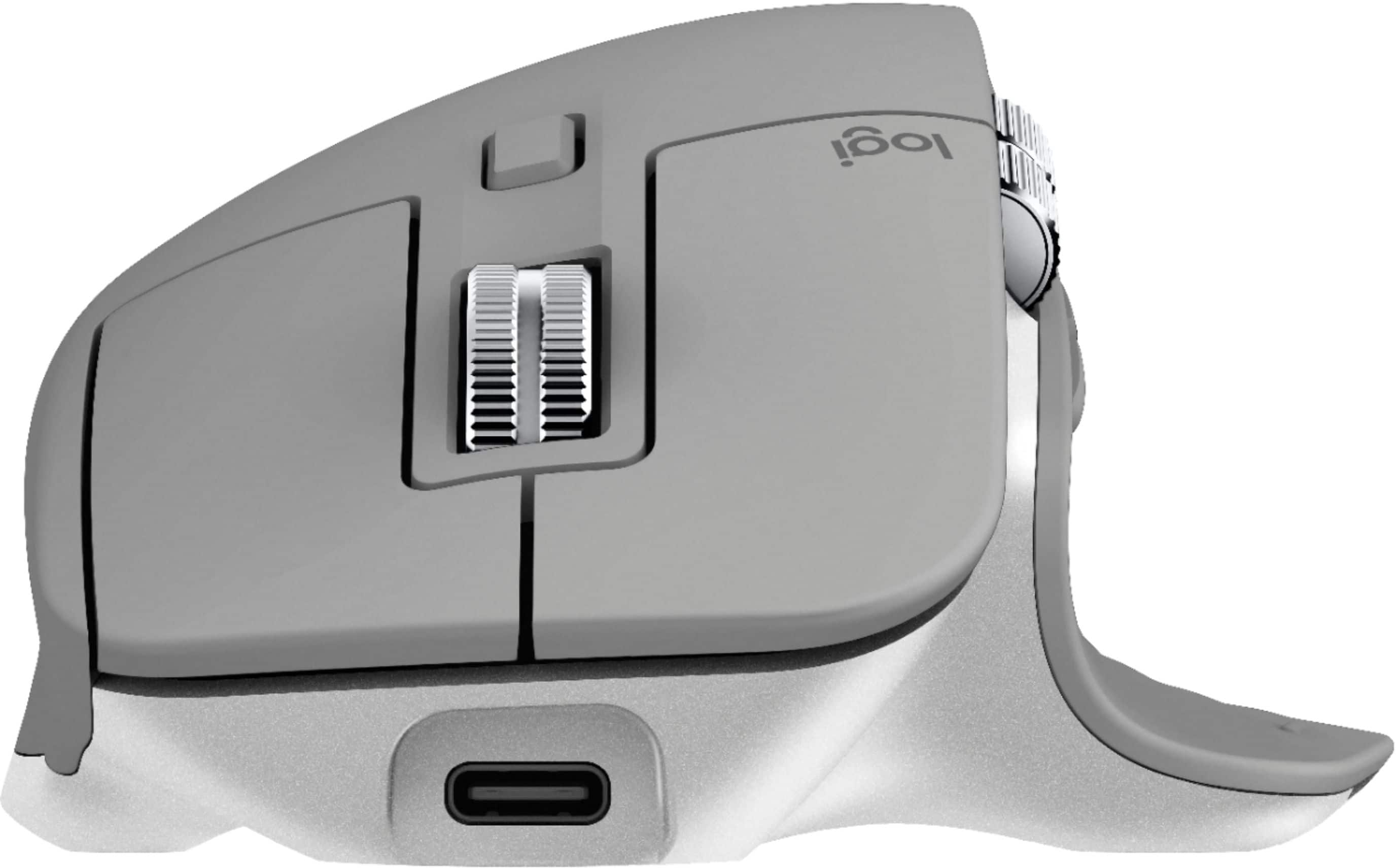
Customers enjoy the ergonomic design, smooth scroll wheel, and excellent battery life of the MX Master 3 mouse. Many appreciate the high-quality build and the extensive customization options, along with its Bluetooth connectivity and multi-device capabilities. However, some find the mouse to be large and heavy. A few users have also reported issues with software consistency and occasional lag.
This summary was generated by AI based on customer reviews.
Not that good with Mac
||Posted . Owned for 2 weeks when reviewed.This reviewer received promo considerations or sweepstakes entry for writing a review.Wanted to love this but you cann't customize it for a Mac that much and I miss some of the features of Magic Mouse2
No, I would not recommend this to a friendGreat Mouse But Overpriced
||Posted . Owned for 1 month when reviewed.This reviewer received promo considerations or sweepstakes entry for writing a review.Great mouse with good options but is kind of small. A little overpriced.
I would recommend this to a friendNot for gaming
||Posted . Owned for less than 1 week when reviewed.This reviewer received promo considerations or sweepstakes entry for writing a review.Nice mouse, great feel in the hand. Disappointed that there are NO programable buttons.
No, I would not recommend this to a friendMouse
||Posted . Owned for 3 weeks when reviewed.This reviewer received promo considerations or sweepstakes entry for writing a review.Its great for whenever you are working on multiple screens at a time.
I would recommend this to a friend- Cons mentioned:Price
Constant loss of connection.
||Posted . Owned for 1 month when reviewed.This reviewer received promo considerations or sweepstakes entry for writing a review.The Logitech MX Master 3 Wireless Laser Mouse constantly losses connection causes the curser to freeze and jump around. I have used similar mice before and never had this issue. It sucks spending 100$ for a mouse that suffers from such a serious issue. I wouldn't recommend this mouse.
No, I would not recommend this to a friendBrand response from Logitech
Posted .Hello Rose, I am sorry to hear about the connectivity issues you are having with the mouse. This mouse comes with the option to connect Via Bluetooth or USB dongle. The USB dongle connection will always be the more reliable option. If you are already using that and it is still losing connection you may have received a defective unit. Luckily it comes with a year warranty through Logitech so we can get it replaced for you. Here is the page where you can file a warranty claim: https://support.logi.com/hc/en-us/articles/360035969313-Warranty-MX-Master-3-Wireless-Mouse-with-Hyper-fast-Scroll-Wheel. I hope this helps! Thank you for taking the time to write this review, we appreciate the feedback.
Mouse 3
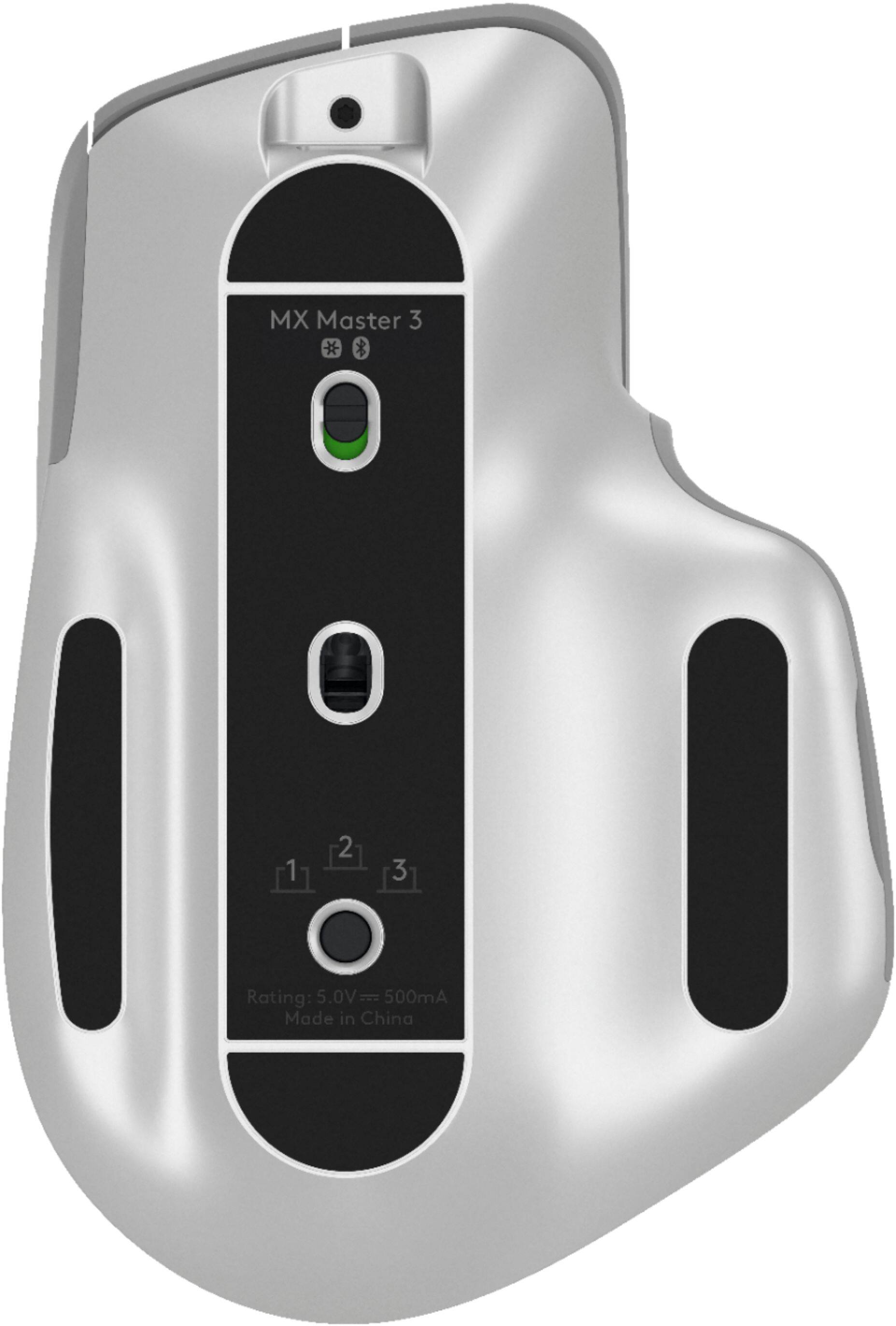
||Posted . Owned for 4 months when reviewed.This reviewer received promo considerations or sweepstakes entry for writing a review.I like it good built but changing computer toggle button should not be under the mouse .
I would recommend this to a friend- Cons mentioned:Bluetooth connectivity
Mistake - don't buy it.
||Posted .This reviewer received promo considerations or sweepstakes entry for writing a review.I give up on this mouse. I have laptop mounted under desk, and this does not work properly with either bluetooth or wireless. Lags & jumps to the point it is unusable. Unfortuatnely I waited too long to return it so am now stuck with a $100 paper weight. Yeesh.
No, I would not recommend this to a friendBrand response from Logitech
Posted .Hello, I am sorry to hear the mouse is not functioning properly for you. You may have received a defective item. But, this mouse does come with a 1 year warranty so we can get it replaced for you. Here is the link in order to file a claim: https://support.logi.com/hc/en-us/articles/360035969313-Warranty-MX-Master-3-Wireless-Mouse-with-Hyper-fast-Scroll-Wheel. I hope this helps! Thank you for taking the time to write this review, we appreciate the feedback.
Logitech Lagging Mouse
||Posted . Owned for 2 months when reviewed.This reviewer received promo considerations or sweepstakes entry for writing a review.Does not work efficiently, the mouse constantly lags! Features hardly work as promoted.
No, I would not recommend this to a friendReturned
||Posted . Owned for 1 month when reviewed.This reviewer received promo considerations or sweepstakes entry for writing a review.Got it to relieve pain, and ended up causing more pain
No, I would not recommend this to a friendGood mouse
||Posted .This reviewer received promo considerations or sweepstakes entry for writing a review.It’s a pretty good device but not sure if everyone will get used to the shape of it.
No, I would not recommend this to a friendIt is pretty good... when it works
||Posted . Owned for 1 month when reviewed.This reviewer received promo considerations or sweepstakes entry for writing a review.The battery dies quickly, which on its own is not a problem. However, when the battery does die, it won't reconnect properly, so I have to constantly disconnect and reconnect the dongle. Scroll wheel is also not as smoother as it could be.
No, I would not recommend this to a friendBrand response from Logitech
Posted .Hello Angstboy,
I am sorry that the MX Master 3 is not working as expected. Try downloading the Logitech Options+ app from the Logitech website. This app will keep the device's firmware up to date, which will fix the battery life issue. Also, the app will let you customize the mouse using advanced settings. Logitech appreciates your product review. - Leo from Logitech
Mouse is okay using transeiver.
||Posted . Owned for 3 weeks when reviewed.This reviewer received promo considerations or sweepstakes entry for writing a review.The mouse is amazing but the Bluettooth frequently disconnects.
No, I would not recommend this to a friend- Pros mentioned:Comfortable, Long battery life

Masterful.... YEP!
|Posted .This reviewer received promo considerations or sweepstakes entry for writing a review.I'm an owner of the original MX mouse and I've about worn it out over these last 10 years or so. Honestly I couldn't think of a reason to upgrade when the MX was just about perfect for me. That is till I had the pleasure of using the Logitech - MX Master 3 Wireless Laser Mouse. Logitech has improved exponentially in all areas including comfort. The mouse fits perfectly, almost like a custom fit. Honestly, this is more mouse than I need for the most part. Nearly all of my precision tasks come in the form of Photoshopping photos and editing sound. Let me tell ya, the Logitech - MX Master 3 Wireless Laser Mouse shines like a super nova in those areas. I had always been good at both forms of editing, but now my work has stepped up to a whole other level. All I can say is w0w! I'm going on 2 weeks so far on a full charge and she's still reading full. The Logitech MX series mouse and keyboards are a good long term investment in your computing needs. Cheers!
I would recommend this to a friend Constantly Disconnects
||Posted . Owned for 4 months when reviewed.This reviewer received promo considerations or sweepstakes entry for writing a review.I hate this mouse and scream at it every couple of days (when using it). I'll get so frustrated that I'll throw it in a drawer and forget about it. But will then find it and try it out again. Then I'll remember why it was in a drawer. While using it, I'll scream at it at least once per hour because it freezes up CONSTANTLY! It is past the return period so not it is just another piece of ELECTRONIC WASTE. Do yourself a favor and pass on this. I have tried everything I could from reddit and from Logitech support. Seriously, read the forums ... I wish I had!
No, I would not recommend this to a friendBrand response from Logitech
Posted .Hi dockcom, So sorry to hear about the issues you're having with the MX Master 3 and it freezing up constantly. You mentioned that you tried everything, including Logitech support. There could be 3 possible causes as to why this may be happening: potential hardware issues, interference issues, and USB port issue.
Here are some possible solutions:
1. Verify the product or receiver is connected directly to the computer and not to a hub, extender, switch or something similar.
2. Move the keyboard closer to the USB receiver. If your receiver is in the back of your computer, it may help to relocate the receiver to a front port. In some cases the receiver signal gets blocked by the computer case, causing a delay.
3. Keep other electrical wireless devices away from the USB receiver to avoid interferences.
4. Unpair/repair or disconnect/reconnect hardware.
5. Upgrade the firmware for your device if available.
6. Windows only — check if there are any Windows updates running in the background that may cause the delay.
7. Mac only — check if there are any background updates that may cause the delay.
8. Try on a different computer.
Also remember, the MX Master 3 does come with a 1 year limited hardware warranty. Here's a link to File a Claim https://support.logi.com/hc/en-us/articles/360035969313-Warranty-MX-Master-3-Wireless-Mouse-with-Hyper-fast-Scroll-Wheel.
Hope that you found this helpful and that all is going well. - Richard from Logitech
- Cons mentioned:Durability
Died after a year
||Posted . Owned for 1 year when reviewed.This reviewer received promo considerations or sweepstakes entry for writing a review.It was a fantastic mouse for productivity, until it completely died on me after owning for a year. No signs of life at all which is extremely disappointing for such a new product.
No, I would not recommend this to a friendBrand response from Logitech
Posted .Hey there, I'm so sorry to hear your Master 3 died on you. If you didn't know, the mouse actually has a 2 year warranty, so if you contact us via our support site we can get you started with that process and assist you in any way we can. -Weston from Logitech
- Pros mentioned:Long battery life, Scroll wheel
great mouse
|Posted .This reviewer received promo considerations or sweepstakes entry for writing a review.I previously had a logitech M705 mouse and I can honestly say that this one is so much better. It looks strange but is actually very comfortable in the hand. Ergonomics are great. On a reflective surface the tracking is not good, but i use a mouse pad and it is accurate and easy to use for Autocad. The best feature is the slde scroll wheel, that thing is awesome for panning on a large page. I can move around left-right with the sidewheel and up/down with the center wheel. The side wheel feels very good, with a damped weighted feel. The center wheel has a totally different feel and is lighter in operation. they really should make both wheels the same for a more consistent and integrated operation. That my only ding on the mouse. The battery life is great and a quick 15 top up with USB-C will last a few hours. I have gone over a month without charging. Awesome mouse, best yet from logitech.
I would recommend this to a friend - Pros mentioned:Multi-device
Tweaking a good mouse to make it even better
|Posted .This reviewer received promo considerations or sweepstakes entry for writing a review.The new MX Master 3 mouse is the latest entry in the MX Master series of mice. I’ve been using the original MX Master for the last few years, so I was excited to see what the new one brings to the table. The shape and feel of the mouse is nearly identical to its predecessor. I actually think the materials used and subtle copper and black colors of the original are superior to the new all-black look of the MX3, but that has no bearing on the function of the mouse. Logitech has brought some small improvements to this version of the mouse: the scroll wheel is magnetic now, which makes it operate more smoothly than before. The wheel can either be free-spinning or line-by-line, and there’s a button that allows easy switching between the two. They’ve retained the feature that allows you to use line-by-line mode and then automatically switch to free-spinning when you spin the wheel quickly to move almost instantly to the bottom of the page. Due to the use of a magnetic wheel, the scroll wheel is smoother than ever and silent in free-spinning mode. There’s also another wheel, right next to your thumb. This wheel is for side-to-side scrolling. I found this wheel to be not as smooth as I wanted, but the new version remedies that very well. The new version is smooth and responsive. Just under this wheel are the forward and back buttons, which have been repositioned from the original version. This was one of the things I really disliked about the original, as the positioning of these buttons was not convenient at all, making them difficult to use, and thus I rarely used them. The latest version makes them easy to find by feel, and they’re now something you’ll use all the time. I’ve used many mice over the years, and I love the forward and back buttons, so I’m thrilled that they’re usable again. Logitech makes a big deal over its Flow software, which allows you to move the cursor from one computer to another and even copy/paste from one to the other, but I don’t have multiple computers on which to try out this feature. It does seem like a great idea, but I couldn’t test it. As before, the ability to use this mouse with multiple devices is wonderful. I use it with my PC and Logitech unifying receiver, while I connect to my Chromebooks using bluetooth. Switching among them is easy with just the touch of a button on the underside of the mouse. This is one of those features that just works flawlessly, and you’ll wonder why you used separate mice for separate devices as long as you did. Logitech includes its venerable LogiOptions software, which allows you to configure all of your Logitech peripherals in one place. Interestingly, the new mouse did not work with the old version of the software, but I had to figure that out on my own. I had to uninstall the old software, then install the new version, and I was then able to configure my mouse. To be honest, I’m pretty happy with the default behavior of the buttons, but I do appreciate knowing that I have the ability to configure it however I want, if I want. If you’re using the original MX Master, I’m not sure there’s enough here to spend the full price again. The MX3 brings subtle improvements to a number of things, making a great mouse even better. If you’re in the market for a new mouse, however, you’d be doing yourself a favor by getting the MX Master 3. It’s a great all-around mouse that is comfortable to use and gets the job done without drawing attention to itself, which is what you want a mouse to be.
I would recommend this to a friend - Cons mentioned:Bluetooth connectivity
Rubbish
||Posted . Owned for 10 months when reviewed.This reviewer received promo considerations or sweepstakes entry for writing a review.Horrible. Worst logitech product I have ever had. Doesn't connect a good bit with only being 3-4' away. Has done this since day 1. Pure rubbish.
No, I would not recommend this to a friend - Pros mentioned:Long battery life, Scroll wheel
The Best Productivity Mouse Around
|Posted .This reviewer received promo considerations or sweepstakes entry for writing a review.The MX Master Series mouse is my favorite work mouse to-date, so I jumped at the opportunity to use try out the newest iteration: MX Master 3. Overall, this is a great mouse. The new scroll wheel is awesome (change to fast-magnetic scrolling the faster you scroll), and the slight change in button placement is nicer, and more user-friendly. The design is also top-notch, and hard to find any fault in (unless you're left-handed.) It's ergonomic and perfect for all-day use, and the buttons are customizable if wanted (via Logi Option.) Plus, the mouse feels premium with good weight distribution as well. Battery life is great (I've only needed to charge the mouse once in 30 days), and the USB-C charging is also appreciated. Overall, the only real downside is cost here. That aside, this is one of the best mice out there, period.
I would recommend this to a friend - Cons mentioned:Price
Overpriced Junk
||Posted . Owned for 1 year when reviewed.This reviewer received promo considerations or sweepstakes entry for writing a review.Way over priced and turned out to be a very buggy and poorly made. I used to buy only Logitech now I will avoid them in the future
No, I would not recommend this to a friendBrand response from Logitech
Posted .Hello, thank you for sharing your experience with the MX Master 3. I'm sorry that you experienced a buggy connection. The way you connect the MX Master 3 to the laptop/computer you are using can make a difference in a "buggy" connection. Using the USB receiver can give a cleaner connection with less issues than using Bluetooth. Also, if there a lot of devices in the area also using a signal it can cause interference. I hope you are able to find a mouse that works for your situation. Thank you for being a Logitech customer. Kristi from Logitech