Customer Ratings & Reviews



- Model:
- 910-005692
- SKU:
- 6404089
Rating by feature
- Value
Rating 4.5 out of 5 stars
- Quality
Rating 4.9 out of 5 stars
- Ease of Use
Rating 4.8 out of 5 stars
Customers are saying
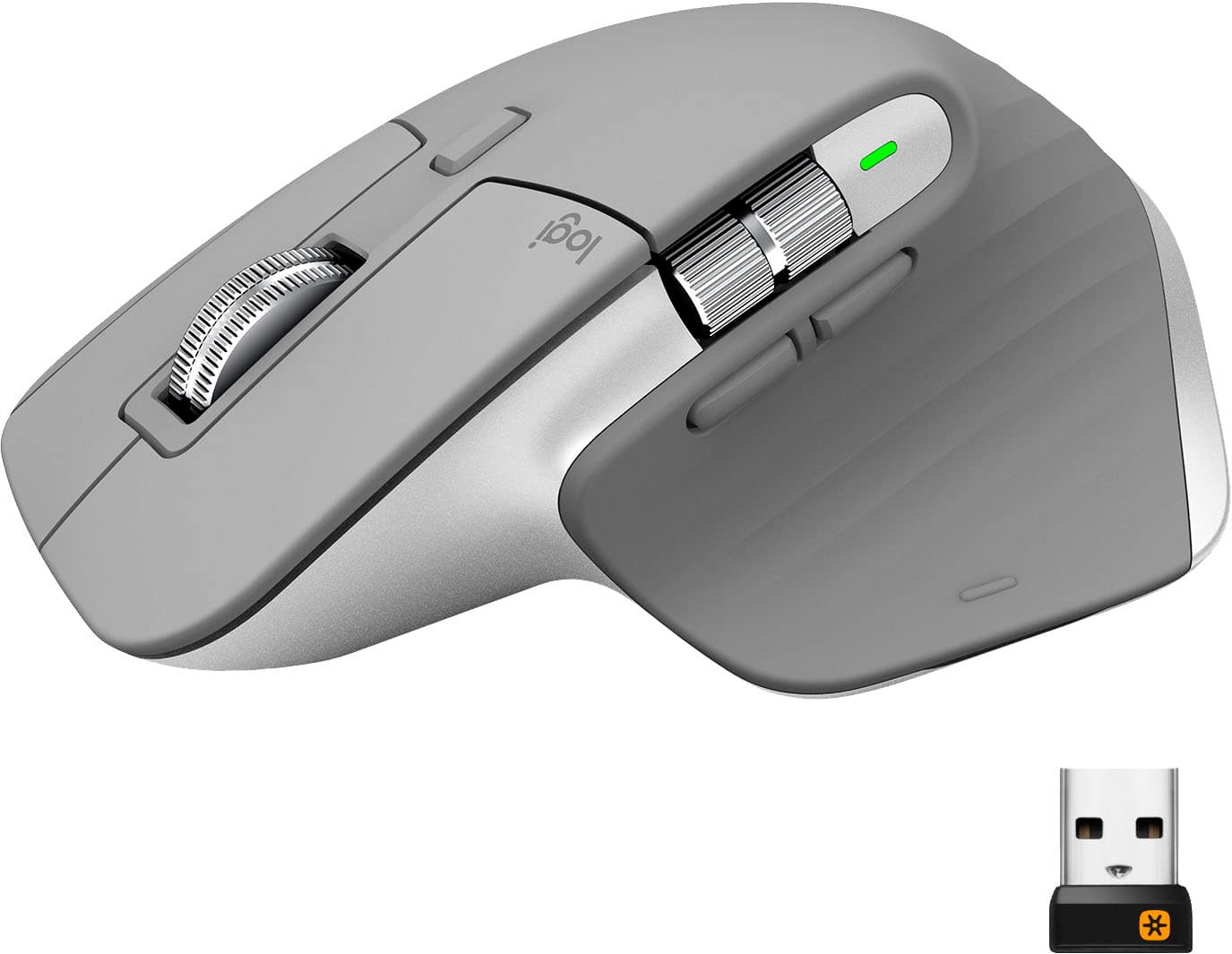
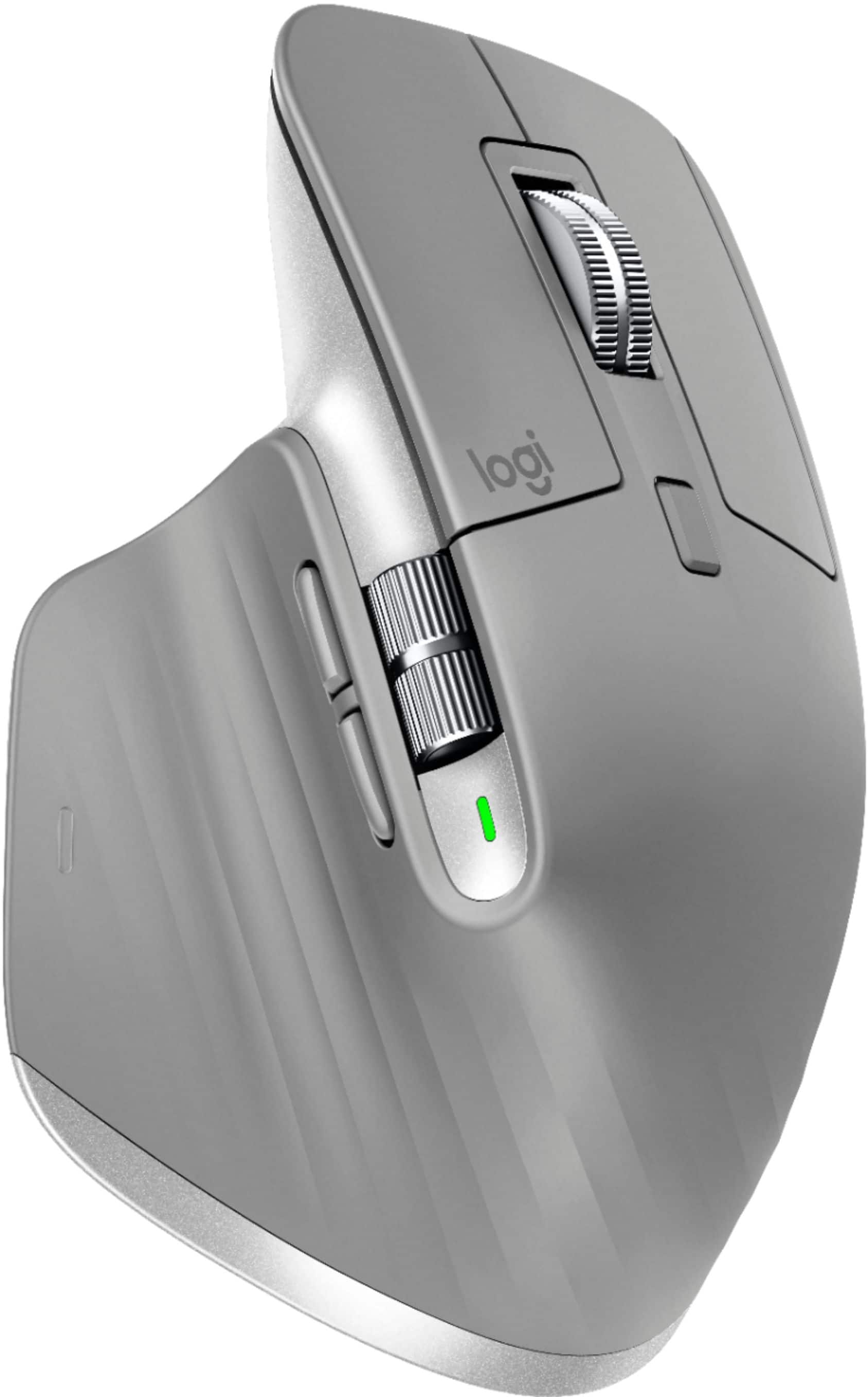
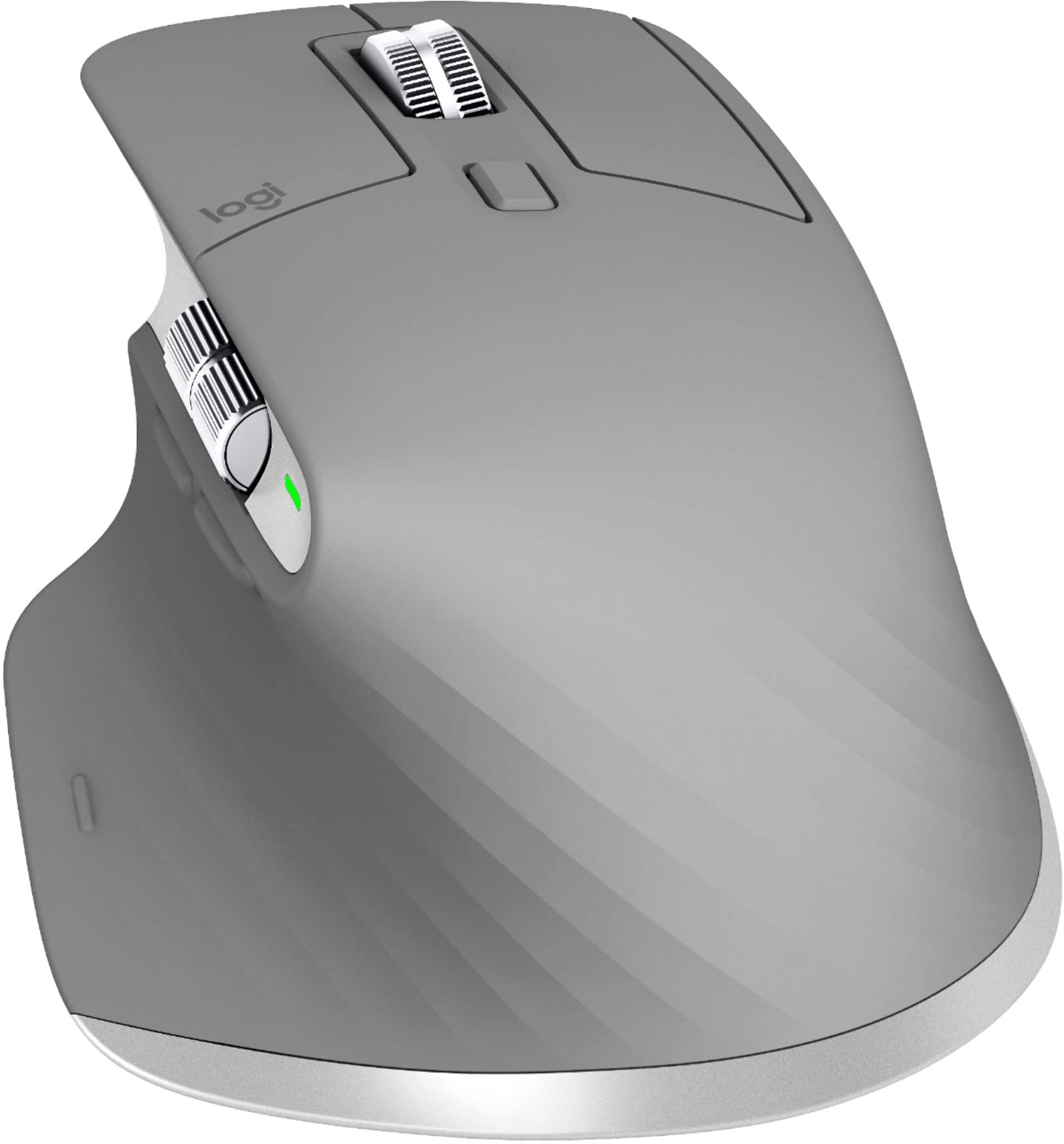
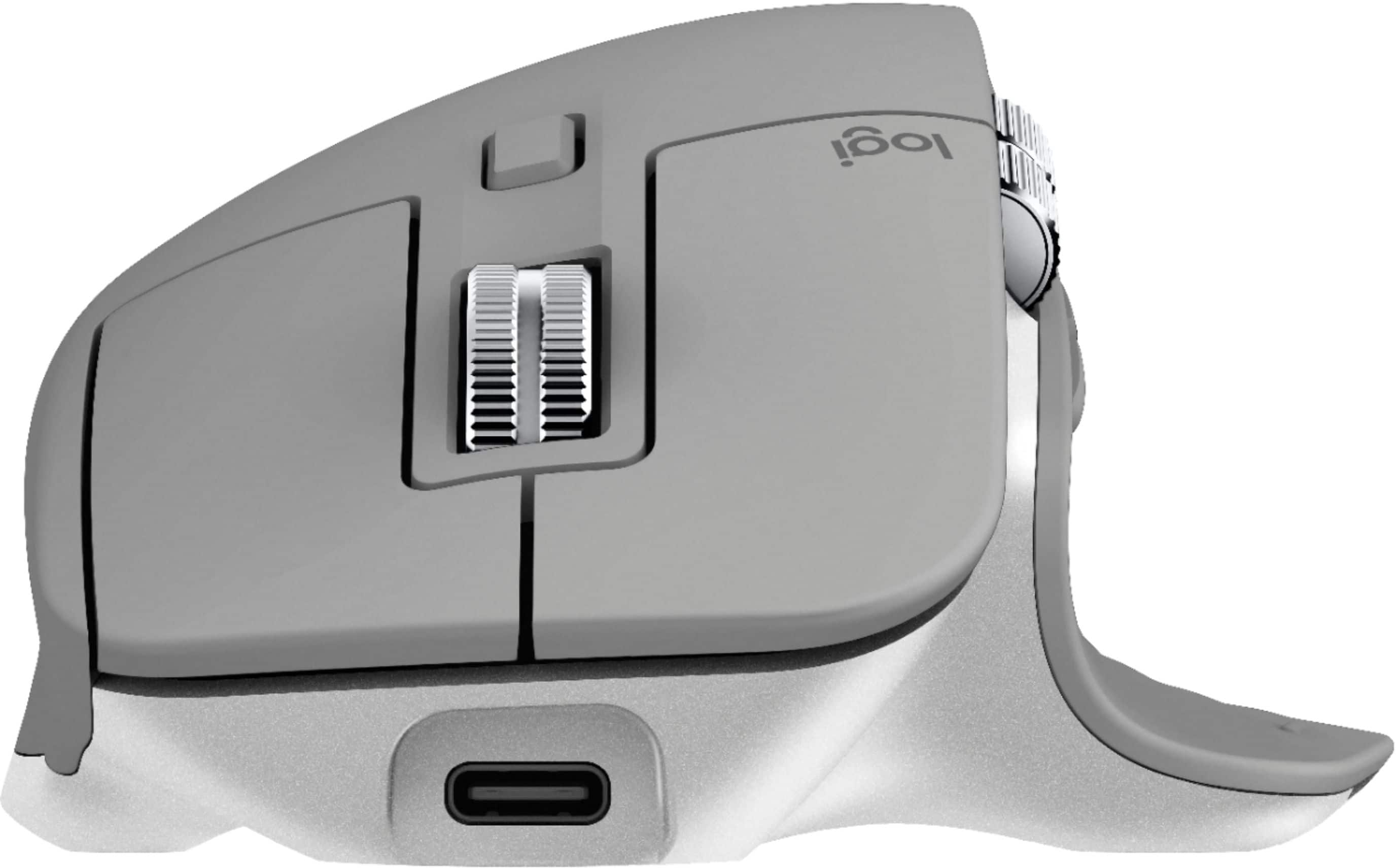
Customers enjoy the ergonomic design, smooth scroll wheel, and excellent battery life of the MX Master 3 mouse. Many appreciate the high-quality build and the extensive customization options, along with its Bluetooth connectivity and multi-device capabilities. However, some find the mouse to be large and heavy. A few users have also reported issues with software consistency and occasional lag.
This summary was generated by AI based on customer reviews.
Mouse I never ordered
||Posted . Owned for 1 month when reviewed.This reviewer received promo considerations or sweepstakes entry for writing a review.I wouldn’t know if this mouse was good or not because someone hacked my account and ordered it twice. I cancelled the first one and Called to cancel the second time they tried to order it but Best Buy didn’t cancel the order even though I said it was a fraudulent purchase. So be careful when ordering online!!!!
No, I would not recommend this to a friend- Pros mentioned:Long battery life

Great Mouse
|Posted .This reviewer received promo considerations or sweepstakes entry for writing a review.I’ve been a fan of the MX Master series since the first mouse came out. I’ve owned the original and the second. I’m still running the second. The original I’ve since discarded. The scroll function is awesome on the originals and the 3 makes it better. I like the all metal scroll and thumb wheel of this design. The arrangement of the thumb/back/forward buttons is also better. On the previous models to use the back/forward you had to bend your thumb back. It was already an awkward movement and your target was two small, stacked buttons. This layout is way better and I find myself using the buttons more often. The battery life has been impressive so far as I have not had to charge it yet in the past month. I do turn it off for the weekend when I leave on Fridays. Since I’m using this at work on one PC, I can’t speak to the flow feature. My only issue with the previous two models has been the Gesture button. Eventually both (the 1 and 2) got to the point that they would stick and/or not register a click. Fairly annoying and disappointing. The rest of the features though have been enough for me to keep using this mouse and giving the 3 a chance. I wish they’d incorporate all these design features into the MX Vertical.
I would recommend this to a friend Not for lefties
||Posted . Owned for 3 months when reviewed.This reviewer received promo considerations or sweepstakes entry for writing a review.Not good for me. I’m left handed. The packaging doesn’t address that!
No, I would not recommend this to a friendBrand response from Logitech
Posted .Hello, I am sorry if there was any confusion regarding the product. Here are some mice made for lefties: https://www.logitech.com/en-us/mice?filters=3874. I hope this clears things up.
Thank you for taking the time to write this review, we appreciate the feedback.
Mr
||Posted . Owned for 3 weeks when reviewed.This reviewer received promo considerations or sweepstakes entry for writing a review.I have to follow up the unshaven part with a razor blade.
No, I would not recommend this to a friendBrand response from Logitech
Posted .Hello,
Thank you for choosing Logitech and for taking the time to share your experience. I am sorry that in your experience, your MX Master 3 has an unshaven part; I would like to help. I have attached a link to the "Getting Started" support page for your MX Master 3 Wireless Mouse for further assistance.
Best regards,
John at Logitech
https://support.logi.com/hc/en-us/articles/360035271133
- Pros mentioned:Comfortable, Customizable, Long battery life
Great office mouse
Posted .This reviewer received promo considerations or sweepstakes entry for writing a review.Honestly, I don't see any down side of this mouse. It's comfortable for long time use, have usb c charging, long lasting battery, customizable buttons, connects up to 3 devices at the same time.
I would recommend this to a friend - Pros mentioned:Long battery life
awesome design and functionality
|Posted .This reviewer received promo considerations or sweepstakes entry for writing a review.I have never used a mouse with this design but the raised top fit right in the ball of your palm and the thumb rest is a big ledge for you to rest your thumb on. It's very comfortable even for long periods of use. The scroll wheel on top can change from slow precise scroll to a free wheeling scroll. I use the clicking wheel because i feel like I have better control of where I want to stop on a page, but to each his own. There is also a wheel on the side that control side to side scroll. Also as in most "mice" you can press on the top scroll wheel to move the page in any direction. Having a wireless mouse is a great feature too. Not having a wire hinder your movements on the desktop is nice. The Bluetooth setup was very easy and took only a couple minutes. The mouse does need to be charged but you can go almost 2 months without having to charge it. Moving the cursor around the screen is very flawless. My last mouse would would fly off the page with just a short swipe but this this mouse moves the cursor around the page smoothly in the direction you want. Another great product from Logitech
I would recommend this to a friend Not good
||Posted . Owned for less than 1 week when reviewed.This reviewer received promo considerations or sweepstakes entry for writing a review.I did not get my mouse!!! It was sent to the wrong address. Chat was no help and said I would get an email with options. I called and the wait was more than an hour. I could not hold due to work. I work at home and need my ergo mouse! At least ship to my correct address I gave you!
No, I would not recommend this to a friendFrustrating skip issue
||Posted . Owned for 9 months when reviewed.This reviewer received promo considerations or sweepstakes entry for writing a review.Purchased 2 in March - one for me, one for my husband. His works fine, and mine skips. Quality control disappointment on this Logitech Mouse. Very disappointed. I’m brand loyal to Logi and think I’ll switch to cheap stuff since this tech is now unreliable.
No, I would not recommend this to a friendBrand response from Logitech
Posted .Hello, I am sorry to hear about the issue with your mouse. Lets try a firmware update first. If you have not downloaded the Logitech Options software, that is where it will make sure your mouse is always up to date. You can also customize all the settings of your mouse as well. Here is the link for that: https://support.logi.com/hc/en-us/articles/360025297893. If that does not work, this mouse does come with a 1 year warranty through Logitech so we can get that replaced for you! Here is the link to file a claim: https://support.logi.com/hc/en-us/articles/360035969313-Warranty-MX-Master-3-Wireless-Mouse-with-Hyper-fast-Scroll-Wheel. I hope this helps! Thank you for taking the time to write this review, we appreciate the feedback.
- Pros mentioned:Customizable, Multi-device
Smooth and comfortable mouse!
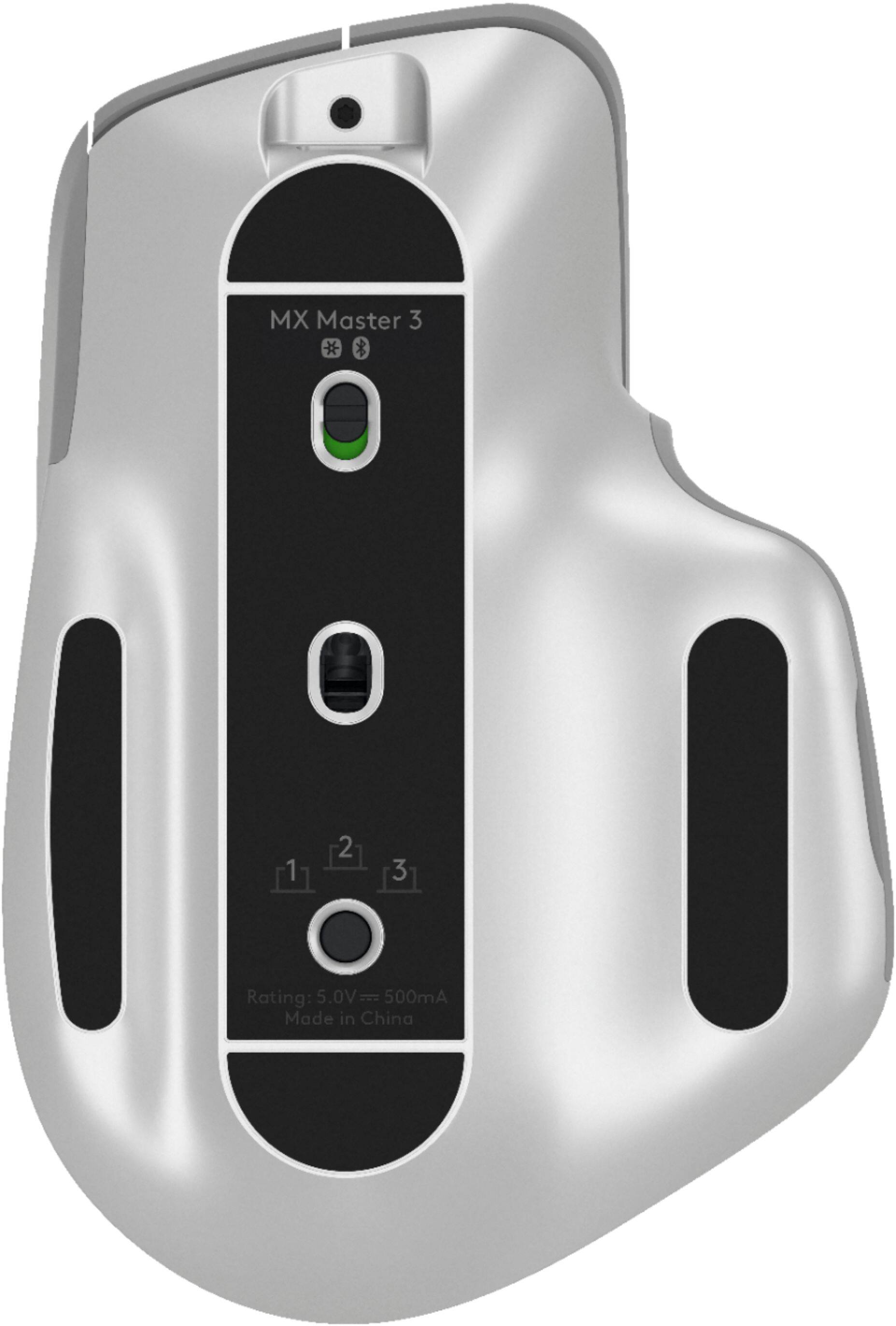
|Posted .This reviewer received promo considerations or sweepstakes entry for writing a review.This is definitely the fanciest and customizable mouse that I have ever owned. Really great that you can toggle between 3 different devices with the toggle of a button on the underside. I mainly use with a Mac Mini, but also with a work laptop and my MacBook as well. Customizing the buttons with the Logi Options software makes it a snap as well. My only gripe is that the bluetooth connection for me sometimes has some lag or makes the pointer jump. The USB dongle however seems perfectly fine.
I would recommend this to a friend DO NOT buy this mouse
||Posted . Owned for 1 month when reviewed.This reviewer received promo considerations or sweepstakes entry for writing a review.This is without a doubt the worst wireless mouse I have ever purchased. I bought 2 of these one for work and one for home and both of them are horrible. Stay away from this item.
No, I would not recommend this to a friendBrand response from Logitech
Posted .Hello Doug,
I am sorry that the MX Master 3 did not meet your expectations. Logitech appreciates your product review. - Leo from Logitech
- Pros mentioned:Long battery life
WOW!!! I really love this mouse!!! TRY IT OUT!!!
|Posted .This reviewer received promo considerations or sweepstakes entry for writing a review.I would like to list the PRO's and CON's of the Logitech MX Master 3 Mouse in order to hopefully help you decide whether to purchase this product or not. PRO's: Very sleek and stylish. Works extremely well for gaming. Very ergonomic. Hand does not cramp or fell stressed with prolonged use. Charging is quick. Battery last a very long time. Connection is very easy. Packaging is BEAUTIFUL!!!! Included directions are very clear and helpful. Movement is very precise and sensitive. CON's: Mouse is very large in size. I have average size hands and I do feel like it is a little big for me. I wish it was quieter. The clicking is very loud. After using this product for a while I really can't think of any other CON's besides the two I listed above. I truly think you should give this mouse a shot if you are in the market for a new mouse.
I would recommend this to a friend Loud click
||Posted . Owned for 3 weeks when reviewed.This reviewer received promo considerations or sweepstakes entry for writing a review.Mose is too loins on every click and the roll too sensitive. Everything about the mouse just screams I’m loud. Clicking, moving the mouse all loud. And even more louder in a quiet environment.
No, I would not recommend this to a friendBrand response from Logitech
Posted .Hello, sorry to hear that you are unsatisfied with your MX Master 3 Wireless Laser Mouse. We are always looking for ways to improve our products, so we appreciate your review. I have one myself and have used it in cafes, libraries with no issue in sound. However, it truly is personal preference. Perhaps a MX ANYWHERE 3 or MX VERTICAL maybe a better device for you. If you are shopping in store, there are usually demo units in the M&K section with Logitech for you to get a feel of. I hope this information was helpful. If you ever have additional feedback or questions regarding Logitech products, feel free to visit https://support.logi.com/hc/en-us Thanks, -Logitech
- Pros mentioned:Scroll wheel
Takes a little getting used to...
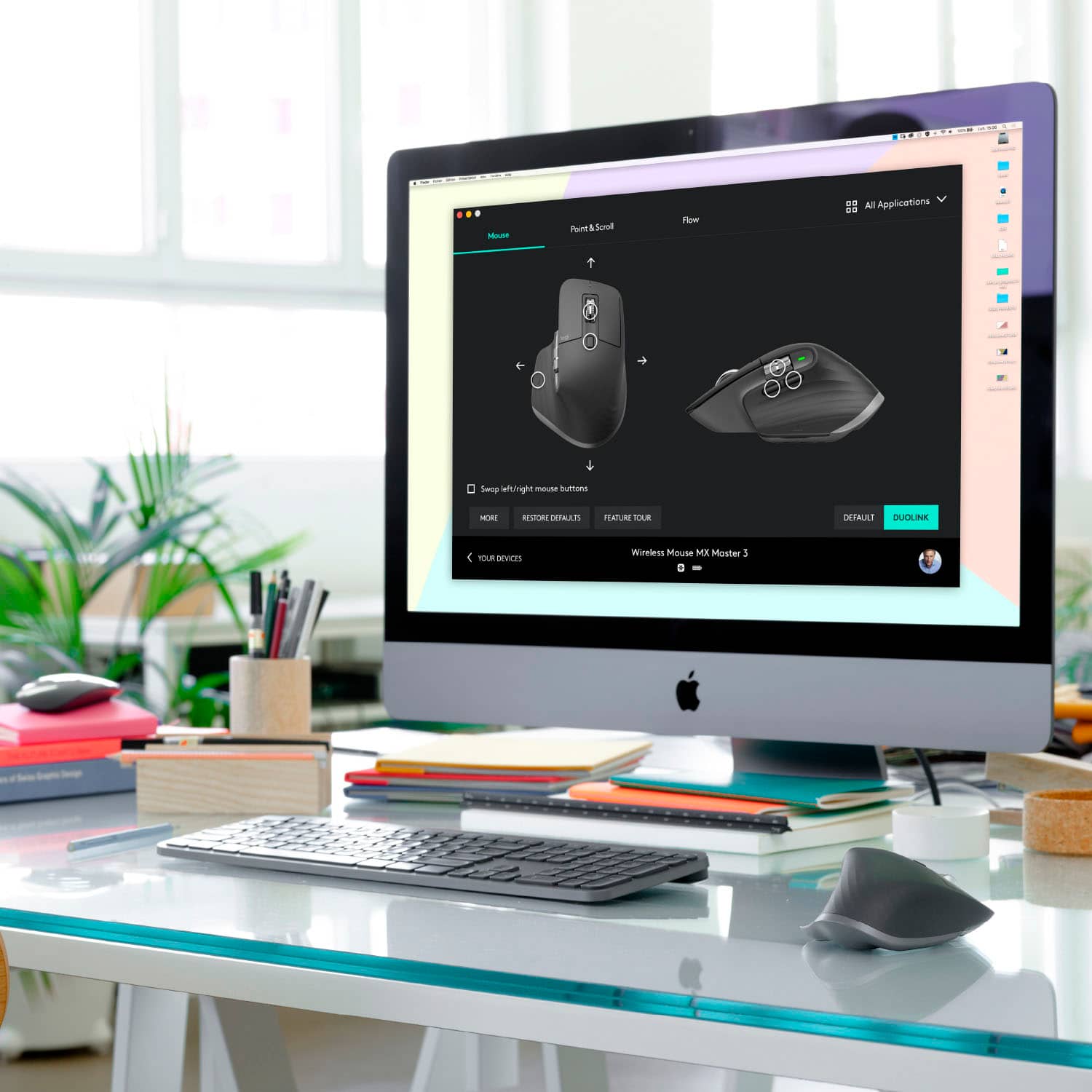
|Posted .This reviewer received promo considerations or sweepstakes entry for writing a review.I like this mouse, but it took it a while to grow on me. At first I didn't like the thumb rest, but now I kinda keep my thumb hanging a little bit off the edge the same way I would on a more normal shaped mouse. There are a few little quick functions that are well thought out. I like the scroll wheel that auto changes from clicky to smooth, but there is also a button to click to manually change it. The pointer speed is easy to tune in with the included software, which also recognizes the wireless keyboard also from Logitech. The pair both use the same USB dongle so there is no need for multiple dongles. The distance on the wireless connection is pretty decent, I take the mouse into my kitchen with me when I'm cooking and I can still use it to skip adds on videos and go to the next playlist etc from across the house.
I would recommend this to a friend Scroll wheel does not track properly
||Posted . Owned for 3 weeks when reviewed.This reviewer received promo considerations or sweepstakes entry for writing a review.Scroll wheel randomly lags when attempting to scroll through things. After looking into the issue online this is a consistent issue for almost every user and there is no fix. Will be returning the product.
No, I would not recommend this to a friendBrand response from Logitech
Posted .Hi AJ Scott. I'm sorry that you experienced a delay in the scroll function of the mouse. It is common for all mice to have small response gaps especially if the file you are scrolling through is rather large. Logitech offers a free software called Logitech Options. You can download that and access more features on the MX Master 3. If you have further questions please visit us at support.logi.com
Kristi from Logitech.
- Pros mentioned:Long battery life
Amazing Product!
Posted .This reviewer received promo considerations or sweepstakes entry for writing a review.I purchased the Logitech MX Master 3 in 2019, and it has been an absolute workhorse. Its ergonomic design and customizable buttons have significantly improved my productivity. The precision tracking is spot-on, making it a joy to use for tasks that require accuracy. The battery life is impressive, I rarely have to recharge it. Overall, after years of use, the MX Master 3 continues to be a dependable and indispensable tool in my daily workflow.
I would recommend this to a friend Spent a 100 on this.
||Posted . Owned for 6 months when reviewed.This reviewer received promo considerations or sweepstakes entry for writing a review.Dont do it not worth the money. Im still using mine but there are better. Physically falling apart. litte sticky glides fell off. hard to move on surface. dont use the wheel much. Lots of draw back.
No, I would not recommend this to a friendBrand response from Logitech
Posted .Hi smviam, Sorry to hear that you are not happy with the MX Master. It is one of our very best, designed to work on any surface. It is backed with a 1-year limited hardware warranty. For support, please refer to: https://support.logi.com/hc/en-us/articles/360035271133 - Will, Logitech.
- Pros mentioned:Comfortable
Most Comfortable Mouse I've Ever Used
|Posted .This reviewer received promo considerations or sweepstakes entry for writing a review.Like my title says, the MX Master 3 is the most comfortable mouse that I've ever used. I use a computer most of the day and my arm would ache by the end from the traditional mouse that I had been using. I don't experience any with this one. Seriously, none at all. The more natural position does take some getting used to, but I don't know how I could go back to a traditional mouse. The buttons are well thought out and placed. There are two button where your thumbs sits to go back and forward on web pages. Makes navigation much faster. If you press down where your thumb sits and move the mouse, it's brings up the task view on Windows 10. I never actually used the task view before that. For the comfort mostly, but also the well thought out button placement, I highly recommend this mouse.
I would recommend this to a friend Price of junk
||Posted . Owned for 3 weeks when reviewed.This reviewer received promo considerations or sweepstakes entry for writing a review.Honest review is that this mouse is not worth the money. 95% of the time the functions do not work. The mouse constantly disconnects. Overall I would NOT AGET THIS CRAPPY MOUSE
No, I would not recommend this to a friendBrand response from Logitech
Posted .Hi Tdawg, thank you for your feedback! For support, please refer to: https://support.logi.com/hc/en-us/articles/360035271133 - Will, Logitech.
Unreliable and frustrating mouse
||Posted . Owned for less than 1 week when reviewed.This reviewer received promo considerations or sweepstakes entry for writing a review.Works for a few hours then mouse jumps between screen and disappears requiring reinitializing of the flow software. I returned the first mouse and had the same problem with the second.
No, I would not recommend this to a friendBrand response from Logitech
Posted .Hello ETH2,
Thank you for choosing Logitech and for taking the time to review the MX Master 3. I am sorry that you have experienced issues with your MX Master 3; I would like to help. This mouse can connect via USB or Bluetooth to up to 3 devices. If you are using the Unifying USB receiver, please run the "Firmware Update Tool" to ensure your USB receiver has the latest updates. Please check your computers for system updates and restart the computers. I have attached a link to the "Getting Started" support page for your MX Master 3 where you can find product guides, software downloads and further support if you are still experiencing issues. I hope these suggestions are helpful and that you will enjoy your mouse.
Best regards,
John at Logitech
https://support.logi.com/hc/en-us/articles/360035271133-Getting-Started-MX-Master-3
Waste of money & overpriced
||Posted . Owned for 1 month when reviewed.This reviewer received promo considerations or sweepstakes entry for writing a review.Worthless, quit working within the first month. I’ve tried charging it or using whole plugged in but doesn’t work.
No, I would not recommend this to a friendBrand response from Logitech
Posted .Hello, TechGirl! I'm sorry to hear that your MX Master 3 has stopped working on you! I would recommend reaching out to our support team here https://support.logi.com/hc/en-us/requests/new?ticket_form_id=360000621393 to file a warranty claim. The MX Master 3 has a 1-year limited hardware warranty. Thank you so much for this feedback! I will be passing this along. - Maggie from Logitech