Customer Ratings & Reviews

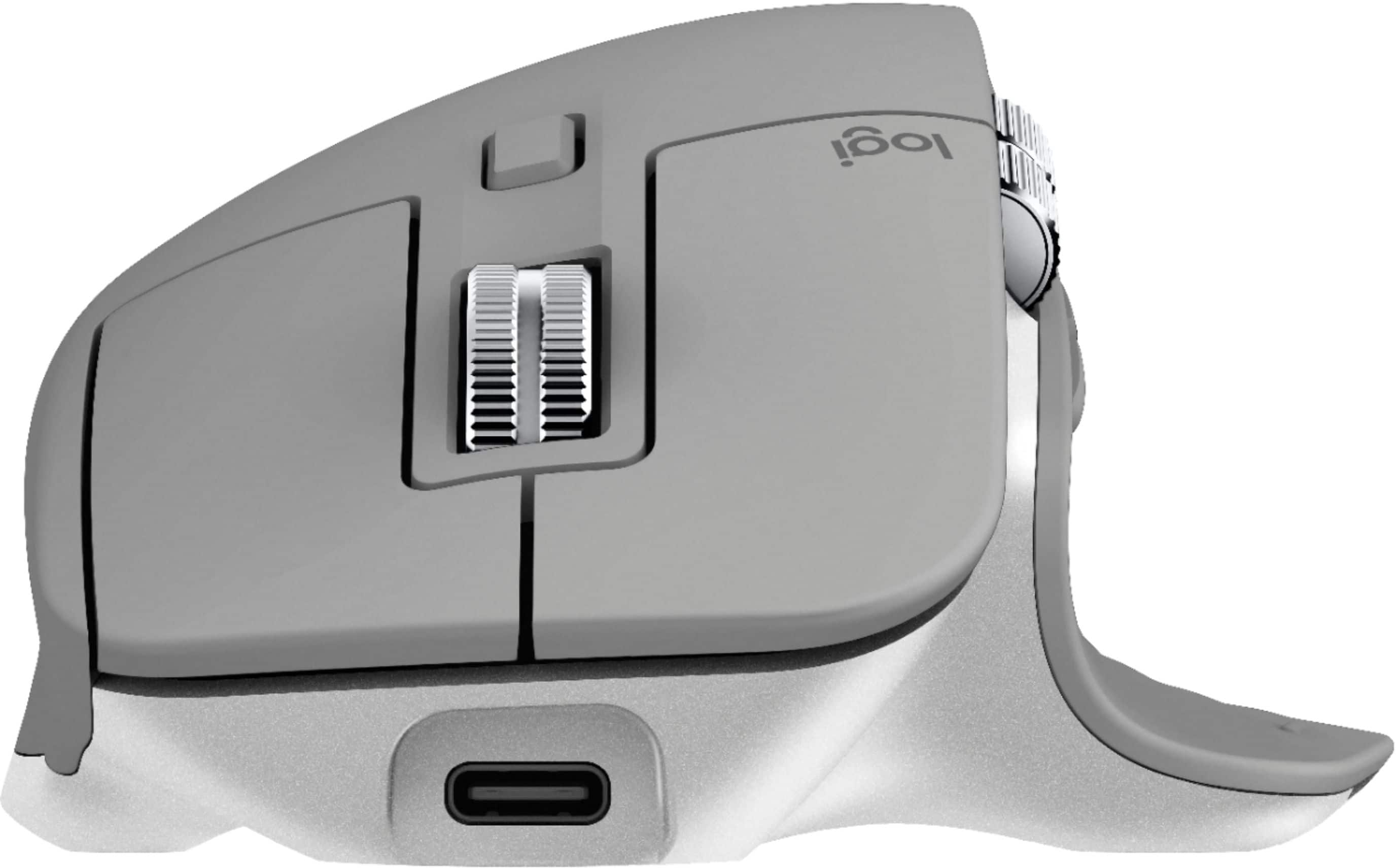
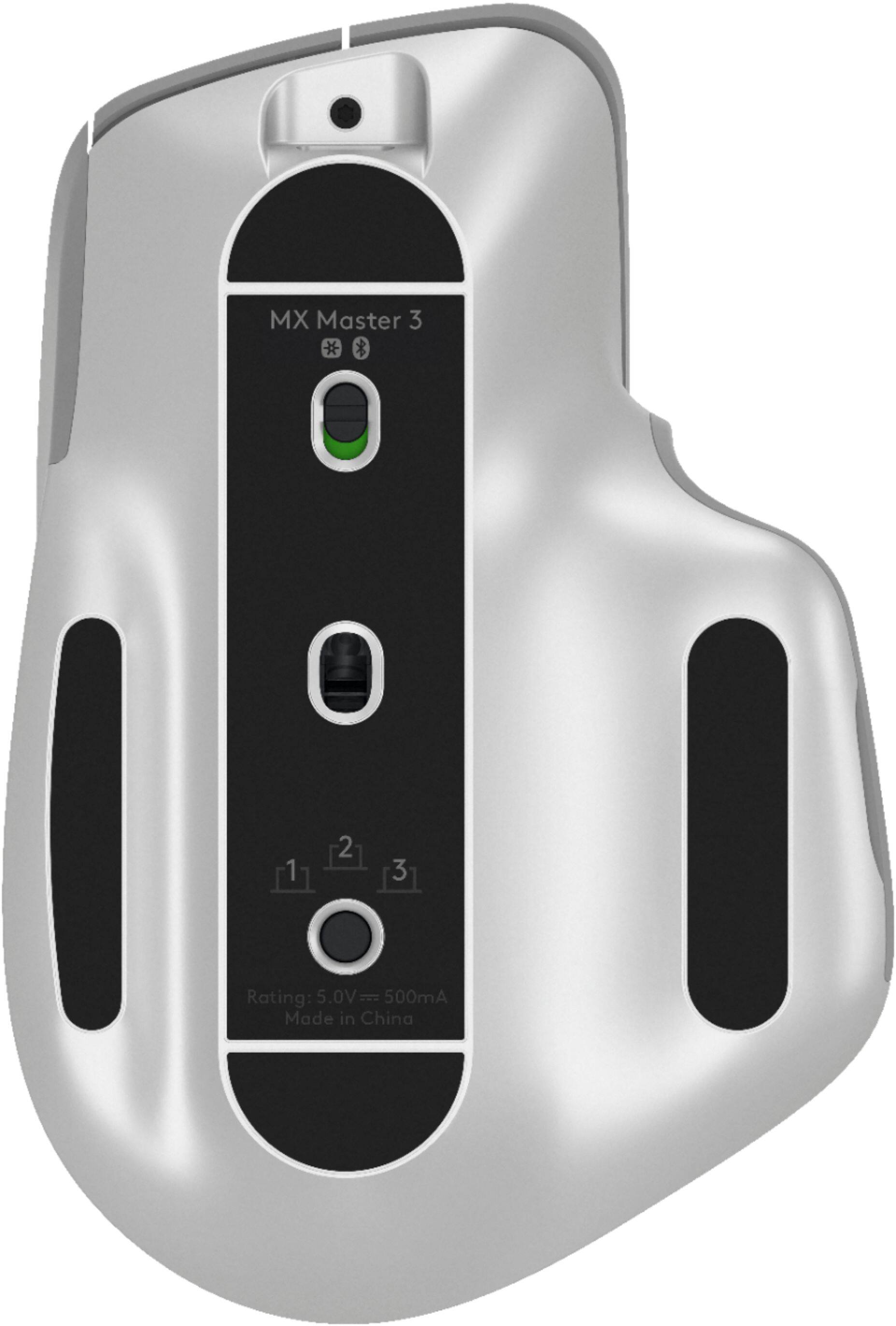
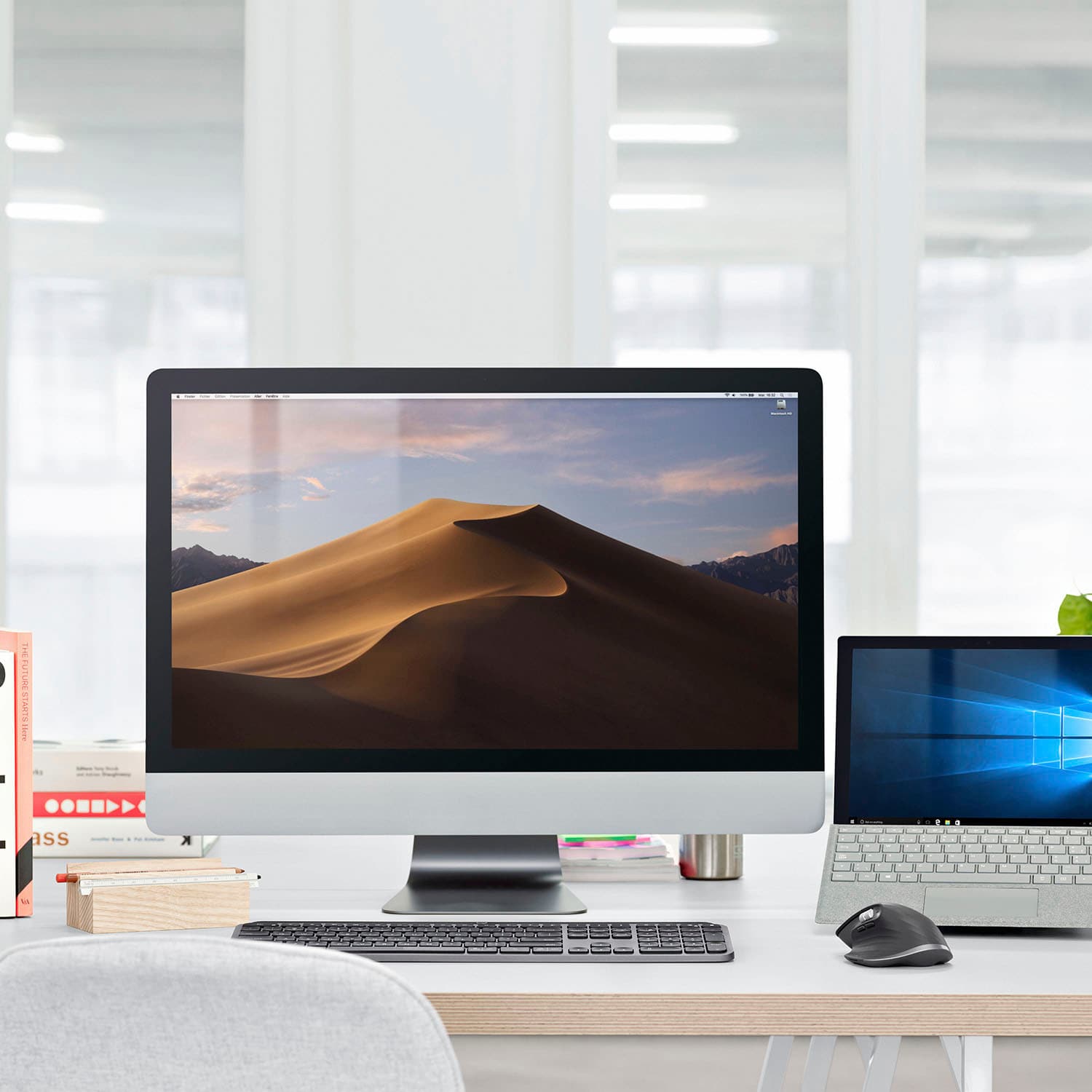

- Model:
- 910-005692
- SKU:
- 6404089
Rating by feature
- Value
Rating 4.5 out of 5 stars
- Quality
Rating 4.9 out of 5 stars
- Ease of Use
Rating 4.8 out of 5 stars
Customers are saying
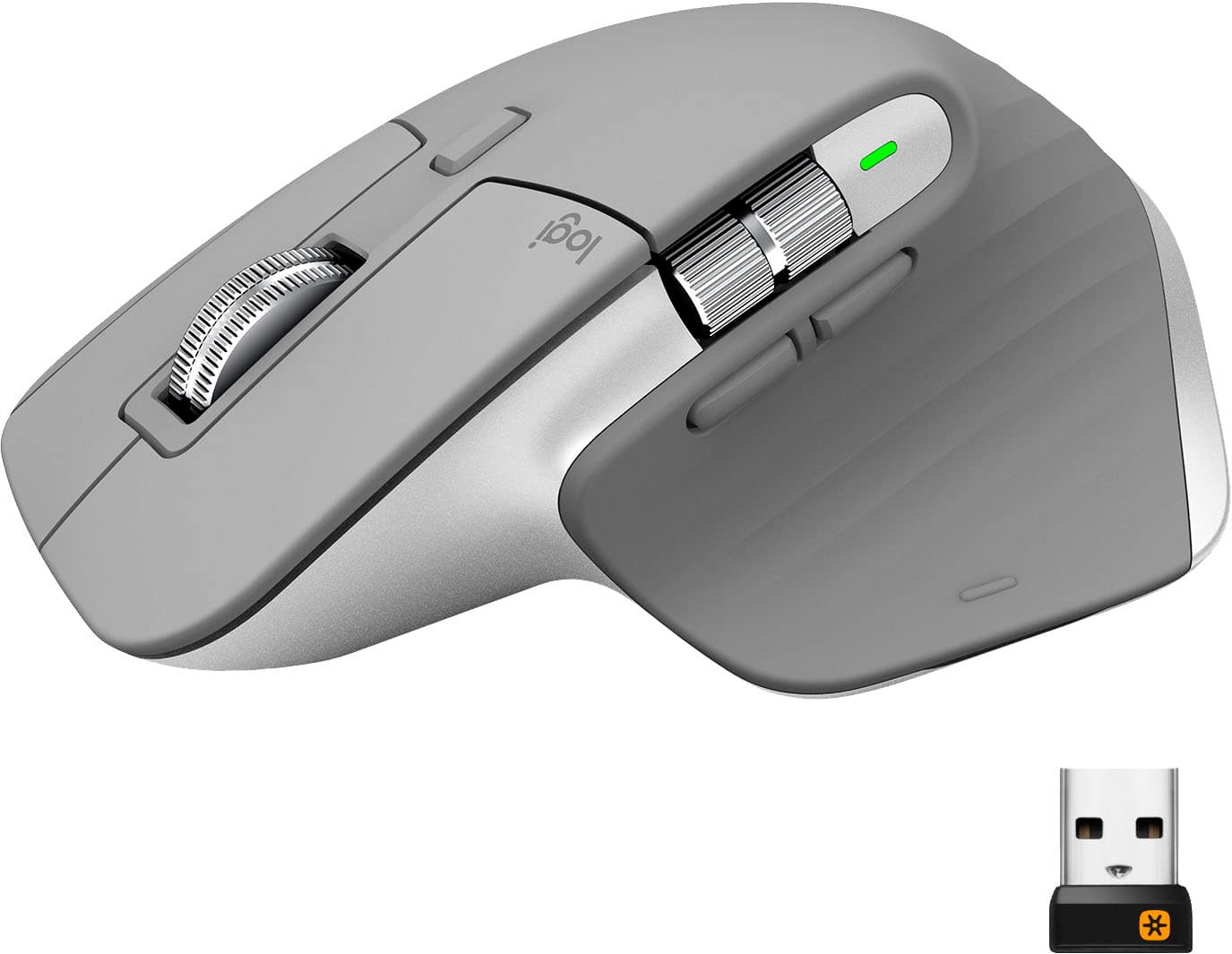
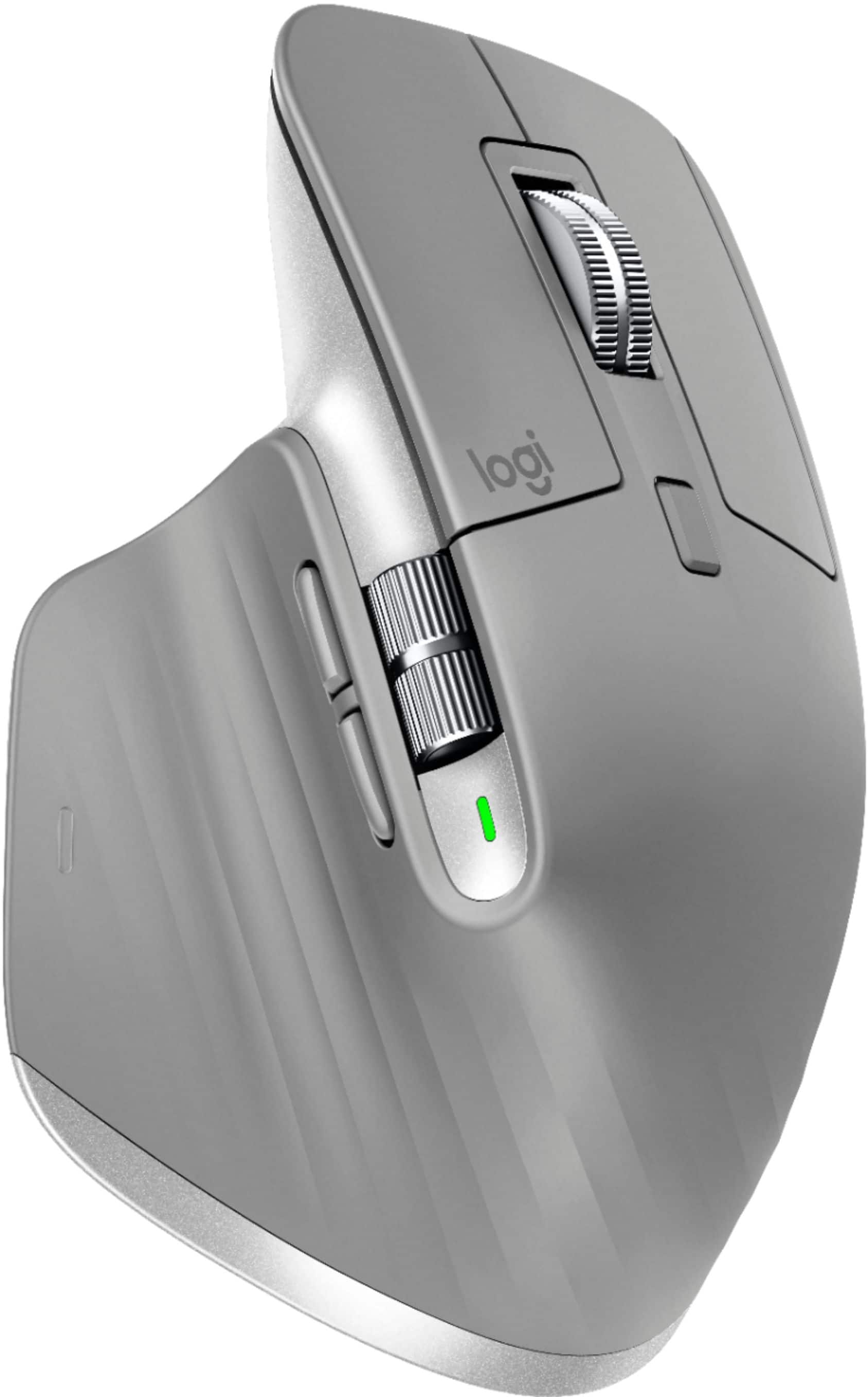
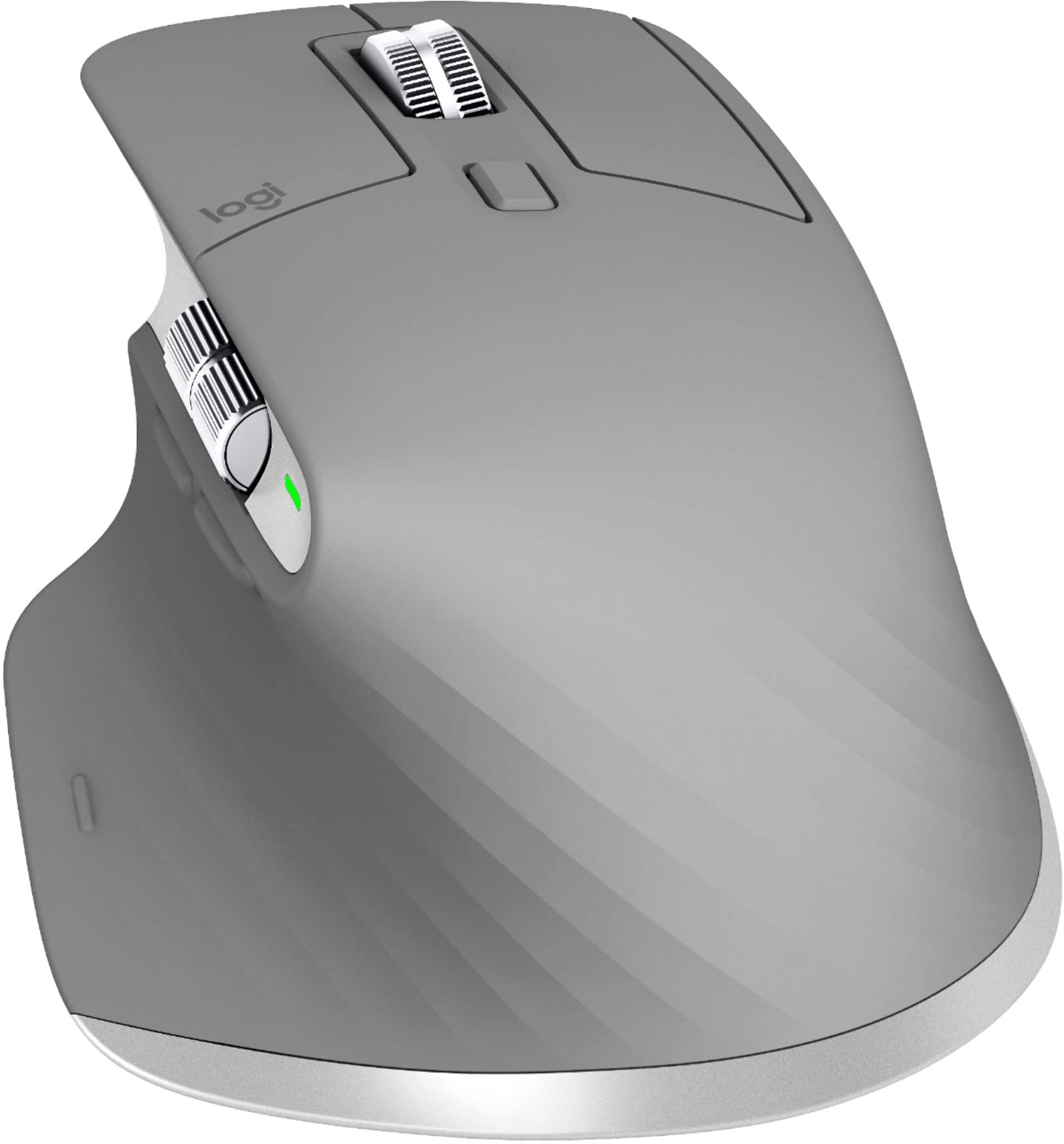
Customers enjoy the ergonomic design, smooth scroll wheel, and excellent battery life of the MX Master 3 mouse. Many appreciate the high-quality build and the extensive customization options, along with its Bluetooth connectivity and multi-device capabilities. However, some find the mouse to be large and heavy. A few users have also reported issues with software consistency and occasional lag.
This summary was generated by AI based on customer reviews.
- Pros mentioned:Comfortable

Perfectly Pairs with MX Keys
|Posted .This reviewer received promo considerations or sweepstakes entry for writing a review.This mouse fits so comfortably in your hand that it's almost as if you're not using one at all. The number of features of this mouse makes it so you barely need to move away from it to switch between tabs or screens, which makes this more user-friendly than any mouse I have used to date. I work from home so use my keyboard and my mouse more than the average user and am happy to have both of these in my arsenal.
I would recommend this to a friend Barely works
||Posted . Owned for 1 month when reviewed.This reviewer received promo considerations or sweepstakes entry for writing a review.Barely works. Very choppy. Please provide customer support.
No, I would not recommend this to a friendBrand response from Logitech
Posted .Hello, I am so sorry to hear you are having issues with the mouse. Here is the support page to help you further: https://support.logi.com/hc/en-us/articles/360035271133. I hope this helps. Thank you for taking the time to write this review, we appreciate the feedback.
Poor quality
||Posted .This reviewer received promo considerations or sweepstakes entry for writing a review.The spinner in the middle broke before i even got it
No, I would not recommend this to a friendBrand response from Logitech
Posted .Hello, we are sorry to hear that you are having issues with your MX Master 3 and its scroll wheel. Your device comes with a 1 year manufacturer warranty. You may reach us for support by opening a Technical Support ticket here: https://support.logitech.com
- Pros mentioned:Scroll wheel
Great Mouse for productivity
|Posted .This reviewer received promo considerations or sweepstakes entry for writing a review.I have used some version of the MX master since they initially released the original, never did I think there was that much more they could do to make the mouse better than those but somehow they did. I like this mouse even more than I liked my MX master 2. The side button placement is shifted just enough to make it more usable for long work sessions. I also like the positioning and feel of the scroll wheel, similar function but better overall feel. Overall if you are looking for a solid work mouse and maybe one you can also use for long gaming sessions this mouse feels right at home.
I would recommend this to a friend - Pros mentioned:Comfortable
Would be great if...
|Posted .This reviewer received promo considerations or sweepstakes entry for writing a review.This mouse is very comfortable and I like the scrolling wheel. I was used to a roller ball mouse, where you don't have to move the mouse at all on the mouse pad, so it was awkward at first - but after I got used to it, it moved well and was responsive. I like the Logitech software that allows you to control the speed and sensitivity and also combines devices to only one wireless adapter. It's also quiet. The only problem I am experiencing with this mouse is interference with other devices - or at least that's what I'm assuming. There will be delays, or periods of total unresponsiveness - I haven't been able to figure out why. This mouse has great potential if I can.
No, I would not recommend this to a friend best wireless mouse
|Posted .This reviewer received promo considerations or sweepstakes entry for writing a review.Things just work flawlessly, the sculpted shape of the mouse is perfectly ergonomic. The buttons are reprogrammable via the Logitech app, but more importantly, the buttons are located exactly where you would expect. The magwheel serves as the scrollwheel, and it's fantastic. There's a button on the back of the mouse that allows you to switch between free scroll and ratcheted scrolling, and it is completely silent. Just enough friction to not feel like it's spinning out of control even when on free-scroll mode. As mentioned on my keyboard review of the MX series, the MX peripherals can be mapped to a single USB dongle, meaning you don't need to carry a separate sensor for each peripheral. And, the dongle itself is flat and unobtrusive, so you can just leave it plugged in even on a laptop. Wireless mouse without lag, I can play my games, do my work, and still feel comfortable doing both. Highly recommend.
I would recommend this to a friendBest Mouse Ever!!
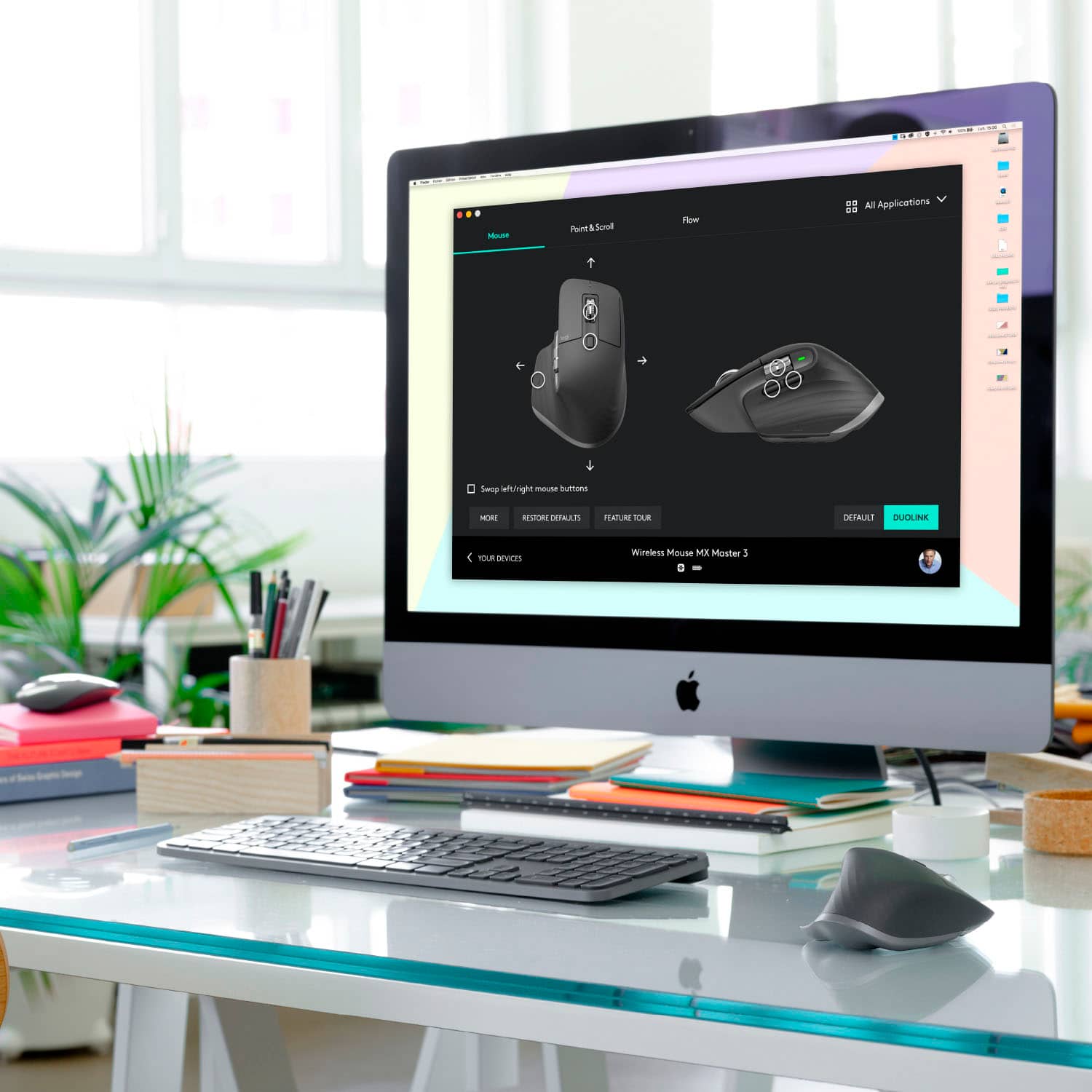
|Posted .This reviewer received promo considerations or sweepstakes entry for writing a review.First off, I am not a gamer so I dont know if this would work for that. However, it is very precise so possibly might be a great combination device. None the less, It has a substantial feel, like it will last without being too heavy. The action on the buttons and scrolling wheels is really natural. I really like the precision when scrolling with the top or side wheel. After downloading the app, it was nice to be able to customize all the functions. I also like that I can pare it separately with up to 3 devices. I have it at my main workstation but also bring it to my bedroom where I have a computer hooked to my tv. By easily being able to pair it to different devices adds considerable value. It does seem to be set up only for right handers though. All in all this is great for all things you would use a mouse for. I could not find a surface it wouldnt work well on too. A great value.
I would recommend this to a friendFeature-packed
|Posted .This reviewer received promo considerations or sweepstakes entry for writing a review.This mouse is full of features that make it a powerhouse for gaming or enterprise use. I was impressed initially by how smoothly it moves across the desktop, it feels like it is gliding on a cushion of air. Admittedly, I’ve not purchased a new mouse in a couple of years, so this may be the norm, but I’ve never felt a mouse move so effortlessly. The number of programmable buttons, wheels, and dials will take some getting used to if you are upgrading from a standard two-button, scroll-wheel mouse but it is worth the effort to learn. Features like being able to scroll sideways and cycling through the open tabs in your browser, both without moving the mouse, are something you’ve not known you needed until you have them. The programmable aspects do require a software download, so you may want to check with your IT department before purchasing it if you plan to use it at work.
I would recommend this to a friend- Pros mentioned:Comfortable
Best Mouse
Posted .This reviewer received promo considerations or sweepstakes entry for writing a review.I have an MX anywhere for traveling, and I decided to upgrade to the MX master once my old mouse gave out. It’s so comfortable! Worth every penny.
I would recommend this to a friend Great Mouse
|Posted .This reviewer received promo considerations or sweepstakes entry for writing a review.This mouse was fully charged upon arrival, so it was nice to be able to start using right out of the box. It comes with a charging cable, although I haven’t had the need to recharge it yet. I’ve been using this mouse only for a couple of months, and so far, it’s been retaining the charge well. Scrolling is so much faster than the cheaper versions and it adds more efficiency when I’m playing my games. I really like this mouse but want to caution this is a right-handed mouse, and is not compatible for left-handed mouse users.
I would recommend this to a friendI love this mouse
|Posted .This reviewer received promo considerations or sweepstakes entry for writing a review.This is one of the best mice I have used from Logitech. It is rechargeable and lasts for months on a single charge. It was easy to pair with multiple computers allowing me to just take it to another computer and with the push of a button it was ready to go. It uses a USB C cable for charging and u can still use it while it is charging. This mouse when paired wit the MX Keys Keyboard is all you need just pick them up and take to your next computer or tablet being able to pair up to 3 items with each is a blessing now I don't need to spen extra money for multiple Keyboards/Mice.
I would recommend this to a friendBest Computer Mouse
Posted .This reviewer received promo considerations or sweepstakes entry for writing a review.This mouse does not disappoint! I love it! I have had mine for years and it just starting to show wear! I will be looking into getting another one!
I would recommend this to a friendWon't replace your gaming mouse; office use yes
|Posted .This reviewer received promo considerations or sweepstakes entry for writing a review.This is the kind of mouse I could use every day for work. The mouse itself feels solid, and I love the ability to change the scroll to 'smooth'. It's very ergonomic, but for whatever reason my hand tended to sit toward the back of it. The thumb wheel was a great addition. As for gaming, it performed well enough, but there just aren't enough buttons to use in many modern games. I also don't think it was quite as responsive as wired mice I've used. I did take advantage of the ability to pair the mouse with multiple PCs (both very different flavors of Dells). In neither case did I end up having to use the included dongle; the built in Bluetooth worked without a hitch. Last thing - I've had this mouse for weeks now and it's still running on the initial charge.
I would recommend this to a friend- Pros mentioned:Comfortable
Flawless Upgrade
Posted .This reviewer received promo considerations or sweepstakes entry for writing a review.Having been loving my MX Master 2S, I was super excited when I saw that the MX Master 3 was being released... and am I blown away. The way it feels is so much more comfortable, who knew it could be even better. The USB C charging is insanely fast. Specific gesture profiles is amazing. Overall A+++++. Best wireless mouse on the market.
I would recommend this to a friend Great Mouse
|Posted .This reviewer received promo considerations or sweepstakes entry for writing a review.If you have the keyboard companion to this then I would not have one without the other. This mouse is just as good as the keyboard. Smooth, easy to control. I love the bluetooth capability of both devices. I have not had to charge this mouse yet. Logitech has done a great job with this device. You won't be disappointed with this purchase.
I would recommend this to a friendEasy to set up and use.
|Posted .This reviewer received promo considerations or sweepstakes entry for writing a review.This mouse is easy to set up. The mouse is ergonomic and is comfortable to grip with the way it rests against the hand. The wireless features reach pretty far. Overall good product.
I would recommend this to a friendYour carpal tunnel will thank me later
Posted .This reviewer received promo considerations or sweepstakes entry for writing a review.Stop reading this review and buy it. Worth every penny.
I would recommend this to a friendAwesome mouse
Posted .This reviewer received promo considerations or sweepstakes entry for writing a review.Hands down the best mouse I have ever used. Gestures are an absolute game changer, and everything just works and feels great. I bought this alongside the MX Keys and they have really made a difference in my productivity, not to mention they look and feel premium and add to the aesthetics of my space. I highly recommend this mouse and the MX Keys keyboard as I believe they are both well worth the price tag.
I would recommend this to a friendComfortable but sluggish
|Posted .This reviewer received promo considerations or sweepstakes entry for writing a review.I have been using the Logitech MX Anywhere 2 mouse and love it but when I saw this MX Master 3, I wanted to see if it was even better. Well, after some time spent with it, it's a nice piece of hardware but not suited for my needs. I work in graphic design and where the MX Anywhere 2 was small enough to allow freedom of movement, the MX Master feels like it's restrictive. Even though my hand rests very comfortably, it feels quite bulky. It also doesn't glide as smoothly and I need when using my design applications. I think that for anyone else, this may be the perfect mouse. It has all kinds of button mapping options which could be very useful. It's stylish, very well made and appears to have a fantastic battery life. Just for me, it's not the right fit.
I would recommend this to a friend- Pros mentioned:Comfortable
Great Mouse
Posted .This reviewer received promo considerations or sweepstakes entry for writing a review.I love this mouse! It is very functional and good to use. I like that you can switch between devices. Great feature. It is very comfortable to hold when you are working for long hours. I bought this with the MX keys and I am enjoying both!
I would recommend this to a friendBrand response from Logitech
Posted .Hey there Nathan, thanks so much for this great review of the MX Master 3 mouse! If you haven't done so already, feel free to download our Logitech Options software, which should allow you to customize your button mapping on the mouse as well as set custom DPI to make using the mouse that much more comfortable. Thank you for being a Logitech customer!