Customer Ratings & Reviews
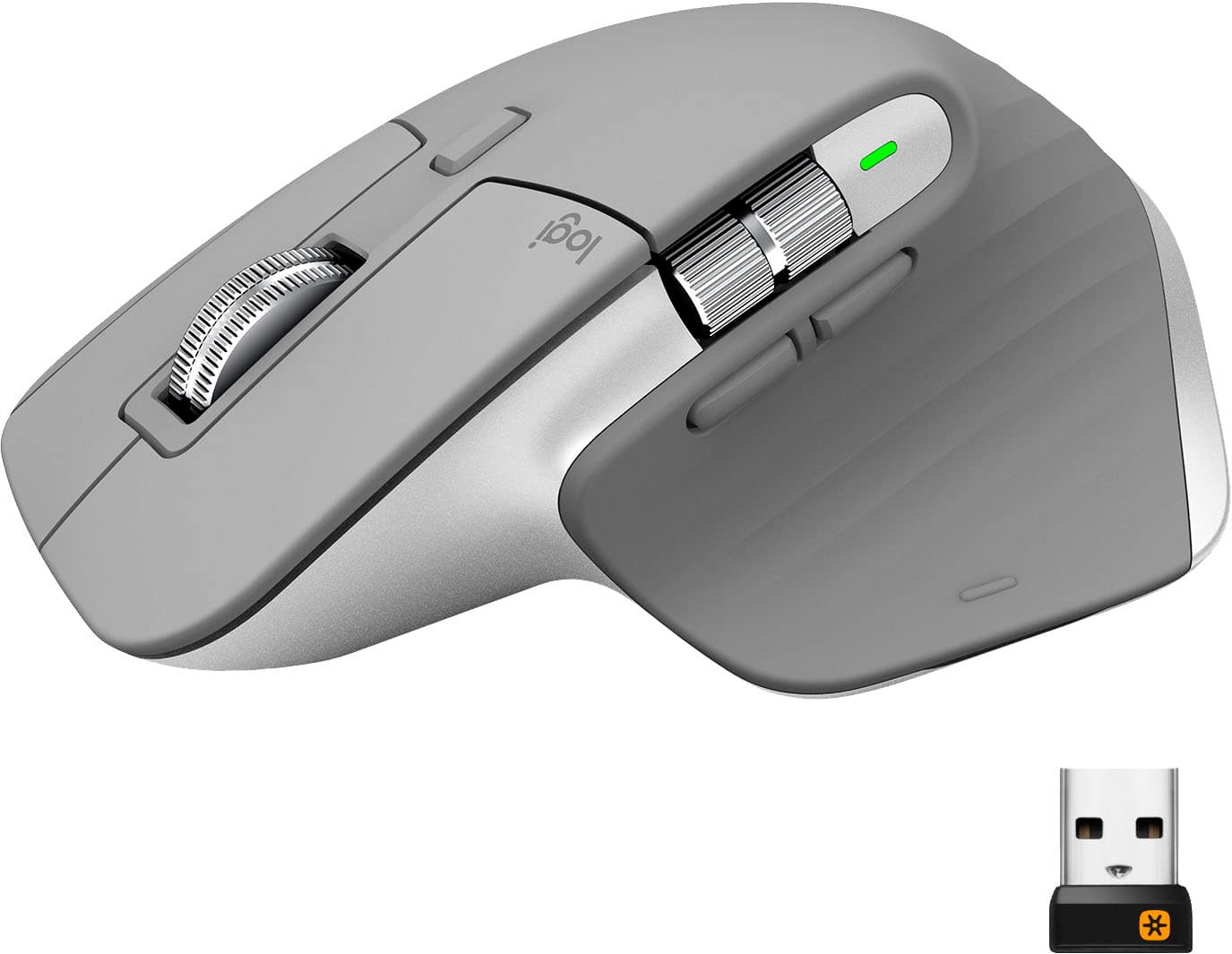
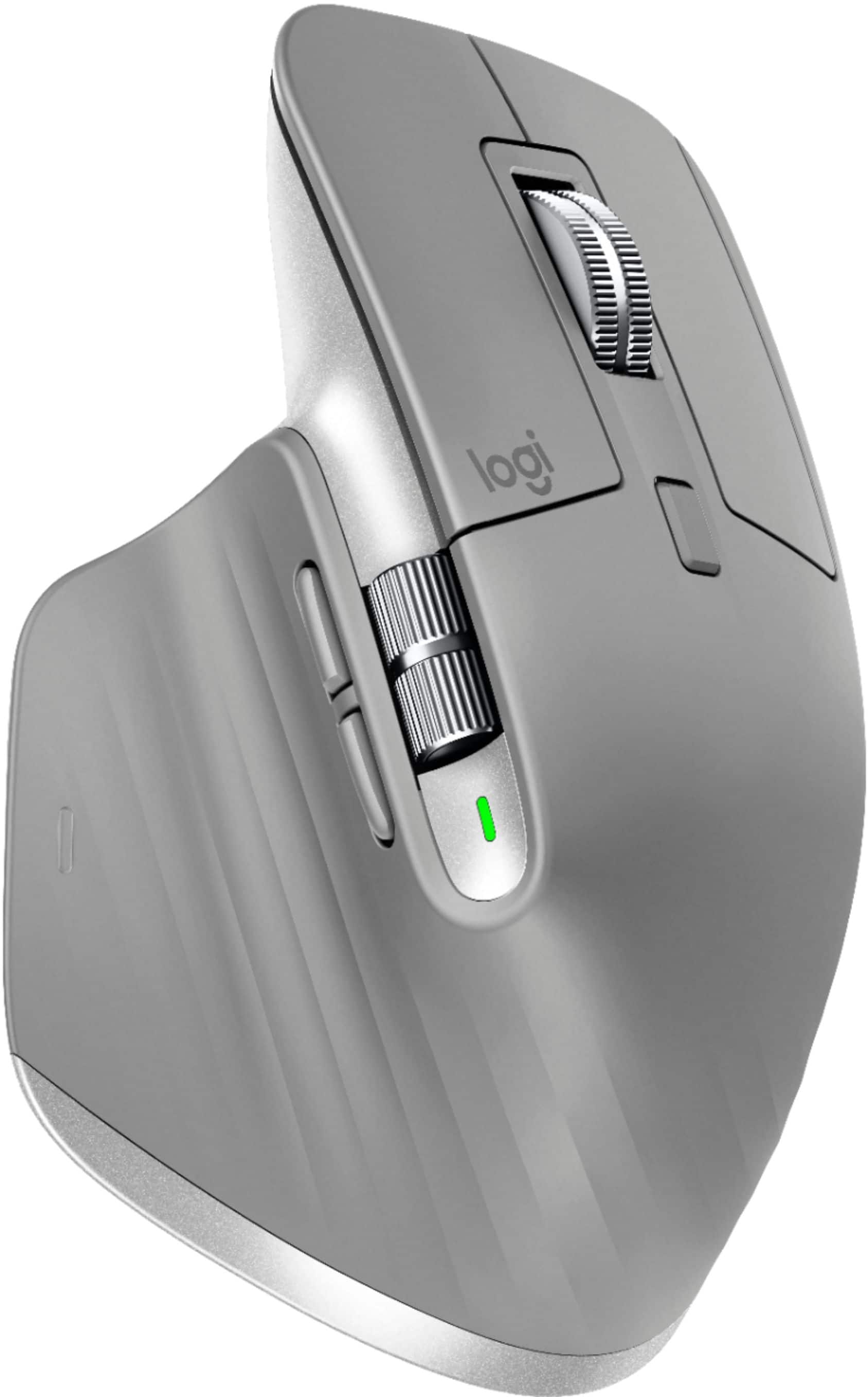
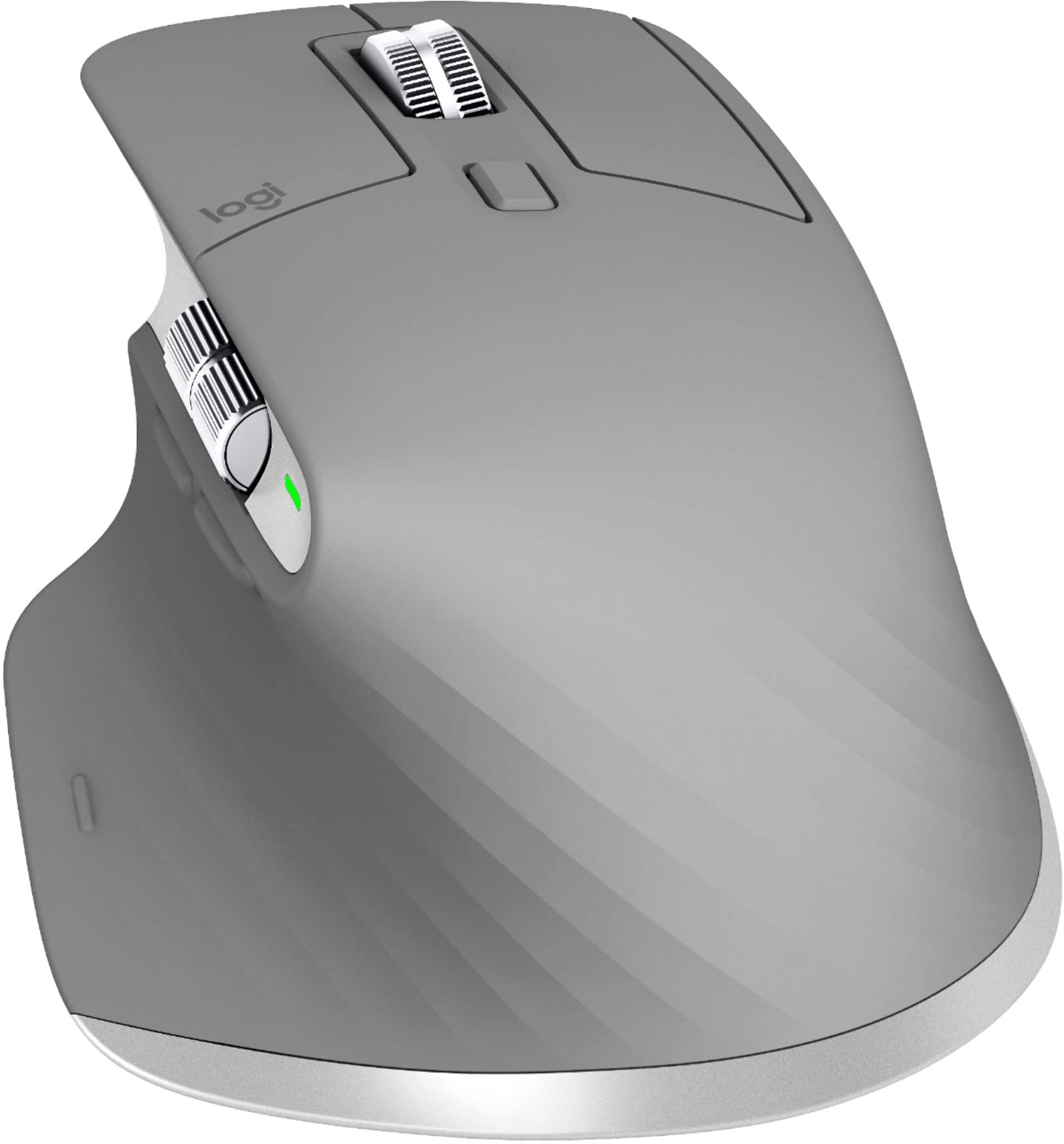


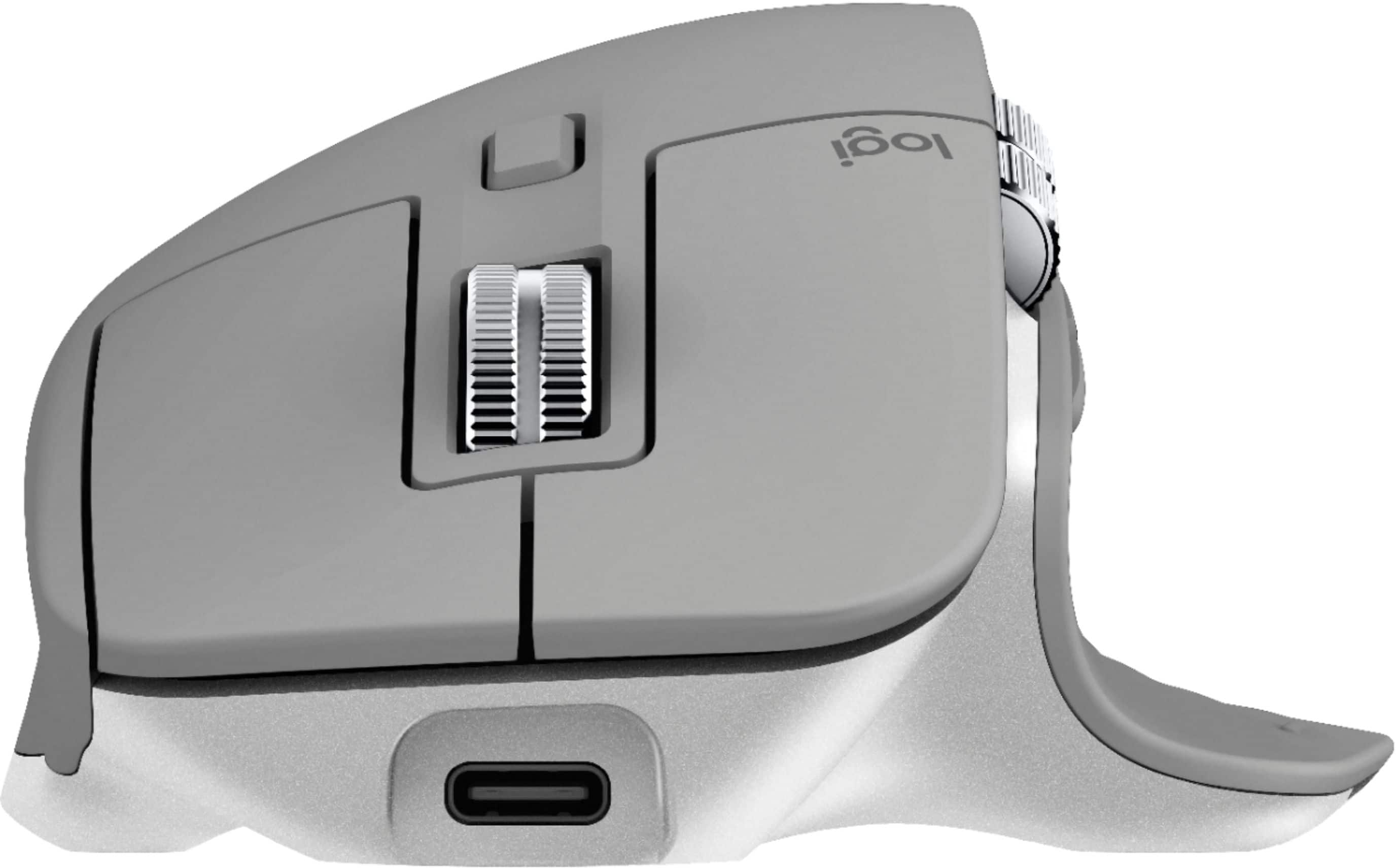


- Model:
- 910-005692
- |
- SKU:
- 6404089
Customer reviews
Rating 4.8 out of 5 stars with 3344 reviews
(3,344 customer reviews)Rating by feature
- Value4.5
Rating 4.5 out of 5 stars
- Quality4.9
Rating 4.9 out of 5 stars
- Ease of Use4.8
Rating 4.8 out of 5 stars
Customers are saying
Customers enjoy the ergonomic design, smooth scroll wheel, and excellent battery life of the MX Master 3 mouse. Many appreciate the high-quality build and the extensive customization options, along with its Bluetooth connectivity and multi-device capabilities. However, some find the mouse to be large and heavy. A few users have also reported issues with software consistency and occasional lag.
This summary was generated by AI based on customer reviews.
- Cons mentioned:Price
Rated 1 out of 5 stars
Scroll Wheel Lost Its Resistance
Posted .This reviewer received promo considerations or sweepstakes entry for writing a review.The scroll wheel when lost its resistance to free spinning after just one month. It would rapidly scroll to the top/bottom of whatever page after every time I let go of the scroll wheel. This from a $100 mouse? Save your money, look at gamer mouses. I'm finished with Logitechs bad quality.
This review is from Logitech - MX Master 3 Advanced Wireless USB/Bluetooth Laser Mouse with Ultrafast Scrolling - Black
No, I would not recommend this to a friendBrand response from Logitech
Posted .Hello Chadjt3,
Thank you for choosing Logitech and for sharing your experience. I am sorry that you have experienced frustration with the scroll wheel; I would like to help. I have attached a link to the "Getting Started" support page for your reference. There is a wheel mode shift button below the scroll wheel and there are options for customization of the scroll wheel within the Logitech "Options" software. The download for "Options" is available in the downloads tab on the "Getting Started" support page. I hope this suggestion will fix the issue that you have experienced, and that you will enjoy your MX Master 3 Wireless Laser Mouse. For further assistance, please visit the Logitech support page.
Best regards,
John at Logitech
https://support.logi.com/hc/en-us/articles/360035271133
Rated 2 out of 5 stars
Painful on the thumb! After only a few months-OUCH
Posted .This reviewer received promo considerations or sweepstakes entry for writing a review.Wish I would have rebought the same vertical mouse that I had (before my husband co-opted it) instead of falling for the idea of this being an improvement. I've had it for a few months and now, that I'm using it full time, it makes my thumb ache!! Arghhh!!! Otherwise, it scrolls fine, etc.
No, I would not recommend this to a friendBrand response from Logitech
Posted .Hi Scout4U, thank you for your feedback! For the best in Logitech Ergonomics you may prefer the MX Vertical, or Ergo Plus Trackball: https://www.bestbuy.com/site/searchpage.jsp?st=mx+vertical&_dyncharset=UTF-8&_dynSessConf=&id=pcat17071&type=page&sc=Global&cp=1&nrp=&sp=&qp=&list=n&af=true&iht=y&usc=All+Categories&ks=960&keys=keys - Will, Logitech.
- Cons mentioned:Price
Rated 1 out of 5 stars
Junk Don't Buy This
Posted .This reviewer received promo considerations or sweepstakes entry for writing a review.$100 for a mouse that scrolls faster is ridiculous. Bought this to to use with Solidworks. Does no better than a regular mouse. Save your money and don't buy it.
This review is from Logitech - MX Master 3 Advanced Wireless USB/Bluetooth Laser Mouse with Ultrafast Scrolling - Black
No, I would not recommend this to a friendBrand response from Logitech
Posted .Hi Batman, thank you for your feedback! The all-new MagSpeed™ Electromagnetic scrolling is precise enough to stop on a pixel and quick enough to scroll 1,000 lines in a second. And it’s nearly silent. The MX Master 3 is our most advanced mouse, with a thumb-wheel, app specific customizations, motion based gestures, Options software, Multi-device connections, Darkfield laser sensor, and a re-chargeable battery with up to 70 days on a full charge. It has all of the fancy stuff. - Will, Logitech.
Rated 1 out of 5 stars
Sticky buttton
Posted .This reviewer received promo considerations or sweepstakes entry for writing a review.The right button started to fail within a week of use. I will try to return it. It's unfortunate since it is otherwise a very good mouse.
No, I would not recommend this to a friendBrand response from Logitech
Posted .Hello, Phil! I'm sorry to hear about your experience with the MX Master 3 mouse. If you aren't able to exchange the mouse for whatever reason, please reach out to our support team here https://support.logi.com/hc/en-us/requests/new?ticket_form_id=360000621393 to file a warranty claim. The MX Master 3 has a 1-year limited hardware warranty. Thank you for the feedback! I will be passing this along. - Maggie from Logitech